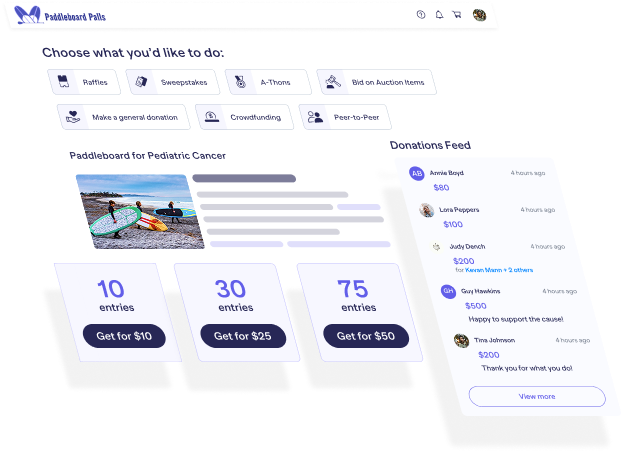
How to Run Reports
In this tutorial, Catie from RallyUp walks you through how to access and export reports on RallyUp — including Campaign-level reports for individual fundraisers and organization-level reports that pull data across all your Campaigns.
RallyUp’s reporting tools are built for nonprofits that need clear, actionable data on donations, donors, Raffle winners, event attendees, Peer-to-Peer Participants, and more. With customizable columns, saved Custom Views, and CSV export to Excel or Google Sheets, you can get exactly the data you need — whenever you need it.
Time Stamps:
- 00:00 Introduction to Reporting in RallyUp
- 00:06 Understanding Campaign vs Organization Reports
- 00:22 Accessing Campaign Reports
- 00:51 Exploring Donation Reports
- 01:14 Navigating Report Tabs
- 01:35 Exporting Reports
- 01:51 Detailed Report Downloads
- 02:13 Accessing Organization-Level Reports
- 02:38 Types of Organization Reports
- 02:51 Customizing Organization Reports
- 03:25 Saving Custom Views
- 03:55 Conclusion and Next Steps
Watch next



Learn more about Fundraising Stack

Google Analytics for Nonprofits: A Complete Walkthrough (2026)
Quick hacks and tips for Google Analytics for nonprofits to track donations, campaign performance, donor behavior, conversions, and revenue clearly.
Read More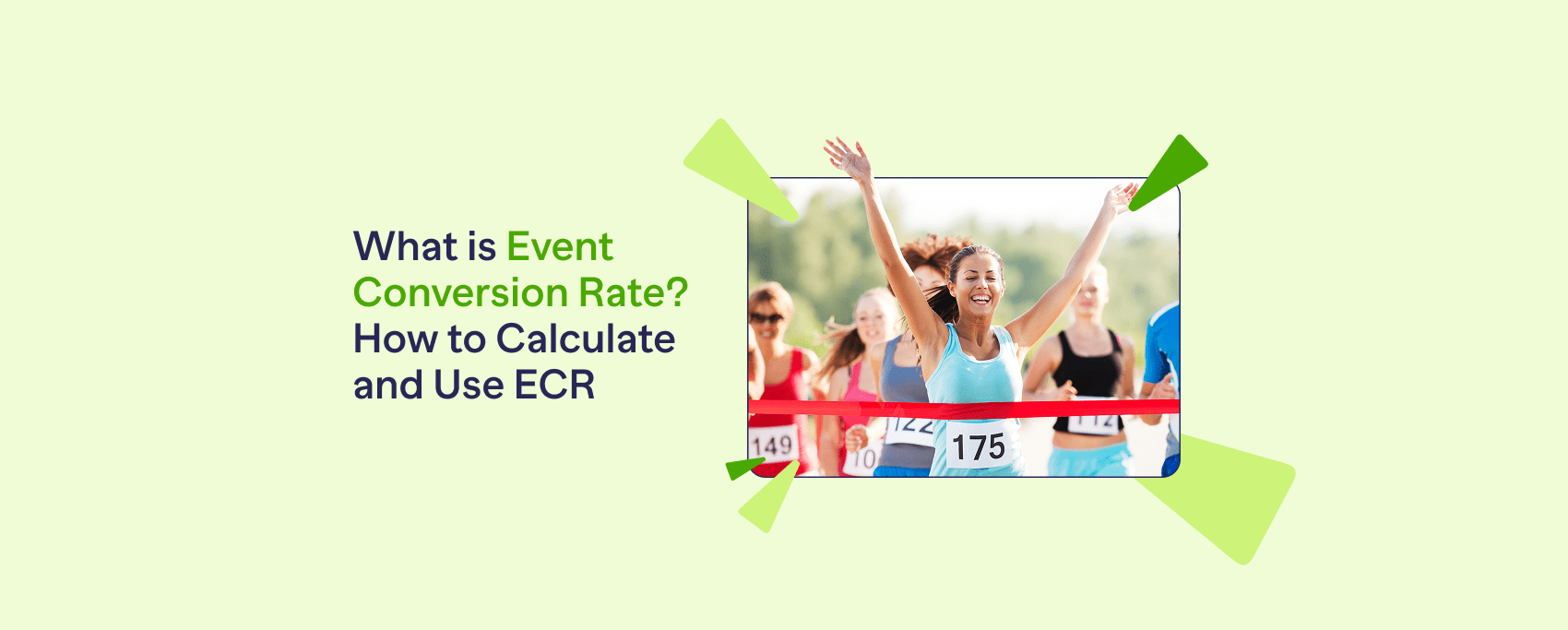
What is Event Conversion Rate? How to Calculate and Use ECR
Event Conversion Rate shows how many attendees took action at your fundraiser. Use our Event Conversion Rate calculator and tips to improve results.
Read More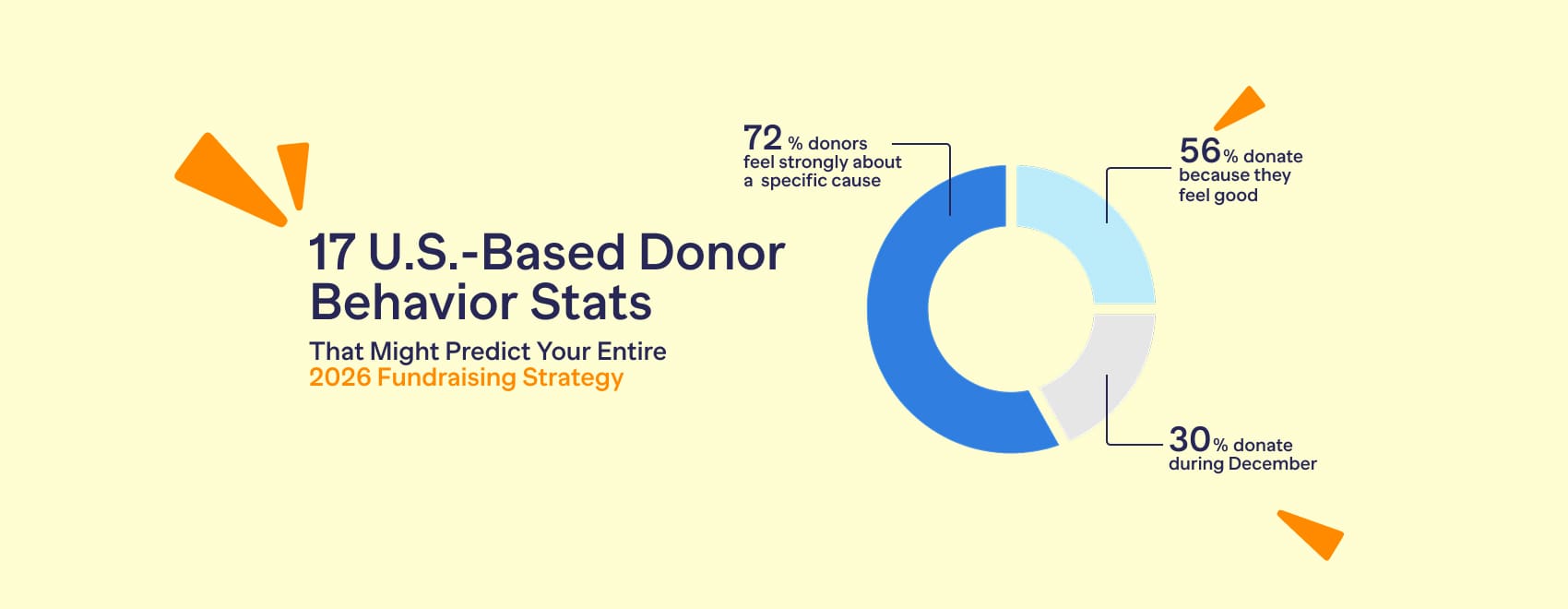
17 U.S.-Based Donor Behavior Stats That Might Predict Your Entire 2026 Fundraising Strategy
17 donor behavior stats show: when people give, what motivates them, and how nonprofits should plan timing, messaging, and experience for fundraising in 2026.
Read MoreNeed a hand?
Our fundraising experts will create your campaign for free.
Answer questions online or talk to a Fundraising Expert!