Use Auction reports to organize your records and identify effective fundraising methods.
When running an Auction on RallyUp, you can access and export several reports to help you stay organized. You can also use the data to analyze your fundraising methods, pinpoint which strategies were most successful, and create even more successful Auctions in the future.
Insights: Common Excel and Google Sheets Formatting Tips for RallyUp Reports
How do I access Auction reports?
- Go to Account Navigation in the left menu and select Campaigns.
- If you have chosen a list view, click on the Campaign title. If you have chosen a grid view, click on the Campaign image.
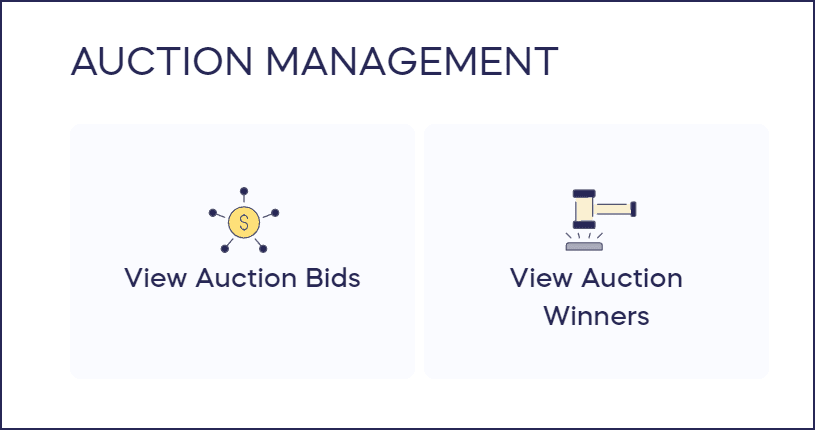
- Scroll down to AUCTION MANAGEMENT and select the information you want to view:
What information is included in the “View Auction Bids” reports?
Selecting this option generates information about each Auction bid or bidder:
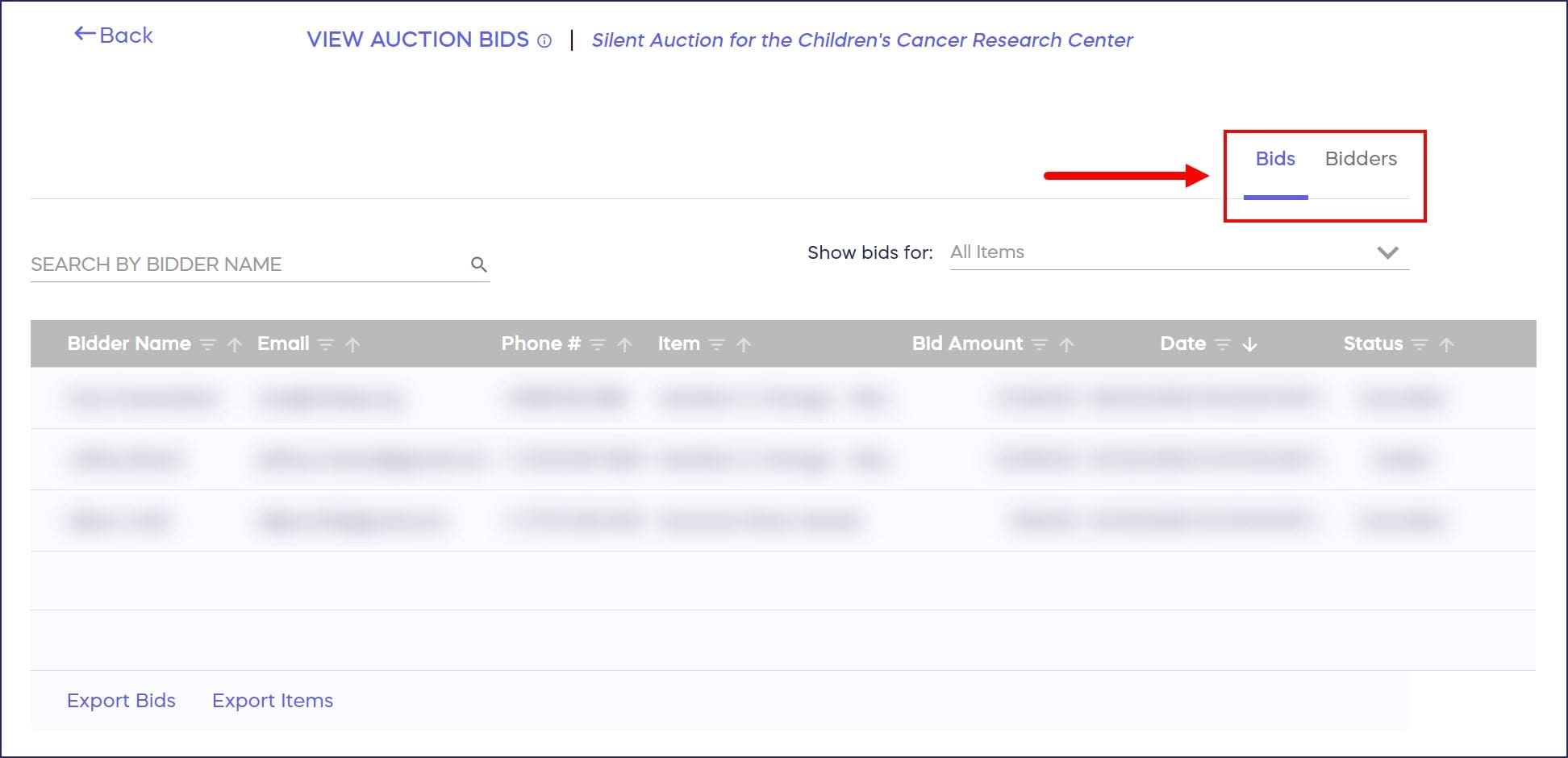
Bids Tab
The Bids tab automatically displays the following:
- Bidder Name
- Phone #
- Item
- Bid Amount
- Date (also includes time)
- Status (Won, Outbid, or Cancelled)
You can export two reports from this tab:
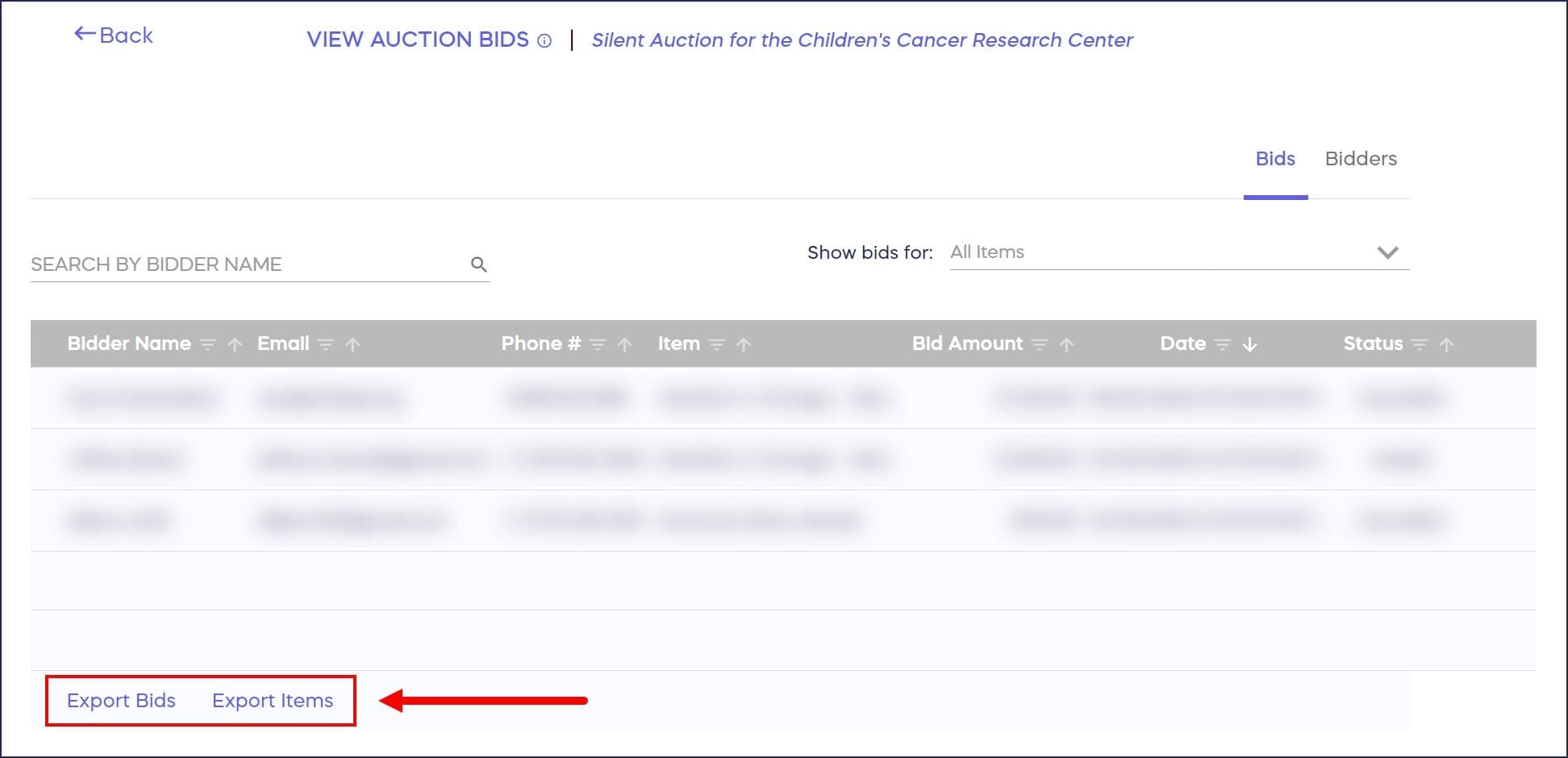
This report gives you information about each bid made during the Auction, including:
- Bidder Name
- Phone #
- Item
- Category (only shows if you organize items into categories)
- Bid Amount
- Max Bid (only shows if you ran a Proxy Bidding Auction)
- Date (also includes time)
- Status (Won, Outbid, or Cancelled)
You can use this report to run analytics like which items had the most bids, which days of the week were most popular for bidding and more.
This report gives you information about each item listed in the Auction, including:
- Item Number (only shows if you assign reference numbers to your items)
- Title (name of item)
- Starting Bid
- Bid Increment
- Current Bid
- Category (only shows if you organize items into categories)
- Sharing Link (direct link to the item)
- Quantity
- Buy-It-Now Price (only shows if you enable Buy It Now)
- Buy-It-Now Quantity Purchased (only shows if you enable Buy It Now)
- Fair Market Value (only shows if added during setup)
- Item Donated By (only shows if added during setup)
- Description
- Number of Bids
You can use this report to run analytics on average starting bids, highest bids, and more. This report can also create a list of all item descriptions and direct links to include in marketing emails or QR codes.
Bidders Tab
The Bidders tab automatically displays the following:
- Bidder Name
- First Bid (date and time)
- Last Bid (date and time)
- Total Bids (dollar amount)
You can export one report from this tab:
This report gives you information about each person who bid on an Auction item, including:
- Bidder Name
- First Bid (date and time)
- Last Bid (date and time)
- Total Bids (dollar amount)
- Items Bid On (number of items)
You can use this report to organize bidder contact information or run analytics on average total bid amounts, average number of items bid on, and more.
How do I view and export Auction winner information?
Selecting this option generates information about each Auction winner (plus Buy-It-Now purchases, if applicable):
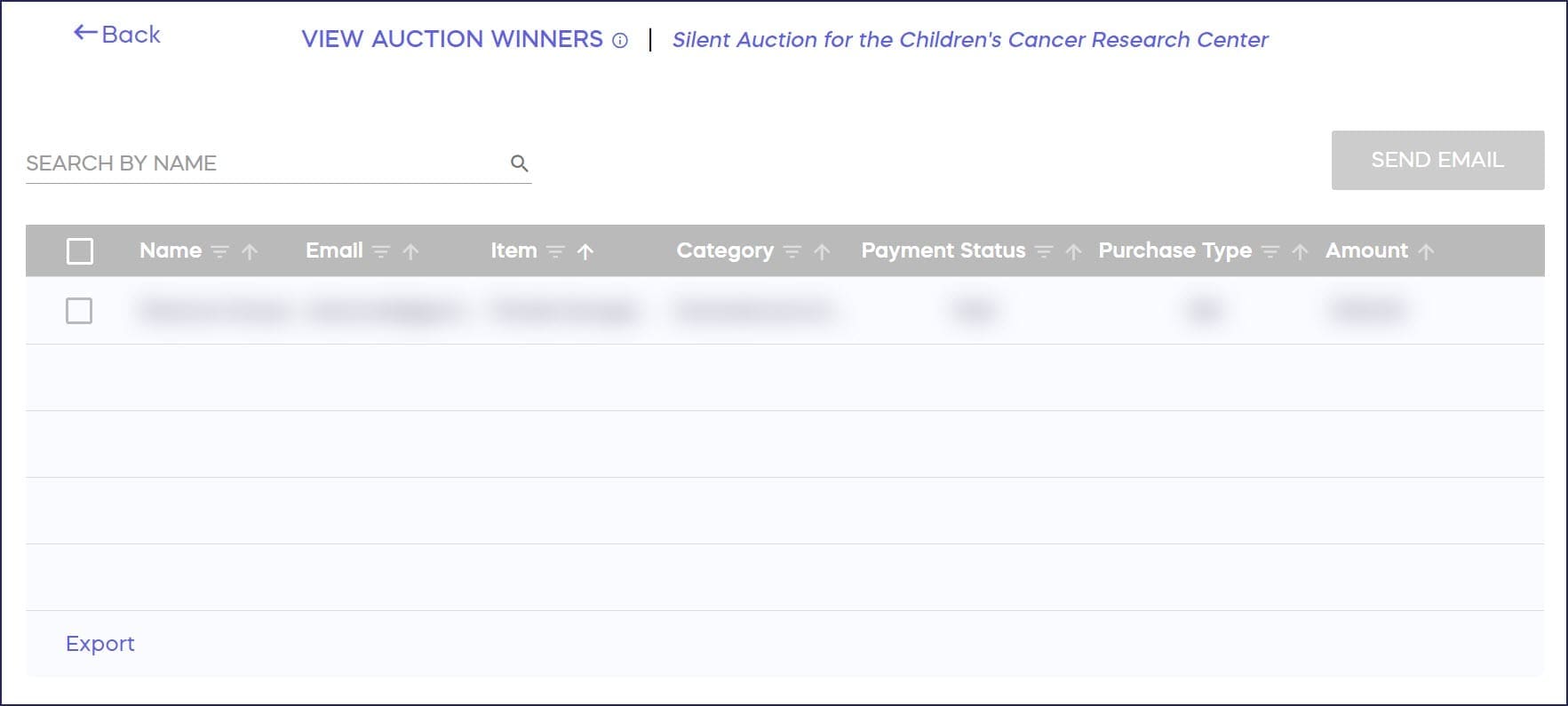
This screen automatically displays the following:
- Name
- Item (which item was won)
- Quantity (only appears if a donor bought more than one Buy-It-Now item; how many Buy-It-Now items were purchased)
- Category (only shows if you organize items into categories)
- Payment Status (Paid or Unpaid)
- Purchase Type (Bid or Buy It Now; only shows if you enable Buy It Now)
- Amount (winning bid amount)
You can export one report from this screen:
This report gives you information about each person who won an Auction item or purchased a Buy-It-Now item, including:
- Name
- Phone #
- Item (which item was won)
- Quantity (only appears if a donor bought more than one Buy-It-Now item; how many Buy-It-Now items were purchased)
- Category (only shows if you organize items into categories)
- Item Number (only shows if you assign reference numbers to your items)
- Payment Status (Paid or Unpaid)
- Purchase Type (Bid or Buy-It-Now; only shows if you enable Buy-It-Now)
- Payment Type
- Amount (winning bid amount)
- Item Description
- Anonymous Donation (Yes or No)
You can use this report to coordinate prize fulfillment, run analytics on winner data, or import winner information into an email marketing tool and alert them to future news, events, and opportunities to give.
What related Auction articles should I read?
Understand: Auction Bidding Styles
How-to: Add Buy It Now to Your Auction Items
Frequently Asked Questions
Can I export Auction reports to analyze my fundraising data?
Yes, you can export multiple reports including Bids Reports, Items Reports, Bidders Reports, and Winners Reports. These exports help you analyze bidding patterns, track item performance, and organize winner contact information for future outreach.
What’s the difference between the Bids tab and Bidders tab?
The Bids tab shows every individual bid placed during your Auction, including bid amounts and timestamps. The Bidders tab focuses on each unique person who bid, showing their total activity like first/last bid times and total dollar amount bid.
How do I see which Auction items were most popular?
Export the Bids Report or Items Report from the View Auction Bids section. The Items Report includes the “Number of Bids” for each item, making it easy to identify which items generated the most interest and competition.
Can I track Buy-It-Now purchases separately from winning bids?
Yes, the Winners Report includes a “Purchase Type” column that identifies whether each transaction was a winning bid or a Buy-It-Now purchase. This helps you analyze how effective the Buy-It-Now feature was for your Auction.
What information do I need to fulfill prizes to Auction winners?
The Winners Report includes winner names, email addresses, phone numbers, item descriptions, quantities, and payment status. This provides everything you need to coordinate prize fulfillment and confirm payment before shipping items.