65 Free Stuff For Nonprofits (Tools, Guides, Templates, Software, And More)
Top Free Resources for Nonprofits
We reviewed eight leading free resources for nonprofits:
- RallyUp — Fundraising & Campaign Tools, Campaign Setup & Support, Templates, Checklists & Planning Resources
- Sender — Email Marketing Tools
- Canva — Design & Creative Tools
- Perplexity — AI Tools for Nonprofits
- Cloudflare — Infrastructure & Security Essentials
- Nonprofit Ready — Learning, Courses & Certifications
- Bloomerang + Kindful — eBooks & Long-Form Guides
- Idealist — Networking & Community Spaces
Discover how to choose the right tools by considering fundraising needs, marketing goals, security essentials, learning opportunities, and community support.
Running a nonprofit is expensive enough without paying for every tool under the sun. The good news is that a lot of free stuff for nonprofits, like software they’d rely on every day.
From social media management to fundraising platforms, email, design, and admin tools, there are plenty of legit options that won’t eat into your budget.
We’ve rounded up the best low-cost donation tools for nonprofits to use right now, plus a few guides and templates to help you get more out of them.
In this article
- Free tools for peer-to-peer fundraising
- Free campaign support for nonprofits
- Free live support during campaigns for nonprofits
- Free silent auction software for nonprofits
- Free email marketing software for nonprofits
- Free ad promotion tool for nonprofits
- Free marketing and design tools for nonprofits
- Free website and form builders for nonprofits
- Free social media scheduling tools for nonprofits
- Free CRM and donor management tools for nonprofits
- Free accounting and finance tools for nonprofits
- Free AI tools for nonprofits
- Donor engagement
- Creative
- Discounted memberships and support networks for nonprofits
- Free volunteer and team management tools for nonprofits
- Volunteer management
- Volunteer recruiting
- Free grant, compliance, and legal resources for nonprofits
- Free domain and infrastructure essentials for nonprofits
- Free courses and certifications for nonprofits
- Free scheduling and coordination tools for nonprofits
- Free guides, templates, and checklists for nonprofits
- Free networking and community spaces for nonprofits
- Final thoughts: Where free tools stop and growth begins
- FAQs about free stuff for nonprofits
Free tools for peer-to-peer fundraising
Imagine if your donors could raise money for your cause and your nonprofit didn’t have to pay for the tools to make it happen. That’s why peer-to-peer fundraising is the most practical form of free stuff for nonprofits.
These platforms are part of the growing list of free resources for nonprofits and nonprofit organizations.
Caveats to note before you commit:
- Payment processing fees: Card and ACH fees usually apply to donations, ticketing, and event payments.
- Donor-tip models: Some platforms ask donors to leave an optional tip. Revenue depends on donor behavior.
- Subscription upsells: Free tiers often gate automation, branding removal, advanced reporting, and integrations.
- Ad-supported free tiers: Some “free” website builders add ads or require branded footers unless you upgrade.
- Hard limits: Always review user caps, storage limits, automation restrictions, branding, and reporting depth before committing to a free plan.
- Eligibility varies by country: Eligibility depends on where your nonprofit is registered. Rules vary by country and legal status, so confirm requirements before planning around any program.
1. RallyUp – Best peer-to-peer fundraising platform
Free plan (limited)
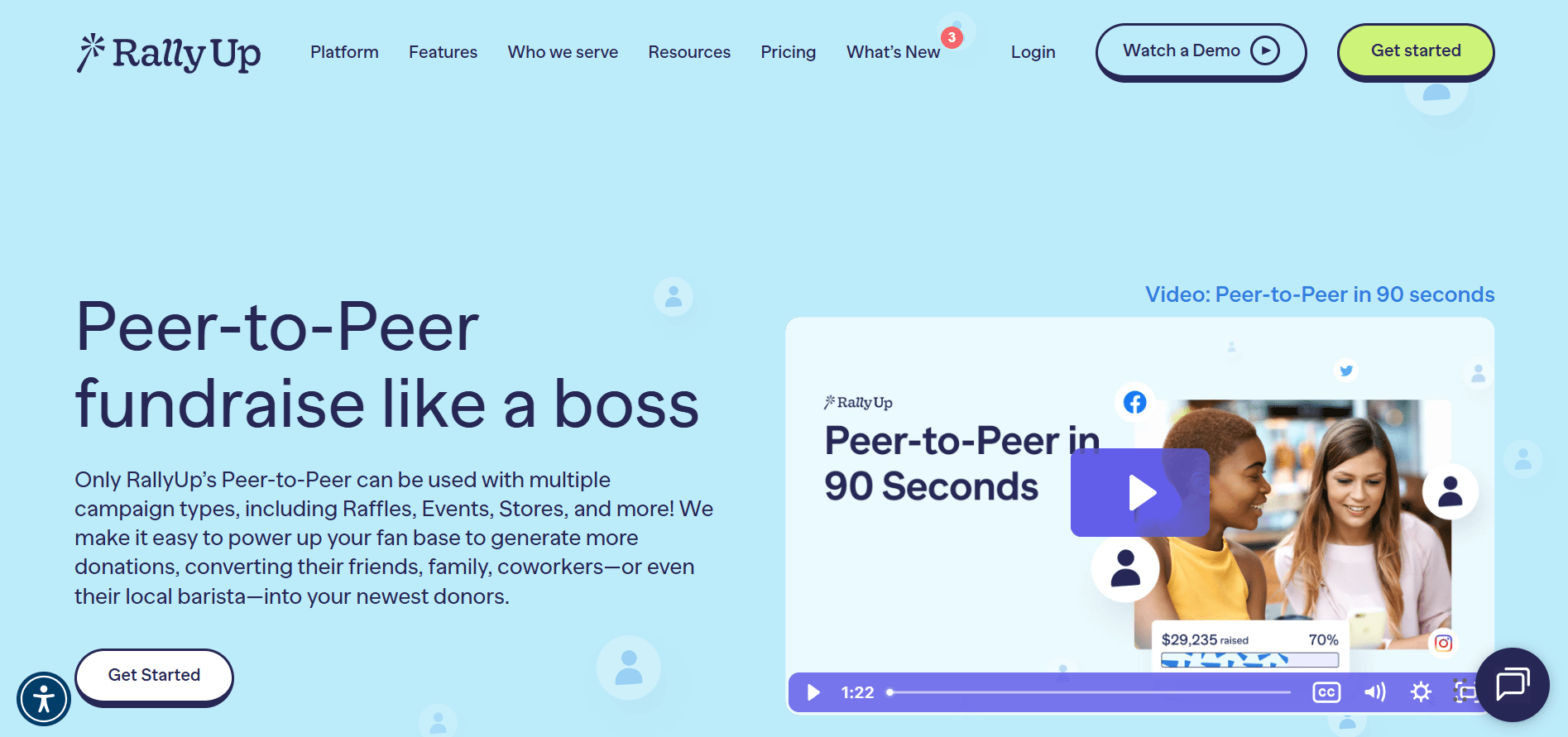
RallyUp offers free peer-to-peer fundraising tools designed for nonprofits running community-led campaigns, with a Free and Flex pricing plan.
Where it works best:
- Real-time dashboards that show how both fundraisers and campaigns are performing
- Built-in leaderboards that add a competitive, share-worthy element
- Fully branded pages with customizable layouts and ready-to-use templates
- Supports both individual fundraisers and team-based campaigns
- Mobile-ready fundraising pages with unique links for each supporter
2. Zeffy
$0 platform fee, processing applies
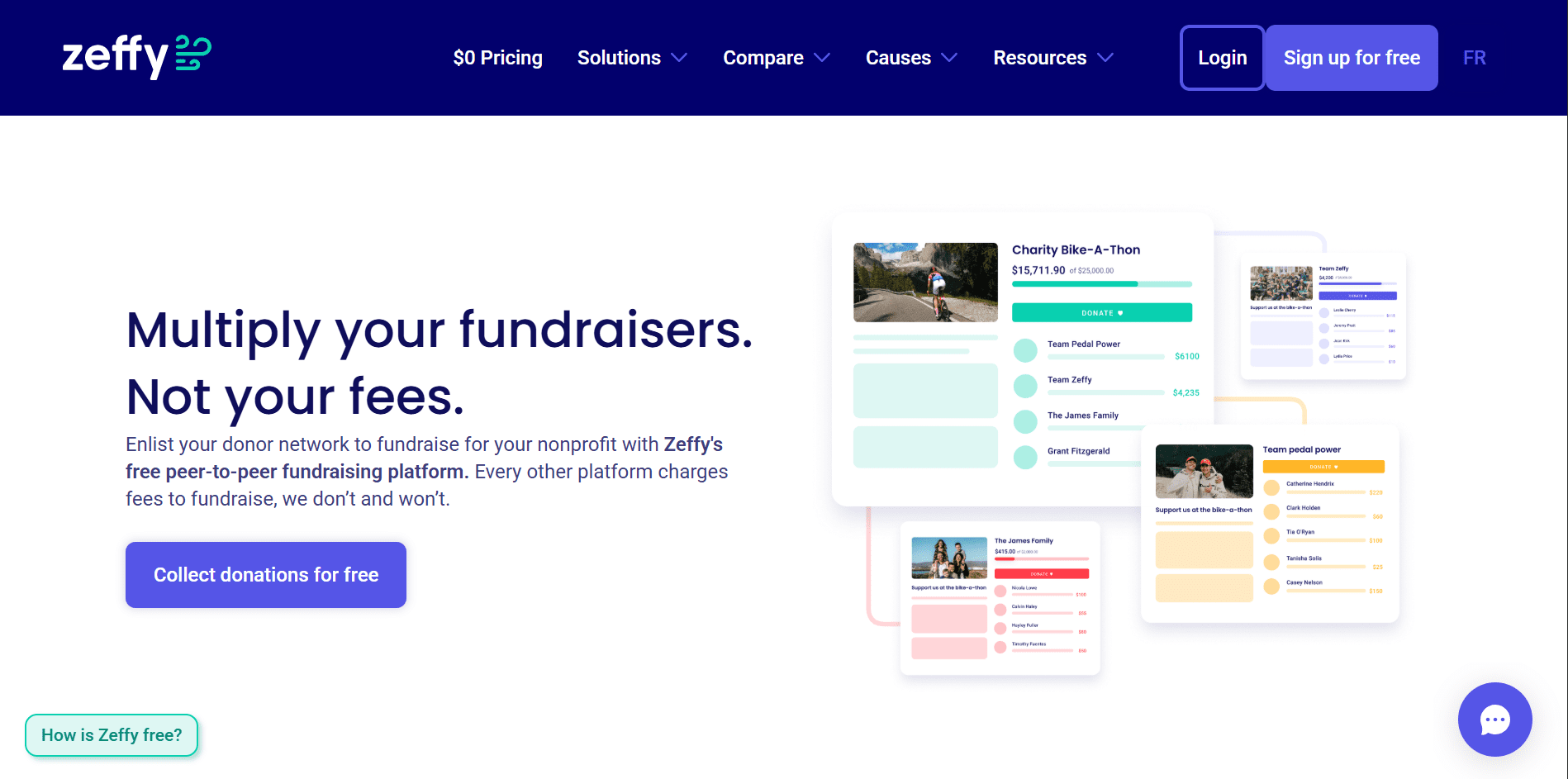
Zeffy provides free peer-to-peer fundraising features as part of its broader, free, nonprofit fundraising platform.
Where it works best:
- Simple peer-to-peer donation pages
- Small to mid-sized community campaigns
- Nonprofits testing peer-to-peer fundraising for the first time
3. CauseVox
Free plan (limited)
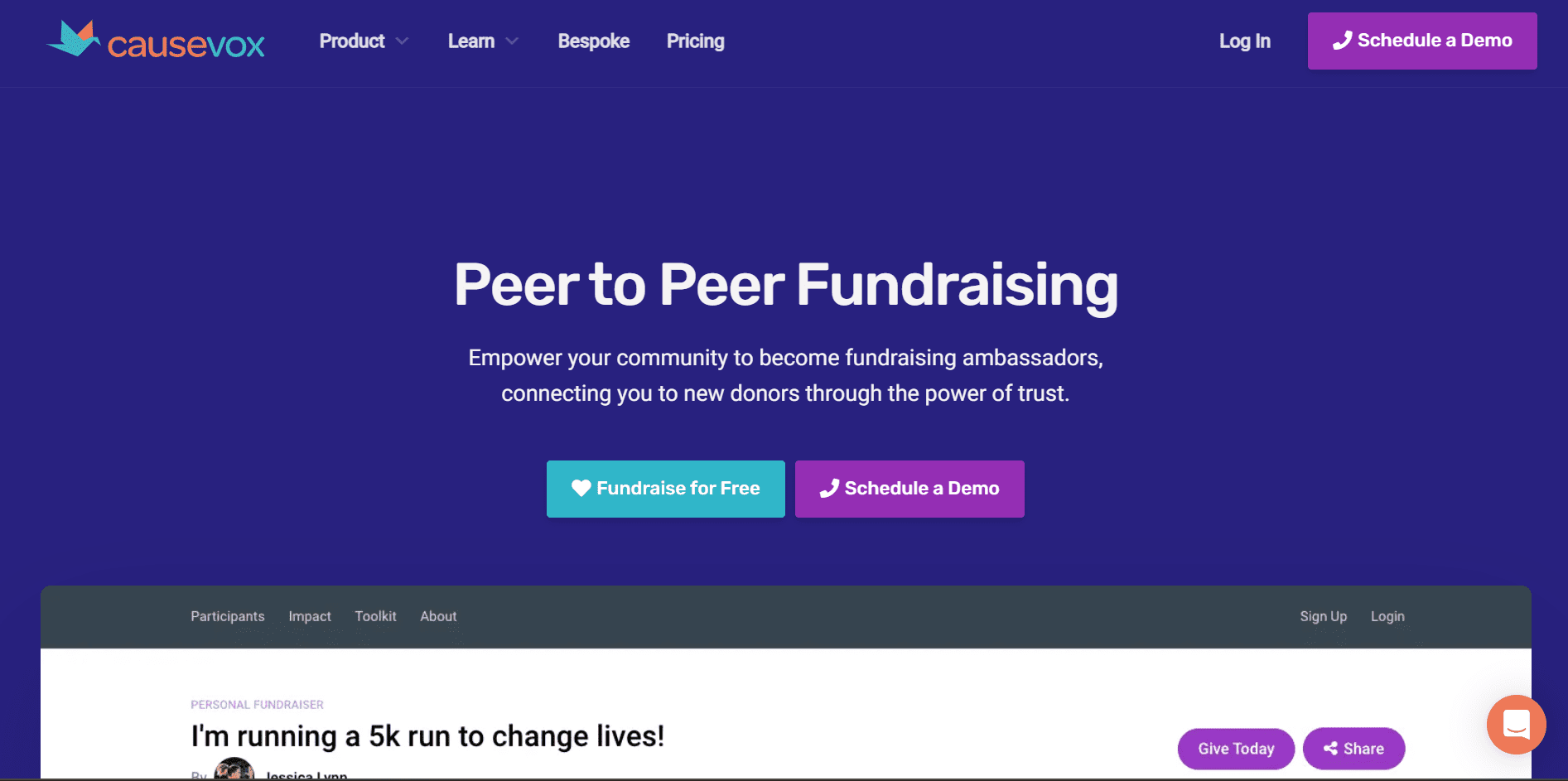
CauseVox is a peer-to-peer fundraising platform built specifically for nonprofits that want customizable campaign pages and supporter-driven fundraising.
Where it works best:
- Peer-to-peer campaigns with branded donation pages
- Story-driven fundraising efforts
- Organizations that want more control over campaign design
Free campaign support for nonprofits
Here’s the thing: fundraising tools are great, but knowing how to set up a campaign that works matters more.
A few go further and offer hands-on help, either through expert-led campaign setup or live support when you need it.
4. RallyUp’s free Create My Campaign feature
Free for verified nonprofits
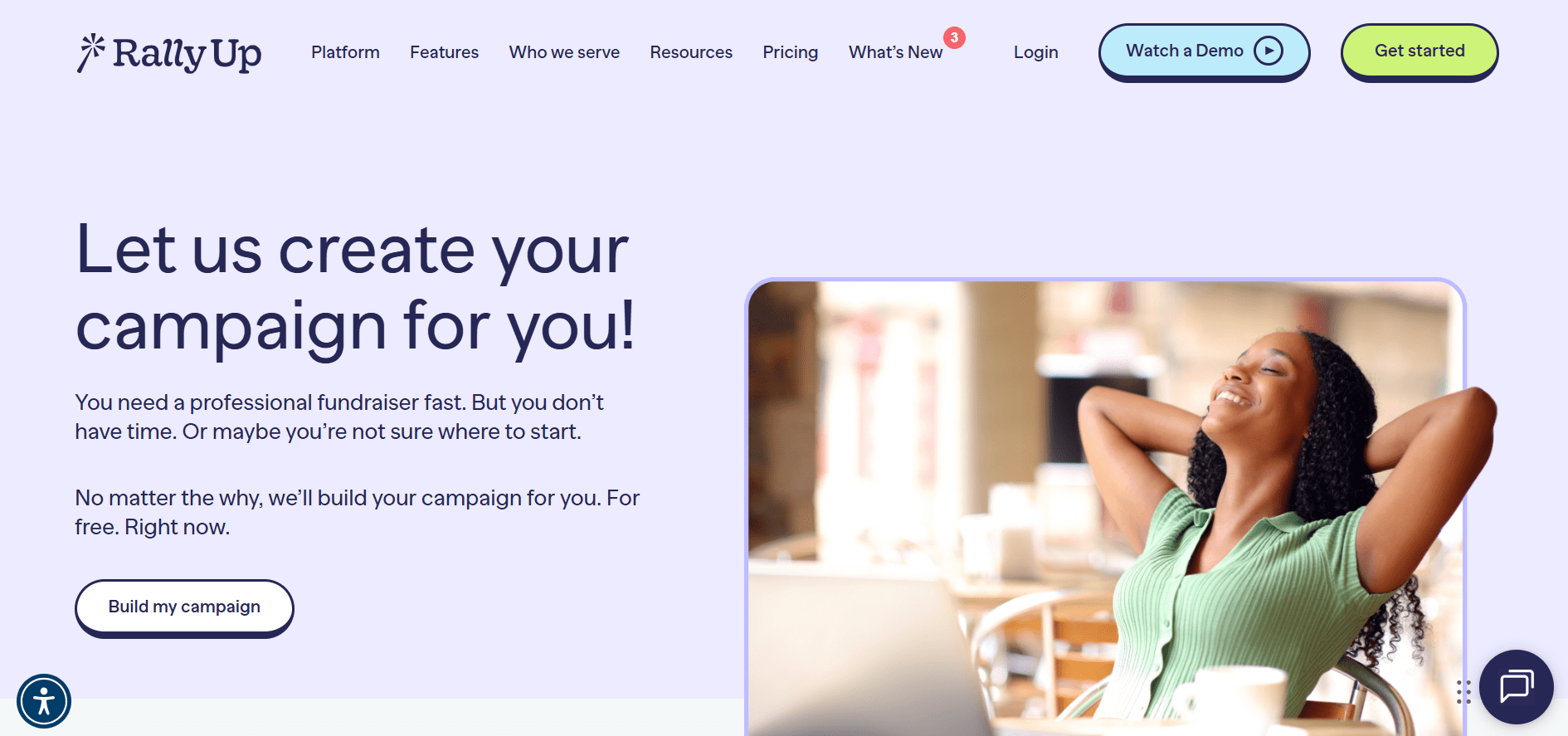
RallyUp provides access to live human support during campaign setup and while fundraisers are active. Their fundraising experts also help create your campaigns, making RallyUp the only free experience for campaign creation support.
Where it works best:
- Getting real-time help during campaign setup in a day
- Troubleshooting issues during live fundraisers
- Nonprofits that want guidance from real fundraising experts
Free live support during campaigns for nonprofits
These fundraising platforms offer live support to help nonprofits during setup or while campaigns are active. Support type and response times vary based on demand and availability, so it’s always worth checking current support hours.
5. Givebutter
Free plan (limited)
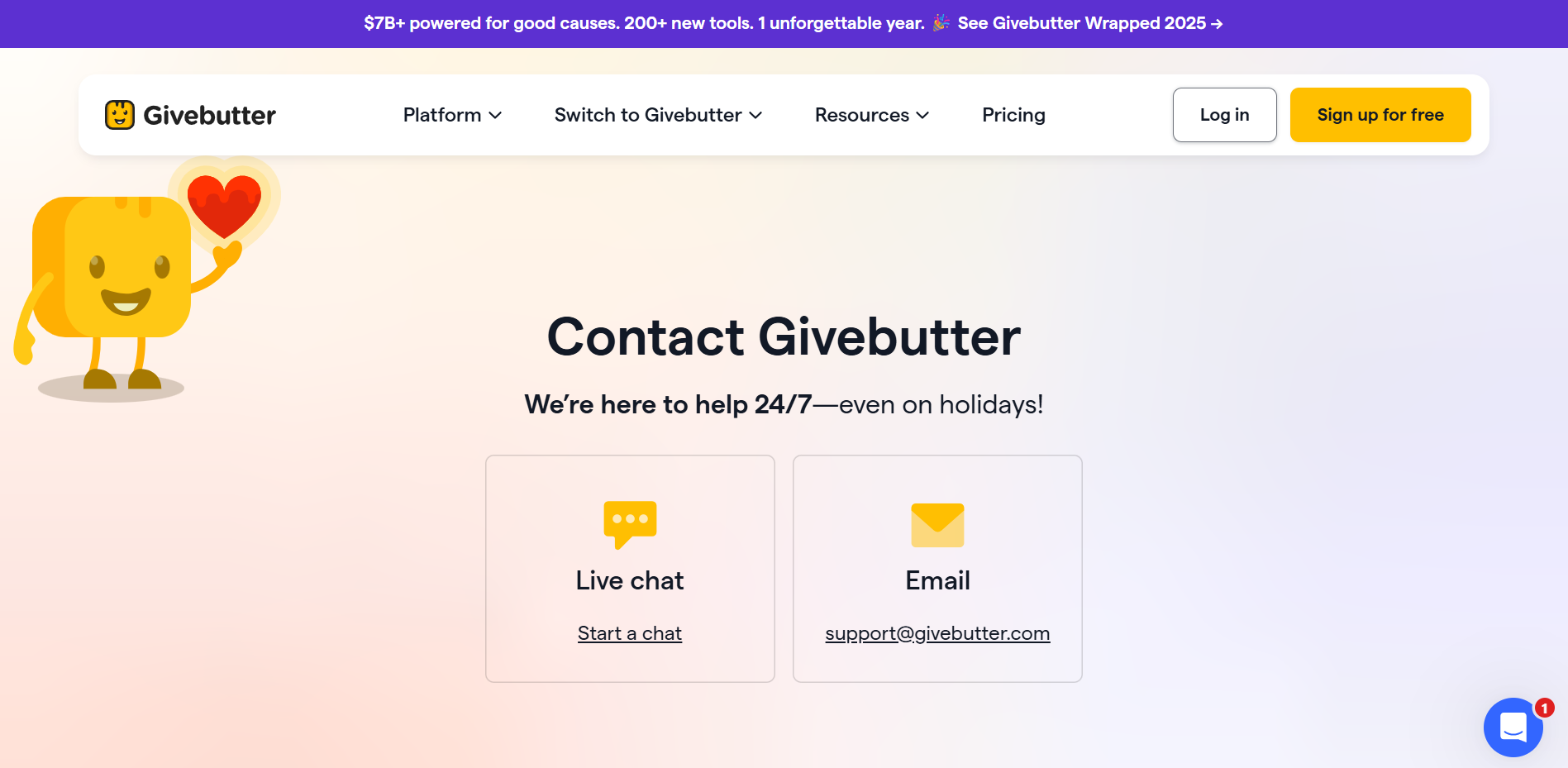
Givebutter offers live chat and email support alongside its fundraising tools, with human response availability varying based on usage and demand.
6. BetterWorld
Free plan (limited)
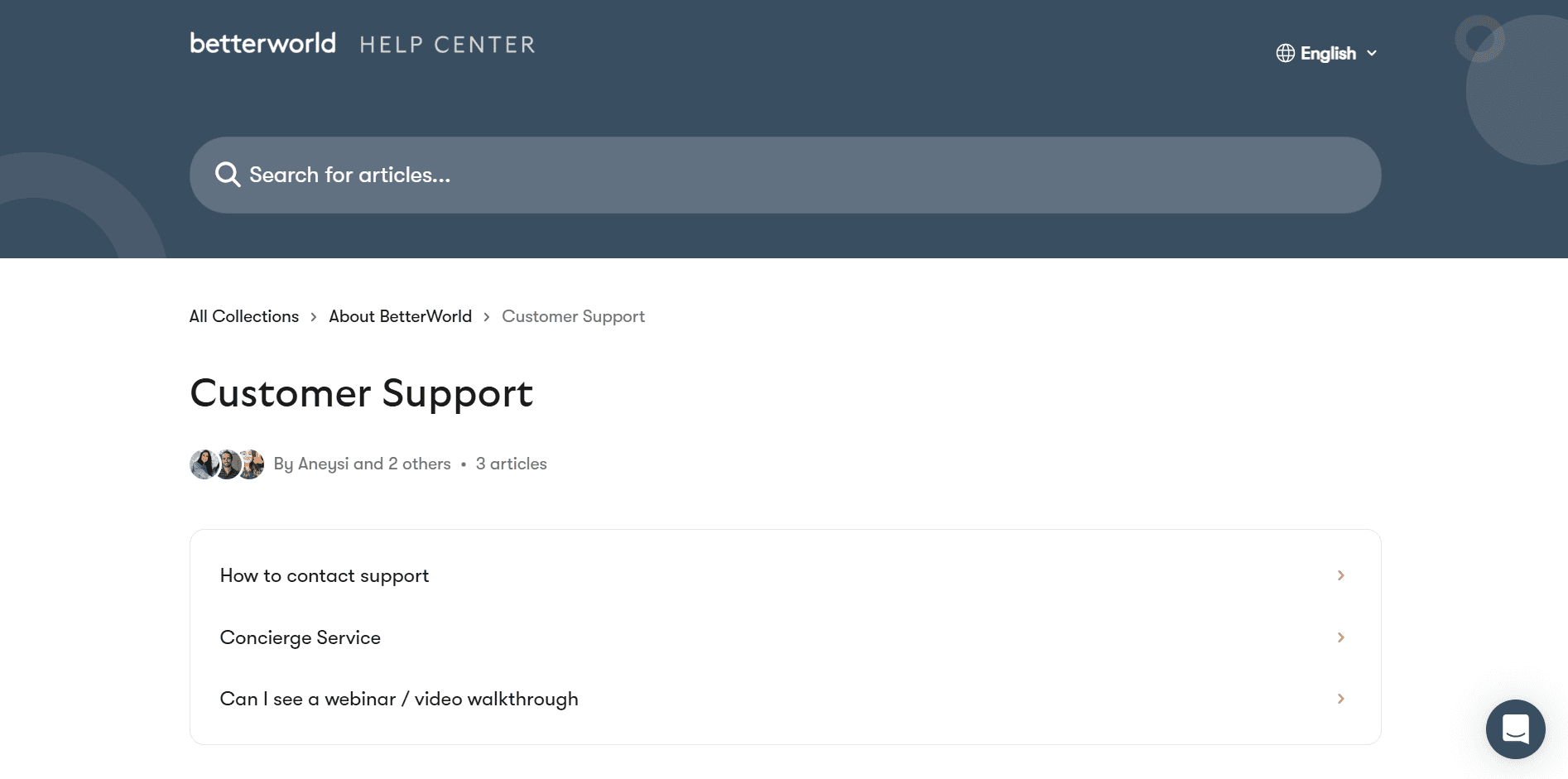
Betterworld provides live chat and email support to assist nonprofits running auctions, raffles, and fundraising campaigns on its platform.
Free silent auction software for nonprofits
Silent auctions work well online and don’t always require advanced features. These platforms offer free silent auction functionality for nonprofits. The good news: you don’t always need expensive auction software to run one
7. BiddingOwl
Free plan (limited)
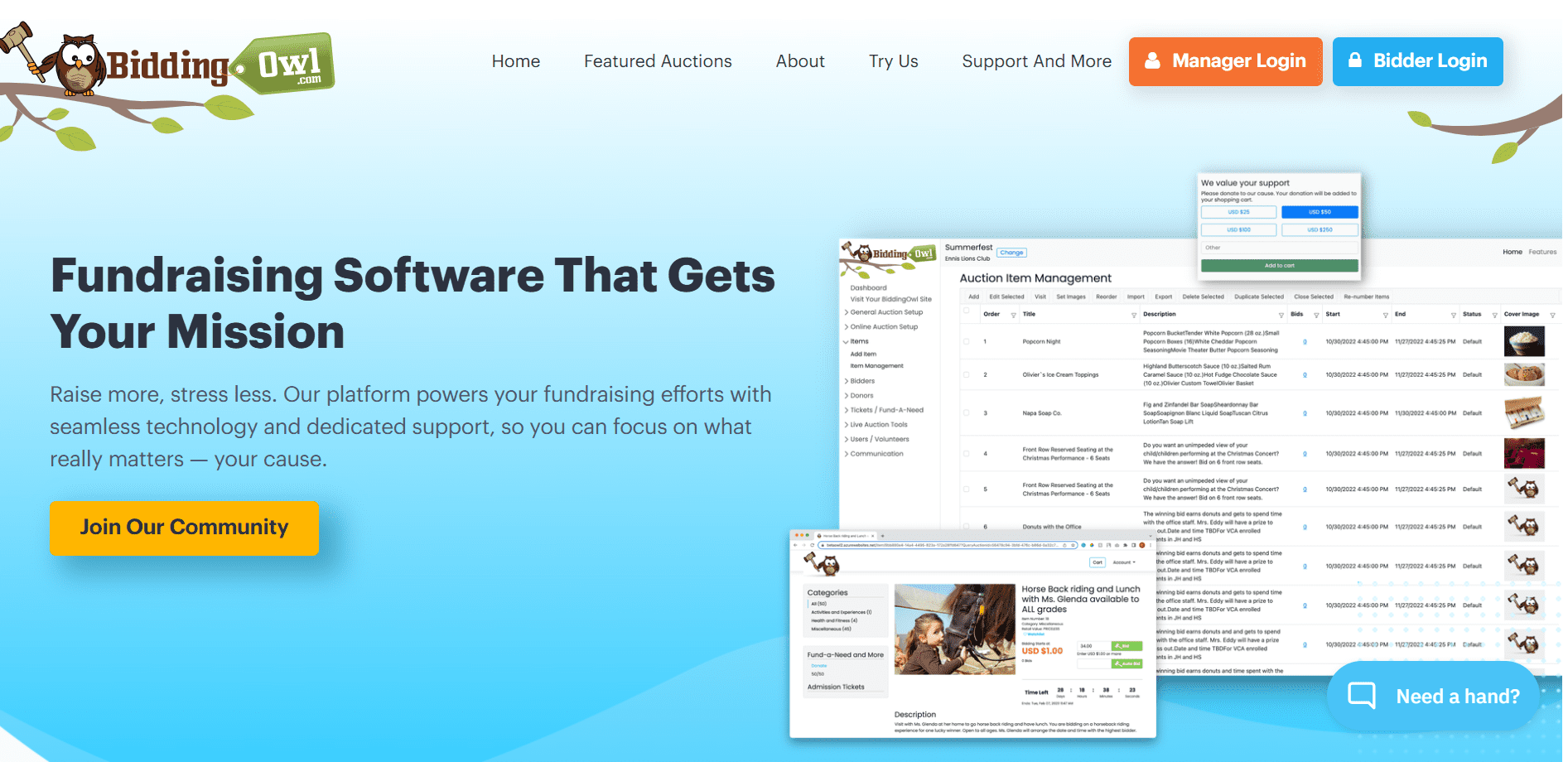
BiddingOwl lets nonprofits run silent auctions without platform or subscription fees; standard payment processing fees apply.
When it works best:
It supports item listings, online bidding, and auction management without upfront platform costs.
8. 32auctions
Free plan (limited)
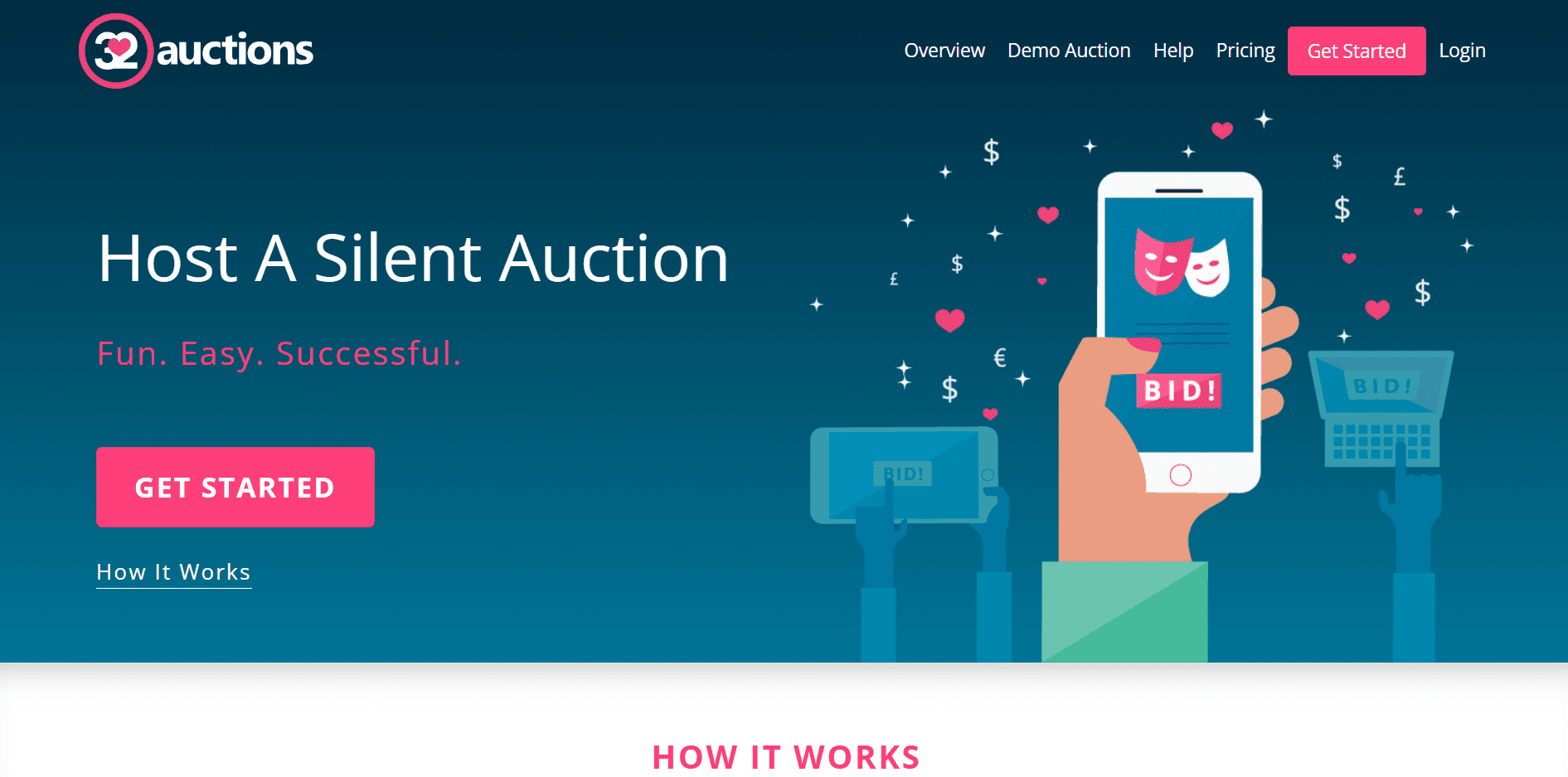
32auctions lets nonprofits run silent auctions online without needing to install software or manage complex setups. Every auction includes a core set of features that work well for simple, time-bound fundraisers.
What’s included:
- List up to 20 auction items
- Add one image per item
- Use a custom auction link for easy sharing on social media or websites
- Mobile-friendly bidding with no downloads required
- Manage the auction remotely from any device
Free email marketing software for nonprofits
Email is one of the easiest ways to make the most of free stuff for nonprofits. These tools are commonly used as resources for outreach and communication, especially by organizations looking for free items for nonprofits that don’t require long-term commitments.
9. Mailchimp
Free plan (limited)
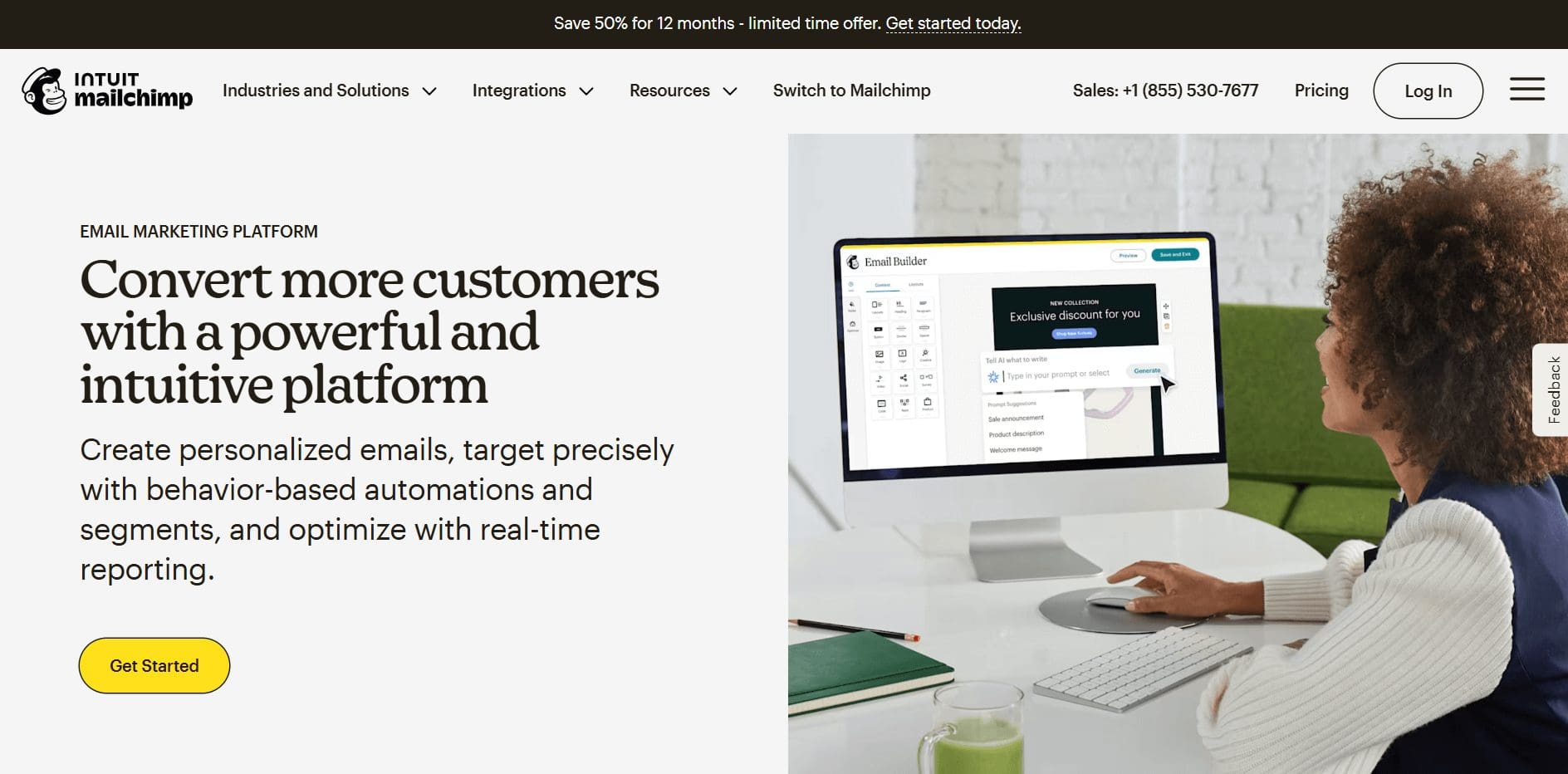
Mailchimp offers free email marketing tools that help nonprofits grow their audience and build a consistent brand presence.
What’s included:
- Professionally designed, pre-built email templates that work across desktop and mobile
- Customizable pop-up forms to help grow your email list directly from your website
- A Subject Line Helper that provides tips and feedback to improve open rates
- Basic tools to manage contacts and send email campaigns
Hard free-tier limits to know:
- Contact cap (up to 250 contacts)
- Sending limit (up to 500 emails per month, max 250 per day)
- Mailchimp branding on emails
- Limited automation and segmentation
- Basic reporting only
Where it works best:
- Very small nonprofits building an early email list
- Light newsletters and occasional announcements
10. Brevo (formerly Sendinblue)
Free plan (limited)
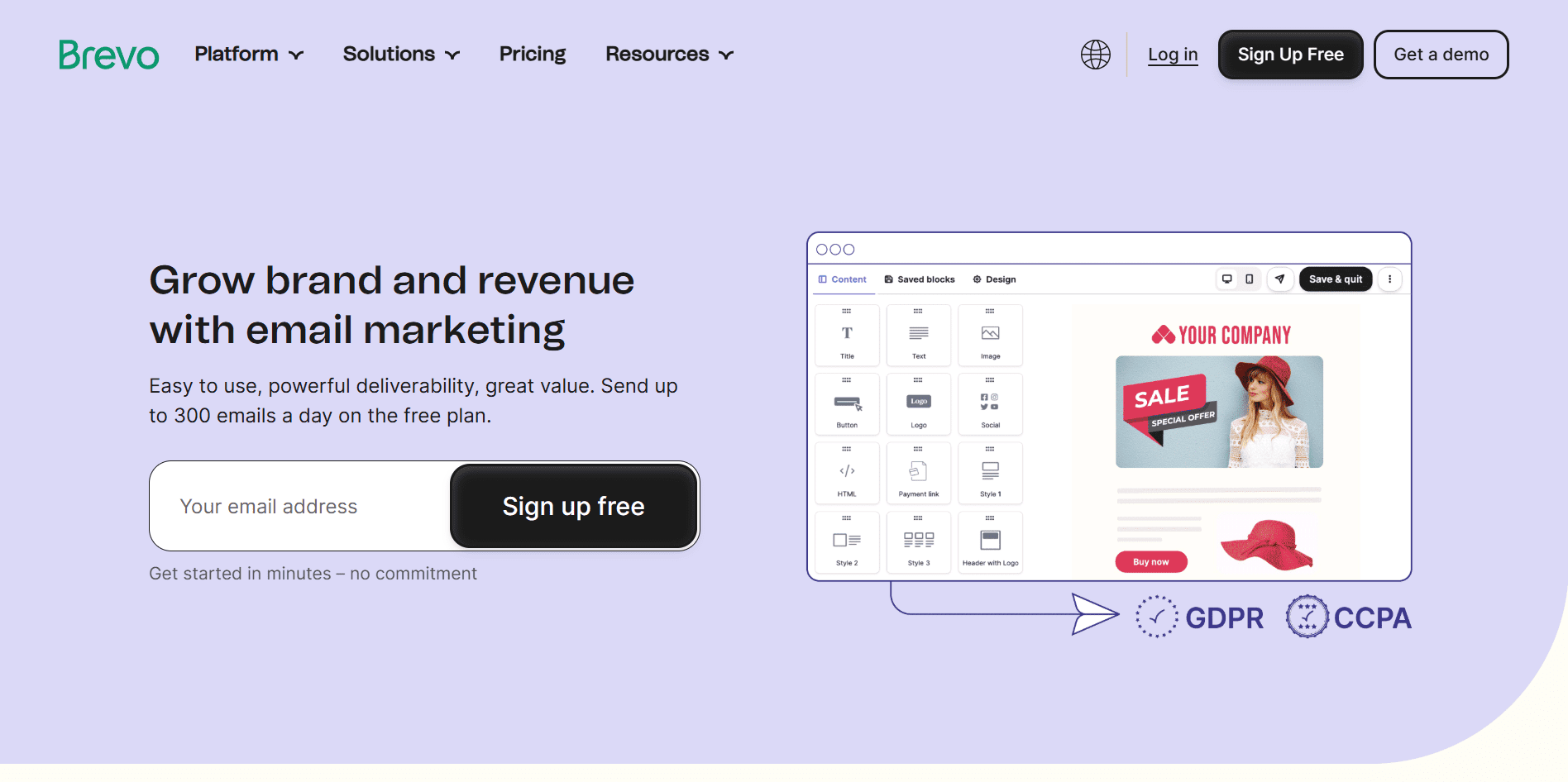
Brevo offers free email marketing tools focused on strong deliverability and ease of use, allowing nonprofits to send up to 300 emails per day on the free tier.
What’s included:
- A drag-and-drop email editor to design emails in minutes
- Ready-made templates that look good on all screen sizes
- AI-powered tools to help create content faster
- Email delivery optimized to reach inboxes
- Detailed statistics to track opens, clicks, and performance
Where it works best:
- Nonprofits sending regular updates or announcements
- Teams that want quick email creation without design skills
- Organizations that need reliable delivery with basic analytics
11. Sender
Free plan (limited)
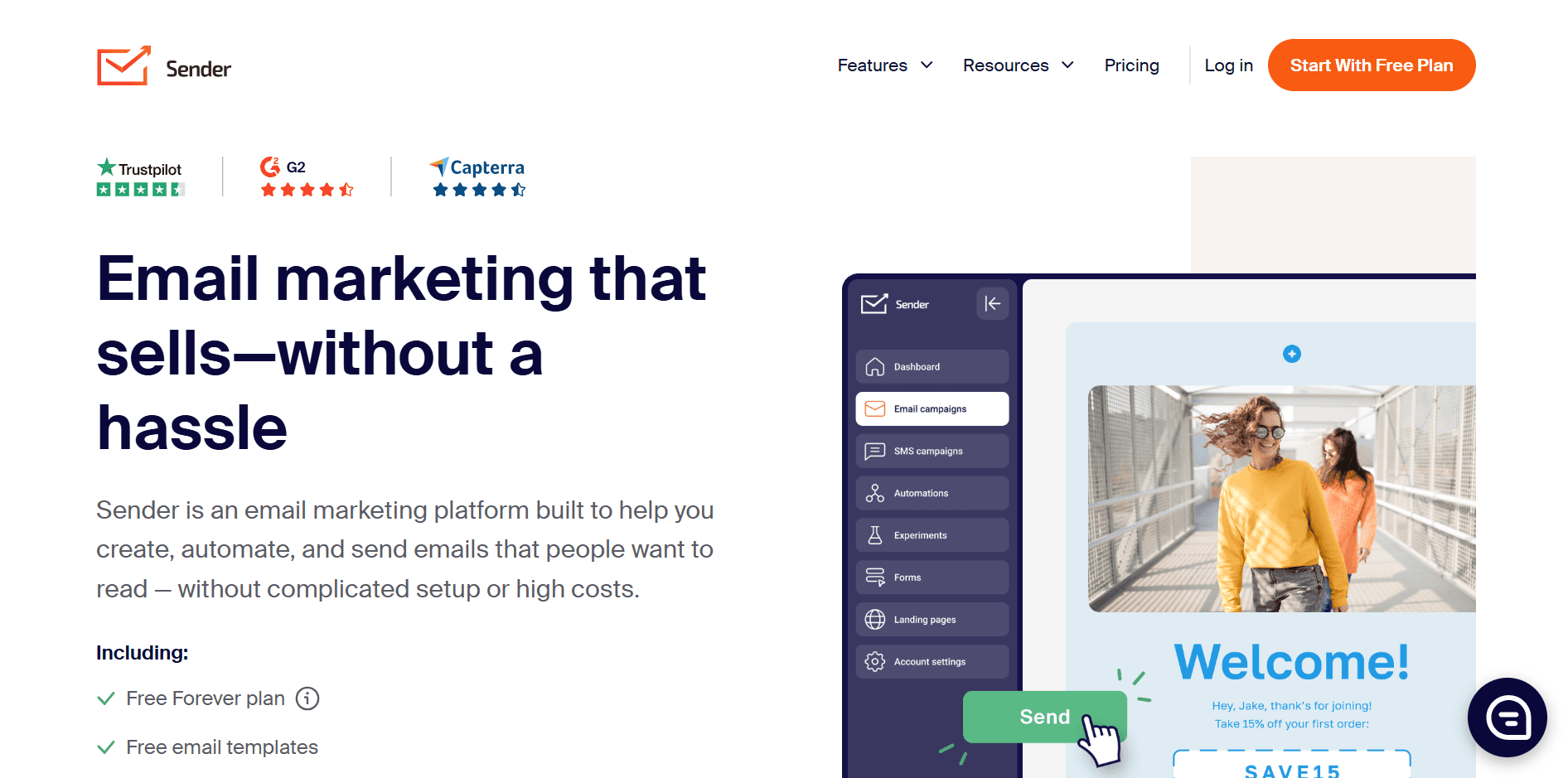
Sender is an email marketing platform designed for nonprofits that want to send newsletters and campaigns at scale without complicated setup or high costs.
What’s included:
- Free Forever plan with up to 15,000 emails per month
- Support for up to 2,500 contacts
- No daily sending limits
- Ready-to-use email templates for quick setup
- Built-in automation tools for email campaigns
- 24/7 live customer support included
Where it works best:
- Nonprofits sending frequent newsletters or updates
- Organizations with growing contact lists
- Teams that want high send limits without managing daily caps
Free ad promotion tool for nonprofits
Free marketing and promotion tools can go a long way when budgets are tight.
12. Google Ad Grants
Free for verified nonprofits

Google Ad Grants is a program that provides eligible nonprofits with up to $10,000 per month in free Google Search advertising to promote their mission, programs, and fundraising campaigns.
What’s included:
- Up to $329 per day in free search ads
- Ads that appear on Google Search results
- Ability to drive traffic to donation pages, events, or educational content
- Access through a Google Ads account created specifically for the grant
Eligibility basics (high level):
- Must be a registered nonprofit (e.g., 501(c)(3) in the U.S.)
- Must have a functioning website with clear nonprofit content
- Must comply with Google Ad Grants policies and performance requirements
Where it works best:
- Nonprofits focused on awareness, education, or lead generation
- Organizations promoting events, programs, or recurring donations
- Teams willing to invest time in managing or learning basic Google Ads
Important to know: The ad credit is free, but it’s not “set and forget.” Nonprofits must maintain compliance (CTR thresholds, keyword rules, and account activity) to keep the grant active.
Free marketing and design tools for nonprofits
Good design helps people stop, read, and care, but you don’t need a designer or a big budget to get there. There’s plenty of free stuff for nonprofits that helps with graphics, social posts, presentations, and basic branding.
13. Canva
Free for verified nonprofits
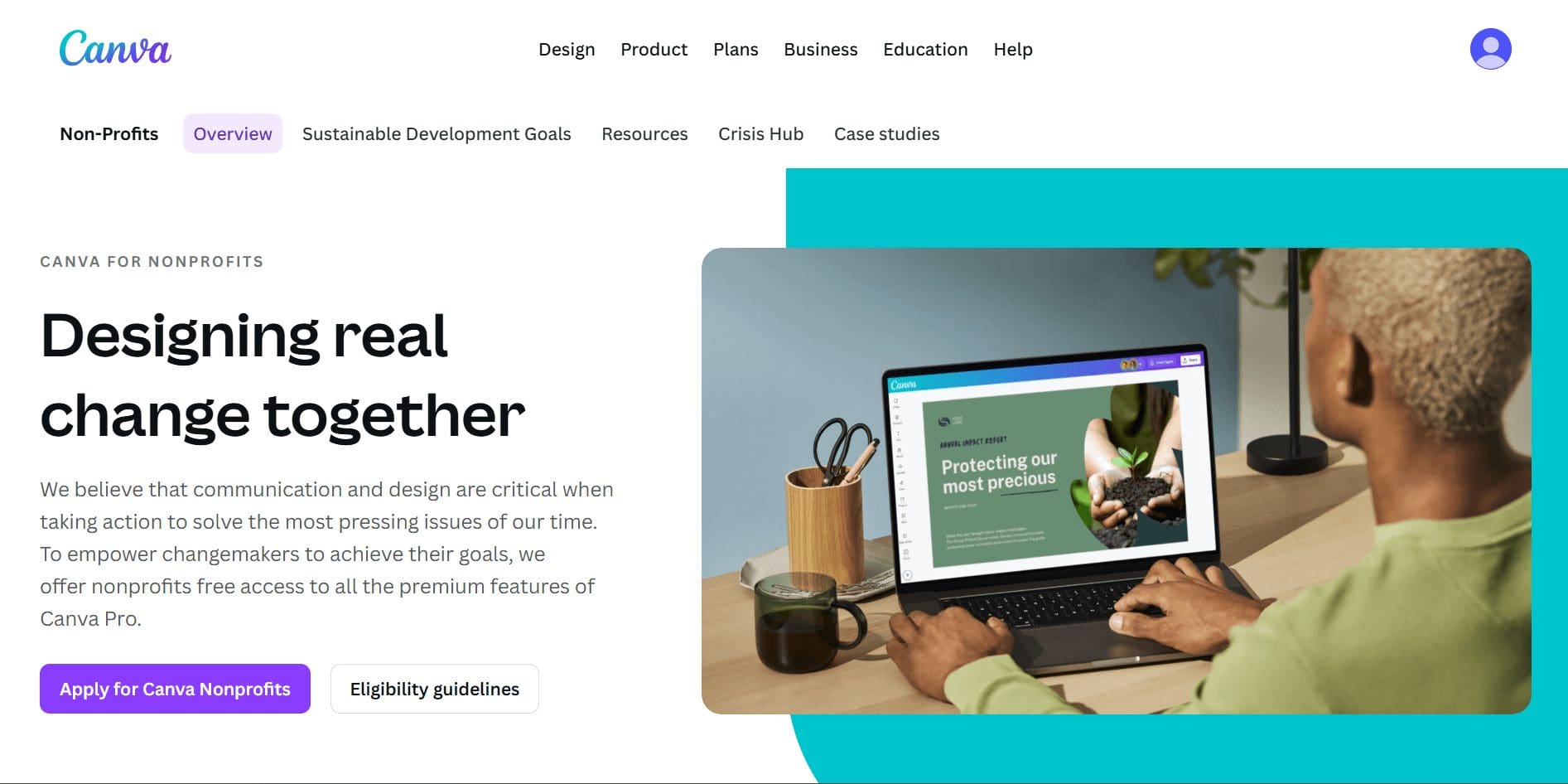
Canva offers one of the most complete sets of free design tools for nonprofits*, making it easy to create professional marketing assets without hiring a designer.
What’s included:
- 1000+ “Templates for Good” for social media posts, websites, presentations, stories, posters, videos, and infographics
- Tools to create websites, reports, flyers, signage, and campaign visuals
- Brand controls for colors, fonts, and logos
- Access to 100M+ premium images and videos
- 420,000+ templates, 75M+ images, and 3,000+ fonts
- Team collaboration tools, unlimited folders, and 100GB storage
*Canva for Nonprofits is for verified organizations; eligible nonprofits can apply and unlock all Canva Pro features for free.
14. Adobe Express
Free for verified nonprofits
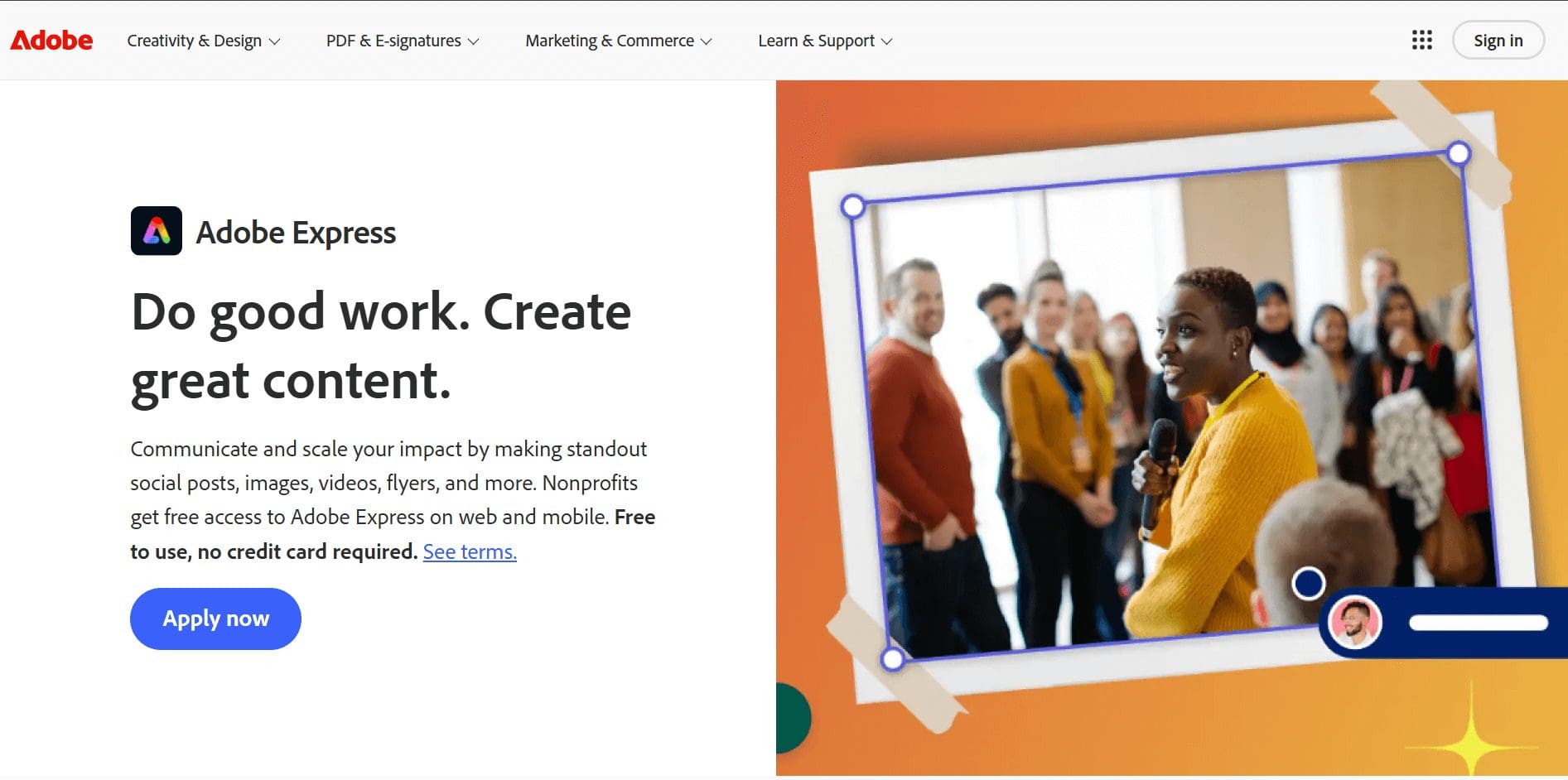
The Adobe Express Premium plan is free for eligible 501(c)(3) nonprofits.
What’s included:
- Easy video creation with built-in templates
- Tools to plan, schedule, and publish social media content across channels
- Adobe Firefly-powered features like Generate Image and Generate Text Effect (with monthly generative credits)
- A large library of royalty-free Adobe Stock photos, videos, and music
15. Unsplash
Free resource
Unsplash has a large library of free, high-quality images that nonprofits can use for marketing, websites, and campaigns without licensing fees.
What’s included:
- Royalty-free photos for commercial use
- No attribution required
- Wide variety of subjects and styles
Note
Double-check for recognizable people/logos, and confirm you’re complying with Unsplash license limits.
Free website and form builders for nonprofits
A basic website and a few functional forms go a long way. Whether it’s collecting donations, event registrations, or volunteer sign-ups, there are plenty of free resources for nonprofits that let you get online without paying for custom development.
16. Google Sites
Free plan (limited)
Google Sites lets nonprofits create simple websites using a drag-and-drop editor.
What’s included:
- Free website hosting
- Drag-and-drop page builder
- Integration with Google Forms, Docs, and Drive
- No ads on published sites
Hard free-tier limits to know:
- No advanced design control or custom themes
- Limited functionality (no built-in ecommerce or advanced forms)
- Must connect a custom domain separately
- Basic SEO control only
Where it works best:
- Informational nonprofit websites
- Event pages and campaign microsites
17. Google Forms
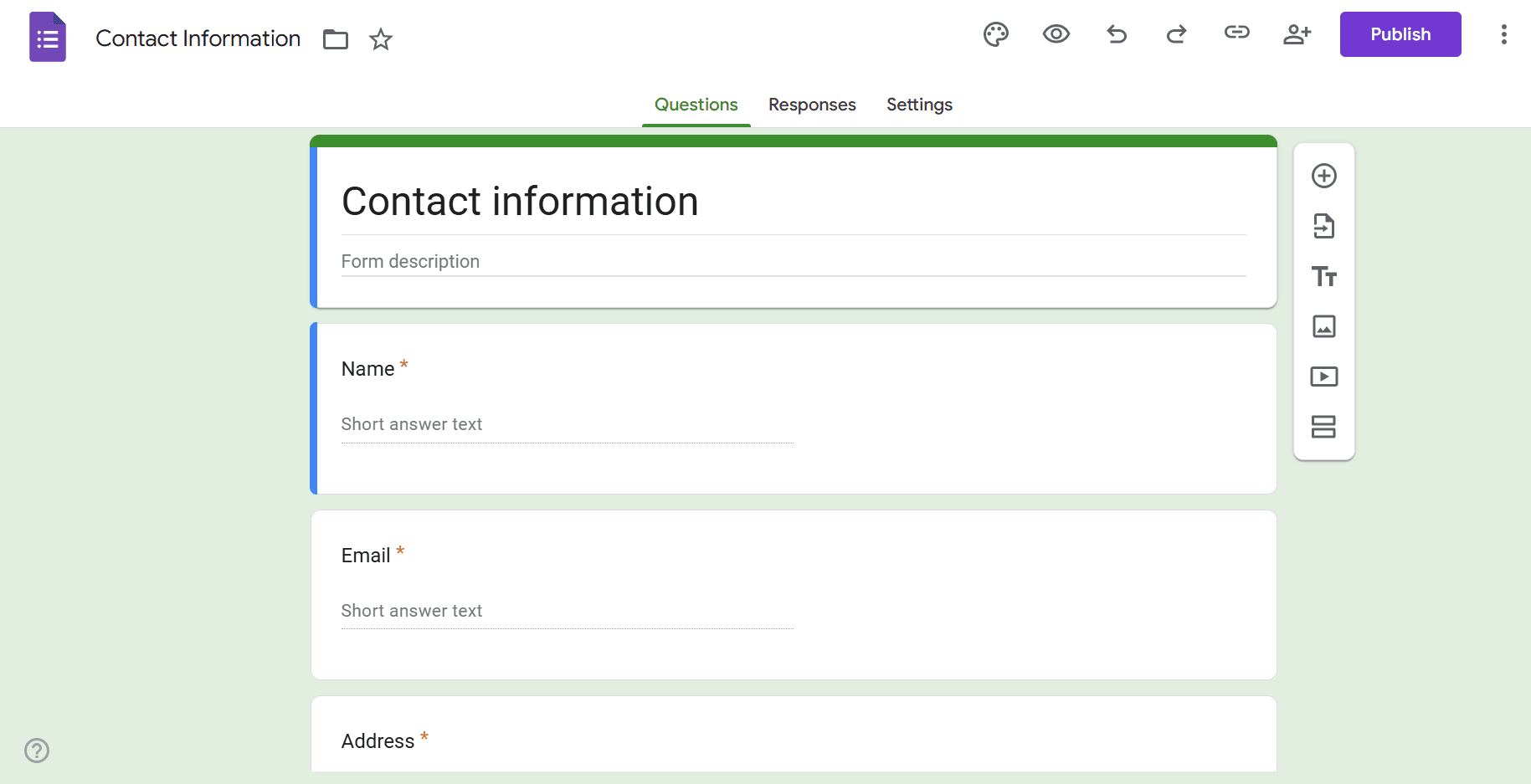
Google Forms is a free tool for creating forms to collect responses, sign-ups, and basic information.
What’s included:
- Unlimited forms and responses
- Custom questions and logic
- Automatic response tracking in Google Sheets
Where it works best:
- Volunteer registrations
- Event RSVPs
- Surveys and feedback collection
18. Jotform
Free plan (limited)

Jotform offers a free tier that nonprofits can use to build forms for sign-ups, applications, and simple data collection.
What’s included:
- Form templates for common use cases
- Basic integrations and notifications
Hard free-tier limits to know:
- Limited number of forms
- Monthly submission cap
- Storage limits for uploaded files
- Jotform branding appears on forms
- Limited integrations and automation
Where it works best:
- Donation interest forms
- Application or intake forms
- Nonprofits needing more flexibility than basic forms
Free social media scheduling tools for nonprofits
Social media is a great place to grow a fundraising circle + nonprofits stay visible, but posting every day manually isn’t realistic. Luckily, there’s plenty of free stuff for nonprofits that helps plan, schedule, and manage social posts without paying for social media software.
19. Meta Business Suite
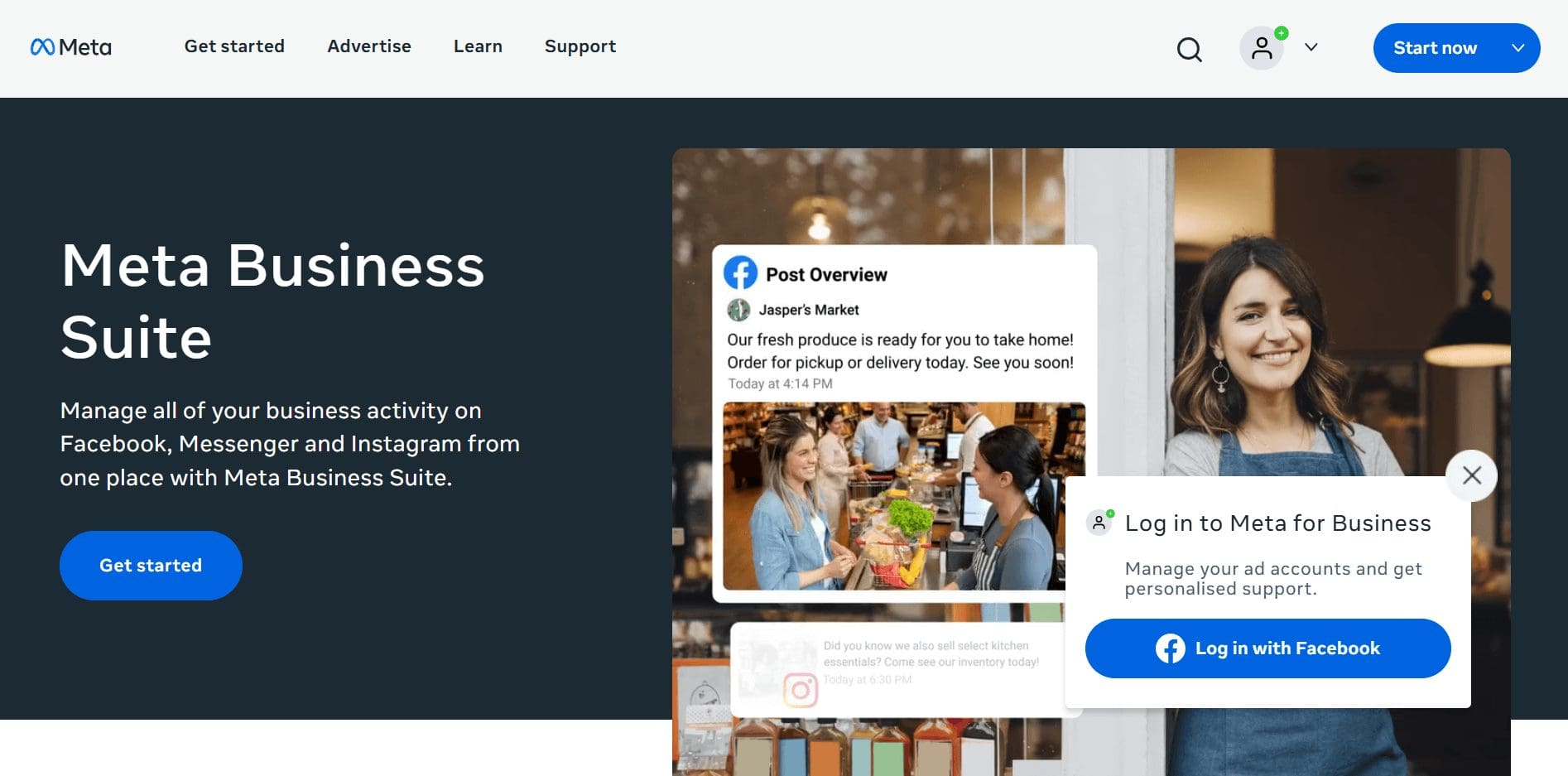
Meta Business Suite is a free tool from Meta that allows nonprofits to manage Facebook, Instagram, and Messenger content in one place.
What’s included:
- Use a single inbox to manage your business across the three platforms
- View basic insights and performance metrics
Where it works best:
- Nonprofits focused on Facebook and Instagram fundraising
- Teams running community-driven campaigns
- Organizations managing social messages in one inbox
20. LinkedIn

This might seem a little obvious, but sometimes the simplest solutions are sitting right in front of us. LinkedIn already has a lot of the scheduling and analytics features nonprofits go looking for in third-party tools, they’re just easy to overlook.
What nonprofits can use:
- Built-in post scheduling straight from your LinkedIn Page
- Basic performance analytics to see what’s working
- No need to connect or pay for third-party scheduling tools
Free CRM and donor management tools for nonprofits
Keeping donor data organized doesn’t have to mean investing in heavy CRM software. Some platforms include built-in donor management as part of their free tools, which is often enough for small teams and growing nonprofits.
21. RallyUp – Free donor profiles for nonprofit engagement
Free plan (limited)
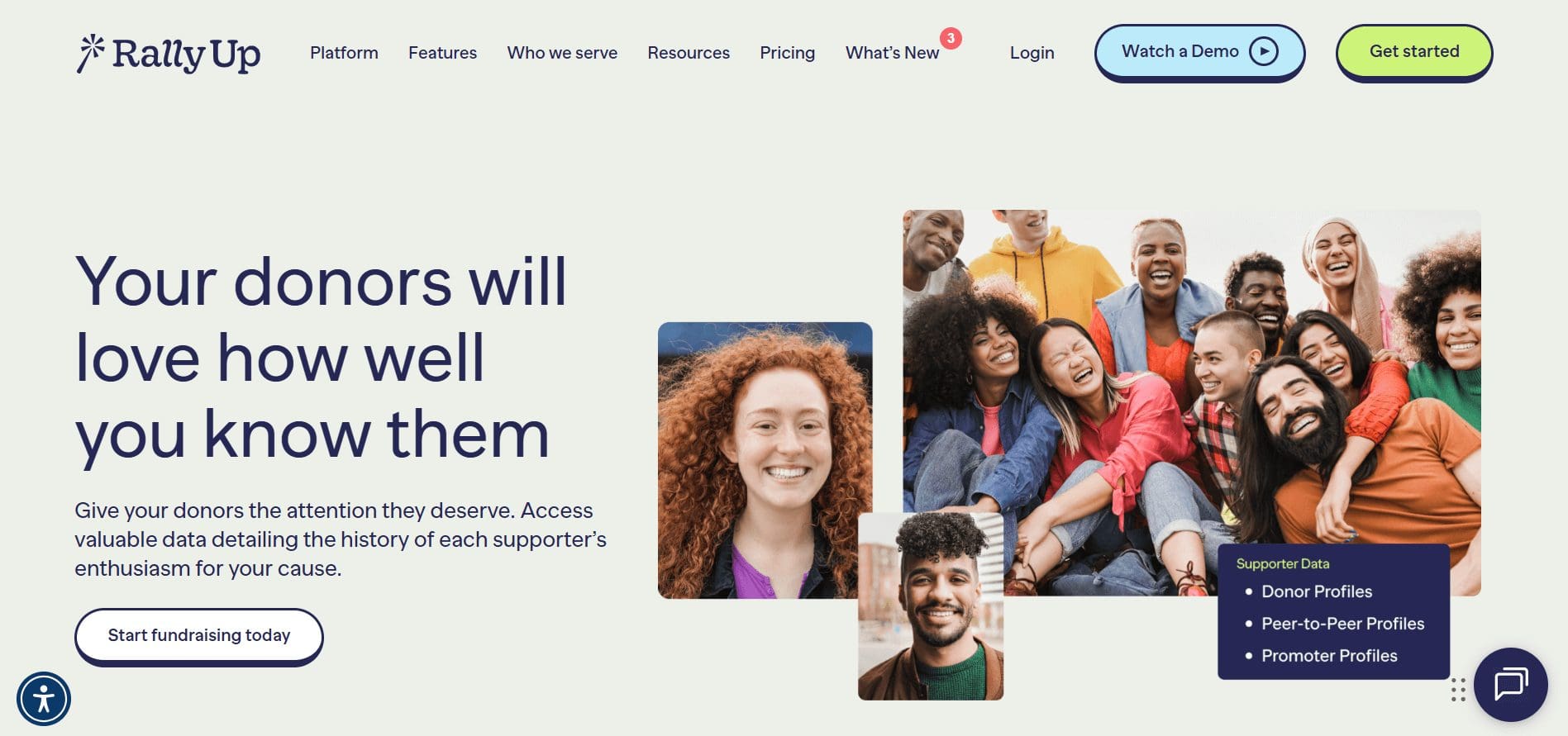
RallyUp’s Donor Profiles gives nonprofits deep, campaign-linked donor insight based on how supporters interact with your fundraisers.
Rather than managing abstract records, you see real engagement data tied directly to campaigns, events, and peer-to-peer activity.
Where RallyUp gives you visibility:
- Secure supporter profiles with campaign and user activity
- An organization-level view of all donor information
- Each supporter’s activity history over time
- Records of peer-to-peer registrations and promoter sign-ups
- Personalized emails to individuals or groups
- Total donation history and overall engagement across campaigns
Where this works best:
- Nonprofits that want to understand how supporters engage
- Campaign-driven organizations running events, peer-to-peer, or community fundraisers
- Teams that want donor insight without managing a separate CRM system
22. Airtable
Free plan (limited)
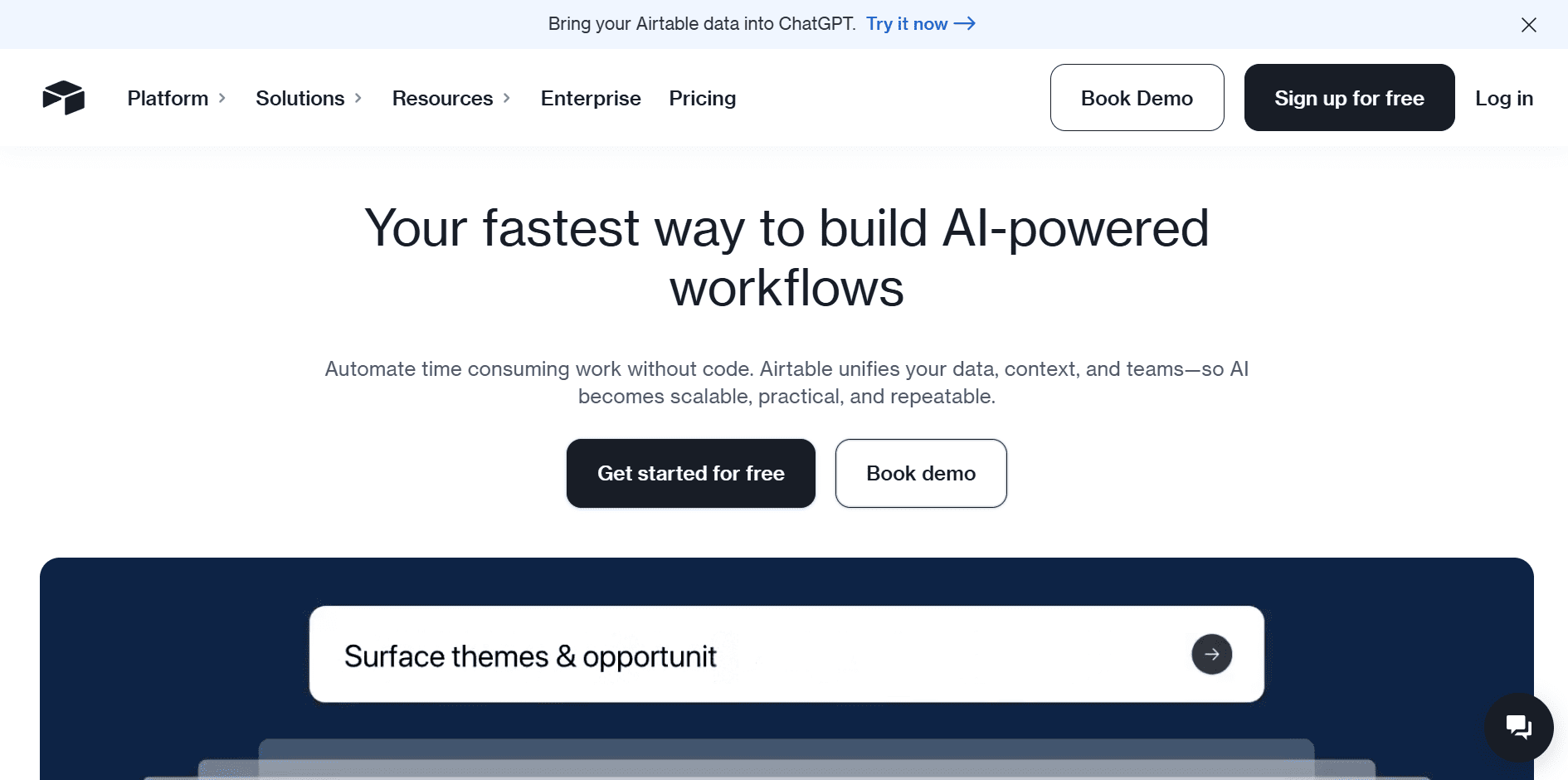
Airtable works as a flexible, spreadsheet-style database that small nonprofits can adapt for donor tracking, grants, or internal records. It’s not a nonprofit-specific CRM, but its free plan for small groups gives teams room to build lightweight systems without paying upfront.
What’s included:
- Unlimited bases to organize different datasets
- Up to 1,000 records per base
- Support for up to 5 editors
- 100 automation runs
- 500 AI credits per editor each month
Hard free-tier limits to know:
- Limited revision history
- Storage cap for attachments
- Limited user permissions controls
Where it works best:
- Small datasets
- Early-stage donor tracking
- Internal operations and light CRM needs
23. Hubspot
Free plan (limited)
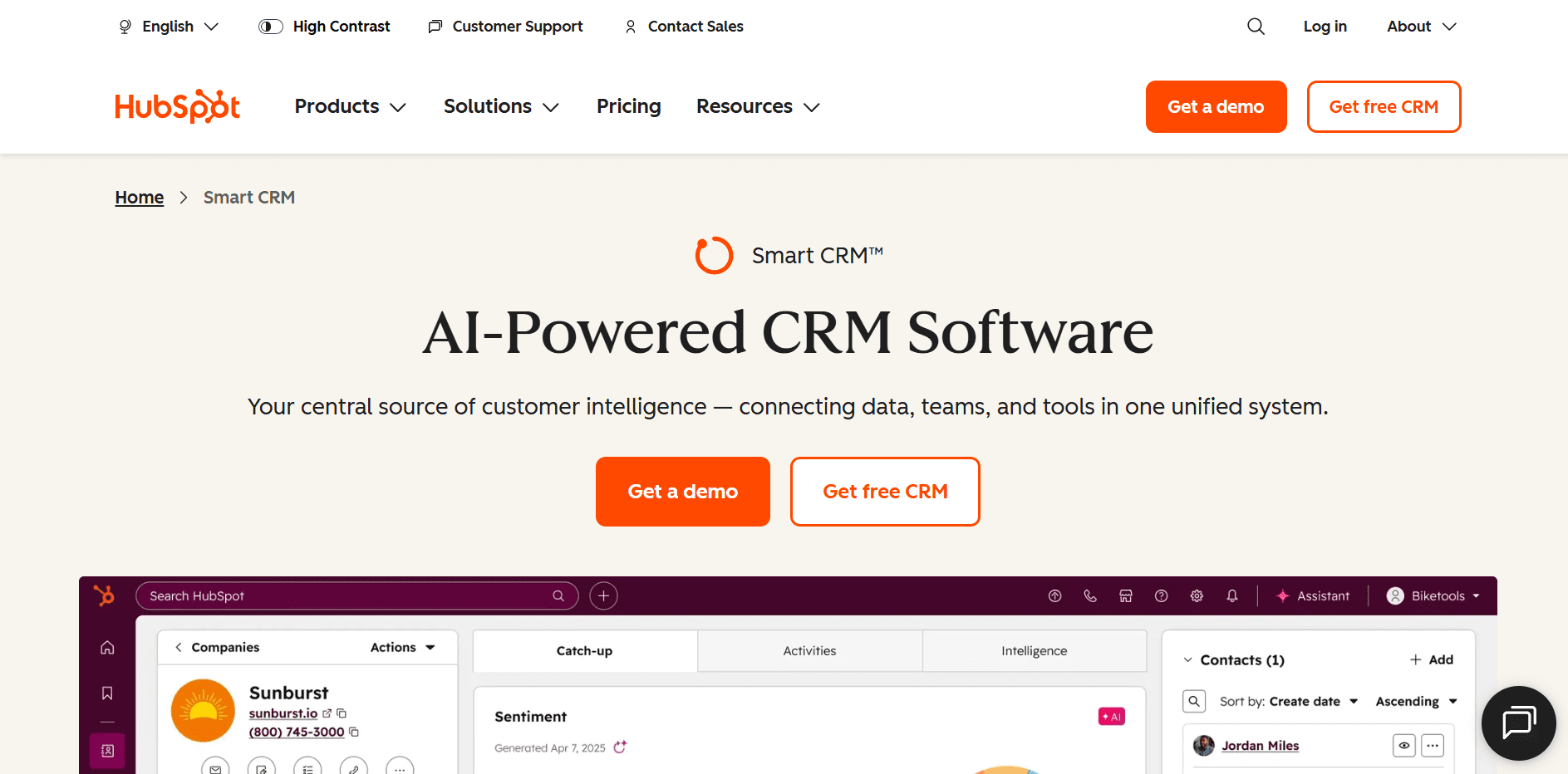
HubSpot offers a free CRM for beginner-level small nonprofit teams. It’s not fundraising-specific, but it covers core CRM needs well if you’re looking to organize contacts and interactions.
What’s included:
- Free access for up to 2 users
- Marketing tools (email, forms, basic tracking)
- Sales tools (contact management, activity tracking)
- Service tools (ticketing and basic support features)
- Content tools (landing pages and simple content management)
- Data tools for organizing and viewing contact information
Hard free-tier limits to know:
- Advanced automation requires an upgrade
- Limited reporting depth
- Email marketing limits
- Advanced segmentation gated behind paid tiers
- Custom objects and advanced workflows are not included
Where it works best:
- Beginner CRM setups
- Organizing contacts and tracking activity
- Simple marketing workflows
24. Zoho CRM
Free plan (limited)
Zoho CRM offers a free edition that works for very small teams needing basic contact and activity tracking. It can serve as a lightweight CRM if your needs are simple.
What’s included:
- Support for up to 3 users
- Basic contact and lead management
- Tasks, notes, and activity tracking
- Standard reports
25. RallyUp CRM integrations (HubSpot and Zoho)
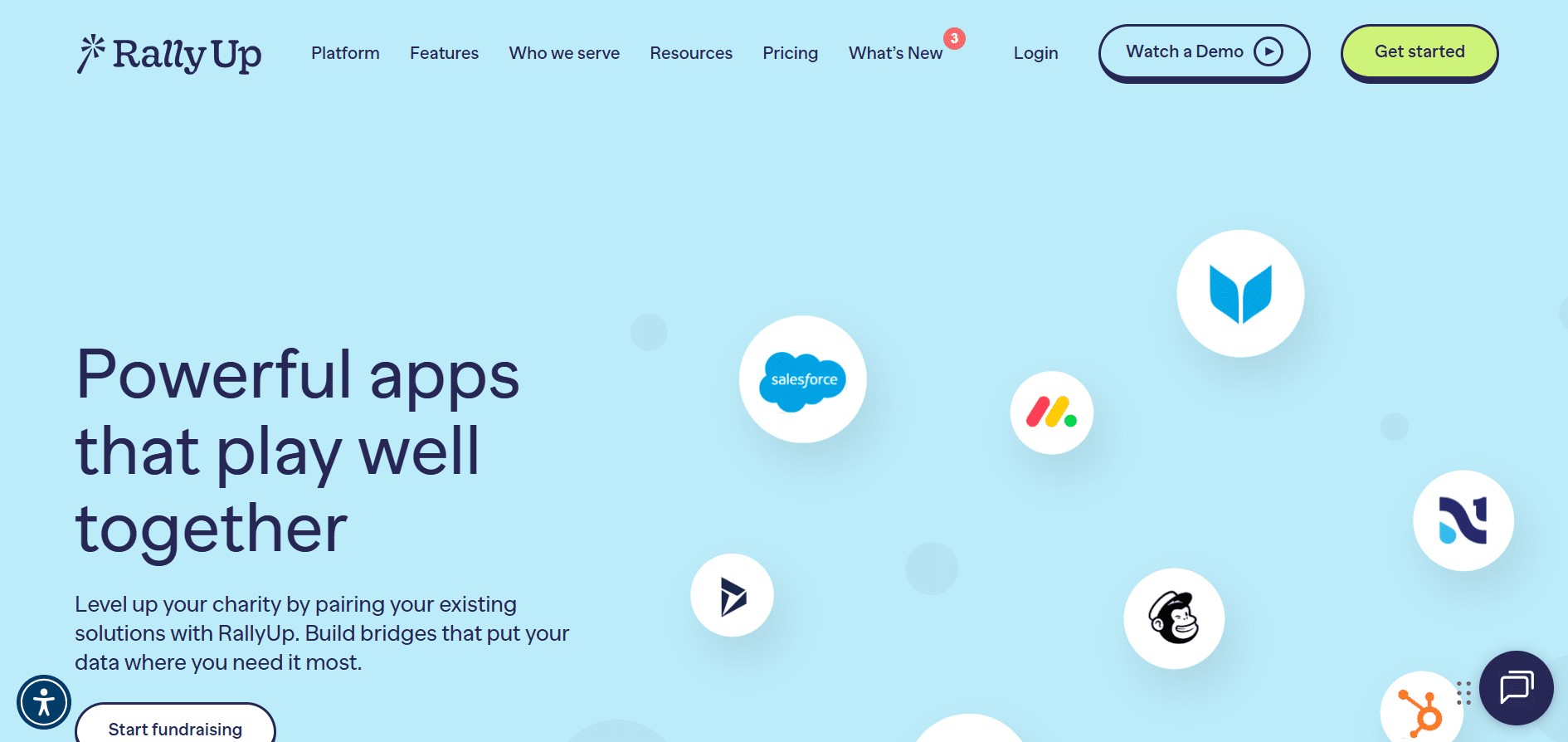
Fundraising works better when your tools talk to each other. By connecting your CRM with your fundraising activity, you start responding based on real donor behavior.
RallyUp integrates with HubSpot and Zoho CRM, combining CRM data with live campaign and donor activity to give nonprofits a clearer picture of who their supporters are and how they engage.
Where this works best:
- Use CRM data alongside RallyUp donor histories to build stronger campaigns and events
- Understand supporter behavior over time, not just one-off donations
- Identify and segment donors based on interests, activity, and engagement
- Personalize outreach so messages feel relevant, not generic
- Test and refine fundraising strategies using real donor insights
Free accounting and finance tools for nonprofits
Handling donations responsibly is non-negotiable; there are several free resources available for nonprofits that cover basic bookkeeping, expense tracking, and financial reporting.
26. RallyUp – Free event balances and automated checkout
Free plan (limited)
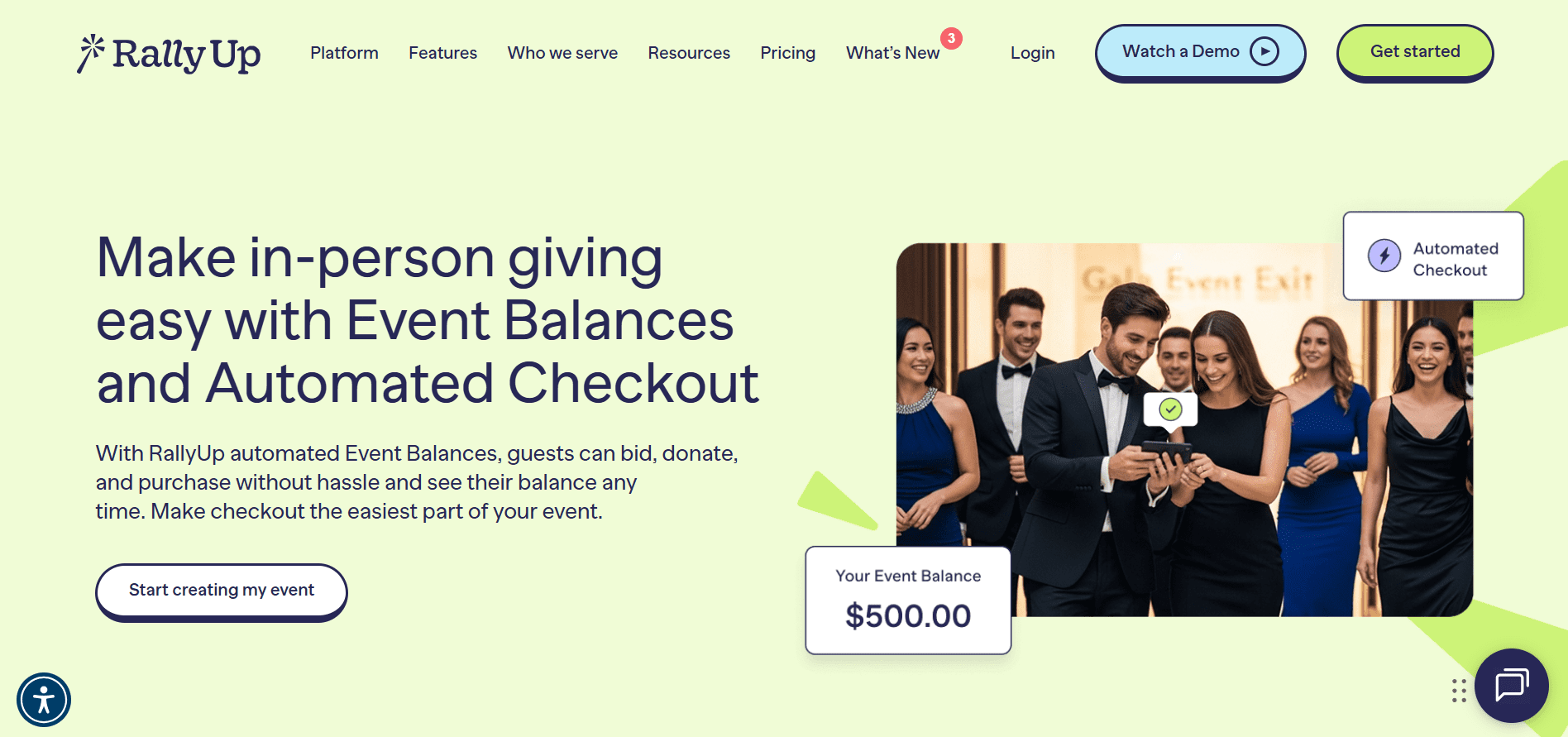
RallyUp simplifies in-person and hybrid event payments by rolling everything a guest does into one clear balance. Instead of tracking bids, donations, and ticket purchases separately, you can manage the entire night’s activity in a single place.
What nonprofits can manage with RallyUp:
- A single Event Balance per guest covering auctions, raffles, tickets, donations, and pledges
- Real-time balance visibility so guests always know what they owe
- Faster end-of-event checkout through pre-registration and saved cards
- Support for both online payments and offline cash/check tracking
- Multi-currency support with international cards accepted
Where it works best:
- In-person fundraising events and galas
- Hybrid events with multiple ways to give
- Nonprofits that want cleaner reconciliation and faster checkout
- Teams that are trying to reduce payment friction at live events
27. Wave
Free plan (limited)
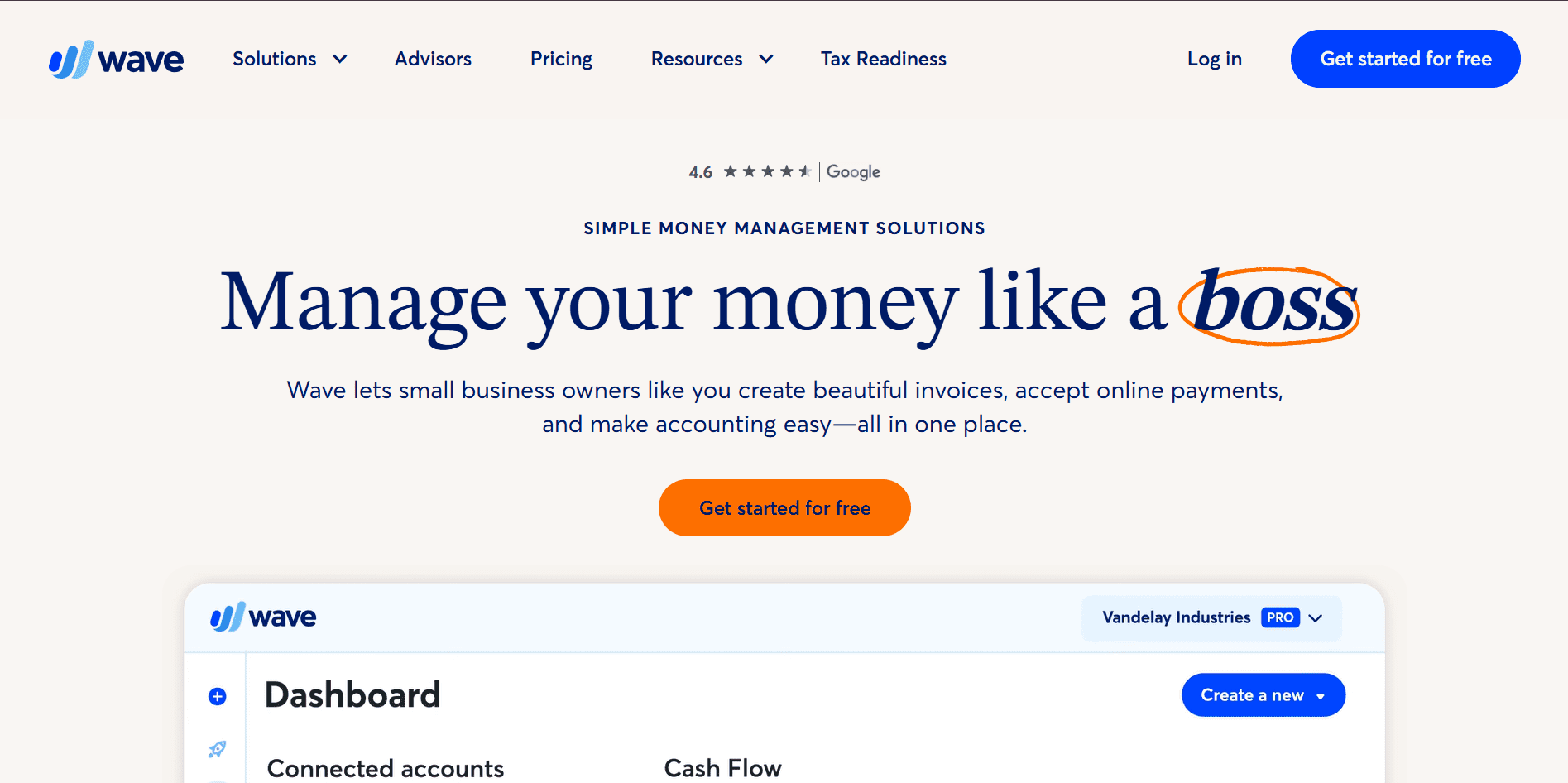
Wave offers free accounting and invoicing tools that nonprofits can use to manage everyday finances.
What’s included:
- Income and expense tracking
- Invoicing and receipt management
- Basic financial reports
Where it works best:
- Small nonprofits with simple finances
- Tracking donations, expenses, and reimbursements
- Organizations without complex accounting needs
28. Donorbox
Free plan (limited)
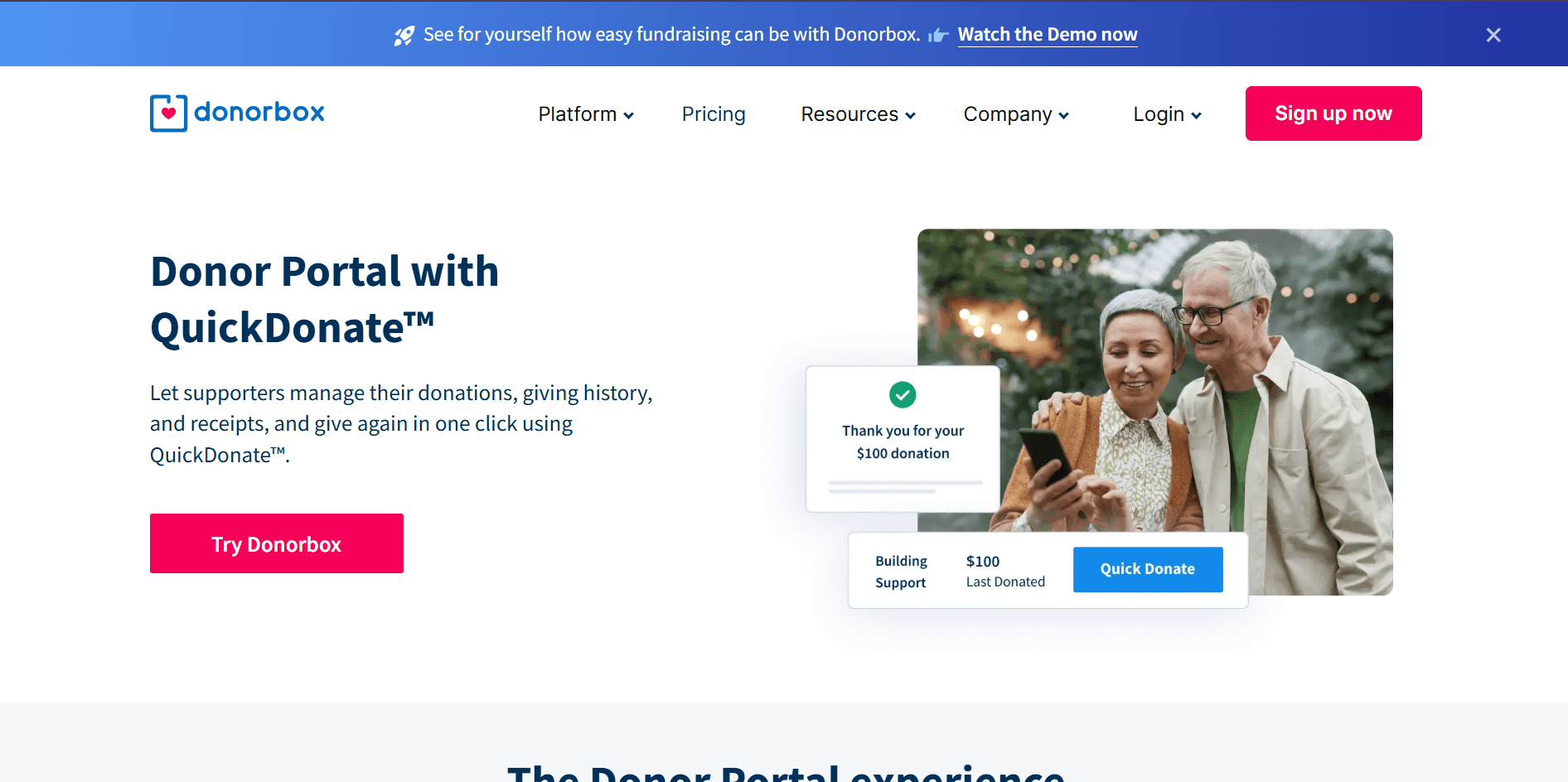
Donorbox includes a self-service QuickDonate Donor Portal that makes it easier for supporters to manage their giving.
What is included:
- Manage recurring donations
- View full donation history
- Download tax receipts without contacting your team
- Donors give again instantly using QuickDonate™
Where it works best:
- Recurring giving programs
- Branded donor portal with your organization’s name and logo
- Reduced administrative workload for receipts and donor requests
- Increased giving visibility through donation recommendations
29. GNUCash
Open-source (fully free)
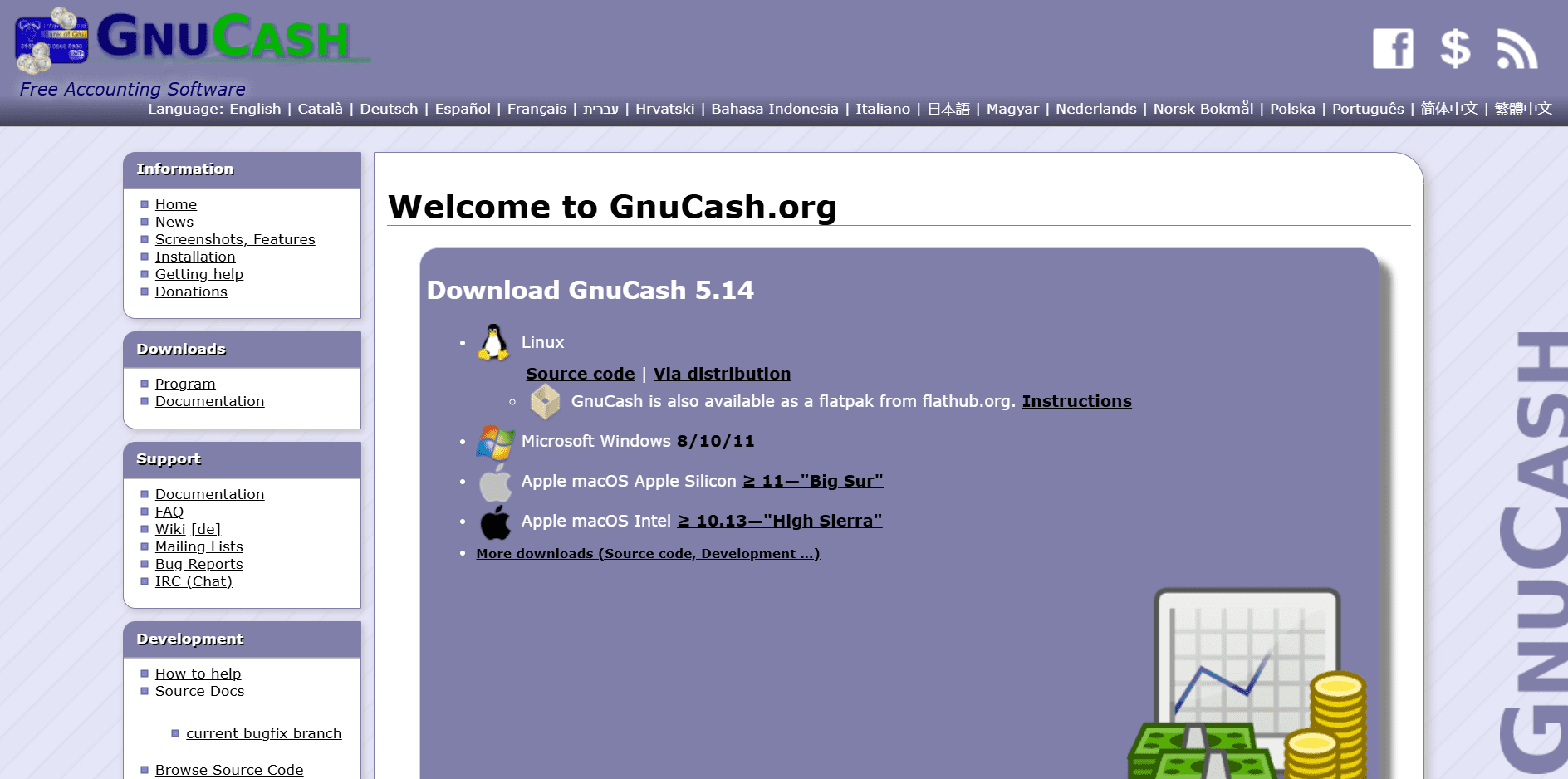
GNUCash is a free, open-source accounting tool that supports double-entry bookkeeping.
What’s included:
- Double-entry accounting
- Budgeting and expense tracking
- Financial reports and charts
Where it works best:
- Nonprofits with accounting experience
- Offline accounting needs
- Teams that are comfortable with desktop software
Free AI tools for nonprofits
AI is a part of fundraising platforms*, not as a flashy feature, but as a way to reduce response delays and manual work. With 66% of nonprofits now using AI, faster responses are becoming standard.
AI privacy note for nonprofits
AI tools can speed up writing and planning. They can also create risk if sensitive data is handled loosely.
- Do not paste donor PII, payment details, health information, or confidential case notes into AI tools.
- Do not paste internal documents (board minutes, financials, legal drafts, HR issues) unless your policy allows it.
- Check data retention and training settings for each tool, and follow your organization’s approval process.
Donor engagement
30. ChatGPT
Free plan (limited)
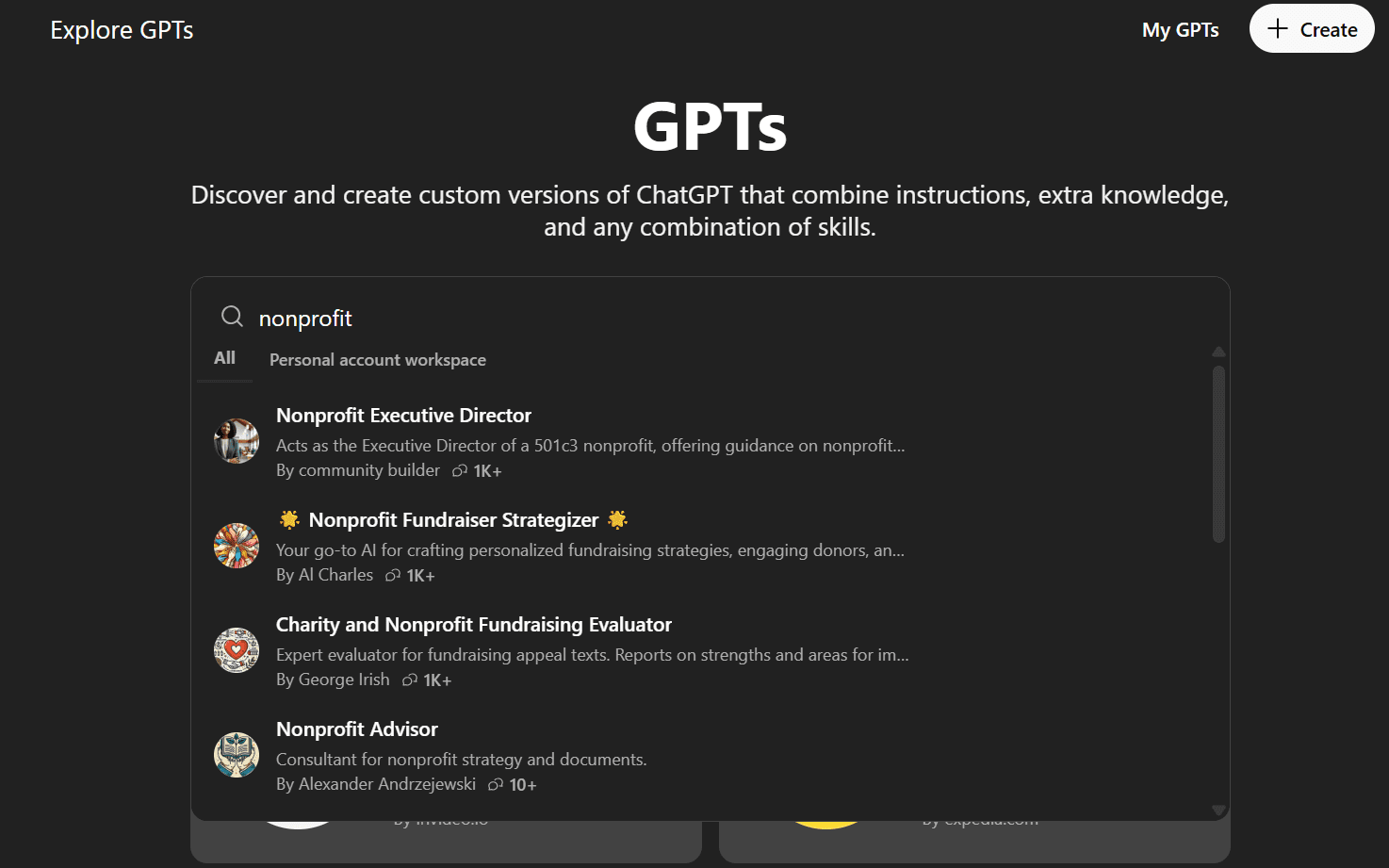
ChatGPT is one of the most flexible free AI tools nonprofits can use, especially for writing, planning, and internal thinking. Even the free version covers a lot of ground.
Where this works best:
- Drafting donor emails, newsletters, and appeal copy
- Rewriting content to sound clearer or more empathetic
- Turning rough ideas into structured campaign plans
- Simplifying complex topics for public-facing communication
Nonprofits create or use custom GPTs tailored for:
- Grant draft assistance
- Fundraising email writing
- Campaign planning checklists
- Policy or program explainers
31. Perplexity
Free plan (limited)
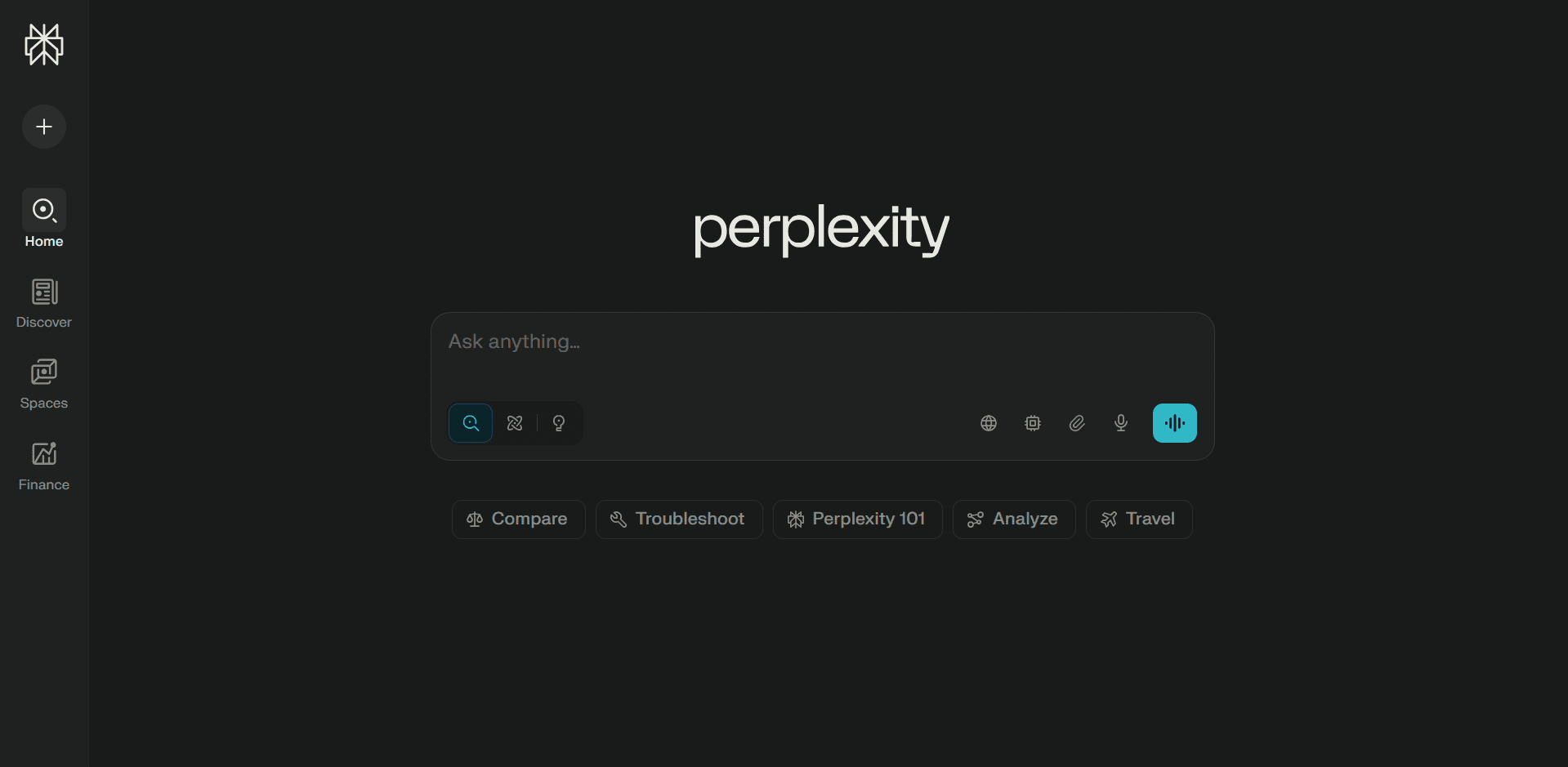
Perplexity is best thought of as AI-powered research, not a writing tool. It’s especially useful when accuracy matters.
Where this works best:
- Finding recent statistics and trends
- Researching nonprofit policies, funding areas, or regulations
- Grant research and background sections
- Fact-checking blog or report content
32. Grantable
Free plan (limited)
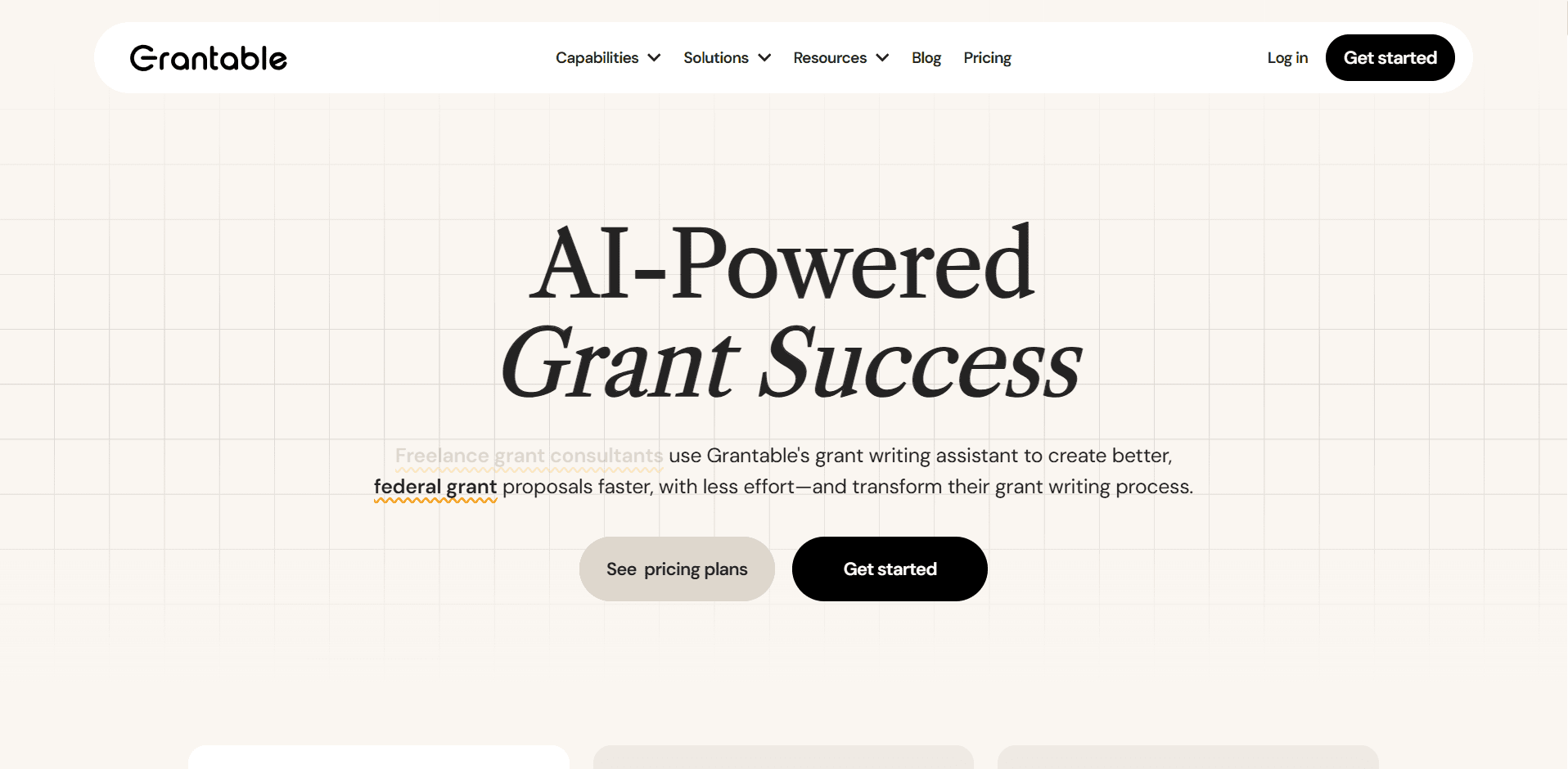
Grantable is an AI-powered platform built specifically for grant writing and grant management, offering end-to-end assistance rather than just surface-level text generation.
What it includes:
- Full grant writing AI-assistance for drafts, rewrites, and refinements
- Built-in style guides to keep proposals consistent with funder requirements
- AI-powered search to reference past grants, documents, and inputs
- A large 10,000-word context window, which means the AI understands long proposals, guidelines, and background documents at once
- Support for managing multiple grants and versions without losing context
How nonprofits use it:
- Drafting complete grant proposals from outlines or notes
- Rewriting sections to better match funder language and tone
- Maintaining consistency across long, multi-section applications
- Speeding up grant workflows without sacrificing accuracy
Creative
33. CapCut
Free plan (limited)
CapCut has free AI-powered video editing tools that work well for short-form and social videos.
Where it works best:
- Auto-caption videos
- Generate subtitles and cuts automatically
- Create short campaign and event videos
34. Playground AI
Free plan (limited)
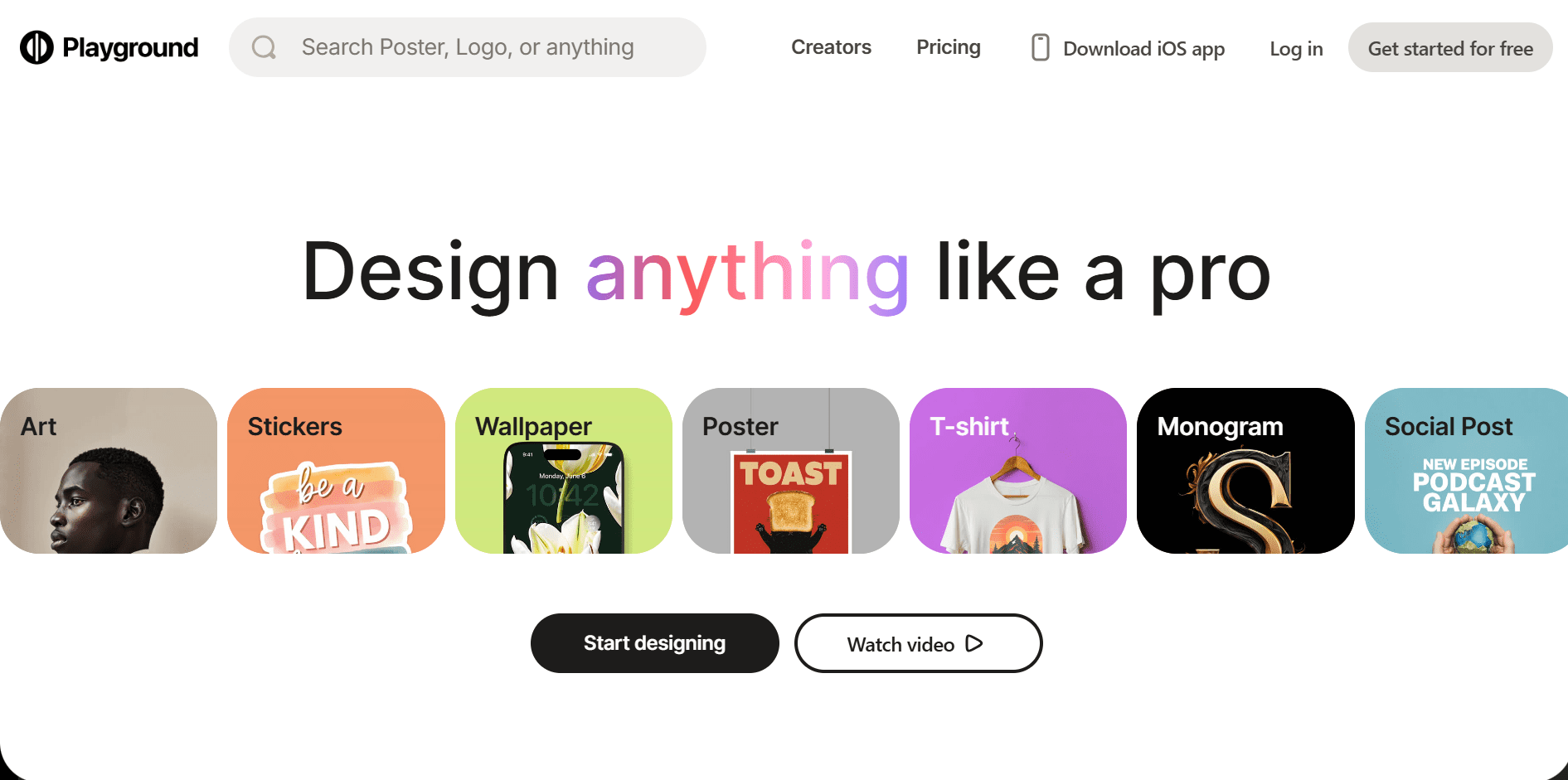
Playground AI provides free AI image generation with daily limits.
Where it works best:
- Generate up to 1000 custom visuals for campaigns
- Create logos and brand images for auctions or fundraising sales on merchandise
- Produce images when stock photos don’t fit
Discounted memberships and support networks for nonprofits
Some of the most valuable free resources for nonprofits aren’t tools; they’re networks, training, and access. A few platforms offer free access to learning and community, with optional memberships that unlock deeper discounts and bundled benefits.
35. The Nonprofit Cooperative
Free resource
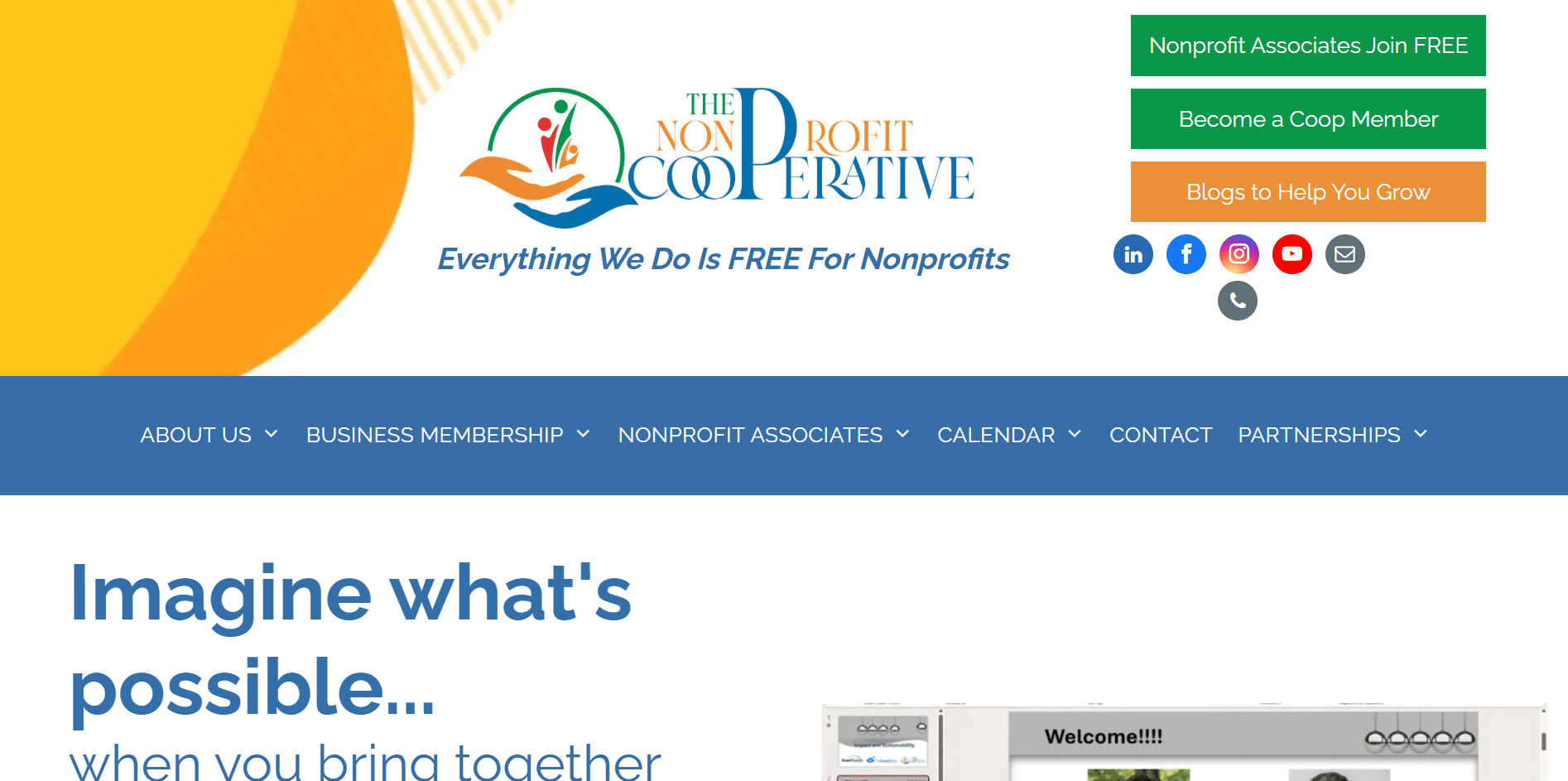
Creating an account with The Nonprofit Cooperative is free, and even without a paid membership, nonprofits get access to a wide range of educational and community-driven resources.
What you get with a free login:
- Workshops and training sessions
- Lunch & Learn events
- Mentoring opportunities
- RFP processing support
- Meet-and-greet networking events
- Professional development resources
- Nonprofit fundraising summits
Additional benefits with membership (discounts and bundled access):
- GrantStation discounts through the GrantStation Swag Bag
- Reduced pricing on fundraising, grant, and capacity-building tools
- Bundled offers that lower the cost of commonly used nonprofit software
36. Techsoup
Free resource
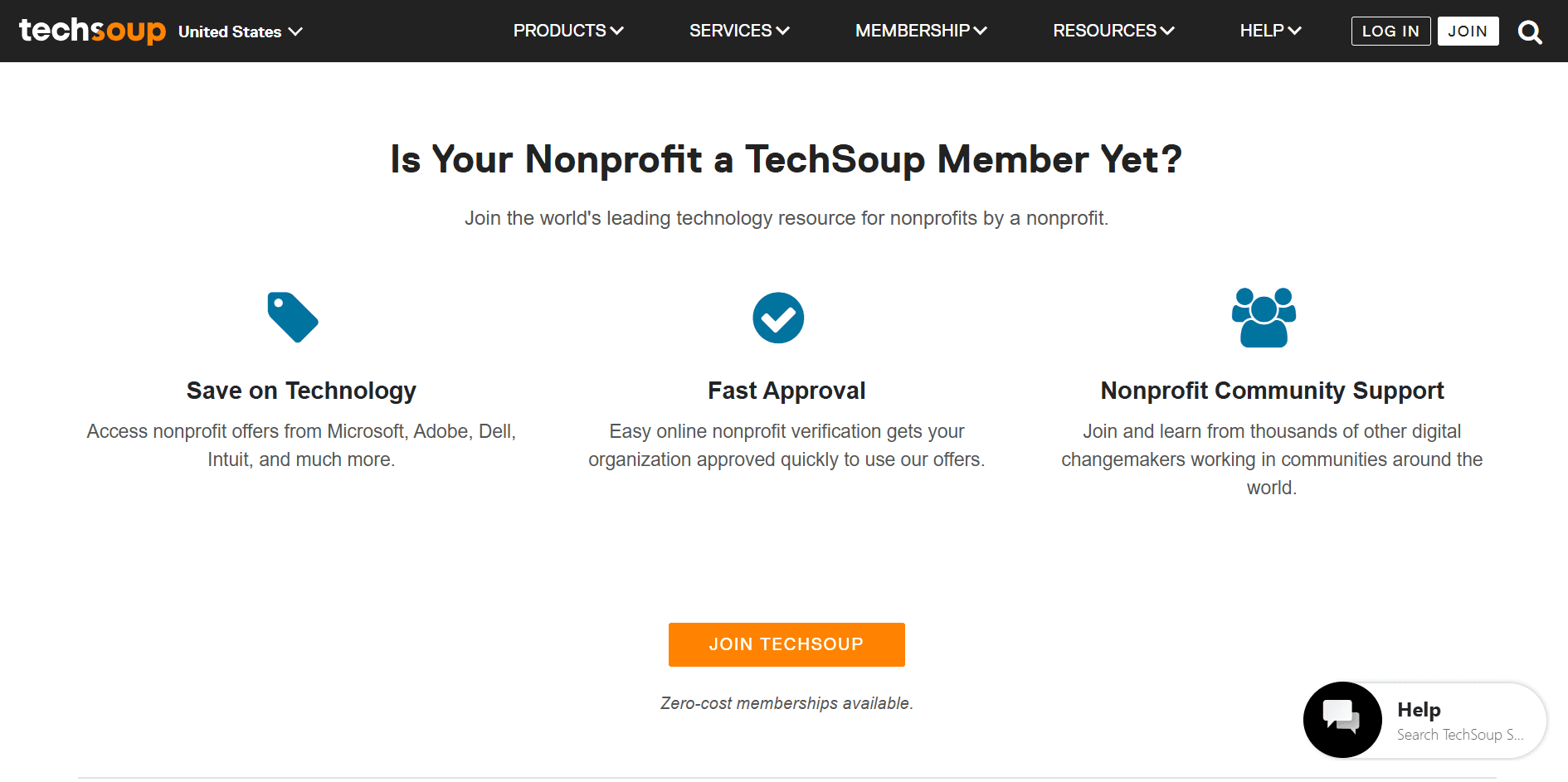
Techsoup offers free access to resources and learning for nonprofits, along with the option to purchase deeply discounted and donated technology from major providers.
What you get for free:
- Nonprofit technology guides and resources
- Webinars and training on using tech effectively
- Articles and best practices for nonprofit operations
- Access to a global nonprofit tech community
Additional benefits through discounted and bundled products:
- Microsoft, Adobe, and other major software providers
- Cloud services, security tools, and productivity software
- Bundled nonprofit pricing that’s often 50-90% lower than retail
Note: While Techsoup’s membership is free, they charge a small admin fee when purchasing the discounted products.
Free volunteer and team management tools for nonprofits
Managing volunteers and internal teams doesn’t require paid HR software. There are several free resources for nonprofits that help with sign-ups, coordination, scheduling, and internal communication.
Volunteer management
37. SignUpGenius
Free plan (limited)
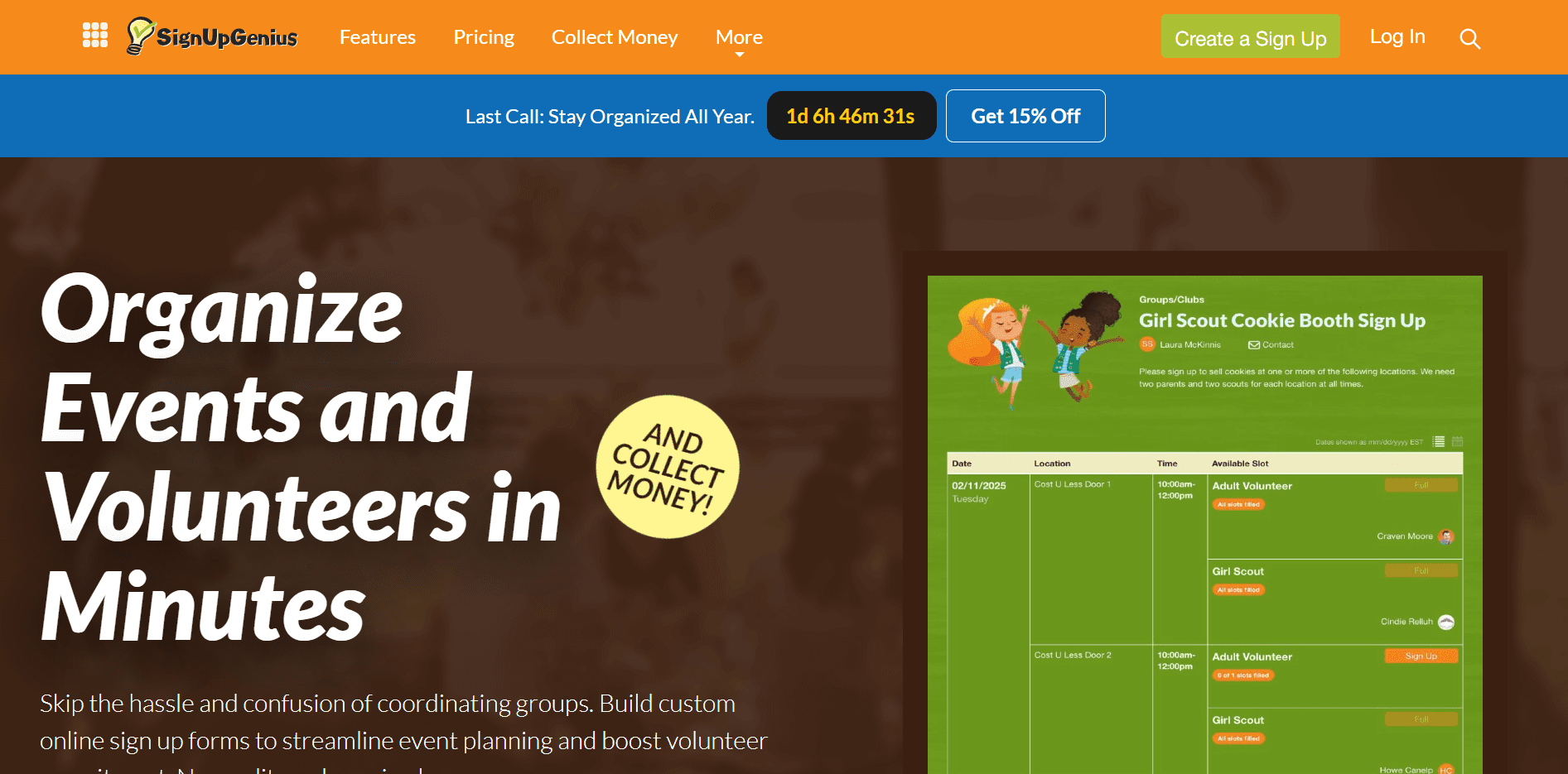
SignUpGenius works well for nonprofits coordinating volunteers, small fundraisers, and simple events.
What’s included:
- Unlimited sign-up pages with multiple sign-up formats
- Basic group and participant management tools
- Email support
- Sell tickets, collect donations, and run auctions
Where it works best:
- Volunteer shift coordination
- One-day events and small fundraisers
- Schools, churches, and community-based nonprofits
38. Google Workspace
Google Workspace tools (Docs, Sheets, Calendar, Drive) are widely used by nonprofits to coordinate volunteers and teams at no cost.
Where it works best:
- Event coordination and scheduling
- Volunteer sign-ups using Google Forms
- Scheduling shifts with Google Calendar
- Sharing files and documents through Drive
- Tracking volunteer hours and tasks in Sheets
39. Slack
Free plan (limited)
Nonprofits often use Slack’s free version for internal communication and coordination.
Hard free-tier limits to know:
- Limited message history
- File storage cap
- Limited admin and security controls
- No advanced workflow automation
Where it works best:
- Topic-based channels for projects or events
- Quick coordination without email overload
- Internal communication during campaigns
Volunteer recruiting
40. Catchafire
Free resource
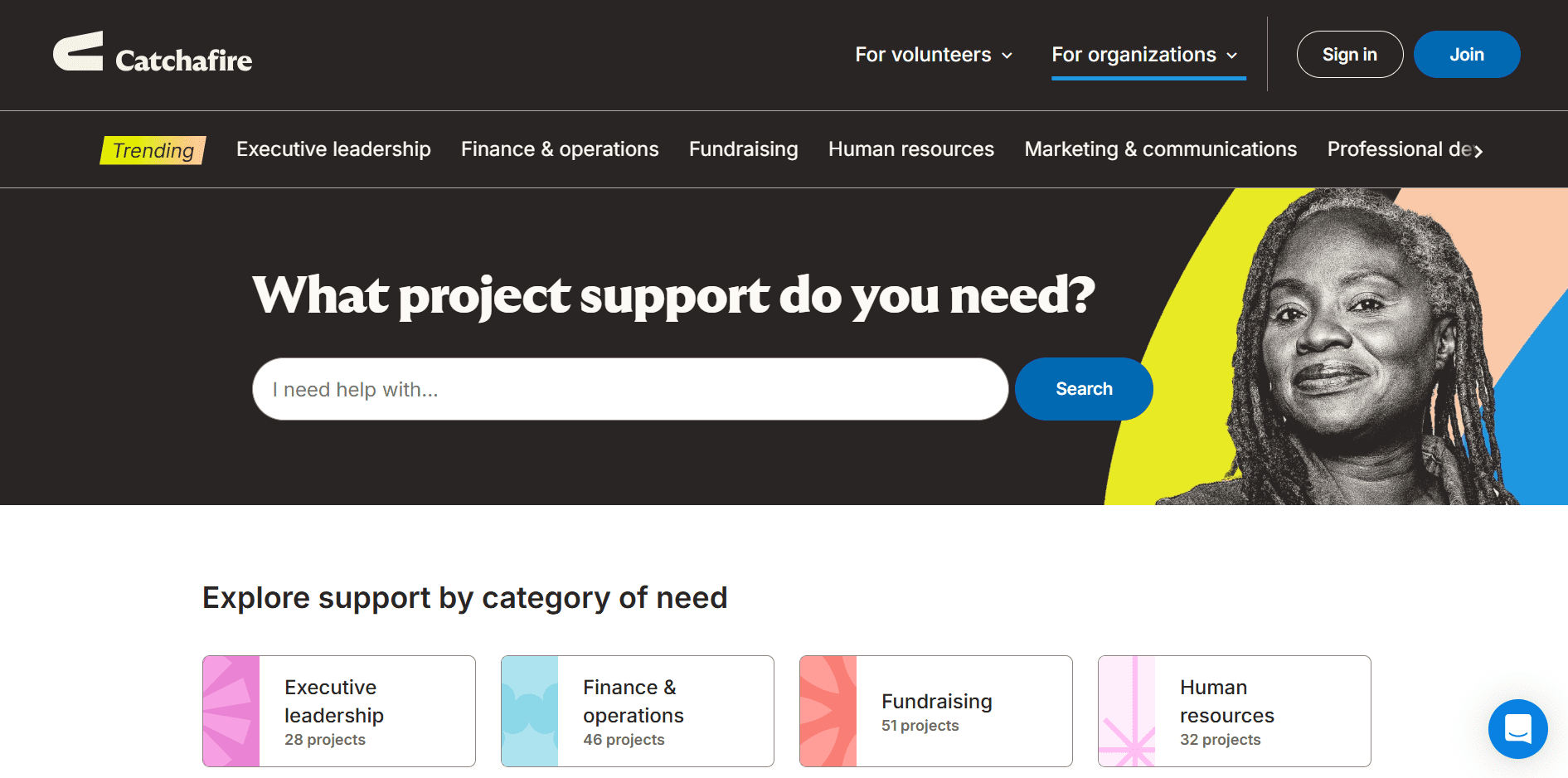
Focused on skills-based volunteers (design, finance, legal, marketing, tech).
Where it works best:
- Access professionals donating time and expertise
- Project-based volunteering instead of long-term commitments
- Particularly useful for capacity-building work
Best for: Small teams needing expert help without hiring
41. Taproot Foundation
Free resource
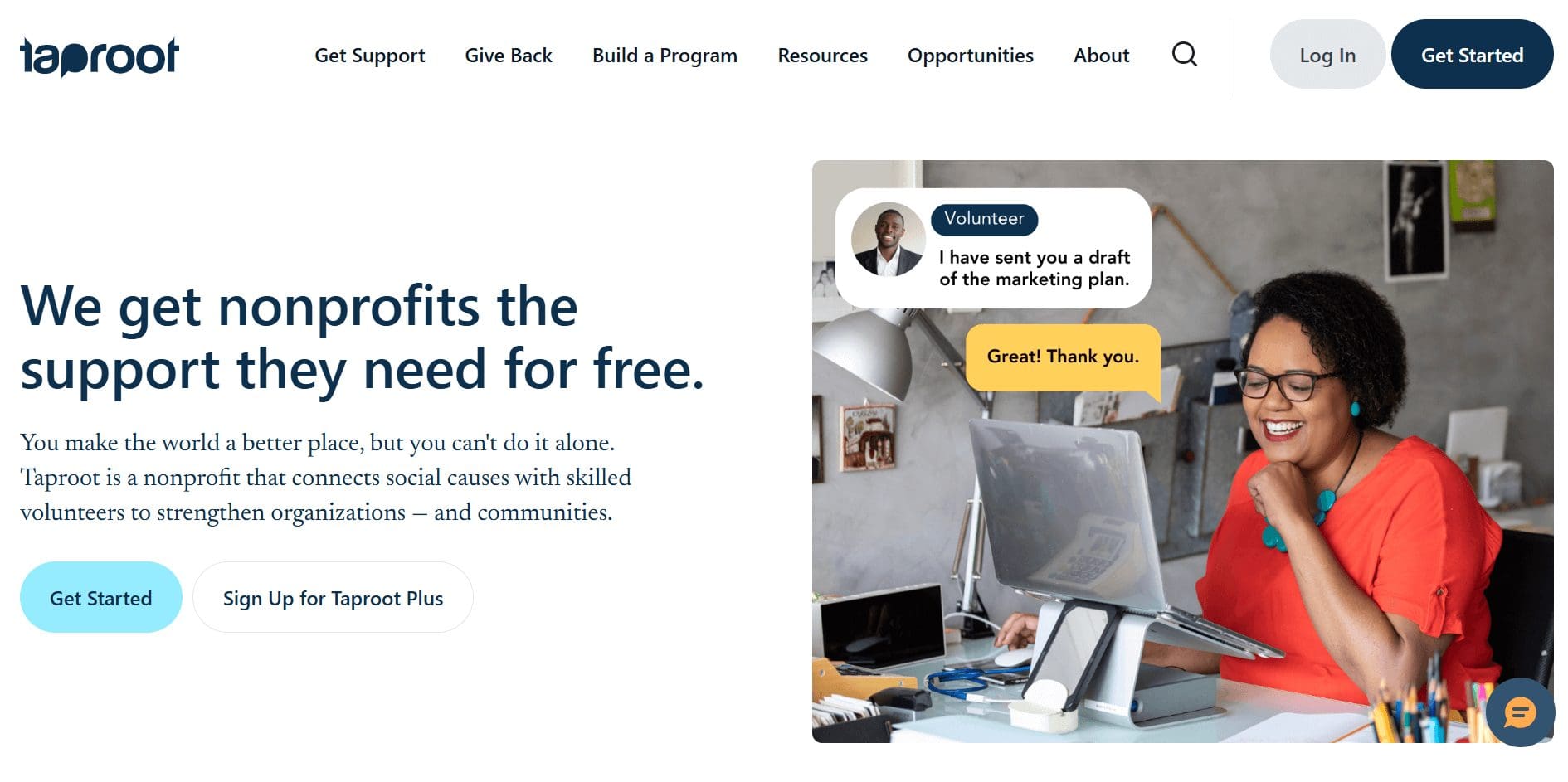
A platform connecting nonprofits with pro bono consultants for both nonprofits and volunteers.
Where it works best:
- Strategic, high-impact volunteer projects
- Skills like strategy, HR, marketing, and operations
- Often replaces expensive consulting engagements
Best for: Growth-stage nonprofits with defined needs
42. VolunteerMatch (now as a part of Idealist)
Free resource
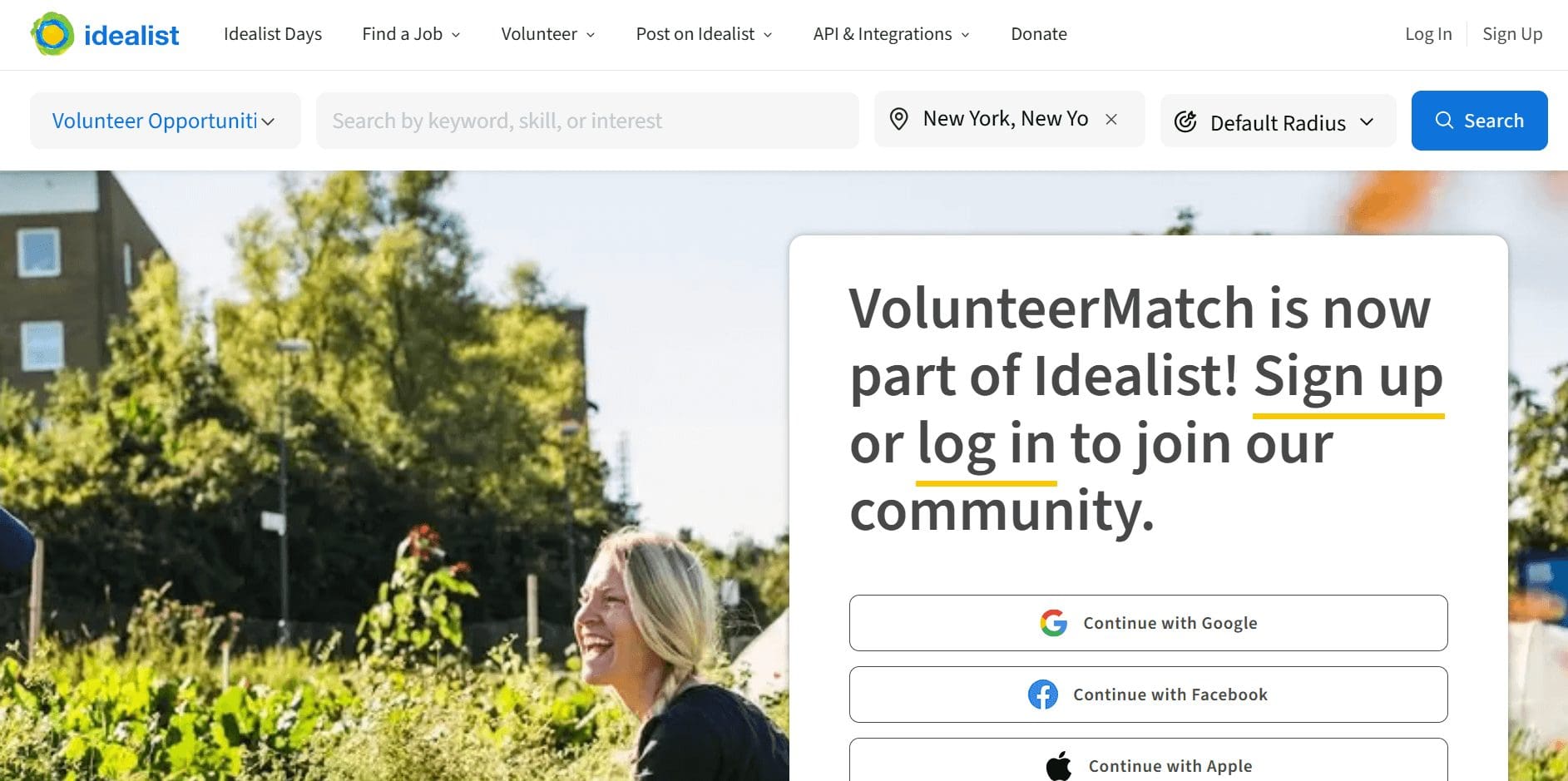
A large volunteer discovery platform with a broad reach for volunteers looking for jobs or organizations looking to hire.
Where it works best:
- Post volunteer roles and opportunities
- Strong geographic filtering
- Widely used by community-focused nonprofits
Best for: Local and event-based volunteer recruitment
Free grant, compliance, and legal resources for nonprofits
Legal and compliance work can get expensive fast, but there are free nonprofit resources that help organizations stay informed, compliant, and organized.
43. IRS Tax Exempt Organization Search
Free resource
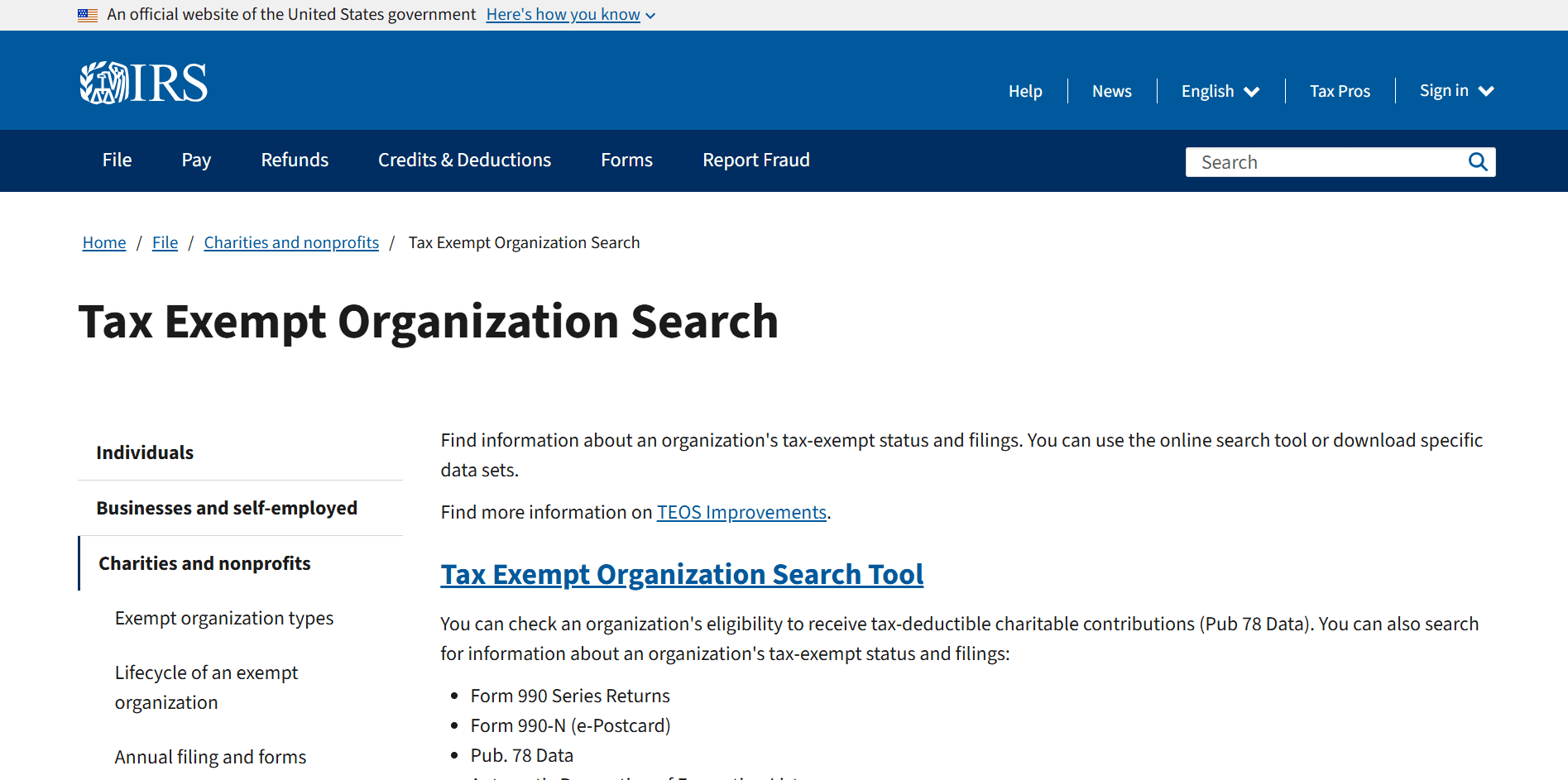
This one might seem obvious, but it can come in handy at tricky times. The IRS provides a free public database where nonprofits can verify tax-exempt status and access official filings.
What it helps with:
- Verifying 501(c)(3) status
- Accessing Forms 990 and exemption letters
- Confirming nonprofit eligibility for grants and donations
Where it works best:
- Compliance checks
- Grant and partnership verification
- Public transparency requirements
44. BoardSource
Free resource
BoardSource provides nonprofit leaders with governance-focused guidance. Its free resources are useful for nonprofits that need high-level direction or are just getting started with board governance.
What’s included for free:
- A limited selection of governance articles, checklists, and tools
- Introductory guidance on board roles and responsibilities
- Curated insights delivered via their Resources + Solutions email
45. National Council of Nonprofits
Free resource
The National Council of Nonprofits provides free legal and compliance guidance tailored specifically for nonprofits.
What it helps with:
- State and federal compliance information
- Nonprofit law explainers
- Policy updates affecting nonprofits
Where it works best:
- Staying compliant across jurisdictions
- Ongoing education for leadership teams
46. Pro Bono Net
Free resource
Pro Bono Net connects nonprofits with free or low-cost legal assistance and legal information.
What it helps with:
- Access to pro bono legal support
- Legal education resources
- Compliance and operational guidance
Free domain and infrastructure essentials for nonprofits
47. Cloudflare
Free plan (limited)
Cloudflare has a genuinely useful free plan that nonprofits can use to protect and manage their websites and domains.
What it includes:
- DNS management for your domain
- Basic website security and DDoS protection
- Improved site speed with 330 CDN data centers
- SSL certificate at no cost
Where it works best:
- Nonprofits running their own website
- Organizations managing custom domains
- Teams without dedicated IT support
48. Wix
Free plan (limited)
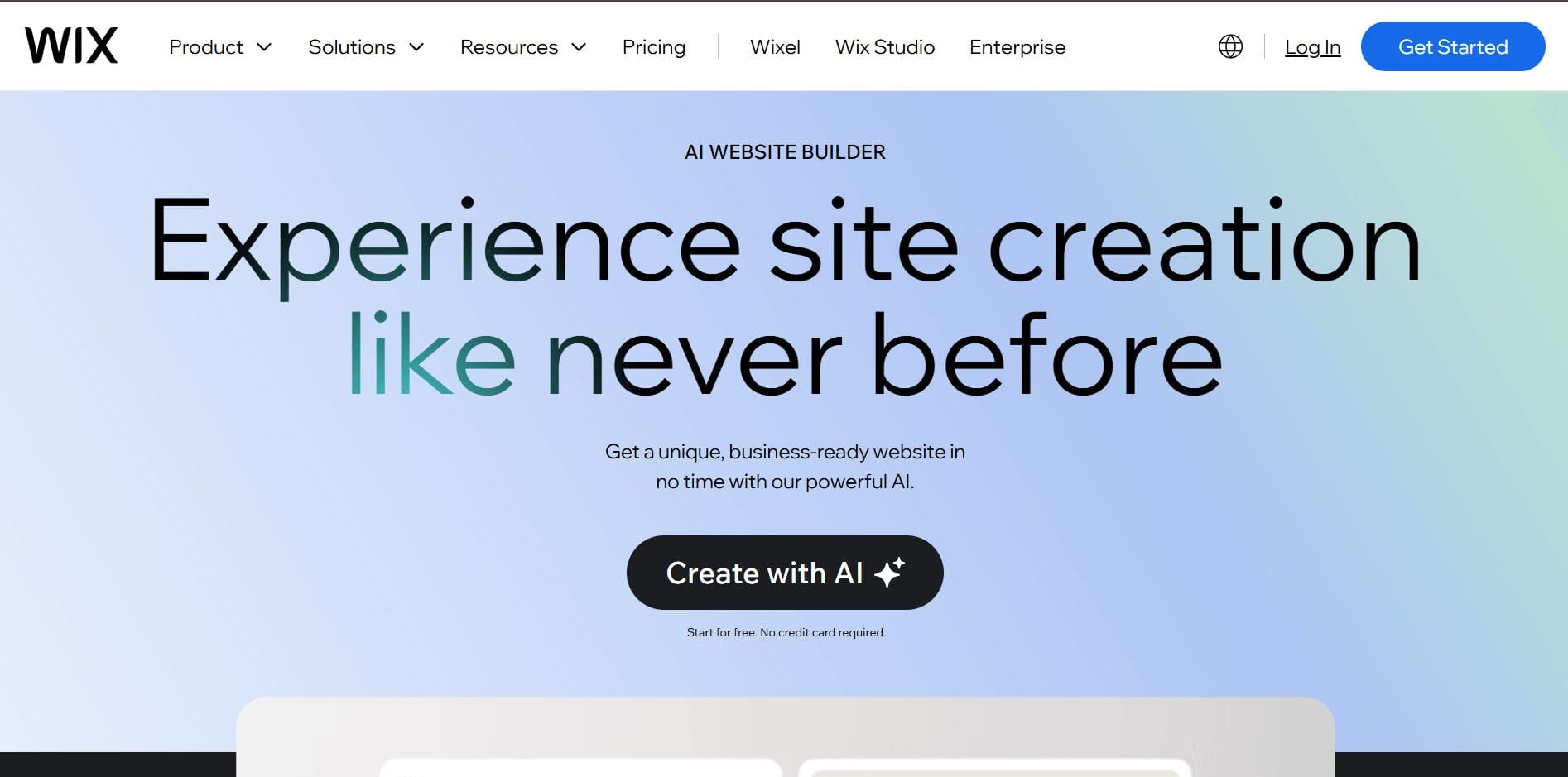
Wix allows nonprofits to start building a website for free, including using AI to generate layouts and content. This makes it a low-barrier option for organizations that need to get online quickly.
What’s included for free:
- Build a website using Wix’s AI website builder
- Design pages, layouts, and content without coding
- Preview and iterate on your site before committing
Hard free-tier limits to know:
- Wix ads displayed on free sites
- No custom domain on free plans
- Limited storage and bandwidth
- Advanced features (ecommerce, advanced analytics, integrations) require upgrade
Where it works best:
- Early-stage nonprofits creating their first website
- Teams that want to prototype a site before spending money
- Organizations exploring AI-assisted website building
49. Let’s Encrypt
Open-source (fully free)
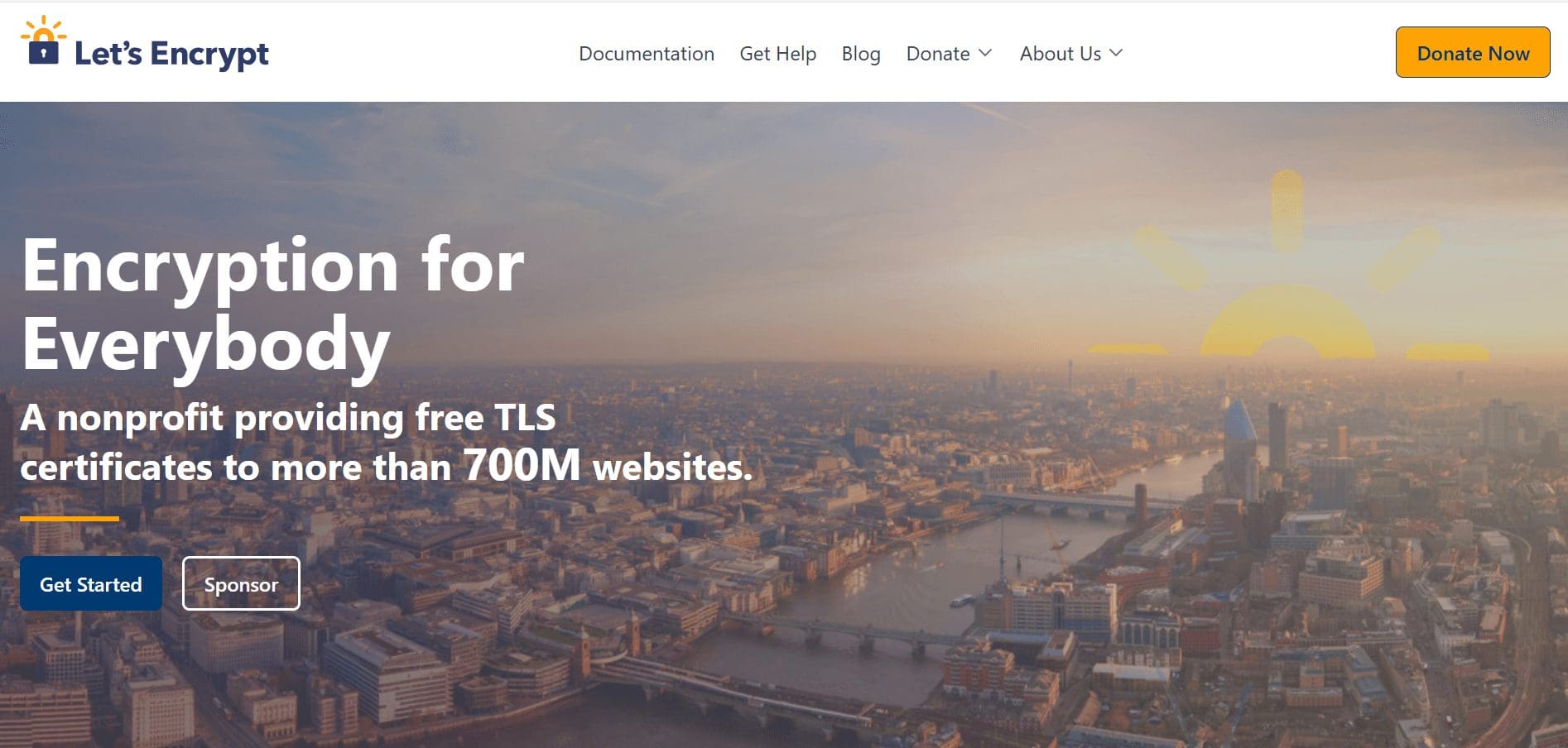
Let’s Encrypt provides free SSL certificates, allowing nonprofits to secure their websites without paying for certificates.
Where it works best:
- Enabling HTTPS on nonprofit websites
- Improving trust and security for donors
- Meeting basic web security expectations
- Nonprofits running WordPress or custom sites
50. Avast Antivirus
Free plan (limited)
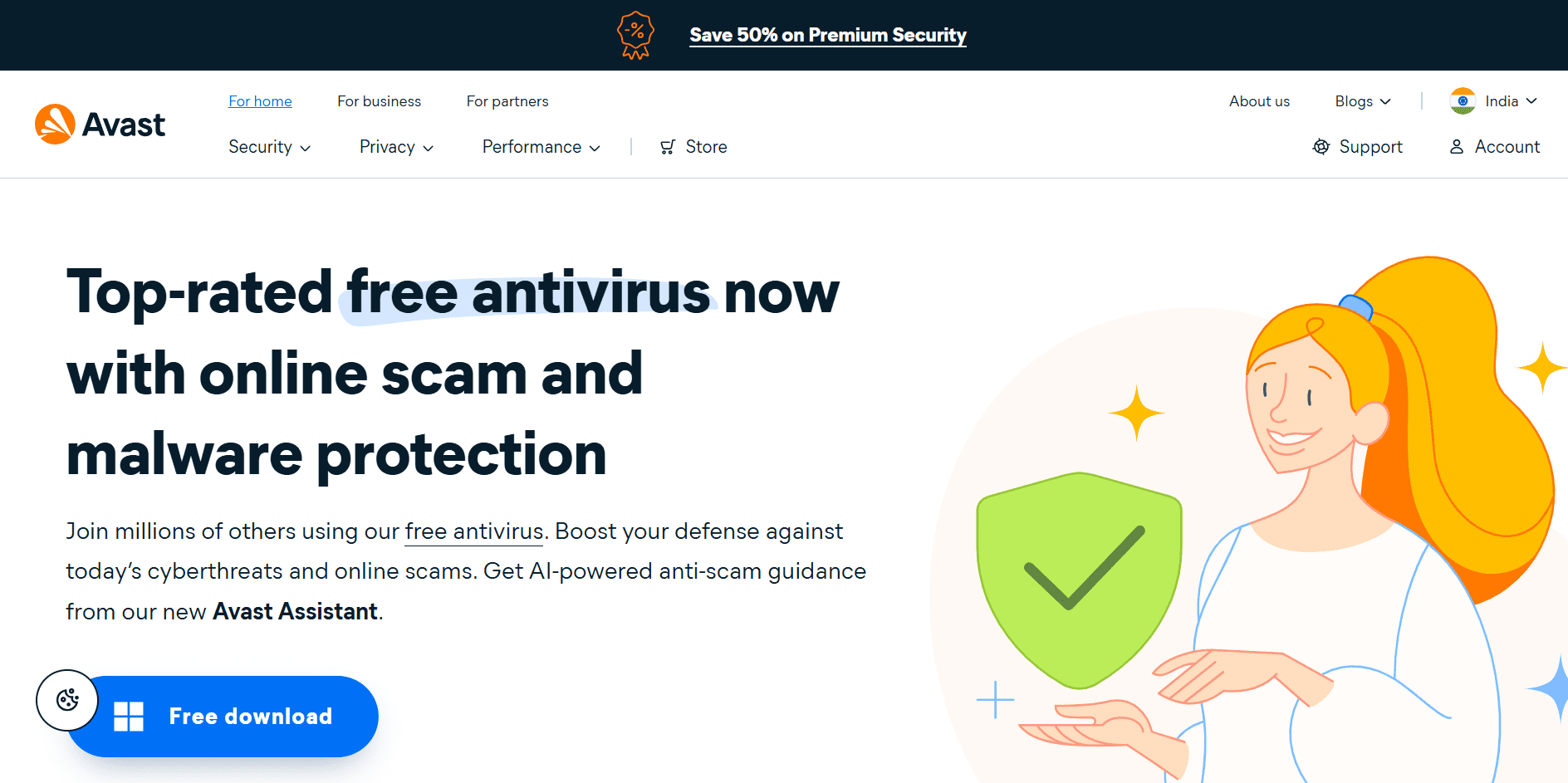
Avast Antivirus provides basic, no-cost security protection that nonprofits can use to safeguard devices against common threats.
What its protection includes:
- Viruses, spyware, and malicious software
- Email-based threats and spam
- Basic network threats via a built-in firewall
Free courses and certifications for nonprofits
Many nonprofit courses and certifications are free to access, even if optional certificates or advanced tracks require payment.
51. Nonprofit Ready
Free resource
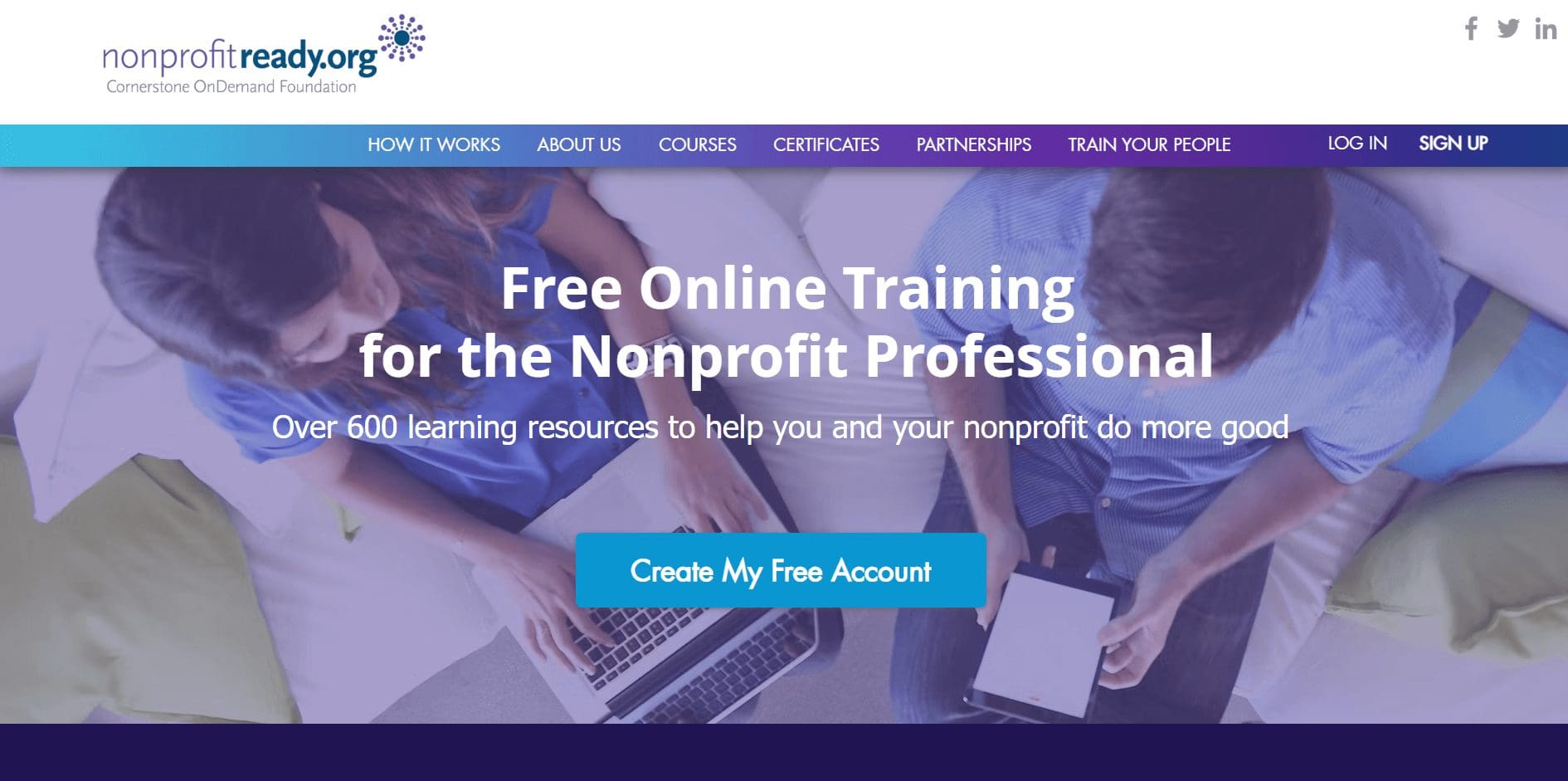
One of the best fully free learning platforms built specifically for nonprofits.
What’s free:
- Fundraising, donor engagement, leadership, finance, and marketing courses
- Certificates of completion
- Self-paced, no paywall
Best for: Small nonprofits, new staff, fundraisers, operations teams
52. Grow with Google
Free resource (training); certificates are typically paid
Grow with Google offers free training content and skill-building resources that nonprofits can use to strengthen digital capacity.
What’s free:
- Skill-building tutorials and learning resources
- Workshops and webinars on digital marketing, analytics, and online visibility
- Introductory training materials for teams
What’s typically paid:
- Google Career Certificates are subscription-based (often around $49/month in the U.S. and Canada after a short trial)
- Access to full certificate tracks usually requires paid enrollment
- Financial aid or scholarships may be available depending on platform and region
Where it works best:
- Nonprofits improving digital skills
- Teams exploring structured career training
- Organizations evaluating paid certification programs
53. Candid Learning
Free resource
Trusted nonprofit education from the org behind GuideStar.
What’s free:
- Courses on fundraising, grantseeking, and nonprofit leadership
- Webinars and recorded sessions
- Learning paths for nonprofit professionals
Best for: Grantseekers, nonprofit leadership, compliance basics
54. Nonprofit Learning Lab
Free resource
Nonprofit Learning Lab is good for ongoing learning via events rather than static courses.
What’s free:
- Regular free webinars
- Practical sessions on fundraising, tech, DEI, and operations
Best for: Staying current without committing to long courses
Free scheduling and coordination tools for nonprofits
For growing nonprofit teams, coordination becomes a problem, especially if you are remote. Meetings, volunteer shifts, deadlines, and event-day logistics can turn into chaos without a shared system.
55. Trello
Free plan (limited)
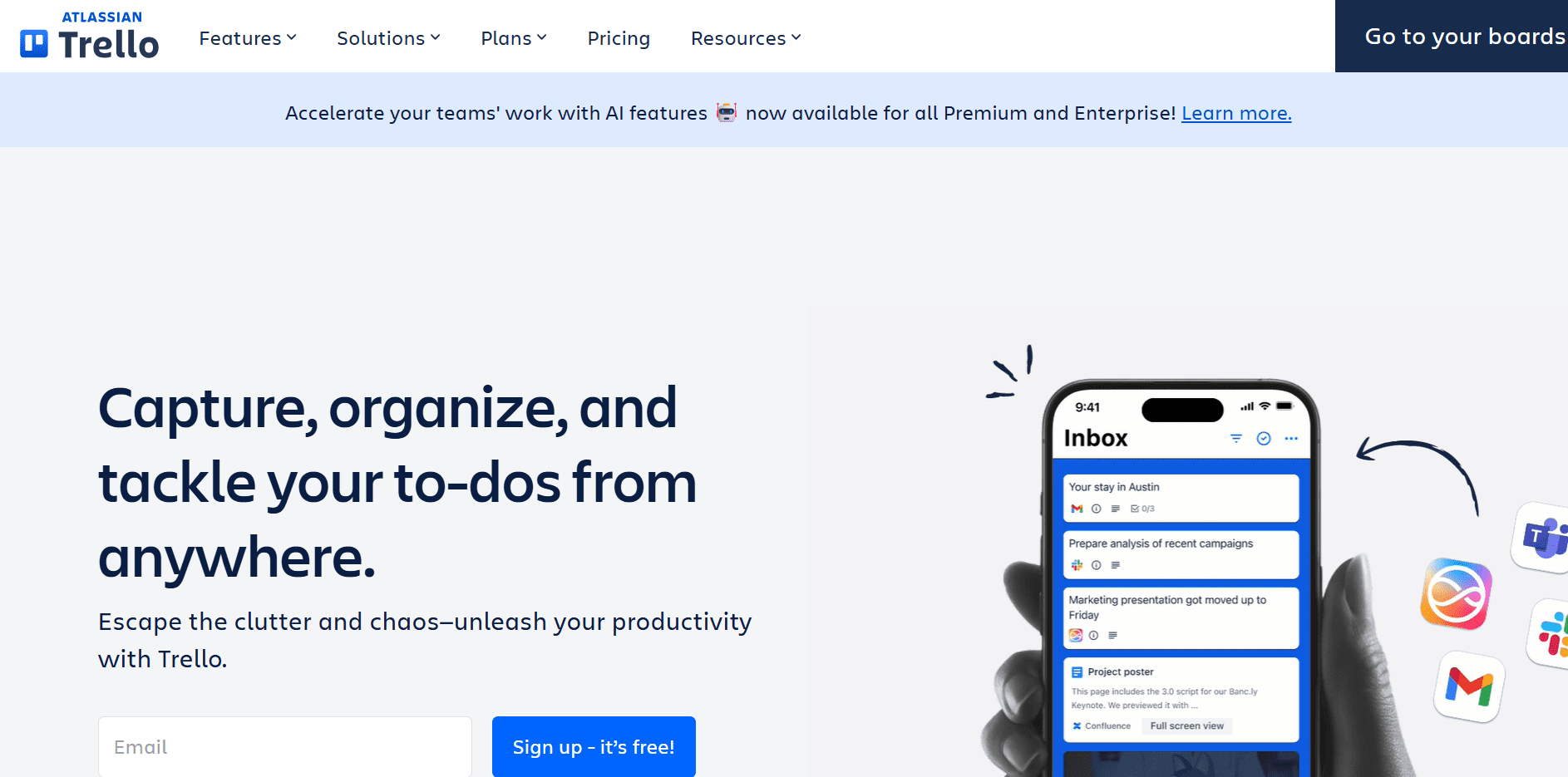
Trello uses visual boards and cards to organize tasks and workflows. It’s simple, visual, and works well for small teams that don’t want complexity.
Where it works best:
- Planning fundraising campaigns phase by phase
- Assigning volunteer or staff responsibilities
- Tracking event prep and post-event follow-ups
56. Asana
Free plan (limited)
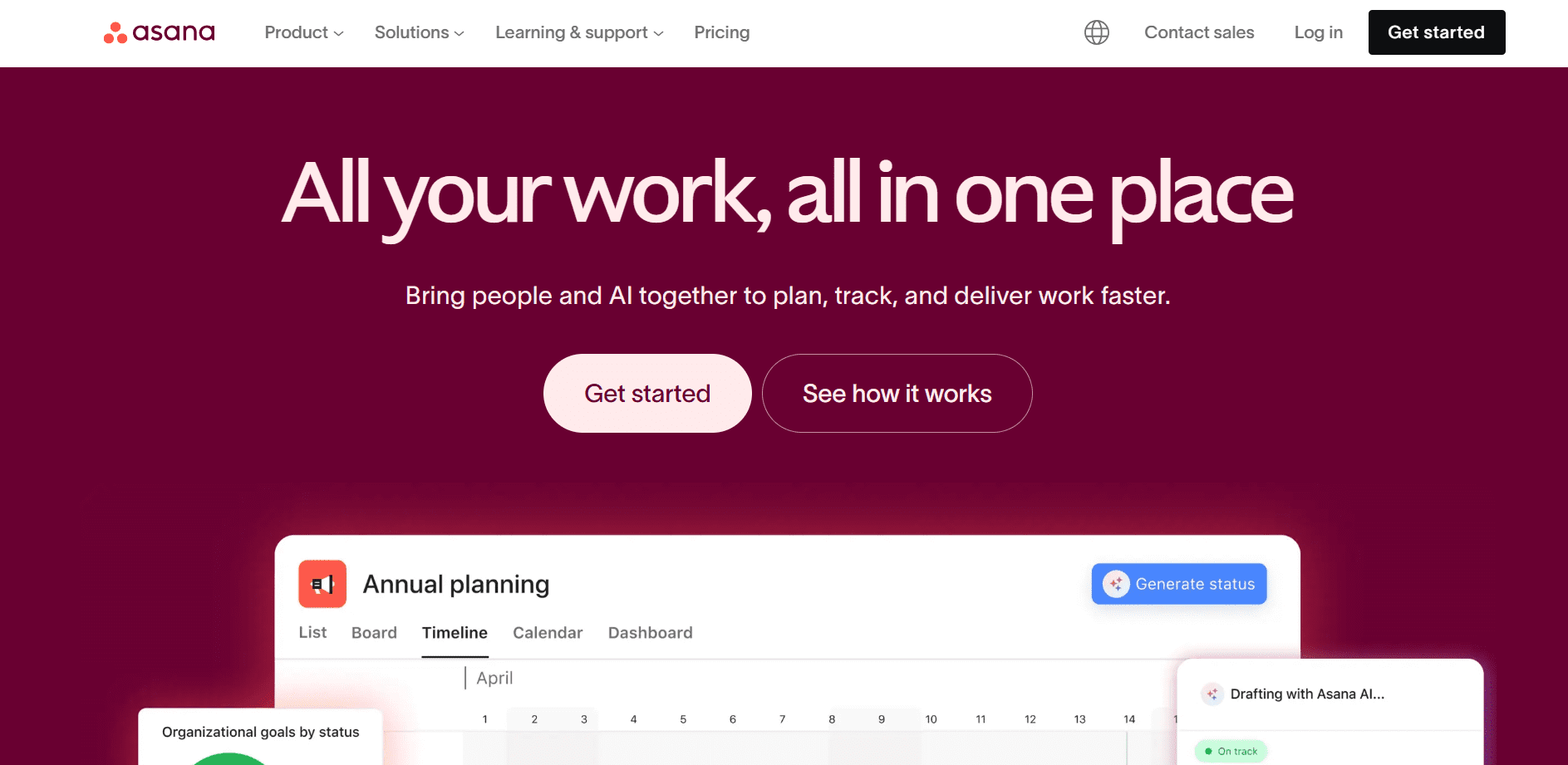
Asana’s free plan supports task tracking and basic project management. It’s more structured than Trello, making it useful as teams grow.
Where it works best:
- Coordinating tasks across staff and volunteers
- Managing timelines for campaigns and events
- Tracking dependencies and deadlines
57. Monday.com
Free plan (limited)
Monday.com offers a limited free tier for individuals and small teams. It provides structure and visibility, especially for multi-step projects.
What’s included:
- Up to 3 main boards shared with your team
- A starting limit of 200 total items (with small increases possible via referrals)
- Forms view to collect information (e.g., volunteer sign-ups or internal requests)
- Kanban view for visual task tracking
- Monday workdocs for shared notes, planning, and brainstorming
Hard free-tier limits to know:
- Limited integrations
- Limited automation
- Basic reporting only
Where it works best:
- Small teams
- Simple campaign or event tracking
- Internal coordination without complex workflows
58. Calendly
Free plan (limited)
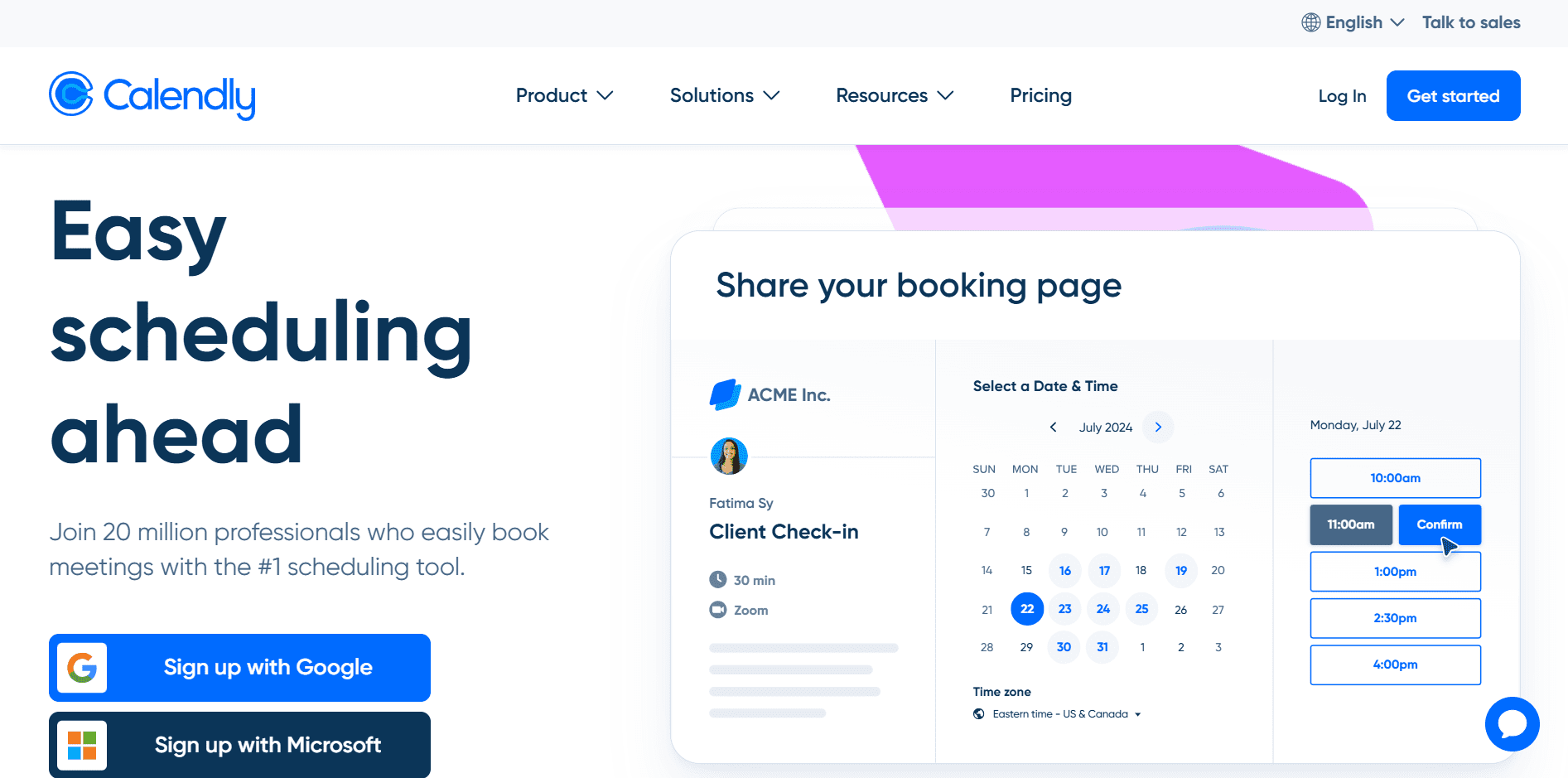
Calendly offers a simple, free scheduling tool that helps nonprofits book meetings without endless email back-and-forth.
What’s included on the free plan:
- 1 event type (e.g., donor call, volunteer interview)
- Connect 1 calendar (Google, Outlook, etc.)
- Customizable availability and scheduling rules
- Built-in video conferencing integrations
- Customizable booking page
Best for: Small nonprofits with simple scheduling needs or one-on-one meetings rather than complex workflows.
Free guides, templates, and checklists for nonprofits
These resources help nonprofits figure things out step by step, from fundraising and donor engagement ideas to planning events and improving operations.
59. RallyUp – Blog and resource library
Free resource
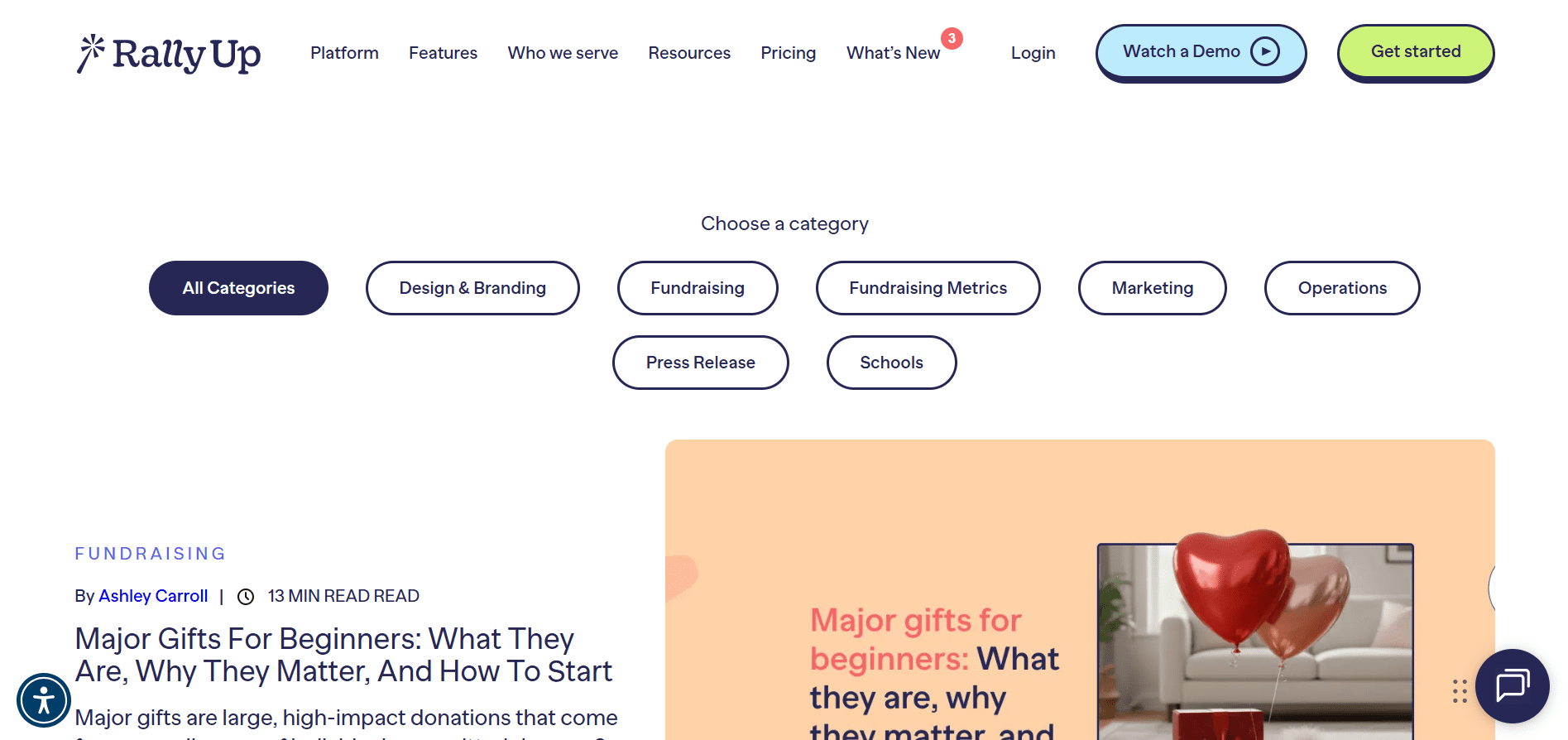
RallyUp’s blog and resource hub covers practical topics nonprofits actually deal with.
Examples of what’s included:
- Fundraising ideas – Silent auctions, raffles, crowdfunding, galas and events
- E-books – How to use AI to fundraise faster and better
- Donor engagement- Donor retention rate, donor psychology
- Nonprofit strategy – How to start a nonprofit, nonprofit marketing
- Campaign guides – Raffles, auctions, raising funds
- Demo campaigns
- Templates – fundraisers, thank-you letters, impact report
- Checklists – Hybrid events, donor engagement, board of directors, major gifts
60. Innovative Nonprofit
Free resource
Innovative Nonprofit publishes free guides focused on running and growing a nonprofit more effectively. Topics include donor retention, fundraising strategy, and operational best practices.
61. Bloomerang + Kindful
Free resource
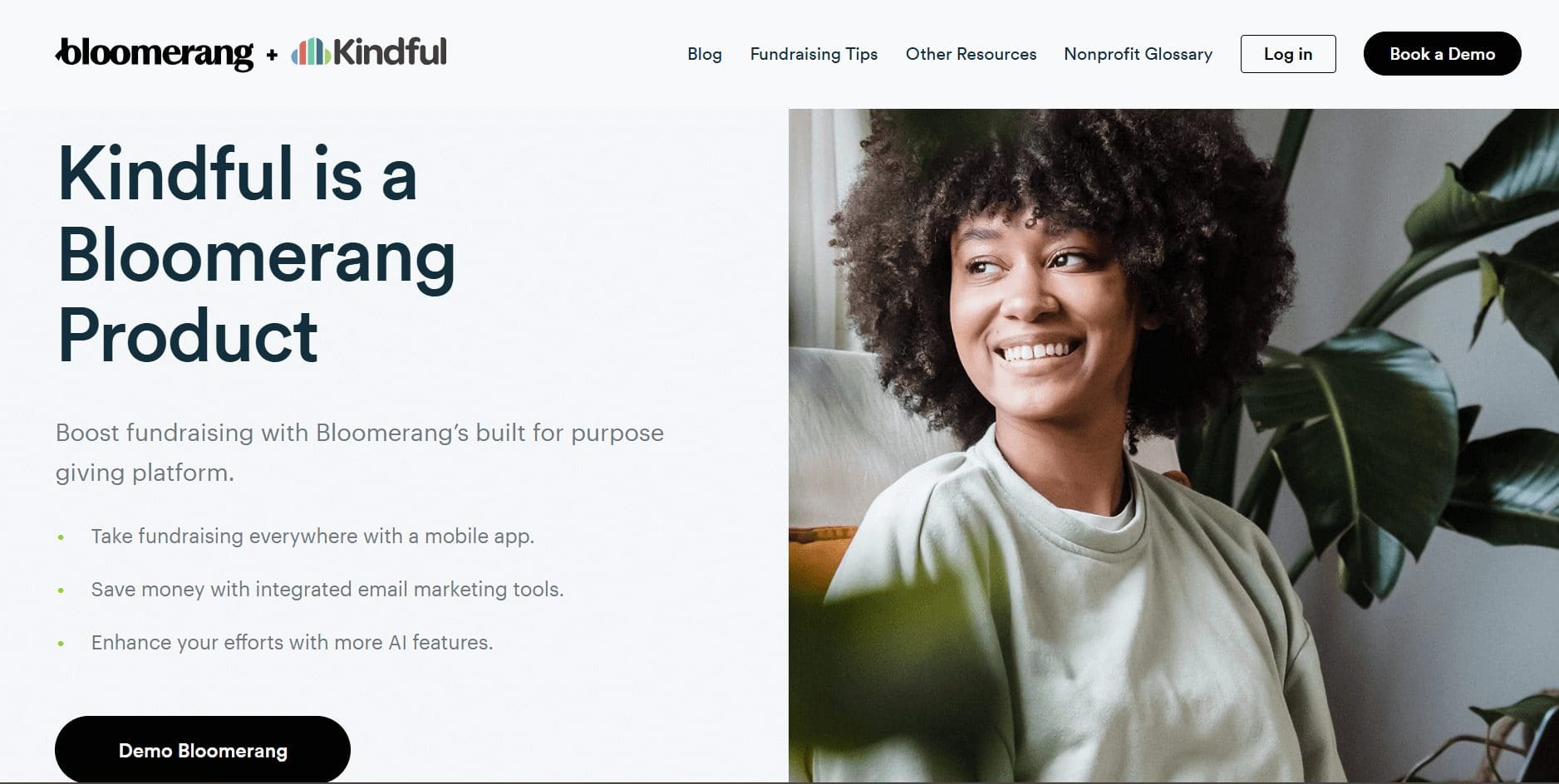
Bloomerang and Kindful publish a collection of free, educational eBooks created by nonprofit practitioners. The content is designed to help organizations improve fundraising strategy, donor acquisition, and technology decisions.
62. Meta – Nonprofit Best Practices Hub
Free resource
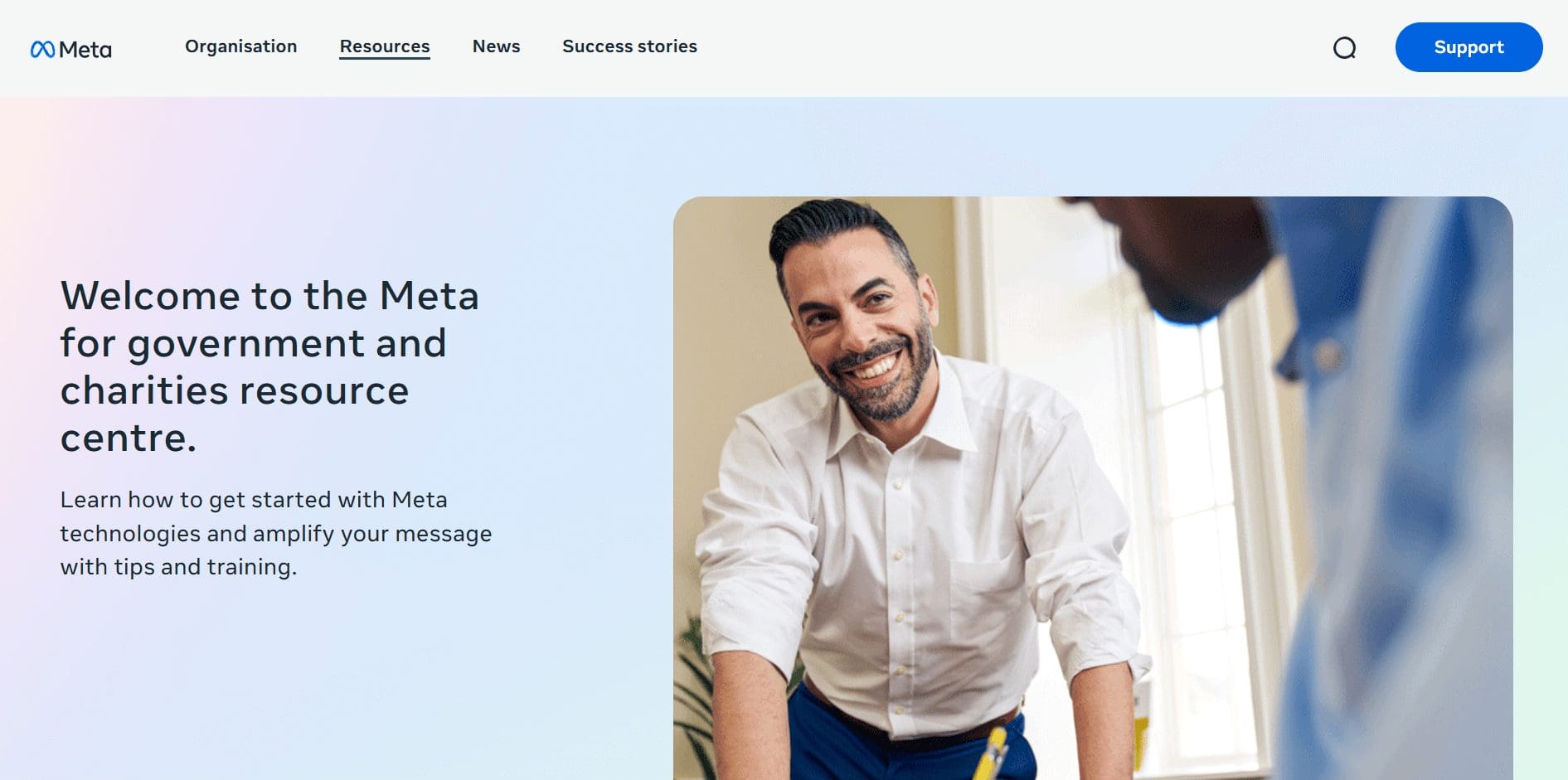
Facebook offers a dedicated Nonprofits Best Practices resource center designed to help nonprofit organizations use its tools more effectively.
What’s included:
- Step-by-step guides on using Facebook and Instagram for nonprofits
- An on-demand video library covering fundraising, storytelling, and community building
- Free training sessions and virtual events for nonprofit teams
- Best practices for Pages, Groups, and nonprofit fundraising tools
Where it works best:
- Nonprofits already active on Facebook or Instagram
- Teams looking to improve reach, engagement, and fundraising outcomes
- Organizations that want platform-specific guidance without paid courses
Free networking and community spaces for nonprofits
Fundraising and growth often come down to who you know. These platforms help nonprofits connect with peers, partners, and supporters.
63. Association of Fundraising Professionals
Free resource
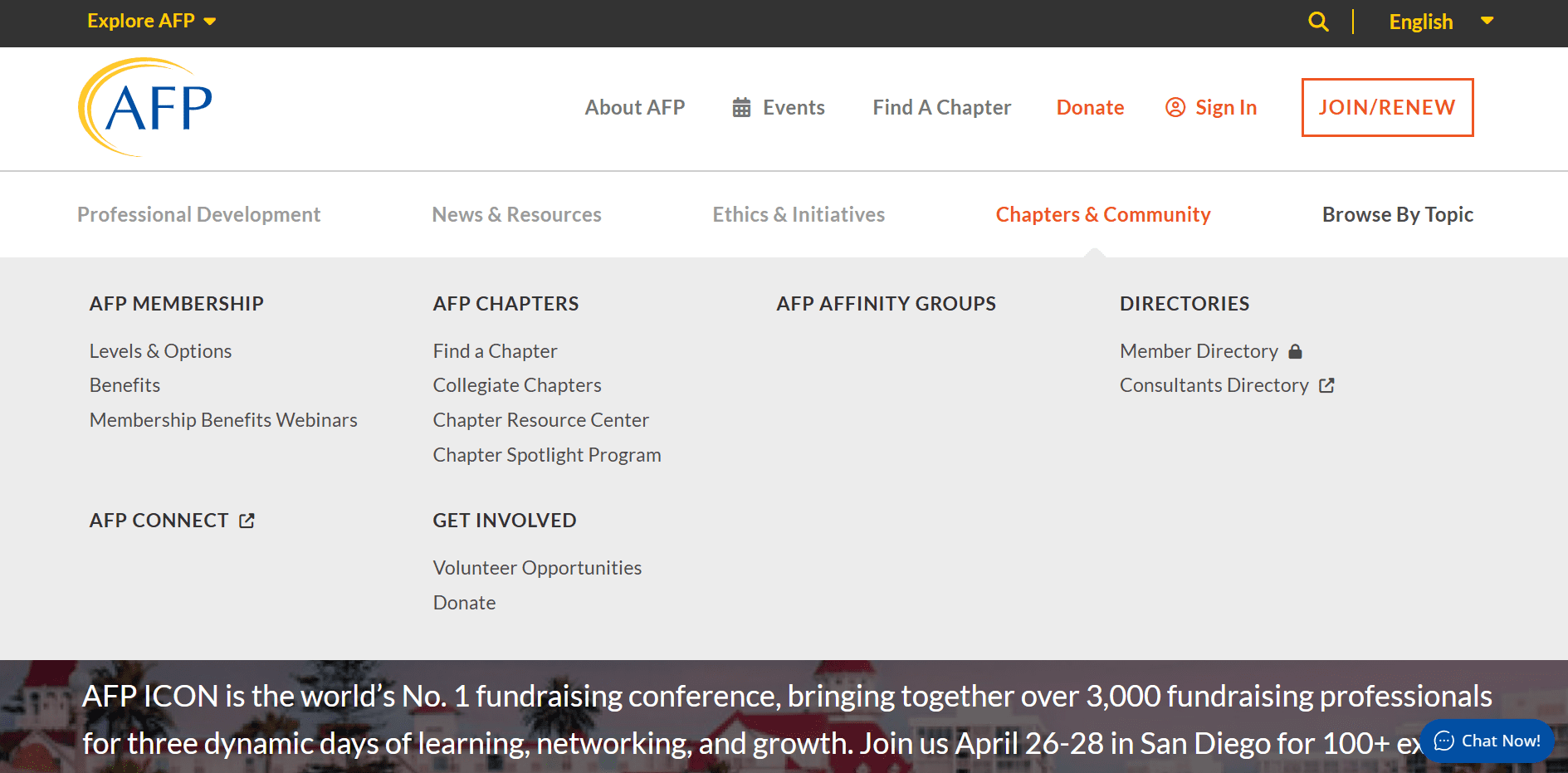
AFP offers open resources and local chapter events that provide networking opportunities for fundraisers.
Where it works best:
- Connecting with other fundraising professionals
- Learning from experienced practitioners
- Attending chapter-level events
Note
Full membership is paid, but many chapters host free or low-cost events.
64. Meetup
Free resource
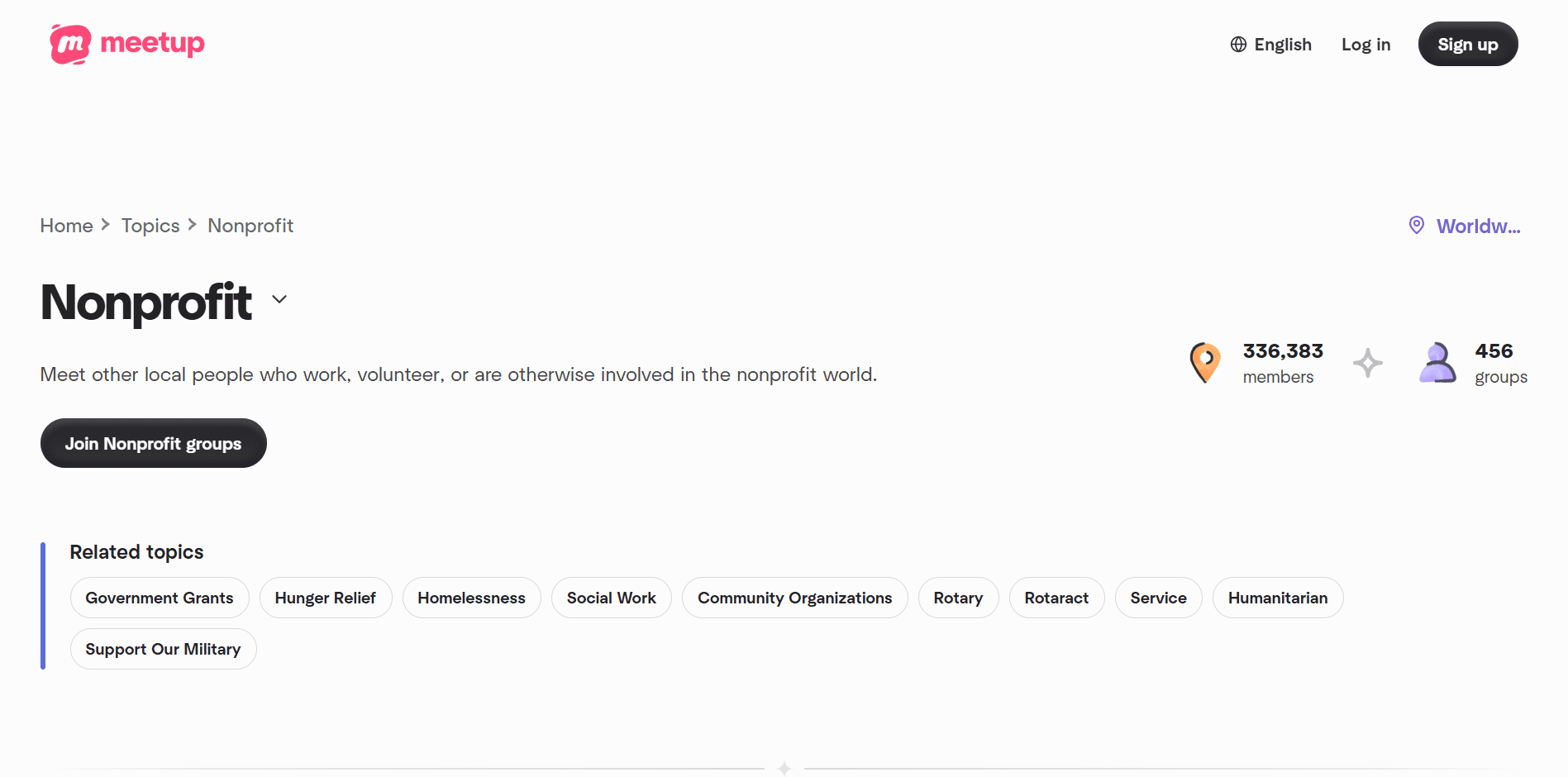
Meetup helps nonprofits find or host local and virtual gatherings centered around shared causes or professional interests.
What nonprofits use it for:
- Finding local nonprofit meetups
- Hosting community or volunteer events
- Connecting with peers in the same city or sector
65. Idealist
Free resource
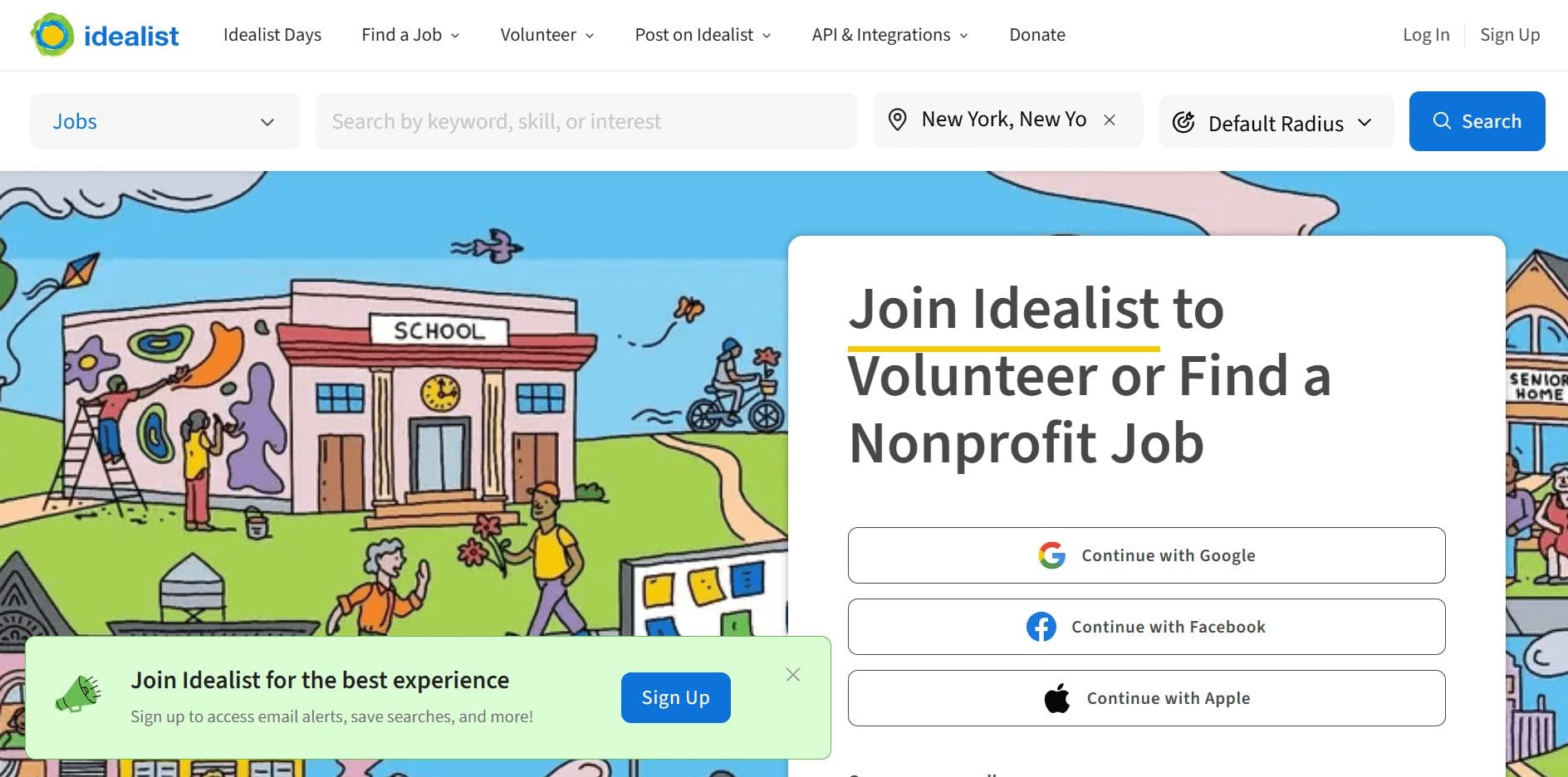
Idealist is more than a job board – it’s a long-running community space for nonprofits, volunteers, and social impact professionals.
What nonprofits use it for:
- Connecting with mission-aligned professionals
- Finding volunteers and collaborators
- Discovering nonprofit events and opportunities
Where it works best:
- Early-stage and growing nonprofits
- Volunteer recruitment and partnerships
- Mission-driven networking
Final thoughts: Where free tools stop and growth begins
Free tools are incredibly useful when you’re getting started. They help you experiment, learn, and run early campaigns without committing budget upfront. That’s exactly what they’re meant for.
As things grow, though, nonprofits often find themselves stitching together tools for different needs. At that point, it helps to know what can be handled in one place.
RallyUp, an end-to-end fundraising platform, offers nonprofits the ability to manage:
- Campaign-based fundraising (including peer-to-peer)
- Events, ticketing, auctions, raffles, and sweepstakes
- In-person and online payments with unified event balances
- Donor activity and engagement that are tied directly to campaigns
- Automated checkout, receipts, and follow-ups
- Integrations with CRMs like HubSpot and Zoho
- Optional automation and AI-powered engagement through integrations
Individually, many of the free tools listed in this guide can help you do parts of this. Together, they help you get started.
FAQs about free stuff for nonprofits
Free tools are usually enough to get started. As fundraising volume, donors, and events increase, nonprofits outgrow free tools and need more integrated solutions to save time.
Most tools require proof like 501(c)(3) registration in the U.S. or equivalent documentation elsewhere. Some programs also verify eligibility through platforms like TechSoup.
Most free tools come with limits on users, features, or usage. While there’s usually no upfront cost, nonprofits may still pay for add-ons like payment processing or premium feature add-ons.
Now that you’ve seen it in action, are you ready to start fundraising?
Get Started