Best Nonprofit CRM Software: 9 Tools Compared for 2026
In this article
- What are the best nonprofit CRM software tools in 2026?
- Nonprofit CRM software compared at a glance
- What is nonprofit CRM software?
- What should you look for in a nonprofit CRM?
- 1. ActiveCampaign
- 2. Virtuous
- 3. Bloomerang
- 4. HubSpot
- 5. Salesforce Nonprofit Cloud
- 6. Little Green Light
- 7. Neon CRM
- 8. Blackbaud Raiser's Edge NXT
- 9. RallyUp
- How do you choose the best nonprofit CRM software?
- FAQs about nonprofit CRM software
The best nonprofit CRM software for 2026
- A nonprofit CRM stores donor, volunteer, and supporter data and helps your team act on it — segment, automate, and follow up at the right time.
- The right pick depends on your size and goal: Bloomerang for retention, Virtuous for fundraising automation, Little Green Light for small budgets, Salesforce and Blackbaud for enterprise.
- RallyUp is not a CRM. It is a fundraising platform that captures campaign activity and feeds it into the CRM you already use.
- Compare all 9 tools side by side on price, focus, and best-fit nonprofit below.
A nonprofit CRM is software that helps your organization store supporter data — donors, volunteers, members, event attendees, sponsors, and grantmakers — and act on it to build stronger relationships. Choosing the right one is a big decision, because your CRM is where donor relationships live: it tracks giving history, segments supporters, sends better messages, and reminds your team to follow up at the right time.
But not every nonprofit needs the same CRM. A small community organization may need a simple donor database. A growing fundraising team may need automation and reporting. A large nonprofit may need enterprise-level customization. And some nonprofits already have a CRM but still need better fundraising tools.
That is where a platform like RallyUp can help. RallyUp is not a traditional CRM — it is a fundraising platform that works alongside CRMs. With strong fundraising tools and CRM integrations, RallyUp helps nonprofits run campaigns, collect donor activity, and send useful fundraising data into the systems they already use.
If you are also comparing back-office tools, read our guide to nonprofit accounting software. And if your team is still mapping out its broader fundraising goals, start with this guide to building a nonprofit fundraising plan.
What are the best nonprofit CRM software tools in 2026?
The best nonprofit CRM software in 2026 includes Bloomerang for donor retention, Virtuous for fundraising automation, Little Green Light for small budgets, Salesforce and Blackbaud for enterprise teams, and RallyUp as the fundraising platform that pairs with any CRM. Here are the nine tools compared in this guide:
- ActiveCampaign — Best for marketing automation and supporter journeys.
- Virtuous — Best for responsive fundraising and donor automation.
- Bloomerang — Best for donor retention and stewardship.
- HubSpot — Best for nonprofits that want a flexible CRM with strong marketing tools.
- Salesforce Nonprofit Cloud — Best for enterprise customization.
- Little Green Light — Best for small nonprofits that want affordable donor management.
- Neon CRM — Best for nonprofits that want unlimited users, records, workflows, and reports.
- Blackbaud Raiser’s Edge NXT — Best for large fundraising teams and major gift programs.
- RallyUp — Best fundraising platform to pair with your CRM.
Nonprofit CRM software compared at a glance
This table compares all nine tools by their primary focus, who they fit best, and published starting price so you can shortlist quickly.
| Tool | Best for | Starting price (published) |
|---|---|---|
| ActiveCampaign | Marketing automation & supporter journeys | $15/mo |
| Virtuous | Responsive fundraising & donor automation | Custom quote |
| Bloomerang | Donor retention & stewardship | $125/mo (billed annually) |
| HubSpot | Flexible CRM with strong marketing | Free CRM; paid tiers vary |
| Salesforce Nonprofit Cloud | Enterprise customization | $60/user/mo |
| Little Green Light | Affordable donor management for small orgs | $45/mo (up to 2,500 records) |
| Neon CRM | Unlimited users, records & reports | $99/mo |
| Blackbaud Raiser’s Edge NXT | Large development & major gift teams | Custom quote |
| RallyUp | Fundraising platform to pair with a CRM | Free; Flex 2.9%–6.9% |
What is nonprofit CRM software?
Nonprofit CRM software is a system that helps organizations manage supporter relationships by storing and organizing data about donors, volunteers, members, event attendees, sponsors, and grantmakers. CRM usually means customer relationship management; for nonprofits, it often means constituent relationship management.
A good nonprofit CRM helps answer questions like:
- Who gave last year?
- Who has not donated in 12 months?
- Who attended our gala?
- Who opened our last email?
- Who should receive a thank-you call?
- Who might become a monthly donor?
- Who is ready for a major gift conversation?
The best nonprofit CRM software does not just store data. It helps your team act on it.
What should you look for in a nonprofit CRM?
A strong nonprofit CRM should help your team manage relationships, not just records. Look for these features:
- Donor profiles: See each supporter’s giving history, contact details, engagement, notes, tasks, and communication history.
- Segmentation: Group donors by giving level, campaign, interest, location, activity, or engagement.
- Email and marketing tools: Send targeted messages. Some CRMs include email tools; others connect with email marketing software.
- Automation: Trigger thank-you emails, task reminders, donor journeys, lapsed-donor workflows, and follow-up sequences to save staff hours.
- Reporting: Understand revenue, donor retention, campaign performance, pledge activity, recurring giving, and board-level metrics.
- Fundraising connections: Connect to donation pages, event tools, peer-to-peer campaigns, auctions, and ticketing.
- Integrations: Connect with your fundraising platform, accounting software, email system, payment processor, and analytics tools.
- Ease of use: A powerful CRM is only useful if your team actually uses it — adoption, training, and support all matter.
For help deciding which numbers to track, review these fundraising KPIs for nonprofits.
1. ActiveCampaign
Best for: Nonprofits that want marketing automation, supporter journeys, and sales-style CRM workflows.
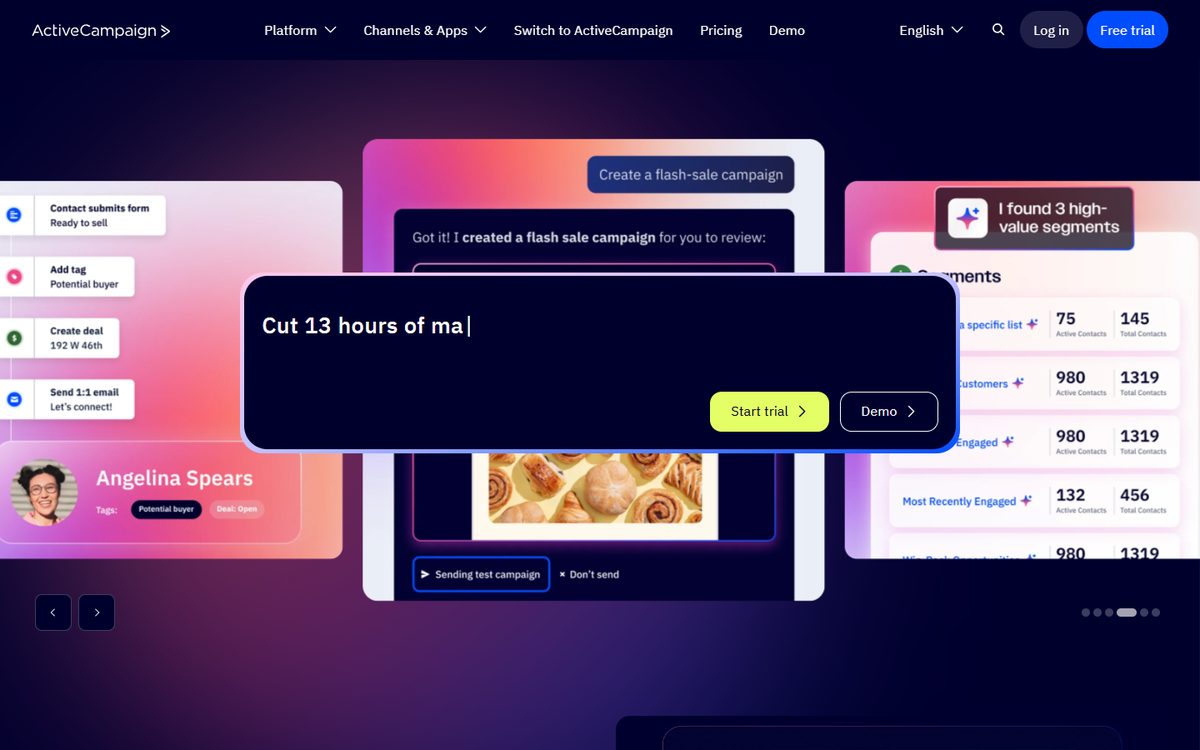
ActiveCampaign is not built only for nonprofits. It is a marketing automation and CRM platform used by many types of organizations. For nonprofits, its biggest strength is communication — building donor journeys, segmenting supporters, automating follow-up, and personalizing outreach based on behavior.
It can help nonprofits manage email campaigns, automated nurture sequences, donor engagement paths, event follow-up, and recurring communication. ActiveCampaign’s CRM includes sales pipelines, lead scoring, task management, automations, one-to-one email, sales reporting, AI-powered analysis, sales routing, segmentation, and shared notes.
Why nonprofits may like it
ActiveCampaign is a strong fit for nonprofits that think in journeys. A new donor should receive one set of messages; a major gift prospect another; a lapsed donor a different path. ActiveCampaign makes those paths easier to build, reduces manual work, and helps teams send more relevant messages.
Pros and cons
Pros: Strong for automated communication; flexible for donor journeys; useful for teams moving beyond basic newsletters; connects with many tools (ActiveCampaign says it supports more than 1,000 integrations).
Cons: Not nonprofit-specific; lacks built-in nonprofit fundraising workflows like Bloomerang, Virtuous, Neon CRM, or Raiser’s Edge NXT; teams may need to customize fields, pipelines, and automations; some CRM features may require add-ons or higher tiers.
Pricing: ActiveCampaign pricing says packages start at $15/month, based on contact volume and feature needs, with a 14-day free trial.
Bottom line: Choose ActiveCampaign if your nonprofit wants strong automation, email journeys, and flexible supporter communication — it is best for teams that need marketing intelligence more than a nonprofit-specific donor database.
2. Virtuous
Best for: Nonprofits that want responsive fundraising, donor automation, and a modern nonprofit CRM.
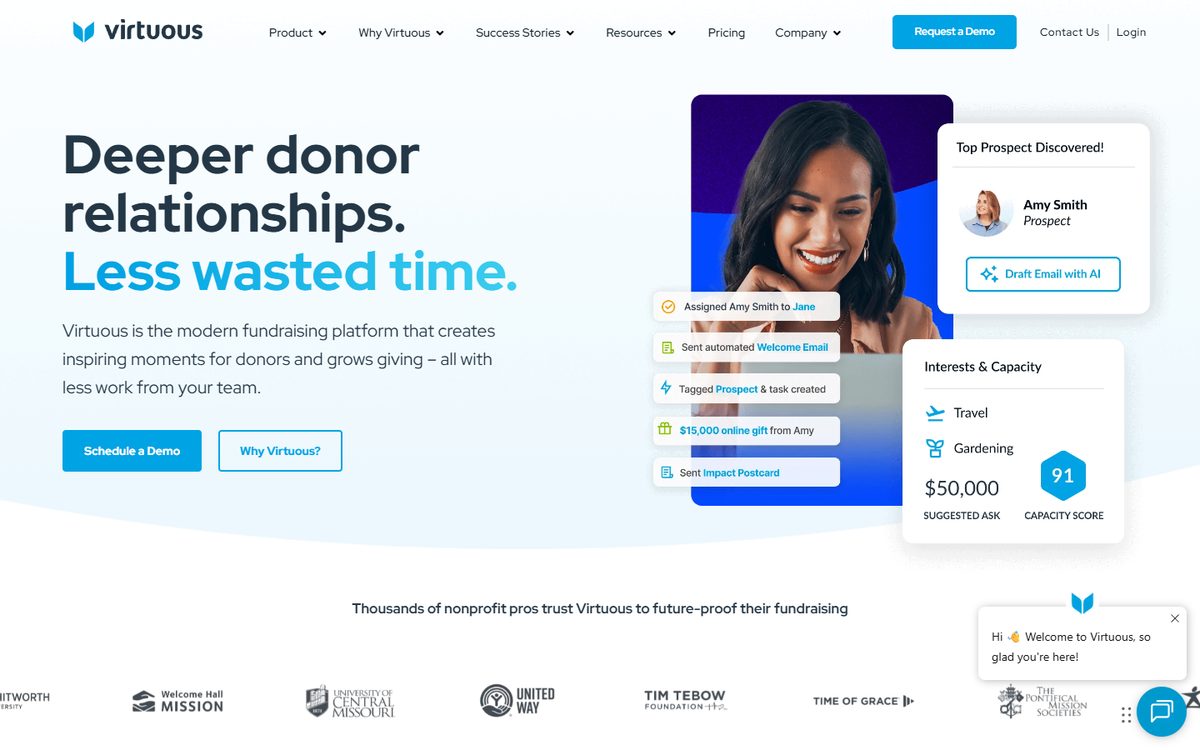
Virtuous is a nonprofit CRM built around responsive fundraising, which means it helps organizations use donor data to create more personal outreach. It is designed for teams that want to listen to donor behavior, segment supporters, automate follow-up, and build stronger relationships. Virtuous CRM+ connects fundraising and marketing data in one platform, with donor management, automation, intelligence, email, SMS, online giving, and volunteerism.
Why nonprofits may like it
Virtuous is built for fundraising teams that want to be more proactive. It helps teams see donor activity clearly, know who needs attention, and automate donor touchpoints. It also supports major donor pipelines, complex gift management, custom objects, reporting, analytics, forms, project tracking, volunteer management, and web tracking — making it more advanced than a basic donor database.
Pros and cons
Pros: Built for nonprofits; strong for donor journeys; automates outreach without losing personalization; offers a broad platform spanning CRM, online giving, analytics, insights, volunteer tools, and AI fundraising tools.
Cons: May be more than very small nonprofits need; best for teams with enough donor volume, staff capacity, and strategy to use it well; pricing is not listed as a simple public monthly rate.
Pricing: Virtuous pricing is flexible and tailored to each organization’s needs, with CRM+ positioned as the central hub of the platform.
Bottom line: Choose Virtuous if your nonprofit wants a modern fundraising CRM with automation, donor intelligence, and responsive workflows — best for growing and mid-sized nonprofits ready to move beyond basic donor tracking.
3. Bloomerang
Best for: Nonprofits focused on donor retention, stewardship, and relationship tracking.
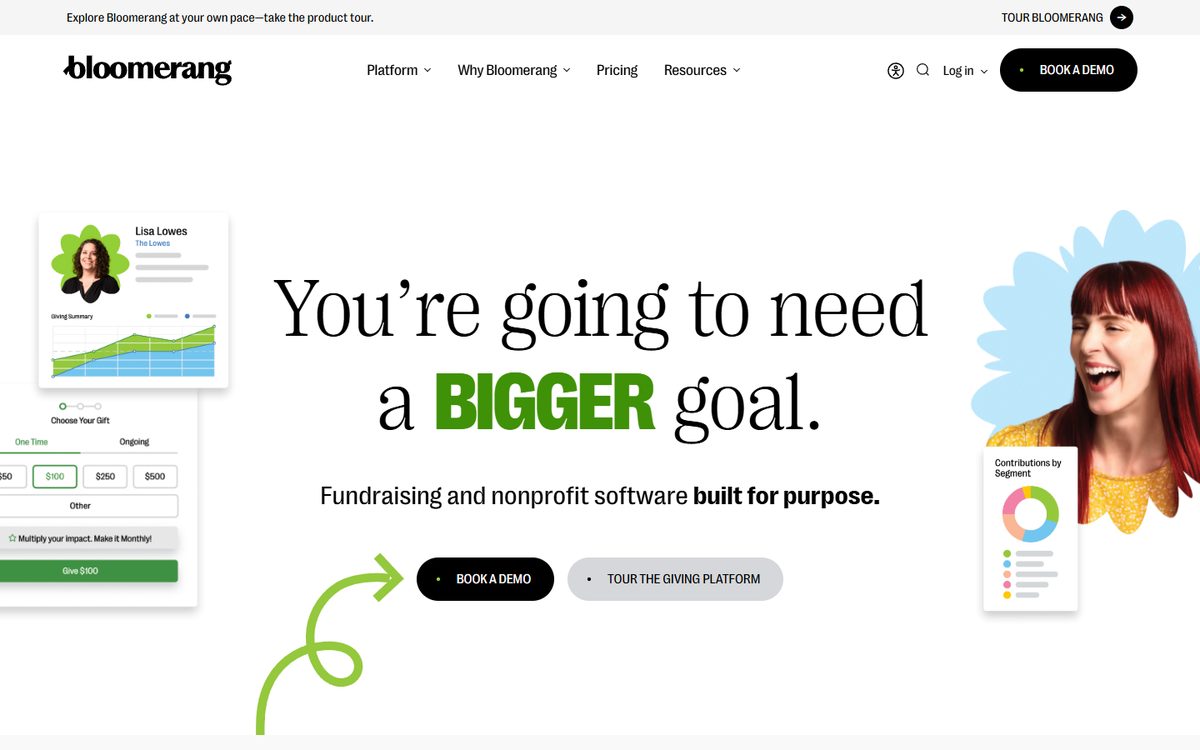
Bloomerang is one of the best-known nonprofit CRM platforms, built around donor relationships. Its CRM helps nonprofits understand supporters, track engagement, segment donors, send communications, and improve retention. Bloomerang CRM includes donor management, predictive giving insights, marketing and engagement, reporting and analytics, data management, and a mobile app for fundraisers.
Why nonprofits may like it
Bloomerang is a strong choice for nonprofits that want a donor database with a stewardship focus, especially teams that want to improve retention. It centralizes donor records, surfaces donor history, and helps teams create targeted outreach. It also includes donor insights, task management, major gifts management, grant tracking, membership management, dynamic segmentation, automated supporter journeys, duplicate management, donor sentiment tracking, and unlimited users with customizable permissions.
Donor retention is one of the most important CRM metrics to watch. This guide explains how to calculate and improve your donor retention rate.
Pros and cons
Pros: Nonprofit-specific; easier to understand than many enterprise CRMs; strong for donor retention; fundraising, volunteer, auction, peer-to-peer, and event tools available through the broader Bloomerang platform.
Cons: Can cost more than lightweight donor databases; some organizations may need bundles or additional products for the full platform; less customizable than Salesforce or Blackbaud for complex enterprise needs.
Pricing: Bloomerang pricing lists Bloomerang CRM starting at $125/month, billed annually. Bloomerang Fundraising starts at $40/month, billed annually, but must be purchased as part of a bundle with Bloomerang CRM.
Bottom line: Choose Bloomerang if donor retention is your top priority — a strong CRM for nonprofits that want donor management, stewardship, reporting, and engagement tools in one place.
4. HubSpot
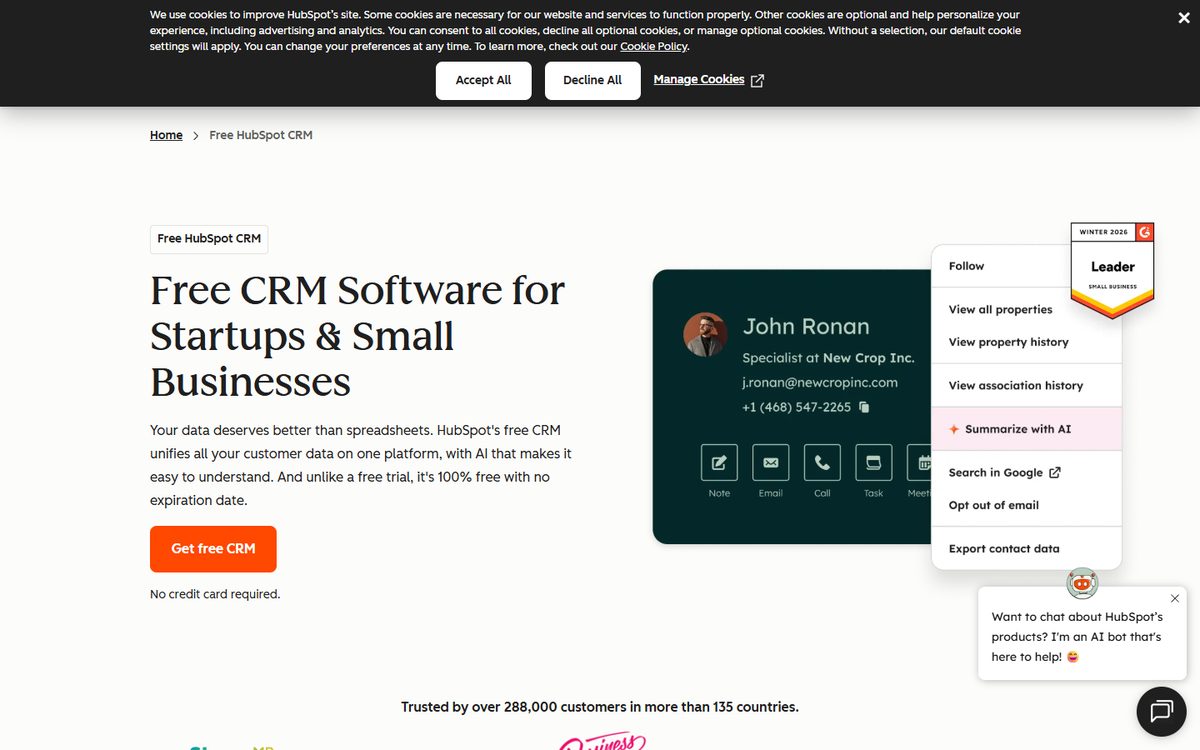
Best for: Nonprofits that want a flexible CRM with strong marketing, sales, and engagement tools.
HubSpot is a broad CRM platform. It is not nonprofit-specific, but many nonprofits use it because it is flexible, easy to adopt, and strong for marketing. HubSpot’s free CRM includes contact, deal, and task management, email tracking, email templates, document sharing, meeting scheduling, live chat, and sales quotes. HubSpot says the free CRM has no expiration date.
Why nonprofits may like it
HubSpot works well for nonprofits that want one system for contacts, email, landing pages, pipelines, forms, marketing, reporting, and automation. It is especially useful for organizations with strong marketing needs — associations, education nonprofits, advocacy groups, and nonprofits with multiple audiences — and can manage donors, partners, volunteers, sponsors, members, and prospects. It is also a CRM staff can learn quickly.
Pros and cons
Pros: User-friendly; strong free CRM; scales across marketing, sales, service, content, and operations; eligible nonprofits can receive a 40% discount on net-new Professional or Enterprise tier products through HubSpot for Nonprofits.
Cons: Not built specifically for nonprofit fundraising; you may need to customize properties, pipelines, and reporting; advanced automation and reporting can become expensive; fundraising tools usually require integrations with donation, event, or peer-to-peer platforms.
Pricing: HubSpot has a free CRM. Paid pricing depends on the hubs and tiers you choose. Eligible nonprofits may qualify for a 40% discount on Professional and Enterprise products through HubSpot for Nonprofits.
Bottom line: Choose HubSpot if your nonprofit wants a flexible CRM with strong marketing tools — best for teams that want ease of use, broad engagement features, and room to grow.
5. Salesforce Nonprofit Cloud
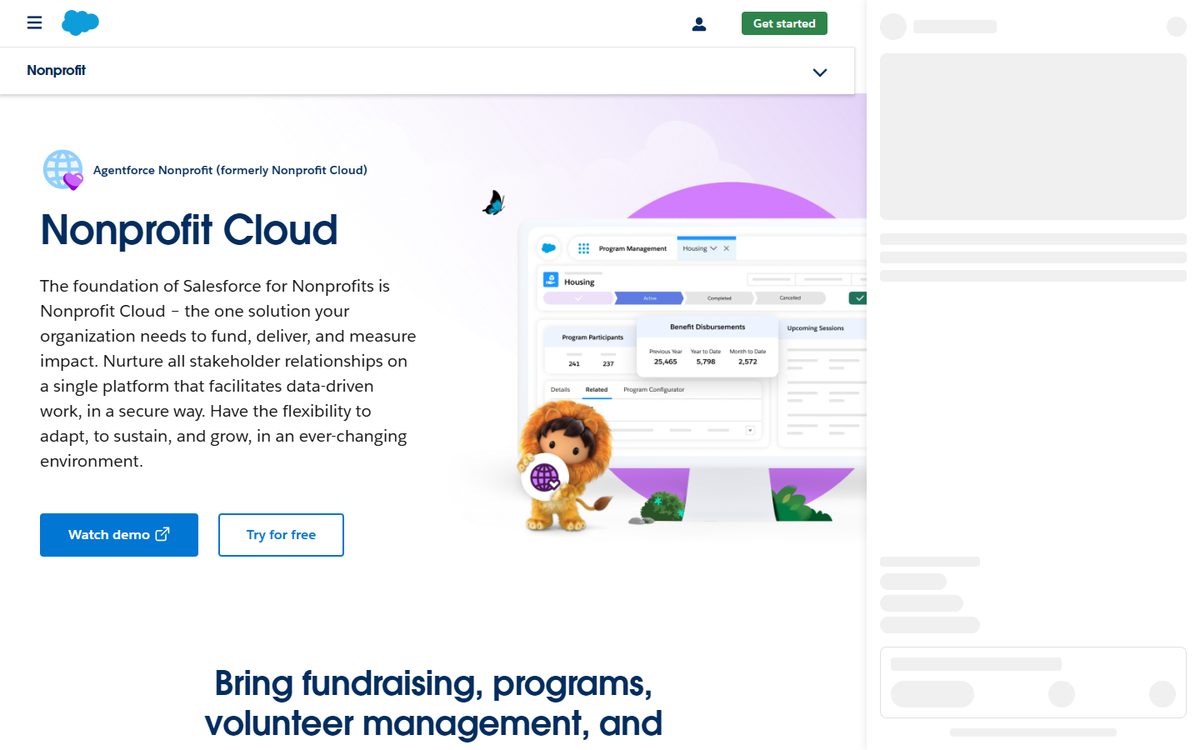
Best for: Large nonprofits that need customization, automation, and cross-team data.
Salesforce Nonprofit Cloud is one of the most powerful CRM options for nonprofits. Built on Salesforce, it is highly customizable and can support fundraising, programs, volunteer management, outcomes, reporting, integrations, and complex data needs. Salesforce describes it as a platform that helps nonprofits fund, deliver, and measure impact while nurturing stakeholder relationships in one secure system.
Why nonprofits may like it
Salesforce is a strong fit for organizations with complex operations. It can connect development, programs, volunteer management, marketing, operations, leadership, and data teams. It is useful when a nonprofit needs custom workflows, custom objects, advanced reporting, integrations, permissions, and automation — and works well for nonprofits with internal Salesforce admins or consulting support.
Pros and cons
Pros: Extremely flexible; supports complex organizations; large partner ecosystem; centralizes multiple departments in one platform; eligible nonprofits may qualify for donated licenses and discounts through the Power of Us Program.
Cons: Requires setup and administration; often needs outside implementation help; can be too complex for small nonprofits that only need donor tracking; costs can grow as you add users, consultants, integrations, and advanced features.
Pricing: Salesforce nonprofit pricing lists Nonprofit Cloud Enterprise at $60/user/month and Nonprofit Cloud Unlimited at $100/user/month, both billed annually.
Bottom line: Choose Salesforce if your nonprofit needs enterprise customization — best for larger teams with complex data needs and the resources to manage the system well.
6. Little Green Light
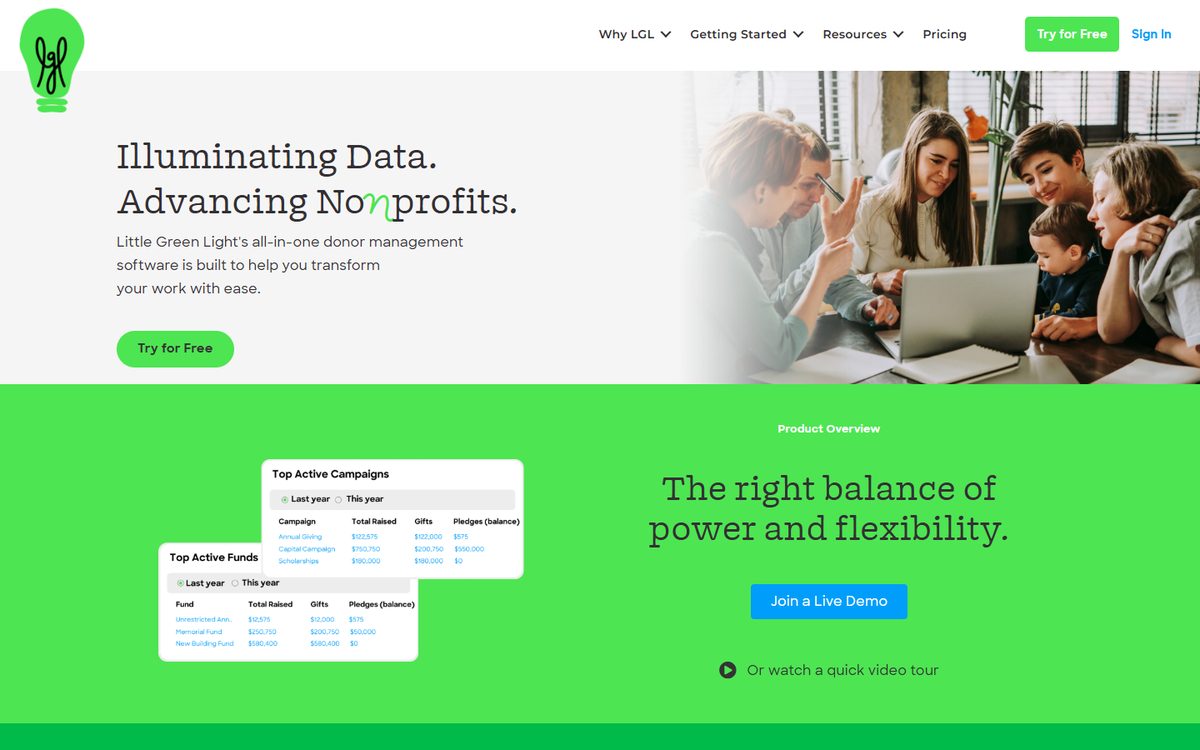
Best for: Small nonprofits that want affordable donor management.
Little Green Light is a popular donor management system for small and growing nonprofits, known for simple pricing and for including all features in every account. It includes constituent and contact management, donor and fundraising management, reporting, acknowledgments, list management, online donation syncing, integrations, event tracking, volunteer management, membership management, grant proposals, alumni management, and data segmentation.
Why nonprofits may like it
Little Green Light is a practical CRM for small teams and a good step up from spreadsheets. It helps nonprofits track donors, gifts, communications, tasks, events, volunteers, members, grants, and reports. It does not try to be an enterprise platform — and for many small nonprofits, a clear donor database is more valuable than a complex system.
Pros and cons
Pros: Affordable; all features included; users cost nothing extra; no setup fees, cancellation fees, contracts, or upsells listed on its pricing page; strong option for smaller nonprofits that need donor management without enterprise pricing.
Cons: Not as automation-heavy as ActiveCampaign or Virtuous; not as customizable as Salesforce; not as enterprise-focused as Blackbaud; teams running large events, auctions, raffles, or peer-to-peer campaigns may still need separate fundraising software.
Pricing: Little Green Light pricing starts at $45/month for up to 2,500 constituent records and increases by record count. Online donation processing is available in all accounts, with payment processor fees starting at 2.2% + $0.30 per transaction and no fee to Little Green Light.
Bottom line: Choose Little Green Light if your nonprofit needs an affordable donor database — one of the best options for small teams that want all core CRM features without complicated pricing.
7. Neon CRM
Best for: Nonprofits that want a flexible CRM with unlimited users, records, workflows, emails, forms, and reports.
Neon CRM is a nonprofit CRM from Neon One, built for donor management, fundraising, communications, reporting, and community engagement. It includes supporter profiles, reporting and dashboards, automated workflows, grant management, campaigns and forms, peer-to-peer fundraising, recurring gifts, donor-advised fund support, payment processing, email marketing, text messaging, stewardship journeys, and a donor portal.
Why nonprofits may like it
Neon CRM is useful for nonprofits that want a platform that can grow. Its pricing is based on revenue, not record counts, so organizations can keep more complete supporter data without deleting records to control costs. Neon CRM also includes unlimited contacts, users, forms, workflows, emails, and reports — helpful for nonprofits with many volunteers, event attendees, donors, members, or community contacts.
Pros and cons
Pros: Strong nonprofit features; includes fundraising and communication tools; supports unlimited users and records; offers optional modules for memberships, events, and volunteers that flow data back into supporter profiles.
Cons: Some important features may require add-on modules; events, memberships, and volunteers are separate additions; may require planning and setup for teams with complex data.
Pricing: Neon CRM pricing starts at $99/month. Its optional membership and volunteer modules are listed as +10% of the CRM subscription, and the events module as +20% of the CRM subscription.
Bottom line: Choose Neon CRM if your nonprofit wants a flexible donor management system with fundraising tools and room to grow — especially strong for teams that want unlimited users and records.
8. Blackbaud Raiser’s Edge NXT
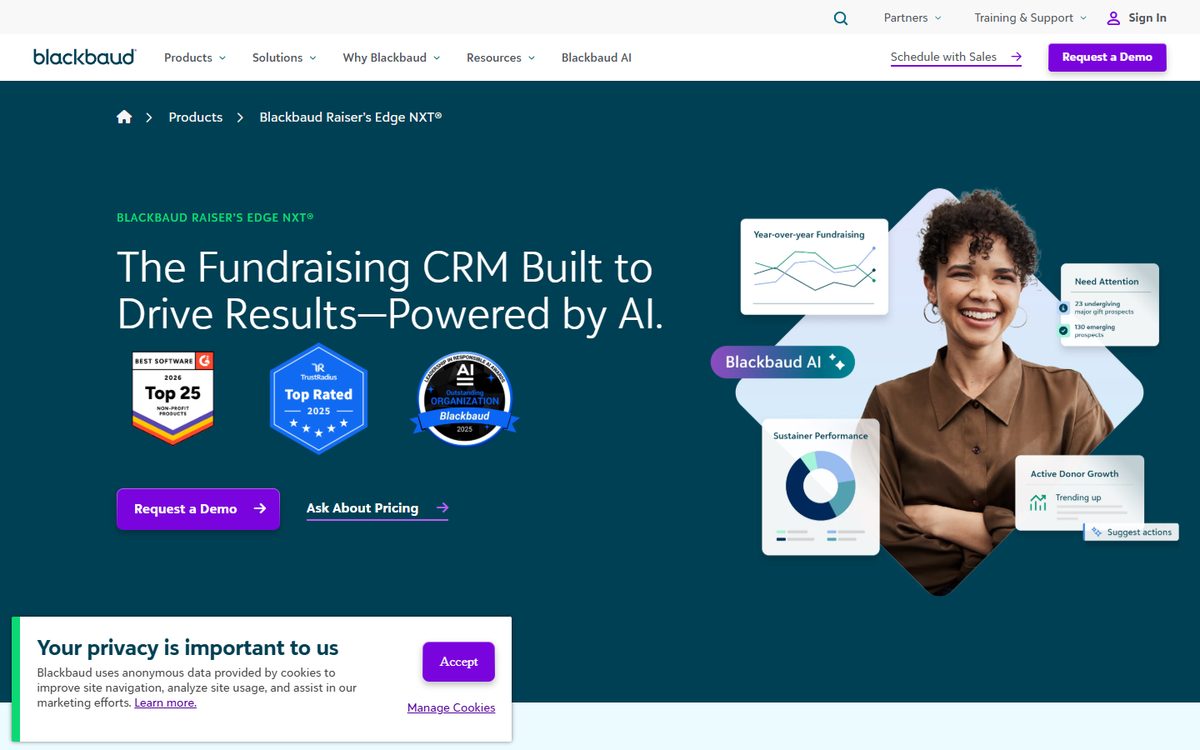
Best for: Large nonprofits, major gift teams, and mature development departments.
Blackbaud Raiser’s Edge NXT is one of the most established nonprofit fundraising CRMs, designed for mid-sized to large nonprofits with dedicated development teams. Blackbaud describes it as a fundraising CRM with AI-driven insights, unified supporter records, donor management, fundraising tools, segmentation, and relationship tracking.
Why nonprofits may like it
Raiser’s Edge NXT is built for serious fundraising operations. It is strong for organizations with annual giving, major gifts, sustainer programs, grants, campaigns, and complex donor relationships. It helps teams manage supporter records, giving history, engagement, relationships, interactions, segmentation, and major gift outreach. Blackbaud says it is best for mid-sized to large nonprofits that rely on relationship-based fundraising and need a scalable donor management system.
Pros and cons
Pros: Built for fundraising teams; deep donor management functionality; supports major gifts and complex development operations; fits well for large nonprofits already using other Blackbaud tools.
Cons: Can be expensive; pricing is not public; implementation and training may take time; smaller nonprofits may find it too complex; some teams may need additional Blackbaud products or marketplace integrations to complete their tech stack.
Pricing: Blackbaud pricing is personalized by organization and product needs. Organizations must request a custom quote.
Bottom line: Choose Blackbaud Raiser’s Edge NXT if your nonprofit has a large development team, complex fundraising operations, and a need for enterprise-grade donor management.
9. RallyUp
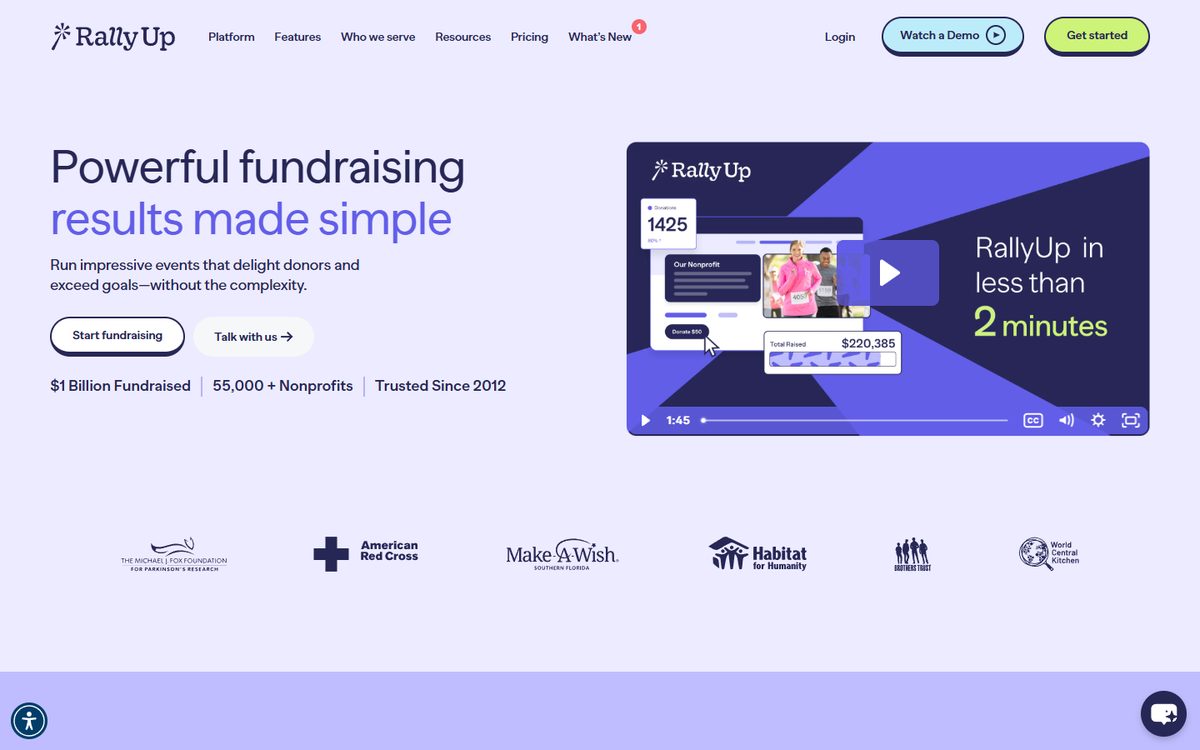
Best for: Nonprofits that want powerful fundraising software that works with their CRM.
RallyUp is not a CRM in itself — and that is important. It should not be compared directly against full CRM systems like Salesforce, Bloomerang, Virtuous, Neon CRM, Little Green Light, or Raiser’s Edge NXT. Instead, RallyUp is a fundraising platform: it helps nonprofits run campaigns, collect donor and supporter activity, and raise money through flexible fundraising experiences — and it works alongside a nonprofit’s CRM. That makes it a great choice for many nonprofits, especially those that already have a CRM but need better fundraising tools.
Why RallyUp belongs in this guide
A CRM is only as useful as the data inside it — and fundraising campaigns create some of the most valuable donor data your nonprofit has. RallyUp helps capture that activity so your nonprofit can use it to improve stewardship, segmentation, and follow-up. That is why RallyUp works best as a fundraising layer on top of your CRM, answering questions like:
- Who donated?
- Who bought tickets?
- Who joined a peer-to-peer team?
- Who bid in an auction?
- Who participated in a raffle?
- Who gave during a live event?
- Who became a recurring donor?
For example, peer-to-peer campaigns drove 90% year-over-year fundraising growth for Top Dog Animal Rescue after switching to RallyUp (RallyUp Case Study), and USA Field Hockey raised $120,000 — a 300% increase over their previous fundraising record (RallyUp Case Study).
RallyUp’s fundraising tools
RallyUp supports many fundraising formats. For teams comparing campaign types, this guide to peer-to-peer fundraising platforms shows how supporter-led fundraising fits into a broader CRM strategy.
- Donation pages, one-time and recurring donations
- Crowdfunding and peer-to-peer fundraising
- Raffles, sweepstakes, and online, silent, and live auctions
- Ticketing and registration
- A-thons, storefronts, and livestreaming
- Fund-a-Need, Paddle Raise+, event balances, automated checkout, and live display
If recurring giving is part of your donor strategy, RallyUp also has a guide on setting up recurring donations for nonprofits. RallyUp pricing lists these as core and advanced fundraising components across its Free and Flex plans.
Donor profiles
RallyUp also includes Donor Profiles that show supporter and campaign activity — donor name, supporter type, first and last activity, total donation history, first experience, total experiences, peer-to-peer registrations, promoter sign-ups, recurring donations, pre-registrations, emails, and activity timelines.
This is helpful for fundraising teams, but it is still not the same as a full CRM.
RallyUp’s donor profiles are best understood as fundraising activity profiles that show what happened inside RallyUp campaigns. A dedicated CRM is still better for long-term moves management, full relationship tracking, grant tracking, board reports, program data, and complex donor segmentation.
CRM integrations
RallyUp is strongest when paired with a CRM. Its CRM integrations are possible with Salesforce, Microsoft Dynamics, HubSpot, ActiveCampaign, Virtuous, Neon, Bloomerang, Act, Zoho, and Pipedrive. Other integrations run through Zapier.
Pros and cons
Pros: Easy to use; supports many fundraising formats; strong for events, auctions, raffles, sweepstakes, ticketing, peer-to-peer fundraising, and donation campaigns; helps nonprofits launch fundraisers quickly and collect campaign data that supports better donor follow-up.
Cons: Not a full CRM; not built to replace systems like Bloomerang, Virtuous, Salesforce, Neon CRM, Little Green Light, or Raiser’s Edge NXT; nonprofits that need deep donor management should use RallyUp with a CRM, not instead of one.
Pricing: RallyUp pricing includes a Free option with donor tipping and no platform fee. Its Flex plan has no donor tipping by default and charges a platform fee between 2.9% and 6.9%, depending on the fundraising activity. RallyUp also offers custom Enterprise pricing for large campaigns and in-person events.
Bottom line: While not a CRM in itself, RallyUp’s easy CRM integrations and powerful, easy-to-use fundraising make it a great choice for many nonprofits.
Use RallyUp when you want to run better fundraisers.
Use your CRM when you want to manage long-term donor relationships. Together, they give your team a stronger fundraising and donor management system.
How do you choose the best nonprofit CRM software?
One distinction saves a lot of money here: a CRM stores and segments donor records, but it is not the thing that runs your campaigns. Most nonprofits end up choosing two tools — the database, and the platform that takes the money. For the second half of that decision, see our guide to the best online fundraising platform for nonprofits.
Choose your nonprofit CRM by starting with your single biggest problem, then matching it to the tool built to solve it. Use these steps:
- Need better automated communication? Choose ActiveCampaign.
- Want responsive fundraising and donor automation? Choose Virtuous.
- Is donor retention your biggest goal? Choose Bloomerang.
- Want a flexible CRM with strong marketing tools? Choose HubSpot.
- Need enterprise customization? Choose Salesforce Nonprofit Cloud.
- Small nonprofit on a budget? Choose Little Green Light.
- Want unlimited users, records, workflows, emails, forms, and reports? Choose Neon CRM.
- Large development team with major gift needs? Choose Blackbaud Raiser’s Edge NXT.
- Already have a CRM and need stronger fundraising tools? Choose RallyUp.
FAQs about nonprofit CRM software
The best nonprofit CRM depends on your needs. For donor retention, Bloomerang is a strong choice. For responsive fundraising and automation, Virtuous is a strong choice. For small nonprofits, Little Green Light is a strong choice. For enterprise customization, Salesforce Nonprofit Cloud is a strong choice. For large development teams, Blackbaud Raiser’s Edge NXT is a strong choice. For fundraising campaigns that connect with a CRM, RallyUp is a strong choice.
No. RallyUp is not a full nonprofit CRM. It is a fundraising platform with donor profiles, campaign data, and CRM integrations. That makes it useful alongside a CRM, not as a direct replacement for one.
Because many nonprofits do not only need a CRM — they also need fundraising tools that create useful donor data. RallyUp helps nonprofits run fundraising campaigns and connect that campaign activity with their broader donor management systems.
Little Green Light is one of the best CRM options for small nonprofits. It has transparent pricing, unlimited users, all features included, and donor management tools that are easier to manage than many enterprise systems.
Virtuous is one of the strongest options for fundraising automation. It includes donor profiles, automated workflows, email, SMS, segmentation, fundraising automation, analytics, and donor intelligence.
Bloomerang is a strong choice for donor retention. It is built around donor management, predictive giving insights, engagement, reporting, data management, and supporter journeys.
Salesforce Nonprofit Cloud and Blackbaud Raiser’s Edge NXT are both strong enterprise options. Salesforce is best for organizations that need customization across fundraising, programs, volunteers, and outcomes. Blackbaud Raiser’s Edge NXT is best for large development teams focused on donor management, major gifts, and relationship-based fundraising.
Yes. RallyUp highlights featured CRM integrations with Salesforce, HubSpot, ActiveCampaign, Virtuous, Neon, and Bloomerang. It also supports Zapier and REST API options for broader workflows.
Now that you’ve seen it in action, are you ready to start fundraising?
Get Started