15 Best Nonprofit Accounting Software for US Nonprofits in 2026
Best Nonprofit Accounting Software in 2026
Nonprofit accounting software helps you track restricted funds, manage grants, and stay IRS-compliant without spreadsheet chaos.
If you’re still doing it manually, you’re losing valuable time your mission can’t afford.
The 15 best nonprofit accounting software options in 2026 are:
1. Aplos
2. Accounting Seed
3. Sage Intacct
4. MIP Fund Accounting
5. Blackbaud Financial Edge NXT
6. MonkeyPod
7. FastFund by Araize
8. i3 Verticals (formerly AccuFund)
9. ORACLE NetSuite
10. FundEZ
11. Software4Nonprofits (ACCOUNTS)
12. QuickBooks by Intuit
13. Wave
14. Xero
15. Zoho Books
If fundraising is part of the equation — RallyUp‘s end-to-end fundraising platform integrates with QuickBooks,
automates donor receipts, and keeps your donation data clean so your accountant actually likes you.
If you’re reading this, there’s a good chance your current accounting setup involves at least one spreadsheet you’re scared to touch and a mild panic every time audit season rolls around.
You’re not alone, and you’re not doing it wrong. You just need the right tools. But the problem is, there are a lot of them, and not all of them are worth your time or budget.
So we did the legwork. This guide breaks down 15 nonprofit accounting software options, some with native fund accounting and some built for general use. So, you can stop second-guessing and get back to the work that actually matters.
In this article
- What is nonprofit accounting software?
- Nonprofit accounting vs. regular business accounting
- What features should the best accounting software for nonprofits have?
- 15 best accounting software for nonprofits
- Purpose-built fund accounting software for nonprofits
- General accounting tools that use workarounds
- How to choose the best accounting software for nonprofits
- How to use nonprofit accounting software effectively
- 7 common nonprofit accounting challenges and how to overcome them
- Find the best nonprofit accounting software for your organization
- FAQs on the best nonprofit accounting software
What is nonprofit accounting software?
Nonprofit accounting software is a financial management tool built specifically for the way nonprofits handle funds, which, as you probably know, is very different from how a regular business does it.
While a for-profit business tracks profit and loss, your organization needs to track how every dollar is received, restricted, and spent. This is across grants, donations, programs, and compliance requirements.
Nonprofit accounting software handles that complexity for you, automating tasks like fund accounting, financial reporting, donation tracking, and audit preparation, all in one place.
Nonprofit accounting vs. regular business accounting
If you’ve ever tried using generic accounting software for your nonprofit, you know the frustration. It just doesn’t fit.
Here’s why: standard business accounting is built around generating profit. Nonprofit accounting is built around stewardship, proving that every dollar went exactly where it was supposed to go.
The key differences include:
- Fund accounting: Nonprofits must track funds separately based on donor restrictions. Regular software doesn’t do this natively.
- Net assets, not equity: Instead of owner equity, you report net assets in two categories: with donor restrictions and without donor restrictions, per FASB standards.
- Grant and program tracking: You need to show funders exactly how their money was used, broken down by program or project.
- Form 990 reporting: Look for software that supports Form 990 preparation through nonprofit-friendly reports, functional expense statements, or accountant-ready exports. Few tools offer direct e-file, so confirm what’s actually included.
- Donor receipts and acknowledgment: IRS written acknowledgments are required for contributions of $250 or more. Software that automates this saves time, and sending receipts for every gift is best practice even below that threshold.
Basically, using regular accounting software for a nonprofit is like using a fork to eat soup – technically possible, endlessly frustrating.
What features should the best accounting software for nonprofits have?
With so many tools making big promises, it’s easy to get lost in feature lists that don’t apply to you. Here’s what your nonprofit actually needs:
- Fund accounting: Non-negotiable. Your software must be able to track net assets with donor restrictions and net assets without donor restrictions separately, in line with FASB ASU 2016-14.
- Budget vs. actuals tracking: You need to see in real time how your spending compares to your budget, by program or department.
- Grant management: Track grant periods, spending limits, and reporting deadlines without building a second spreadsheet system.
- Donation and pledge tracking: Especially if you’re using a fundraising platform like RallyUp, seamless donation tracking saves hours of manual entry.
- Form 990 support: Look for software that makes your annual filing less of a nightmare.
- Bank reconciliation: Automatic reconciliation means fewer errors and less time manually matching transactions.
- Multi-user access with role permissions: Your ED, bookkeeper, and board treasurer shouldn’t all have the same level of access.
- Cloud-based access: Remote-friendly is non-negotiable for most lean nonprofit teams in 2026.
- Audit trail: A clear, tamper-proof record of every transaction keeps you ready for audits without panic.
- Affordable pricing: Budget matters. The best software for your nonprofit is the one you can actually sustain paying for.
If a tool can’t do all this, keep looking. Lucky for you, we have listed tools that are able to cover most of this.
15 best accounting software for nonprofits
| Tool | Best for | Starting price | Free trial | Key strength |
|---|---|---|---|---|
| Aplos | Small to mid-sized nonprofits and churches needing simple accounting solutions | $79/month | 15 days | Purpose-built fund accounting designed for non-accountants, making financial management easier |
| Accounting Seed | Nonprofits already using Salesforce for operations and data management | Custom quote | – | Native Salesforce integration eliminates syncing issues and avoids duplicate data entry |
| Sage Intacct | Mid to large nonprofits needing advanced reporting and scalability | Custom quote | – | AICPA-preferred platform offering deep fund accounting and multi-entity reporting capabilities |
| MIP Fund Accounting | Mid to large nonprofits with complex financial structures and HR needs | Custom quote | – | Handles unlimited funds while integrating payroll and HR management features seamlessly |
| Blackbaud Financial Edge NXT | Mid to large nonprofits focused on fundraising and financial integration | Custom quote | – | Seamless integration with Raiser’s Edge NXT for unified fundraising and finance operations |
| MonkeyPod | Small to mid nonprofits seeking an all-in-one operational platform | $167/month | 14 days | Combines accounting, CRM, fundraising, and email tools into one unified system |
| FastFund by Araize | Small to mid nonprofits needing flexible and affordable accounting modules | $50/month | 30 days | Modular pricing allows organizations to pay only for required features; FASB compliant |
| i3 Verticals (formerly AccuFund) | Mid-sized nonprofits and government organizations requiring flexible deployment options | Custom quote | – | Flexible modular design with both cloud and on-premises support; FASB and GASB compliant |
| Oracle NetSuite | Mid to large nonprofits needing full ERP capabilities and scalability | Custom quote | – | Complete ERP solution with nonprofit discounts via Social Impact program |
| Fund EZ | Small to mid nonprofits looking for long-established nonprofit accounting software | Custom quote | 30 days | Over 30 years of nonprofit focus with fiscal year flexibility and detailed reporting tools |
| Software4Nonprofits | Very small nonprofits and churches needing low-cost accounting solutions | $499/year | 30 days | Highly affordable with automatic fund accounting and no need for complex tagging |
| QuickBooks by Intuit | Most nonprofits requiring familiar and widely supported accounting software | $38/month | 30 days | Industry-standard tool used by most accountants, ensuring ease of adoption |
| Wave | Very small or volunteer-run organizations with minimal accounting needs | Free | – | Completely free platform offering essential accounting features for basic use |
| Xero | Smaller nonprofits with straightforward finances and no restricted funds | $25/month | 30 days | Clean, easy cloud accounting with unlimited users on every plan |
| Zoho Books | Budget-conscious small nonprofits with limited annual revenue | Free plan available (under $50,000 revenue) | – | Affordable and feature-rich solution with a generous free plan for small organizations |
We dug deep so you don’t have to spend hours doing it yourself. Here are the 15 best nonprofit accounting software tools in 2026, divided by true fund accounting support and general accounting with workarounds.
Purpose-built fund accounting software for nonprofits
These tools have fund accounting built in, meaning donor restrictions, grant tracking, and FASB-compliant reporting work natively without workarounds.
1. Aplos
Aplos is a cloud-based accounting software for nonprofits built specifically for the sector. It’s a go-to for small to mid-sized nonprofits and faith-based organizations that want true fund accounting without needing a finance background to navigate it.
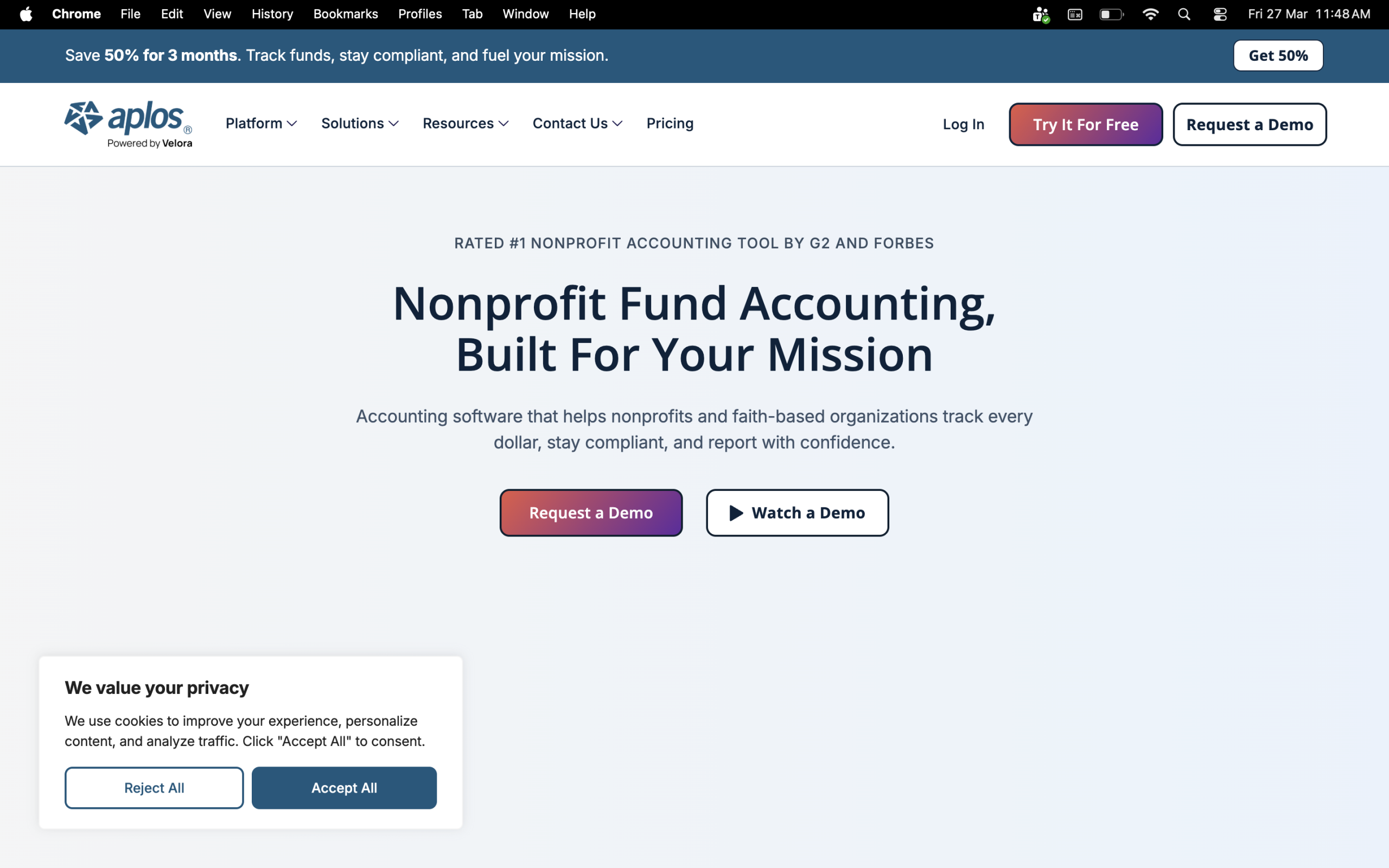
It stands out for its ease of use and tailored features, making it appealing for organizations with limited technical resources.
Key features:
- True fund accounting – tracks funds with and without donor restrictions
- Donation tracking by donor and purpose, with automated giving statements
- Grant tracking and reporting
- Budget vs. actuals tracking by fund or program
- Bank reconciliation and accounts payable
- Online giving forms integrated directly with accounting
- 15-day free trial, no credit card required
Cons:
- Some users cite limited reporting flexibility, as report names don’t always match what auditors or accountants ask for
- Costs more than some competitors despite offering less overall functionality for organizations with more advanced needs
- The CRM side is less developed. For instance, donor acknowledgement letters and pledge management can be clunky
Pricing:
- Lite: $79/month
- Core: $129/month
- Advanced: Starts at $229/month
- Custom pricing available – best for organizations with $1million+ in annual revenue
2. Accounting Seed
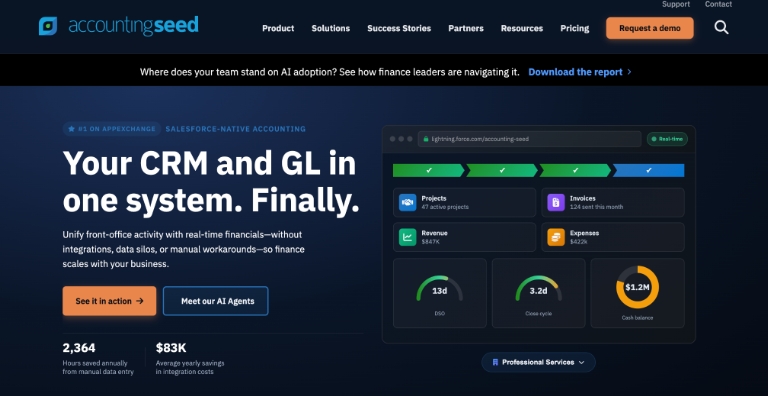
Accounting Seed is a cloud-based nonprofit accounting software built natively on the Salesforce platform. If your nonprofit is already running Salesforce for donor management or operations, it’s a natural fit, as everything lives in one place with no syncing, middleware, or duplicate data entry.
Key features:
- Full general ledger, accounts receivable, accounts payable, project accounting, and financial reporting, all built as Salesforce objects
- Fund accounting, grant management, and donor tracking
- Automated bank reconciliations and accounts payable workflows
- Multi-entity and multi-currency support
- Customizable dashboards and real-time financial reporting
- Role-based access controls and audit trail
- Integrates with Salesforce CRM, Stripe, and other Salesforce apps
Cons:
- Requires existing Salesforce licenses
- Steeper learning curve for some features – complex functionalities may require dedicated training
Pricing:
- Accounting Seed operates on a monthly subscription model
- Custom pricing based on your organization size, plan, and number of users
- Volume discounts available based on user count
3. Sage Intacct
Sage Intacct is the AICPA-preferred best accounting software for nonprofit organizations with complex, multi-program finances. It goes deep on fund accounting, grant tracking, and multi-entity reporting, but it comes with enterprise-level pricing to match.
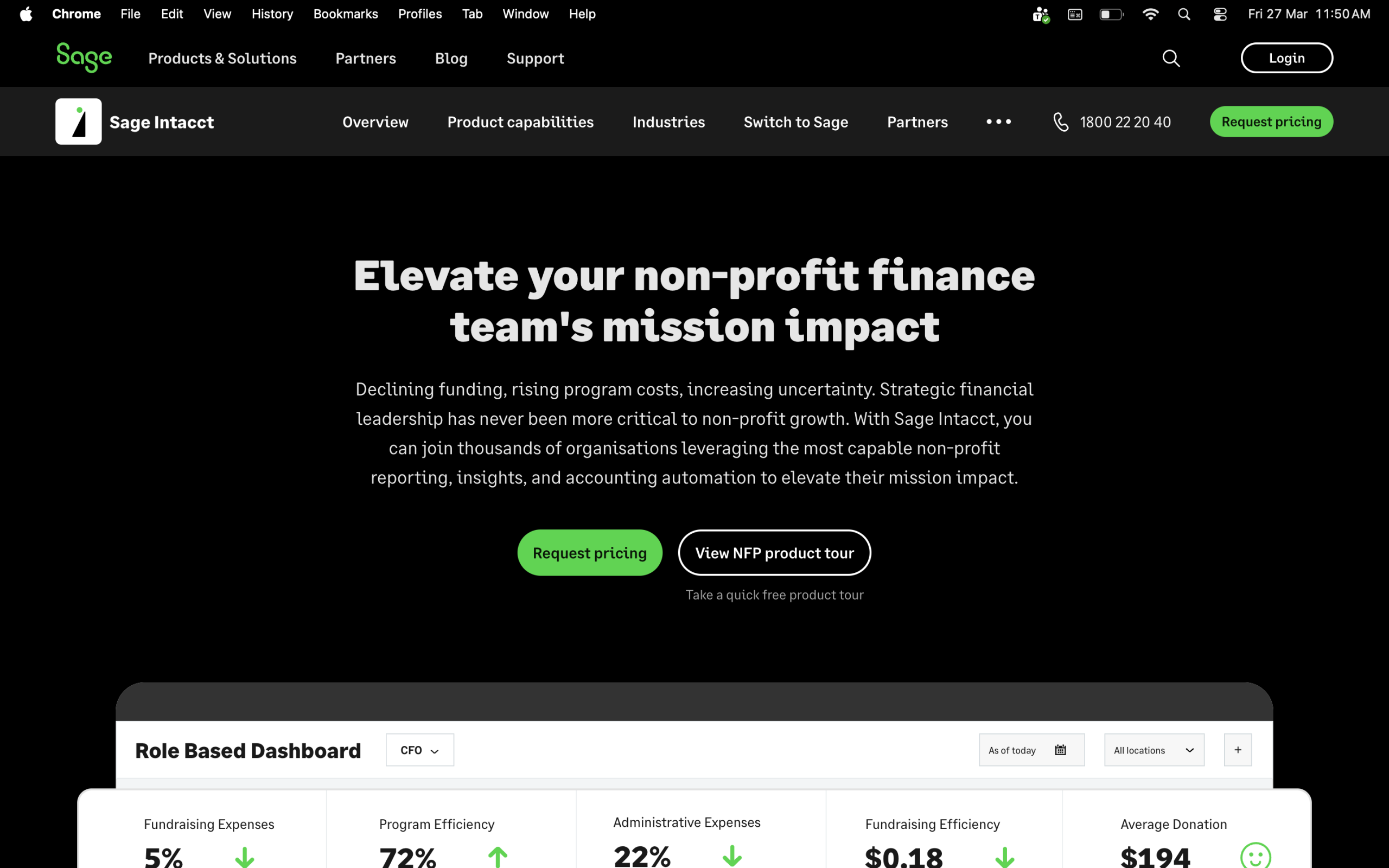
It’s a strong fit for growing mid-sized nonprofits with a dedicated finance team, less so for smaller orgs just getting started.
Key features:
- Fund accounting, grant tracking, revenue recognition, and outcomes reporting
- Multi-dimensional chart of accounts for reporting by program, location, or grant
- Real-time dashboards and AI-powered financial insights
- Multi-entity consolidation
- FASB-compliant reporting and Form 990 support
- Integrates with Salesforce, Blackbaud Raiser’s Edge, and payroll systems
Cons:
- The software tends to overcomplicate simple tasks, which can slow down day-to-day work for users who aren’t deeply familiar with the system
- Pricing is often called opaque. Custom quotes with no clear breakdown make budgeting difficult upfront
- Implementation costs are high and typically require a certified partner, adding to the total investment
Pricing:
- Custom quotes only
- Implementation costs typically match or exceed the annual subscription
4. MIP Fund Accounting
MIP is one of the most established names in nonprofit accounting software in the US. It handles unlimited funds, complex grant structures, payroll, and HR in a single system, making it a solid fit for growing mid-sized nonprofits that need more than basic bookkeeping.
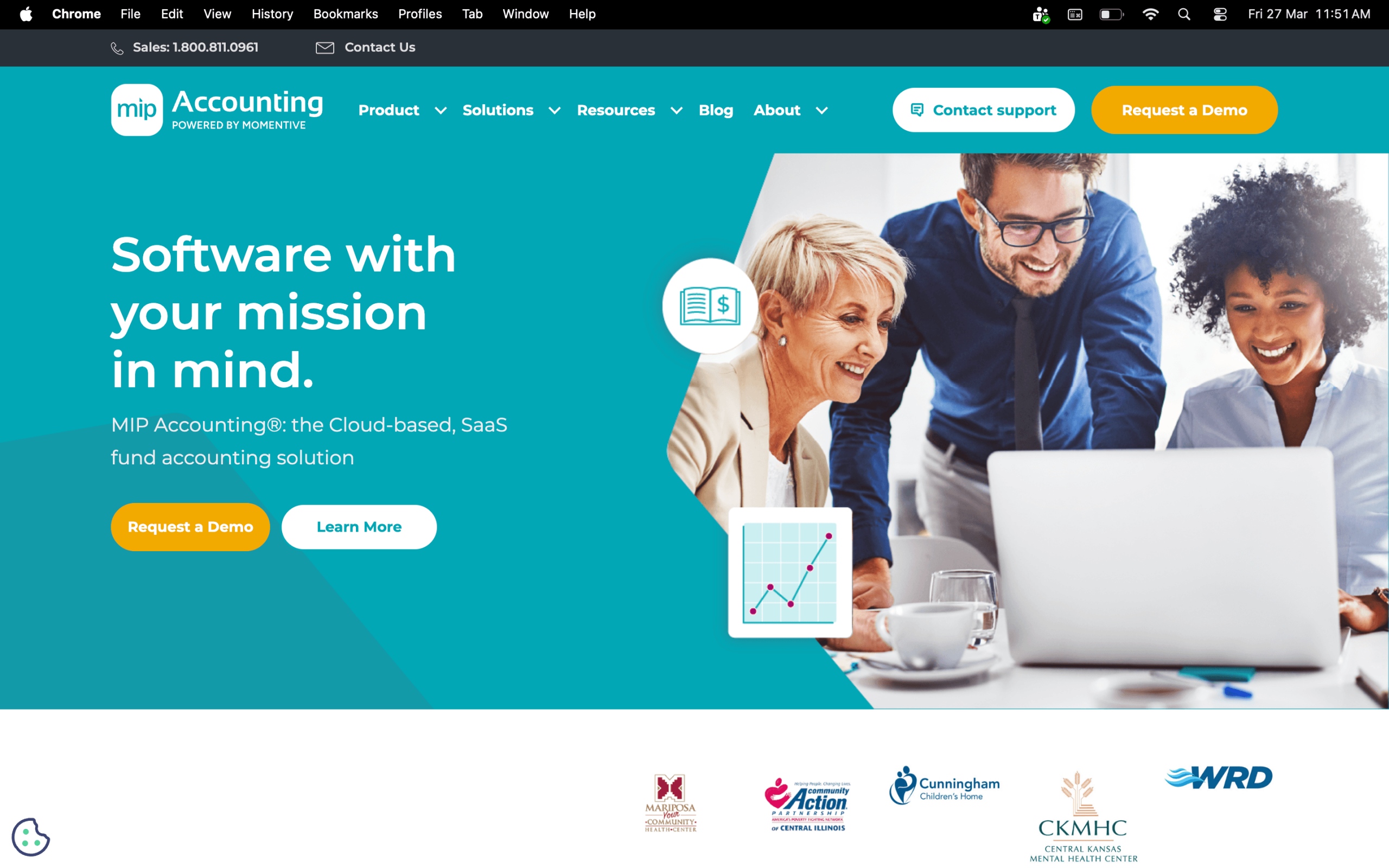
It works well for K-12 schools, healthcare organizations, and government organizations.
Key features:
- True fund accounting for unlimited funds, grants, donations, dues, and events
- FASB and GASB-compliant reporting
- Grant administration and budget management
- Integrated payroll and HR management
- Robust audit trail and fraud prevention controls
- Cloud-based or on-premises deployment options
Cons:
- Some users find the initial setup and learning curve challenging, especially for new users, and the interface could be more intuitive
- Customer support costs can be high, and users report long wait times
- Pricing isn’t transparent. You need to contact sales for a quote, which makes budgeting harder upfront
Pricing:
- Contact for a custom quote based on org size and modules
5. Blackbaud Financial Edge NXT
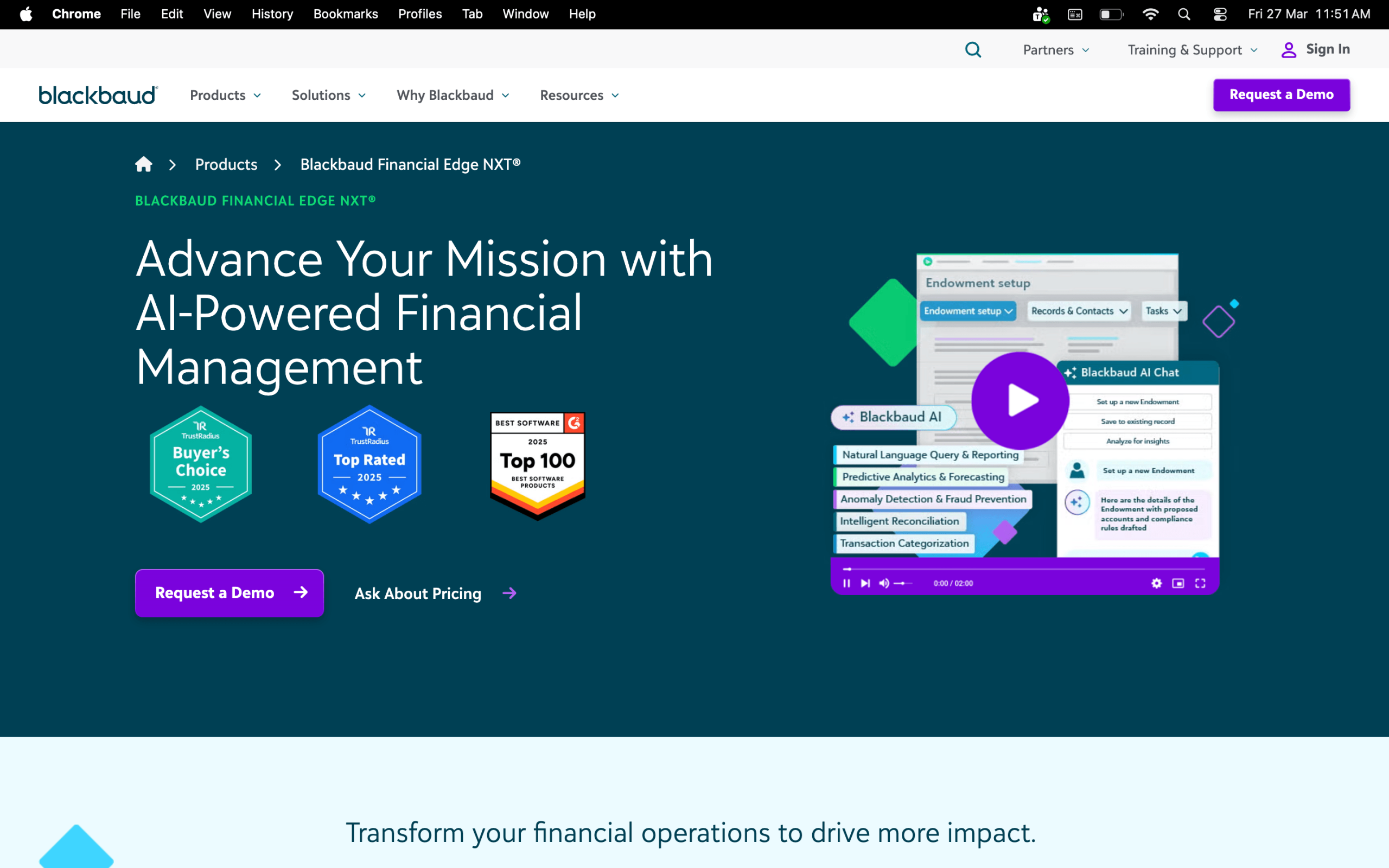
Blackbaud Financial Edge NXT is a cloud-based best accounting software for nonprofits needing serious reporting depth and a tight connection between fundraising and finance. It integrates directly with Raiser’s Edge NXT, making it a natural choice for organizations already in the Blackbaud ecosystem.
Key features:
- Fund accounting with grant, project, endowment, and subfund tracking
- Real-time reporting with one-click drill-down functionality
- Budget management and forecasting
- Accounts payable and receivable
- Seamless integration with Blackbaud Raiser’s Edge NXT for fundraising and finance data
- 24/7 access from any device
Cons:
- Users report high costs, price increases over time, and extra charges for modules or budgeting tools
- Customer support can be hard to reach, as finding a live person or chat option isn’t always straightforward
- Best value only if you’re already using other Blackbaud products; standalone, it’s harder to justify the cost for smaller nonprofits
Pricing:
- Pay-per-user subscription; custom quotes based on org size and modules
- Promotional offers are usually available, but you need to contact Blackbaud to confirm available and conditions change over time
6. MonkeyPod
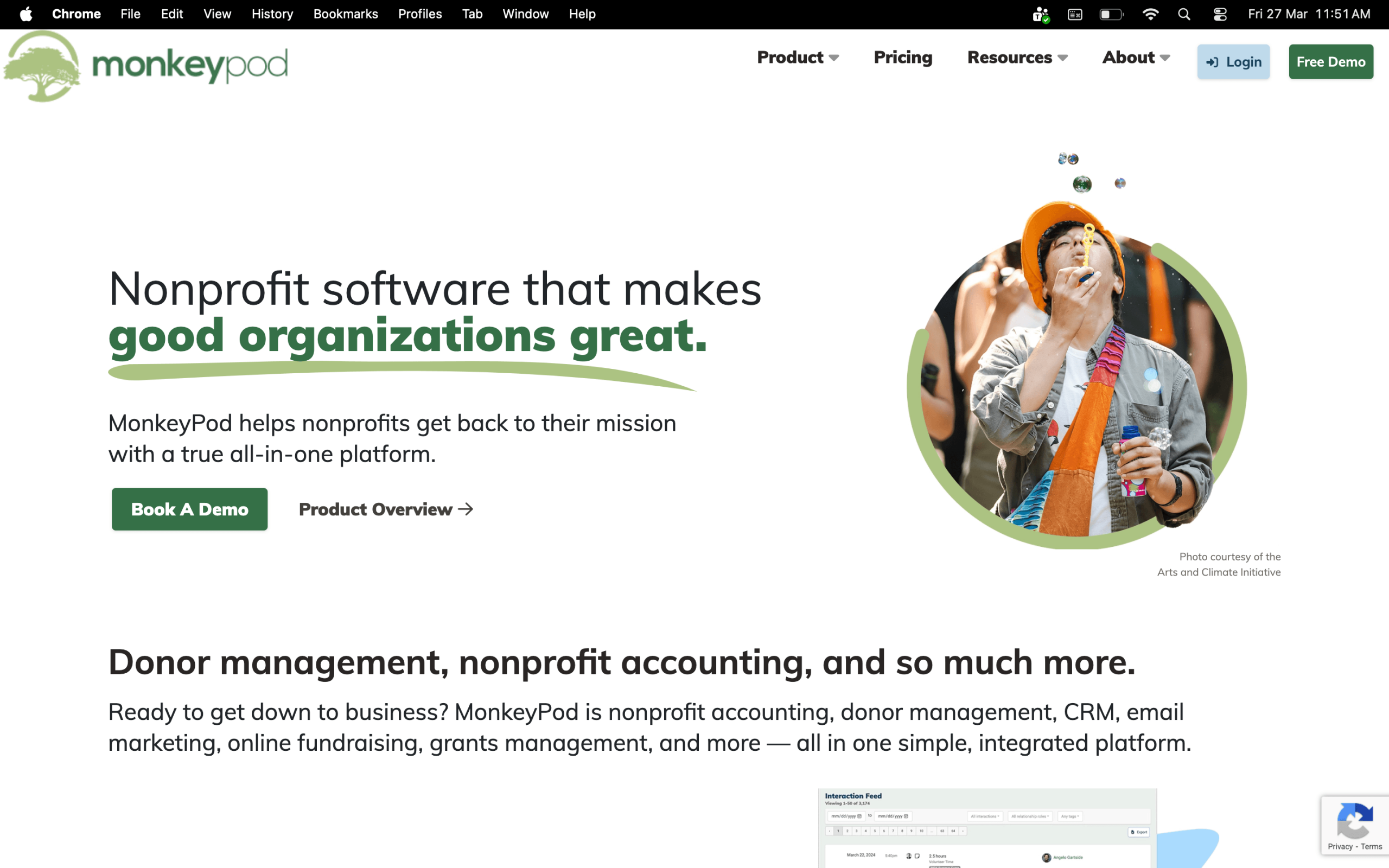
MonkeyPod is an all-in-one platform that combines accounting software for nonprofit organizations with donor management, grant tracking, email marketing, and fundraising. It’s built by nonprofit veterans and genuinely priced for small to mid-sized orgs.
Key features:
- True nonprofit fund accounting with restricted fund tracking
- Grant management from proposal through final report
- Unlimited users, CRM records, email subscribers, and fundraising pages at no additional cost
- Budget vs. actuals tracking by program, grant, or time period
- Automatic transaction import from online banking
- Nonprofit financial reports built in (Statement of Activities, Statement of Financial Position, and more)
Cons:
- Newer platform, so some features are still maturing compared to more established tools
- Some users report that critical features like native form integrations can be inconsistent
- No payroll module. You’ll need a separate tool for payroll management
Pricing:
- Essentials: $167/month
- Pro: $292/month
- Enterprise: $417/month
- Add-ons available à la carte on Essentials and Pro plans; some Enterprise add-ons may require a custom quote
- Optional bookkeeping service available from $300/month (4 hours/month)
- 14-day free trial available
Referral Program:
- Refer someone to MonkeyPod and both you and they get 5% off your subscriptions, for life
- Discounts stack – refer 20 people and your subscription is completely free
- The first organization to refer their way to a free subscription receives a $2,500 cash donation from MonkeyPod
Processing fees: Stripe’s processing fees include 2.9% + $0.30 per transaction (same as PayPal).
7. FastFund by Araize
FastFund is a modular, cloud-based accounting software for nonprofit organizations designed by CPAs with nonprofit experience. You pay only for what you need, such as accounting, payroll, or fundraising, which helps keep costs manageable for smaller teams.
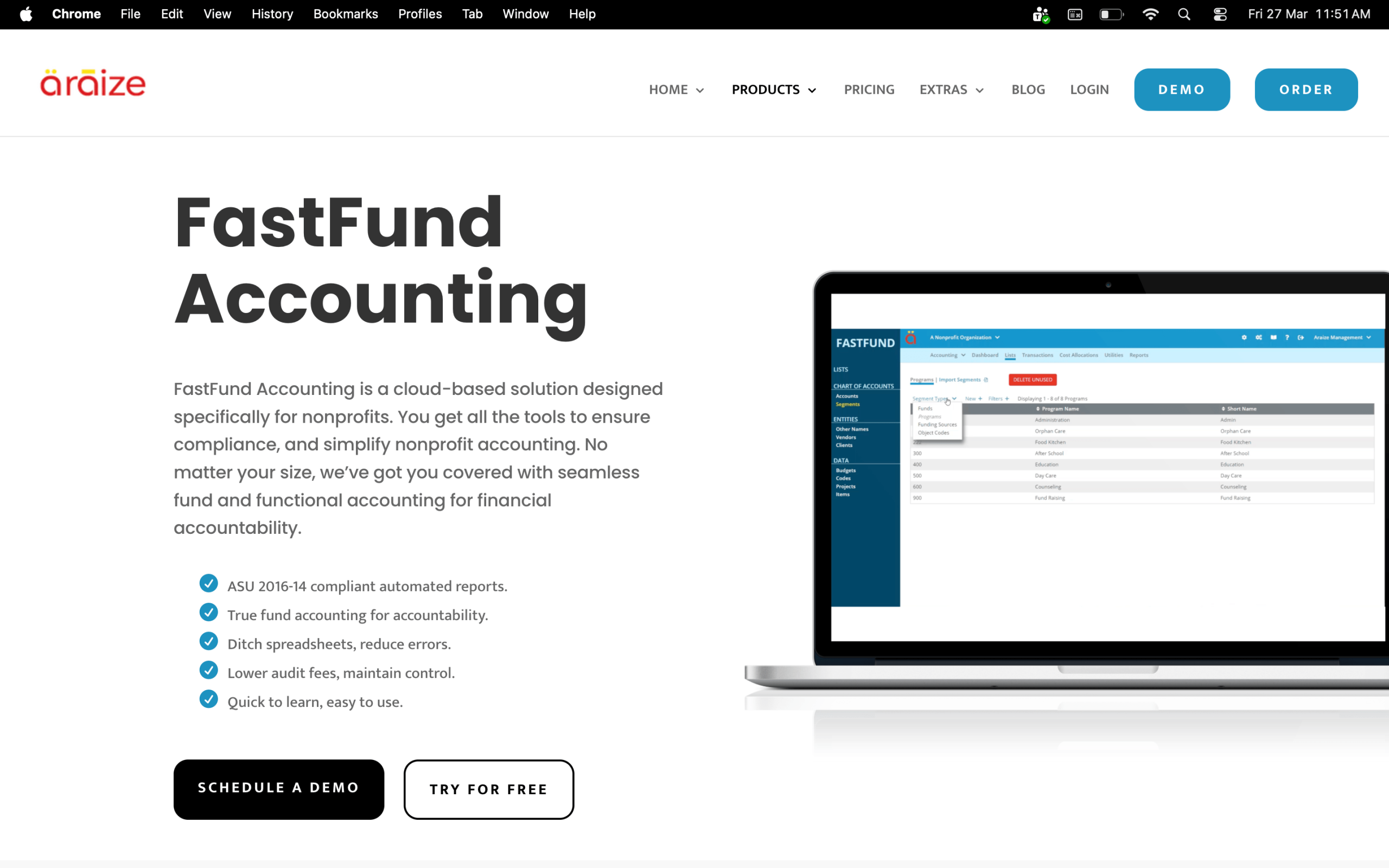
It even generates FASB-compliant financial statements and keeps accounting, payroll, and fundraising seamlessly interconnected.
Key features:
- True fund accounting with restricted and unrestricted fund tracking
- FASB-compliant reporting (ASU 2016-14 compliant)
- Grant and donor management
- Modular payroll and fundraising add-ons
- Cost allocation tracking
- Free unlimited phone support included
- 30-day free trial
Cons:
- Not particularly intuitive for new users; there’s a learning curve, especially for staff without an accounting background
- No native mobile app for iOS or Android. Access is browser-based only
- Payroll is a separate module at an additional cost starting from $55/month
Pricing:
- Standard: $50/month
- Premium: $110/month
- Add-ons available
8. i3 Verticals (formerly AccuFund)
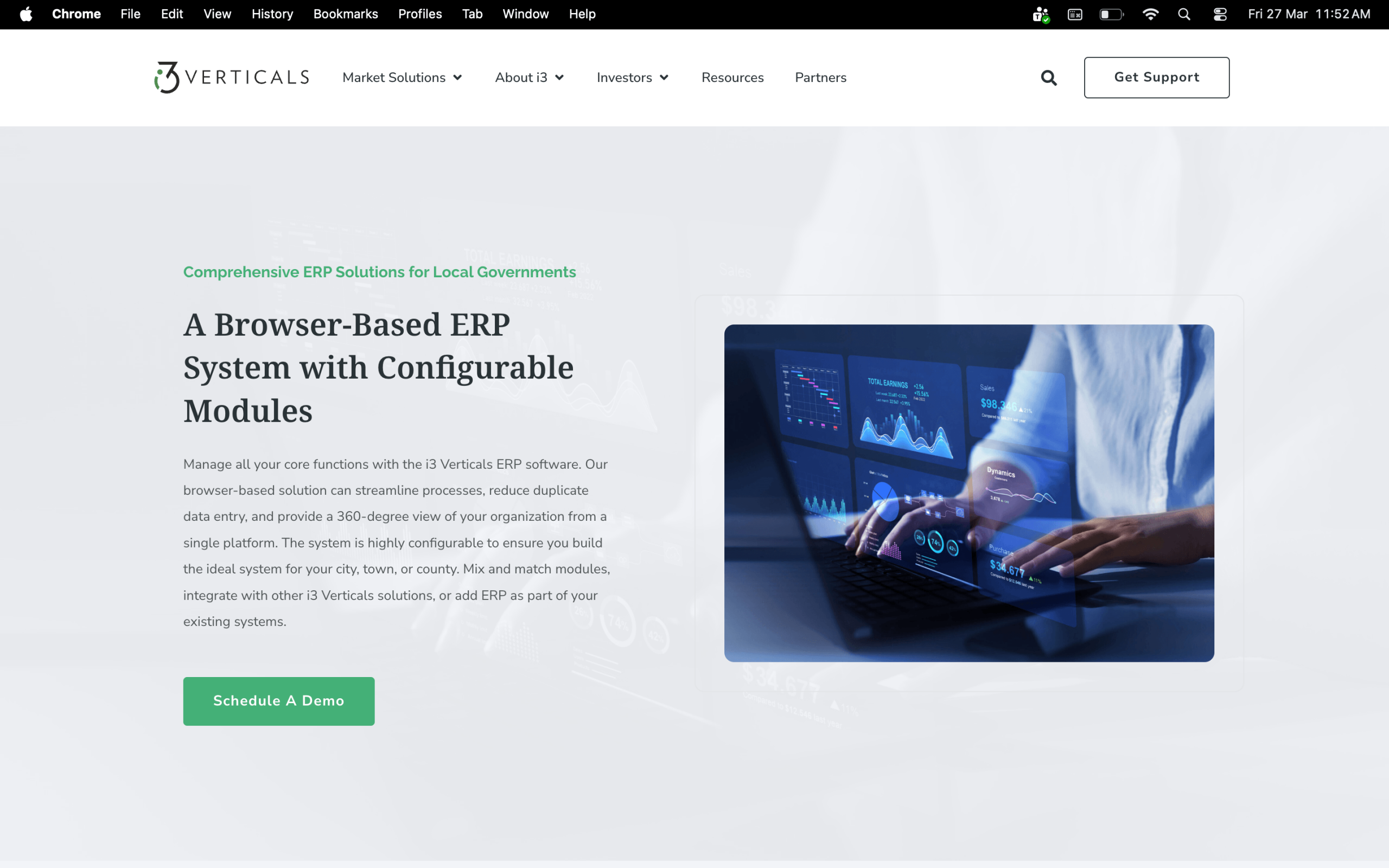
i3 Verticals (formerly AccuFund) is a fund accounting suite built exclusively for nonprofits and government entities, available in the cloud or on-premises. It’s modular, so you start with the core and add payroll, HR, or grants management as your needs grow.
Key features:
- General ledger, accounts payable, cash receipts, and bank reconciliation
- Optional grants management, HR, payroll, and fixed asset modules
- Customizable financial report writer
- FASB and GASB-compliant reporting
- Document storage and audit trail built in
- Available cloud or on-premises
Cons:
- Some reporting is difficult to understand, and users may need the help of consultants to get the most out of it
- Some users experience lagging, and report writing is not intuitive
- A few users report that software updates can sometimes introduce unexpected issues
Pricing:
- Modular pricing based on selected features and number of users – contact i3 Verticals for a quote
9. ORACLE NetSuite
NetSuite is a full-scale cloud ERP that includes nonprofit accounting software functionality alongside donor management, grant tracking, inventory, and more. It’s best suited for mid-to-large nonprofits with complex, multi-program operations.
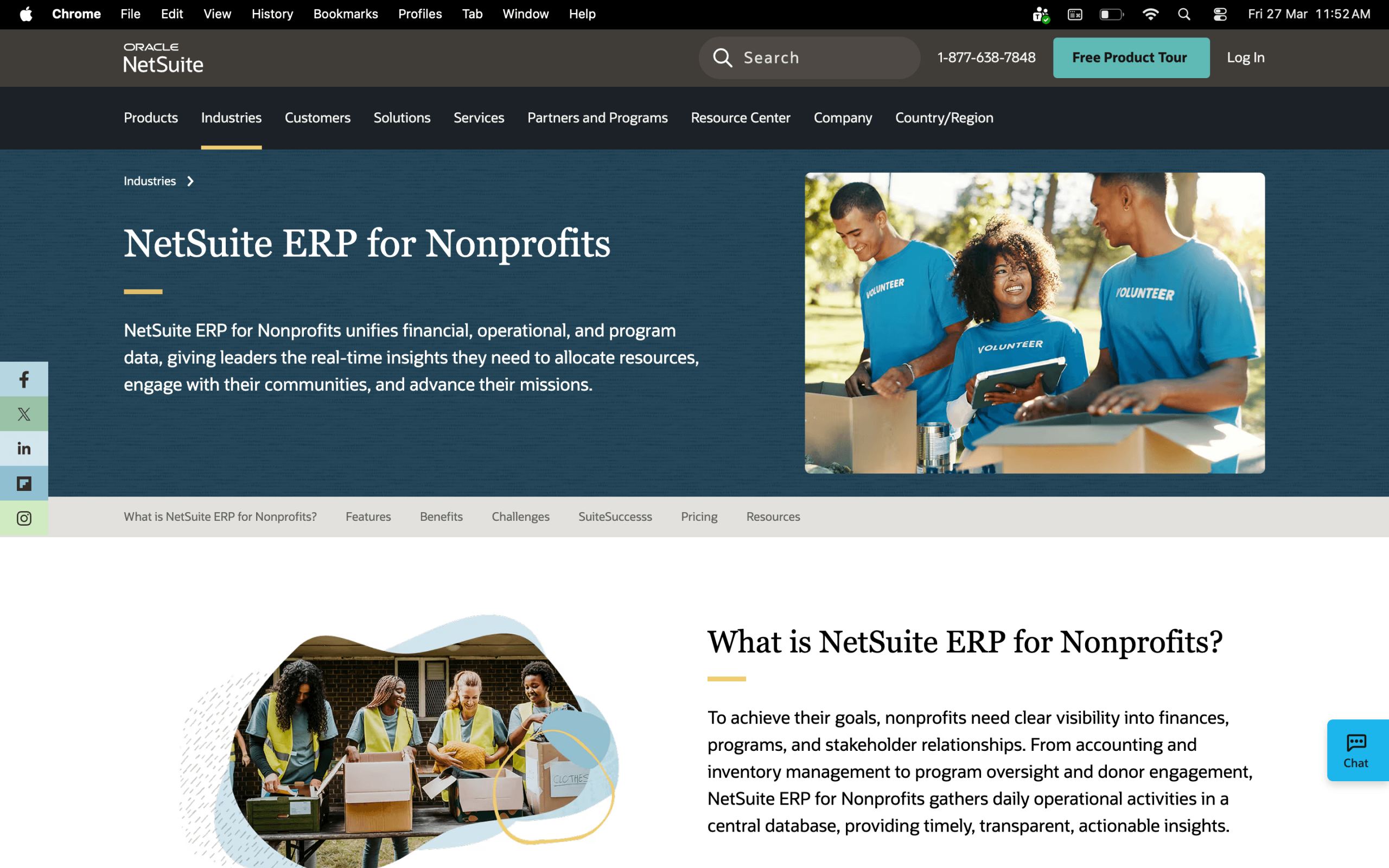
Some qualifying nonprofits can apply through Oracle NetSuite Social Impact for a base software donation with no-cost activation. Eligibility requirements apply, and implementation costs are separate and still apply regardless of donation status.
Key features:
- Fund accounting with FASB ASC 958 and IRS Form 990 compliance support
- Grant compliance and restricted fund tracking
- AI-assisted bank reconciliation
- Multi-entity and multi-currency consolidation
- Real-time dashboards and automated reporting
- Integrates with Salesforce, payroll, and fundraising platforms
Cons:
- Significant implementation cost and complexity. Typically requires a certified partner and months of setup
- High fees and unexpected costs are common complaints
- Steep learning curve, so not suitable for small nonprofits without dedicated IT or finance staff
Pricing:
- Custom quotes only
10. Fund EZ
Fund EZ is a purpose-built small nonprofit accounting software that’s been built exclusively for nonprofits for over 30 years. It’s designed to feel familiar, think Microsoft-style menus, so staff without a strong accounting background can get up to speed quickly.
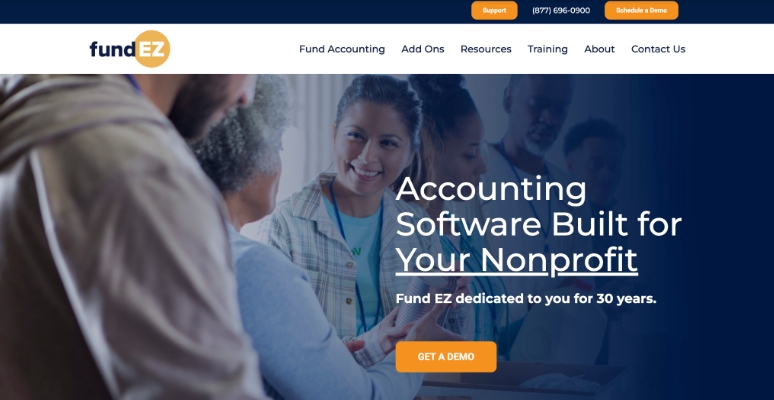
It’s a solid fit for small to medium-sized nonprofits that need true fund accounting without the complexity of enterprise tools.
Key features:
- True fund accounting: Track budgets across multiple funds, programs, grants, funding sources, and departments
- Fiscal year independent reporting
- General ledger, accounts payable, accounts receivable, and bank reconciliation
- Custom report creation and automated report scheduling
- Optional add-ons: fundraising, fixed assets, ACH payments, and XL Report Writer
- Unlimited telephone support with screen sharing included
- 30-day free trial available
Cons:
- The budgeting module is not very flexible and can be difficult to navigate
- Report customization is labor intensive and time consuming
- No native mobile app; browser-based access only
Pricing:
- Contact Fund EZ for a custom quote based on users and modules
- Add-ons available
11. Software4Nonprofits (ACCOUNTS)
Software4Nonprofits offers ACCOUNTS. It is a straightforward, small nonprofit accounting software built specifically for charities, churches, and nonprofits that need solid bookkeeping without the complexity of larger platforms.
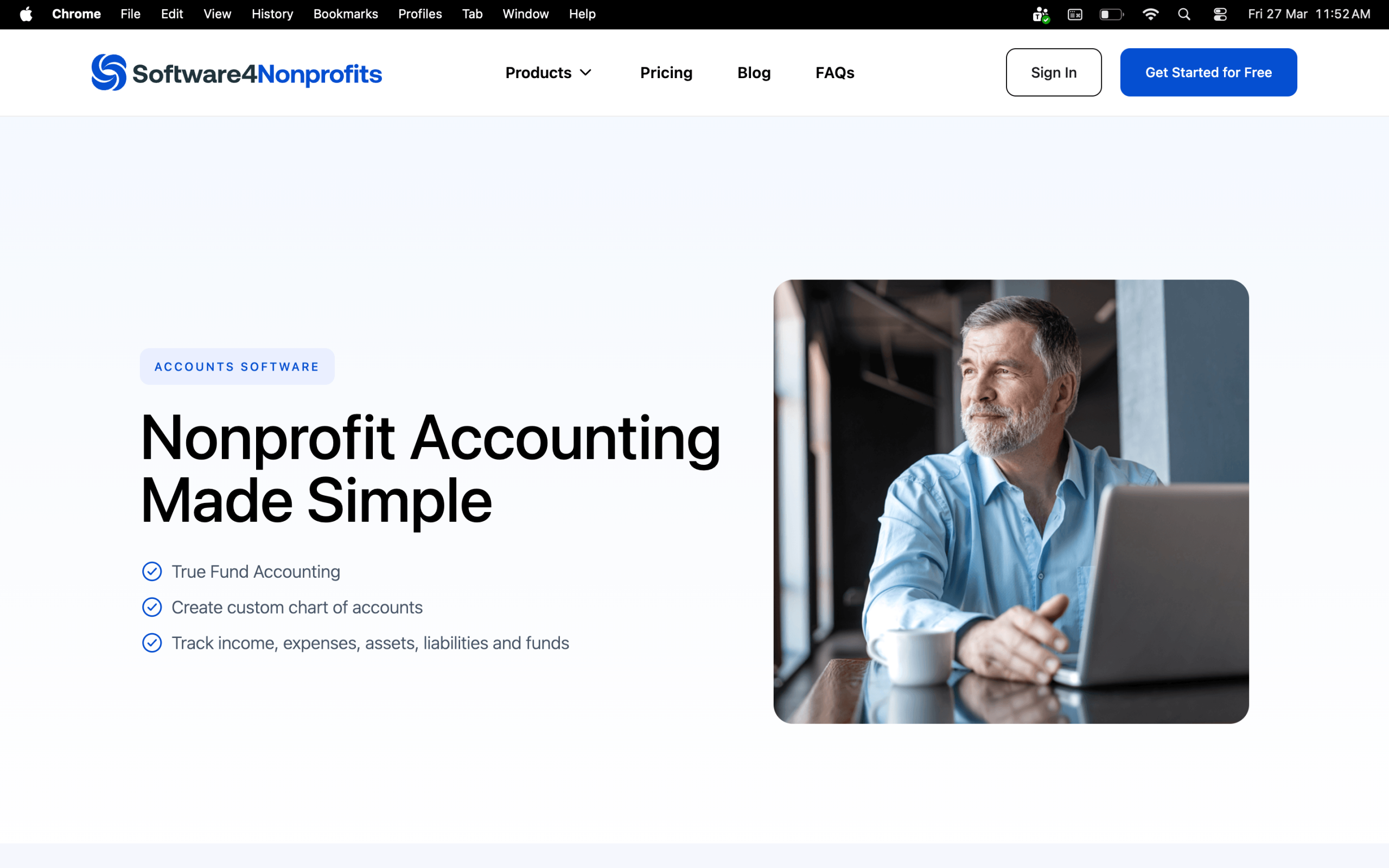
It is also designed to be accessible even for staff or volunteers with little to no accounting background.
Key features:
- Fund accounting with detailed transaction categorization and fund allocation
- Balance sheets and year-end financial reports
- Donor management and donation tracking
- Budget planning and expense management
- Automatic fund accounting with no need for tagging, classes, or journal entries to maintain fund balances
- Links accounts to annual government form submissions for easier year-end reporting
- Unlimited support is included on all plans
- 30-day free trial available
Cons:
- The desktop version only runs on Windows, with Mac users needing the On-Demand version, which is accessed via remote control
- No direct integrations. Data needs to be manually exported to connect with other tools like QuickBooks or CRMs
- Best suited for very basic accounting needs; it will be outgrown quickly by nonprofits with complex grant structures
Pricing:
- Classic Bundle (CRM + Fund Accounting): $499/year
General accounting tools that use workarounds
These tools were built for general small organizations accounting. They can work for nonprofits but rely on workarounds like classes or custom fields to support fund tracking.
12. QuickBooks by Intuit
QuickBooks is one of the most widely used nonprofit accounting software options in the US, and most accountants already know it, which makes handoffs easy.
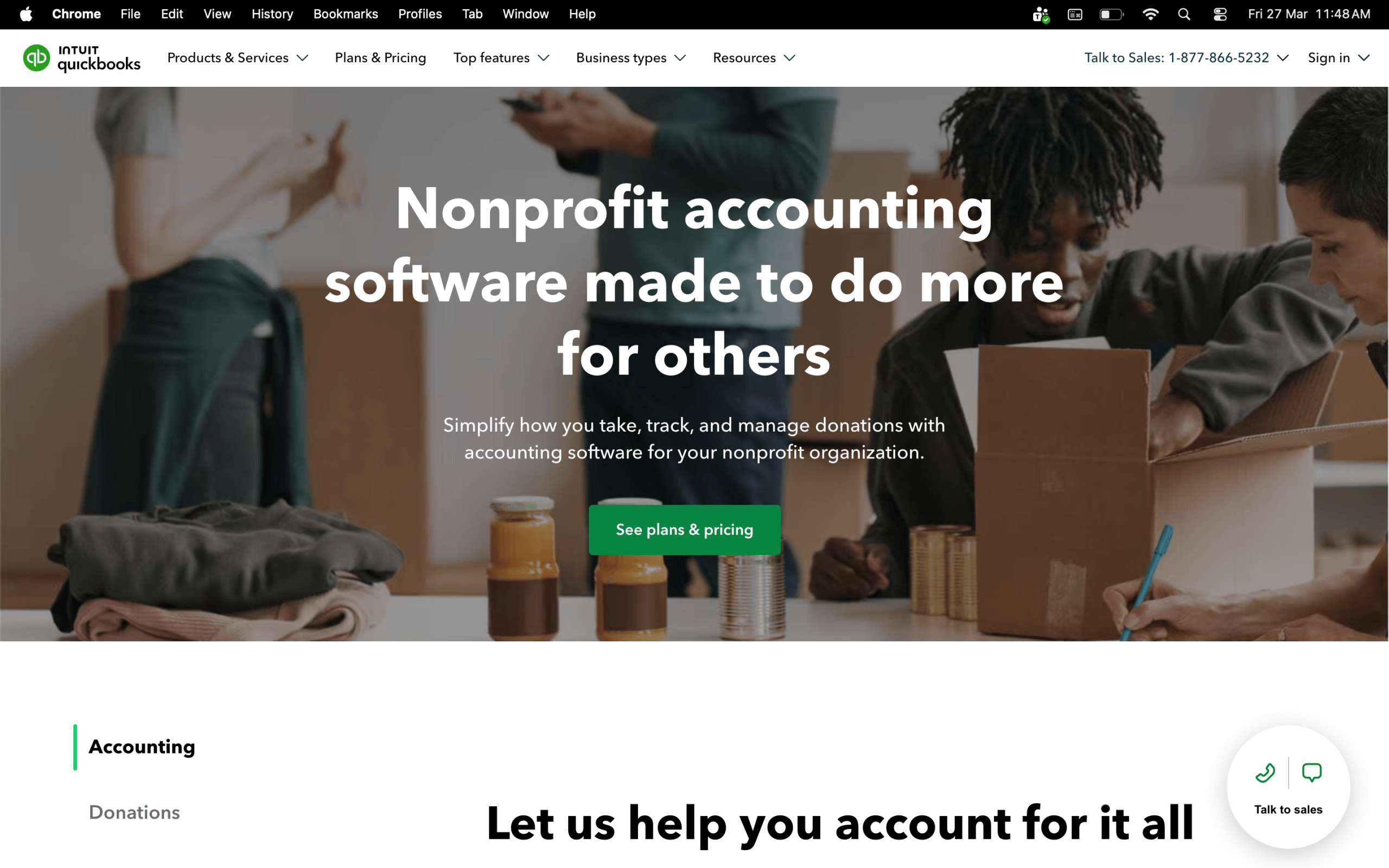
It can simulate fund accounting using Classes, Locations, and sub-accounts to track separate funds, grants, and programs. Just know that the workaround has real limitations if your grant structure gets complex.
Key features:
- Donation and grant tracking via Classes and Custom Fields
- Customizable nonprofit financial reports (Statement of Financial Position, Budget vs. Actuals)
- Bank reconciliation and expense tracking
- Form 990 preparation support
- Up to 25 users with custom permissions on QuickBooks Online Advanced; up to 40 users on QuickBooks Enterprise (separate desktop product)
- Integrates with fundraising platforms, including RallyUp via Zapier
Cons:
- Only provides two data elements for coding, which creates a significant limitation for reporting if your nonprofit needs more than two dimensions
- Standard reporting features may not meet the needs of all nonprofits. You may need third-party tools to fill the gap
- Designed for small businesses, so nonprofits will need to rely on workarounds as financial management needs expand
Pricing:
- Simple Start: $38/month
- Essentials: $75/month
- Plus: $115/month
- Advanced: $275/month
- Eligible nonprofits can access steep discounts through TechSoup:
- Organizations with annual operating budgets under $10 million are eligible
- You get one discounted Intuit product per fiscal year (July 1 to June 30), and one subscription product within the lifetime of the organization, renewable annually
- 30-day free trial available
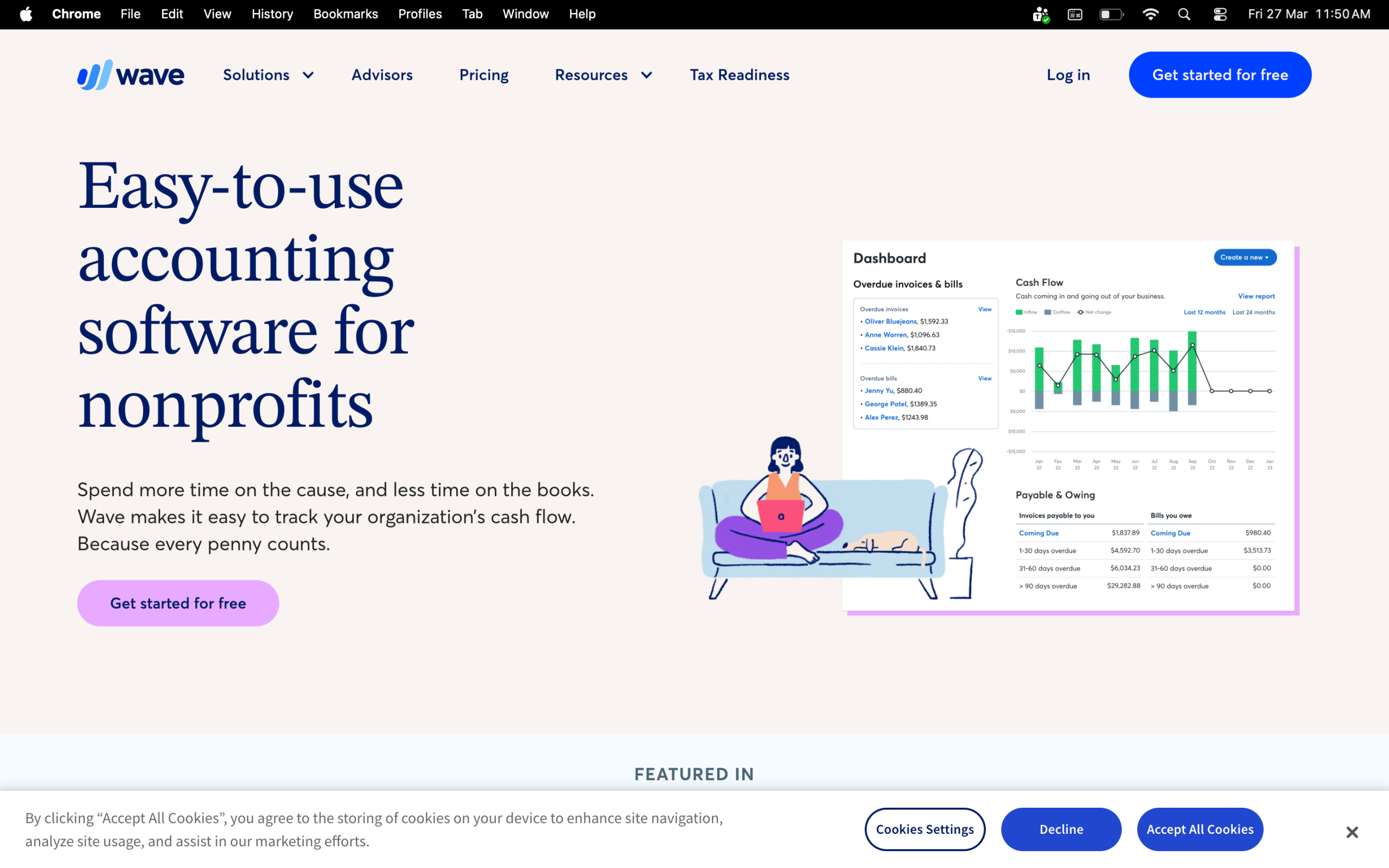
13. Wave
Wave is one of the few genuinely free small nonprofit accounting software options out there. It covers the basics, like income and expense tracking, invoicing, bank reconciliation, and works well for all-volunteer orgs or nonprofits just starting out.
Key features:
- Unlimited income and expense tracking
- Bank account and credit card sync
- Invoicing and financial reporting
- Receipt scanning (Pro plan)
- Manage multiple organizations under a single account
- Integrates with Stripe, PayPal, and Zapier
Cons:
- No fund accounting, grant management, or Form 990 support. Not recommended for growing nonprofits
- Users cite frustrating reconciliation issues and limited reporting options as businesses grow
- Support on the free plan is limited. There’s no phone support, and response times can be slow
Pricing:
- Starter: Free
- Pro: $19/month or $190/year
Processing fees (Starter – Free plan):
- Credit card transactions: 2.9% + $0.60 per transaction
- Amex transactions: 3.4% + $0.60 per transaction
Processing fees (Pro plan):
- Credit card transactions: Credit card transactions: 2.9% + $0 for the first 10 transactions/month
- Amex transactions: 3.4% + $0 for the first 10 transactions/month, then 3.4% + $0.60 thereafter, then 2.9% + $0.60
- For both plans, bank payment fees (ACH) is 1% (minimum $1 fee)
- Add-on pricing for both plans:
- Receipt capture: $8/month
- Payroll: from $40/month (US; separate subscription, per-employee fees apply)
- Bookkeeper: from $149/month
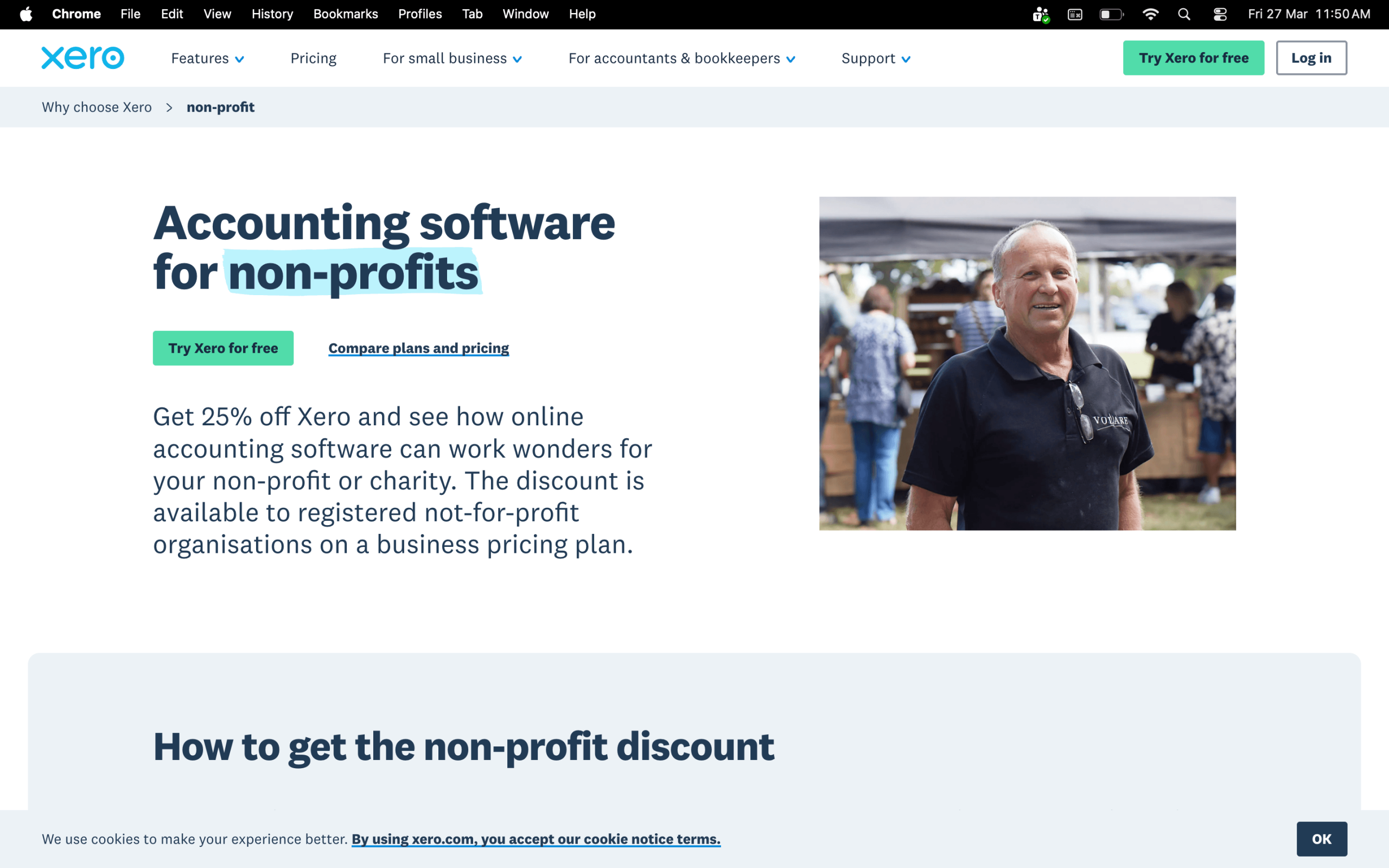
14. Xero
Xero is a clean, cloud-based online accounting software for nonprofit organizations that keeps things simple without sacrificing the core essentials. It doesn’t have native fund accounting, so it works best for smaller nonprofits with straightforward finances.
Key features:
- Bank reconciliation, expense tracking, and financial reporting
- Donation, grant, and expense recording with a real-time financial dashboard
- Budget vs. actuals reporting
- Unlimited users on all plans
- 1,000+ third-party app integrations
- 30-day free trial
Cons:
- No native fund accounting – not suitable for nonprofits with complex restricted fund structures
- Learning curve for complex features, and some advanced tasks like multi-currency accounting, can be challenging for non-accountants
- No inbound phone support, so customer service is limited to email and community forums
Pricing:
- Early: $25/month
- Growing: $55/month
- Established: $90/month
- 25% nonprofit discount available for registered not-for-profit organizations
Processing fees (via Stripe – US organizations):
- Domestic cards: 2.9% + $0.30 per transaction
- International cards: 4.4% + $0.30 per transaction (+ 1% if currency conversion is required)
- Bank transfer: 0.5% capped at $5.00 per transaction
- ACH Debit: 1% capped at $9.00 per transaction
- Instant Payouts: 1.5% (minimum $0.50)
- Klarna (US donors only): 5.99% + $0.30
15. Zoho Books
Zoho Books is one of the most affordable online accounting software for nonprofit organizations, covering core essentials, such as expense tracking, bank reconciliation, invoicing, and reporting.
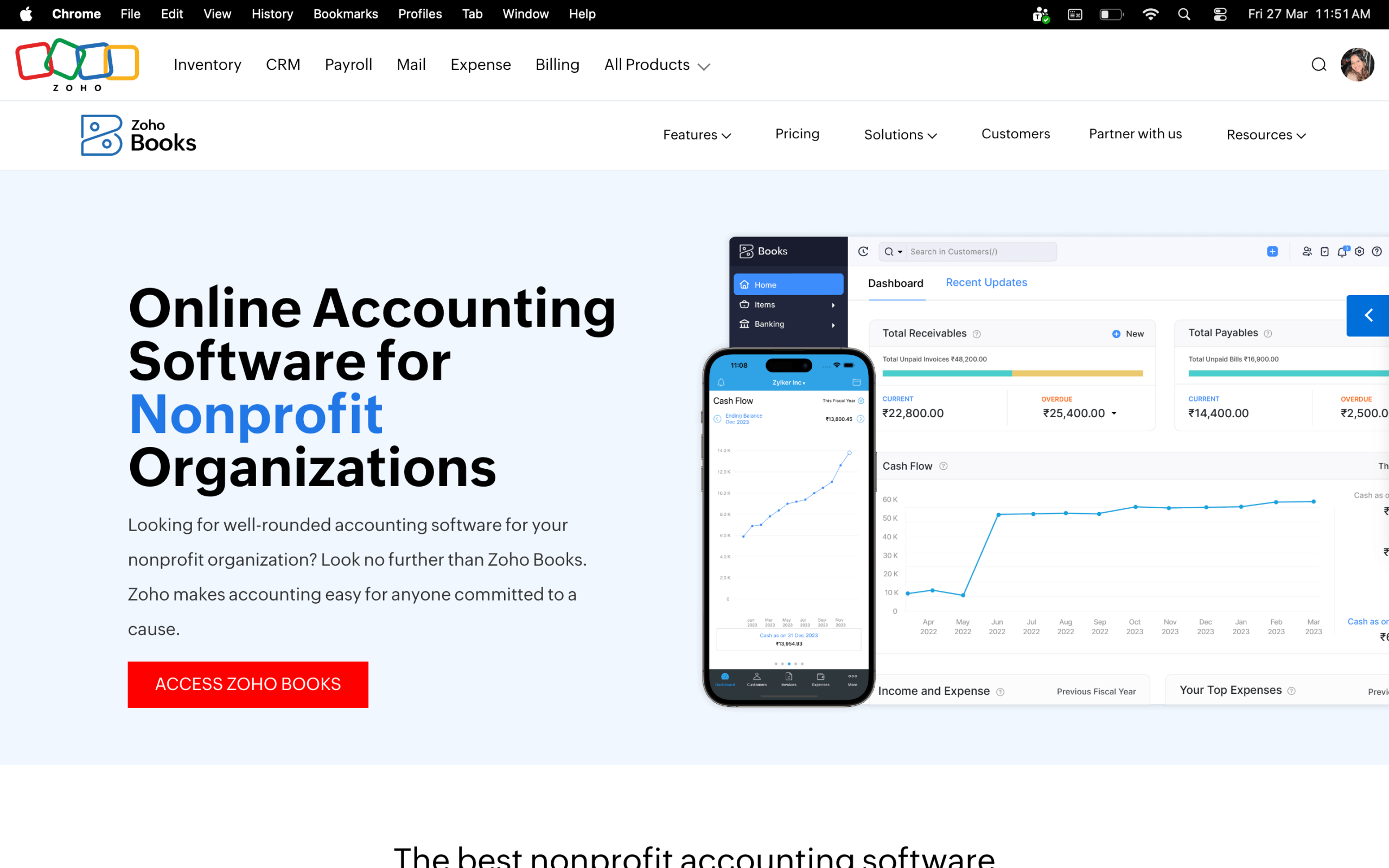
It’s not purpose-built for nonprofits, but it covers solid accounting fundamentals and integrates natively with the broader Zoho suite. Worth considering if your nonprofit runs lean and doesn’t need native fund accounting.
Key features:
- Bank reconciliation, expense tracking, and invoicing
- 70+ built-in financial reports
- Budget vs. actuals tracking
- Multi-user access with role-based permissions
- Automated workflows and payment reminders
- 1,000+ integrations, including Stripe, PayPal, and Zoho CRM
Cons:
- No native fund accounting, grant management, or Form 990 support
- Costs can increase significantly as more users or advanced features are needed
- Some users report that bank syncing can be unreliable, and reconciliation becomes cumbersome at higher transaction volumes
Pricing:
- Free (1 user plus 1 accountant; available indefinitely for organizations with annual revenue under $50,000)
- Standard: $20/month
- Professional: $50/month
- Premium: $70/month
- Elite: $150/month
- Ultimate: $275/month
How to choose the best accounting software for nonprofits
15 tools are a lot to sort through, we get it. So before you open 15 tabs and spiral into a comparison rabbit hole, here are the questions that actually matter when choosing the best accounting software for nonprofits
What’s your budget?
Be honest about what you can sustain monthly, and not just afford right now. Some of the best accounting software for nonprofit organizations on this list start free; others run thousands per year. Neither is better than the other if it doesn’t fit your financial reality.
Do you need true fund accounting?
If you manage restricted grants or multiple funding streams, you need software built for nonprofit fund accounting, not a workaround. Tools like Wave and Xero can work for very simple finances, but Aplos, MIP, or FastFund will save you significant headaches as you grow.
How big is your team?
Some platforms charge per user, others offer unlimited users at a flat rate. If you have multiple staff or board members who need access, factor that into your total cost.
How complex are your grants and programs?
One or two grants with straightforward reporting? QuickBooks or Zoho Books can handle that. Multiple federal grants, multi-year restricted funds, or single audit requirements? You’ll want purpose-built nonprofit accounting software like Sage Intacct or MIP.
Do you need fundraising features too?
If you’re looking for a platform that handles both fundraising and financial tracking in one place, tools like MonkeyPod or RallyUp (paired with your accounting software) can reduce the number of systems you’re juggling.
How much accounting experience does your team have?
Not everyone on your team is a CPA, and that’s fine. Look for online accounting software for nonprofit organizations with an intuitive interface and solid support, especially if volunteers or non-finance staff will be using it regularly.
Will it grow with you?
The right software today should still work for you two or three years from now. Think about where your organization is headed, whether that be more programs, more staff, or more grants, and then choose a tool that can scale.
How to use nonprofit accounting software effectively
You’ve chosen your software – great. Now the real work begins. A tool is only as useful as the habits built around it, so here’s how to make your nonprofit accounting software actually work for your organization.
Set it up for nonprofits, not businesses
During setup, most accounting software for nonprofit organizations will ask you to configure your chart of accounts.
Structure it around your programs, grants, and funds, instead of generic business income and expense categories. This makes every report you run actually meaningful to your board, funders, and auditors.
Connect your bank accounts early
The sooner you link your bank and credit card accounts, the sooner reconciliation becomes automatic. Manual transaction entry is where errors creep in, so eliminate it as quickly as possible.
Use classes, custom fields, or funds consistently
Whatever your software calls them, use them on every single transaction from day one. Inconsistent tagging is the number one reason nonprofits end up with reporting headaches at year-end, especially when grant reporting season rolls around.
Set up grant and program budgets before you start spending
Don’t wait until mid-year to build budgets. Enter your approved grant budgets and program allocations upfront so your budget vs. actual reports are useful in real time.
The best accounting software for nonprofit organizations makes this easy, so take advantage of it early.
Still figuring out your budget? Find out what starting a nonprofit actually costsAutomate your donor receipts
If your software supports automatic IRS-compliant receipts, turn that on immediately. It saves hours of manual admin work and keeps your donors happy – two things every small nonprofit team needs.
Assign the right roles to the right people
Your ED, bookkeeper, and board treasurer don’t all need the same access. Set up role-based permissions early to:
- Protect sensitive financial data
- Create a clean internal approval process
- Reduce the risk of errors or unauthorized changes
Run reports before your board meeting, not during
Build a habit of pulling your Statement of Activities, Statement of Financial Position, and budget vs. actuals a few days before every board meeting. This gives you time to catch anything unusual and walk in confidently.
Schedule a monthly close
Even if you’re a small team, set a recurring date each month to:
- Reconcile all accounts
- Review and categorize transactions
- Run key financial reports
A consistent monthly close keeps your books clean and makes audit season significantly less painful.
7 common nonprofit accounting challenges and how to overcome them
Even with the best accounting software for nonprofits, challenges come up. Here’s what most small and mid-sized nonprofits run into, and how to handle them.
1. “We’re still doing everything in spreadsheets”
This is the most common starting point, and the riskiest one. Spreadsheets break, get lost, and don’t create an audit trail.
The fix: Pick a tool that matches your current complexity level (even Wave or Software4Nonprofits is better than nothing) and migrate your chart of accounts. Most software has import tools that make this easier than it sounds.
2. “We can’t figure out how to track restricted funds”
If your software doesn’t have true fund accounting, you’re likely using classes or tags as a workaround, and it’s probably getting messy.
The fix: Switch to purpose-built accounting software for nonprofit organizations like Aplos, FastFund, or MIP that handles restricted and unrestricted funds natively.
If switching isn’t possible right now, create a strict naming convention for your classes or custom fields and apply it to every single transaction without exception.
3. “Grant reporting takes us forever”
If you relate, it usually means your transactions aren’t being coded to grants consistently throughout the year.
The fix: Set up grant budgets upfront in your online accounting software for nonprofit organizations, tag every transaction to the correct grant at the point of entry, and run reports monthly rather than scrambling at the end of a grant period.
4. “Our books are always behind”
This is a workflow problem as much as a software problem.
The fix: Set a hard monthly close date, assign one person ownership of it, and automate bank feeds so transactions import automatically. If your team genuinely doesn’t have capacity, tools like MonkeyPod offer optional bookkeeping services built directly into the platform.
5. “We’re dreading the audit”
Good audit preparation comes down to three things: a clean audit trail on every transaction, consistent fund and grant coding throughout the year, and organized supporting documentation.
The fix: Most purpose-built nonprofit accounting software handles the first two automatically. For the third, build a habit of attaching receipts and invoices to transactions as they happen.
6. “Our staff finds the software too complicated”
A problem like this is often a training issue rather than a software problem.
The fix: Take advantage of free webinars, onboarding calls, and help documentation that most platforms provide. If your team is still struggling after that, it may be worth reconsidering whether the software matches your team’s technical comfort level.
Tools like Aplos and Software4Nonprofits are specifically designed for teams without a strong accounting background.
7. “We outgrew our software, but switching feels overwhelming”
It is a big lift, but staying on software that doesn’t meet your needs costs you more time and risk in the long run.
The fix: Start by exporting your chart of accounts and transaction history, then look for the best accounting software for nonprofits that includes a data migration service. MonkeyPod and FastFund both offer this.
Many platforms will assign a dedicated onboarding specialist to walk you through the transition step by step.
Find the best nonprofit accounting software for your organization
There’s no one-size-fits-all answer here. A small all-volunteer org has completely different needs than a mid-sized nonprofit juggling five federal grants.
What matters is finding a tool that fits where you are right now and can grow with you. Use this guide to narrow it down, book a demo or two, and don’t overcomplicate it – the best accounting software for nonprofits is simply the one your team will actually use.
When you’re ready to level up your fundraising alongside your accounting setup, RallyUp, an end-to-end fundraising platform built for nonprofits, is ready when you are
FAQs on the best nonprofit accounting software
What is the best accounting software for a nonprofit organization?
It depends on your size and complexity. Aplos and MonkeyPod are strong picks for small to mid-sized nonprofits, while Sage Intacct and MIP Fund Accounting suit organizations with more complex, multi-program finances.
What accounting method do most nonprofits use?
It depends on the organization. Many use accrual accounting, but smaller nonprofits often use cash-basis. The IRS Form 990 accepts both methods.
Do nonprofits use GAAP accounting?
Not always. Many nonprofits follow GAAP for audited financials, but whether it is required depends on state law, federal award thresholds, or funder requirements. It is not a hard and fast rule.
What are the 4 processes of accounting?
The four core accounting processes are:
1. Recording (capturing all financial transactions)
2. Classifying (organizing them into categories)
3. Summarizing (preparing financial statements)
4. Interpreting (analyzing the data to support decision-making)
Now that you’ve seen it in action, are you ready to start fundraising?
Get Started