Best 18 Fundraising Event Management Software Tools for Nonprofits in 2026
Fundraising Event Management Software
Fundraising event management software keeps your event details in one place – tickets, payments, check-ins, and donor communication. It saves your team time, reduces mistakes, and helps you raise more with clearer data and a smoother experience for attendees.
The top 18 fundraising event management software tools are:
1. RallyUp
2. Bizzabo
3. Whova
4. EventMobi
5. Eventbrite
6. Cvent
7. OneCause
8. Handbid
9. Google Meet
10.Facebook Events
11. Donorbox
12. Bloomerang
13. DonorPerfect
14. BetterUnite
15. Eventify
16. Zoom
17. Givebutter
18. Zeffy
Let’s take an example of Josie, who was thrilled to get the opportunity to organize her nonprofit’s annual fundraising event. But what she didn’t sign up for was the chaos. She spent her days juggling a spreadsheet for ticket sales, an email tool for updates, and sticky notes tracking donor confirmations.
Two days before the event, while cross-checking her guest list, she realized her spreadsheet showed 150 attendees, but her payment processor only had 120 transactions. She frantically cross-referenced her spreadsheet with payment records and emails, trying to piece together an accurate guest list.
This chaos is exactly why 85% of event planners now use dedicated event management tools.
An event management platform handles registration, payments, donor communication, and reporting all in one place. No more spreadsheet chaos or missing details.
You get real-time data, automated reminders, and everything organized so you can focus on your mission instead of administrative headaches.
In this guide, we compare the best event management solutions and share a quick checklist to help you choose the right one for your organization.
In this article
- What is event management software for nonprofits?
- 18 fundraising event management tools to run a successful event
- Best overall event management software
- Best for virtual and hybrid event hosting
- Best for large-scale and enterprise-level events
- Best for auction-focused events
- Best for small organizations and community events
- Best for donor management with event planning
- Best for event seating and table management
- Best for attendee networking and engagement
- Best for simple virtual meetings and conferences
- What key features should nonprofits look for in event management software?
- Free vs paid event management software: Which makes sense for your nonprofit?
- When free or tip-based models work best
- When paid plans make more financial sense
- Making your decision
- Start planning successful events with RallyUp!
- FAQs on fundraising event management software tools
| Software | Use case | Registration & ticketing | Check-in tools | Hybrid / virtual event support | Free plan available |
|---|---|---|---|---|---|
| RallyUp – an end-to-end event management software | All event types with multi-campaign support | ✅ | ✅ | ✅ | ✅ |
| Bizzabo | Hybrid events syncing in-person and virtual audiences | ✅ | ✅ | ✅ | ❌ |
| Whova | Mid-sized virtual and in-person conferences | ✅ | ✅ | ✅ | ❌ |
| EventMobi | Virtual events with streaming support | ✅ | ✅ | ✅ | ❌ |
| Eventbrite | Large-scale events with public marketplace reach | ✅ | ✅ | Limited | ❌ |
| Cvent | Enterprise conferences and multi-day events | ✅ | ✅ | ✅ | ❌ |
| OneCause | Live and virtual auctions with mobile bidding | ✅ | ✅ | ✅ | ❌ |
| Handbid | Silent auction events | ✅ | ✅ | Limited | ❌ |
What is event management software for nonprofits?
Event management software is a system that connects different parts of event planning, from registration to communications and reporting. It creates a connected workflow that lets you manage multiple tasks, coordinate with your team, and track guest preferences.
Here’s how investing in a nonprofit event software benefits you:
1. Saves time on repetitive tasks
You’re not manually sending confirmation emails, tracking RSVPs in spreadsheets, or chasing down payments. The software handles it automatically, freeing up hours you can spend on donor relationships or planning better fundraisers.
2. Reduces errors and missed details
When everything lives in one system, nothing falls through the cracks. You won’t accidentally double-book tables for your gala event, lose dietary requests, or forget to send reminders because the platform keeps it all organized and accessible.
3. Supports attendee engagement
Event software lets you send automated messages like confirmations, event updates, and follow-up thank-yous that keep attendees engaged from registration through post-event. This way, you create a smooth experience, which makes them more likely to attend your future events.
4. Provides actionable data insights
Instead of guessing what worked, you see exactly which ticket types sold best, where your attendees came from, and how much you raised.
These insights help identify which channels need more attention and which supporters are more likely to engage with your cause to strengthen those relationships further.
18 fundraising event management tools to run a successful event
Now that you know what features matter, let’s look at 18 platforms that make event planning easier and help increase event revenue.
Best overall event management software
1. RallyUp: End-to-end event management platform
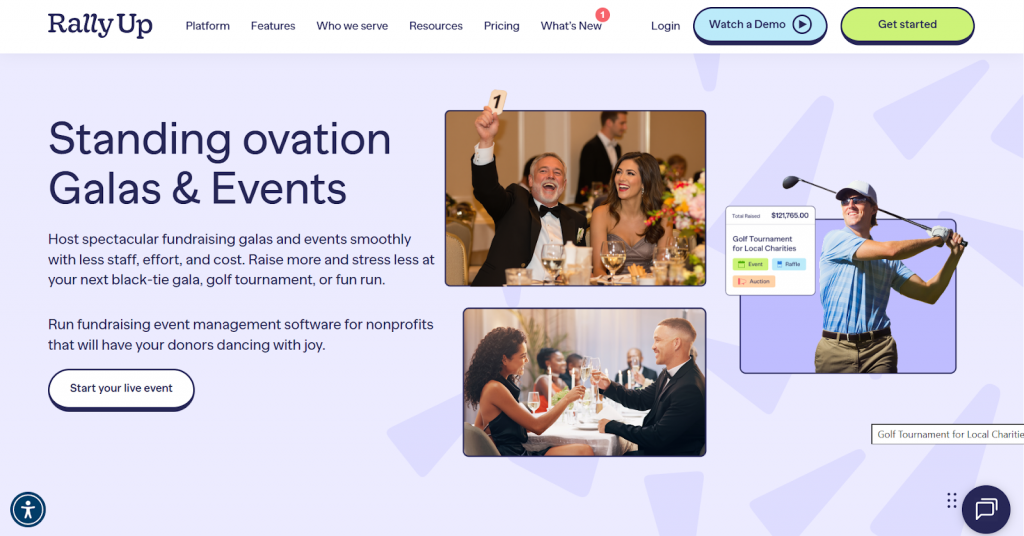
What makes RallyUp stand out as the right event management software is that it supports every type of event.
You can set up galas, auctions, walkathons, or ticketed gatherings without switching between different tools. Everything from ticketing and registration to bidding and donation processing is present in one place.
You can also combine different fundraising events. Pair a gala with peer-to-peer fundraising so event attendees rally their own networks, or add an online auction to your walkathon that runs before and after the event.
Key features of RallyUp
- Customizable, branded event pages with drag-and-drop design tools
- Pre-registration with QR code check-ins for quick entry
- Group and single ticketing options with attendee tracking
- Built-in livestream and hybrid event support with personal SMS activity updates
- Real-time visibility into donations and activities.
Limitations
Not a full CRM, but it covers basic donor management and integrates with other tools
RallyUp offers flexible pricing options designed to support nonprofit events of all sizes, whether you’re running a simple ticketed gathering or a large multi-activity fundraiser.
- Free Plan: No platform fee is charged. The plan is supported through an optional donor tip shown at checkout, which donors can increase, reduce, or remove entirely.
- Flex Plan (without tipping):
- 2.9% for Ticketing & Registration and Storefront
- 4.9% for Auctions, Crowdfunding, A‑Thons, Fund‑a‑Need, etc.
- 6.9% for Raffles and Sweepstakes
- Standard payment processing fees from Stripe/PayPal apply (typically 1.9% + $0.30 to 2.9% + $0.49).
- RallyUp also offers custom pricing plans for galas and in-person/hybrid events, which include advanced event features and additional support.
Best for virtual and hybrid event hosting
2. Bizzabo
Bizzabo is another tool that lets you combine in-person events with virtual ones. It syncs both audiences, allowing virtual participants to engage in Q&A and networking alongside in-person attendees.
The platform even handles registration for both formats through a single system, so you don’t manage separate attendee lists.
Key features
- AI-powered networking and attendee engagement tools
- Custom event websites and registration
- On-site check-in and SmartBadges
- Real-time reporting and analytics dashboard
Limitations
- Focuses on larger events, costs may not fit small gatherings
- Learning curve for teams new to the hybrid setup
Bizzabo pricing
- Experiential Onsite (Klik SmartBadge™) is a separate, add-on solution that requires a custom per-event quote.
- Event Experience OS is a core all-in-one event management platform that is available at $17,999 billed annually, for a minimum of 3 users.
3. Whova
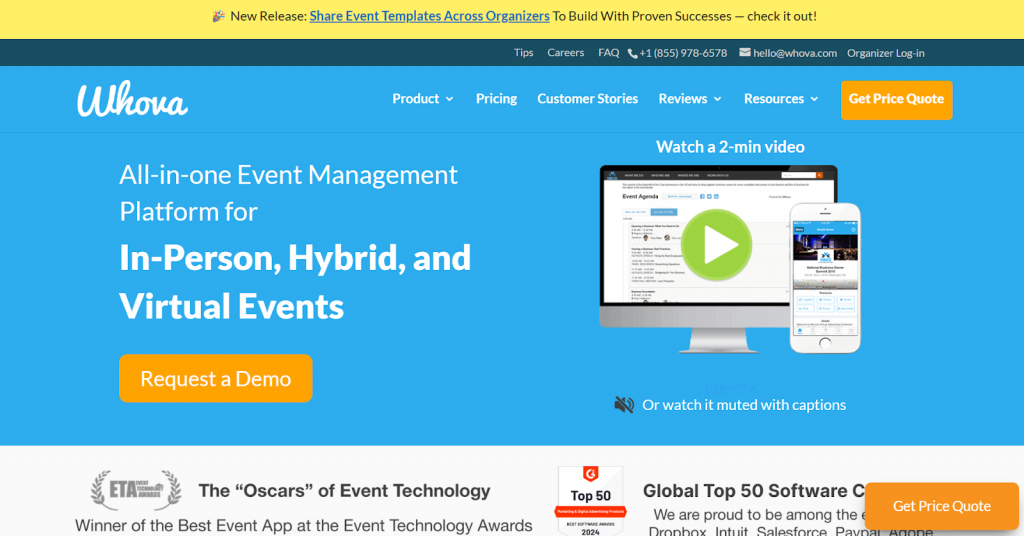
Whova gives attendees everything they need to navigate your event in one mobile app. It includes schedules, speaker bios, venue maps, and messaging features to help attendees connect with each other.
For conferences where networking is crucial, these tools help attendees maximize the value of their participation.
Key features
- Shares with attendees schedules, speaker details, and venue info
- Let attendees message and book meetings
- Run live polls and Q&A during sessions
- Promote sponsors through banners and notifications
Limitations
- Mobile app – which is most valuable for multi-session events
- Requires attendee accounts that can reduce adoption
Whova pricing
- Pricing is available upon request, and you’ll need to fill out a form with your event details to receive a custom quote.
4. EventMobi
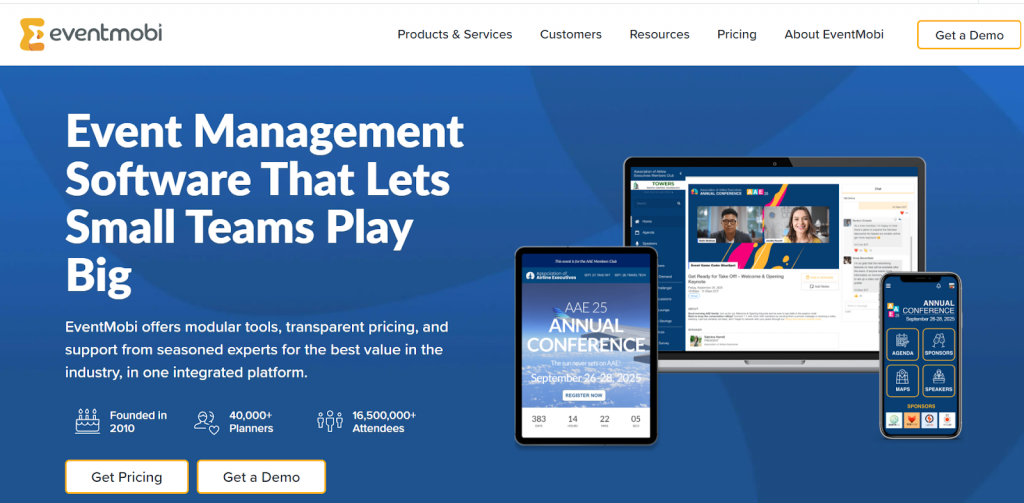
EventMobi specializes in virtual event production with live streaming, breakout rooms, and engagement tools. The platform manages multiple video feeds and chat moderation, allowing you to focus on running your event rather than on technical setup.
Key features
- Broadcast with multiple camera angles and overlays
- Create breakout rooms for group discussions
- Add polls, Q&A, and emoji reactions
- Host on-demand content for post-event access
Limitations
- Best for organizations hosting frequent virtual events
- The technical setup needs more expertise than simple tools
EventMobi pricing
- Annual/multi-event subscriptions begin at $8,900/year for unlimited events.
- Per-event pricing starts at around $3,000 for a single event.
Best for large-scale and enterprise-level events
5. Eventbrite
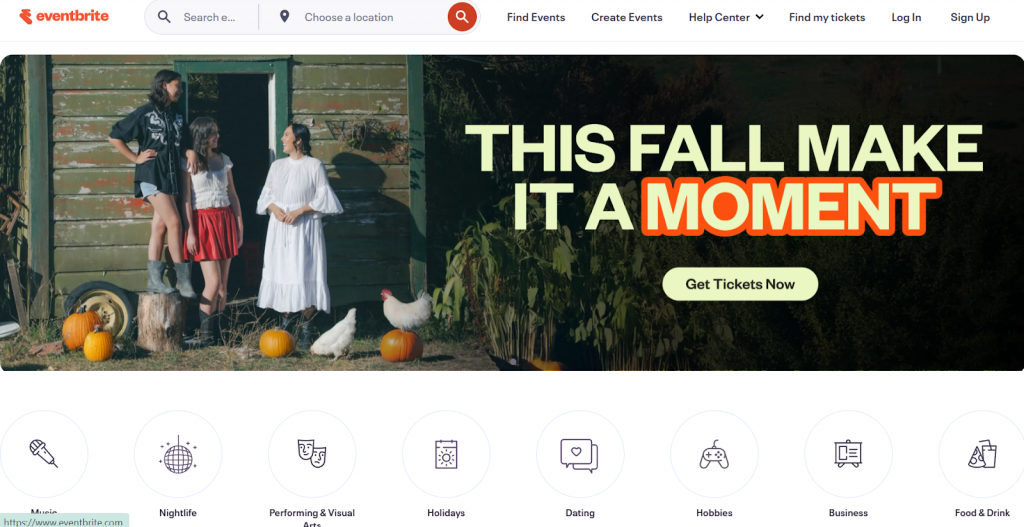
Eventbrite puts your event in front of a wider audience beyond your supporters. The platform has a public marketplace where anyone can browse events by category and location.
If you’re hosting multiple events or a series, you can group them on a single page, so attendees can see all their options.
Key features
- Drag-and-drop event page builder with branding options
- Streamlined ticket sales and payment collection
- Real-time attendee data and check-in tracking
- Single and group ticketing with promo codes
Limitations
- Not specifically designed for nonprofits in mind
- No built-in donor management tools
Eventbrite pricing
- Per-ticket fees still apply for paid tickets, reduced fees on donation tickets, and no fees for free events.
- For nonprofits, 50% off the Pro plan with discount eligibility based on application, country, and plan tier.
6. Cvent
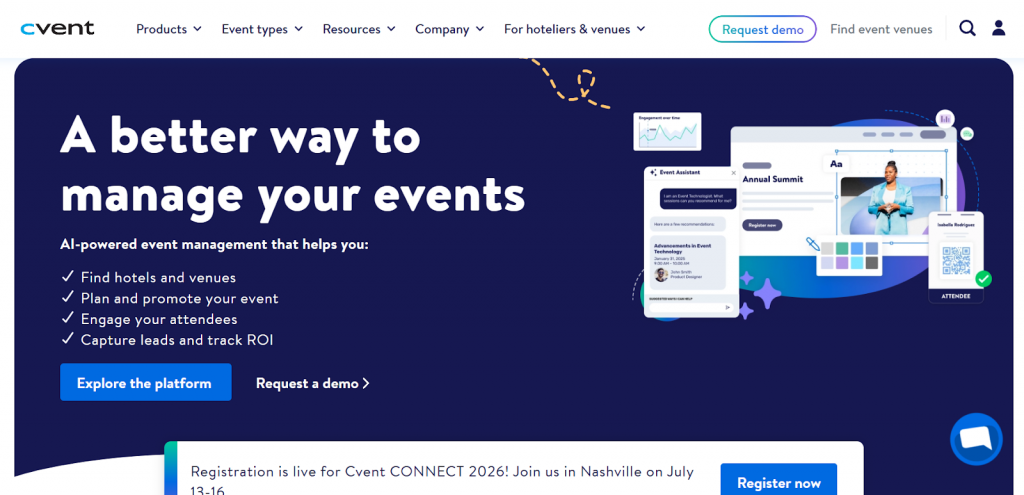
Cvent easily handles logistics for large conferences and multi-day events at scale. The platform manages hotel room blocks, speaker schedules, and breakout sessions simultaneously.
Its RFP management system lets you send requests to multiple venues at once and compare proposals side by side before signing contracts.
Key features
- Search venues and manage contracts through built-in RFP tools
- Track attendance across multiple sessions and event days
- Get an attendee app and hub for networking and engagement
- Generate reports on session attendance, engagement, and ROI
Limitations
- Built for enterprise events, often too complex for nonprofit organizations
- Significantly more expensive than other event tools
Cvent pricing
Professional and enterprise plans with custom, quote-based pricing that varies by event size, features, and attendee volume.
Best for auction-focused events
7.OneCause
OneCause is built for running auction events with mobile bidding. Guests can bid from their phones, and prices update live, so everyone can see changes in real-time. You can also run the auction virtually, allowing supporters to participate even if they can’t attend in person.
Key features
- Custom-branded event and auction pages with mobile bidding
- Flexible ticketing options for galas, tables, and sponsorships
- Real-time leaderboards and paddle-raise tools for live events
- Integrated donor data and reporting dashboard
Limitations
- Complex setup for small teams
- Feature depth suited to larger events
OneCause pricing
- The Pay-As-You-Go (PAYG) option is ideal for nonprofits raising $50,000 or less annually. It applies a 5% fee on the funds raised and requires a $500 initial payment to get started.
- The annual plans begin with the Professional Auction & Event package at $2,995/year, with higher tiers available based on your event scale and the features your organization needs.
8. Handbid
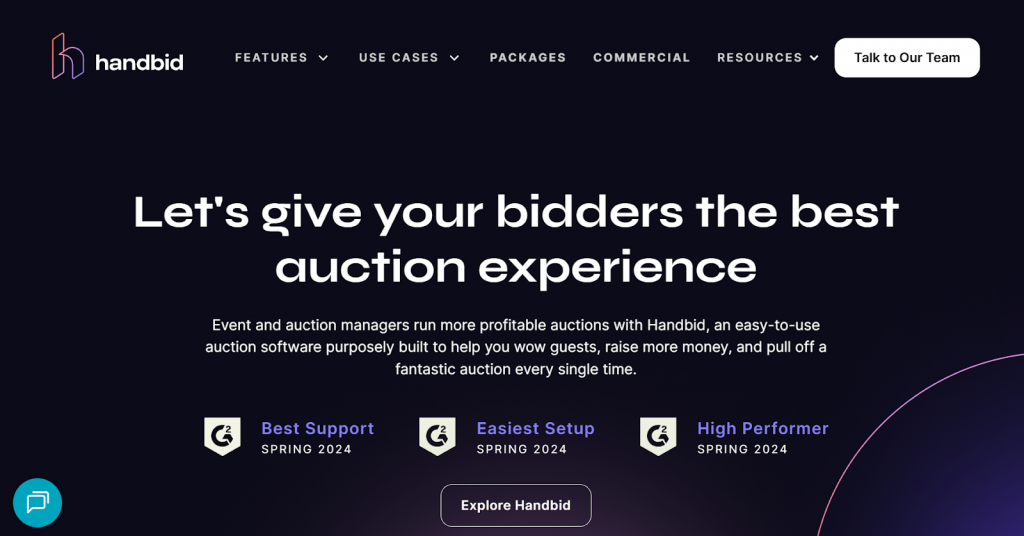
Handbid is well-suited for silent auction events and streamlines the entire bidding process. Its mobile bid system lets guests browse items at their own pace instead of crowding around tables.
Winning bidders get notified automatically when the auction closes, and they can check out directly from their phones.
Key features
- Mobile bidding app with push notifications
- Built-in ticketing & registration
- Fast check-in/checkout with tap to pay
- Real-time analytics and customizable event website themes
Limitations
- Requires some setup/training for full gala/auction use
- Not ideal for other kinds of events
Handbid pricing
- Starts at $1,396 for nonprofits (single event and multi-event packages available) plus credit card processing fee (3.5% + 0.30).
Best for small organizations and community events
9. Givebutter
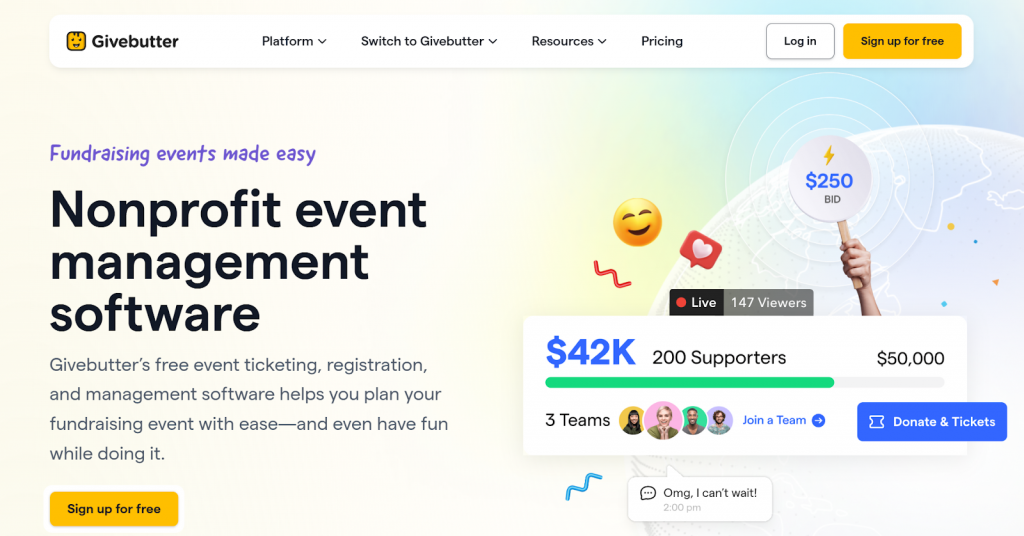
Givebutter works well for smaller organizations hosting community events. You can create an event page, sell tickets, and collect donations through an interface.
Key features
- Customizable event pages and ticketing bundling
- Built-in RSVP tools for fundraisers or galas
- QR supported event check-in and tap to pay
- Livestreaming, text-to-donate, and social sharing options
Limitations
- Limited support with event planning and management
- Donor tip prompts can distract from the event registration or giving moment
- Checkout may feel less branded and less nonprofit-controlled
- Limited support for advanced event planning and management
- Not ideal for large seated galas, conferences, or high-touch donor events
- Teams may outgrow it if they need deeper event workflows, campaign flexibility, or more control over fees
Givebutter pricing
- Givebutter Plus pricing is contact-based, starting at $29/month for up to 250 contacts when billed annually.
- Tips ON: Platform fee is 0%. Donors are asked to cover fees.
- Tips OFF: Platform fee (flat across all campaign types) is 3% and processing fees (standard) on Cards are 2.9% + $0.30, ACH 1.9% + $0.30.
10. Zeffy
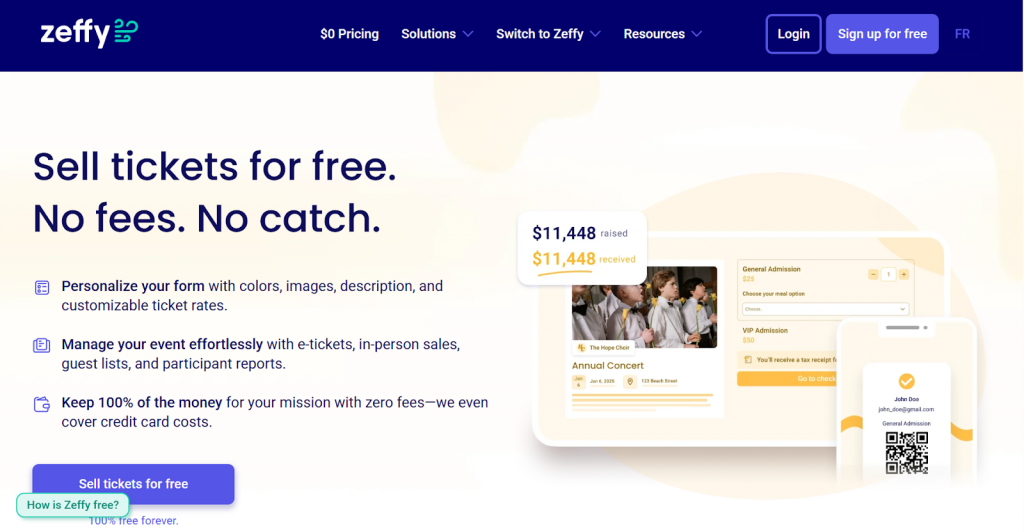
Zeffy handles basic ticketing for smaller nonprofit events like workshops or community dinners. You can set different ticket types, track the number of sales, and send confirmation emails to event attendees.
The platform handles the payment processing and generates a list of registrants you can use for check-in on event day.
Key features
- Customizable event pages with branded visuals and storytelling
- Ticketing for single, group, and multi-day events
- Real-time reporting dashboard
- Integrated donor database with engagement tracking
Limitations
- Limited advanced event features and donor management
- Fewer native integrations compared to larger event platforms
- Not ideal for seated galas, auctions, hybrid events, or multi-activity fundraisers
Zeffy pricing
- Zero platform fee (supported by donor tipping model)
11. Donorbox
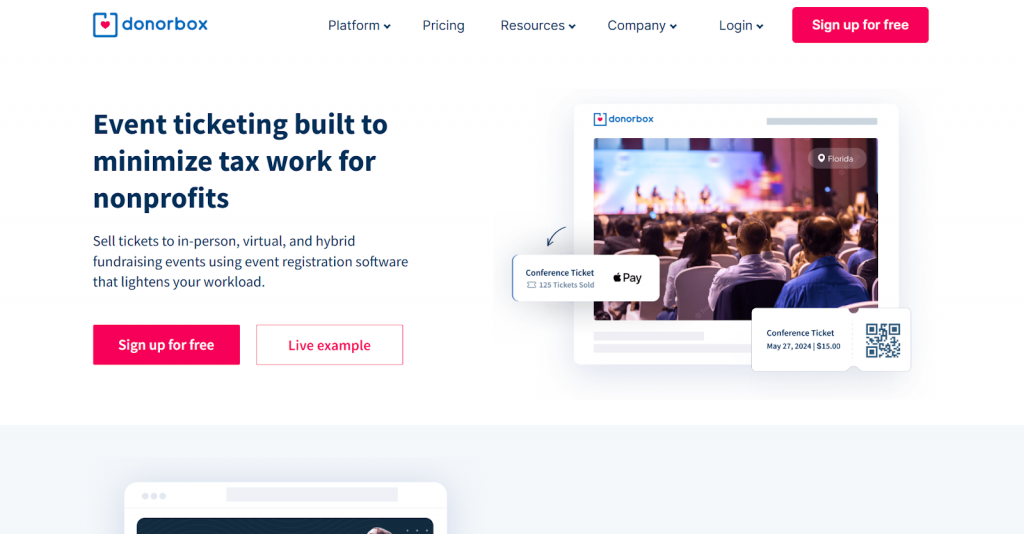
Donorbox integrates ticket sales with donation processing so supporters can add extra contributions during checkout. You can create unlimited ticket tiers and embed forms directly on your website without technical skills.
The platform lets ticket buyers cover transaction fees, which helps your small team keep more of what you raise.
Key features
- Combine ticket purchases with donation amounts
- Calculate and issue tax receipts automatically
- Sell tickets for single or multiple events
- Embed ticketing forms on your website
Limitations
- No native events, auctions or mobile bidding tools
- Lacks advanced seating charts or multi-session scheduling
Donorbox pricing
- Premium: Custom-priced plan with platform fees of 1.6%–2% and adds priority support and advanced services for larger or growing nonprofits.
- Standard (Free): $0/month with a platform fee between 2.95% and 3.95%, depending on the product (event ticketing, memberships, and some peer-to-peer tools sit at the higher end), plus standard payment processing fees.
- Pro: $150/month, with reduced platform fees around 1.75%–2% for most features, plus payment processing.
Best for donor management with event planning
12. Bloomerang
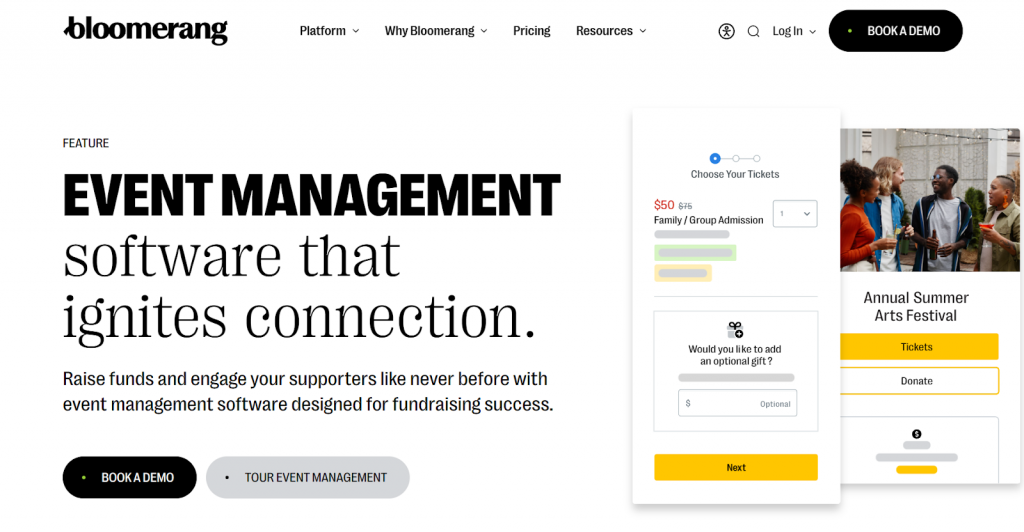
Bloomerang connects event and donor management in a single system. When attendees register or donate at your events, their information updates automatically in your database. This setup lets you see who attends repeatedly and how their engagement changes over time.
Key features
- Branded event pages with streamlined registration and ticketing
- Group/individual ticket options and simple sponsorship add-ons
- QR-code check-ins and attendee tracking
- Peer-led event pages for runs, a-thons, and team contests
Limitations
- Learning curve can be steep for some teams
- The interface can feel less intuitive
Bloomerang pricing
- Bloomerang Fundraising starts at $40/month for event management.
13. DonorPerfect
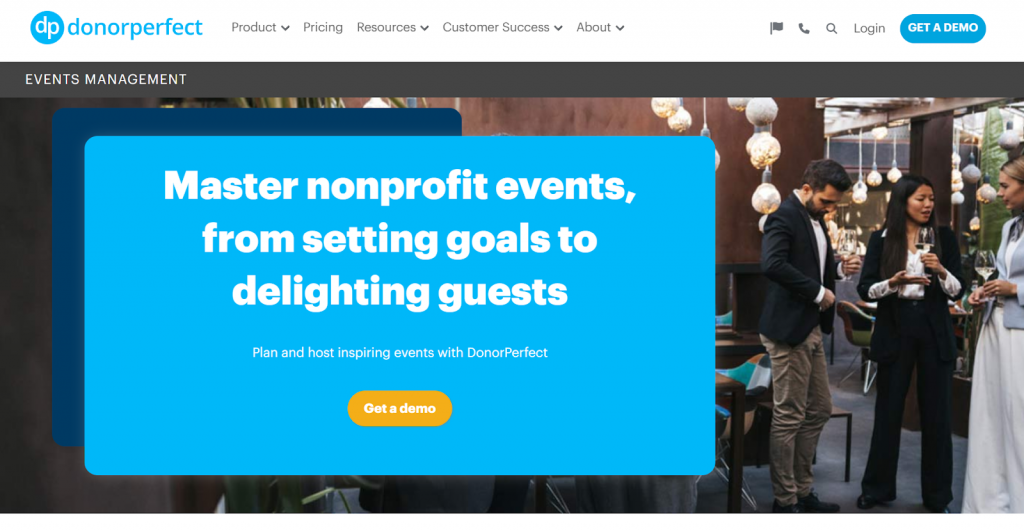
DonorPerfect is a donor database that offers event management as an add-on with ticketing and registration capabilities. It works best for organizations already using the platform since your donor records and event data share the same system.
You won’t need to export lists or sync data when planning invitations or following up after events.
Key features
- Attendee information updates in donor records automatically
- Pull guest lists from your existing donor database
- Process ticket payments through the same system
- Track which donors attend events and give later
Limitations
- Works best if you already use DonorPerfect
- Event tools are less robust than dedicated platforms
DonorPerfect pricing
- Pricing available upon request
Best for event seating and table management
14. BetterUnite
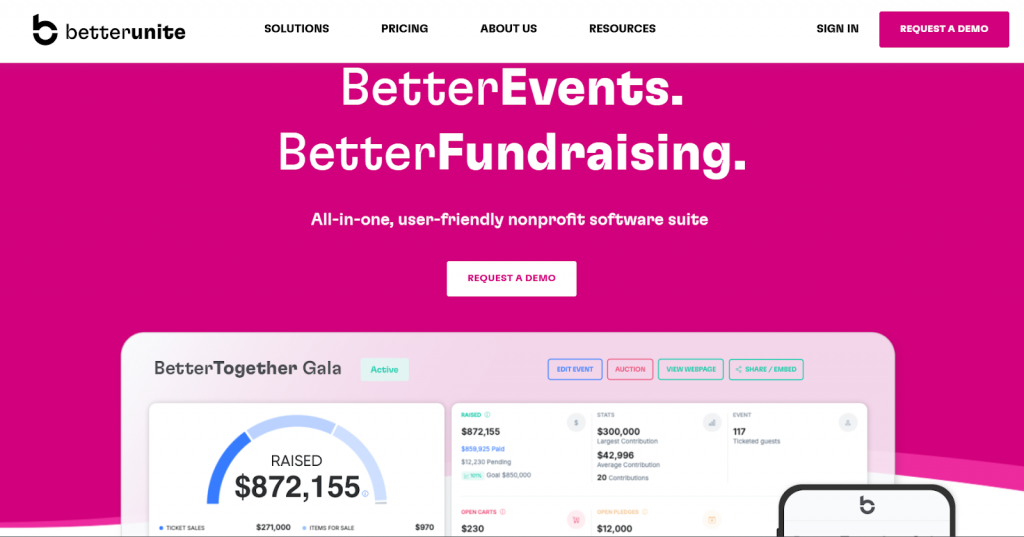
BetterUnite handles table management and ticketing for seated events. The platform uses a drag-and-drop interface to assign guests to specific tables or teams. You can track table captains, monitor seating capacity, and move groups between tables as your guest list changes.
Key Features
- Create ticket types with different pricing tiers
- Real-time guest placement tracking across tables
- Send automatic confirmation emails with event details
- Built-in table capacity limits to prevent overbooking
Limitations
- May not scale for complex or large conferences
BetterUnite pricing
- Premier plan: Starts at $95/month (or $950/year) with a full suite including advanced email marketing, team/table management, with options to reduce the platform fee to 1% or 0%.
- Core plan: Starts at $45/month (or $450/year) and includes donor tracking & fundraising essentials, plus a 2.5% platform transaction fee.
- Pro plan: Starts at $65/month (or $650/year) with add-on event-and-auction capabilities such as ticketing, sponsorships, and mobile bidding; 2.5% platform transaction fee.
Best for attendee networking and engagement
15. Eventify
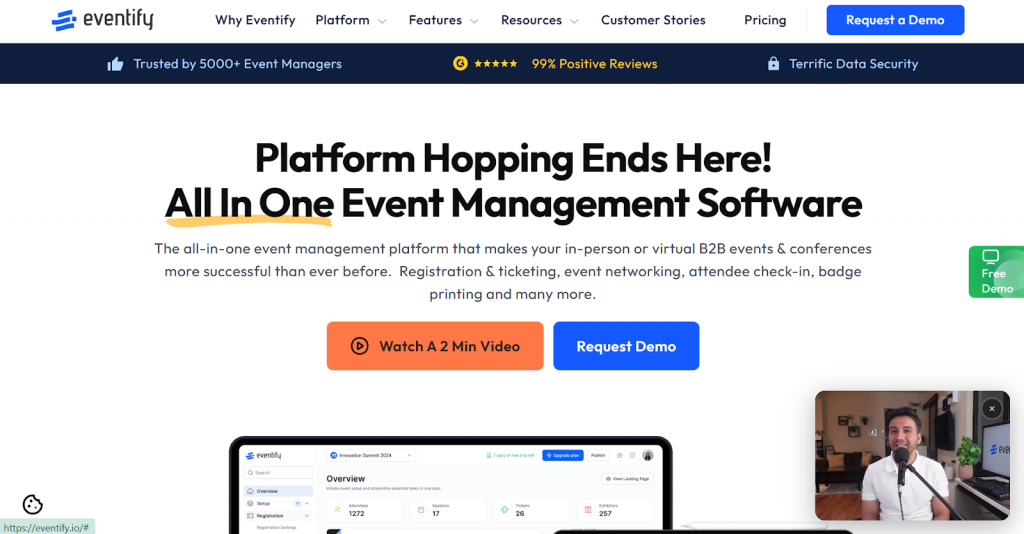
Eventify focuses on helping attendees connect with each other through its mobile app. Participants can browse attendee lists, book one-on-one meetings, and join discussion groups organized by topic.
The platform works well for events where networking matters as much as the scheduled sessions.
Key features
- Let attendees create profiles with interests and goals
- Enable one-on-one meeting scheduling between participants
- Offer topic-based discussion channels
- Display real-time updates and posts from attendees
Limitations
- Value depends on attendees actively using the app
- Less useful when networking isn’t the primary goal
Eventify pricing
- Register plan: $50/month (paid annually) with 600 attendee credits included.
- Engage plan: $125/month (paid annually) with 1,500 attendee credits included.
- Advance plan: $200/month (paid annually) with 1,500 attendee credits included.
- Ultimate plan: Custom pricing with 1,500 attendee credits and all advanced features.
- The pricing for single events is higher, starting at $249 per event.
Best for simple virtual meetings and conferences
16. Zoom
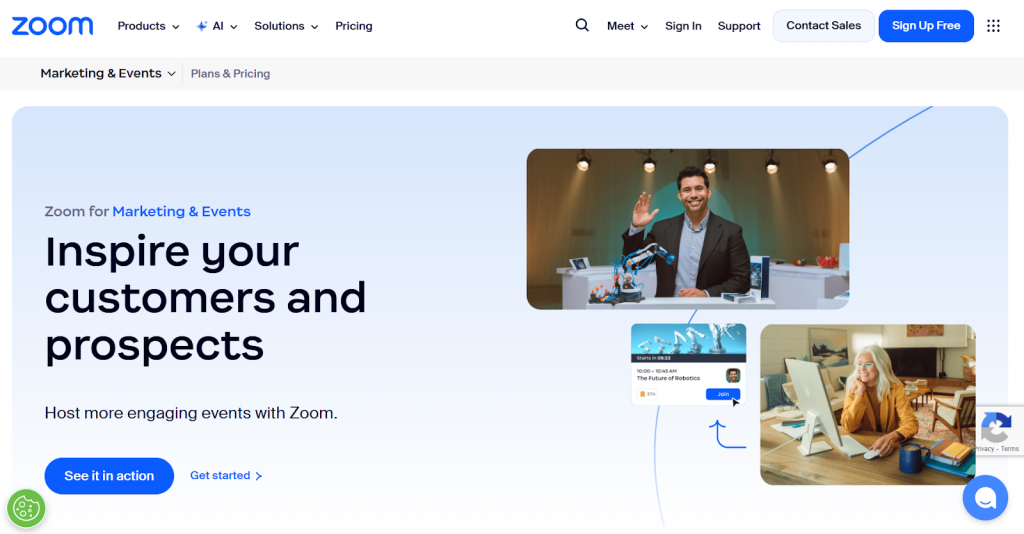
Zoom is ideal for small virtual gatherings like volunteer appreciation events or donor recognition ceremonies. It is a video conferencing tool that lets you host these events without investing in additional software.
Attendees can join meetings through a shared link without creating accounts, which makes participation easier for everyone.
Key features
- Host up to 100 free or thousands with webinars
- Create breakout rooms for group discussions
- Share screens to present slides and documents
- Record sessions for those who miss live events
Limitations
- No built-in donation processing or ticketing
- Free plans limit group meetings to 40 minutes
Zoom Events pricing
- Zoom Events starts at $149/month (billed annually) for 100 attendees, based on the official pricing options shown on the Zoom Events page.
- Zoom Cares offers nonprofits with operating budgets of $10 million or less 50% off on select Zoom products. These include:
- Zoom Workplace Pro
- Zoom Workplace Business
- Large Meeting add-on, up to 1,000 participants
- Zoom Webinar, up to 5,000 attendees
17. Google Meet
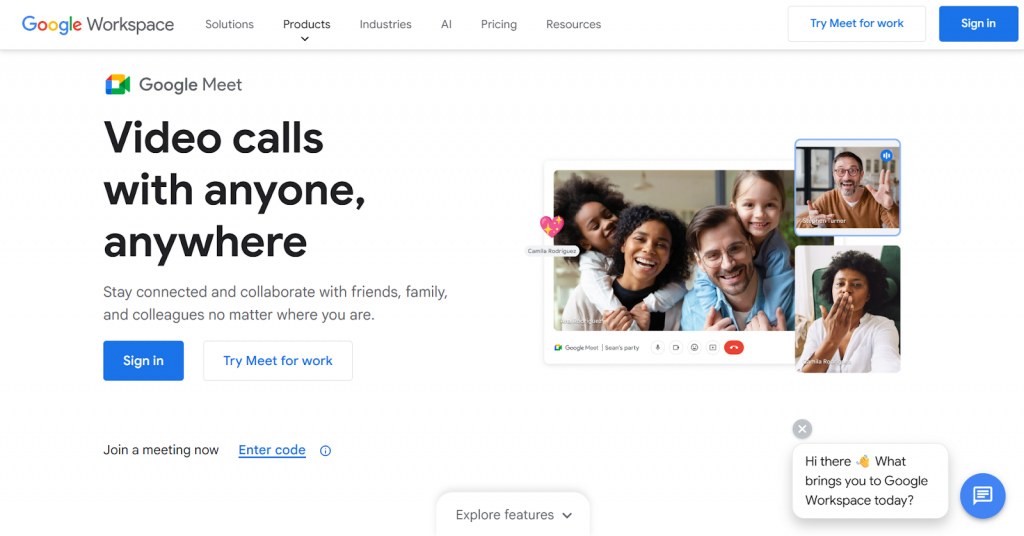
Google Meet works if your organization uses Google Workspace and wants to keep everything connected. You can schedule meetings from Google Calendar, share documents during calls, and record sessions to Google Drive without switching platforms.
For internal events or small donor meetings, this integration is more convenient than learning separate tools.
Key features
- Schedule through Calendar and save recordings to Drive
- Share slides, documents, and spreadsheets during meetings
- Provide automatic captions for accessibility
- Store session recordings in Google Drive
Limitations
- Free accounts are limited to 100 participants
- No fundraising features like donation processing
Google Meet pricing
- Free with a Google account for up to 100 participants and 60-minute meetings
- Paid plan available as part of Google Workspace tiers:
- Business Starter: $7/user/month – Up to 100 participants.
- Business Standard: $14/user/month – Up to 150 participants, with recording and breakout rooms.
- Business Plus: $22/user/month – Up to 500 participants, enhanced security and attendance tracking.
- Enterprise: Custom pricing – Supports up to 1,000 participants and full feature access.
- Nonprofit Pricing: Business Standard and Business Plus are available at $3.50 and $6.16 per user/month, respectively (annual commitment required).
18. Facebook Events
Facebook Events works well for community-based fundraisers, such as charity walks or neighborhood events, where social sharing is important.
When you create an event on Facebook, supporters can share it with their networks instantly to help you reach more participants and increase event awareness.
Key features
- Let supporters share events with friends easily
- Post updates that notify everyone who has shown interest
- Provide a discussion space for attendee questions
- Create events without platform fees
Limitations
- Limited ticketing compared to dedicated platforms
- Facebook’s algorithm controls event visibility
Pricing
- Free to create a Facebook event, but you need to pay for promotion through event ads
What key features should nonprofits look for in event management software?
Your event management software should make planning easier while helping you reach your fundraising goals easily. Here are the must-have features to look for:
- Registration and ticketing: Design customizable registration forms that capture the attendee details you need. Create multiple ticket types with early bird pricing, group discounts, or VIP options to accommodate different supporter segments.
- Payment processing: Accepts credit cards and digital wallets securely without sending attendees to external sites. The system should handle transactions smoothly and send automatic receipts.
- Email communication: Sends confirmation emails, event reminders, and thank-you messages automatically. This keeps attendees informed without manual effort from your team.
- Social sharing tools: Many event management platforms include built-in social sharing options that let attendees share event details or registration links directly on platforms like Facebook.
- Check-in tools: Offers QR codes or mobile check-in to speed up entry on event day. It helps reduce wait times and tracks who actually attended versus who registered.
- Reporting and analytics: Shows ticket sales, revenue totals, and attendance patterns through dashboard reports. Tracks which channels generate the most registrations and identifies your most engaged supporters.
- Peer-to-peer fundraising: Supports peer campaigns where donors create personal pages for your event and share them with their networks. This expands your event’s reach and brings in attendees you might not reach directly through your own channels.
- Donor database integration: Connects with your CRM so attendee information automatically updates in your donor records to track engagement history and identify giving patterns.
- Auction tools: Provides mobile bidding, item management, and automated bid notifications to keep guests engaged and informed during silent or live auctions.
- Seating/table management: Offers drag-and-drop seating charts that help you assign guests to tables and track capacity in real-time for seated galas or dinners.
Free vs paid event management software: Which makes sense for your nonprofit?
Choosing between free and paid depends on how much you want to raise, how often you host events, and what features you need. Both options work, but the right choice comes down to understanding what you’re actually paying for and where each model falls short.
When free or tip-based models work best
Events raising under $10,000 work well with tip-based or percentage fee models. The costs stay reasonable, and small tips don’t eat into your funds.
Best for organizations that are:
- Hosting their first fundraising event or only one or two events per year
- Running low-budget or community-focused gatherings
- Working with supporters willing to cover costs through tipping
- Avoiding contracts or long-term commitments
Limitations to consider:
- Fewer customization options make event pages look less branded
- Basic engagement features that limit attendee interaction
- Less automation means more manual work for your team
- Minimal customer support can slow down troubleshooting during events
When paid plans make more financial sense
On the other side, paid platforms can actually save money at higher revenue levels. When you raise more, a fixed annual subscription usually costs less than percentage-based fees taken from every dollar.
Best for organizations that are:
- Hosting annual galas, multi-session events, or conferences year-round
- Looking for branded registration pages or custom event apps
- Needing stronger engagement and networking tools
- Requiring detailed analytics and reporting
Limitations to consider:
- Setup can be complex and requires time to learn
- Unused features might mean you’re paying for tools you don’t need
Making your decision
Start by figuring out your total event fundraising goal for the year and how many events you’ll run. Get quotes from a few platforms for both their free and paid options. Then, calculate what each would cost using your expected revenue and event count.
One thing to keep in mind is that switching platforms mid-year requires retraining your team and moving all your donor data.
So, if you plan to expand event fundraising, choose a platform now that scales with you. It saves you from migrating systems when you’re already busy planning your next fundraiser.
Start planning successful events with RallyUp!
Running nonprofit events without the right software means more stress and less money raised. You’re stuck doing manual work that could be automated, and you miss chances to connect with donors because you’re buried in logistics.
The right event management platform changes that. You get more time to plan events effectively and create experiences that keep attendees connected to your cause long after the night ends. RallyUp’s end-to-end event management platform can be your partner throughout your event journey. Whether you’re planning your first community fundraiser or managing multiple events throughout the year, it adapts to your needs. You hardly require any technical expertise to get started.
FAQs on fundraising event management software tools
The best fundraising software depends on your goals, but platforms like RallyUp stand out for combining events, auctions, peer-to-peer, and ticketing in one system.
Nonprofits use tools like RallyUp, Bizzabo, Eventbrite, Cvent, and Whova to manage registration, ticketing, payments, check-ins, and reporting.
The 5 P’s of fundraising are People, Purpose, Passion, Plan, and Persistence. These are the main elements that guide successful donor engagement and revenue growth.
The 5 C’s of event management are Concept, Coordination, Control, Culmination, and Closeout, covering planning through post-event follow-up.
Now that you’ve seen it in action, are you ready to start fundraising?
Get Started