Power Preview lets you rest assured every donor will have a perfect visit
Only RallyUp gives you Power Preview so you can see, test, and interact with your campaign fully before launching. You can even run test credit card transactions through checkout and see the receipts.
Don’t guess and hope. Know your fundraiser looks great and works perfectly before you launch.




See what your donors will experience
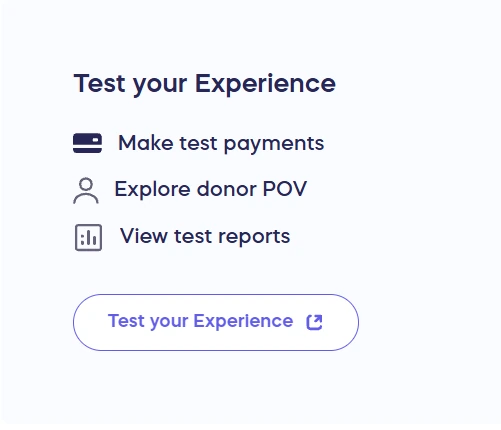


Your Campaign stays in Draft Mode, so nothing is public yet.
Catch the small things before they become donor questions
An unclear instruction. A missing detail. Something you’d explain differently after trying it yourself.
RallyUp’s interactive draft mode takes you beyond a visual preview. Spot what needs attention while there’s time to fix it.
- Make your ask clear: Review your story, images, and layout through a supporter’s eyes.
- Know what giving feels like: Make a test donation or Auction bid. Try the card checkout yourself.
- See what happens next: Check your test receipt. Find the transaction in your test reports.


- Test card checkout
- Test receipts
- Test reports
- Draft link for feedback
- Hands-on testing for Administrators
- Test data cleared at launch
- Included on every plan, including Free

Get your team’s go-ahead without going live
Show your team the fundraiser, not another description of it. Share a draft link for feedback before publishing. No login is needed to view the page.
Want them to try it, too? Add them as Campaign or Organization Administrators for hands-on testing.
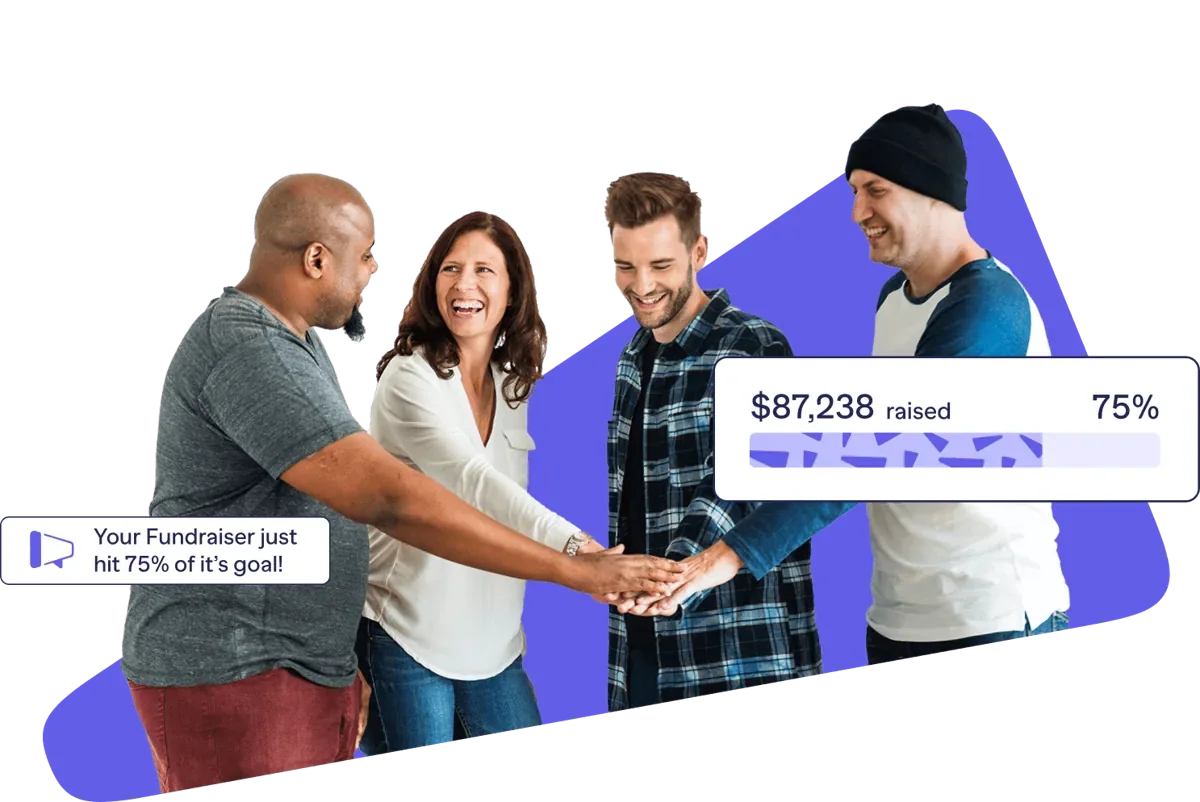

Test until it feels familiar. No real money involved
You don’t have to get everything right the first time. Test card details autofill at checkout. No real money changes hands.
Try it. Adjust it. Repeat as often as you need before launch.
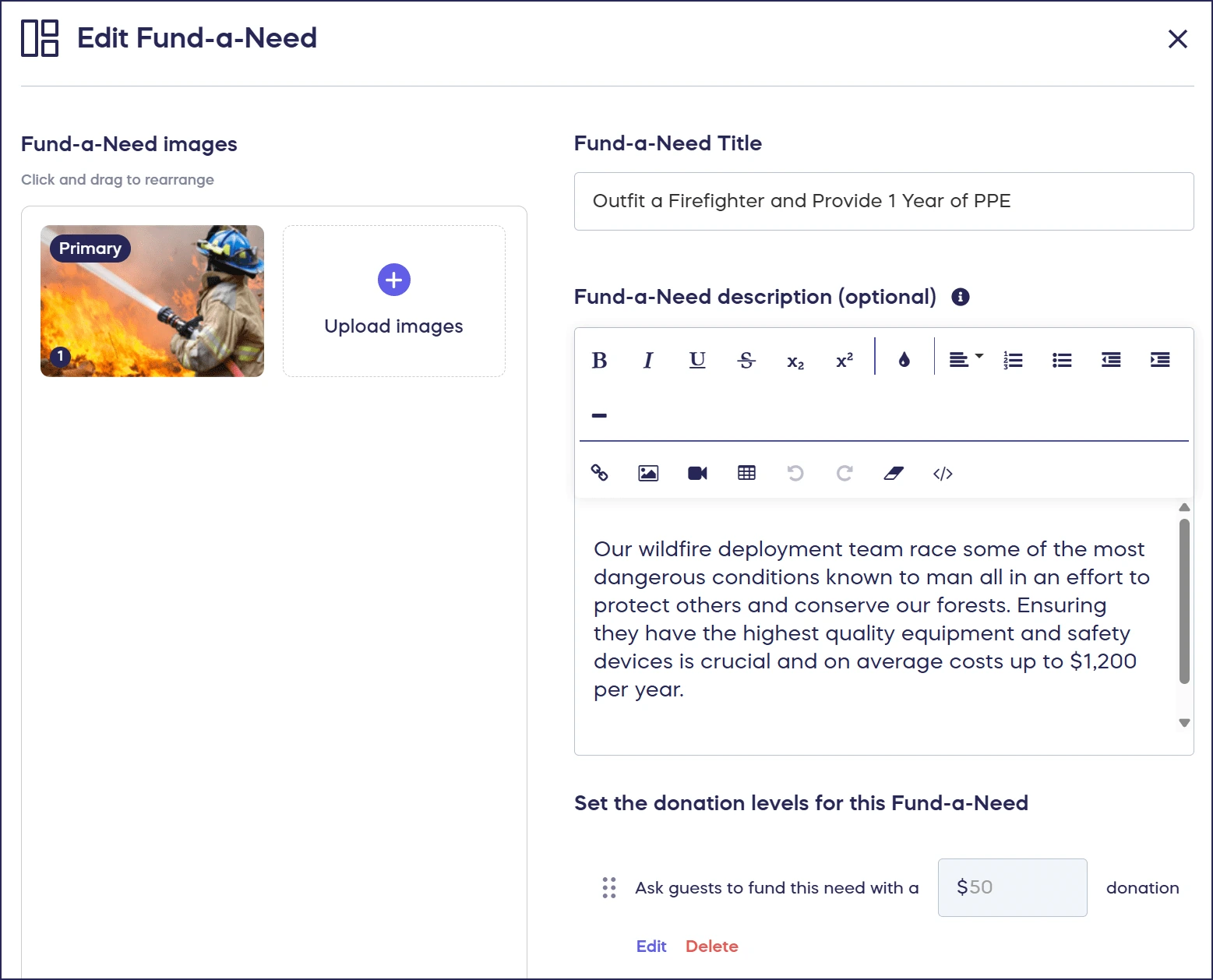
Start fundraising with a clean slate
Keep the confidence, not the test transactions. RallyUp clears your test payments and data automatically when your Campaign goes live.
You’ve walked through the experience. Now focus on inviting people to give.

Frequently Asked Questions
Is Power Preview free?
Yes. It’s included on every plan, including Free. No upgrade needed.
Will testing charge a real card?
No. Draft Mode uses test card details. Real payments can only happen once your Campaign is live.
Can anyone with my draft link test the fundraiser?
Anyone with the link can view the page. Only Campaign or Organization Administrators can make test payments or try interactive features.
Use the draft link for feedback. Wait until you’re live to promote your fundraiser to donors.
Is there anything I can’t test?
Yes. Draft Mode has a few limits:
- Payments: Card testing only. PayPal, Apple Pay, Google Pay, and checks aren’t simulated.
- Winners: You can’t draw Raffle or Sweepstakes winners or declare Auction winners.
- Text-to-Give: Your keyword activates when the Campaign goes live.
Where do I find Power Preview?
Look for Test Campaign or Preview in your draft Campaign’s setup. For Donation Pages, select Preview in Donation Page Setup.
Can I still make changes after publishing?
Yes. You can edit your branding, story, goal, and messages. You can also add activities and Auction or Storefront items.
Some settings lock after publishing, including currency, Raffle entry type, and Auction bidding style. See which settings you can change.
Can I return to Draft Mode after publishing?
You can’t switch back yourself. Support can help if your Campaign has no donations, purchases, or bids.
Already received transactions? You may need to copy the Campaign to correct a locked setting.