Display or remove the countdown timer from your Campaign Page.
By default, your Campaign Page will show a countdown timer that tracks the time left until your Campaign end date:
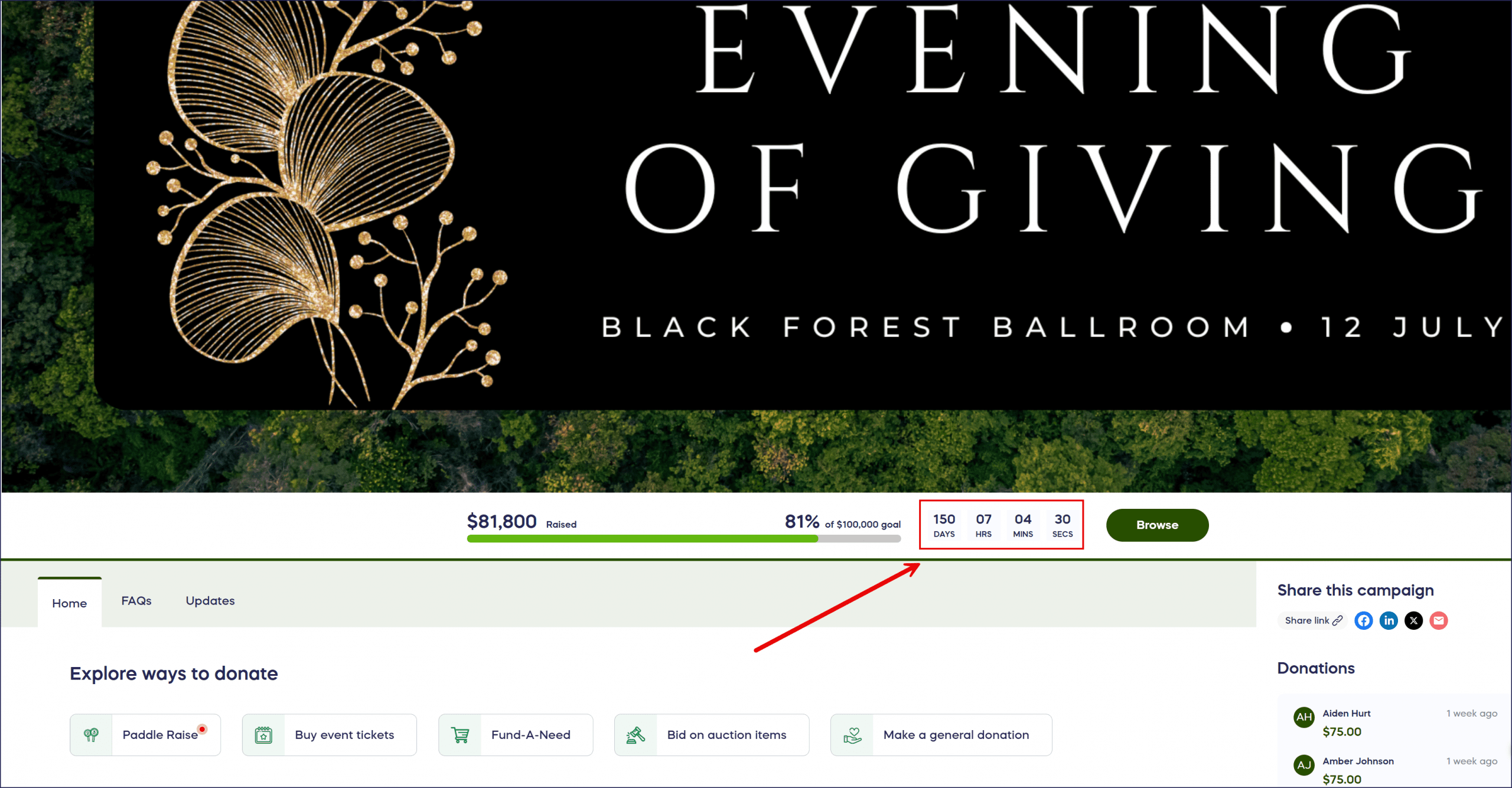
If you prefer not to show this feature, you can hide this countdown timer anytime, even if your Campaign is live.
How do I add or hide the countdown timer?
- Go to Account Navigation in the left menu and select Campaigns.
- If you have chosen a list view, click on the Campaign title. If you have chosen a grid view, click on the Campaign image.
- Select Campaign Setup.
- Go to Options in the timeline at the top and select Page Design Options.
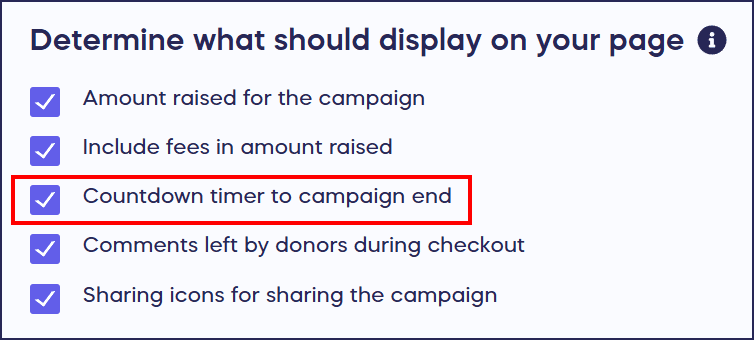
- Scroll down to Determine what should display on your page. To hide the timer, uncheck the box next to Countdown timer to Campaign end. To add the timer, check the box:
- Select SAVE.
Frequently Asked Questions
Is the countdown timer displayed by default?
Yes, by default your Campaign Page displays a countdown timer that tracks the time remaining until your Campaign end date. The timer is automatically shown unless you choose to hide it.
Can I hide the countdown timer after my Campaign is live?
Yes, you can hide or add the countdown timer at any time, even after your Campaign has launched. Simply go to Page Design Options and check or uncheck the countdown timer option.
Why would I want to hide the countdown timer?
Some organizers prefer to hide the countdown timer to create a more evergreen feel for their Campaign, reduce urgency pressure on donors, or maintain a cleaner page design. The choice depends on your fundraising strategy and audience preferences.
Does hiding the countdown timer affect my Campaign end date?
No, hiding the countdown timer only removes it from your Campaign Page display. Your Campaign will still end on the scheduled end date you’ve set, whether or not the timer is visible to donors.
Can I customize what the countdown timer looks like?
The countdown timer follows your Campaign’s overall design and branding. While you cannot customize its specific appearance, you can choose to show or hide it based on your preference for your Campaign Page layout.