Top 10 Online Store Builders for Nonprofits to Raise More Funds in 2026
Online Store Builders for Nonprofits
Nonprofits use an online store builder to create steady revenue and engage supporters.
Best online store builder platforms:
1. RallyUp
2. Shopify
3. BigCommerce
4. Wix
5. Squarespace
6. Weebly
7. Webflow
8. WordPress
9. GoDaddy
10. Hostinger
RallyUp, an end-to-end fundraising platform, stands out as the best choice because it combines your store, donations, events, raffles, and auctions in one place.
When you’re running a nonprofit, every penny counts, and that includes the revenue you can make from merchandise sales. But setting up an online store shouldn’t feel like a daunting task.
With the right online store creator, you can easily create a platform that not only sells products but also strengthens your connection with supporters.
Whether you’re offering branded t-shirts, event tickets, or donation options, an online store builder can make all the difference in turning a small idea into a revenue-generating powerhouse.
In this guide, we’ll show you why choosing the right platform is crucial for your nonprofit’s growth, how to use it effectively, and the top 10 builders to consider.
In this article
What can be solved with an online store builder?
Running a nonprofit means juggling a lot of tasks., and your online store doesn’t have to add to that stress. A solid online store builder can solve several challenges, making it easier for you to focus on your mission.
1. Simplify merchandising
With an intuitive builder, you can set up and showcase your products quickly, whether it’s t-shirts, tote bags, or other items, without needing any technical skills.
No more struggling with complicated designs or setups. You can get your store up and running fast, even if you don’t have a tech background.
2. Unrestricted operating revenue
A nonprofit store is not just a place to sell merch; it becomes a steady stream of unrestricted operating revenue that can support day-to-day expenses and long-term programs.
Important compliance note: Not all merchandise revenue is treated the same way. In some cases, it may be classified as Unrelated Business Taxable Income (UBTI) if the activity is not closely tied to your nonprofit’s mission. This can trigger tax obligations depending on how your store operates.
Before scaling merchandise sales, it’s worth reviewing IRS guidelines or consulting a tax advisor to avoid surprises.
3. Event registration and donations
An online store builder can include features for event registration or donation options, allowing your supporters to contribute in different ways.
It’s all in one place. You can offer event sign-ups alongside product purchases, making it easy for supporters to get involved.
4. Global reach
Expand your reach beyond local events. With the right store, you can sell to supporters from anywhere, anytime. You’re no longer limited to a local audience. This opens up opportunities for broader fundraising and visibility for your nonprofit.
5. Increase engagement
By offering exclusive products, you can engage your supporters and make them feel more connected to your cause. Merchandise becomes a way for them to show support. It’s a subtle but effective way to build stronger relationships with your audience.
6. Simplified maintenance
Once your store is set up, it’s easy to update product details, prices, and stock, allowing you to maintain it without hassle. No need for constant manual updates. This lets you focus on other areas of your nonprofit while keeping your store running smoothly.
Top 10 online store builders for nonprofits
Pricing referenced in this guide is accurate as of March 2026. Plans and rates are subject to change; always verify current pricing on each platform’s website before committing.
| Platform | Fit for small teams? | Dedicated NPO features? | Free plan or trial? | Ease of setup |
|---|---|---|---|---|
| RallyUp – end-to-end fundraising | ✅ Yes | ✅ Yes, built for nonprofits | Demo available | Very easy |
| Shopify | ⚠️ Moderate | NPO Lite & Full plans | 3-day free trial | Easy |
| BigCommerce | ❌ Better for larger orgs | ❌ No NPO-specific features | 15-day free trial | Moderate |
| Wix | ✅ Yes | Discount via TechSoup only | Free plan available | Very easy |
| Squarespace | ✅ Yes | 10% discount code only | 14-day free trial | Easy |
| Weebly | ✅ Yes | ❌ No nonprofit features | Free plan available | Very easy |
| Webflow | ⚠️ Moderate | 50% discount for eligible NPOs | Free starter plan | ❌ Difficult |
| WordPress.com | ⚠️ Moderate | ❌ No nonprofit features | Free plan available | Moderate |
| GoDaddy | ✅ Yes | ❌ No nonprofit features | 7-day free trial | Very easy |
| Hostinger | ✅ Yes | ❌ No nonprofit features | ❌ No free plan | Very easy |
How these platforms are categorized
Not all online store builders serve nonprofits in the same way. This list includes three types of platforms:
1. Fundraising-first platforms (e.g., RallyUp): Built specifically for nonprofits. These combine merchandise sales with donations, events, raffles, and campaigns in one place.
2. E-commerce platforms (e.g., Shopify, BigCommerce): Built for selling products at scale. Strong for merchandise, but often require add-ons for donations, recurring giving, or tax receipts.
3. Website builders with store functionality (e.g., Wix, Squarespace, Webflow): Designed for general websites, with ecommerce features layered in. Easier to use, but may have limitations for fundraising workflows.
Platforms are evaluated based on fit for nonprofit use cases, including fundraising needs, ease of setup, and flexibility.
1. RallyUp: End-to-end fundraising with Storefront
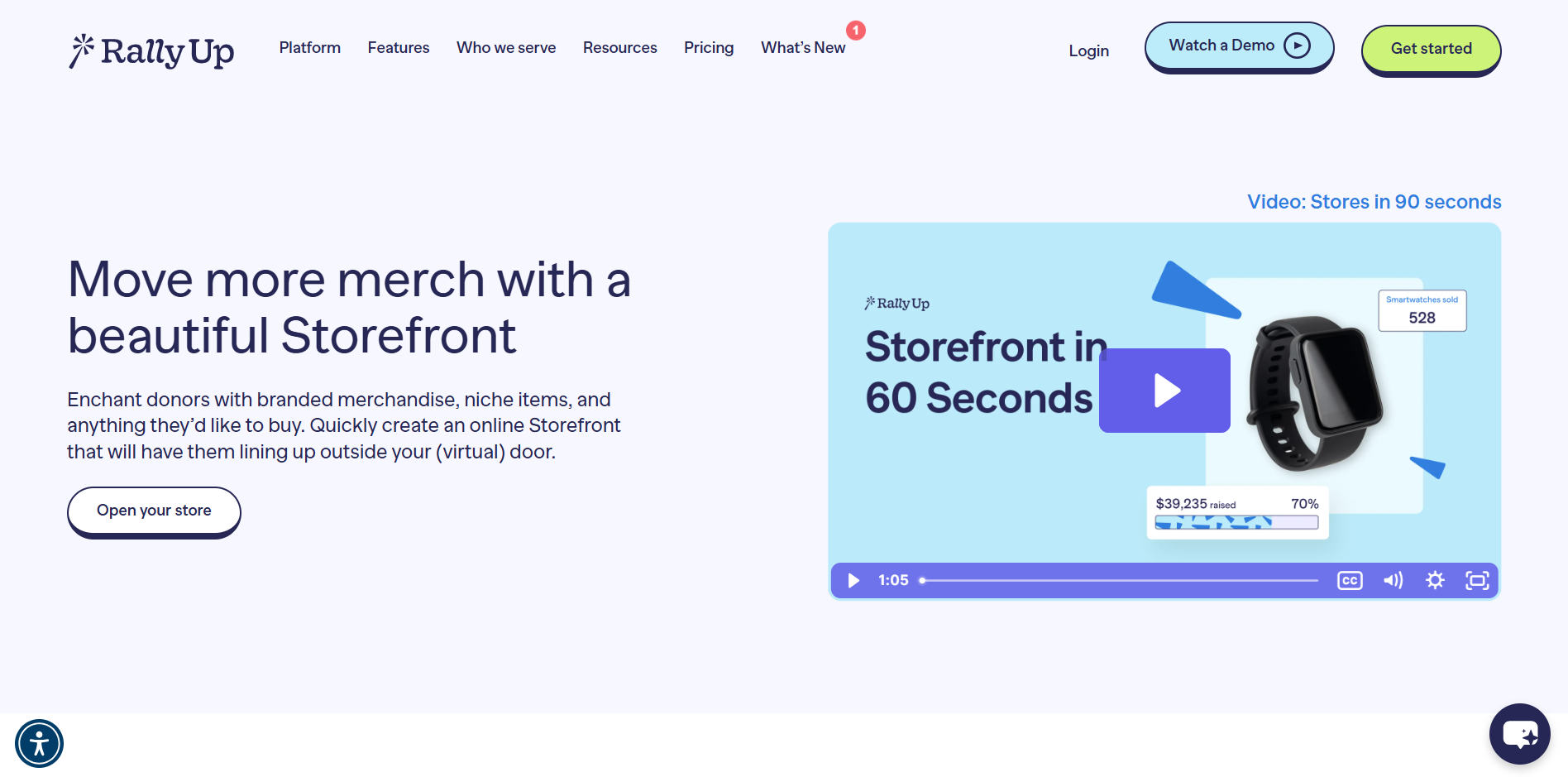
RallyUp is a purpose-built nonprofit fundraising platform, and its storefront is one piece of a larger fundraising ecosystem.
Unlike every other tool on this list, RallyUp was built for nonprofits. So your merchandise store runs alongside your raffles, auctions, donation pages, and events, all from a single campaign page.
Key features:
- Sell branded merchandise, gift baskets, classes, or any custom items from your storefront
- Combine your store with raffles, auctions, ticketing, livestreams, and more, all on a single URL with one checkout
- Custom item variations (size, color, style) with quantity limits and limited-time pricing
- Full branding control with custom URL, logo, banner images, brand colors, and fonts
- Promo codes and early bird pricing to drive sales
- Real-time inventory tracking, sales reports, and buyer data exportable to Excel/CSV
- Supports 135+ international currencies for global merchandise sales
- Free storefront setup available through RallyUp’s fundraising specialist team
- Free plan: No platform fee. Donors are prompted to leave an optional tip at checkout (your organization is not charged a platform fee even if donors skip the tip).
- Flex plan (platform fee): 2.9% for Storefront
Payment processing fees (both plans):
- 1.9% + $0.30 – 2.9% + $0.49 per transaction (varies by processor and nonprofit status; nonprofit discounts available through Stripe and PayPal for 501(c) organizations).
Why it’s a best fit for nonprofits:
End-to-end fundraising stack that combines merchandise sales with active campaigns for nonprofits of any size.
See all of RallyUp’s storefront features2. Shopify
Shopify isn’t built for nonprofits, but its dedicated NPO plans and e-commerce infrastructure make it a strong pick for organizations that want a full-featured merchandise store with serious payment capabilities.
Key features:
- Full e-commerce store with unlimited products and inventory management
- Donation acceptance via Shopify Payments for registered US and Canadian charities
- Unlimited staff accounts; real-time carrier shipping included in NPO Full
- Multi-channel selling across social media, in person, and online
- Built-in analytics and sales reporting
- Customizable storefront themes with no coding required
Pricing:
- Basic: $29/month when billed yearly
- Grow: $79/month when billed yearly
- Advanced: $299/month when billed yearly
- Plus: Starts at $2,300/month on a 3-year term or higher on shorter terms
- Current offer: Shopify currently advertises 3 days free, then $1/month for the first 3 months on select plans.
- Nonprofit discount (NPO plans):
- NPO Lite: $29/month
- NPO Full: $99/month
- Donation acceptance for registered US and Canadian charities on both plans
A note on costs: Recurring donations and tax receipt generation aren’t available natively; both require third-party apps that can run $99+/month, so factor that into your total cost before committing. Payment processing fees are also applicable.
Why it’s a good fit for nonprofits:
Organizations that want a scalable merchandise store and can offset additional app costs with strong merchandise sales volume.
3. BigCommerce
BigCommerce is a heavy-duty e-commerce platform built for businesses that need to scale. It’s not tailored for nonprofits, but its strong built-in features make it worth considering for organizations running high-volume merchandise operations.’
Key features:
- Unlimited products, storage, bandwidth, and staff accounts on all plans
- No added transaction fees regardless of which payment gateway you use
- Multi-channel selling on Amazon, eBay, Walmart, Facebook, and Instagram
- Abandoned cart recovery, customer segmentation, and stored credit cards (Plus and above)
- 100+ currency support with local payment methods
- Real-time shipping quotes from UPS, USPS, FedEx, and more
Pricing:
- Standard: $348/year (~$29/month). For up to $50K annual online sales
- Plus: $948/year (~$79/month). For up to $180K annual sales; adds abandoned cart, customer segmentation, persistent cart
- Pro: $3,588/year (~$299/month). For up to $400K annual sales; adds product filtering; +$150/month per additional $200K in sales
- Enterprise: Custom pricing
- Nonprofit discount: BigCommerce does not offer dedicated nonprofit pricing.
Payment processing fees (optional via PayPal/Braintree): For US-based stores, Braintree’s standard rate begins at 2.89% + $0.29 per transaction, though some merchants may qualify for pre-negotiated rates through BigCommerce.
BigCommerce has announced plan and pricing updates starting June 1, 2026. Some users may see changes in plans, pricing, or fees, so it’s recommended to check the official BigCommerce page for the latest details.
Why it’s a good fit for nonprofits:
Larger nonprofits running a dedicated merchandise store at scale who want zero platform transaction fees and enterprise-grade infrastructure without a custom contract.
4. Wix
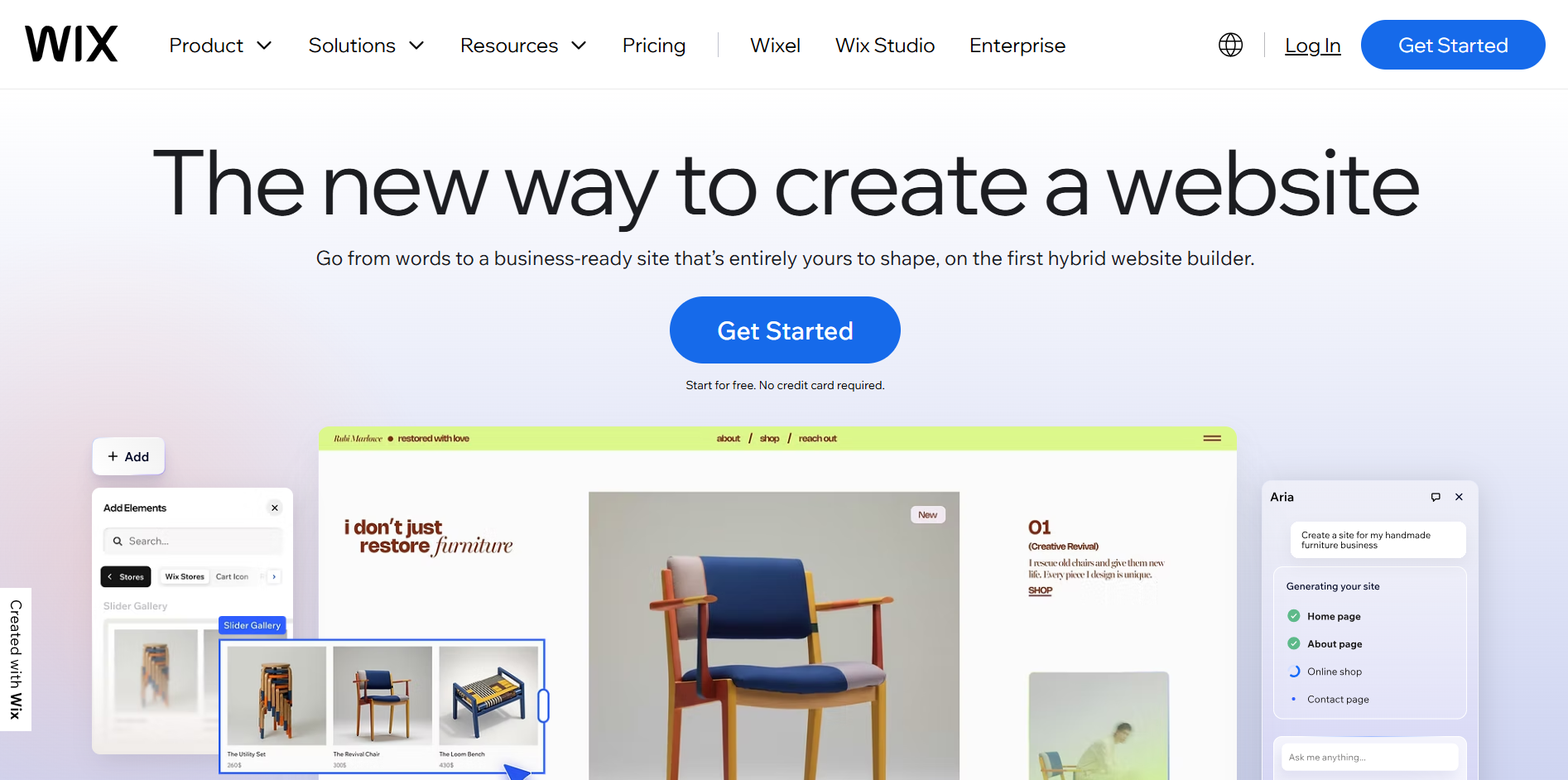
Wix is flexible, beginner-friendly, and comes with a strong e-commerce feature set. For nonprofits that want to sell merchandise without a steep learning curve, it’s a practical option.
Key features:
- Drag-and-drop store builder with 2000+ customizable templates including nonprofit-specific designs
- Built-in e-commerce with product listings, inventory management, and order tracking
- Supports event ticketing through the Wix Events & Tickets app; selling paid tickets requires a plan that accepts payments and a configured payment method.
- Built-in SEO and email marketing tools
Pricing:
- Light: $17/month (billed annually)
- Core: $29/month (billed annually)
- Business: $39/month (billed annually)
- Business Elite: $159/month (billed annually)
- Nonprofit discount:
- 70% off a 2-year Premium plan, including a free 1-year domain.
- Available through TechSoup. Your organization must be a registered TechSoup member to apply.
- One coupon code per organization every 2 years.
- Note: the discount applies to standard Wix plans only, not Wix Studio plans.
Payment processing fees:
- Vary by payment provider and plan
- Wix does not publish flat processing rates, fees depend on your connected payment gateway (Wix Payments, Stripe, PayPal, etc.)
Why it’s a good fit for nonprofits:
Small to mid-size nonprofits that want an easy-to-manage storefront with strong design flexibility and a meaningful nonprofit discount through TechSoup.
5. Squarespace
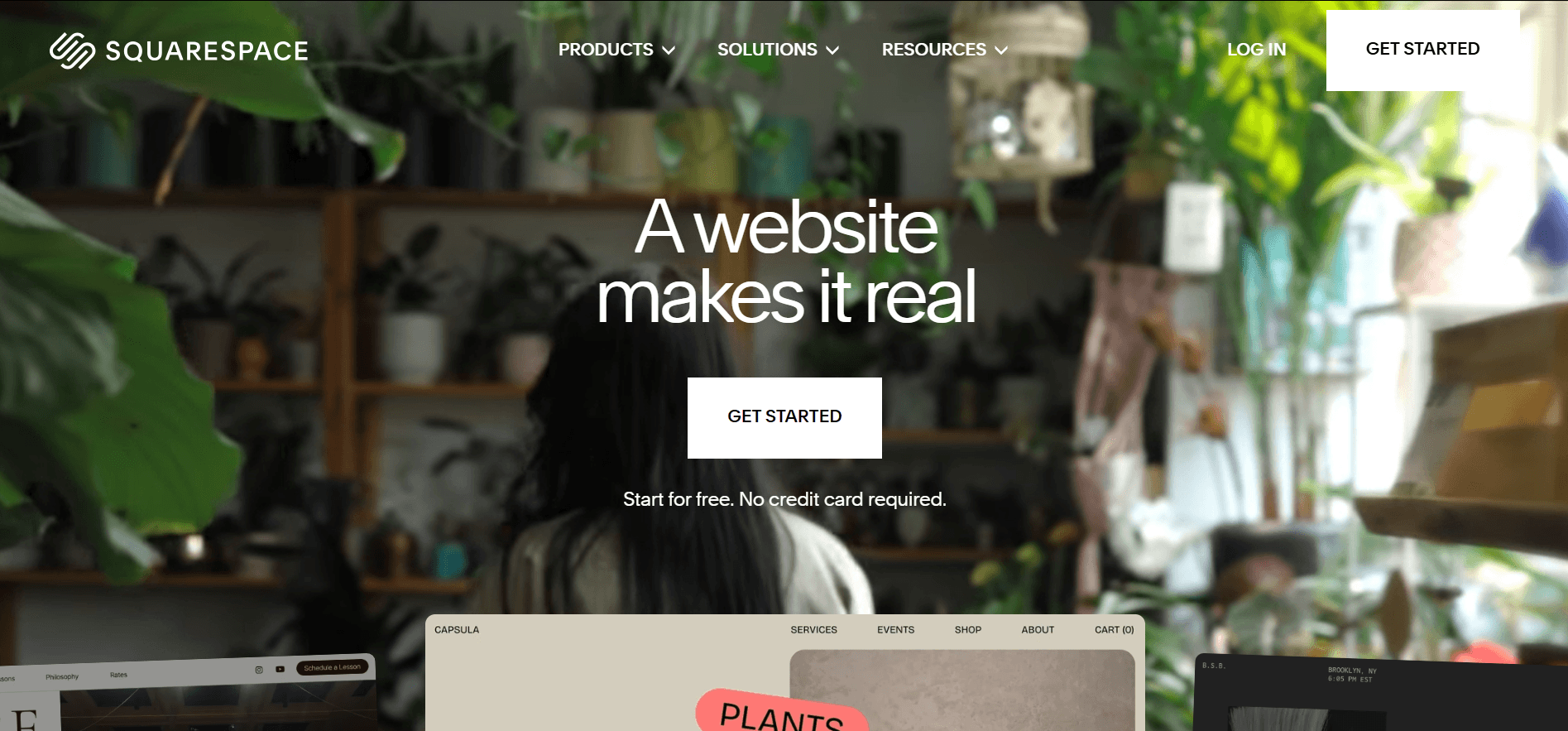
Squarespace is the go-to for nonprofits that care about site looks. Its design quality is usually appreciated, and it comes with nonprofit-specific templates.
Key features:
- Drag-and-drop editor with multiple templates, including a dedicated Community & Nonprofits category
- Built-in donation blocks on all plans
- Sell unlimited products, memberships, and digital content on every plan
- Built-in SEO, email marketing, and social media integration
- Abandoned cart recovery and automatic discounts (Core and above)
Pricing:
Squarespace’s newer Basic / Core / Plus / Advanced plan structure is still rolling out in waves, so what a customer sees can depend on eligibility and country.
- Basic: Starting at $16/month (billed annually), 2–7% transaction fee
- Core: Starting at $23/month (billed annually) 0–5% transaction fee
- Plus: Starting at $39/month (billed annually) — 0% transaction fee
- Advanced: Starting at $99/month (billed annually) 0% transaction fee
- Nonprofit discount:
- Enter code NONPROFIT at checkout for 10% off your first payment on any plan.
Payment processing fees (Squarespace Payments):
- Domestic cards (debit and credit)
- Basic: 2.9% + $0.30
- Core: 2.9% + $0.30
- Plus: 2.7% + $0.30
- Advanced: 2.5% + $0.30
- International cards: +1.5% on all plans
- ACH Direct Debit: 1.5% (Basic) / 1% up to $10 max (Core, Plus, Advanced)
- Currency conversion: +1% on all plans
Why it’s a good fit for nonprofits:
Nonprofits that prioritize a polished, design-forward storefront and want built-in donation tools without needing third-party integrations.
6. Weebly
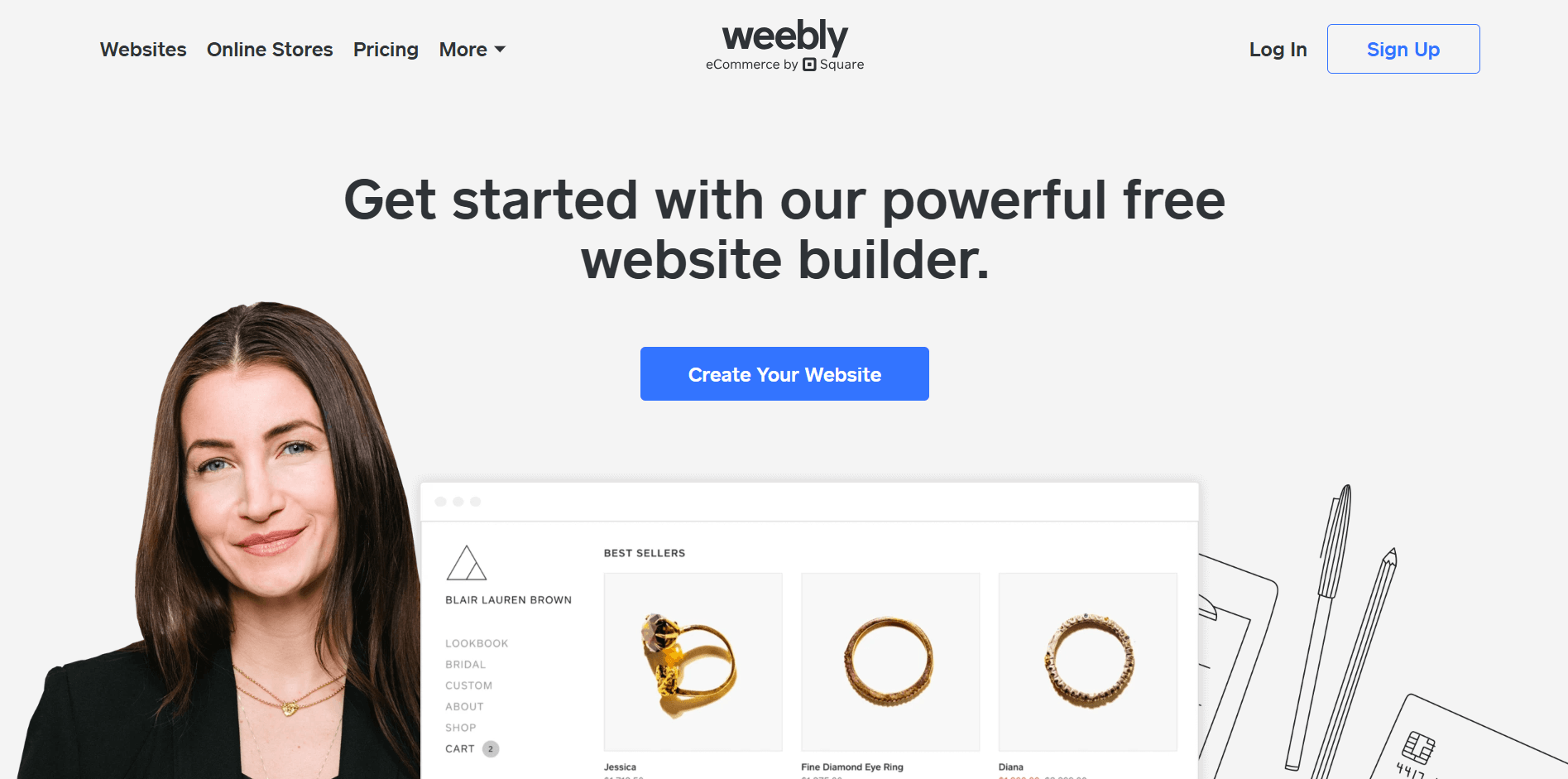
Weebly is the most budget-friendly option on this list. It’s simple, straightforward, and gets the job done for small nonprofits that need a basic storefront without a steep learning curve or a hefty monthly bill.
Key features:
- Drag-and-drop editor with unlimited products on all plans, including free
- Abandoned cart emails on the Performance plan
- Coupons, automatic tax calculator, and shipping calculator included
- Accept payments via Square, PayPal, Apple Pay, and Google Pay
- Basic SEO and lead capture tools built in
Pricing:
- Free: $0/month
- Personal: $10/month (billed annually)
- Professional: $12/month (billed annually)
- Performance: $26/month (billed annually)
- Nonprofit discount: Weebly does not offer a nonprofit discount program.
Payment processing fees are applicable.
Why it’s a good fit for nonprofits:
Very small or newly formed nonprofits that need an affordable, low-maintenance storefront and don’t yet require advanced fundraising features.
7. Webflow
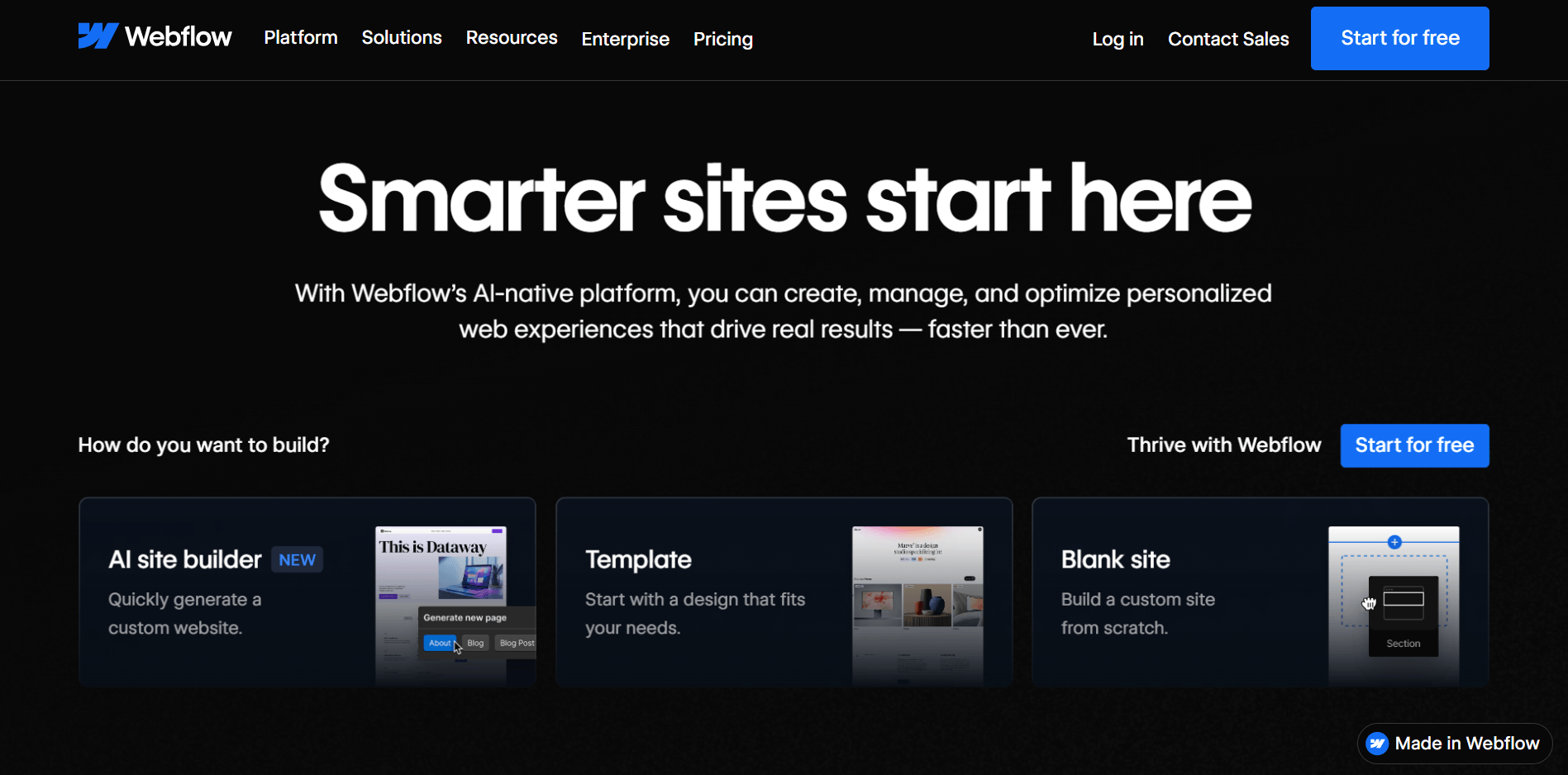
Webflow is a design-flexible builder. It gives nonprofits pixel-perfect control over how their store and site look, without needing to write code. The trade-off is a steeper learning curve than everything else here.
Key features:
- Visual drag-and-drop designer with full CSS-level design control and no coding required
- Built-in CMS for managing dynamic content like blog posts, event listings, and product pages
- E-commerce functionality with customizable checkout and shopping cart design
- Built-in SEO tools including 301 redirects, sitemap controls, and schema markup
- Automatic sales tax and VAT calculation at checkout
- AI-powered site builder and page generation tools included on all plans
Pricing:
- Site plans (required to publish and host):
- Starter: Free
- Basic: $14/month billed yearly
- CMS: $23/month billed yearly
- Business: $39/month billed yearly
- Enterprise: Custom pricing
- E-commerce plans: For ecommerce sites, choose a Webflow Ecommerce site plan rather than treating ecommerce as a separate paid add-on on top of another required site plan.
- Nonprofit discount:
- 50% off Basic, CMS, or Business site plans for 12 months, renewable annually.
- Must provide official documentation of nonprofit status (501(c)(3) for US organizations).
- Note: The discount does not apply to Webflow Ecommerce, Workspace plans, or add-ons.
Payment processing fees:
- Handled through Stripe or PayPal
- Standard processing rates apply per your arrangement with the processor.
- Webflow transaction fee:
- 2% on the Standard e-commerce plan
- 0% on Plus and Advanced.
Why it’s a good fit for nonprofits:
Nonprofits with some technical capacity that want a highly customized, design-forward storefront and can take advantage of the 50% nonprofit discount on hosting.
8. WordPress.com
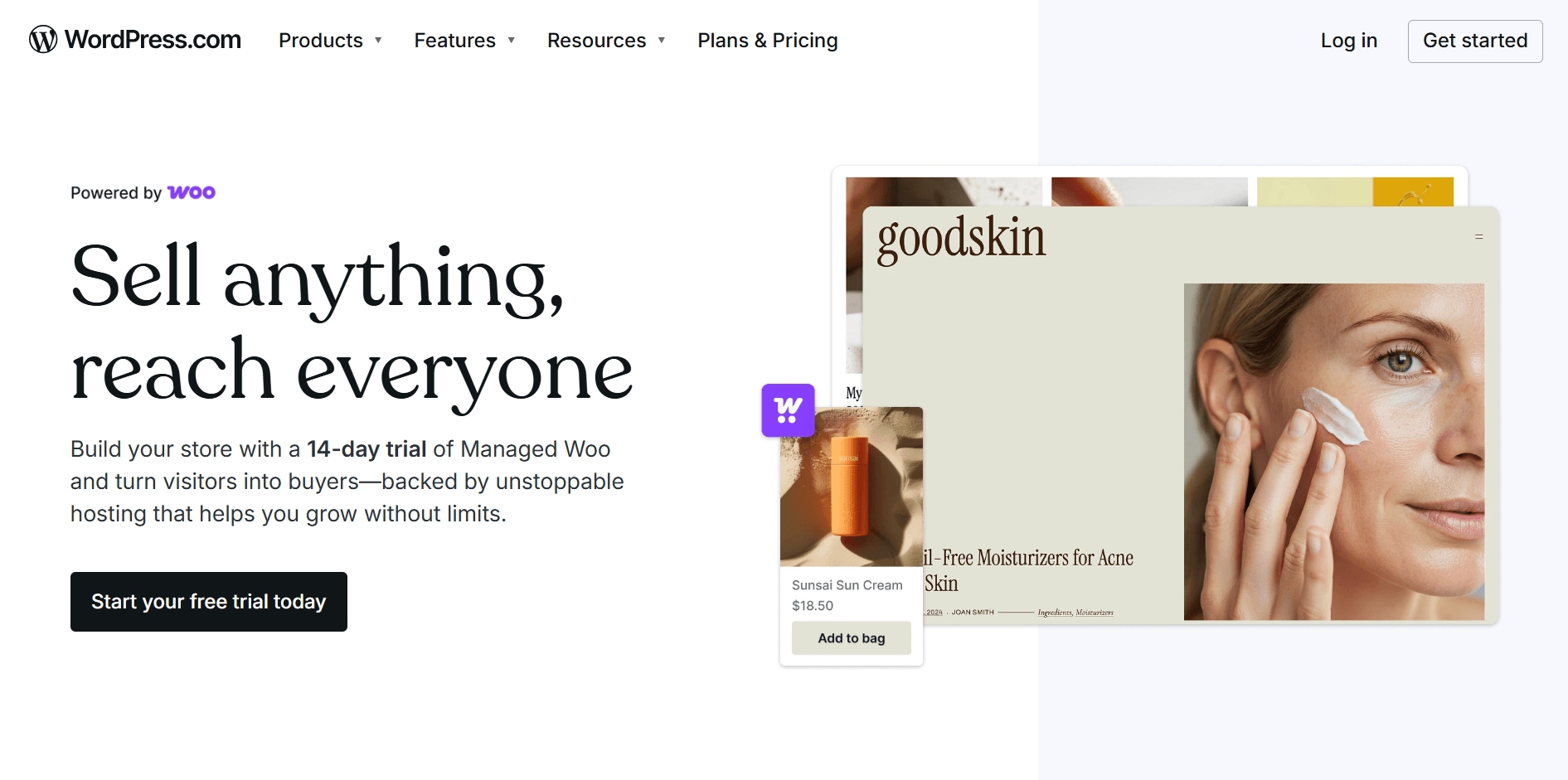
WordPress is the most widely used website platform. For nonprofits that want maximum flexibility, access to thousands of plugins, and complete control over their store and content, it’s hard to beat; but it does have a learning curve compared to everything else on this list.
Key features:
- Access to plugins, themes, and deeper site customization through WordPress.com plans
- Donation and payment buttons via Stripe and PayPal
- Built-in security protections across all WordPress.com sites
- Real-time backups and one-click restore on Business and Commerce plans, not all plans
- Developer tools like staging, SFTP/SSH access, and GitHub deployments on higher WordPress.com tiers
Pricing:
- Personal: $4/month (billed annually)
- Premium: $8/month (billed annually)
- Business: $25/month (billed annually)
- Commerce: $45/month (billed annually)
- Nonprofit discount: WordPress.com does not offer a nonprofit discount program.
Payment processing fees:
- Handled through Stripe or PayPal
- Standard processing rates apply: 2.9% + $0.30 for each Stripe payment
- WordPress.com charges an additional platform transaction fee on top of processing fees depending on your plan
- Free: 10%
- Personal: 8%
- Premium: 4%
- Business: 2%
- Commerce: 0%
- The 0% WooCommerce transaction fee only applies on the Commerce plan.
Why it’s a good fit for nonprofits:
Mid to large nonprofits that want maximum plugin flexibility and a full-featured e-commerce store, and have someone on the team who can manage a more complex platform.
9. GoDaddy
GoDaddy is better known as a domain registrar, but its website builder has grown into a capable platform for nonprofits. The AI-powered setup, built-in marketing tools, and 24/7 phone support make it one of the more beginner-friendly options on this list.
Key features:
- AI-powered website builder (Airo) that generates a starter site from a few prompts
- Multiple templates including a dedicated Community & Nonprofits category
- Drag-and-drop editor with mobile-friendly templates
- Multi-channel selling across Amazon, eBay, Etsy, Walmart, Facebook, and Instagram on the Commerce plan
- Automated inventory sync, sales tax calculation, and shipping options
- Specialized domain names like .org or .NGO
GoDaddy pricing:
- Basic: $9.99/month (billed annually)
- Premium: $16.99/month (billed annually)
- Commerce: $20.99/month (billed annually)
- Nonprofit discount: GoDaddy does not offer a nonprofit discount program.
Payment processing fees:
- 2.7% + $0.30 per transaction via GoDaddy Payments.
Why it’s a good fit for nonprofits:
Small nonprofits that want a fast, no-fuss setup with strong built-in marketing tools and round-the-clock support, without needing advanced design control.
10. Hostinger
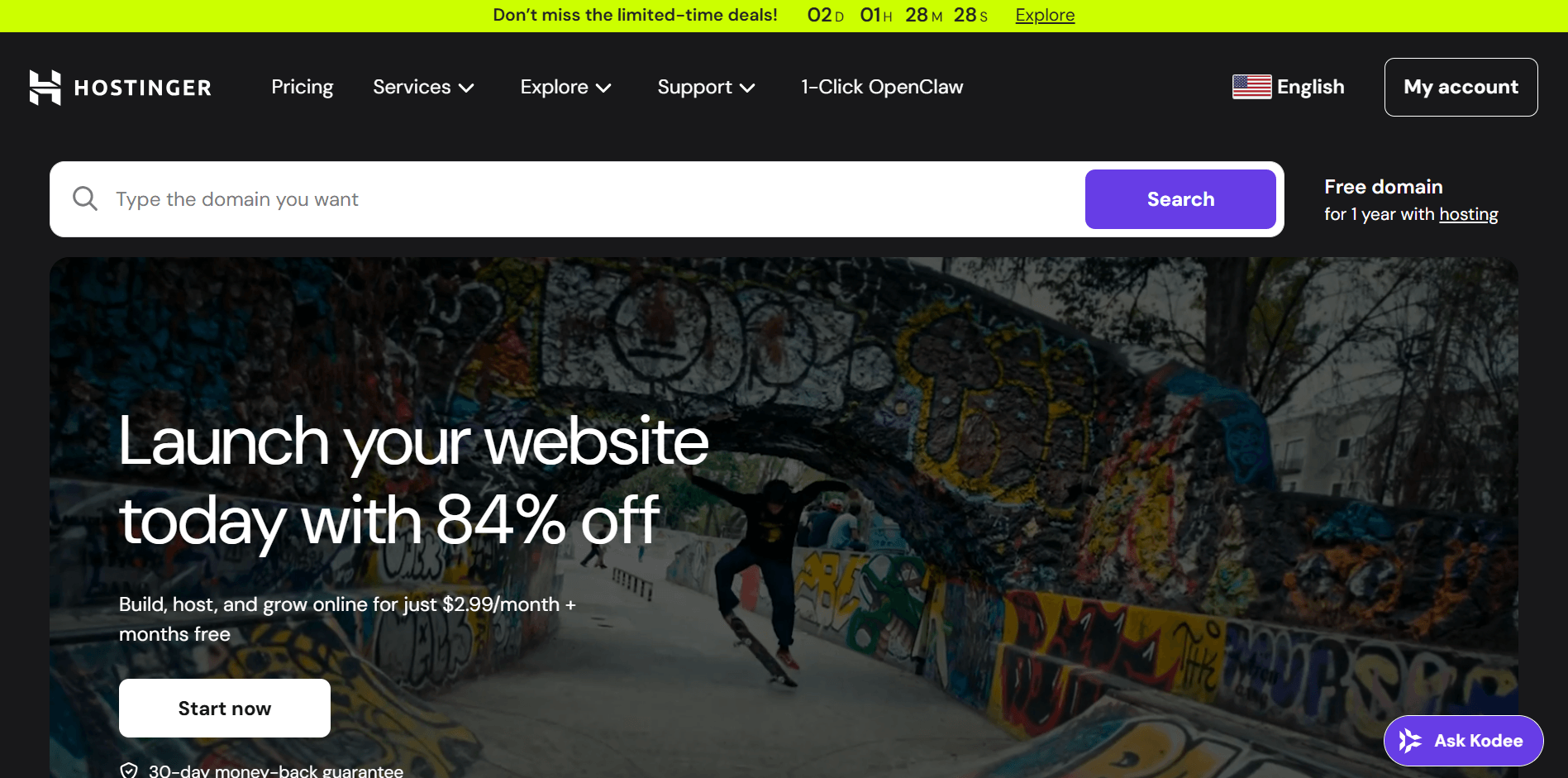
Hostinger is a strong pick for nonprofits that need a functional, AI-assisted storefront without the budget for more premium platforms.
Key features:
- AI website builder that generates a full site from a short prompt
- 300+ designer-made templates, including nonprofit and community designs
- Built-in Printful integration for custom merchandise on demand
- AI tools for content writing, SEO, image generation, logo creation, and product descriptions
Hostinger pricing:
- Premium Website Builder: $1.99/month (For creators and small brands)
- Business Website Builder: $2.99/month (For growing businesses)
- Nonprofit discount: No formal nonprofit discount program.
Payment processing fees: Standard payment processor fees apply via Stripe, PayPal, and 100+ other providers, depending on your gateway arrangement.
Why it’s a good fit for nonprofits:
Budget-conscious nonprofits that want a capable AI-powered storefront with zero transaction fees and don’t want to commit to a large monthly subscription.
Key features to look for in an online store builder
When choosing an online store builder for your nonprofit, it’s important to focus on the features that make running your store as easy and effective as possible.
Here are the key features you should look for:
- Ease of use: The platform should be intuitive and easy to navigate, so you don’t need to be a tech expert to set up and manage your store.
- Design flexibility: Choose a builder with customizable templates that let you showcase your nonprofit’s branding and create a unique, visually appealing store.
- Integrated payment systems: The ability to accept payments securely through various methods, such as credit cards, PayPal, or mobile payment options, is essential for a smooth transaction process.
- Inventory management: Keep track of stock levels, manage orders, and update product listings easily with built-in inventory management tools.
- Donations and fundraising capabilities: Look for a builder that integrates donation buttons or crowdfunding tools, making it easy to raise funds while selling merchandise.
- Mobile compatibility: Make sure your store is mobile-friendly to reach the growing number of users who shop on their phones.
- SEO features: The store builder should include SEO tools that help your store rank higher in search engine results, driving more traffic to your site.
- Security: Protect customer data with features like SSL certificates, secure payment gateways, and privacy policies to ensure a safe shopping experience.
How to use an online store builder effectively
Picking the right platform is only half the job. How you set it up and run it determines whether your store is profitable for your nonprofit.
Step 1: Set clear objectives
Before you add a single product, know what you’re trying to accomplish.
Are you raising funds through merchandise, selling event tickets, or driving awareness? Your answer shapes every decision that follows, from platform choice to how you structure your store.
Step 2: Choose the right platform
Every platform on this list does something well, but none does everything equally well. So what is the best online store builder for your nonprofit? Match the platform to your actual size, technical capacity, and fundraising model:
- Nonprofit that wants store + fundraising under one roof: RallyUp
- Just getting started or on a tight budget: Hostinger or Weebly
- Small to mid-size nonprofit that wants design flexibility: Wix or Squarespace
- Larger nonprofit running high-volume merchandise: Shopify or BigCommerce
- Team with technical capacity that wants full design control: Webflow or WordPress
Step 3: Optimize the user experience
Your supporters should find what they need in as few clicks as possible. An easy online store builder lets you keep navigation simple, product descriptions clear, and checkout short.
Test your store on a phone before you launch, since most of your traffic will come from mobile.
Step 4: Focus on branding
Your storefront is an extension of your nonprofit’s identity. Use your organization’s colors, fonts, and logo consistently across every page. A branded store signals mission; a generic one signals afterthought.
Step 5: Use data and analytics
Every platform on this list gives you some form of analytics – use them.
Track:
- which products convert
- where people drop off at checkout
- where your traffic is coming from
Review it at least once a month.
Step 6: Incorporate calls to action
Don’t assume supporters know what to do next; tell them. Add clear calls to action throughout your store and, where your platform allows it, place a donation button alongside your product listings.
Step 7: Leverage social media integration
Connect your store to your social accounts and share new products, limited-time offers, and campaign milestones regularly. Most platforms here support direct Facebook and Instagram integrations that let supporters shop without leaving the app.
Bonus: Using RallyUp’s storefront
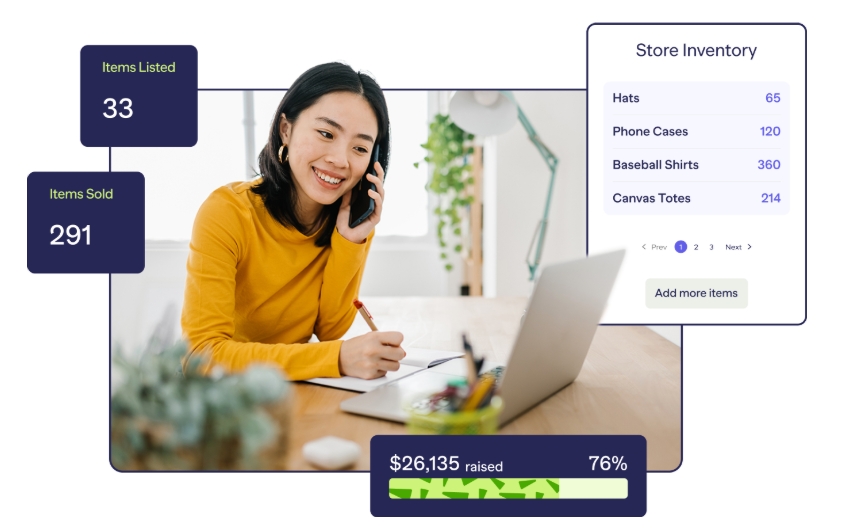
If you’re already running campaigns on RallyUp, adding a storefront is a cakewalk. Enable the Storefront component from your campaign dashboard, add your products, and you’re live.
Your Storefront runs alongside any raffle, auction, or crowdfunding campaign you have going on, all under a single URL.
 Sell more merch with RallyUp’s storefront feature
Parting thoughts: Final check while picking an online store builder
The right nonprofit merchandise store builder can turn into a steady, mission-driven revenue stream. Whether you’re just getting started or scaling up, there’s a platform on this list that fits your size, budget, and goals.
Take stock of what your organization actually needs before committing. The best tool is the one your team will use consistently.
If you want a store that’s connected to everything else your nonprofit does, RallyUp, an end-to-end fundraising platform, gives you that out of the box.
Build your very own nonprofit merchandise store today!FAQs about online store builders
1. Is there a 100% free online store builder?
Yes, platforms like Wix and Weebly offer free plans, but they come with limitations like ads, no custom domain, and restricted e-commerce features. Even RallyUp is free and dedicated for nonprofits.
2. Do you need an LLC to run an online store?
No! Nonprofits can run an online store under their existing registered nonprofit status without forming an LLC. That said, consulting a legal advisor about your organization’s specific structure is always a good idea.
3. Which online store builder is best for nonprofits that want to sell merch and accept donations in one place?
For nonprofits that want merchandise sales, donations, event registration, raffles, and auctions under one roof, an end-to-end fundraising platform like RallyUp is usually the better fit. General e-commerce builders can work well for merchandise, but they often need extra apps or integrations for donation workflows and nonprofit-specific fundraising needs.
4. Do nonprofits pay tax on merchandise sales from an online store?
Nonprofits can earn revenue from merchandise, but in some cases it may be classified as Unrelated Business Taxable Income (UBTI) if the activity is not substantially related to their mission. This means certain merchandise sales could be taxable.
Now that you’ve seen it in action, are you ready to start fundraising?
Get Started