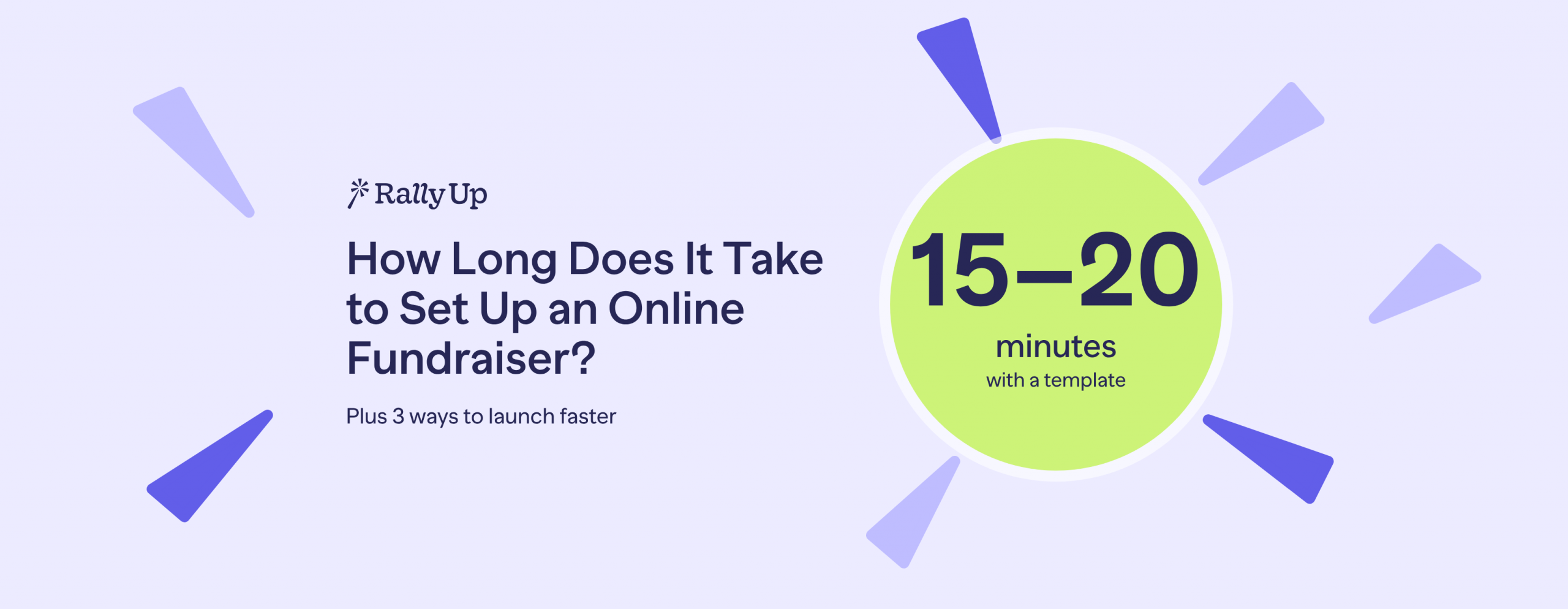
How Long Does It Take to Set Up an Online Fundraiser?
In this article
A simple online fundraiser can be live in as little as 15–20 minutes with a template. A gala or an auction takes longer, because you have items, tickets and guests to set up before you can publish.
How long your setup takes depends less on the software and more on what you need to gather first: your story, your prizes or auction items, your ticket options and your payment account. This guide breaks down what takes the time for each type of fundraiser, what usually slows teams down, and three ways to get live faster with RallyUp.
How long does it take to set up an online fundraiser?
RallyUp is genuinely, seriously easy to use. A simple fundraiser like a Raffle or a Crowdfunding campaign can be built and launched in as little as 15–20 minutes from an Instant Fundraiser Template. About 40% of new RallyUp campaigns use one. If you would rather not build it yourself, Create My Campaign has a RallyUp fundraising expert build it for you free, usually within a business day.
The bigger the event, the more there is to prepare. Most of that time goes into content you collect before you open the builder, not into the setup itself.
What takes the time, by campaign type
| Campaign type | What takes the time | Fastest way to launch on RallyUp |
|---|---|---|
| Raffle | Securing prizes, setting entry prices and bundles, picking a draw date, and checking your local raffle laws and regulations | Raffle or 50/50 Raffle template |
| Donation Page | Writing a short appeal, choosing preset gift amounts, connecting your payment account | Set up a Donation Page: 0% platform fee and no donor tipping |
| Crowdfunding | Your story, goal, photos or video, and any Perks for donors | Crowdfunding template |
| Online Auction | Collecting, photographing and describing items, and setting starting bids | Online Auction template |
| A-Thon | Setting up pledges, Teams and participant pages, and inviting Participants | A-Thon with teams template |
| Gala or in-person event | Ticket types, guest lists, auction items, check-in and how guests will pay on the night | Event Ticketing template, or have Create My Campaign build it |
What slows people down
- Writing the story. A blank page is the most common holdup. Start with three short answers: who you help, what this fundraiser pays for, and why now.
- Collecting prizes and items. For raffles and auctions, the waiting is usually on donors of prizes, not on the platform. Gather photos and descriptions as items come in.
- Payment setup. Donations go to your own Stripe or PayPal account, so connect it early. If you are opening a new account, your processor may ask for details about your organization before you can accept payments.
- Testing. Teams often find a confusing checkout step or a missing receipt message only after donors do. Build testing into your plan instead of skipping it.
- Getting sign-off. Waiting for a board member or principal to approve the page can take longer than building it. Share a draft link early.
Three ways to launch faster
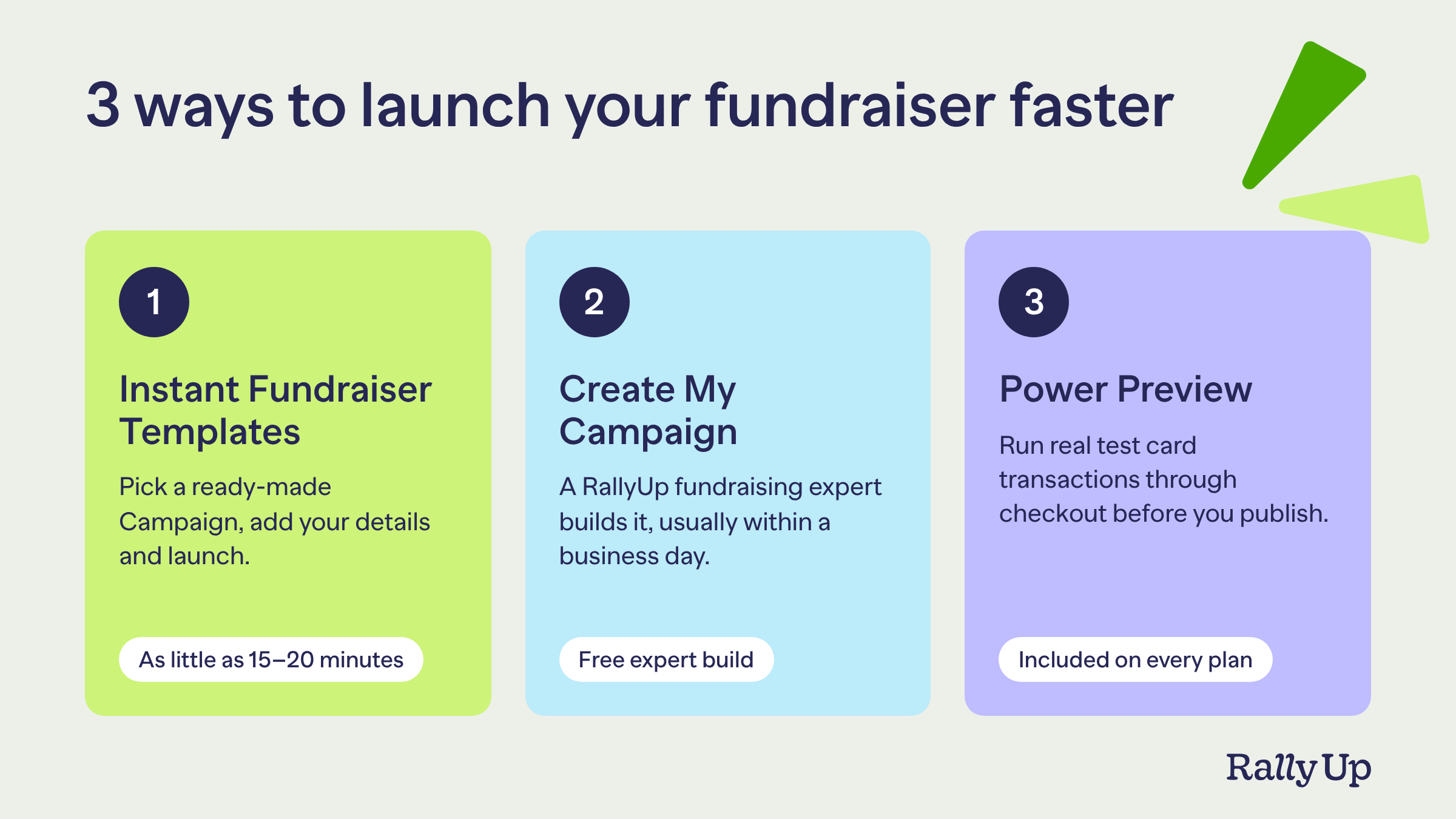
1. Launch from an Instant Fundraiser Template
Each Instant Fundraiser Template is a complete campaign with the page design, Components, thank-you emails and checkout already set up. Pick one, add your title, logo, colors, images and prize details, and you can be live in as little as 15–20 minutes. There are 20+ templates, covering Raffles, Online Auctions, Peer-to-Peer, A-Thons, Crowdfunding and Ticketing & Registration.
2. Let Create My Campaign build it for you
If you are short on time or not sure where to start, Create My Campaign is a free service where a real RallyUp fundraising expert builds your Campaign. You answer a few questions and upload any images you have. Your Campaign is usually ready to review within a business day, and you get a video showing how to make changes before you launch.
3. Test everything in Power Preview before you publish
Power Preview, RallyUp’s interactive draft mode, lets you run real test card transactions through checkout before your Campaign goes live, so you see the same receipts and confirmations your donors will. You can share a draft link with your team for feedback, and test data is cleared automatically when you launch. It is included on every plan, including Free.
When you’re ready to grow
One fundraiser is all most organizations need at first. When you want to raise more, you can add a Raffle, an Online Auction or a Storefront to the same Campaign, even after it’s live, and donors give, buy and enter in one checkout. Organizations raise 38% more when they combine campaign types, and campaigns that combine Peer-to-Peer with other fundraisers raise 40–60% more.
Checklist before you launch
- Your story answers who you help, what the money pays for, and why now
- Your goal and end date are set
- Prizes, items or ticket types are added, with photos and descriptions
- Your Stripe or PayPal account is connected
- You have made a test donation or purchase in Power Preview and checked the receipt
- Your thank-you message and receipt text read the way you want
- Someone else on your team has reviewed the draft link
- Your share message, email and social posts are ready for launch day
FAQs about setting up an online fundraiser
A simple fundraiser such as a Raffle or a Crowdfunding campaign can be live in as little as 15–20 minutes with a RallyUp Instant Fundraiser Template. Auctions and galas take longer because you need to add items, tickets and event details first. On average, organizations launch their first Campaign in about 3 hours.
Yes. With an Instant Fundraiser Template, many campaigns can be built and launched the same day. If you want RallyUp’s experts to build it for you with Create My Campaign, allow about one business day.
Create My Campaign is free for RallyUp customers. A RallyUp fundraising expert builds your Campaign, usually within a business day, and sends you the details and next steps.
Yes. Power Preview lets you run real test card transactions through checkout while your Campaign is still a draft, with test receipts and test reports. Test data is cleared automatically when you launch.
Setup is free. RallyUp’s Free plan has a 0% platform fee, with optional donor tips, and Donation Pages have a 0% platform fee and no donor tipping. Payment processing of 1.9–2.9% + $0.30 per transaction goes to Stripe or PayPal. See every plan on our pricing page.
Ask for a human and you get one, on any plan, at any point. RallyUp’s free fundraising experts are on every plan by chat or email, with phone and Zoom available.
Now that you’ve seen it in action, are you ready to start fundraising?
Get Started