Make it easy for donors to access your fundraiser by sharing your Campaign link.
Sharing the link to your Campaign is one of the easiest ways to spread the word about your fundraiser. Your Campaign link can be accessed and shared from your Campaign Page or your Campaign Management Menu.
How do I share my Campaign link from the Campaign Page?
- Go to your Campaign Page and scroll down to Share this Campaign:
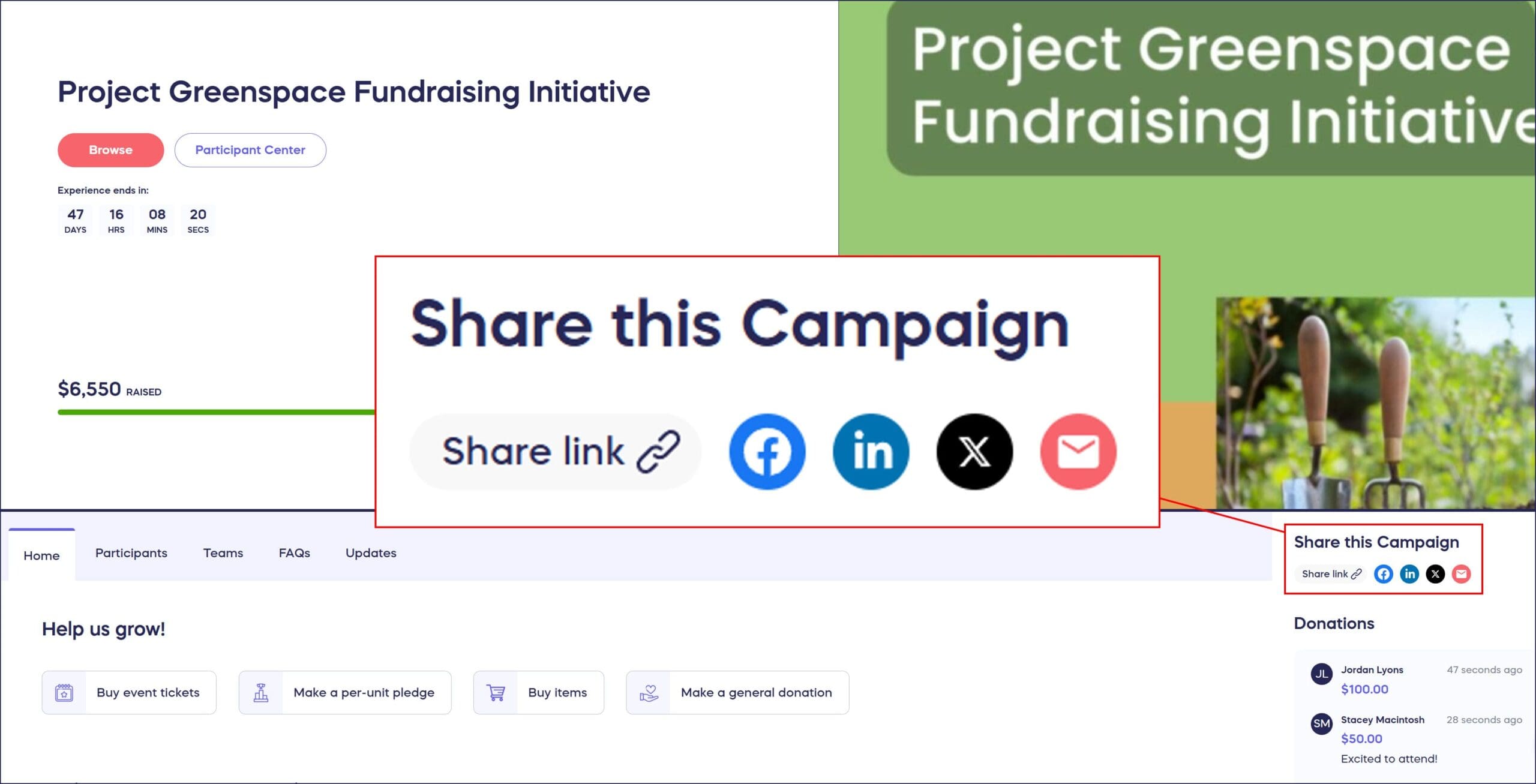
- Click on the icon(s) to share a link on Facebook, LinkedIn, X (formerly Twitter), or email, or copy a link to post anywhere.
How do I share my Campaign link from the Campaign Management Menu?
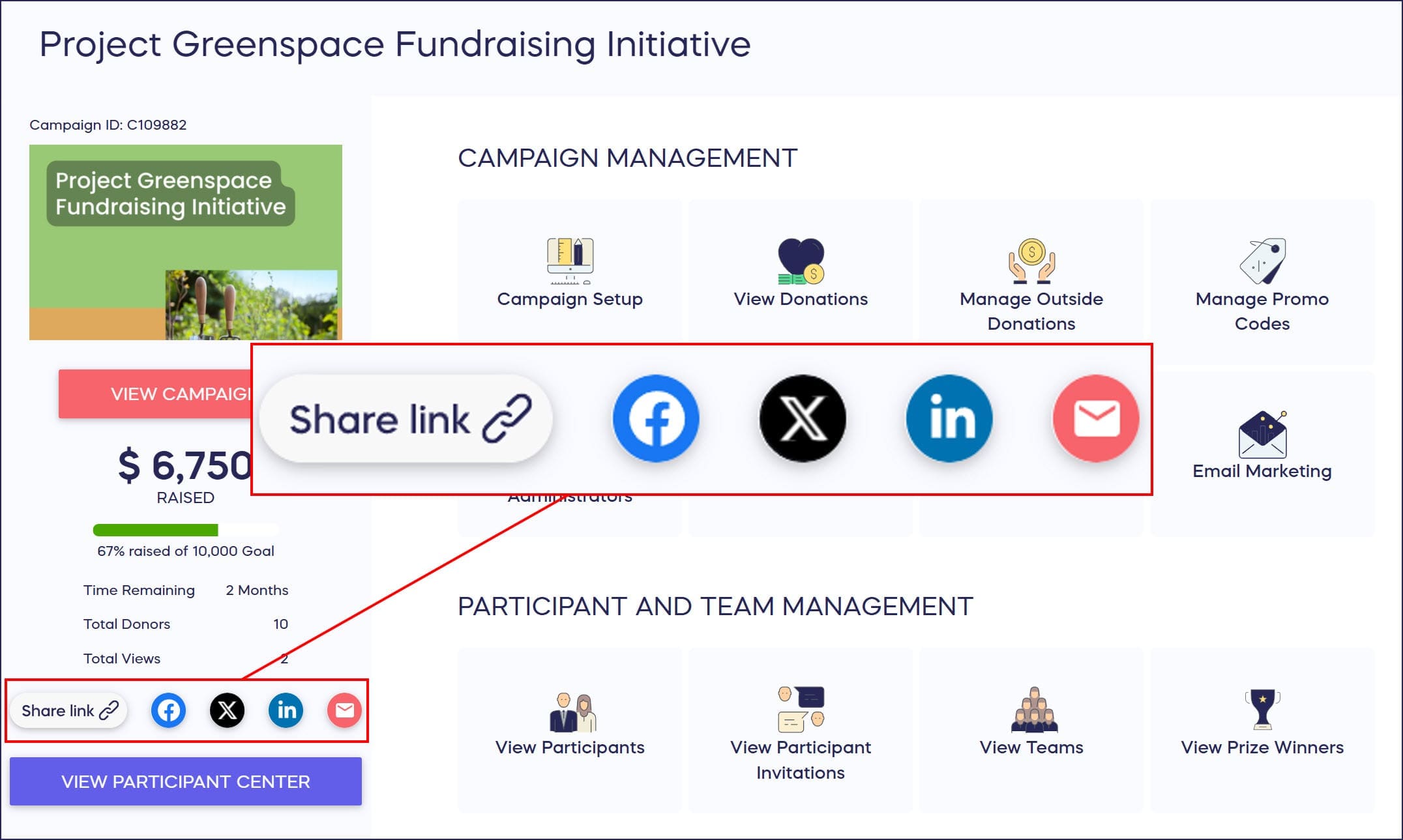
- Go to Account Navigation in the left menu and select Campaigns.
- If you have chosen a list view, click on the Campaign title. If you have chosen a grid view, click on the Campaign image.
- Click on the icon(s) to share a link on Facebook, LinkedIn, X (formerly Twitter), or email, or copy a link to post anywhere:
Frequently Asked Questions
Where can I find my Campaign link to share?
You can find your Campaign link in two places: on your Campaign Page by scrolling down to the “Share this Campaign” section, or from the Campaign Management Menu after selecting your Campaign from the Campaigns list.
What platforms can I share my Campaign link on?
You can share your Campaign link directly on Facebook, LinkedIn, X (formerly Twitter), and email. You can also copy the link to post anywhere else, including text messages, other social media platforms, or your website.
Can I share my Campaign link before it goes live?
Yes, you can access and copy your Campaign link at any time, even while it’s in Draft Mode. However, donors won’t be able to participate until you publish the Campaign and make it live.
Do I need to create a custom link or does RallyUp provide one?
RallyUp automatically generates a unique link for your Campaign when you create it. You don’t need to set up anything special—just copy and share the link provided.
If you like, RallyUp allows you to customize your Campaign link, subdomain, and domain:
How-to: Change the Link to Your Campaign Page
How-to: Set Up a Custom Domain for a Single Campaign
How-to: Customize Your Subdomain or Domain
Can I share a link to a specific part of my Campaign?
The Campaign link takes donors to your main Campaign Page where they can view all activities and information. For Auction items, you can create individual QR codes for specific items to direct donors to those particular items.