Use compact descriptions to shorten the length of your Campaign Page.
Compact descriptions are used to manage the length of a page when various sections are long and might require too much scrolling. Full descriptions are shown by default on all Campaign Pages, but you can easily switch to compact descriptions. These are shortened sections with a “View More” option for donors to click on if they want to read more.
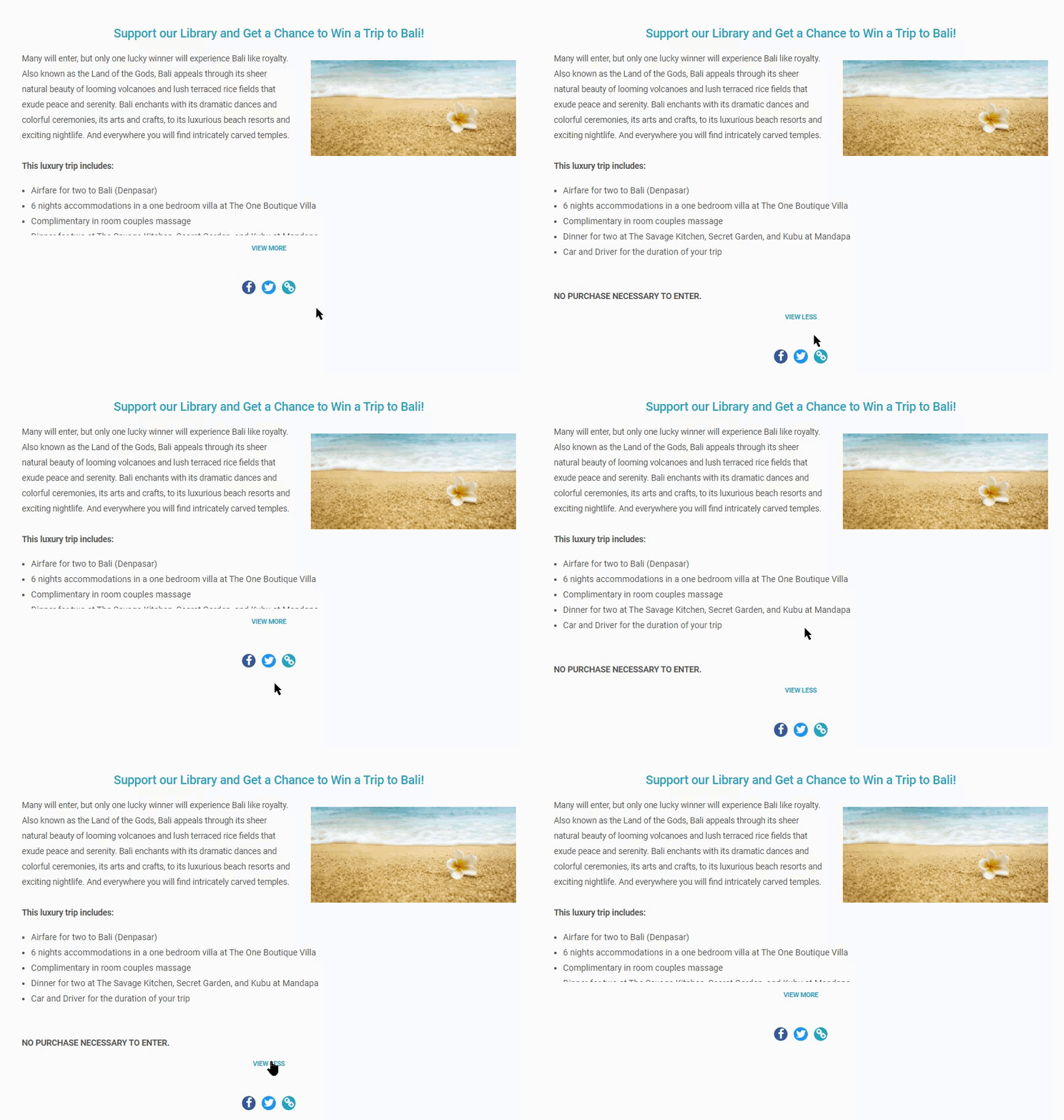
Compact descriptions apply to:
- Campaign description
- Organization description
- Updates
- Custom sections
How do I enable compact descriptions on my Campaign Page?
- Go to Account Navigation in the left menu and select Campaigns.
- If you have chosen a list view, click on the Campaign title. If you have chosen a grid view, click on the Campaign image.
- Select Campaign Setup.
- Go to Options in the timeline at the top and select Campaign Options.
- Scroll down to Do you want to use compact descriptions on your Campaign Page? and check the box next to Use compact descriptions with a “View More” control:

- Select Save.
Frequently Asked Questions
What are compact descriptions on RallyUp?
Compact descriptions shorten long sections on your Campaign Page and add a “View More” button that donors can click to expand and read the full content. This reduces scrolling and creates a cleaner page layout.
Which sections can use compact descriptions?
Compact descriptions apply to your Campaign description, organization description, Updates, and custom sections. This helps manage page length when you have detailed content in multiple areas.
When should I use compact descriptions instead of full descriptions?
Use compact descriptions when your Campaign Page has long sections that require too much scrolling, or when you want to create a cleaner, more scannable page layout that highlights key information first.
Can I switch between full and compact descriptions after my Campaign is live?
Yes, you can enable or disable compact descriptions at any time while your Campaign is live. Go to Campaign Setup, then Options, select Campaign Options, and check or uncheck the compact descriptions setting.
Do compact descriptions affect how donors view my Campaign?
Compact descriptions give donors a cleaner initial view with the option to expand sections they’re interested in. Donors can still access all your content by clicking “View More” on any shortened section.