15 Leading Volunteer Management Software Solutions for Nonprofits in 2026
Best Volunteer Management Software
Simplify volunteer coordination and eliminate manual headaches with the right tools. This guide highlights the top 15 volunteer management platforms, including Civic Champs, designed to support recruitment, scheduling, communication, and accurate hour tracking—all in one place to keep programs running smoothly.
Your volunteers are the heart of your organization, the people who show up day after day to make your mission possible. But working together shouldn’t feel like a constant struggle.
Yet that’s exactly what happens. Many nonprofits still rely on spreadsheets, group texts, and email threads that turn simple coordination into a full-time job. Your team spends hours updating schedules and tracking down volunteers, while volunteers wait for replies instead of taking action and making an impact.
The right volunteer management software changes that. It gives volunteers control over their schedules, automatically tracks hours, and generates reports in minutes instead of days. You spend less time on logistics and more time on what matters – building relationships and running programs.
In this guide, we break down 15 volunteer management software platforms and explain how to roll out your tool smoothly so your team actually uses it.
In this article
- Quick comparison of the top volunteer management software for nonprofits
- What is volunteer management software?
- Benefits of a volunteer management software platform
- 15 Best volunteer management software solutions to check out
- 1. Civic Champs: Best volunteer management software for nonprofits
- 2. Bloomerang Volunteer
- 3. VolunteerLocal
- 4. Point
- 5. Volunteer Scheduler Pro
- 6. VolunteerHub
- 7. Golden
- 8. Volgistics
- 9. Track It Forward
- 10. Timecounts
- 11. VolunteerMark
- 12. Better Impact
- 13. Helper Helper
- 14. SignUpGenius
- 15. PlanHero
- What features should your volunteer management software have?
- Implementation process: How to roll out a volunteer management software solution smoothly?
- Build a volunteer program that supports your mission and your fundraising
Quick comparison of the top volunteer management software for nonprofits
| Platform | Best for | Free plan available? | Pros | Cons |
|---|---|---|---|---|
| Civic Champs | Organizations of all sizes needing full volunteer lifecycle support | ❌ No | Geofencing technology, live chat support, multiple check-in options | Not a full CRM, though several integrations are available |
| Bloomerang Volunteer | Organizations wanting volunteer and donor data in one ecosystem | ❌ No | Unified donor-volunteer data, AI scheduling, mobile access | Best used with Bloomerang, higher overall cost |
| VolunteerLocal | Event-heavy programs needing advanced shift scheduling | ❌ No | Recurring shift builder, kiosk check-in, walk-up registration | Per-event pricing can add up, advanced features cost extra |
| Point | Local organizations wanting a volunteer-friendly mobile app | ✅ Yes | Website embedding, public volunteer discovery, strong support | Limited integrations, best suited for local programs |
| Volunteer Scheduler Pro | Organizations with complex scheduling and rotating roles | ❌ No | Substitute requests, unlimited support, automatic assignments | Limited reporting and few third-party integrations |
| VolunteerHub | Organizations managing compliance across multiple locations | ❌ No | Gamification, waitlist automation, QR code check-ins | Higher pricing, mobile app has reduced functionality |
| Golden | Organizations seeking automation, AI tools, and compliance features | ✅ Yes | AI donor conversion tracking, CRM integrations, background checks | Higher pricing tiers, AI tools may be unnecessary for some |
| Volgistics | Organizations needing deep customization and web-based access | ❌ No | Highly customizable, affordable pricing, responsive email support | Outdated interface and no phone support |
| Track It Forward | Schools needing affordable tracking with self-service logging | ✅ Yes | Leaderboards, milestones, configurable dashboards | Limited label customization, dated interface |
| Timecounts | Organizations wanting a modern interface with unlimited volunteers | ✅ Yes | Drag-and-drop hub builder, highlights dashboard, chat support | No API and no duplicate record merging |
What is volunteer management software?
Volunteer management software is a tool that helps you organize and coordinate your volunteers. It centralizes everything from recruiting and scheduling to onboarding and communication.
You can also use it to track volunteer hours and activities to understand engagement levels, recognize top contributors, and determine if you need more help. It gives both staff and volunteers a clearer view and real-time access to schedules, available shifts, and program updates without the constant back-and-forth.
Benefits of a volunteer management software platform
Volunteer expectations have evolved. They now expect opportunities that fit their schedules and don’t require jumping through hoops to get started.
The best way to meet these expectations is with a volunteer management platform. Here’s how it helps:
- Self-service scheduling: Volunteers browse available shifts and register on their own without waiting for coordinator instructions.
- Better volunteer retention: It creates a smooth signup and participation experience that brings people back more often and increases their long-term involvement.
- Smarter role matching: Track skills, certifications, and engagement so you place volunteers where they’ll be interested and enjoy the work.
- Faster reporting: Generate accurate logs of volunteering hours and participation data for grants and board meetings in minutes instead of days.
- Reduced admin burden: Staff spend less time coordinating logistics and more time building relationships with volunteers.
- Program scalability: Easily manages more volunteers and events, reducing the need to hire additional coordinators or burning out your current team.
15 Best volunteer management software solutions to check out
Let’s now turn to the top solutions available to keep your volunteers informed, engaged, and motivated. Here are the leading volunteer management platforms that your nonprofit can consider:
Note: Pricing noted below is based on publicly available information as of late 2025; always confirm current rates with the vendor.
1. Civic Champs: Best volunteer management software for nonprofits
Best for: Nonprofits of all sizes seeking a modern, practical, and intuitive system with robust attendance tracking and reporting capabilities.
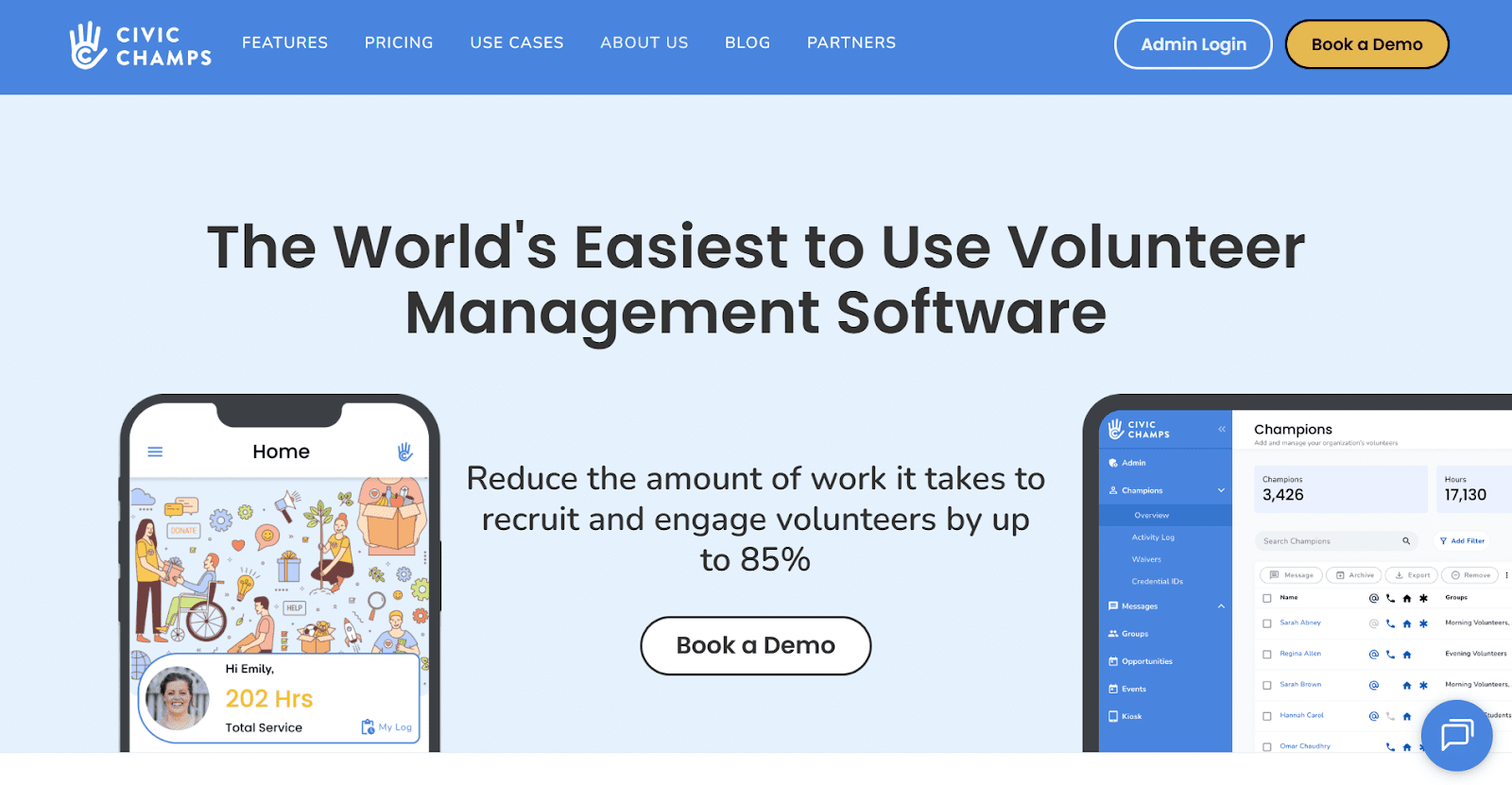
Civic Champs handles the full volunteer lifecycle, from recruitment and scheduling to tracking volunteer hours and generating reports. It helps nonprofits move away from spreadsheets and manual processes by bringing volunteer coordination into one platform.
The software is used by organizations across various causes, including food banks, animal shelters, and community centers. It’s designed to be intuitive, so volunteers can get started quickly without needing extensive training or support.
Best features of Civic Champs
- Mobile and kiosk check-ins: Check in and out available via the mobile app, kiosk, or admin device, eliminating paper sign-in sheets and speeding up on-site flow.
- GPS and geo-fenced hour tracking: Uses location to prompt check-in and out, and automatically logs hours so staff don’t have to key in times later.
- Digital waivers and volunteer grouping: Collects waivers, credentials, and form responses digitally, then lets you group volunteers into different categories based on skills, availability, or programs.
- Instant access to volunteer profiles: Pulls up volunteer profiles in seconds to view contact info, track activities, write notes, and send direct messages to keep them informed.
- Event setup and customization: Let’s admins create events with locations, roles, shifts, and onboarding info, then track participation and engagement for each.
- Reporting and volunteer insights: Pulls filtered reports on volunteer hours, sites, and programs for grants, boards, and internal planning.
Civic Champs Pricing
Starts around $49/month for 1 to 49 active volunteers (billed annually, plus a setup fee), with higher tiers for larger volumes and custom pricing for 1,500+ volunteers.
2. Bloomerang Volunteer
Best for: Nonprofits that want volunteer and donor data in one ecosystem, especially if they’re already using or considering Bloomerang CRM.
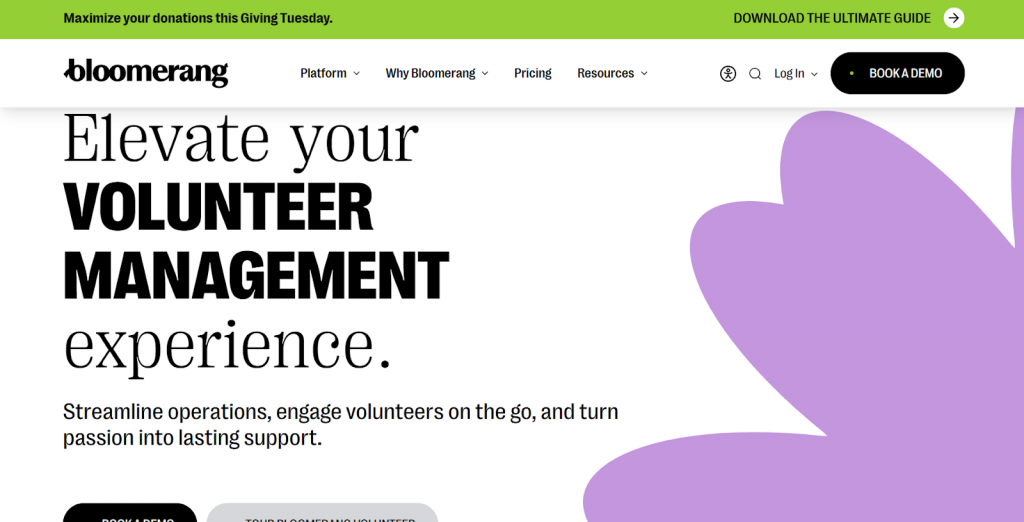
Bloomerang Volunteer sits inside the Bloomerang platform, treating volunteers and donors as part of the same community. It uses AI-assisted scheduling and mobile access to help organizations coordinate volunteers while tracking their engagement alongside donations.
Features to know about
- Event and shift management with attendance and time tracking
- Mobile access for on-site volunteer coordination
- Automated thank you messages to volunteers
- Self-serve recruitment and registration options
Limitations to watch out for
- Works best with existing Bloomerang CRM
- Advanced features are overwhelming for small organizations
Bloomerang pricing
Starts around $119/month (billed annually)
3. VolunteerLocal
Best for: Nonprofits running event-heavy programs (races, festivals, fundraisers) that need robust, flexible shift scheduling.
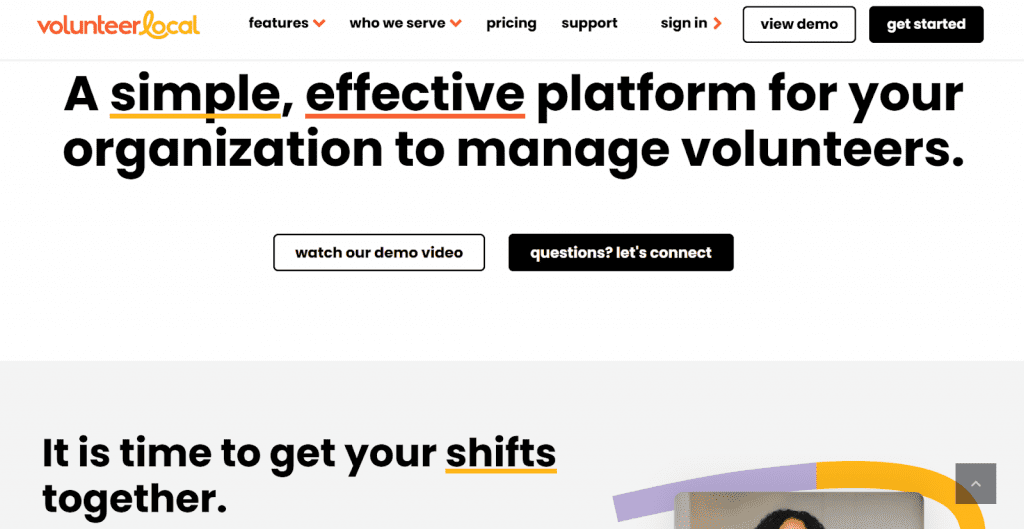
VolunteerLocal is primarily a volunteer scheduling software built around shift coordination and communication. It offers self-sign-up pages for volunteer recruitment and gives coordinators tools to track attendance and manage scheduling across events or ongoing programs.
Features to know about
- Cloud-based volunteer scheduling and communication
- Kiosk check-in for on-site attendance tracking and walk-ups
- Real-time reporting and volunteer data exports
- Recurring shift builder and flexible shift types
Limitations to watch out for
- Focused more on scheduling than deep volunteer management
- Advanced features like hours tracking or applicant vetting are add-ons or reserved for higher tiers
VolunteerLocal pricing
VolunteerLocal has two kinds of pricing:
- For ongoing programs, consider the Discover plan at $600/year, the Grow plan at $2,400/year, and custom pricing for the Enterprise plan.
- For single events, the Discover plan is approximately $200/event, the Grow plan is $800/event, and the Enterprise plan is $3,000 per event.
4. Point
Best for: Local nonprofits that want a modern, volunteer-friendly app with a generous free tier and simple tools.
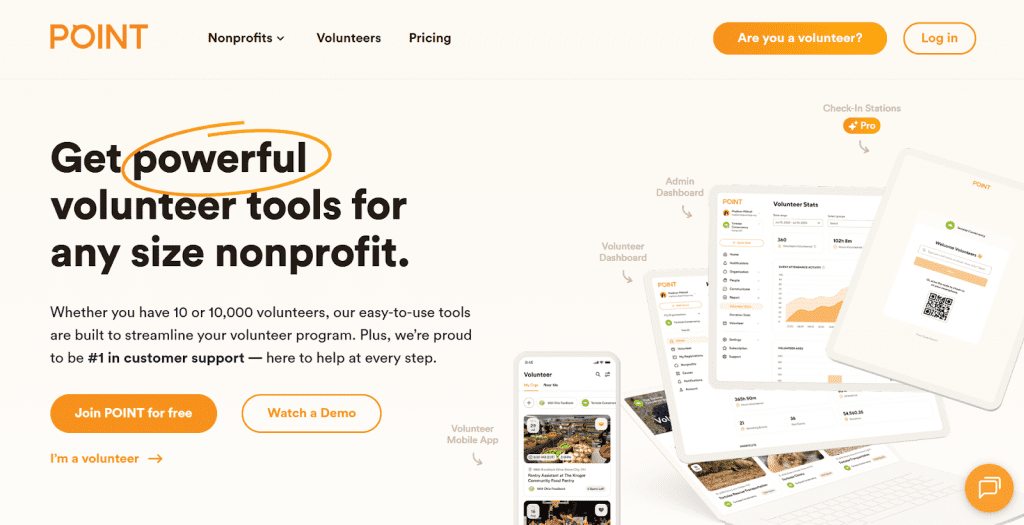
POINT is a free volunteer management software with a zero-fee tier that covers basic needs for smaller organizations. It offers a mobile app for volunteers and an admin dashboard for coordinators to manage events and pull reports.
Features to know about
- Event-centric volunteer scheduling and sign-ups
- Website widgets and social media integration
- iOS and Android apps for volunteer signups and check-in
- Reporting across campaigns, grants, and programs
Limitations to watch out for
- Integrations and customization are limited compared to enterprise systems
- Works best for local or regional programs rather than large operations
Point pricing
Point has separate pricing for nonprofits, schools, religious congregations, and the government. For nonprofits, the pricing is as follows:
- Core: Free
- Pro: $99/month (billed annually)
- Network: Custom pricing
5. Volunteer Scheduler Pro
Best for: Organizations with complex scheduling needs and rotating roles that want to give volunteers enhanced control.
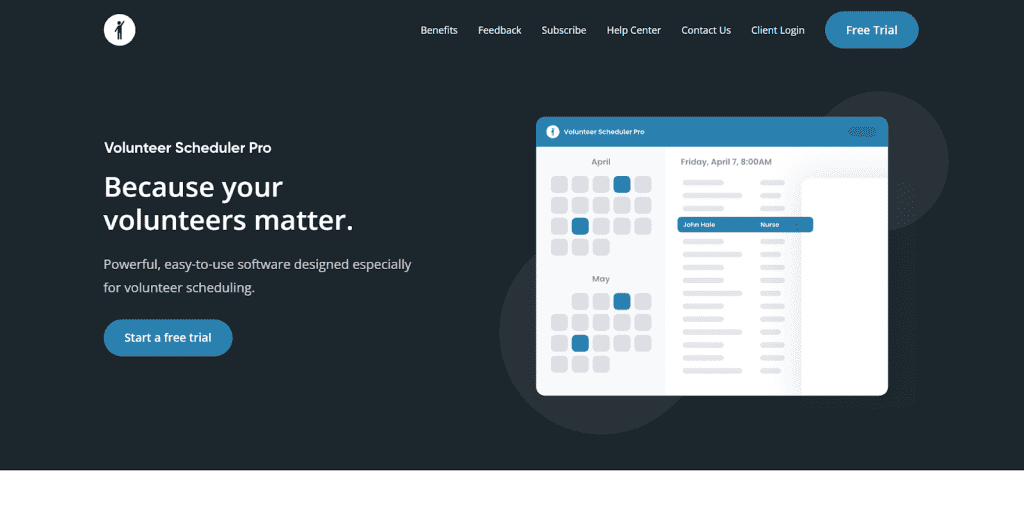
Volunteer Scheduler Pro is another volunteer scheduling software that empowers volunteers to independently manage their schedules, request substitutes, and sign up for available positions without assistance.
Its self-service approach keeps volunteers more engaged and connected to your cause by giving them the freedom to make their own decisions.
Features to know about
- Flexible recurring scheduling with automatic assignments and sub requests
- Mobile kiosk check-in tracks attendance without paper sign-in sheets
- Custom fields track certifications, training completion, and volunteer-specific information
- Automated reminders and notifications for upcoming shifts and schedule changes
Limitations to watch out for
- Focused narrowly on scheduling, not full lifecycle volunteer CRM or grant-style reporting
- API and third-party integrations are limited compared to other platforms
Volunteer Scheduler Pro pricing
Pricing is based on the number of volunteers:
- Lite edition: $45/month for up to 100 volunteers
- Standard edition: $70/month for up to 100 volunteers
6. VolunteerHub
Best for: Organizations needing strong control with compliance tracking and gamification across multiple locations.
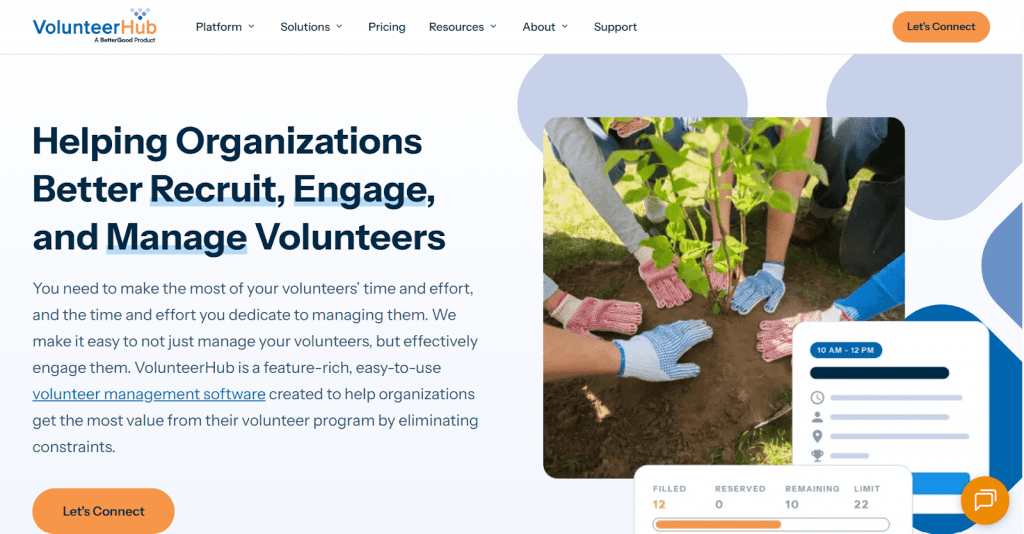
VolunteerHub tackles the administrative side of volunteer management with built-in tools for waiver collection, background checks, and compliance tracking. The platform features gamification elements to recognize top contributors and foster friendly competition.
Features to know about
- Automated communication system sends reminders and updates to volunteers
- Self-service portal reduces administrative coordination time
- Custom registration forms capture role-specific requirements
- The waitlist system automatically fills cancellations from interested volunteers
Limitations to watch for
- Setup requires time to configure automation rules
- Mobile app offers less functionality for coordinators
VolunteerHub pricing
- Plus: $143/month (billed annually and set up fee) with up to 1,000 active volunteers
- Pro: $288/month (billed annually and set up fee) with up to 2,500 active volunteers
- Enterprise: Custom pricing with 2500+ active volunteers
7. Golden
Best for: Organizations that want automation, AI, and advanced compliance layered into volunteer management.
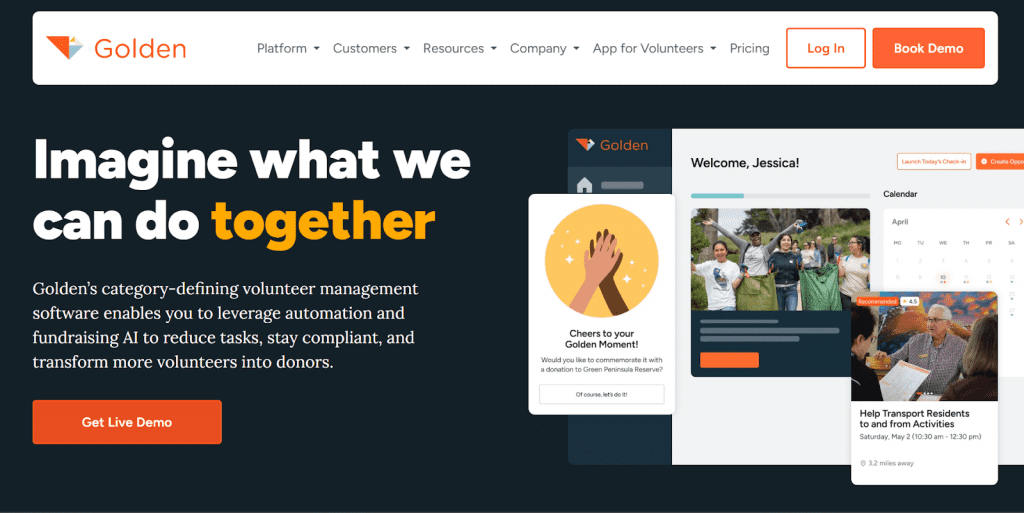
Golden combines volunteer coordination with fundraising features, using AI to identify volunteers who might become financial supporters. The platform focuses on conversion tracking and donor engagement alongside standard volunteer operations.
Features to know about
- Built-in background checks and digital waiver collection with compliance tracking
- Native integrations with major CRM platforms like Salesforce and Blackbaud
- Branded portals, apps, and kiosks for volunteer sign-ups and check-ins
- Real-time reporting dashboard showing volunteer hours and program impact
Limitations to watch out for
- Higher pricing tiers for full branding customization
- Pricing climbs if you need advanced features
Golden pricing
- Basic: Free for unlimited volunteers and supports five admin users
- Professional: $100/month (billed annually) with unlimited admin users
- Enterprise: Custom pricing and available upon request
8. Volgistics
Best for: Organizations that need extensive customization options and prefer web-based access without installing software.
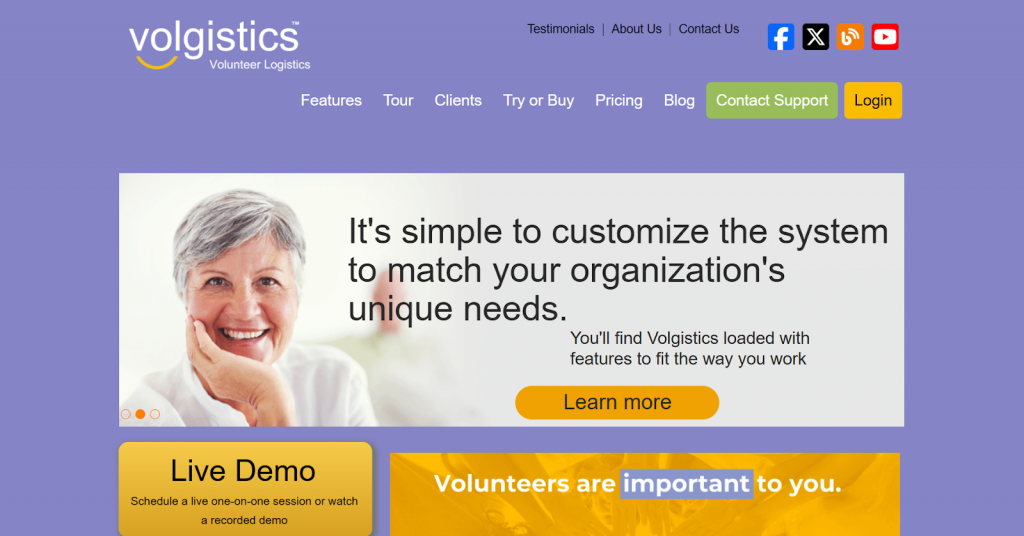
Volgistics operates entirely through a web browser, emphasizing flexibility that allows organizations to tailor fields, schedules, and workflows to match their specific processes.
Features to know about
- Extensive customization lets you hide, rename, or add fields without assistance
- The VicNet module gives volunteers self-service access to update profiles and sign up for shifts
- Checklist feature tracks mandatory requirements like orientations and backgrounds
- Site-level access controls what coordinators see by location for multi-site organizations
Limitations to watch out for
- Interface feels outdated compared to newer platforms
- The reporting system can be challenging to navigate and customize
Volgistics pricing
Pay a monthly service fee based on volunteer volume, operators, and add-ons like VicNet/VicTouch. The pricing starts at $9/month for 50 volunteers but there are add-ons.
9. Track It Forward
Best for: Schools and nonprofits that need affordable volunteer tracking, emphasizing self-service hour logging and compliance reporting.
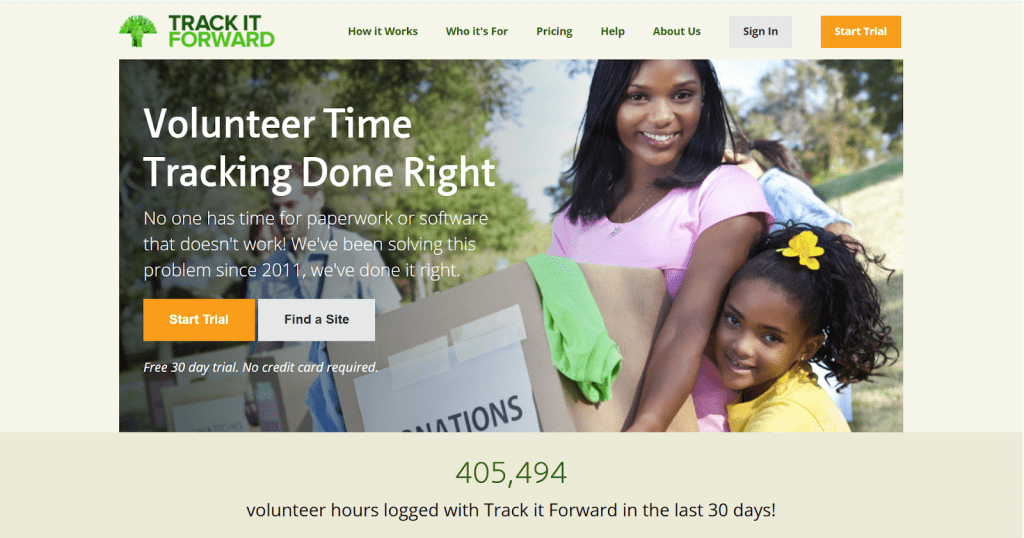
Track It Forward is more of a volunteer tracking software that empowers your volunteers to manage their own time entries rather than relying on administrators to input data. It lets people log hours from any device while coordinators focus on approvals and reports.
Features to know about
- Self-service hour logging via web, mobile app, and onsite check-in
- Event calendar and digital sign-in sheets for activities
- Hour approvals, milestones, and leaderboards for school/service programs
- Configurable dashboards and reports for grants and compliance
Limitations to watch out for
- Less suited if you need deep recruitment, training, or CRM features
- Interface feels somewhat outdated compared to newer platforms
Track It Forward pricing
- Free plan
- Basic: $12/month (billed annually for 100 users)
- Premium: $24/month (billed annually for 100 users)
- Advanced: $36/month (billed annually for 100 users)
10. Timecounts
Best for: Nonprofits and community organizations that want a modern interface with a free plan option and unlimited volunteer capacity.
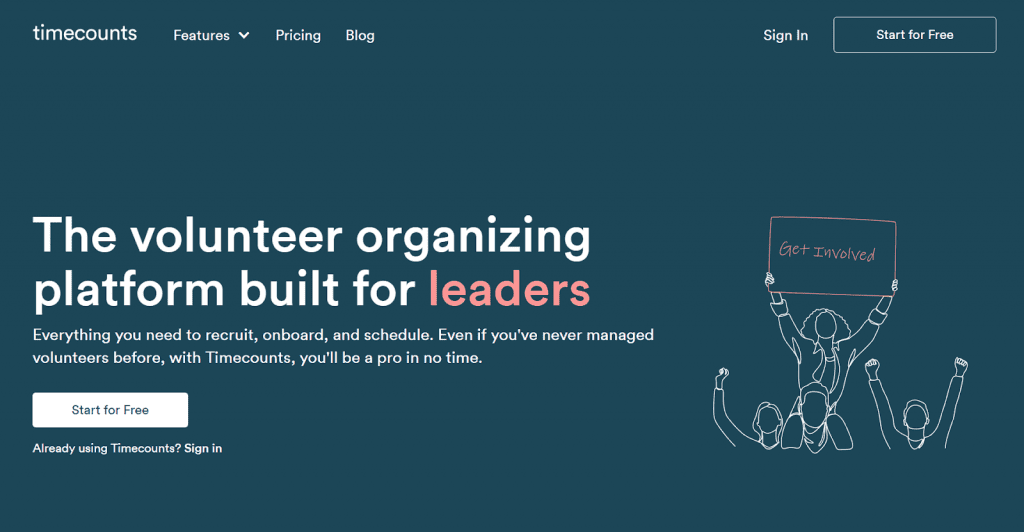
Timecounts is another free volunteer management software platform that lets you create a hub to manage your volunteer work. It offers a drag-and-drop editor to easily customize and publish your hub that aligns with your branding and volunteering needs.
Features to know about
- Free plan available with unlimited volunteers and core features for scheduling and tracking
- Checklist system tracks volunteer qualifications, training completion, and onboarding progress
- Team inbox coordinates email communications and automated reminders for shifts
- Color-coded scheduling calendar assigns volunteers based on skills and availability
Limitations to watch out for
- No API available for integrating with other systems
- Cannot merge duplicate volunteer accounts, requiring manual data entry
Timecounts pricing
- Free: unlimited volunteers and basic features
- Pro: $59/month (billed annually) or $69/month on a monthly plan with advanced features and greater customization
11. VolunteerMark
Best for: Nonprofits that need solid communication strength with built-in text/email tools.
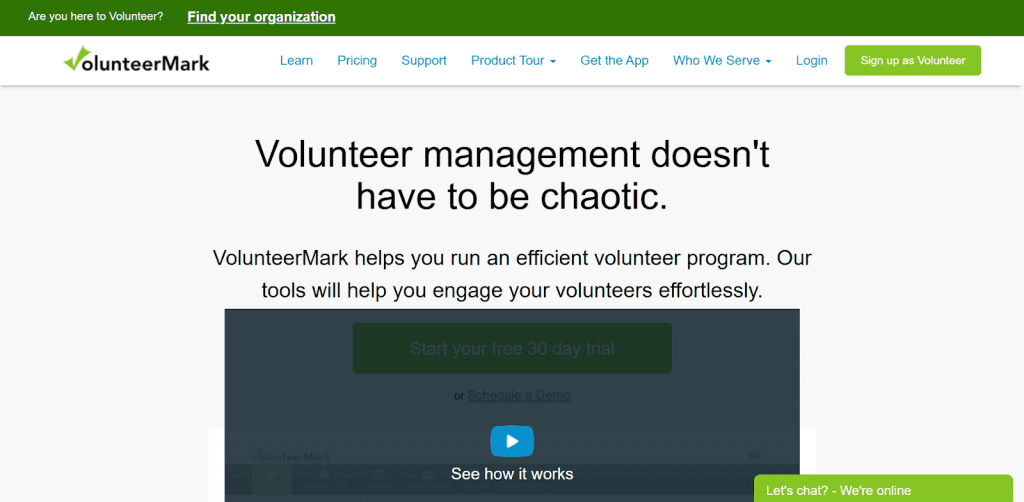
VolunteerMark includes a backup bot feature that addresses last-minute staffing gaps by automatically suggesting waitlisted volunteers when shifts go unfilled. The platform also supports multiple schedule types to accommodate different volunteer availability patterns.
Features to know about
- Cloud-based scheduling, communication, and reporting
- Bulk SMS and email messaging to communicate with volunteers
- Multiple schedule types, including one-time events, fixed shifts, and flexible positions
- Kiosk app for event check-ins without additional charges
Limitations to watch out for
- Some users report that volunteers find the interface difficult to navigate
- Advanced messaging volumes and analytics are tied to higher-tier plans
VolunteerMark pricing
- Free: Supports up to 50 volunteers and single administrators
- Basic: $34/month with unlimited volunteer support and single administrators
- Essential: $75/month with unlimited volunteer support and unlimited administrators
- Royale: $125/month with unlimited volunteer support and unlimited administrators
12. Better Impact
Best for: Enterprise-level organizations that need robust reporting capabilities and subaccount management across locations.
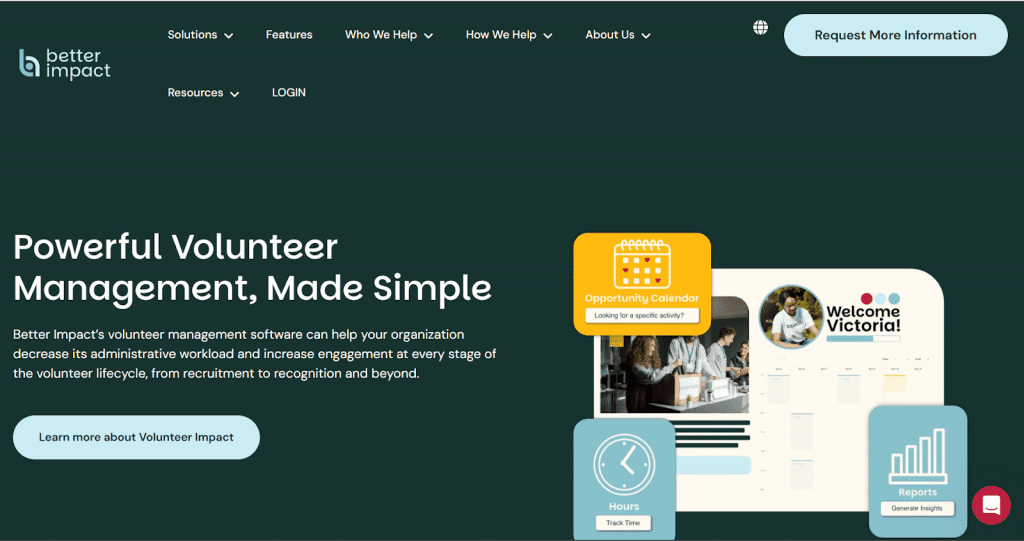
Better Impact offers Volunteer Impact as its leading volunteer management software, serving organizations globally. The platform lets you create detailed profiles with custom fields and supports volunteer onboarding and training.
Features to know about
- Robust reporting pulls data across volunteer profiles, hours, feedback, and schedules
- Flexible scheduling for multi-site and multi-program setups
- Integrated training, qualifications, and compliance tracking
- Online recruitment, applications, and onboarding flows
Limitations to watch out for
- Steep learning curve with complexity when changing settings
- Additional costs for implementation, training, and annual account reviews
Volunteer Impact pricing
Quote-based pricing
13. Helper Helper
Best for: Colleges, universities, and schools that need to track community service hours and run service competitions between groups.
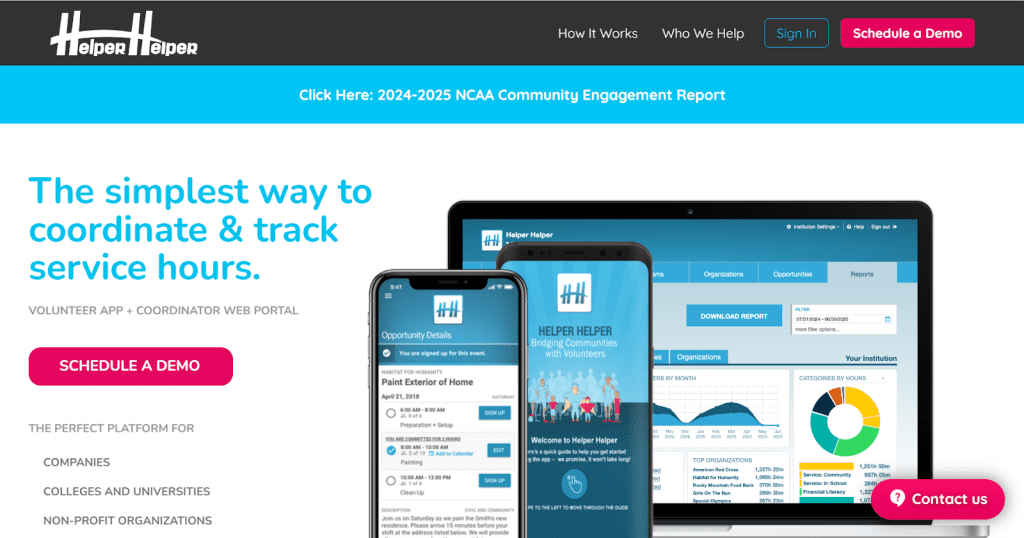
Helper Helper is a volunteer tracking software for educational institutions and athletic programs with features built around group coordination and competitive engagement. It lets you track service by teams, classes, and individual students while promoting friendly competition through leaderboards.
Features to know about
- Automated top volunteer and donor lists surface high performers for recognition
- Service competitions between grades, teams, or chapters with leaderboard tracking
- Validated volunteer transcripts that students can download and share in PDF format
- Single sign-on (SSO) functionality for secure login across campus systems
Limitations to watch out for
- The onboarding process can be difficult, with students relying on administrators to backlog hours
- Limited flexibility in home screen customization for posting one-off volunteer needs
Helper Helper pricing
Charges are between $2.50 and $3.50 per student for high schools
14. SignUpGenius
Best for: Teams that primarily need simple online sign-ups for events and volunteer recruitment.
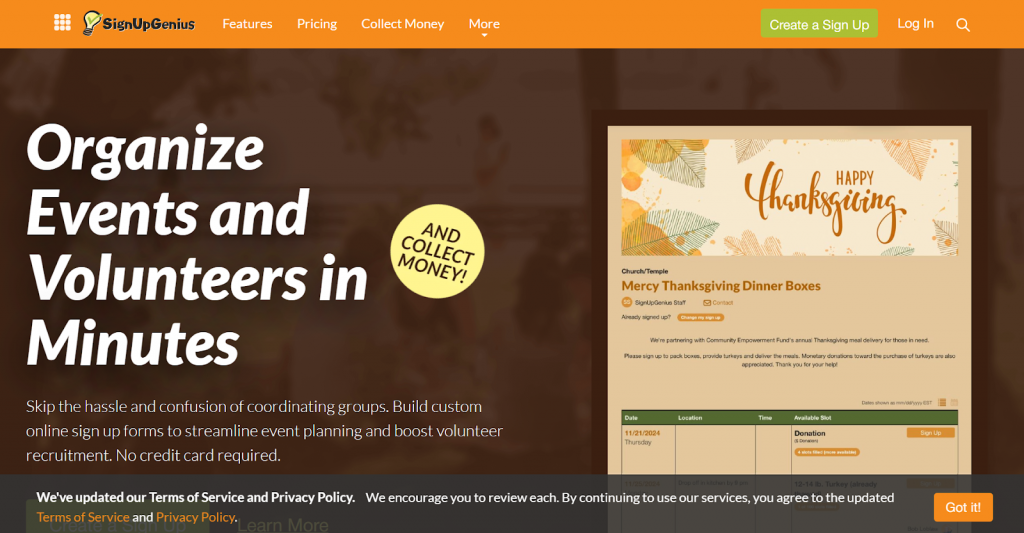
SignUpGenius operates primarily as an online sign-up sheet builder rather than a full-suite volunteer management software. You can use it to create customizable sign-up forms for events, volunteer shifts, and donation coordination without needing complex software.
Features to know about
- Automatic reminder and confirmation emails to reduce no-shows
- Hundreds of themed templates to match organization branding
- Custom questions and form fields to collect specific information during sign-up
- Payment collection directly through sign-ups for event fees or donations
Limitations to watch out for
- The free version includes ads and limited features compared to paid plans
- Not a comprehensive volunteer database or CRM system
SignUpGenius pricing
- Basic: Free for hosting potlucks, parties, and small events
- Starter: $8.99/month (or $107.89 annually) for taking event planning further
- Essentials: $22.49/month (or $269.89 annually) for managing multiple active sign-ups
- Premium: $44.99/month (or $539.89 annually) for large-scale event coordination
- Enterprise: Custom pricing available for complex organizational needs
15. PlanHero
Best for: Small to mid-sized organizations, churches, and schools that prioritize simplicity and need affordable scheduling without complex features.
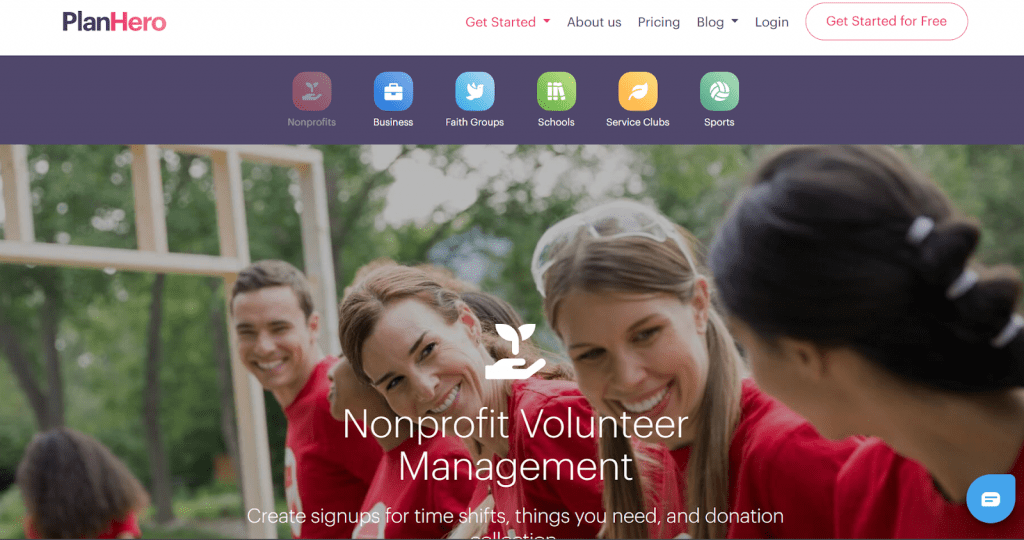
PlanHero is a nonprofit and church volunteer management software that offers a practical way to coordinate volunteer teams and events. Volunteers don’t need to create accounts or download apps to sign up for shifts, removing barriers to participation.
Key features to know about
- Online signup sheets for volunteers, appointments, and events
- Multiple days, time spots, and locations in one signup
- Auto-reminders via email and optional text bundles
- Color-coded scheduling makes it easy to visualize staffing levels at a glance
Limitations to watch for
- Fewer advanced features in lower-priced subscription tiers
- Not designed for complex volunteer programs with extensive tracking needs
PlanHero pricing
- Free: No charges with 1 active event out of 3 total, 30-day event duration limit, 1 group
- Essentials: $12/month with unlimited events and duration, 1 group, 1 public group page, 1 co-group admin
- Pro: $18/month (+ $10/month for each additional group or group admin) with 3 groups, 3 public group pages, 3 co-group admins
- Enterprise: Custom pricing with 15+ groups, 15+ public group pages, 5 co-group admins
What features should your volunteer management software have?
The first thing you should look for is ease of use. If your staff struggles to navigate the platform or volunteers find it confusing, its use will be limited, regardless of its quality.
Beyond that, here are the must-have features worth prioritizing:
1. Volunteer scheduling and shift management
The platform should let volunteers browse open shifts and sign themselves up without waiting for approval. It needs to handle one-time events, recurring schedules, and flexible roles. Waitlists and automatic notifications for open spots help you avoid manually filling gaps.
2. Mobile access and check-in
Volunteers should be able to view schedules, register for shifts, and check in from their phones. Mobile apps or mobile-friendly sites eliminate paper sign-in sheets, making on-site coordination faster for everyone involved.
3. Automated communication
The system needs to send confirmation emails, shift reminders, and updates without you having to write each one manually. You also need the ability to segment volunteers by program, location, or skills so you can send personalized, relevant messages.
4. Tracking volunteering hours and reporting
Volunteers should be able to log their own hours, while staff can review, approve, and export data for nonprofit grants or board reports. Look for filters that let you pull reports by program, date range, or volunteer group without having to rebuild spreadsheets from scratch.
5. Volunteer database and profiles
A centralized database that stores contact info, skills, certifications, availability, and participation history in one place. This makes it easier to match people to roles and spot your most active contributors when it’s time for recognition.
6. Digital forms and waivers
Built-in intake forms, waiver collection, and background check requests speed up onboarding. Everything stays in one place instead of being scattered across email attachments and file folders that nobody can find six months later.
7. Integration with existing tools
Check if the software connects with your CRM, donor management system, or email platform before committing. Good integrations prevent duplicate data entry and keep information synced across systems.
Implementation process: How to roll out a volunteer management software solution smoothly?
Getting volunteer management software is one thing, but getting your team and volunteers to actually use it is another. A rushed rollout confuses people and creates resistance, while a planned approach builds buy-in and adoption.
Here’s a process to make the transition as smooth as possible:
1. Prepare your data and processes before you switch
Start by auditing your current volunteer records. Remove duplicates, update outdated contact information, and standardize how you categorize volunteers before adding them to the new solution.
2. Create core workflows and templates
Set up the essential pieces before going live. Create shift templates for recurring events, set up automated email sequences for confirmations and reminders, and build intake forms that volunteers will use during registration.
3. Train staff, team leads, and key volunteers
Ensure that you walk your staff and volunteer leaders through the platform before opening it to everyone. Show them how to create events, manage signups, and run reports. These early adopters become your support network when other volunteers have questions.
4. Launch the software solution in phases
Roll out the software to one program or event first, then expand to others once your team is comfortable with the platform. This gradual approach prevents overwhelming your staff and volunteers while building confidence across your organization.
5. Communicate the change to your existing volunteers
Inform volunteers about the new system through newsletters, team meetings, or direct messages. Focus on what gets easier for them, like self-service scheduling and mobile check-ins, and share simple guides on creating accounts and signing up for shifts.
6. Track impact, seek feedback, and keep improving
Monitor adoption rates and identify patterns in how users interact with the platform. Check in regularly with staff and volunteers about what’s working and what isn’t. This will help you identify issues early and adjust training gaps, ensuring the software delivers the results you need.
Build a volunteer program that supports your mission and your fundraising
Volunteers don’t just support your programs, they often power them. When their experience is seamless, organized, and appreciated, they’re more likely to stay involved and even step into new roles that strengthen your organization.
That’s why investing in a dedicated volunteer management tool can have a lasting impact. A platform like Civic Champs helps streamline recruitment, scheduling, check-ins, and hour tracking, so your team spends more time building real relationships. It’s intuitive for volunteers, practical for staff, and reliable as your programs grow.
In fact, engaged volunteers often become your most passionate fundraisers. They’re the ones sharing your mission, showing up at events, and bringing their networks along. If you’re running campaigns, auctions, or peer-to-peer fundraisers, having the right volunteers and the right tools to support them can make all the difference.
So while your volunteer platform helps you manage people, platforms like RallyUp (an end-to-end fundraising tool) help turn that energy into real fundraising success.
FAQs on volunteer management
Use volunteer tracking software with built-in time tracking, digital sign-in sheets, or mobile apps that let volunteers log their hours in real time.
Yes, especially if you have more than 20 active volunteers or run multiple events. It eliminates hours spent on spreadsheets and back-and-forth emails.
Start with a quick walkthrough or video tutorial. Let volunteers know exactly what they need to do and why it benefits them, like easier shift sign-ups or automatic reminders.
Most reputable platforms include data encryption and GDPR compliance. Always verify what protections a specific software solution offers before signing up.
Now that you’ve seen it in action, are you ready to start fundraising?
Get Started