
10 Best PayPal Alternatives for Nonprofits (By category)
Best PayPal Alternatives for Nonprofits
PayPal alternatives for nonprofits give more control over fees, donors, and fundraising.
- Fundraising platforms: RallyUp, Bloomerang
- Digital wallets: Apple Pay, Google Pay
- Peer-to-peer: Venmo, Cash App, Zelle
- Payment processors: Stripe, Square
- International transfers: Wise
RallyUp stands out as the best fundraising software as it handles fundraising and payments in one platform.
PayPal is often the first tool nonprofits use to accept donations, mostly because it’s familiar and easy for donors to recognize.
But it’s no longer the only – or always the best – option. Today, nonprofits can choose from fundraising platforms, payment processors, and donor-friendly payment methods that offer more control, better fundraising features, and lower friction at checkout.
This guide breaks down the most practical PayPal alternatives for nonprofits, based on how organizations actually raise money and process payments.
In this article
- Why nonprofits should look at PayPal alternatives
- 10 best PayPal alternatives
- 1. RallyUp - End-to-end fundraising platform
- 2. Bloomerang Fundraising
- 3. Stripe for Nonprofits
- 4. Square
- 5. Apple Pay for Donations
- 6. Google Pay for Businesses
- 7. Wise
- 8. Venmo chairty profiles
- 9. Zelle
- 10. Cash App
- How to choose the right PayPal alternative for your nonprofit
- Finalizing on PayPal alternatives for nonprofits
- FAQs about PayPal alternatives
Why nonprofits should look at PayPal alternatives
PayPal does offer discounted processing rates for eligible nonprofits. Approved 501(c)(3) organizations typically pay 1.99% + $0.49 per transaction, which is lower than PayPal’s standard commercial pricing.
However, even with this discount, fees still take a measurable share of donations, especially smaller gifts.
- On a $10 donation, PayPal keeps about $0.69
- On a $25 donation, PayPal keeps about $0.99
- On a $50 donation, PayPal keeps about $1.49
These amounts compound quickly at scale. If 200 supporters donate $25 during a campaign, PayPal fees total nearly $200, reducing the amount available for programs before any other fundraising costs apply.
Other reasons for switching from PayPal
Nonprofit reviews on Capterra and G2 also highlight operational limits:
- Delays in accessing funds during high-volume campaigns
- Limited built-in support for events and peer-to-peer fundraising
- Checkout flows that reduce mobile conversion
- Shallow donor reporting for retention and follow-up
For many nonprofits, alternatives aren’t about distrust in PayPal; they’re about keeping more of each donation and using tools designed for fundraising, not just payment processing.
10 best PayPal alternatives
We selected the tools below based on how well they support real fundraising use cases rather than just payment processing.
Each option on this list meets at least one of three criteria:
- It supports nonprofit fundraising directly
- It improves donor checkout and payment reliability
- It offers trusted, low-friction ways to move funds around.
We also prioritized platforms with strong nonprofit adoption, recognizable brands, and consistent reviews across tools like Capterra and G2.
PayPal alternatives for nonprofits: Quick comparison
| Tool | Best for | Category | Availability |
|---|---|---|---|
| RallyUp – end-to-end fundraising platform | Campaigns & events | Fundraising platform | Global |
| Bloomerang | Donor management | Fundraising platform + CRM | Global |
| Stripe | Online donations | Payment processor | Available in supported countries/regions; can accept international payments |
| Square | In-person giving | Payment processor | Available in select countries (US/CA/AU/JP/UK/IE/FR/ES) |
| Apple Pay | Mobile checkout | Digital wallet | Global (Apple markets) |
| Google Pay | Mobile payments | Digital wallet | Country-dependent |
| Wise | Cross-border funds | International transfers | Global |
| Venmo | Social donations | Peer-to-peer | U.S. only |
| Zelle | Fee-free transfers | Peer-to-peer | U.S. only |
| Cash App | Informal giving | Peer-to-peer | Primarily U.S. |
1. RallyUp – End-to-end fundraising platform
RallyUp is a nonprofit-first fundraising platform that combines fundraising tools and payment processing in one place. Instead of treating donations like standard checkout transactions, RallyUp supports campaign-based fundraising, donor engagement, and event-driven giving.

Best for: Nonprofits that want to run campaigns, events, raffles, or peer-to-peer fundraising while keeping more of each donation.
Pros
- Supports multiple fundraising formats out of the box
- Lets organizations pass fees to donors or absorb them
- Separates fundraising platform fees from payment processing fees
- Does not mark up or profit from processing costs
Cons
- Activity-based pricing requires planning for the tools you’ll use later
- More functionality than needed for one-off donation buttons
Fees and costs
- Free plan: No platform fees; optional donor tips support RallyUp
- Flex (pay-as-you-go): Platform fees apply only to specific fundraising activities
- Processing fees: Handled by Stripe or PayPal (typically ~1.9%-2.9% + flat fee); RallyUp does not collect or mark these up
- Many features, including donation pages and peer-to-peer tools, carry 0% platform fees
RallyUp vs PayPal for nonprofits
| Feature | RallyUp | PayPal for Nonprofits |
|---|---|---|
| Nonprofit pricing model | Free plan + activity-based pricing | Flat per-transaction fee |
| Platform fees | $0 on free plan; varies by activity on Flex | Included in processing fee |
| Processing fees | Passed through from Stripe/PayPal (no markup) | ~1.99% + $0.49 per donation |
| Fundraising tools | Events, raffles, auctions, peer-to-peer, campaigns | Limited to donation checkout |
| Small donation impact | Can keep 100% on the free plan | Flat fee takes larger share |
| Donor checkout | Fundraising-optimized flow | Generic payment checkout |
| Best use case | Active fundraising and campaigns | Simple donation acceptance |
2. Bloomerang Fundraising
Bloomerang Fundraising is a nonprofit fundraising platform that supports giving through donation tools, including cards, digital wallets, and bank-based payments. Unlike payment-only tools, Bloomerang treats donations as part of a longer donor relationship.
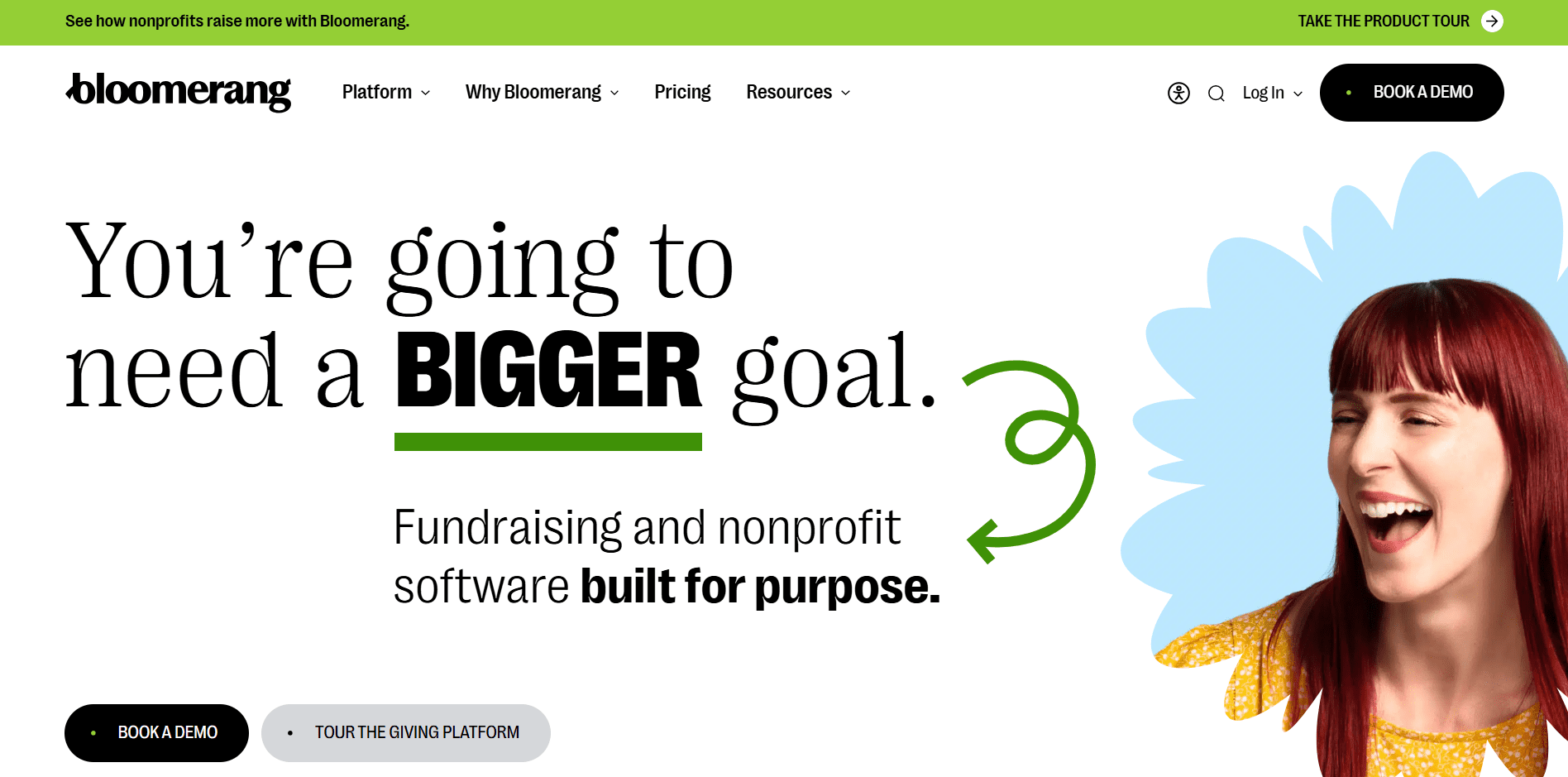
Best for: Nonprofits that want donation processing connected to donor management, reporting, and retention.
Pros
- Built-in donor CRM alongside donation processing
- Supports multiple payment methods in one system
- Designed for recurring giving and donor retention
- Centralizes donations, donor data, and reporting
Cons
- Requires onboarding and setup compared to lightweight payment tools
- More functionality than needed for simple, one-off donation collection
- Pricing and features scale with organizational needs
Fees and costs
- Bloomerang uses tiered pricing, starting at $40 billed annually, based on nonprofit size and needs
- Platform fees apply in addition to payment processing
- Payment processing fees vary by method (card, ACH, digital wallets)
- Exact pricing depends on the selected plan and usage
3. Stripe for Nonprofits
Stripe is a payment processor that handles card payments, bank debits, and digital wallets. Nonprofits typically use Stripe underneath a donation form or fundraising tool rather than as a standalone fundraising solution.
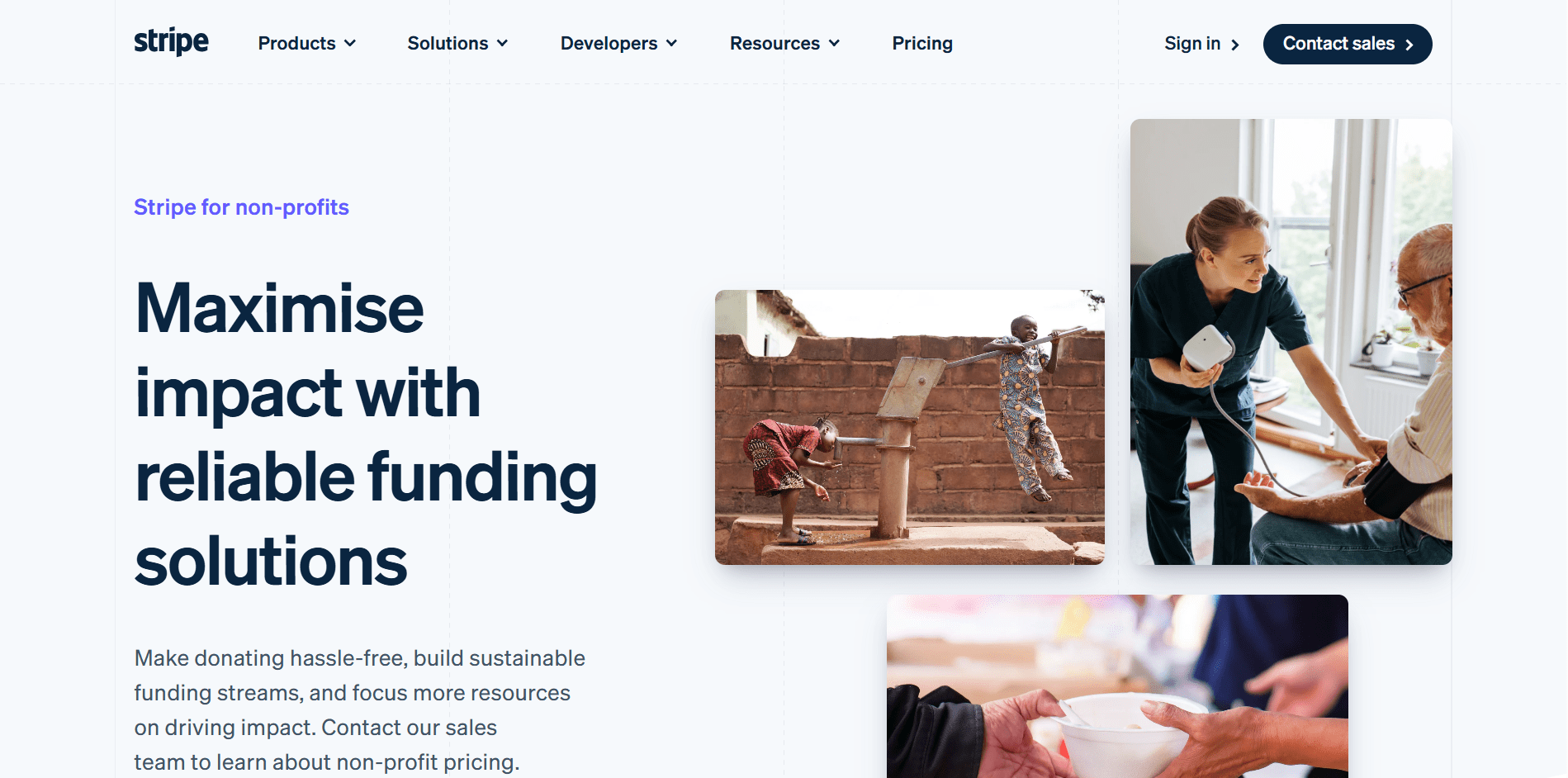
Best for: Stripe works best when a nonprofit wants a strong payment infrastructure for donations and plans to layer fundraising tools on top.
Pros
- Transparent, predictable pricing
- Strong support for recurring donations and subscriptions
- Highly customizable checkout and payment flows
Cons
- Does not include built-in fundraising tools
- Requires technical setup or third-party fundraising software
- Donor management and reporting are not native features
Fees and costs
Stripe offers discounted processing rates for qualifying nonprofit organizations, but the discount applies only under specific conditions.
- Discounted charity pricing applies only to donation payments, not product sales or event revenue
- At least 80% of Stripe payment volume must be tax-deductible donations
- Nonprofits must apply by emailing Stripe with proof of 501(c)(3) status and account details
- Payments such as ticket sales, memberships, tuition, registrations, and auctions are not eligible for the nonprofit discount
- Standard processing fees apply outside of qualifying donation payments
4. Square
Square is a payment processor designed for quick, practical payment collection. Nonprofits commonly use it for in-person donations at events, booths, galas, or pop-ups.

Best for: In-person fundraising, on-the-go donations, simple payment collection, and nonprofits that plan to manage fundraising strategy and donor relationships elsewhere.
Pros
- Easy to use for in-person and mobile fundraising
- Fast access to funds, typically within one to two business days
- Simple setup with minimal technical overhead
- Works well for one-time payments and on-site donations
Cons
- No built-in fundraising tools like campaigns or peer-to-peer
- Limited donor data and reporting
- Less suitable for online-first or recurring donation programs
Fees and costs
- No monthly fees to use Square
- Invoicing payments cost 3.3% + $0.30 per invoice
- Funds transfer quickly, usually within 1-2 business days
- Additional hardware costs may apply for in-person payment devices
5. Apple Pay for Donations
Apple Pay allows nonprofits to accept donations directly on their website or app using a fast, secure checkout experience. Donors can give without entering billing, shipping, or contact details, which significantly reduces drop-off, especially on mobile devices.
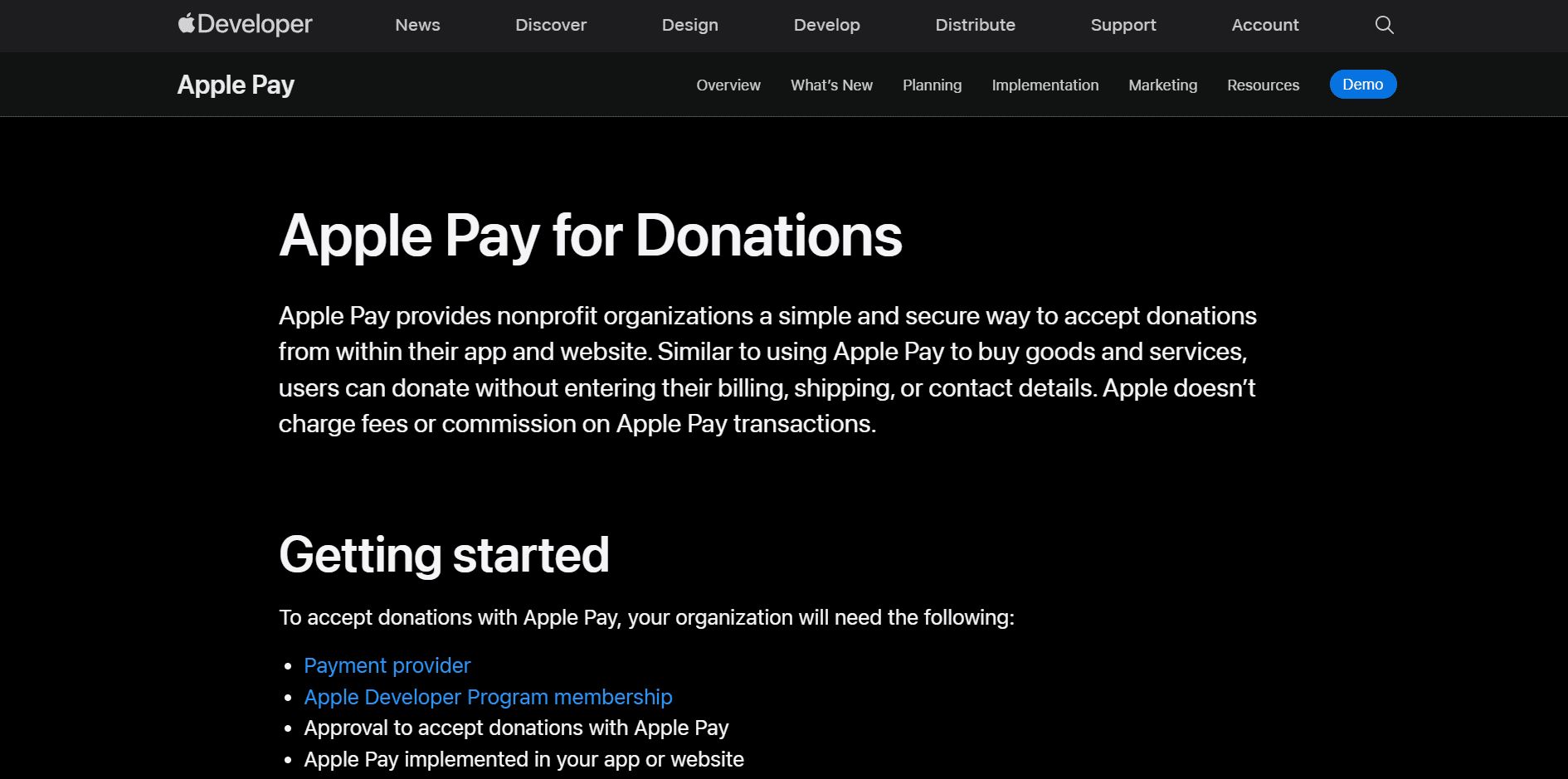
Best for: Nonprofits focused on mobile-first donations, reducing checkout friction, and already have payment infrastructure in place to support donations.
Pros
- Extremely fast, low-friction donation experience
- High donor trust due to Apple’s security and brand recognition
- No fees or commission charged by Apple itself
- Strong conversion rates on mobile devices
Cons
- Requires technical setup and developer resources
- Cannot be used on its own without a payment provider
- Limited to Apple device users
Fees and costs
- Apple does not charge transaction fees or commissions
- Standard payment processing fees still apply via the chosen payment provider
- Requires enrollment in the Apple Developer Program
Getting started
To accept donations with Apple Pay, nonprofits need:
- A compatible payment provider
- An Apple Developer Program membership
- Approval to accept donations with Apple Pay
- Apple Pay implemented on their website or app using the “Donate with Apple Pay” button
Approval requirements
Approval depends on where the nonprofit operates.
- U.S.-based nonprofits must hold a Candid Seal of Transparency, which is free and helps donors verify credibility.
- Non-U.S. nonprofits must apply through Benevity, which verifies organizational details before Apple approval.
6. Google Pay for Businesses
Google Pay lets nonprofits accept donations through a streamlined checkout experience on websites and apps. Donors can give using saved cards or bank details. It functions as a payment method, not a fundraising platform.
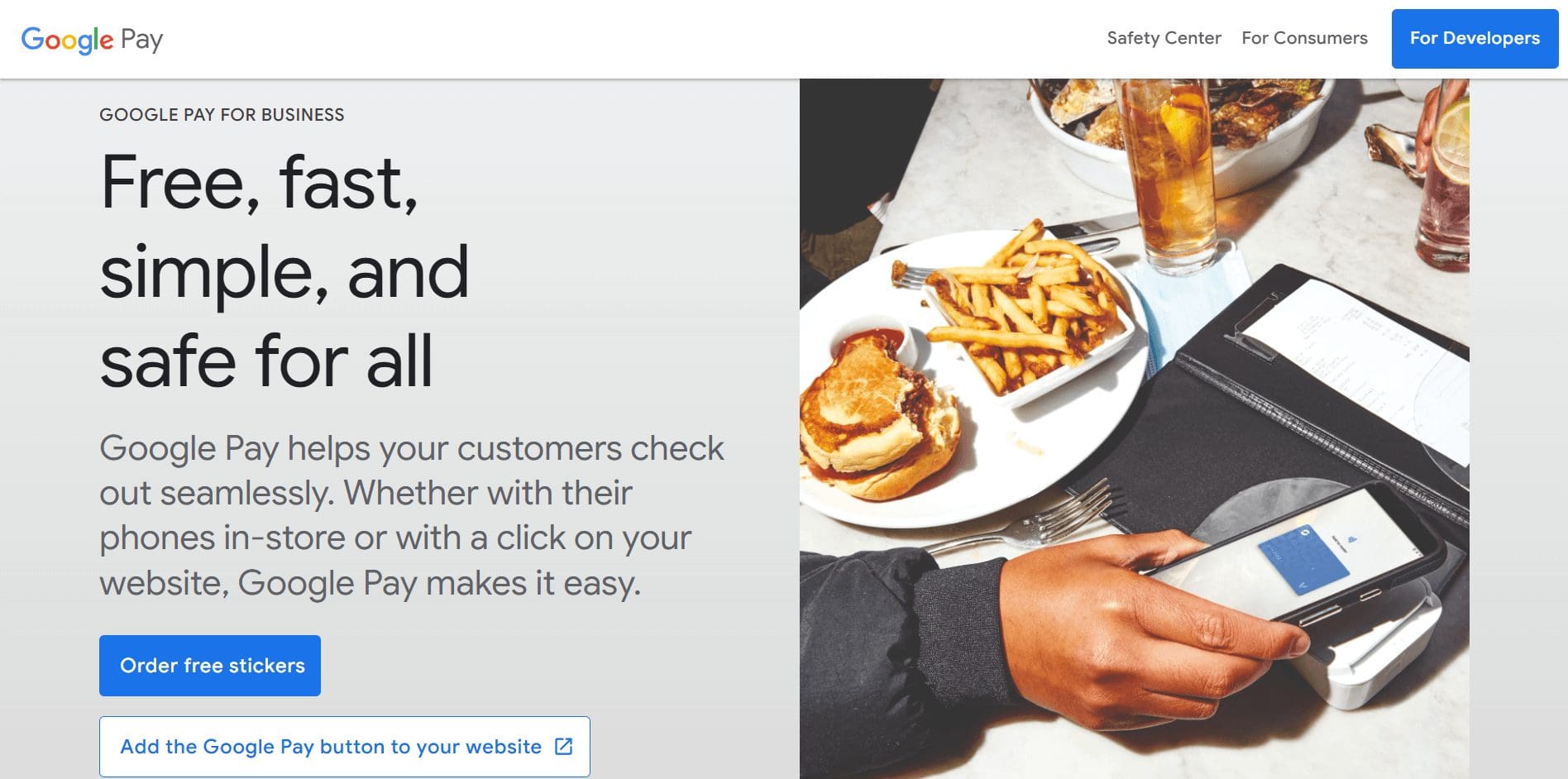
Best for: Google Pay works best when nonprofits want to expand mobile giving and already have payment infrastructure that supports regional payment methods.
Pros
- Familiar and trusted checkout experience for Android users
- Reduces donation friction compared to manual card entry
- Works across web and mobile
- No additional fees charged by Google itself
Cons
- Feature availability varies by country
- Requires technical integration and a payment provider
- Does not include donor management or fundraising tools
Fees and costs
- Google does not charge transaction or commission fees
- Standard payment processing fees apply through the connected provider
- No separate Google Pay subscription costs
Availability and country-specific considerations
Google Pay’s features differ significantly by region:
- United States, UK, EU, Australia:
- Supports card-based payments for online donations
- Widely available through processors like Stripe and Square
- India:
- Google Pay primarily supports UPI-based payments
- Donation support depends on the payment gateway and the nonprofit setup
- Web-based donation flows are more limited than in Western markets
- Other regions:
- Availability depends on local banking regulations and processor support
- Some countries support only in-app or peer-to-peer payments
Note: Nonprofits operating internationally should confirm Google Pay support by country and payment method before relying on it as a primary donation option.
7. Wise
Nonprofits use Wise to receive donations from abroad, convert currencies at real exchange rates, and transfer money to local bank accounts without the high foreign exchange markups common with traditional payment tools.
Best for: Nonprofits that need to receive or move funds internationally without losing a large percentage to conversion fees, and already use another tool to collect donations.
Pros
- Uses real exchange rates with transparent fees
- Significantly cheaper than most traditional international payment options
- Supports holding and converting multiple currencies
- Reliable for large international transfers and grants
Cons
- Not donor-facing and not a fundraising platform
- Requires a separate tool to collect donations
- Some countries and currencies have usage limits
Fees and costs
- One-time setup fee: ~31 USD to unlock international account details
- Receiving domestic payments: Free for supported currencies (AUD, CAD, EUR, GBP, HUF, NZD, SGD, TRY, USD)
- Receiving USD wire or SWIFT payments: 6.11 USD per payment
- Receiving GBP SWIFT payments: 2.16 GBP
- Receiving EUR SWIFT payments: 2.39 EUR
- Additional SWIFT currencies: Fees vary by currency and are disclosed upfront
- Currency conversion: Uses real exchange rates with a small, transparent conversion fee
Note: Some countries have limits on receiving or holding certain currencies
8. Venmo chairty profiles
Venmo allows eligible nonprofits to create a Venmo charity profile, but as Venmo is owned by PayPal, the profile is built on top of a PayPal Business account. Think of it as an additional channel rather than a replacement.
It isn’t a full replacement for PayPal, but it works well as an additional donation channel for nonprofits that don’t want to switch systems entirely and still want to reach donors who prefer peer-to-peer payments.Best for: Peer-to-peer fundraising and social-first donations, especially from younger donors who already use Venmo.
Can a nonprofit use a regular Venmo account?
Personal Venmo profiles shouldn’t be used to receive donations for nonprofits.
Venmo explicitly warns against using personal profiles for nonprofit donation campaigns.
Pros
- Fits naturally into peer-to-peer and social giving behavior
- Familiar interface for Venmo users
- Low-friction donation experience inside the app
- Can complement existing fundraising platforms
Cons
- Requires a PayPal Business account to set up and maintain
- Ownership must match between the PayPal and Venmo accounts
- Limited fundraising features beyond basic donations
- Reporting and donor data are minimal compared to full fundraising platforms
Fees and costs
- Donations made through a Venmo Charity Profile use PayPal’s nonprofit processing rates
- Typical fees are around 1.9% + $0.10 per donation
- Fees apply per transaction and affect smaller donations more
- No separate Venmo platform fee for charity profiles
Set up and eligibility notes
- Available only to verified 501(c)(3) organizations
- Charity status must be confirmed within PayPal before setup
- The same individual must own and manage both the PayPal and Venmo accounts
- Charity profiles are managed directly within the Venmo app after creation
Is Venmo different from PayPal for nonprofits?
- Venmo Charity Profiles run through PayPal and use the same nonprofit processing rates.
- Venmo works better for peer-to-peer and social giving inside an app.
- PayPal works better for website-based donations and broader payment use cases.
9. Zelle
Zelle is a bank-to-bank transfer service available through participating U.S. banks and credit unions. It allows individuals to send money directly to a nonprofit’s bank account using an email address or phone number, without card-based processing.
Best for: Nonprofits with a U.S.-based donor base that want to maximize the amount received per donation and can manage donor tracking outside the payment flow.
Pros
- No transaction fees for sending or receiving donations
- Funds typically arrive within minutes
- Widely accessible through U.S. banking apps
Cons
- Recurring donations are not supported
- No built-in donation receipts or recurring payments
- Donors need a participating bank/credit union’s Zelle experience
- Available only to donors with U.S.-based bank accounts
Fees and costs
- Zelle does not charge transaction fees
- No setup or subscription costs
- Donations transfer directly to the nonprofit’s bank account
10. Cash App
Cash App is a peer-to-peer payment app, but it does not offer nonprofit-specific pricing or verified charity profiles. Cash App functions best as a supplementary payment option, rather than a primary fundraising or donation management system.
Best for: Informal peer-to-peer donations and nonprofits that want to offer an additional mobile giving option for U.S.-based donors.
Pros
- Simple, familiar mobile payment experience
- Transparent fee structure
- Built-in fraud protection
- App balances are FDIC-insured (up to applicable limits)
Cons
- No nonprofit-specific features or discounted rates
- Cash App does not verify charitable status
- Donor intent and contact information must be collected manually
Fees and costs
Personal account
- No fee to receive payments funded by debit cards, bank accounts, or app balance
- ~3% fee if a payment is funded by a credit card
- Instant transfers: ~0.5%-1.75% of the transfer amount (minimum fee applies)
- Standard transfers (1-3 business days): Free
Business account
- 2.6% + 0.15 processing fee on each payment received
- ATM withdrawals cost $2.50
- Free instant transfers
- Unverified accounts are limited to $1,000 per 30 days
Pro tip: Nonprofits should use a business account rather than a personal account, since donation income must be reported for tax purposes and Cash App provides tax documentation only for business accounts.
How to choose the right PayPal alternative for your nonprofit
Use this quick checklist to narrow your options based on how your nonprofit actually raises money.
1. Start with your fundraising model
You run campaigns, events, or peer-to-peer fundraising → choose a fundraising software
You only need to accept payments → choose a payment processor or wallet
2. Look at your donation size and volume
Many small donations → avoid tools with high flat fees
Fewer, larger donations → processing rates matter less
3. Consider where your donors are
Mostly U.S.-based donors → peer-to-peer or bank transfers may work
International supporters → prioritize global payment support
4. Think about the donor experience
Mobile-heavy audience → add digital wallets
Recurring donors → ensure subscriptions or ACH are supported
5. Be honest about operations
Need donor tracking and receipts → use a fundraising or CRM-based tool
Comfortable with manual tracking → simpler payment options may be enough
Pro tip: Don’t replace PayPal with one tool. Combine a primary end-to-end fundraising platform with payment options that fit different donor preferences.
Finalizing on PayPal alternatives for nonprofits
PayPal is familiar, but there are a lot more PayPal alternatives for nonprofits – from fundraising platforms to payment processors, digital wallets, bank transfers, and peer-to-peer tools.
The right choice depends on how you raise money, where your donors are, and how much visibility you need into fees and donor data.
For nonprofits that want to run campaigns, events, and peer-to-peer fundraising, along with an integrated and easy payment processor, RallyUp (an end-to-end fundraising platform) offers a fundraising-first setup.
Choose RallyUp as a PayPal alternative and fundraise to the fullest! Sign up today.FAQs about PayPal alternatives
Stripe is PayPal’s biggest competitor, especially for online payments and subscriptions. It’s widely used by nonprofits and platforms that want more control over checkout and payouts.
Venmo and PayPal use similar security standards and are owned by the same parent company. Venmo is better for peer-to-peer payments, while PayPal offers more buyer and seller protections.
Bank-based options like Zelle and Wise often cost less than PayPal. Some fundraising platforms also reduce or shift fees compared to PayPal’s flat per-transaction pricing.
Top payment gateways include Stripe, Square, and Authorize.net. The best choice depends on whether you need online payments, in-person giving, or recurring donations.
Now that you’ve seen it in action, are you ready to start fundraising?
Get Started