32 Fundraising Platforms For Schools: Compare Features and Ease-of-Use
Top Fundraising Platforms for Schools
Top picks from fundraising platforms for schools:
1. Best all-in-one: RallyUp
2. Best peer-to-peer: GoFundMe Pro
3. Best pledge-based: 99Pledges
4. Best free platform: Zeffy
5. Best merch: Bonfire
6. Best CRM: Bloomerang
7. Best raffle/auction: RallyUp
8. Best classroom projects: DonorsChoose
School fundraising is no longer occasional.
Between February 2024 and August 2025, fundraising platform We Raise Together tracked 1,346 fundraising requests across campaigns on its platform. Schools submitted 357 of them, accounting for 26.5% of requests in that dataset.
Nonprofits and schools together made up more than 60% of total fundraising activity.
Essential school programs now depend on fundraising. That’s why choosing the right fundraising platforms for schools matters.
The best online fundraising platforms offer built-in payment processing, peer-to-peer tools, and simple setup for PTAs and administrators. This guide compares 32 platforms to help you choose confidently.
In this article
- Features that actually help schools raise more
- What are schools actually raising money for?
- 32 best fundraising platforms for schools
- Best all-in-one fundraising platforms for schools
- Best peer-to-peer fundraising platforms for schools
- Best crowdfunding platforms for schools
- Merchandise and product-based fundraising platforms for schools
- Donor management and school foundation platforms
- Raffle, auction, and sweepstakes fundraising platforms for schools
- Best platforms for classroom and teacher projects
- Text-to-give and mobile-first fundraising platforms for schools
- How to choose the best online fundraising platform for your school
- How the right platform accelerates school fundraising
- Mistakes schools make when choosing fundraising platforms
- Final recommendation framework
- Final thoughts: Funding children’s education the right way
- FAQs about fundraising platforms for schools
Features that actually help schools raise more
Before comparing tools, it helps to understand what schools actually need from a fundraising platform. Features matter more than brand names.
Built-in payment processing
Schools need secure, simple checkouts. Credit cards, ACH, Apple Pay, and Google Pay should work out of the box. Automatic receipts and clean reporting save hours for PTAs and administrators.
Peer-to-peer fundraising tools
Students and parents raising funds through personal pages can expand their reach fast. Leaderboards, team pages, and classroom tracking keep participation high.
Event and a-thon support
Walk-a-thons, read-a-thons, fun runs, galas, raffles. A strong platform should support ticketing, pledges, sponsorships, and real-time tracking.
Learn everything you need to know about hosting a-thons!Mobile-first donor experience
Most parents donate on their phones. Fast pages and short checkout flows increase completed donations.
Easy setup for volunteers
PTA leadership changes often. Templates and guided setup reduce friction and training time.
Transparent and affordable pricing
Schools need clarity. Platform fees, payment processing fees, and donor-tip models should be easy to understand before launching a campaign.
What are schools actually raising money for?
Outdated textbooks and learning materials are common in many districts. Technology upgrades are another major need, from classroom devices to stronger infrastructure. Schools also raise funds to protect enrichment programs like music, arts, athletics, and clubs when budgets shrink.
Special education programs often require additional resources and adaptive tools. Professional development for teachers is another recurring need. Parent groups also fund field trips, playground improvements, and classroom supplies.
Take a deeper look at why schools need fundraising, plus strategies for success32 best fundraising platforms for schools
Now that you know which features matter, here’s how we selected the platforms in this guide.
We grouped tools based on how schools fundraise: all-in-one campaigns, peer-to-peer drives, pledge-based events, crowdfunding, merchandise sales, raffles and auctions, classroom projects, and donor management systems.
We prioritized ease of use for PTAs, transparent and affordable fundraising platforms with built-in payment processing, and strong peer-to-peer or event functionality. Free and low-barrier options were included where they make sense for schools with limited budgets.
Fundraising platforms comparison
Things to note before comparing platforms:
- Eligibility: Schools fundraise through different groups such as public schools, PTAs/PTOs, booster clubs, school foundations, and individual teachers. Platforms set their own eligibility rules, so confirm that your group qualifies to create and receive funds.
- Pricing: Platform fees and payment processing costs change frequently. All pricing in this guide was last checked in March 2026 using publicly available platform information.
| Platform | Best For | Event & A-thon Tools | Ease of Use for Schools | Eligibility |
|---|---|---|---|---|
| RallyUp | Raffles, auctions, hybrid school events | Yes | Moderate | Nonprofits, PTAs/PTOs, school groups |
| Givebutter | All-in-one PTA campaigns | Yes | Easy | Nonprofits and organizations (not individuals) |
| Flipcause | Year-round school foundations | Yes | Moderate | Registered nonprofits |
| Bloomerang Fundraising | Donation forms + structured events | Yes | Moderate | Registered nonprofits |
| Mightycause | Giving days + peer-to-peer | Limited | Easy | U.S. 501(c)(3) public charities |
| Donorbox | Recurring school donations | Limited | Easy | Nonprofits, organizations, individuals |
| GoFundMe Pro | Large peer-to-peer campaigns | Yes | Moderate | Nonprofits and organizations |
| 99Pledges | Walk-a-thons, read-a-thons | A-thon focused | Very Easy | Schools and school groups |
| PledgeStar | Pledge-based school drives | A-thon focused | Easy | Schools and PTAs |
| Zeffy | Zero-fee donation pages | No | Very Easy | Registered nonprofits or charities with organization-owned bank account |
Best all-in-one fundraising platforms for schools
1. RallyUp – End-to-end fundraising platform
RallyUp is built to run multiple school fundraiser formats from one campaign. That’s useful when you want a raffle, an auction, and ticket sales without juggling separate tools.
Eligibility: Nonprofits, PTAs/PTOs, schools, and school-affiliated groups.
Best feature for schools: Mix-and-match fundraising components in one campaign (raffles, auctions, ticketing, crowdfunding, a-thons, storefront); nonprofits of all sizes.
School use cases:
- PTA raffle + spiritwear storefront
- Silent auction for a school gala
- Read-a-thon or walk-a-thon pledge campaign
- Ticket sales for concerts, plays, and graduation events
- Crowdfunding for classroom tech or library updates
- Free plan: 0% platform fee. Donors are prompted to leave an optional tip at checkout (your school is not charged a platform fee even if donors skip the tip).
- Flex plan (platform fee):
- 2.9% for Ticketing & Registration and Storefront
- 4.9% for Auctions, Crowdfunding, and A-Thons (plus Fund-a-Need and Paddle Raise+ for in-person events)
- 6.9% for Raffles and Sweepstakes
- 0% for Donation Pages and Livestreaming
Payment processing fees (both plans): Generally 1.9%–2.9% + $0.30 per transaction (varies by processor and nonprofit status; nonprofit discounts may apply)
2. Givebutter
Givebutter is an all-in-one fundraising tool that works well for school donation pages, peer-to-peer drives, and event-style campaigns. Its pricing model is built around optional donor tips, which is why many PTAs shortlist it early.
Eligibility: Nonprofits and organizations. Individuals cannot create independent fundraising campaigns.
Best feature for schools: Tip-or-fee pricing that can keep platform costs at $0 when you leave tips enabled, plus strong coverage across campaigns like donation pages, peer-to-peer pages, and events.
School use cases:
- PTA donation page for classroom supplies or playground upgrades
- Peer-to-peer fundraising where families share personal pages
- Ticketed school events and community nights
- Auction-style fundraising tied to a gala or silent auction night
Pricing:
- Tips enabled (platform fee): 0% platform fee. Givebutter’s “Guarantee” says your organization can keep 100% of funds raised, even if donors don’t tip or don’t cover processing.
- Tips disabled (platform fee): 3% platform fee across campaign types.
- Processing fees (when not covered):
- 2.9% + $0.30 for credit cards and digital wallets
- 1.9% + $0.30 for ACH (noted as for verified nonprofits)
3. Flipcause
Flipcause is often used by small to mid-sized nonprofits that want donation pages and donor tracking.
Eligibility: Registered nonprofit organizations.
Best feature for schools: Integrated CRM + fundraising tools.
School use cases:
- Annual giving campaigns
- Ticketed school events
- Recurring parent support programs
- Donor database management for private schools
Pricing:
Subscription plans (monthly):
- Starter (standard): $125/month (paid annually) for ≤ $100k in revenue.
- Growing: $200/month (paid annually) for > $100k in revenue.
Payment processing fees:
- 6.9% + $0.30 per transaction (supporters can opt to cover).
Because of the monthly subscription, Flipcause is generally better suited for schools running consistent, year-round fundraising rather than occasional PTA campaigns.
4. Bloomerang Fundraising (formerly Qgiv)
This is a structured fundraising system with donation forms and event registration, with optional add-ons like peer-to-peer and text fundraising.
Eligibility: Registered nonprofit organizations.
Best feature for schools: Donation forms + event registration with add-on modules. You can start lightweight, then add peer-to-peer later if you need it.
School use cases:
- Online donation pages for PTA drives and classroom needs
- Ticketed events with guest management (school plays, galas, community nights)
- Peer-to-peer campaigns for teams, clubs, and classroom competitions
Pricing:
- Bloomergang Fundraising: Ranges from $40/month.
- Bloomerang Volunteer: Ranges from $119/month.
- Processing and transaction fees:
- 3.95% + $0.30 per card transaction
- eCheck: 1.95% + $0.95 per transaction
- AMEX: +1% per transaction
- 1% for peer-to-peer on top of the 3.95% + $0.30 rate.
- Donor-covered fees option (GiftAssist): You can set it up to 6% of the donation or a flat amount up to $10 to help offset processing costs.
5. Mightycause
Mightycause leans hard into a “donor covers fees” approach, which is why many schools use it when they want predictable net costs.
Eligibility: U.S. 501(c)(3) public charities.
Best feature for schools: Price Guarantee with donor-covered fees.
School use cases:
- Peer-to-peer fundraising pages for classrooms, clubs, and teams
- Giving-day style school drives with shareable pages and team totals
- General donation pages for PTAs and school foundations
Pricing:
- Platform fee: Two models within their platform fee structure:
- Donor-covered model: Donors are asked to cover 7.9% + $0.30 per transaction.
- Organization-paid model: The organization pays 7.9% + $0.30 per transaction.
- Payment processing is included within this fee structure.
6. Donorbox
Donorbox works well for school foundations and PTAs that mainly need online donations and occasional campaigns.
Eligibility: Nonprofits, organizations, and individuals.
Best feature for schools: Simple donation forms with strong recurring giving.
School use cases:
- School foundation annual giving page
- PTA donation drive for supplies, library, and playground
- Recurring “monthly parent supporter” program
- Peer-to-peer campaigns for clubs and teams
- Ticketed fundraising events (if you use their Events tools)
Pricing:
- Platform fees:
- Standard plan: No monthly fees. Platform fees range from 2.95% and 3.95%
- Pro plan: $150/month. Platform fees range from 1.75% and 2%
- Premium plan: Custom pricing. Platform fees range from 1.6% and 2%
- Events, Memberships, Peer-to-Peer on Standard: 3.95% platform fee.
- Donorbox supports a donor “cover fees” prompt, which can reduce what the school pays out of pocket.
- Payment processing fees:
- Stripe credit cards commonly 2.9% + $0.30, with nonprofit discounts often 2.2% + $0.30 (if approved).
- ACH via Stripe is listed as 0.8% (capped at $5)
- Paypal commonly 1.99% + $0.49 (non-AMEX)
Best peer-to-peer fundraising platforms for schools
7. GoFundMe Pro (formerly Classy)
GoFundMe Pro is commonly used by established nonprofits and school foundations that run major annual drives.
Eligibility: Nonprofits and organizations.
Best feature for schools:
Structured peer-to-peer campaigns with team pages and performance tracking.
School use cases:
- Large annual fund campaigns run by school foundations
- Peer-to-peer classroom competitions
- Athletic team fundraising drives
- Multi-week fundraising challenges tied to milestones
Pricing:
- Platform pricing:
- An annual upfront subscription
- A per-donation transaction fee
- Exact amounts are contracted and not publicly listed.
- Processing/transaction fees:
- Typical credit card processing: 2.4% + $0.30 per donation
- American Express: +1% additional
- PayPal / Venmo: Starting at 2.5% + $0.30 per transaction
8. 99Pledges
99Pledges is built specifically for school pledge-based fundraisers. It is commonly used for walk-a-thons, read-a-thons, dance-a-thons, and fitness challenges.
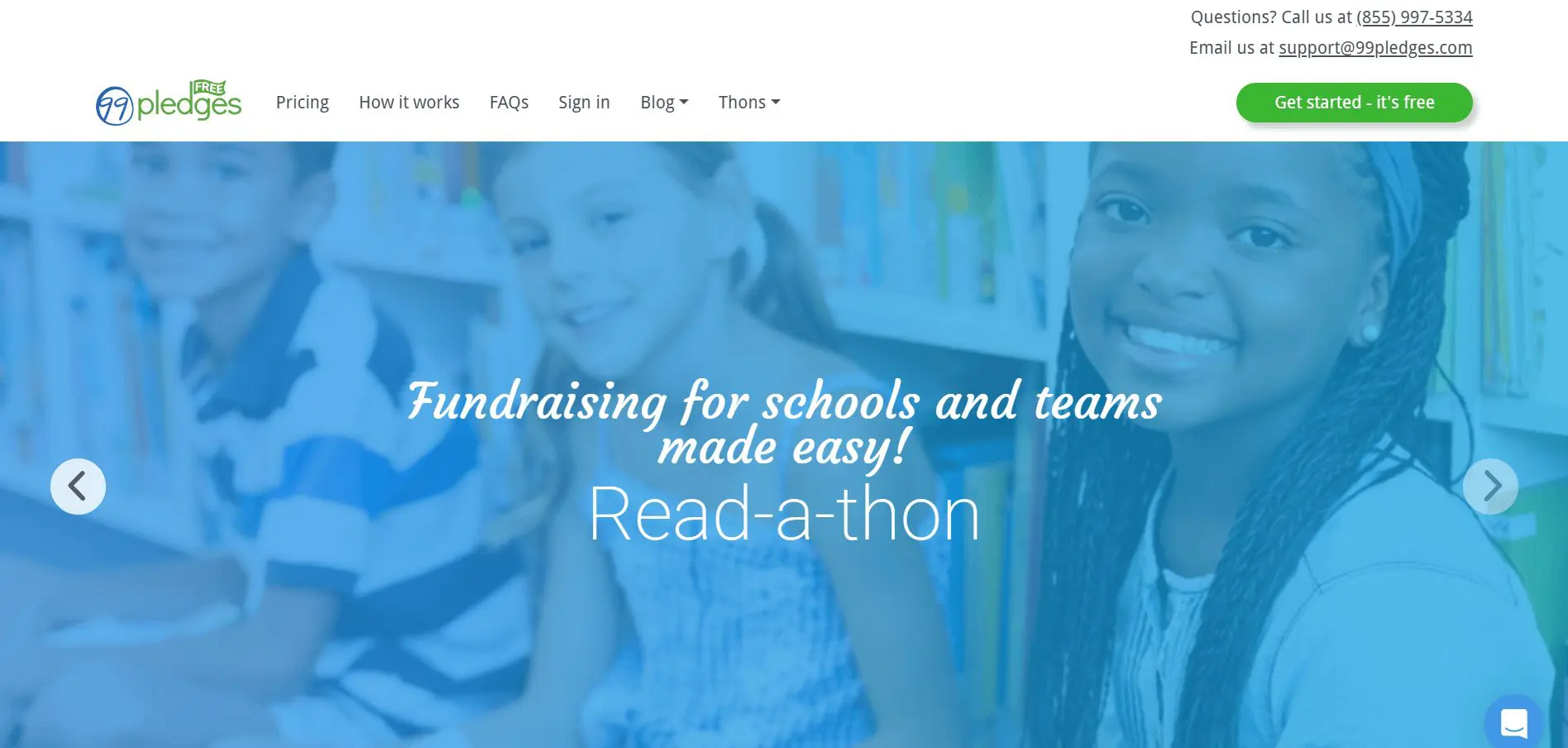
Eligibility: Schools, PTAs, teams, and school groups.
Best feature for schools: Simple pledge tracking for student-based campaigns.
School use cases:
- Read-a-thons
- Walk-a-thons and fun runs
- Fitness challenges
- Dance-a-thons
- Classroom participation competitions
Pricing:
- 99Pledges does not charge an upfront subscription
- Processing fees: Standard transaction fee 3.49% + $0.49 per transaction
9. Snap! Raise
Snap! Raise focuses on team-based fundraising for athletics, music programs, and school clubs. It is used by middle and high school groups.
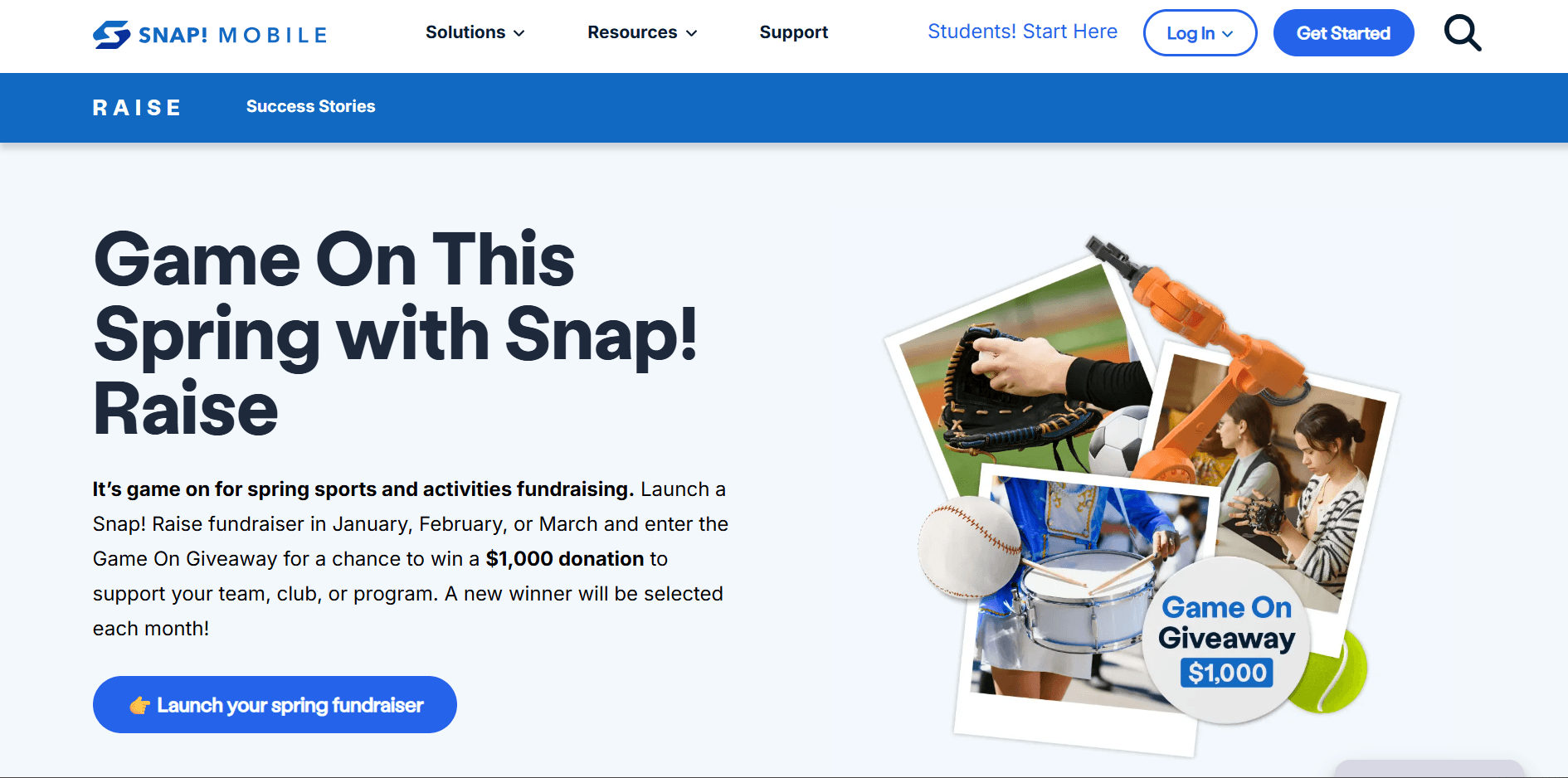
Eligibility: School teams, clubs, and school-affiliated groups.
Best feature for schools: Guided team fundraising campaigns.
School use cases:
- High school sports team fundraising
- Band and choir trips
- Cheer and dance team competitions
- Club travel expenses
Pricing:
Note: Snap! Raise does not publicly list transparent pricing. Based on reported school disclosures and district summaries, the typical cost structure is:
Platform fee:
- Often reported around 20% of funds raised, though exact rates may vary by contract and campaign size.
Processing fees:
- Processing is generally included within the overall percentage charged.
- Separate card processing percentages are not publicly itemized.
Tip: Since pricing is contract-based and percentage-heavy, Snap! Raise is typically used for larger team fundraisers where the structured support and coaching are considered part of the value.
10. PledgeStar
PledgeStar is built for school pledge drives like walk-a-thons, fun runs, and read-a-thons. It’s popular because the pricing is straightforward and capped, which helps schools predict costs.
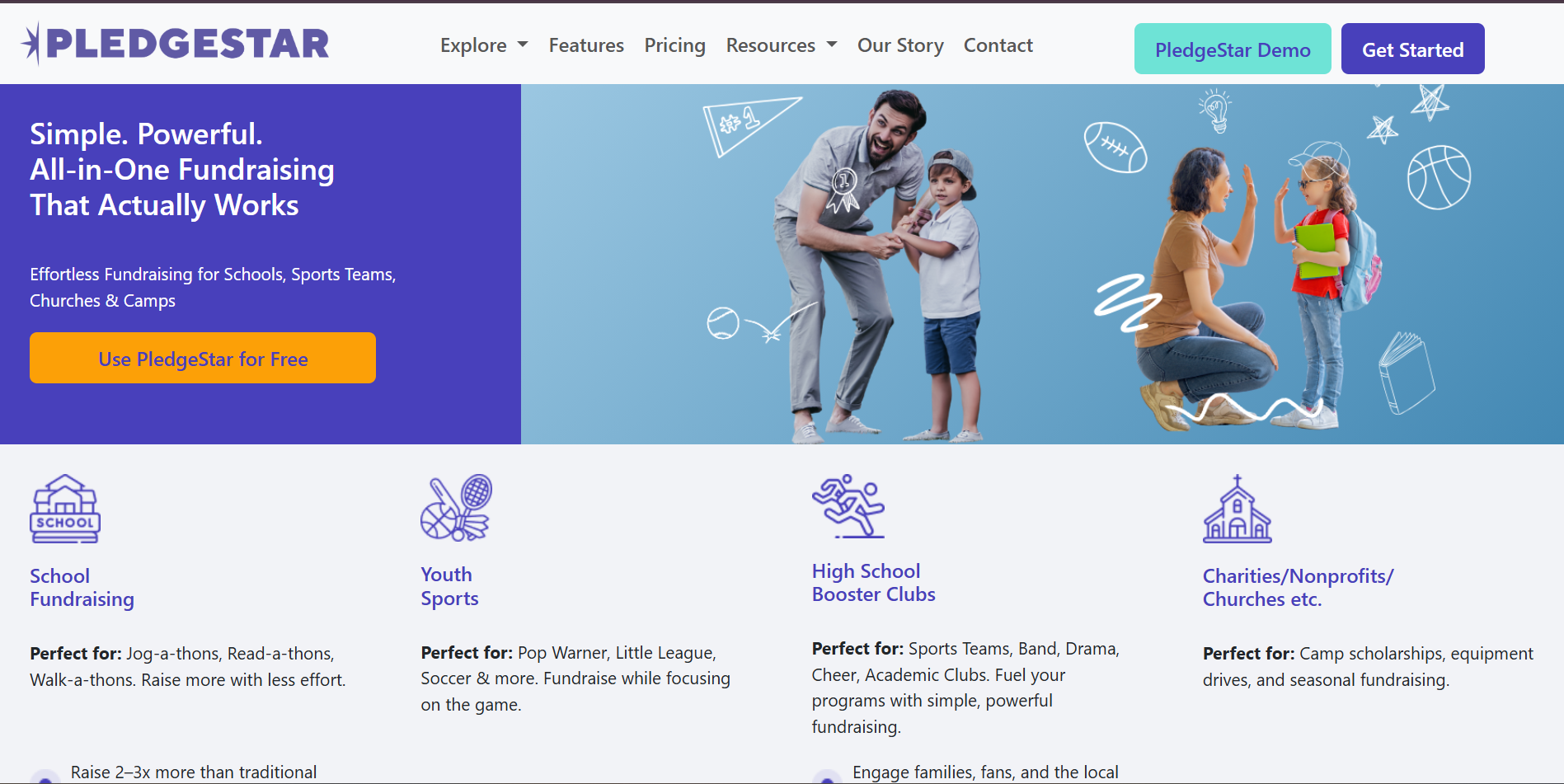
Eligibility: Schools and PTAs running pledge drives.
Best feature for schools: Low, capped platform fee for pledge-drive fundraising.
School use cases:
- Walk-a-thons and fun runs
- Read-a-thons and pledge-based challenges
- Grade-level or classroom pledge competitions
Pricing:
- No monthly fees
- Platform fee: 7% of total donations processed through PledgeStar, invoiced after the event, capped at $1,195
- Processing fees:Credit card processing fees are separate
- Standard 1.99% + $0.49 (for verified non-profits) per transaction
- Around ~3% if donors do not cover it
- Donor fee coverage option: PledgeStar highlights that donors can choose to cover platform and processing fees
11. Schoolfundr
Schoolfundr is built specifically for school communities that want a simple online fundraiser
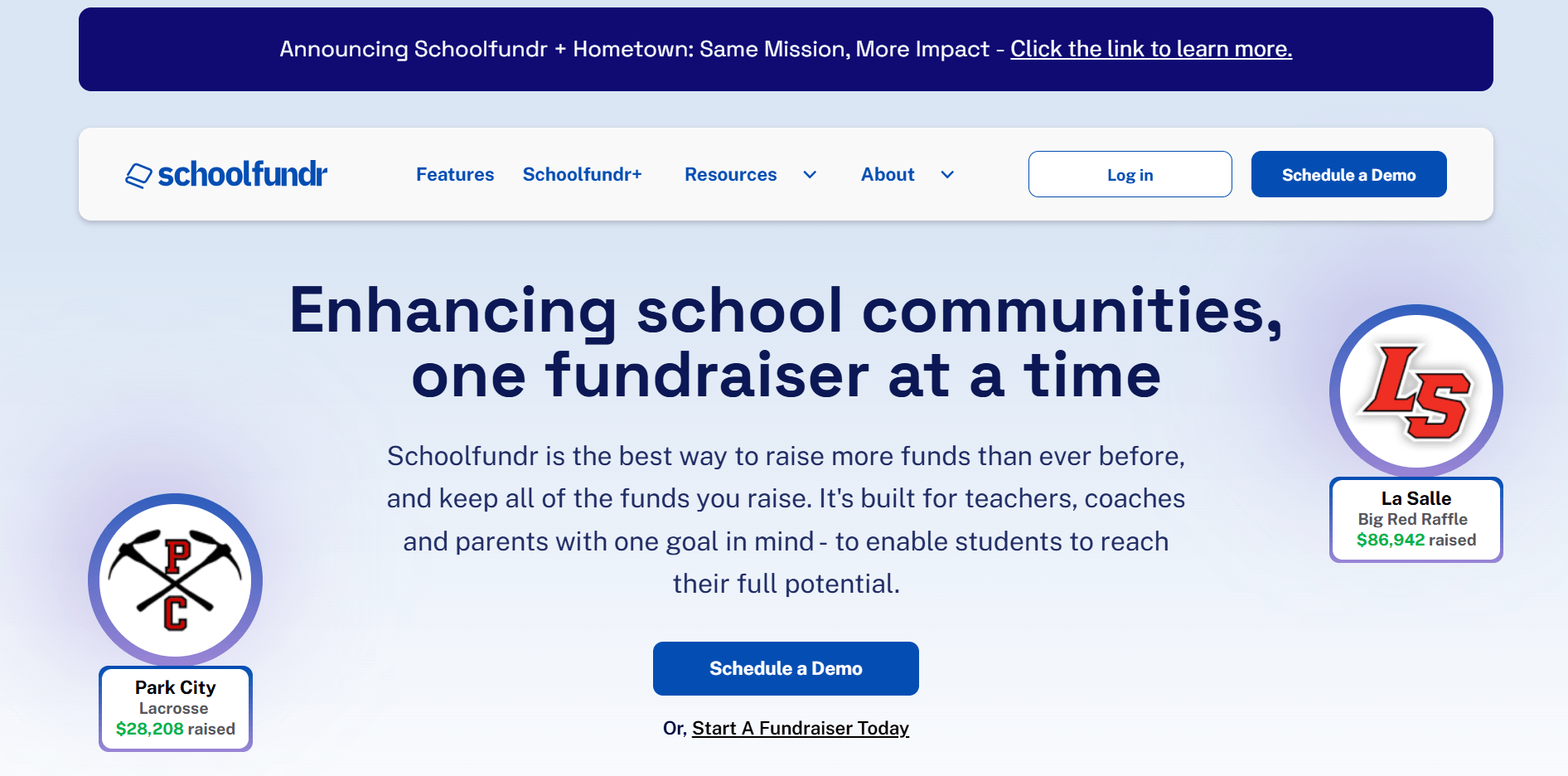
Eligibility: Schools, PTAs, teams, and booster clubs.
Best feature for schools: No platform fees, with school-friendly fundraising pages and tracking.
School use cases:
- PTA donation drives and grade-level fundraising
- Classroom fundraising pages
- Team and club campaigns with shareable links
- Fundraisers where you want “free fundraising platforms for schools” positioning without subscription plans
Pricing:
- Platform fees:
- $0 (no platform fees)
- Funded through optional donor tips
- Processing fees: 2.9% + $0.30 per donation (Stripe)
Best crowdfunding platforms for schools
12. Zeffy
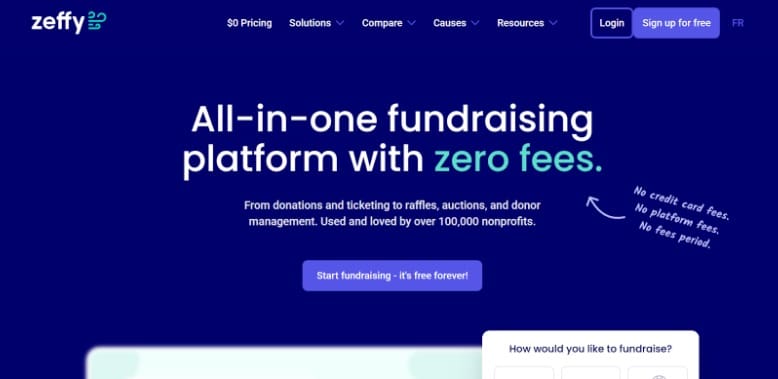
Zeffy is known for its zero platform fee model. It is free for nonprofits and schools, funded by optional donor tips.
Eligibility: Registered nonprofits or charities with an organization-owned bank account.
Best feature for schools: No platform fees with optional donor tips.
School use cases:
- PTA emergency fundraising
- Classroom supply drives
- Technology upgrades
- Quick-response fundraising after unexpected expenses
Pricing:
Zeffy states that there are no platform fees and no payment processing fees charged to the organization. The system is funded entirely by optional donor contributions. Schools can adjust this suggested tip amount.
Check out the difference between RallyUp and Zeffy13. GoFundMe
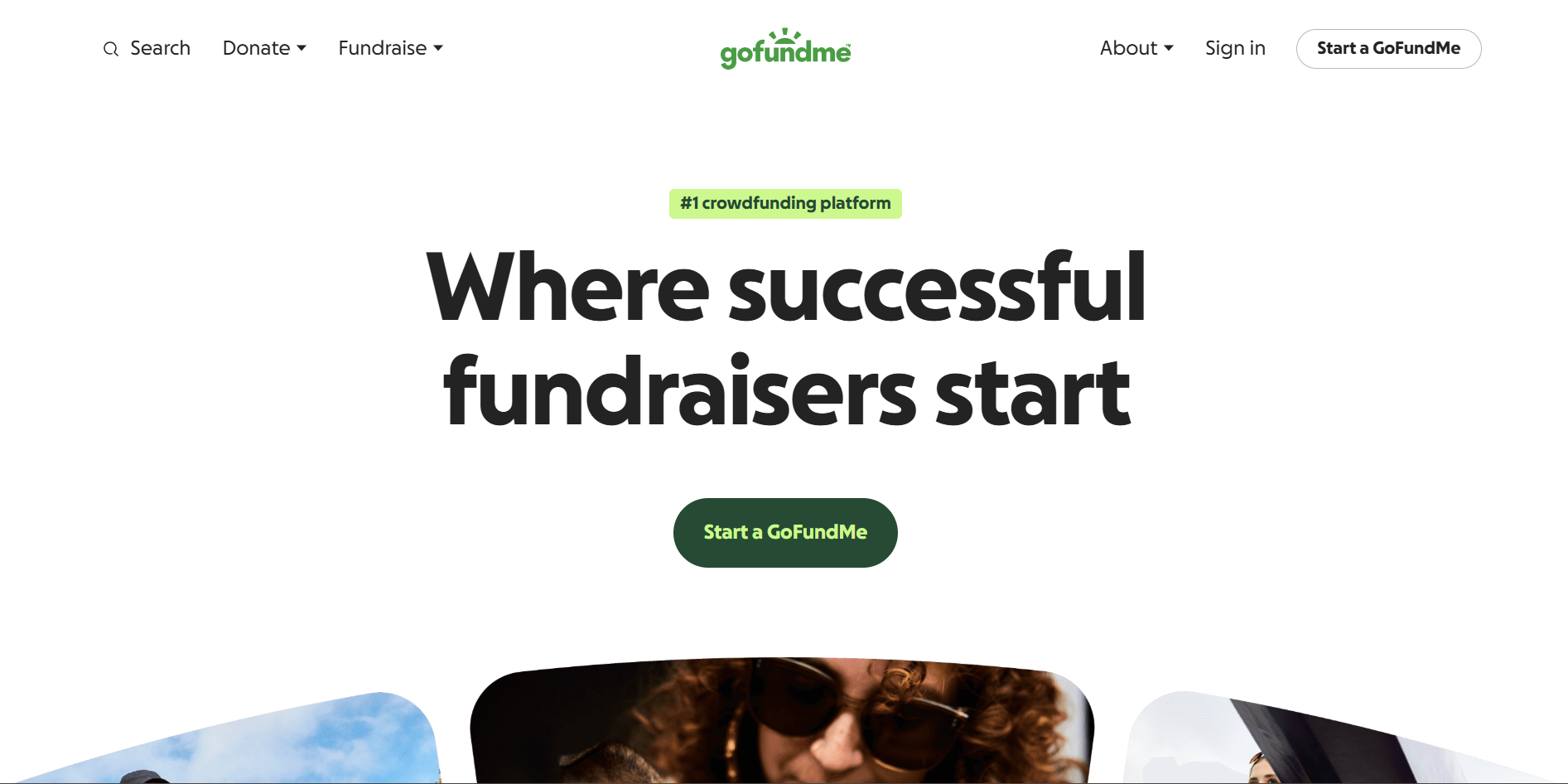
GoFundMe is a public crowdfunding platform often used when a school or classroom needs to raise money quickly and tap into broad community networks.
Eligibility: Individuals, teams, and organizations.
Best feature for schools: Mass public reach with simple setup
School use cases:
- Emergency classroom funding
- Field trip fundraising
- Athletic team travel costs
- Technology or facility upgrades
- Short-term PTA campaigns
Pricing:
Platform fee:
- No platform fee for personal and nonprofit fundraisers
- Donors are also prompted to leave an optional tip to GoFundMe to support the platform.
- Payment processing fees: Standard 2.9% + $0.30 per donation
Tip: Because it is open to the public, GoFundMe works best when schools want visibility and social sharing rather than structured school-specific tools.
14. SignUpGenius Donations (formerly Fundly)
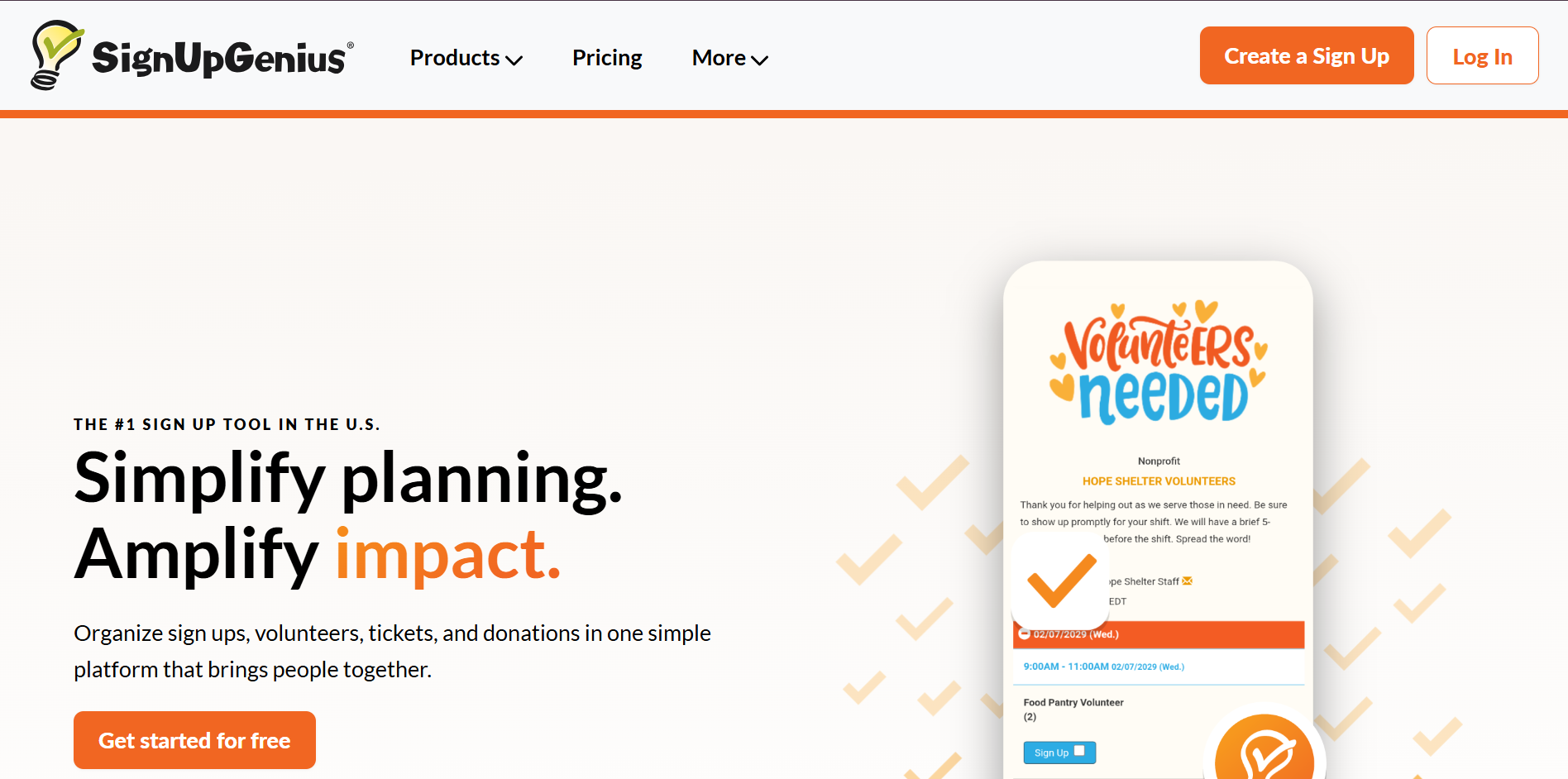
SignUpGenius is widely used by schools for volunteer coordination and event sign-ups.
Eligibility: Individuals, schools, and organizations.
Best feature for schools: Integrated donations with volunteer and event sign-ups.
School use cases:
- Collecting field trip payments
- PTA event contributions
- Booster club fundraising
- Teacher appreciation fund collection
- Volunteer event sign-up with optional donations
Pricing:
- No subscription cost
- Payment processing fee applies per transaction with Stripe: 2.9% + $0.30 per transaction
15. Crowdfundly
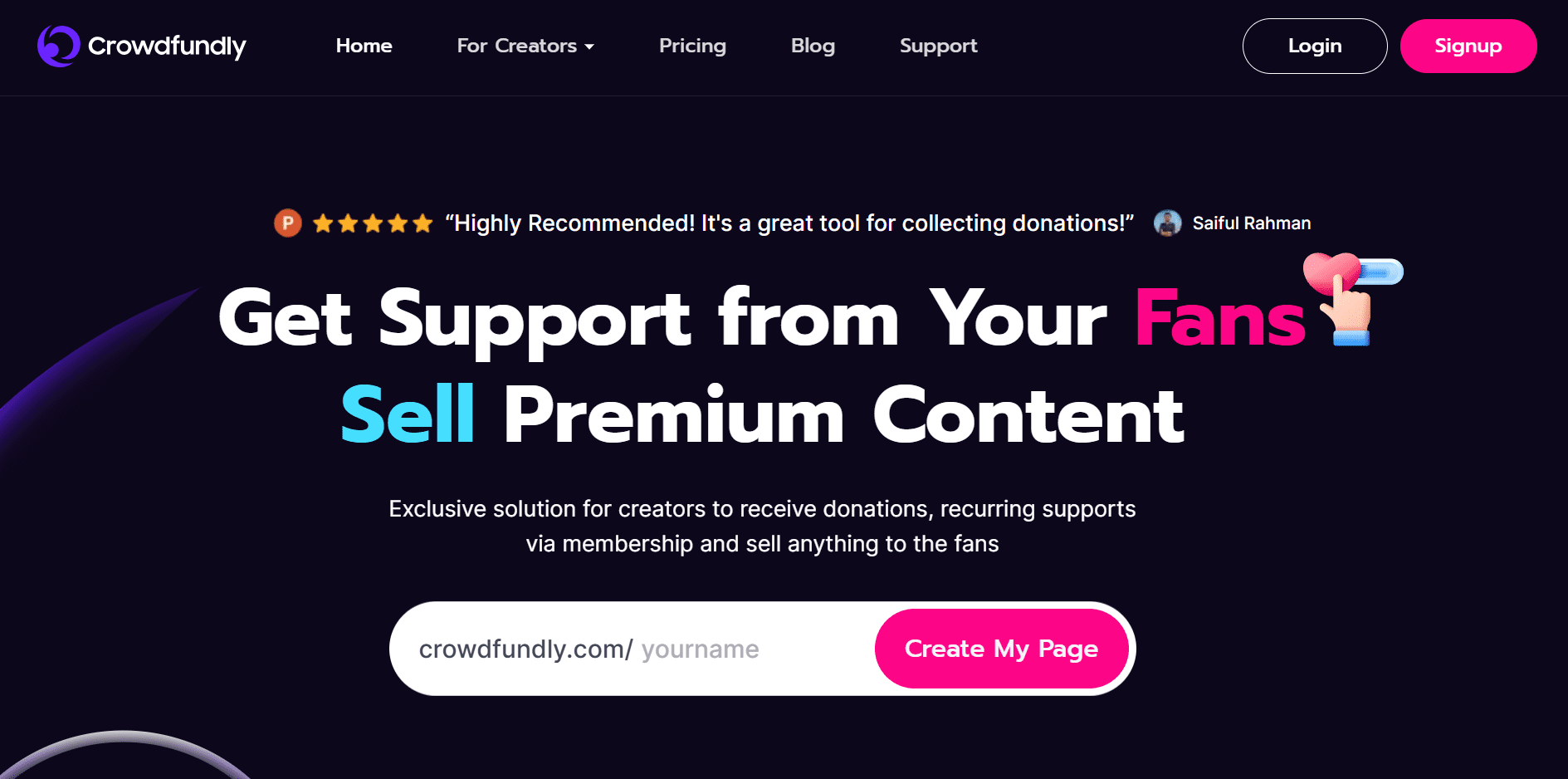
Crowdfundly is a customizable crowdfunding platform that’s not school-specific, but it offers structured campaign pages and peer-to-peer functionality.
Eligibility: Individuals, nonprofits, and organizations.
Best feature for schools: Customizable campaign pages with optional peer-to-peer layers.
School use cases:
- School-wide crowdfunding campaigns
- Capital improvement fundraising
- Athletic team or club drives
- Alumni fundraising campaigns
- Community-supported school projects
Pricing:
- Free plan: No monthly subscription. 4% fee on Memberships & Shop Items.
- Pro plan: $4.99 per month
- Pro Plus plan: $8.33 per month
Crowdfundly states that payment processing fees will be charged according to the processor and your region.
Merchandise and product-based fundraising platforms for schools
16. Bonfire
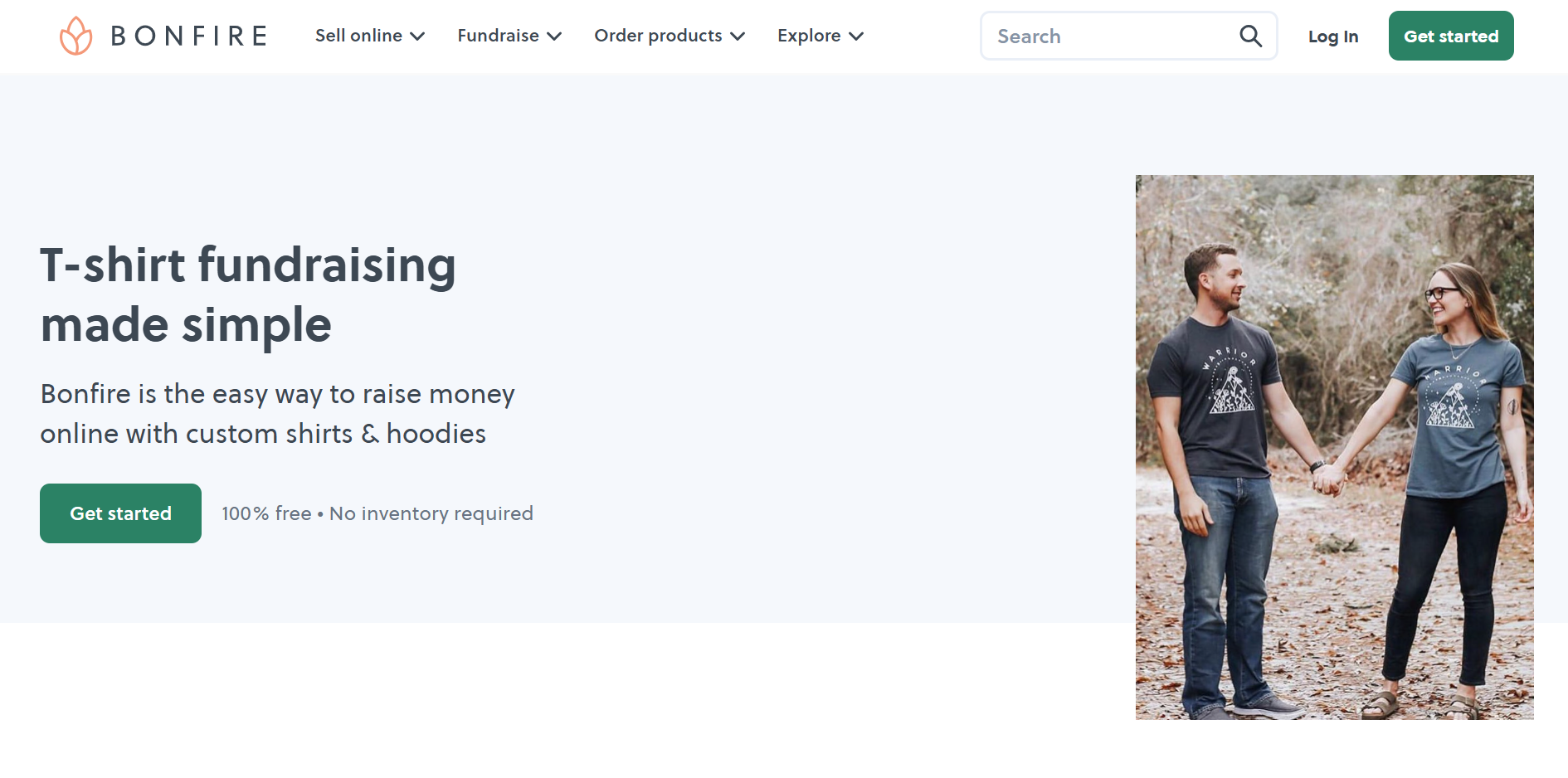
Bonfire is a merch fundraising platform for t-shirts and apparel where you set your selling price, and the difference between the sale price and base cost becomes your fundraiser’s profit.
Eligibility: Individuals, nonprofits, and organizations.
Best feature for schools: Hands-off spiritwear fundraising (Bonfire prints and ships).
School use cases:
- Spiritwear drops for PTA/PTSA
- Booster club team gear
- Club and graduation merch
- Staff appreciation shirts
Pricing:
- 8% processing fee (covers card transaction fees + admin expenses)
- If your organization is a verified nonprofit, Bonfire’s processing fees can be reduced from 8% to 3.5%.
- Shipping is paid by the buyer based on Bonfire’s shipping rates.
17. Custom Ink Fundraising
Custom Ink Fundraising runs merch fundraisers through Custom Ink’s apparel catalog. It’s designed to be simple for organizers, and it’s familiar to a lot of school groups.

Eligibility: Individuals, schools, and organizations.
Best feature for schools: Free-to-launch merch fundraising with Custom Ink handling production and delivery.
School use cases:
- Spiritwear sales for elementary and middle schools
- Team and club apparel
- Event merch (school carnival, theater, band)
- Alumni merch campaigns
Pricing:
- Platform fee: Free to launch and run.
- Processing fees: If supporters add a donation to their purchase or donate funds-only, a 2.9% processing fee is deducted.
For merch sales themselves, the “cost” is effectively handled through product pricing (your fundraiser earnings come from the margin you set on items).
18. ShopRaise
ShopRaise is a “shopping fundraiser.” Supporters shop through the ShopRaise app/extension at participating retailers, and the school earns a percentage back.
Eligibility: Nonprofits and registered organizations.
Best feature for schools: Passive fundraising through everyday shopping.
School use cases:
- Always-on PTA funding stream (low lift)
- Booster clubs and athletics
- “Replace AmazonSmile” style programs for families
Pricing:
- Shopping rewards side:
- ShopRaise positions this as no cost to supporters, with schools earning a percentage back (up to 10%, depending on retailer).
- Direct donations side (if your school uses ShopRaise Direct Donations):
- 3% processing fee on the donation amount, deducted before the cause receives funds, with an option for donors to cover the processing fee.
Bonus: Quick picks for school merch fundraising
Best for spiritwear with zero logistics: Bonfire – Use it when you want a clean storefront and you want printing + shipping handled for you.
Best for schools already using a shirt vendor: Custom Ink Fundraising – Use it when your PTA, booster club, or teams already buy from Custom Ink and want a familiar workflow.
Best for year-round, low-lift fundraising: ShopRaise – Use it when you want a passive stream that families can support through everyday shopping.
Best for bundling merch into a bigger event: RallyUp Storefront – Use it when spiritwear is one piece of a larger campaign, like tickets + donations + raffle entries.
Donor management and school foundation platforms
19. DonorPerfect
DonorPerfect is a donor management and fundraising CRM used by nonprofits and school foundations for reporting and database control.
Eligibility: Nonprofit organizations.
Best feature for schools: Advanced donor database and reporting tools.
School use cases:
- Private school annual fund
- Alumni giving campaigns
- Capital campaigns
- Multi-year donor tracking
- Scholarship fundraising programs
Pricing:
- The three tiers, Core, Plus, and Pro, all have custom pricing available after contact with sales.
Processing fees: Standard rates typically around 2.2%–2.9% + $0.30 per transaction, depending on processor and nonprofit eligibility.
Compare RallyUp and DonorPerfect20. Bloomerang CRM
Bloomerang’s donor management CRM focuses on donor retention and reporting. It also integrates fundraising tools, but its core strength is database management.
Eligibility: Nonprofit organizations.
Best feature for schools: Donor retention reporting and engagement tracking.
School use cases:
- Private school annual funds
- Alumni campaigns
- Recurring parent giving programs
- Capital campaign tracking
- Board-level fundraising reporting
Pricing:
- Bloomerang CRM: Start around $119 per month for smaller databases, with pricing increasing based on contact volume and feature set.
- The Giving Platform (bundle): One suite with CRM + Fundraising + Volunteer (price shown as “contact sales for pricing details” on the pricing page).
- Payment processing:
- 2.2% + $0.30 per transaction for Visa/Mastercard/Discover
- 3.5% + $0.30 per transaction for American Express
Bloomerang is best suited for schools that prioritize retention and donor reporting.
21. Blackbaud Raiser’s Edge NXT
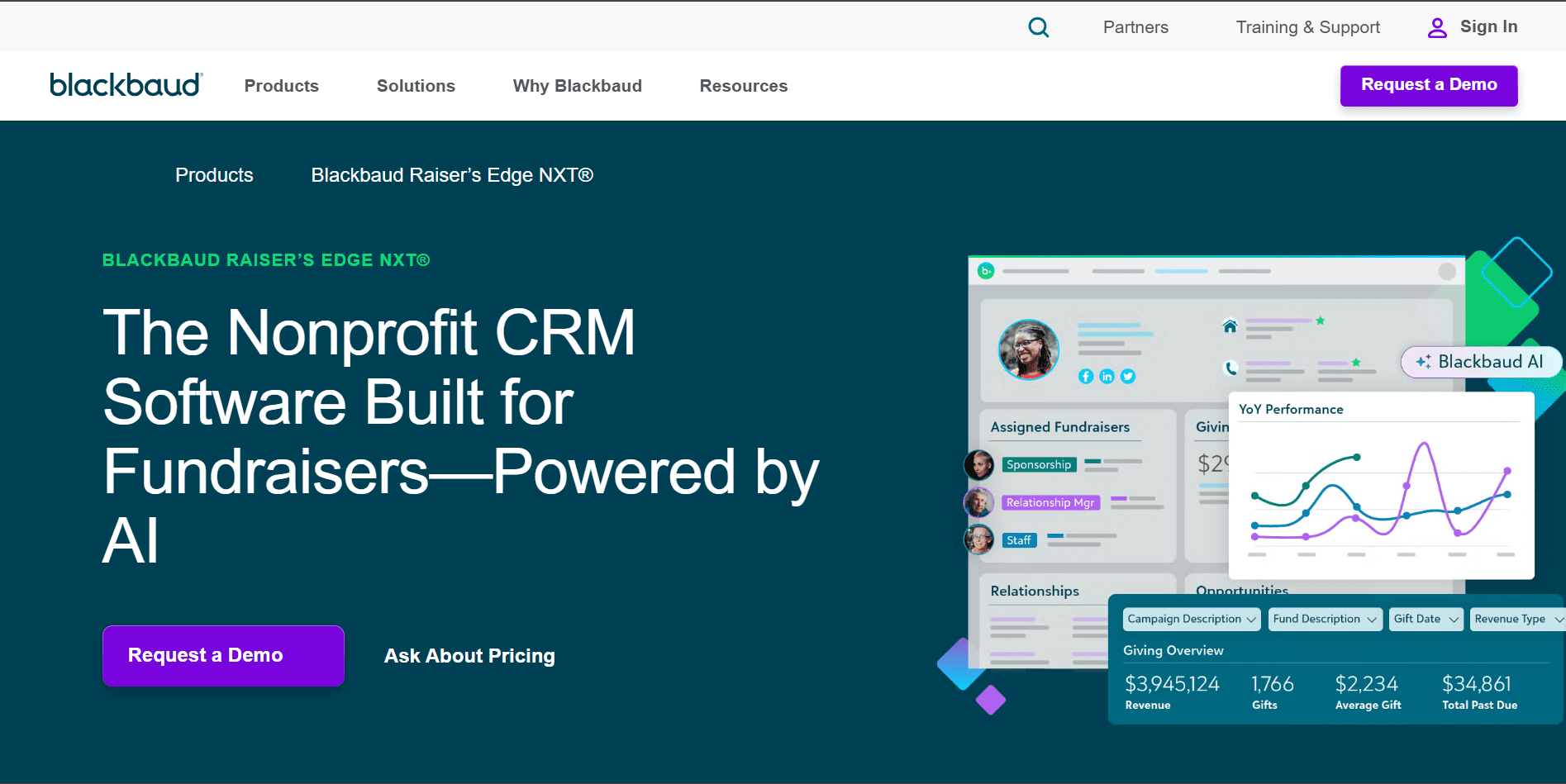
Blackbaud’s Raiser’s Edge NXT is an enterprise-level fundraising CRM used by large nonprofits and private schools.
Eligibility: Nonprofit organizations and institutions.
Best feature for schools: Advanced donor database with wealth screening, prospect research, and capital campaign management tools.
School use cases:
- Independent school development offices
- Major gift fundraising
- Capital campaigns
- Endowment management
- Alumni relations programs
Pricing:
- Blackbaud does not publish public pricing. Pricing and contract depend on database size, modules, and integrations.
- Processing fees:
- Visa / Mastercard / Discover / JCB / Diners Club: 2.99% + $0.30 per transaction
- American Express: 3.5% + $0.30 per transaction
- ACH: 1% + $0.30 per transaction (capped at $5)
Raiser’s Edge is typically used by schools with dedicated development staff and structured fundraising operations.
22. Little Green Light
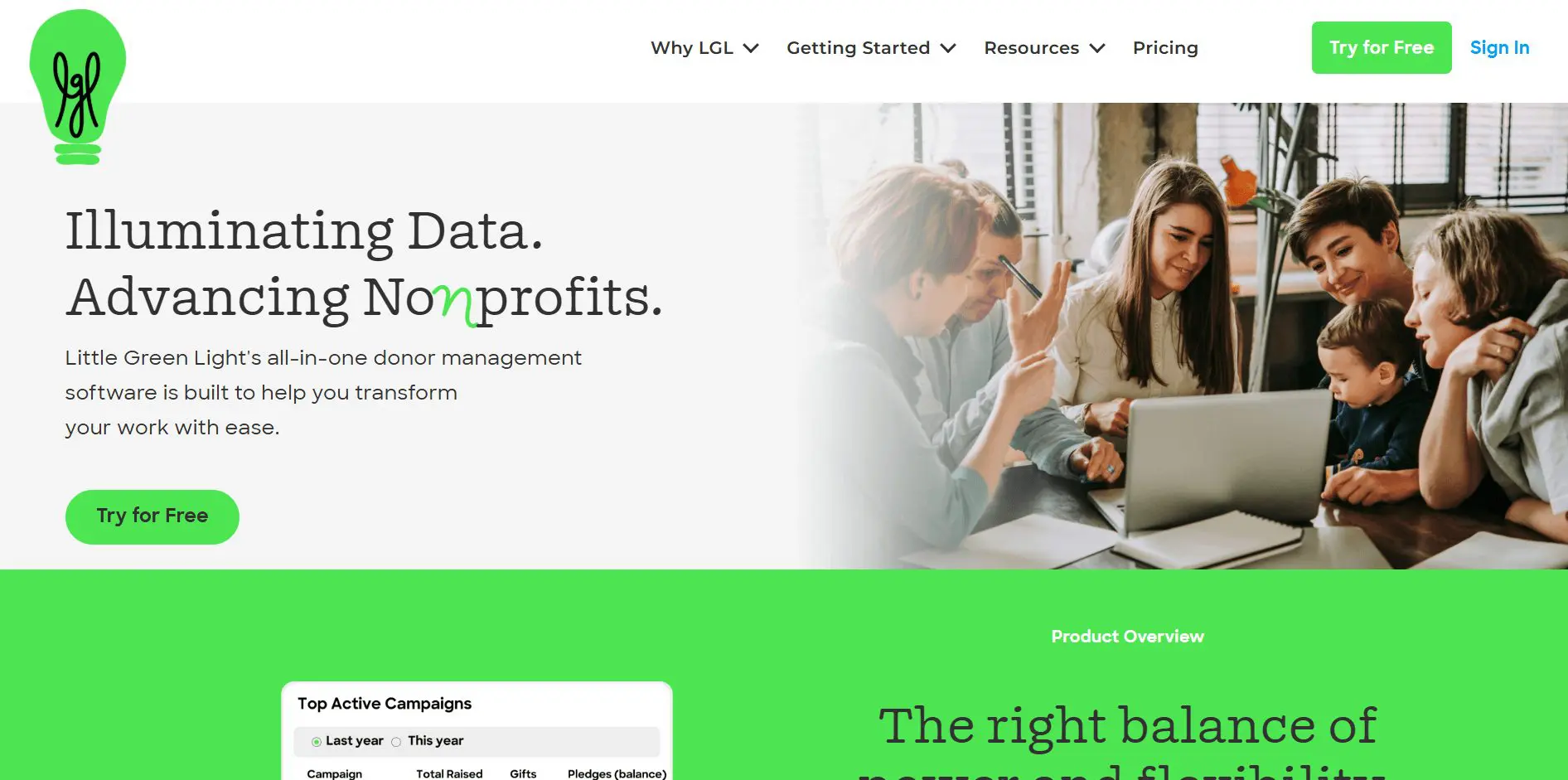
Little Green Light is a lower-cost donor management CRM focused on simplicity and affordability.
Eligibility: Nonprofit organizations.
Best feature for schools: Affordable donor database management without enterprise-level pricing.
School use cases:
- Charter schools and smaller private schools
- School foundations managing moderate donor lists
- Recurring gift tracking
- Grant tracking
Pricing:
- Subscription pricing:
- Starts at approximately $45 per month for up to 2,500 constituent records to $135 per month for up to 50,000 constituents.
- For 50,000+ constituents, add $15 per month for each additional 10k tier.
- Payment processing: Starting at 2.2% + $0.30 per transaction, depending on nonprofit eligibility
23. Salesforce Nonprofit Cloud
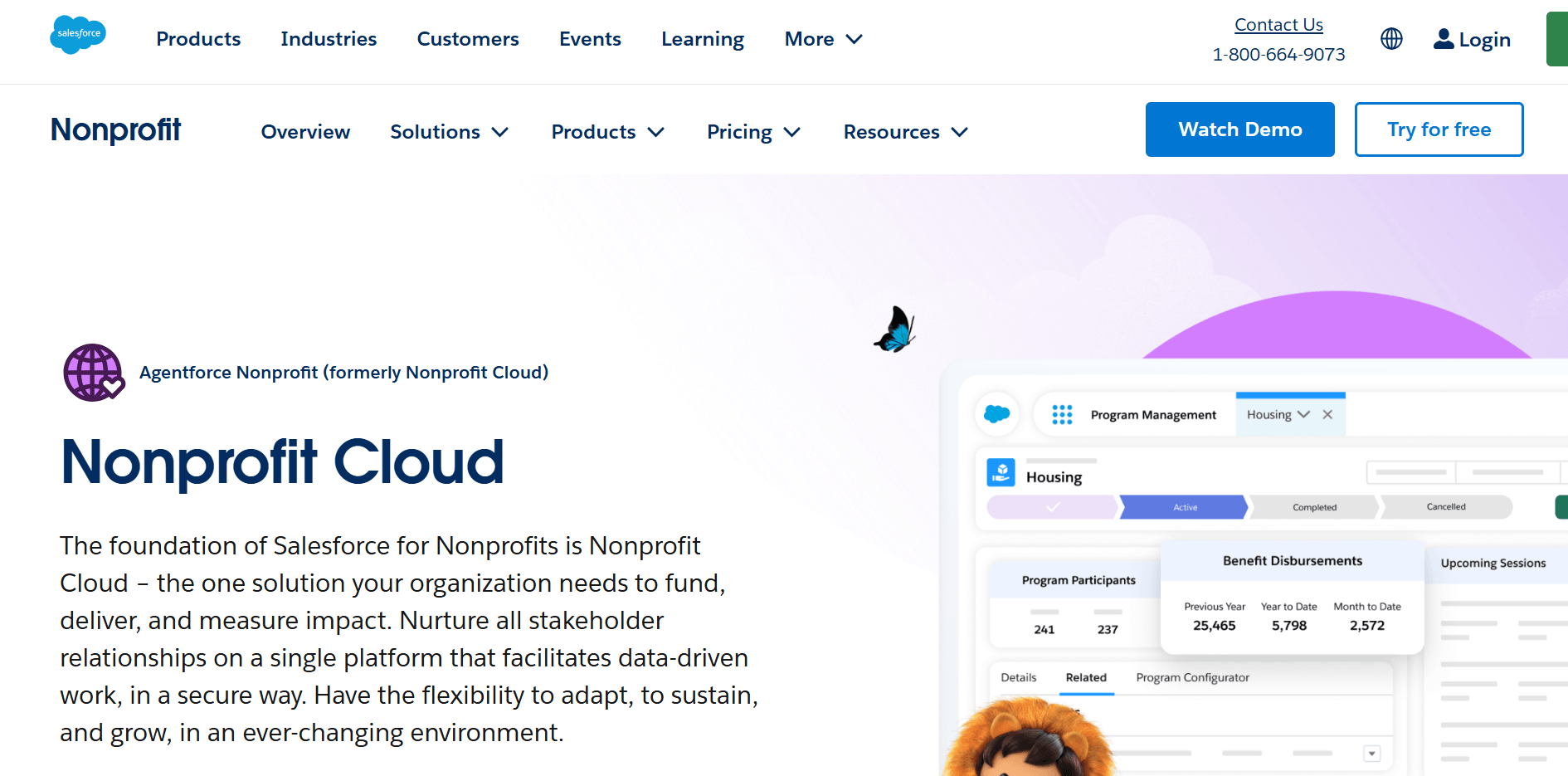
Salesforce Nonprofit Cloud is a highly customizable CRM platform used by large nonprofits and institutions. It is powerful but requires configuration.
Eligibility: Nonprofits and institutions.
Best feature for schools: Customizable donor and alumni management at scale, with advanced automation and reporting.
School use cases:
- Large private school networks
- University-affiliated programs
- Capital campaigns with complex reporting needs
- Alumni segmentation and engagement tracking
Pricing:
- Nonprofit Cloud licenses typically start around $60–$100 per user per month, depending on the edition
- Many organizations require consulting or setup services in addition
- Payment processing: 2.2%–2.9% + $0.30 per transaction range, depending on provider
Raffle, auction, and sweepstakes fundraising platforms for schools
Raffles and sweepstakes are regulated differently* from simple donations.
*Compliance considerations for school raffles and sweepstakes
In accordance with the Council of Nonprofits:
Raffles are typically considered games of chance and are regulated at the state level. Public schools often need district approval before running raffles.
Sweepstakes must include a free method of entry to avoid being treated as gambling, which affects how entries are structured.
Silent and live auctions are generally less regulated, though sales tax and nonprofit reporting rules can still apply.
Raffle Compliance Checklist for Schools & Nonprofits
General raffle requirements
Before launching a raffle or sweepstakes
Platforms can provide tools for ticket sales and winner selection, but compliance ultimately rests with the organizing school or PTA.
24. RallyUp – Online raffles, sweepstakes, silent auctions, live auctions, and hybrid events
RallyUp allows schools to run these formats independently or bundle them into larger campaigns with ticketing and donations.
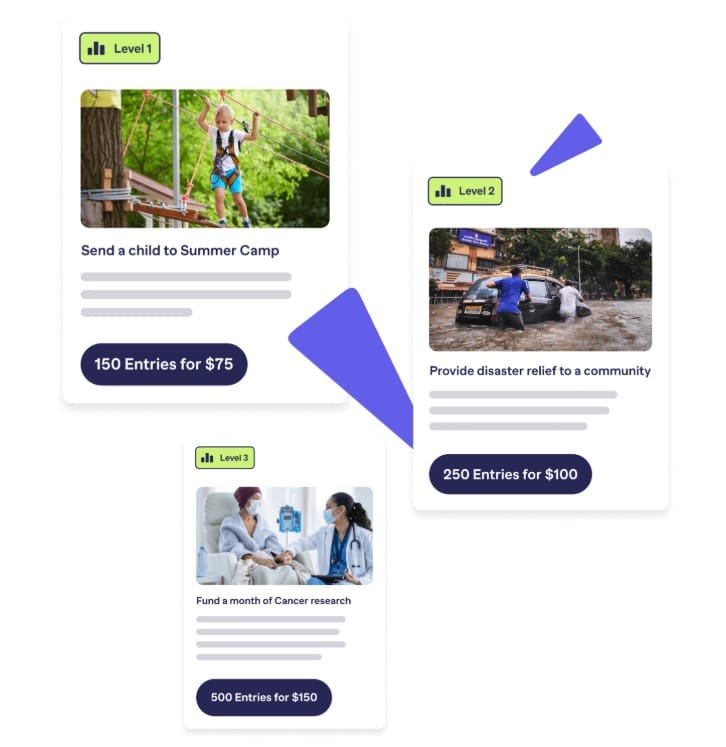
Best feature for schools: Flexible raffle and auction management with built-in ticket sales, automated winner selection, and live event support.
School use cases:
- School gala silent auction
- PTA raffle fundraiser
- Athletic booster club sweepstakes
- Hybrid in-person and online bidding events
- Fund-a-Need or paddle raise during events
- Platform fees (Flex plan):
- 6.9% for raffles and sweepstakes
- 4.9% for auctions (live, digital, silent)
- Payment processing fees: Typically 1.9%–2.9% + $0.30 per transaction, depending on processor and nonprofit status
When running mixed campaigns (for example: raffle + auction + ticket sales), each component carries its respective platform fee.
25. 32auctions
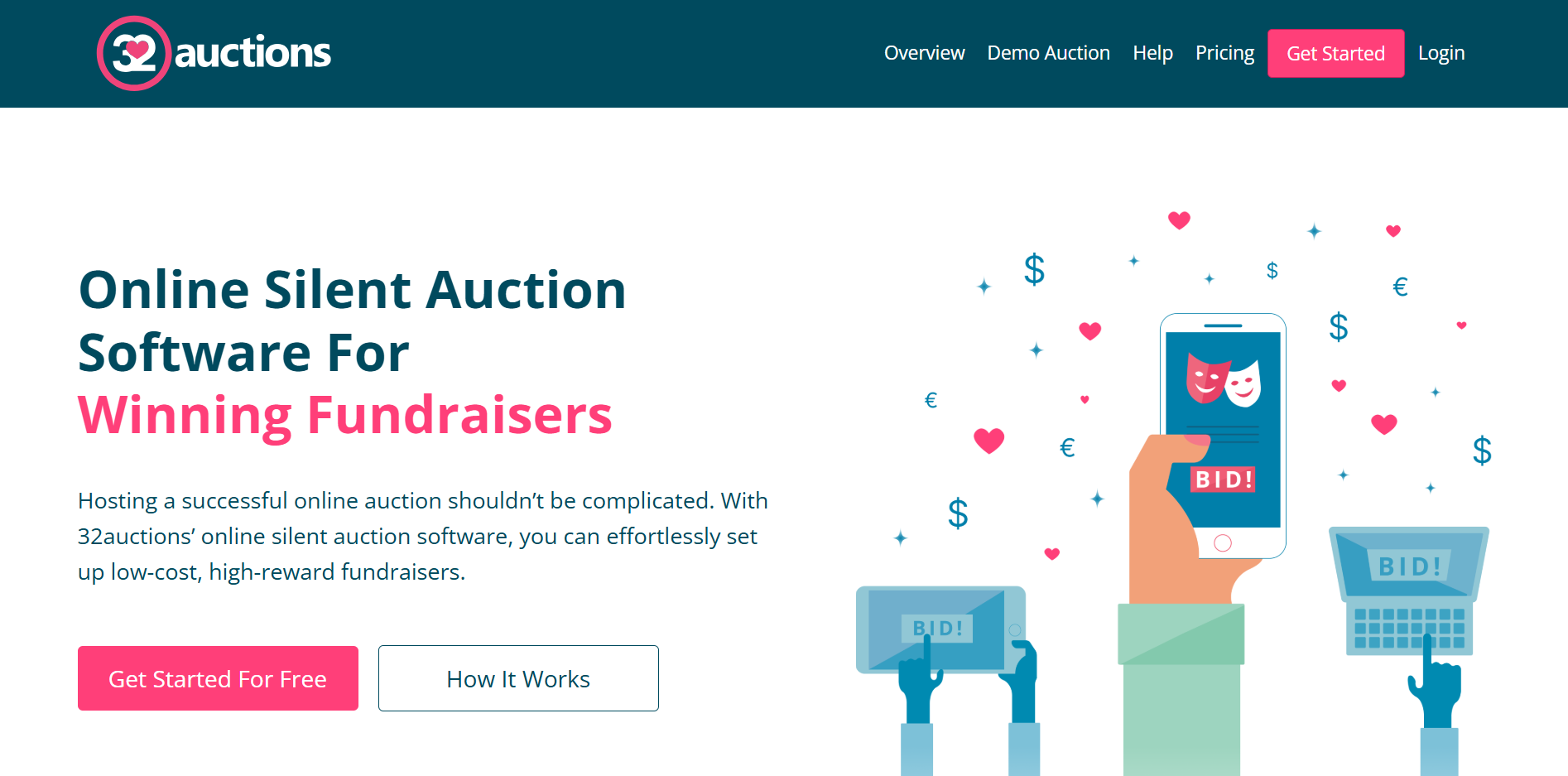
32auctions is an auction-focused platform built specifically for online and hybrid silent auctions. Schools and PTAs frequently use it because of its straightforward structure.
Eligibility: Individuals, nonprofits, schools, and organizations.
Best feature for schools: Dedicated silent auction management.
School use cases:
- PTA silent auction night
- Hybrid gala with online bidding
- Class basket auctions
- Teacher experience auctions
Pricing:
- Free plan:
- No upfront cost
- Platform branding remains
- Payment processing through Stripe applies
- Paid plans:
- Typically range from around $35–$675 per auction, depending on features you add
- Payment processing fees:
- Typically 2.9% + $0.30 per transaction with Stripe
- Nonprofit discounts may apply
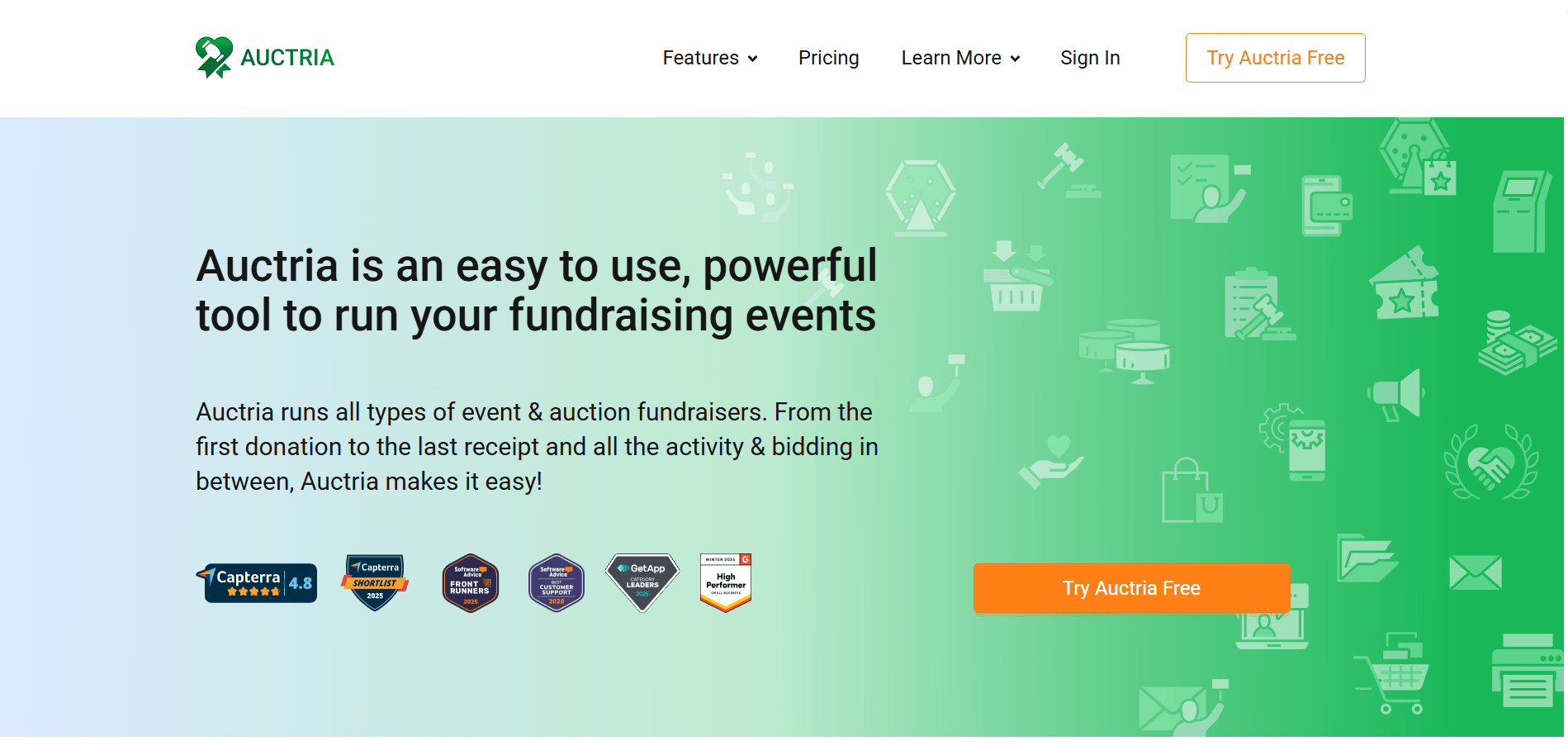
26. Auctria
Auctria is an auction software designed for nonprofits and school fundraisers. It supports online, mobile, and in-person auction management.
Eligibility: Individuals, nonprofits, schools, and organizations.
Best feature for schools: Comprehensive auction event management, including item tracking, bidder registration, checkout, and reporting.
School use cases:
- Annual school gala
- Booster club auctions
- Hybrid auction events
- Teacher experience bidding
Pricing:
- Pricing tiers:
- Explorer: $0 per year ($10,000 total income/year) 1% Auctria fee
- Emerald: $375 per year ($50,000 total income/year) 0.50% Auctria fee
- Diamond: $750per year (Unlimited income) 0.25% Auctria fee
- Payment processing: Payments are processed through Stripe. Total transaction costs depend on the Auctria plan:
- Explorer: ~3.9% + $0.30 per transaction
- Emerald: ~3.4% + $0.30 per transaction
- Diamond: ~3.15% + $0.30 per transaction
- These totals combine Stripe’s card processing fees with Auctria’s additional platform transaction fee.
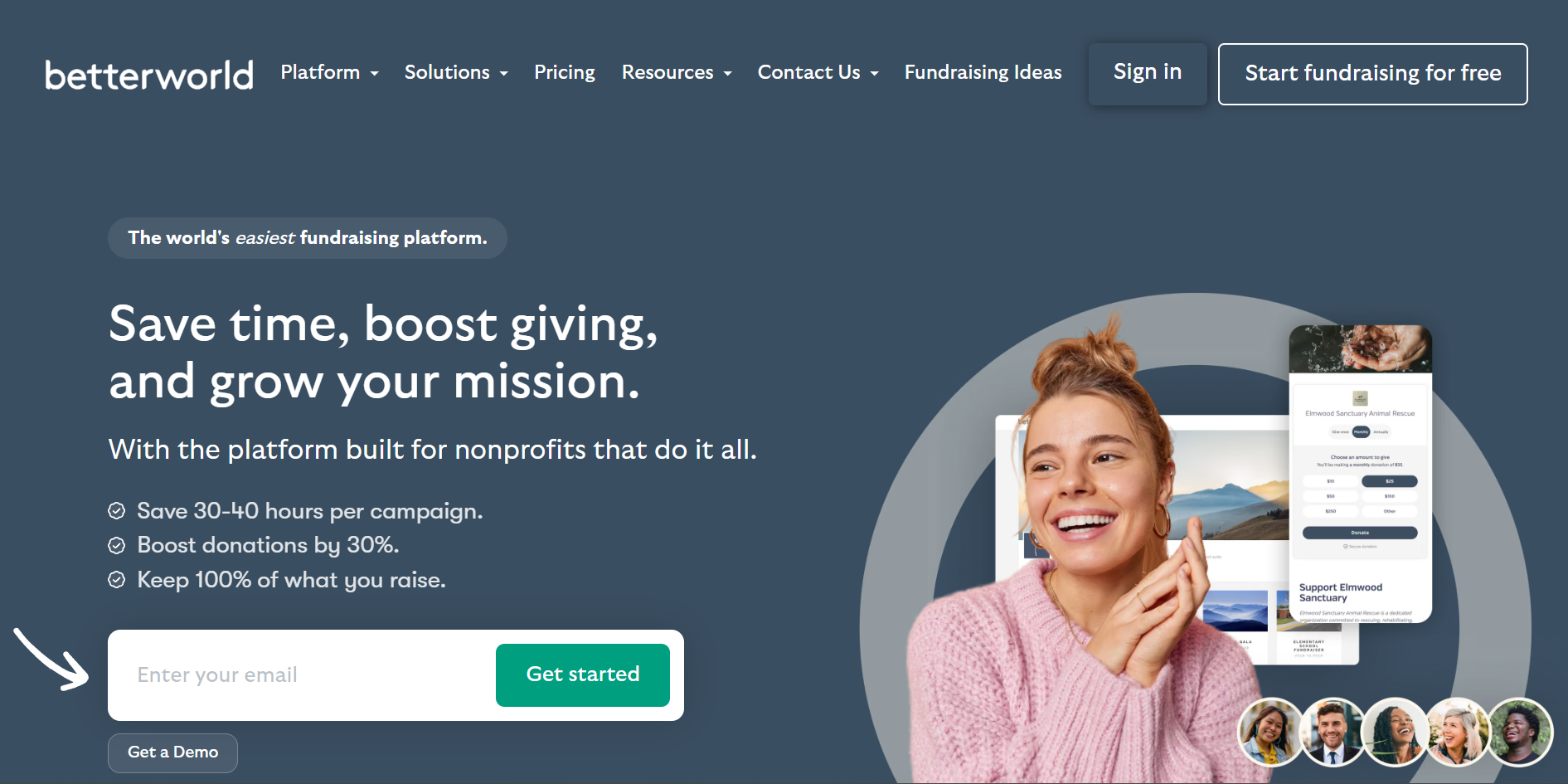
27. BetterWorld
BetterWorld provides auction tools, ticketing, donation pages, and raffle functionality under a donor-tip model.
Eligibility: Nonprofits and organizations.
Best feature for schools: Auction and event fundraising with optional donor-covered fees to reduce platform costs.
School use cases:
- School gala with auction + ticketing
- Online silent auctions
- PTA event fundraising
- Hybrid fundraising nights
Pricing:
- Platform fee: No platform fee (donor-tip model)
Payment processing fees: 2.9% + $0.30 per transaction (standard card rate)
Decide between BetterWorld and Rallyup with a proper comparisonBest platforms for classroom and teacher projects
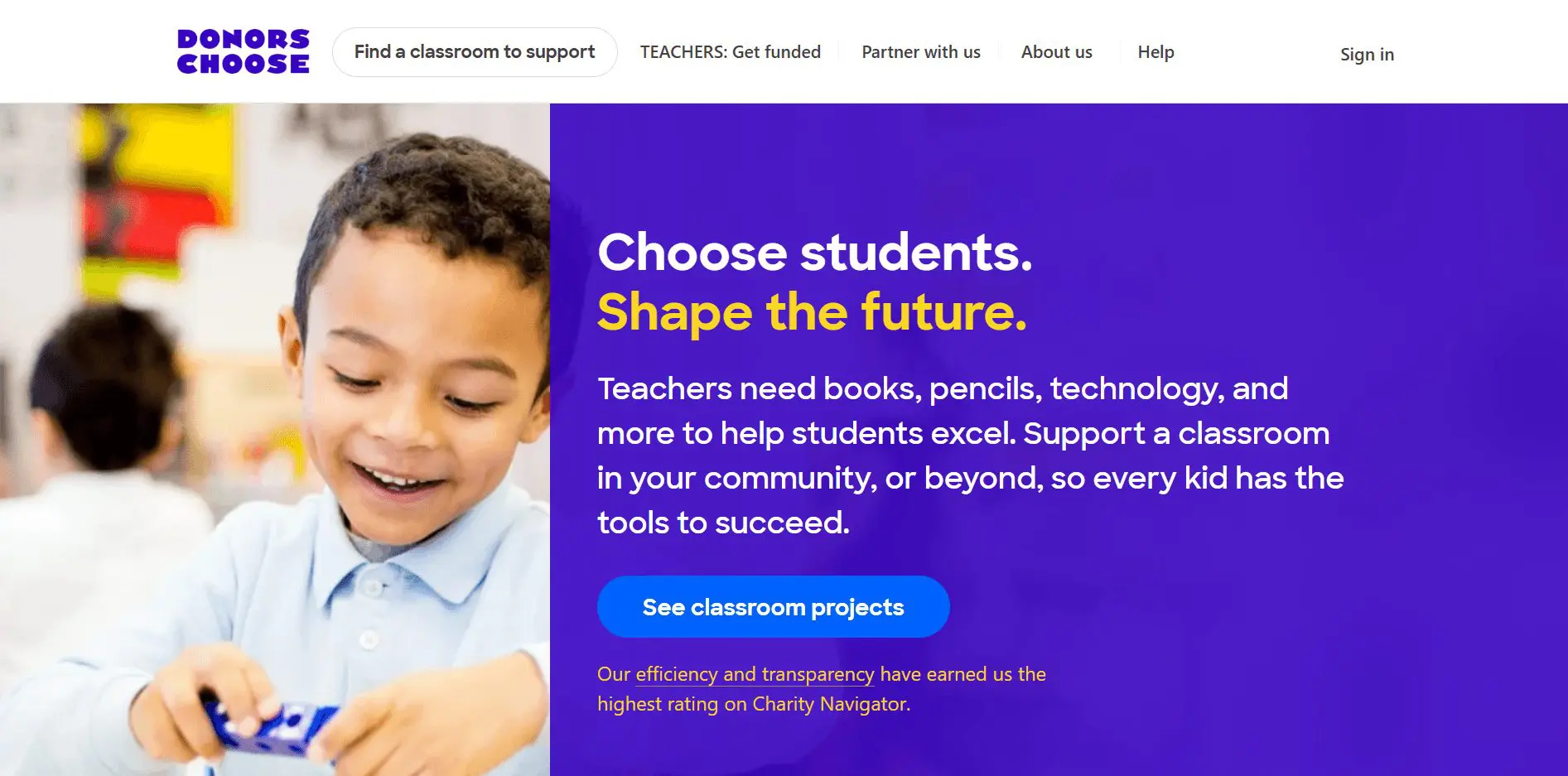
28. DonorsChoose
DonorsChoose serves a different purpose than most platforms in this guide. It allows public school teachers to request funding for specific classroom projects, rather than supporting broader school or PTA fundraising campaigns.
Teachers submit a project proposal, donors fund it, and materials are purchased and shipped directly.
Eligibility: Public school teachers in the United States.
Best feature for schools: Structured classroom project funding with built-in purchasing and accountability.
School use cases:
- Classroom books and reading programs
- STEM kits and lab supplies
- Art and music materials
- Technology for specific lessons
- Flexible seating or learning tools
Pricing:
- Optional support amount (typically around 15% of the project total) to cover operational costs.
- Processing fees: 1.5% per transaction
DonorsChoose works best for public school teachers seeking item-based classroom funding rather than general school-wide campaigns.
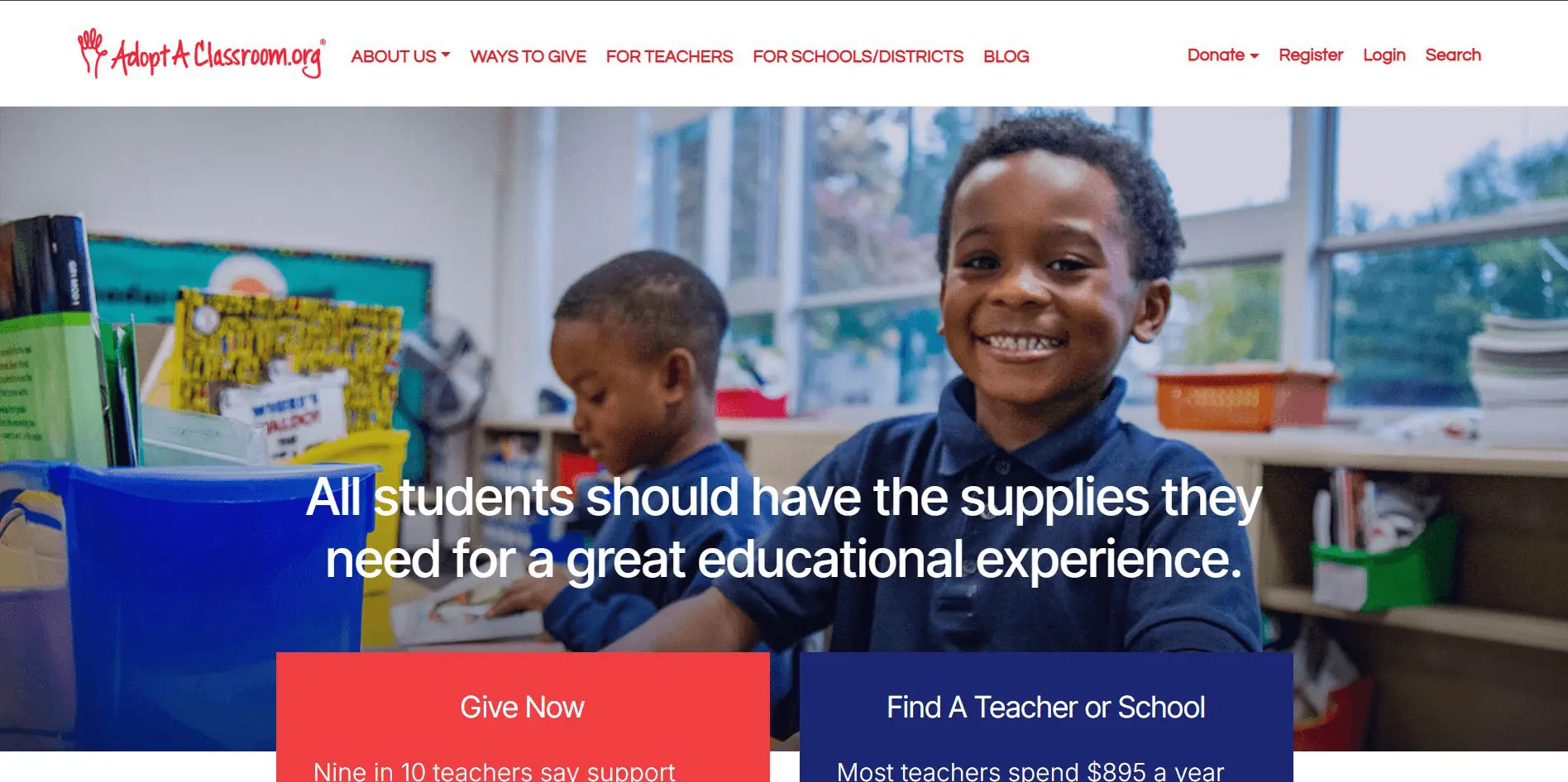
29. AdoptAClassroom.org
AdoptAClassroom.org lets educators create classroom pages, receive donations, and then purchase what they need through the platform’s marketplace.
Eligibility: Teachers and schools in all U.S. states and territories.
Best feature for schools: Flexible classroom funding with controlled spending, so money goes to real classroom needs.
School use cases:
- Teacher supply funds (ongoing)
- Grade-level classroom needs
- School-wide teacher support funds
- Targeted classroom upgrades
Pricing:
- AdoptAClassroom asks donors for an optional supplemental contribution to support the School Program. Donors can opt out, and the contribution is not mandatory.
- If educators buy items outside the AdoptAClassroom marketplace, AdoptAClassroom states those purchases are subject to a 5% administrative fee (minimum $10).
30. PledgeCents
PledgeCents is a K-12-friendly fundraising platform used by schools and classroom groups.
Eligibility: Schools, teachers, and school groups.
Best feature for schools: No platform fee positioning can be attractive for classroom drives.
School use cases:
- Classroom fundraising pages
- Club and student group needs
- Small school project crowdfunding
Pricing:
- No platform fee on funds raised
- Payment-processor dependent fees
Text-to-give and mobile-first fundraising platforms for schools
31. Snowball
Snowball focuses on mobile giving, text-to-donate campaigns, and event fundraising tools.
Eligibility: Nonprofits and organizations.
Best feature for schools: Text-to-give functionality combined with event and auction support.
School use cases:
- School gala paddle raise
- Athletic booster fundraising at games
- Church-affiliated school events
- Live appeals during assemblies
Pricing:
- No standard public starting price. Schools need to request a demo or quote for current plan and messaging costs.
- Processing fees: Generally around 2.9% + $0.30 per transaction (standard card processing rates).
- Text messaging fees may apply depending on volume and plan tier.
32. OneCause
OneCause is built for event fundraising, especially galas and large-scale school functions.
Eligibility: Nonprofits and organizations.
Best feature for schools: Mobile bidding and text-to-donate integrated into auction events.
School use cases:
- Private school gala
- Capital campaign launch event
- Large auction-based fundraisers
Pricing:
OneCause does not publish transparent pricing.
Pricing is contract-based and typically includes:
- Annual subscription or per-event licensing
- Online Fundraising & Text2Give has its own plan page (donation forms, giving sites, digital wallets, recurring, “cover costs”). Pricing is request-only on the plan page
- Text2Give $200 per month, depending on the features included, based on size and features
- Payment processing fees (usually around 2.9% + $0.30)
33. Handbid
Handbid is a mobile auction platform focused on app-based bidding and event management.

Eligibility: Nonprofits and organizations.
Best feature for schools: Mobile auction app for live and hybrid fundraising events.
School use cases:
- Silent auction night
- Teacher experience auction
- Hybrid fundraising events
Pricing:
- Handbid uses subscription tiers based on fundraising volume.
- Plans typically start around $1,999 per year, depending on event size.
- Processing fees: 3.5% + 0.30 per transaction
34. GiveSmart
GiveSmart focuses on mobile-first donation forms and text-based fundraising.
Eligibility: Nonprofits and organizations.
Best feature for schools: Text-to-give campaigns with reporting and donor tracking.
School use cases:
- Recurring parent giving
- Text-based appeals during school events
- Capital campaign soft launches
Pricing:
- Subscription fees vary depending on the feature tier.
- Processing fees: Credit card fee of 3.5% (3.95% for American Express) per transaction, with optional donor coverage.
How to choose the best online fundraising platform for your school
Choosing among fundraising platforms for schools is less about features and more about fit. The right tool aligns with your campaign type, budget, and volunteer capacity.
1. Start with your fundraising model
Identify what fundraiser you want to run. The best online fundraising platforms are built around specific campaign types.
A read-a-thon or walk-a-thon needs pledge tracking and student pages. A school gala needs ticketing, auctions, and sponsorship tools. A classroom supply drive may only need a simple donation page.
Still confused? Check out which RallyUp fundraiser is best for your campaign2. Understand the full cost structure
Look beyond headline pricing. Review platform fees, payment processing fees, subscription costs, and donor-tip models. Some platforms advertise 0% fees but rely on optional donor contributions.
Others charge monthly subscriptions plus transaction fees. Calculate what your school would pay at your expected fundraising volume.
3. Check built-in payment processing
Schools should not be manually collecting checks and reconciling spreadsheets. Make sure the platform supports credit cards, ACH, and mobile payments. Automatic receipts and exportable reports are essential for PTA transparency and district compliance.
4. Evaluate peer-to-peer and event tools
If student participation is a huge part of your success, confirm the platform supports individual pages, team totals, and progress tracking.
For events, confirm it handles ticketing, raffles, auctions, and live updates without third-party workarounds.
5. Consider volunteer turnover
PTA leadership changes frequently. Choose a system that can be learned quickly and handed off easily. Complicated onboarding creates friction and delays.
6. Test the donor experience
Open the donation page on a mobile phone. Complete a test transaction. If the checkout feels slow or confusing, conversion rates will suffer. The best fundraising platforms for schools reduce friction for families.
Selecting the right platform is a governance decision. It affects revenue, reporting, and community trust. Take the time to align the tool with your school’s long-term fundraising strategy.
How the right platform accelerates school fundraising
These two schools chose a fundraising platform after carefully evaluating their goals and picking the right features. This is how it worked out for them:
St. Francis de Sales School
Campaign focus
- Student scholarships
- Football program support
What they changed
Instead of running a long traditional fundraiser, the school launched two short, high-energy raffle campaigns using RallyUp. They tied each donation to a chance to win tickets to a major rivalry football game, which increased urgency.
They layered in peer-to-peer fundraising by:
- Giving students personal selling pages
- Ranking classrooms by ticket sales
- Awarding daily prizes to top sellers
Results
- Campaign length: 9 days (previously 6 weeks)
- Revenue increase: 40% more funds raised
- Higher student participation and classroom competition
The combination of raffle ticketing, built-in tracking, and peer-to-peer competition compressed their timeline and increased revenue.
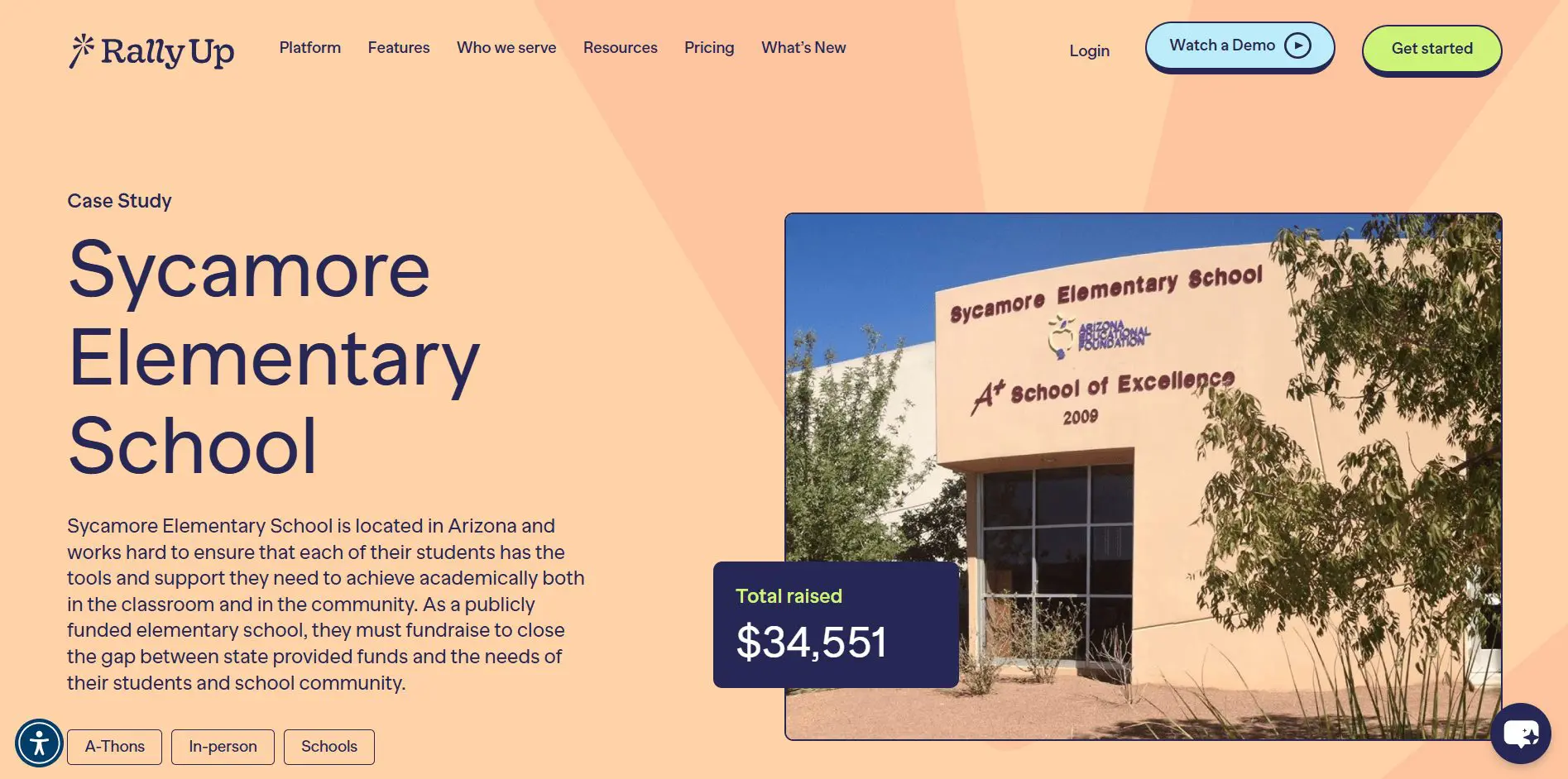
Sycamore Elementary School
Annual goal
- Raise $15,000 per year
- Support classroom supplies
- Fund teacher development
- Ensure no student lacks basic materials
Strategy used
They launched an A-Thon campaign through RallyUp that:
- Encouraged classroom participation
- Connected fundraising to student achievement
- Captured both in-person and online donations
Results
- Total raised: $34,551
- Exceeded annual goal by more than double
- Increased donor participation and student engagement
The A-Thon format made progress visible, activated families, and allowed the PTA to track and communicate results clearly.
Explore how RallyUp has helped nonprofits raise moreMistakes schools make when choosing fundraising platforms
While most decisions are made by adults, there can be time constraints or urgency that blindsides the PTA while picking the best fundraising platform for schools.
Here are some mistakes to avoid:
Overpaying for nonprofit-level enterprise tools
Some schools select enterprise CRMs or development platforms designed for large nonprofits with full-time fundraising staff. Those systems often require annual contracts, onboarding time, and higher subscription costs.
If you are running one or two campaigns per year, that level of infrastructure may not match your needs.
Choosing complexity over usability
Feature lists can be impressive. That does not mean they are practical for PTAs and volunteer-led teams.
A platform that requires technical setup or long training sessions can slow down your campaign before it even launches.
Forgetting the parent experience
Parents donate on their phones, often in under two minutes. If the checkout flow is long, unclear, or requires account creation, donations drop.
The best fundraising platforms for schools prioritize a simple, mobile-friendly giving experience.
Final recommendation framework
The right platform depends on your structure, not just your goal. Match the tool to how your school actually operates. Use this guide if you are still confused:
Small PTA with limited tech skills
Look for platforms with a simple setup, clear pricing, and no required subscription. Donor-tip or low-fee models often work well here. Ease of use should outweigh advanced features.
Large private school running an annual gala
Choose a platform that supports ticketing, auctions, sponsorships, and donor reporting in one system. If you also manage alumni giving, consider pairing event tools with a donor management CRM.
District-wide athletic fundraiser
Peer-to-peer functionality matters most. You need team pages, student tracking, and strong mobile sharing. Pricing structure should remain predictable at scale.
Teacher-led classroom campaign
Simplicity and trust are key. Choose a platform that makes it easy to explain where the money goes and provides clear accountability for purchases.
Final thoughts: Funding children’s education the right way
Schools fundraise in many different ways. Some rely on peer-to-peer drives and pledge campaigns. Others focus on galas, raffles, auctions, merchandise, or classroom projects.
Before deciding, look closely at pricing structure, built-in payment processing, and ease of use. A simple PTA drive needs clarity and speed. A larger school foundation may need event tools and donor tracking. Match the platform to how your school actually operates.
If you run multiple fundraisers throughout the year and want flexibility across events, raffles, ticketing, and peer-to-peer campaigns, RallyUp, an end-to-end fundraising platform, specializes in school fundraising.
Handle school fundraising with RallyUp without requiring separate systemsFAQs about fundraising platforms for schools
The most effective way is to match the fundraiser to your audience and goals. Peer-to-peer drives, raffles, and event-based campaigns often generate strong participation from families.
Walk-a-thons, read-a-thons, raffles, and school auctions consistently perform well because they involve students and create shared momentum.
Set a clear goal, choose the right platform, promote through parents and social channels, and track results daily to maintain momentum.
Combine multiple revenue streams such as annual giving, events, peer-to-peer campaigns, and community sponsorships to build consistent support.
Now that you’ve seen it in action, are you ready to start fundraising?
Get Started