8 Enterprise Fundraising Platforms Trusted by Large Nonprofits
Enterprise Fundraising Software for Large Nonprofits
Large nonprofits require dependable, multi-channel fundraising software that can scale across teams, campaigns, and regions. We evaluated eight enterprise-level platforms and included a practical implementation checklist to guide decision-making.
RallyUp stands out as a comprehensive fundraising platform, offering exceptional versatility, global support, and clean integrations that simplify enterprise fundraising operations.
Large-scale nonprofits need far more than donation pages and basic event tools for fundraising. When you’re running nationwide campaigns, managing thousands of donors, and reporting to boards, auditors, and multiple internal teams, “simple” platforms don’t cut it.
You need infrastructure; technology that can process high-volume transactions without breaking, support multi-entity operations, maintain airtight security, and plug cleanly into the systems your organization inherently uses.
That’s the real purpose of enterprise fundraising platforms: it’s the operational backbone behind every campaign, chapter, event, and funding. These platforms protect data, centralize donor management, and help high-performing nonprofits scale without adding chaos.
In this guide, we’ll highlight what makes a platform truly enterprise-ready, the features you should look out for, and the platforms large nonprofits consistently trust to power their fundraising.
In this article
- What are enterprise fundraising platforms?
- 8 enterprise fundraising platforms trusted by large nonprofits
- Key features large nonprofits should look for
- How to choose the right enterprise fundraising platform
- Implementation checklist for large nonprofits
- Final thoughts: Your next step in enterprise fundraising
- FAQs about enterprise fundraising platforms
What are enterprise fundraising platforms?
Take, for example, a large nonprofit that runs fundraisers during the holidays.
Multiple teams are running campaigns at the same time. Donations are pouring in from several countries. Finance needs clean reports by morning. IT is watching for security flags. Program teams need live numbers to plan next week’s activities.
A standard fundraising tool can’t hold that kind of weight. But an enterprise-grade fundraising platform is built for the pressure and complexity that come with large missions.
How do enterprise fundraising platforms differ from standard software?
While a fundraising platform built for grassroots makes campaigning easier to handle, platforms made for enterprises go several steps further by offering:
- Space for massive donor databases and multi-chapter structures.
- Compliance safeguards, audit trails, and granular role-based permissions.
- Dedicated implementation teams, SLAs, and success managers who stay involved long after onboarding.
It’s the difference between “can we make this work?” and “this was built for how we work.”
Quick comparison table of enterprise fundraising platforms
| Tool | Analytics & Reporting | Multi-Format Fundraising | Corporate Giving Support |
|---|---|---|---|
|
RallyUp Enterprise-grade fundraising platform |
Campaign dashboards, revenue insights, and chapter-level team reporting | Digital campaigns, live & hybrid events, auctions, raffles, peer-to-peer, sweepstakes | ✅ Workplace fundraising, team challenges, and branded company hubs |
| GoFundMe Pro (Classy) | Donor segmentation, recurring revenue insights, and benchmarking tools | Campaigns, recurring donations, peer-to-peer, and events | ⚠️ Limited — mostly matching gifts through integrations |
| OneCause | Event performance tracking, bidding data, and donor activity metrics | Auctions, galas, live events, Text-to-Give, and online donations | ⚠️ Limited — team fundraising only |
| Bloomerang Fundraising | Donor behavior analysis, recurring gift trends, and campaign insights | Donation forms, recurring giving, and digital fundraising campaigns | ✅ Employee team fundraising options |
| Neon One | Multi-year donor trends, peer-to-peer performance, and reporting tools | Campaigns, events, peer-to-peer fundraising, and donation pages | ✅ Team-based and workplace fundraising |
| Blackbaud | Comprehensive fundraising, donor, and CSR analytics | Digital fundraising, events, and peer-to-peer campaigns | ✅ Full CSR suite including employee giving, volunteering, and grants |
| Funraise | Donor journey tracking, recurring metrics, and campaign reporting | Donation pages, recurring gifts, and digital campaigns | ✅ Employee-led team fundraising |
| DonorDrive | Peer-to-peer performance data, event insights, and donor analytics | Events, peer-to-peer fundraising, and digital campaigns | ⚠️ Limited — CSR support via partner integrations |
8 enterprise fundraising platforms trusted by large nonprofits
Choosing the right enterprise platform starts with understanding who’s proven themselves.
The tools in this list weren’t picked at random; large nonprofits consistently trust them, have strong reviews from high-volume teams, support multi-channel fundraising, and offer the technical depth needed for complex organizations.
Each one brings reliable, global-ready capabilities and enterprise-level support to the table. Below, you’ll find a breakdown of eight platforms using a uniform, skim-friendly structure to help you compare them quickly.
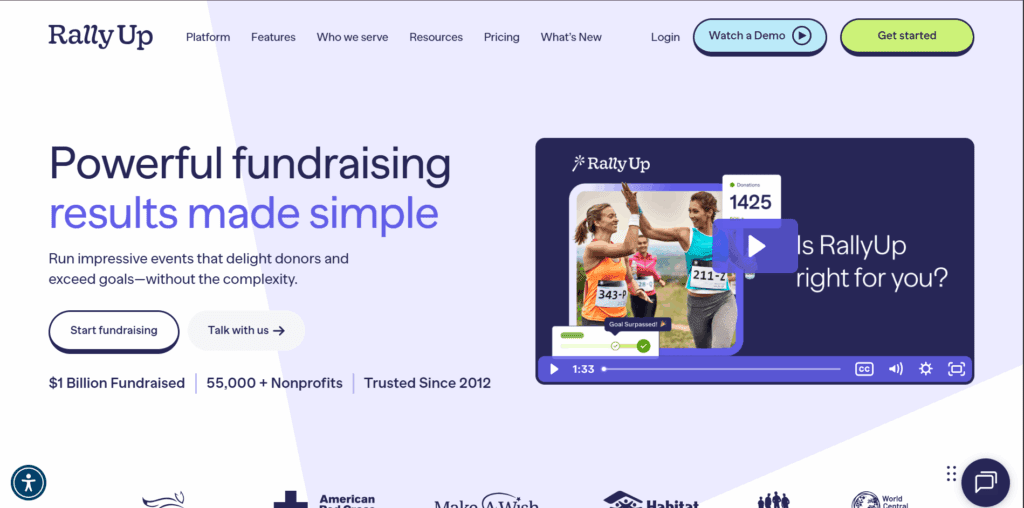
1. RallyUp – Enterprise-grade fundraising platform
Best for: Large nonprofits running multi-channel fundraising across events, digital campaigns, peer-to-peer, and global audiences. Ideal for organizations that want high-volume performance, flexible campaign formats, and enterprise-level governance without juggling multiple tools.
RallyUp standout enterprise features
- Corporate giving options include team-based competitions, workplace challenges, and company-led fundraising hubs.
- Multi-format fundraising: online giving, auctions, raffles, sweepstakes, crowdfunding, P2P, a-thons, hybrid and in-person events.
- Enterprise-grade permissioning, access controls, activity monitoring, and SOC2.
- Deep tech-stack compatibility with CRM, finance, marketing, and automation systems via native connections and API.
- Advanced reporting across campaigns, teams, and donation streams.
- Global-ready payments with multi-currency support.
- Structured onboarding, dedicated success support, and extensive training resources
RallyUp pros
- Easy for large teams to adopt quickly without long training cycles.
- Consistent donor experience across campaigns, even when formats vary widely.
- Strong reliability during heavy seasonal traffic and high-stakes events.
- Flexible enough for complex org structures but still simple for day-to-day staff to manage.
RallyUp pricing snapshot
RallyUp offers flexible pricing, but enterprise organizations typically choose the paid structure to avoid donor tipping and to maintain tighter control over financial workflows.
- Two main models: a Free plan that uses optional donor tipping, and a Flex plan where platform fees are deducted per activity.
- Enterprise teams almost always select Flex, since it removes tipping prompts and provides cleaner financial reporting.
- Platform fees vary by format, and donation pages/livestreaming carry no platform fee.
- Processing fees depend on Stripe/PayPal and generally fall between 1.9% + $0.30 and 2.9% + $0.49.
- Large in-person or hybrid events have custom pricing tied to added event features and support.
- No contracts, setup fees, or minimums, and volume discounts are available for larger donation campaigns.
2. GoFundMe Pro (used to be Classy)
Best for: Mid-sized and large nonprofits that run high-volume digital campaigns, peer-to-peer programs, and year-round giving initiatives.

Enterprise features
- Campaign formats include donation pages, recurring giving, P2P, and event fundraising.
- Customizable branding and campaign design options for multi-team environments.
- Integrations with major CRMs and marketing tools to support enterprise data flows.
- Reporting tools for segmentation, recurring donor insights, and campaign benchmarking.
- Support for complex org structures with advanced roles and permissions.
Pros
- Good user experience for both donors and internal teams.
- Flexible tools for recurring giving and long-term donor programs.
- Reliable infrastructure for high-volume, time-sensitive fundraising.
Limitations to watch for
- More advanced builds can require dedicated staff time during setup.
- Reporting customizations may need additional configuration depending on your data stack.
Pricing snapshot
GoFundMe Pro uses custom enterprise pricing, typically combining an annual subscription with a per-donation transaction fee. Fees are contracted and not publicly listed.
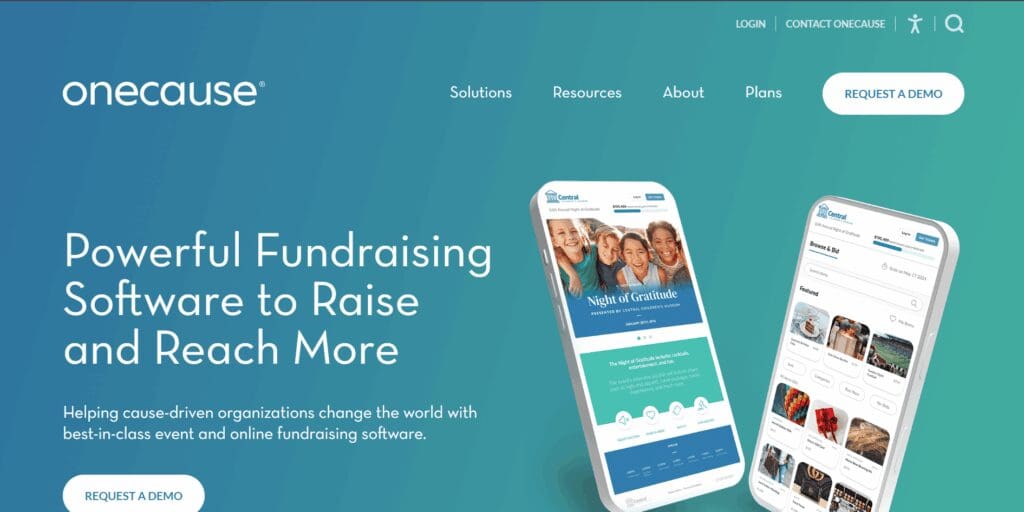
3. OneCause
Best for: Nonprofits running sophisticated auctions, galas, and in-person or hybrid events at scale.
Enterprise features
- Event suite: ticketing, seating charts, tables, guest management, sponsorships, and mobile bidding.
- Tools for silent/live auctions, Fund-a-Need, scoreboards, and spotter functionality for large rooms.
- Multi-channel coverage for online fundraising, Text2Give, and P2P events.
- Integrations with major CRMs and payment providers to support enterprise finance workflows.
Pros
- Strong mobile bidding and in-room engament tools.
- Flexible software supporting both virtual and in-person environments.
Limitations to watch for
- Pricing varies significantly by product line, which can require more scoping for large organizations.
- Some modules (online fundraising, P2P, Text2Give) operate on separate plan structures that teams must align with.
Pricing snapshot
OneCause offers two primary payment approaches plus separate pricing across product lines:
- Pay-As-You-Go (PAYG): A 5% fee on funds raised, capped. Intended for orgs raising ≤ $50,000/year and typically starts with an upfront $500.
- Annual subscription: Event-focused plans start with the Professional Auction & Event tier ($2,995/year). “Enterprise” and “Nationals” tiers require a custom quote.
- Online fundraising + Text2Give: Pricing is quote-based; Text2Give starts around $495/year and scales with features and volume.
- Payment processing: Through Stripe or Deluxe, typically starting at 2%.
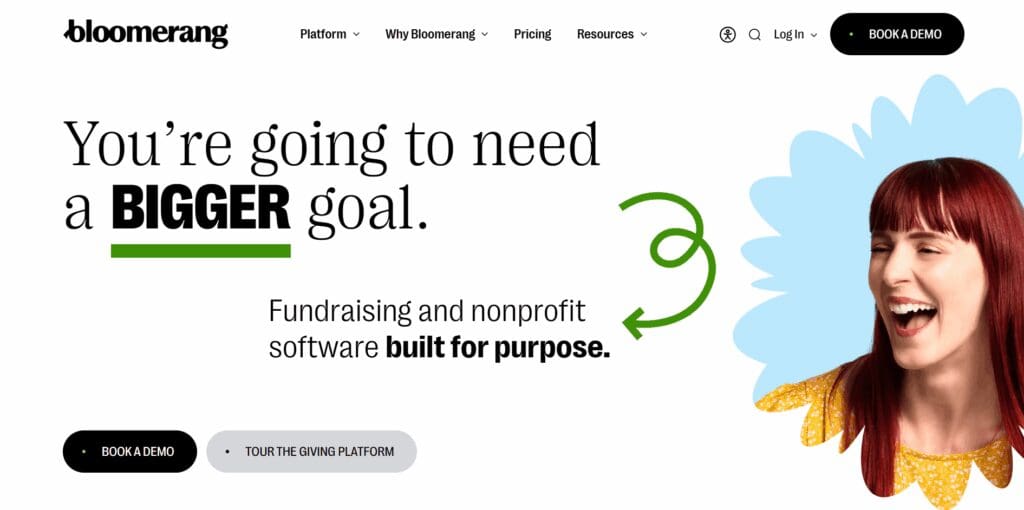
4. Bloomerang fundraising
Who it’s best for: Nonprofits that want straightforward, donor-friendly fundraising tools like recurring giving, donation forms, and year-round digital fundraising with strong engagement features.
Enterprise features
- Corporate giving options through team fundraising and employee-led campaigns.
- Donor engagement tools like email acknowledgments, automated receipts, and communication tracking.
- Integrations with major marketing, accounting, and donor-data systems (including CRM partners).
- Reporting dashboards that highlight donor behavior, recurring trends, and campaign performance.
- Permissioning and workflows suitable for larger teams that collaborate across channels.
Pros
- Clear, donor-focused design that supports higher conversion.
- Works well alongside enterprise CRMs and other database systems.
- Strong donor behavior and campaign-level performance.
Limitations to watch for
- The feature set is centered around digital fundraising, not full-suite event management.
- High-volume organizations often move into custom pricing due to larger databases or higher send limits.
Pricing snapshot
- Large nonprofits usually receive a tailored quote that reflects database size, form volume, recurring gifts, and multi-team workflows.
- Fundraising can be purchased on its own or bundled with other Bloomerang modules, but enterprise pricing is determined after a needs assessment.
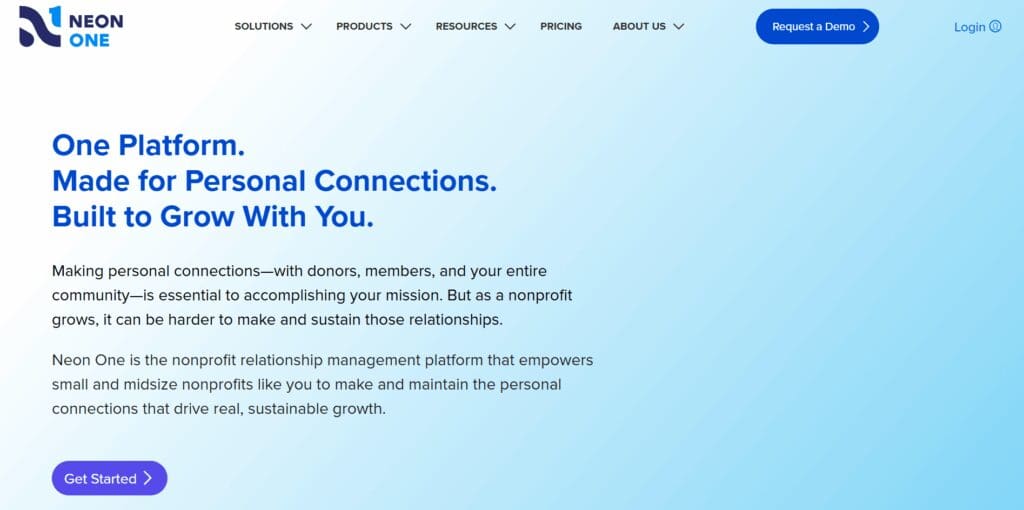
5. Neon One
Who it’s best for: Large nonprofits that want a unified ecosystem for digital fundraising, donor engagement, and peer-to-peer campaigns.
Enterprise features
- Fundraising tools: donation forms, campaigns, events, auctions, and peer-to-peer.
- Corporate and team-based fundraising options for companies, ambassadors, and workplaces.
- Strong integrations with major CRMs, finance systems, and marketing automation tools.
- Multi-team governance with role-based permissions and user controls.
Pros
- Broad coverage across digital fundraising and supporter engagement.
- Good balance of usability and customization for large teams.
- Strong P2P and ambassador tools for large campaigns.
- Optional integrations and API access support deeper enterprise workflows.
Limitations to watch for
- Some advanced analytics and automation features can require add-ons.
- Larger orgs may need implementation support to configure data flows across systems.
Pricing snapshot
For large nonprofits, actual pricing is almost always custom-quoted based on database size, number of teams, integration needs, and multi-channel usage. Payment processing fees vary by provider and are billed separately.
- Neon CRM: starts at $99/month (Essentials), $209/month (Impact), and $409/month (Empower).
- Peer-to-Peer (Neon Fundraise): starts at $158/month.
- Neon Websites: starts at $69/month.
- Arts People (ticketing): $0.99 per ticket + transaction fees.
- Launch donation pages: $49/month + transaction fees.
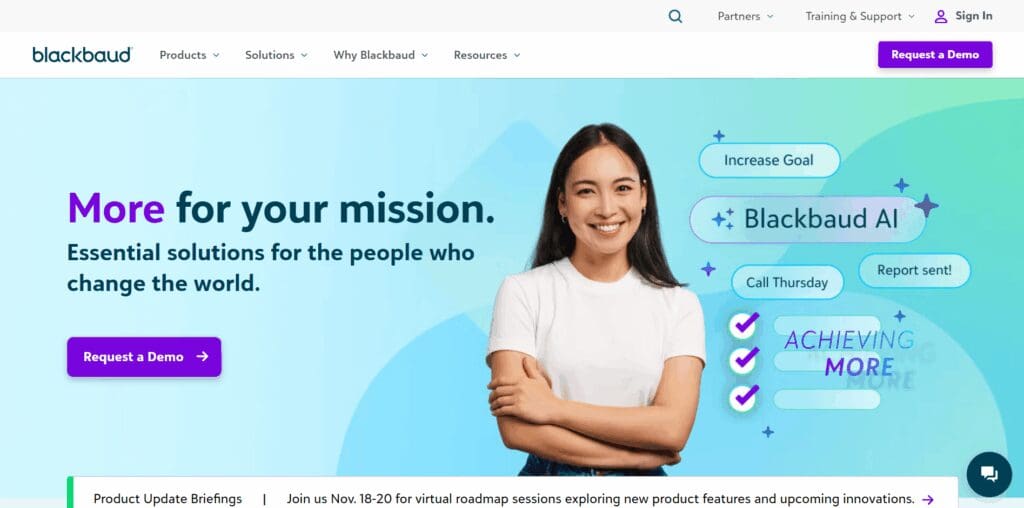
6. Blackbaud
Who it’s best for: Very large nonprofits and institutions that want a heavyweight stack for fundraising, CRM, peer-to-peer, and corporate giving; organizations with complex structures, strict governance, and in-house technical capacity.
Enterprise features
- A broad suite covering CRM, digital fundraising, events, and peer-to-peer.
- Corporate giving and CSR programs powered by YourCause (employee giving, volunteering, corporate grantmaking).
- Governance tools, global compliance support, and multi-language capabilities.
- Analytics tools for campaign performance, donor activity, and CSR impact.
Pros
- Deep functionality for complex, multi-department organizations.
- Strong corporate-giving infrastructure via YourCause.
Limitations to watch for
- Implementation and long-term administration typically require dedicated internal teams.
- Pricing and setup vary significantly based on modules.
Pricing snapshot
Blackbaud does not publish fundraising or CSR pricing. Nearly all products, including YourCause, are custom-quoted based on organization size, module selection, and global scope.
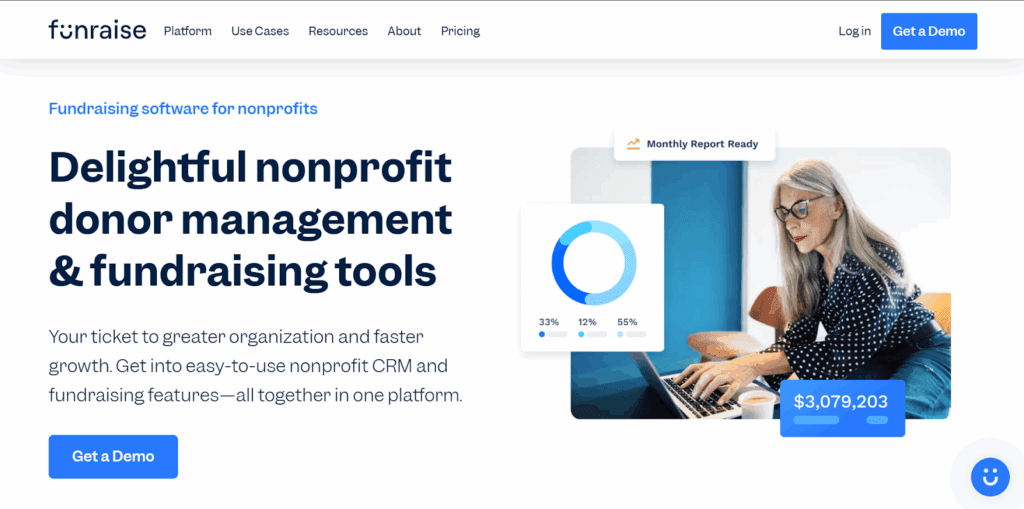
7. Funraise
Who it’s best for: Nonprofits that want a digital fundraising platform with branding control, recurring giving tools, and clean donor experiences.
Enterprise features
- Corporate donation matching options for employee groups or partner-led drives.
- Automations for donor journeys, recurring upgrades, and engagement triggers.
- Integrations with major CRMs and marketing tools for enterprise data flow.
- Role-based permissions and scalable workflows for multi-user teams.
Pros
- Solid integrations for CRM and marketing alignment.
- Clean UI that works well for dispersed fundraising teams.
Limitations to watch for
- Feature depth is strongest in digital fundraising; large event-heavy orgs may need supplemental tools.
- Pricing becomes custom once organizations scale past baseline usage.
Pricing snapshot
Funraise uses a tiered subscription model with custom pricing for larger organizations.
- Essentials: $0/month with a 5% platform fee
- Premium plans: start at $99/month, with 0–5% platform fees depending on configuration
- Processing fees: 2.9% + $0.30 per donation
- Donor fee coverage: Enabled
- Donor fee-covering: Donors can opt in to cover fees; their additional amount helps offset both the platform fee and part of the payment processing fee.
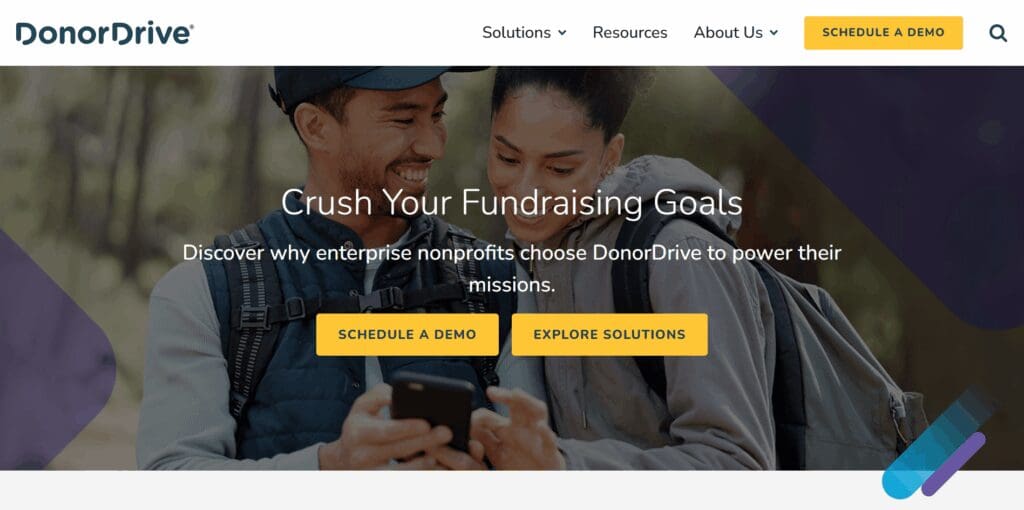
8. DonorDrive
Who it’s best for: Large nonprofits focused heavily on peer-to-peer campaigns, team-fundraising, events, and mobile and branded experiences.
Enterprise features
- Peer-to-peer capabilities: team pages, mobile app support, gamification, and social sharing.
- Event management support: ticketing, registration, embedded donation workflows, and hybrid/virtual options.
- Donor experience tools: embedded forms, mobile check deposit, and friction-reducing workflows for conversions.
Pros
- Optimized for supporter-led campaigns (peer-to-peer, team fundraising), which can drive donor acquisition and engagement.
- Handles event-based and campaign-based fundraising at once.
Limitations to watch for
- While powerful for peer-to-peer and team campaigns, some standard fundraising formats (e.g., simple donation page + subscription model) may not get the full benefit without customization.
Pricing snapshot
Custom-quoted for enterprise use.
Key features large nonprofits should look for
Before choosing any enterprise platform, large organizations need to know whether the tool can carry real operational weight – not just run campaigns, but support the teams behind them.
1. Corporate giving and workplace engagement
Enterprise platforms should support company-based fundraising, including matching gifts, employee-driven campaigns, workplace competitions, and team-based initiatives.
This unlocks scalable funding through corporate partners and gives large nonprofits a structured way to collaborate with businesses year-round.
2. Multi-channel and hybrid fundraising
An enterprise solution should centralize every fundraising touchpoint: online giving, in-person galas, virtual events, hybrid campaigns, peer-to-peer, crowdfunding, auctions, raffles, and giving days.
When everything lives under one system, teams aren’t juggling separate tools or losing visibility.
3. Deep CRM and tech stack integrations
Look for native or API-based integrations with your CRM, marketing automation tools, finance software, and donor communication systems.
Enterprise nonprofits rely on clean handoffs between fundraising, finance, and stewardship. Your platform should support that, not work against it.
4. Enterprise security and compliance
Security can’t be an afterthought. Expect PCI compliance, SOC2 certification, VPC infrastructure, access controls, and security risk identification. Large teams need permission structures that respect roles, departments, and governance policies.
5. Advanced reporting and analytics
Enterprise fundraising demands more than simple dashboards. Cohort analysis, donor lifetime value, campaign benchmarking, and funds breakdowns by channel or chapter are essential for decision-making. The right platform turns raw data into clear actions.
6. Implementation, training, and support
Large nonprofits succeed when the rollout is structured. Look for dedicated onboarding specialists, custom implementation plans, sandbox testing environments, and a strong support ecosystem with help centers, training modules, and ongoing strategic guidance.
How to choose the right enterprise fundraising platform
The “best” platform depends entirely on how your organization raises funds today and how you expect that to change over the next few years.
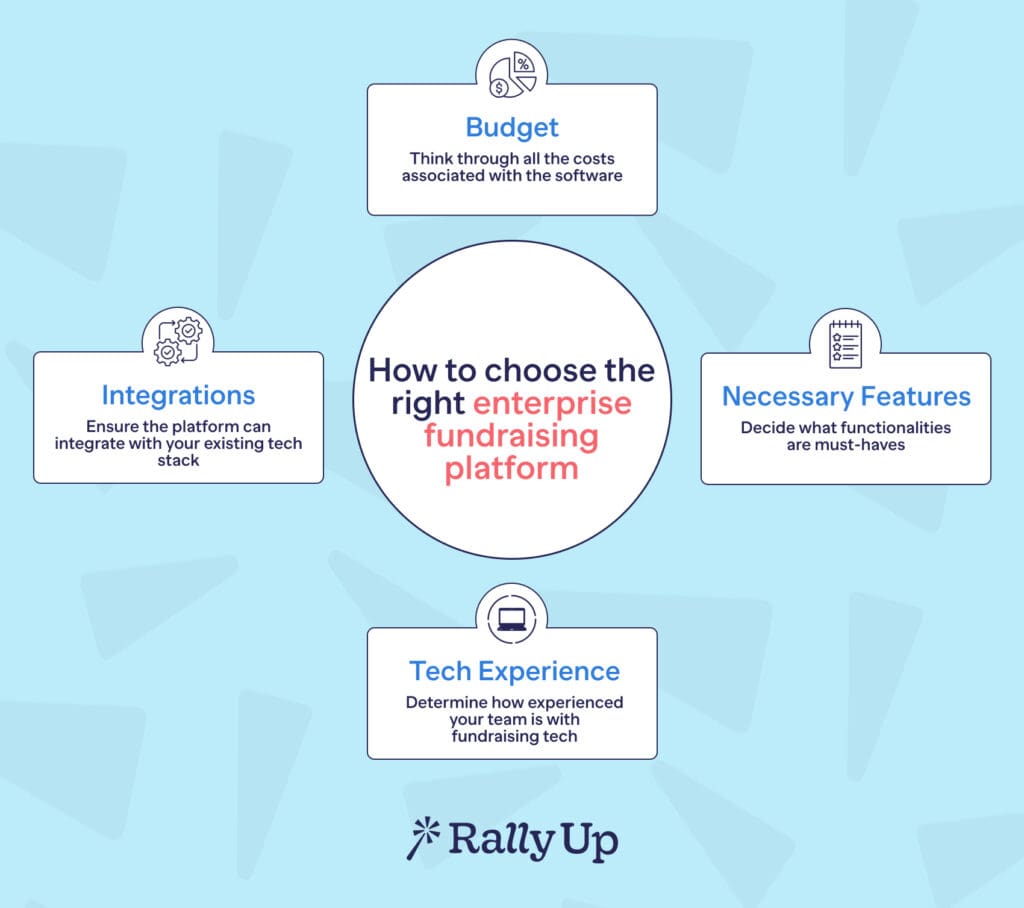
Step 1: Map your fundraising mix and growth plan
Start with your fundraising channels. List the channels you rely on now (digital campaigns, P2P, events, corporate giving, etc.) and the channels you plan to expand into. Pair that with the size of your donor file and realistic fund goals.
Step 2: Align the platform with your existing tech stack
Look for tools that integrate neatly into your CRM, marketing automation, finance systems, and event software. Enterprise teams save a lot of pain by choosing platforms that pass clean data between departments without manual fixes.
Step 3: Prioritize donor experience and conversion
There should not be an ounce of friction when your donors are giving, especially when you have a higher donor capacity.
Look for platforms that allow personalization, simplified UX, mobile-first experiences, and experimentation tools like A/B testing. Better donor experience = more completed gifts.
Step 4: Understand the total cost of ownership
Subscription fees are only the start. A platform that looks affordable on paper may be more expensive long-term if it requires constant admin time or costly bolt-ons. Factor in:
- Processing costs
- Add-ons
- Implementation and onboarding
- Integrations
- Internal staffing to manage the system
Step 5: Include IT, finance, and fundraising in the decision
Your ideal fundraising platform will satisfy all three:
- IT handles governance and security
- Finance looks at reconciliation and accounting workflows
- Fundraising evaluates usability and campaign needs
Implementation checklist for large nonprofits
Choosing the platform is only half the job. Rolling it out cleanly, securely, and without disrupting fundraising is where the real work begins.
Enterprise fundraising platforms touch every corner of an organization: Fundraising, IT, Finance, Programs, and even HR when corporate giving is involved.
This checklist walks large nonprofits through the full lifecycle of implementation – from contract signature to long-term optimization.
Final thoughts: Your next step in enterprise fundraising
Big fundraising programs should be able to depend on tools that don’t glitch when things get busy. The right platform keeps your data clean, your teams in sync, and your donors moving through a smooth, stress-free giving experience.
When you’re comparing options, look for what will actually make life easier in the future: strong integrations, solid performance, flexible governance, and reporting your team can trust.
If your nonprofit runs campaigns across digital, events, P2P, raffles, auctions, sweepstakes, or corporate giving, RallyUp – an enterprise-grade fundraising platform brings it all into one clean platform.
FAQs about enterprise fundraising platforms
It’s built to handle big campaigns, busy seasons, and complex internal teams without slowing you down. It keeps fundraising clean, secure, and organized.
If you’re juggling multiple campaigns, chapters, or revenue streams, absolutely. It keeps everything in one place so your teams aren’t fighting ten different tools to get basic work done.
RallyUp covers everything from digital campaigns to events, raffles, auctions, P2P, sweepstakes, and corporate giving, all under one system. It’s built for nonprofits running a lot at once.
Now that you’ve seen it in action, are you ready to start fundraising?
Get Started