
44 Free Software Tools For Nonprofits To Scale In 2026
Best Free Software Tools for Nonprofits
Best free software tools nonprofits rely on include:
1. RallyUp for end-to-end fundraising
2. HubSpot CRM
3. CiviCRM for membership management
4. Wave for accounting
5. SignUpGenius for volunteer management
6. Mailchimp for email marketing
7. Zoho Forms for form creation
8. GitHub for Nonprofits for development infrastructure
While leading a nonprofit, you feel the pressure everywhere. Budgets are tight, teams are 5–6 people running everything, and every new tool needs to justify its cost.
That’s why so many organizations search for free software tools that nonprofits can depend on. The challenge is knowing what “free” actually means. Some tools offer genuinely free plans, some rely on optional donor tipping. Others limit features, users, or volume until you upgrade.
In this guide, we break down software tools with a free option for nonprofit organizations. We’ll look at tools across fundraising, membership management software for nonprofits, and free accounting software for nonprofits so you can build a stack that actually works.
In this article
- Things to keep in mind
- Free fundraising software tools
- Free CRM software for nonprofit organizations
- Free accounting and nonprofit bookkeeping software
- Free volunteer management software for nonprofits
- Free email marketing software for nonprofits
- Free event registration software for nonprofits
- Free forms and survey software for nonprofit organizations
- Free productivity and infrastructure tools for nonprofits
- How to choose the right free software tools for your nonprofit
- Final thoughts on free software tools nonprofits can use
- FAQs about free software tools for nonprofits
Things to keep in mind
- Some tools are open-source. That means the software is free to use, but your team is responsible for hosting, updates, backups, and security. If you don’t have technical support, consider hosted tools instead.
- Even when a platform is free, payment processing fees still apply for credit cards and ACH. Always confirm the rate before launching a campaign.
- Some platforms fund their free plans through optional donor tipping. Make sure your team is comfortable with how tips are displayed at checkout.
- If you collect payments or personal data, confirm the platform supports secure processing and appropriate data handling standards.
Free fundraising software tools
Fundraising platforms are usually the first category nonprofits explore when searching for free software tools that nonprofits can use to reduce costs while maintaining performance.
1. RallyUp – End-to-end fundraising platform
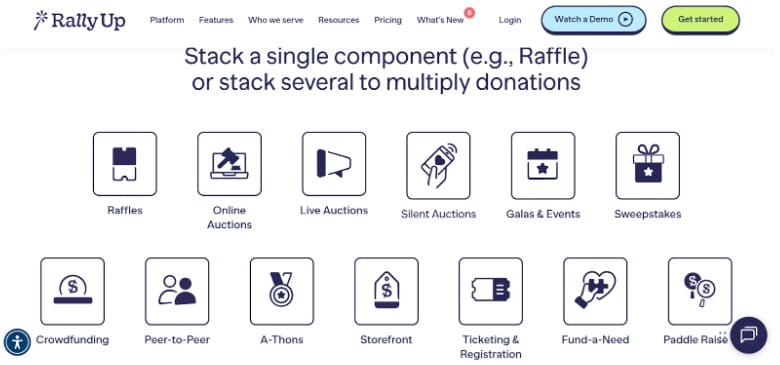
What’s free in RallyUp’s Free plan:
- Most of their core fundraising portfolio includes: Livestreaming, Peer-to-peer fundraising, Ticketing and registration, Crowdfunding, Online auctions, Raffles and sweepstakes, A-thons, Storefront, Donation Pages
- Create my Campaign
- Total Custom Branding
- Donor Profiles
- Integrations
- Live Expert Support
- Global Payment Options
- Custom Domain
Free plan limits to know:
- Donor tipping is part of Free pricing (donors can reduce or remove it)
Fees to expect:
- Payment processing fees still apply through Stripe or PayPal (RallyUp does not add payment processing charges in the Free plan)
2. GoFundMe
What’s free:
- Create and manage a fundraiser
- Basic campaign page, sharing tools, and standard fundraising flow (GoFundMe frames this as “everything you need” covered by the transaction fee).
Free plan limits to know:
- GoFundMe is a campaign environment, so customization and nonprofit-specific tooling vary by product path (individual vs certified charity vs nonprofit pages). The pricing pages are the place to confirm your exact setup.
Fees to expect:
- GoFundMe states a transaction fee per donation that covers payment processing and delivery of funds.
- 2.9% + $0.30 for U.S. fundraisers, users to check their country-specific calculator.
Free CRM software for nonprofit organizations
CRM platforms form the backbone of software for nonprofit organizations, helping teams manage donors, volunteers, and event data in one place.
3. HubSpot CRM
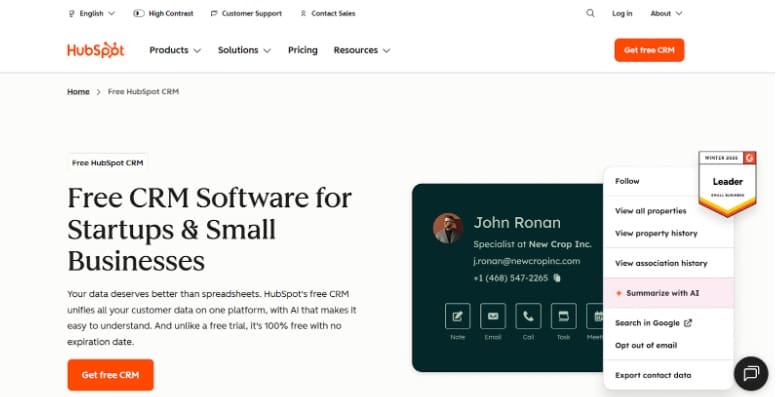
What’s free:
- Marketing tools
- Sales tools
- Service tools
- Content tools
- Data tools
- Custom domain
Free plan limits to know:
- Up to 2 users
- Up to 1,000 contacts
- 2,000 email sends per month
- Limited reporting depth
- Email marketing limits
Fees to expect:
- $0 to start (no required subscription on the free tier)
Where the catch is:
- The free entry point is strong, but growth usually pushes teams into paid Hubs for deeper automation, reporting, and administrative control.
4. Zoho CRM
What’s included in the Free Edition:
- Leads, deals, and contact management
- Tasks and events
- Documents and mobile apps
Free plan limits to know:
- User cap is the main hard limit (3 users)
- Many advanced modules and automation features live in paid editions (confirmed on their pricing structure)
Fees to expect:
- $0 for the Free Edition (no subscription required)
Where the catch is:
- Scaling usually means upgrading for deeper automation, customization, and advanced reporting.
5. Bitrix24 CRM
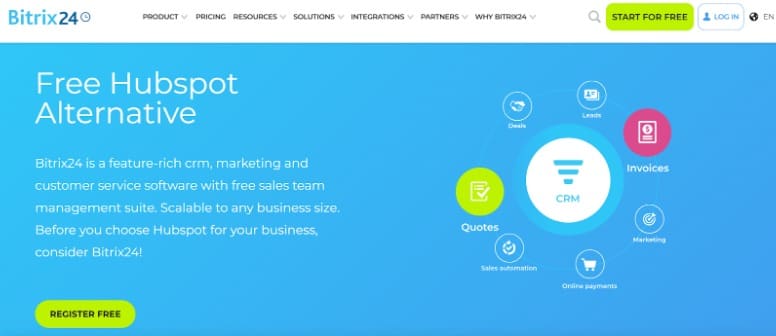
What’s included in the Free Plan:
- Unlimited users
- Unlimited CRM records (leads, contacts, companies, deals)
- Quotes and invoices
- Email marketing
- 5GB online storage
- AI in tasks – Copilot
Free plan limits to know:
- Telephony and many Marketplace apps require paid plans
- Storage is 5GB on Free
- 5 Gantt charts
Fees to expect:
- $0 to use the Free plan
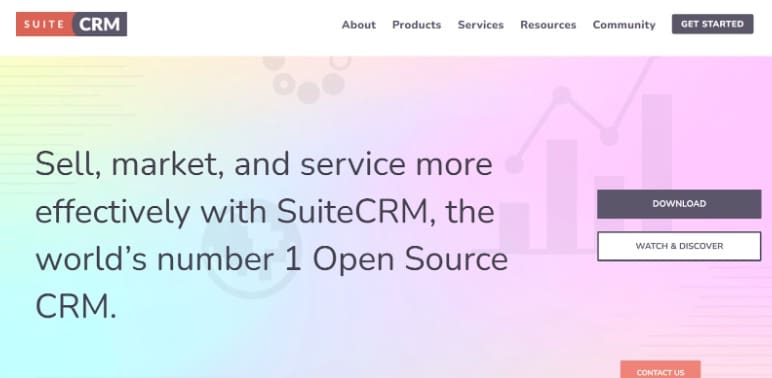
6. SuiteCRM (Open-source CRM)
What’s free:
- Free download and self-hosting option
- Open-source licensing (AGPLv3)
Free plan limits to know:
- You own setup, hosting, security, and maintenance.
Fees to expect:
- No license fee, then infrastructure and admin time become the real costs.
Where the catch is:
- “Free” applies to software licensing. Operations depend on your technical capacity.
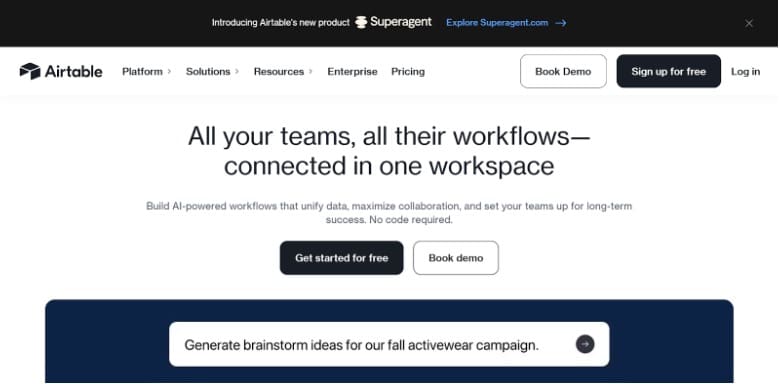
7. Airtable (Free tier as a lightweight nonprofit CRM)
What’s free:
- Unlimited bases
- 1,000 records per base
- Up to 5 editors
- 1 GB attachments per base
- 100 automation runs
- Interface Designer
Free plan limits to know:
- 1,000 API calls per workspace per month
- 2 weeks of revision and snapshot history
- Forms keep Airtable branding and have customization limits
Fees to expect:
- $0 on the Free plan
Where’s the catch:
- Limits show up as record capacity, automation runs, API calls, and branding controls.
Free membership management software for nonprofits
Note: Several tools in this section are WordPress plugins. That means they only work if your nonprofit’s website runs on self-hosted WordPress (WordPress.org). If your site is on Wix, Squarespace, Webflow, or another platform, these options won’t apply.
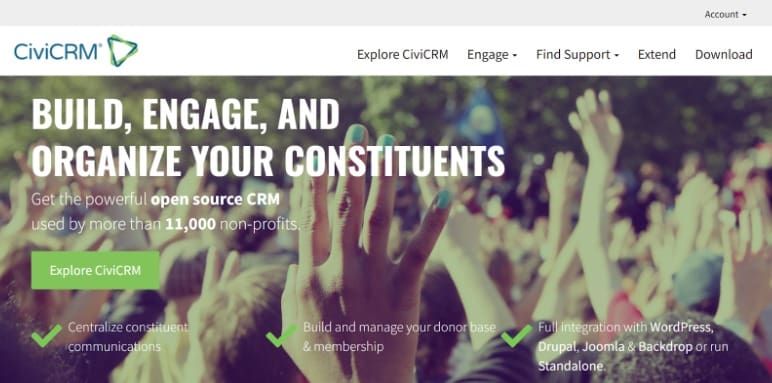
8. CiviCRM (CiviMember)
What’s free:
- Membership levels (tiers, types, statuses)
- Online sign-up and renewals (join and renew through web forms)
- Automated renewal reminders
- Runs standalone or integrates with WordPress/Drupal/Joomla/Backdrop
Free plan limits to know:
- It’s open-source, so setup, hosting, updates, and security are on you (or a partner).
Fees to expect:
- No license fee. Expect hosting costs and admin time if you self-manage.
Where the catch is:
- The “cost” shows up in implementation and maintenance, not the software license.
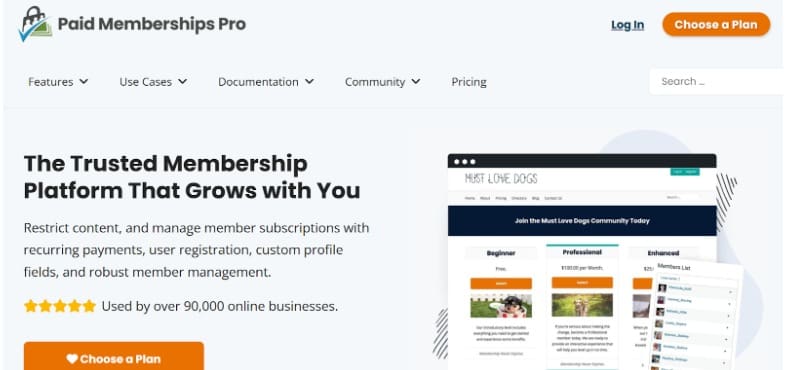
9. Paid Memberships Pro (WordPress)
What’s free:
- Full core plugin is free (their positioning: “complete version” with no limitations)
- Content restriction and access control
- Member management tools
- Sell subscriptions with Stripe and PayPal support
- Reporting and admin tools
Free plan limits to know:
- Many add-ons are optional.
Fees to expect:
- Payment processing fees from Stripe/PayPal if you charge dues.
Where the catch is:
- The plugin can be free. Costs come from paid add-ons and payment processing when you monetize.
10. s2Member (WordPress)
What’s free:
- Free framework (positioned as “100% free of charge”)
- Content protection
- PayPal buttons for payments
- Custom registration/profile fields
Free plan limits to know:
- The free version is designed for core membership control. Advanced capabilities are positioned in Pro.
Fees to expect:
- Payment processing fees if you collect dues via PayPal.
Where the catch is:
- Free covers the basics. Upgrades happen when you need more than core access control and simple payment setup.
11. Simple Membership (WordPress)
What’s free:
- Membership access levels (example: Free, Silver, Gold)
- Protect posts/pages behind member login
- Member area and front-end registration/login
- Automated member flows (signup, payments, profile maintenance, expiry, upgrade notifications)
- Member emailing by membership level (plus basic member management utilities)
Free plan limits to know:
- Some advanced features rely on add-ons (varies by what you want to customize).
Fees to expect:
- Payment processing fees if you accept online payments for dues.
Where the catch is:
- Free gets you a usable membership setup. Costs show up when you add paid extensions or need deeper customization.
12. Google Forms + Google Sheets (DIY membership tracker)
What’s free:
- Join form intake (Google Forms)
- Member database in a spreadsheet (Google Sheets)
- Basic workflows using email confirmations and internal reminders
Free plan limits to know:
- No real membership automation. No renewals, receipts, or member portals unless you build them.
Fees to expect:
- None for the tools themselves. Payment collection happens elsewhere.
Where the catch is:
- It’s “free” because your team becomes the system.
Free accounting and nonprofit bookkeeping software
Free accounting software for nonprofits can reduce subscription pressure, but nonprofit bookkeeping software still needs to support fund tracking and reporting.
Quick note before the list: Accounting is where “free” needs the most caution. A tool can be free to use, then charge when you accept online payments, add payroll, or need receipt capture.
13. Wave
What’s free:
- Create unlimited estimates, invoices, bills, and bookkeeping records
- Basic accounting and invoicing on the Starter plan
- Mobile app access (Wave lists invoicing on-the-go)
Free plan limits to know:
- Some features are paid add-ons, like online payments, automatic receipt scanning, and payroll
Fees to expect:
- If you turn on online payments, Wave lists processing fees as an option to accept online payments (2.9% + $0.60 per credit card transaction, 3.4% + $0.60 per Amex transaction)
Where the catch is:
- The accounting ledger is free. The cost shows up when you add payment acceptance, receipt automation, or payroll.
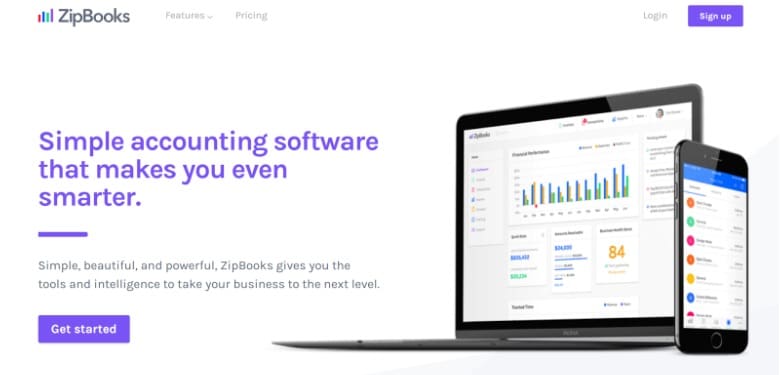
14. ZipBooks
What’s included in the free Starter plan:
- Unlimited invoices
- Unlimited vendors and customers
- Accept digital payments via Square or PayPal
- Basic reports
Free plan limits to know:
- Bank connections are limited to 1 on the free plan
- Automation features like recurring invoices and reminders are in paid tiers
Fees to expect:
- Payment processing fees apply through Square/PayPal when you accept payments
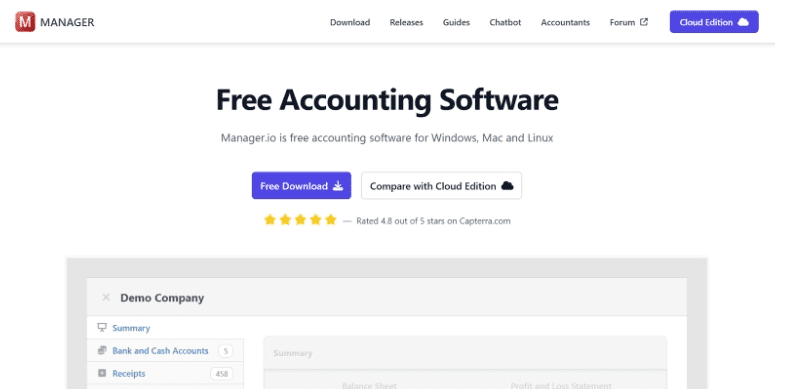
15. Manager.io (Desktop Edition)
What’s free:
- Desktop edition is free to use, with all features and unlimited data entry
- Includes core accounting modules like general ledger, bank reconciliation, accounts receivable/payable, invoicing, and financial statements
Free plan limits to know:
- Free applies to the desktop edition
- It is a single-user software, meaning multi-user or remote access requires the paid cloud edition
Fees to expect:
- No license fee for desktop. Costs are your computer environment, internal process, and optional hosting if you choose cloud.
Where the catch is:
- It’s free because you’re running it yourself. That’s great for budget control, and it needs basic operational discipline.
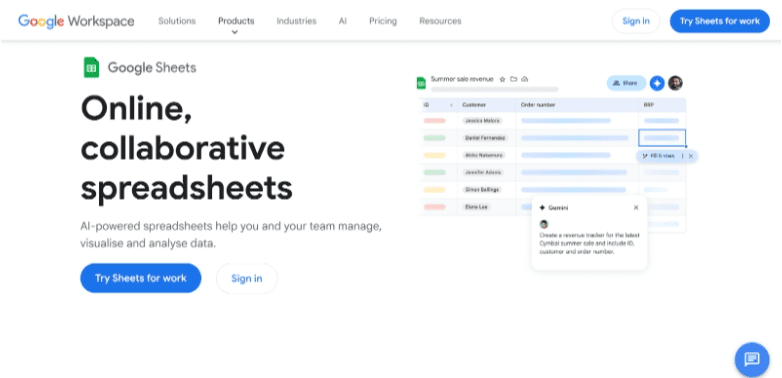
16. Google Sheets (DIY)
What’s free:
- Budget tracking, cashflow planning, and simple reporting in a spreadsheet
- Easy sharing across staff and board members
Free plan limits to know:
- No fund accounting structure by default
- No built-in audit trail, approvals, or true bookkeeping workflow unless you design it
Fees to expect:
- None for Sheets itself
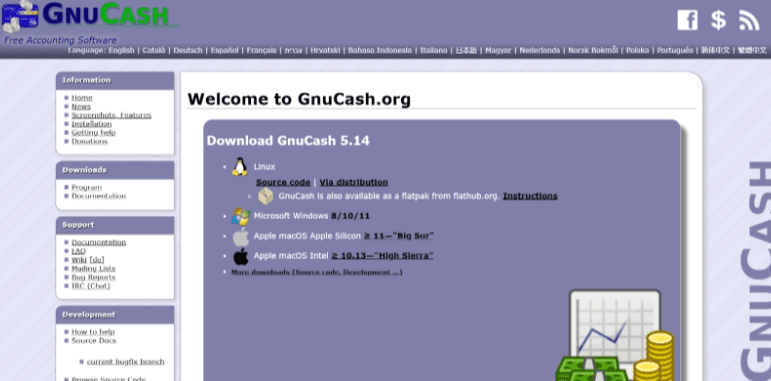
17. GnuCash (Open-source)
What’s free:
- Free, open-source accounting software built around double-entry bookkeeping
- Widely used for personal and small-business style accounting workflows
Free plan limits to know:
- You manage updates, backups, and device security
- The interface is more “classic desktop software” than modern SaaS
Fees to expect:
- No license fee
Where the catch is:
- Great if you have someone comfortable running desktop accounting software and owning the setup.
Free volunteer management software for nonprofits
Volunteer tools are a core part of free software tools that nonprofits lean on when they need scheduling, sign-ups, and hour tracking without paying for a full volunteer platform.
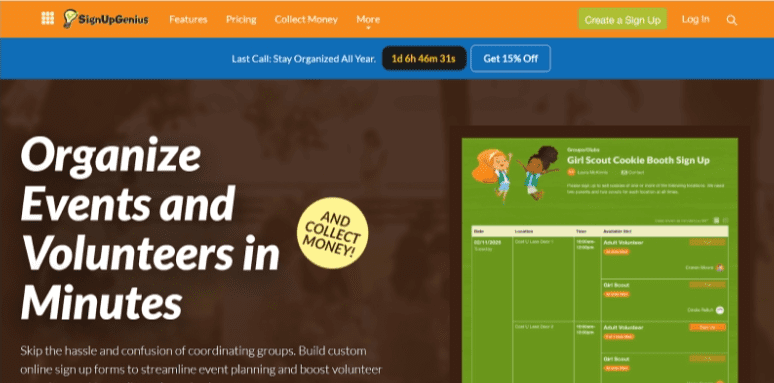
Read our complete guide on volunteer recruitment strategies before managing them18. SignUpGenius
What’s free:
- Create unlimited sign-up pages
- Volunteer shift scheduling
- Automated email reminders
- Basic reporting and participant tracking
- Shareable sign-up links
Free plan limits to know:
- SignUpGenius branding on pages
- 100MB of cloud file storage
- Ads appear on the free version
- 1,000 email invites/group messages per month
Fees to expect:
- $0 to use the core sign-up tool
Where the catch is:
- The free version is fully usable, but branding and ads remain unless you upgrade.
19. Track it Forward
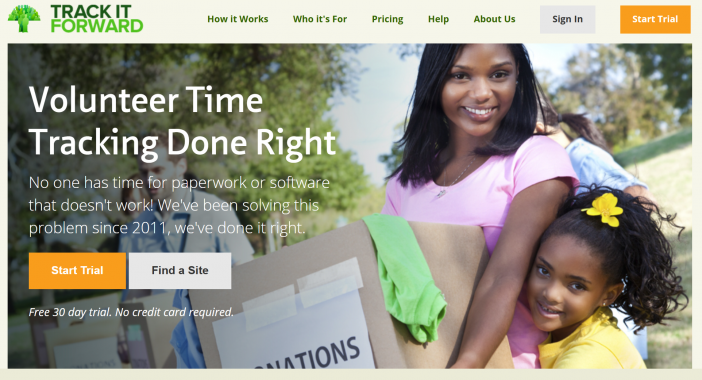
What’s free:
- Volunteer time tracking
- Event calendar
- Volunteer RSVPs for events
- Downloadable reports
- Mobile app access
Free plan limits to know:
- Limited to 25 volunteer accounts
- Consider paid plans for access to email and text communication, hour approvals, event sign-in sheets, and more.
Fees to expect:
- $0 for small organizations on the free plan
Where the catch is:
For growing organizations with more volunteers, consider the Basic Plan, which starts at just $13.25 per month for up to 100 volunteers.
20. Golden Volunteer
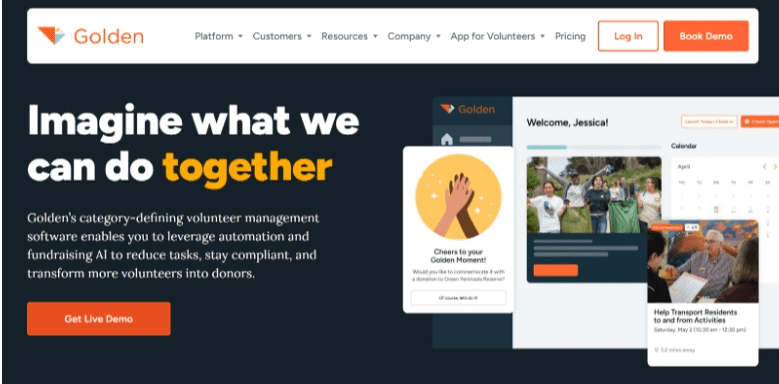
What’s free:
- Volunteer scheduling
- Event calendar
- Email messaging
- Basic reporting
- Background checks
- Digital waivers
Free plan limits to know:
- Unlimited volunteers, with up to 5 admin users
Fees to expect:
- $0 for the base version
21. POINT (Core plan)
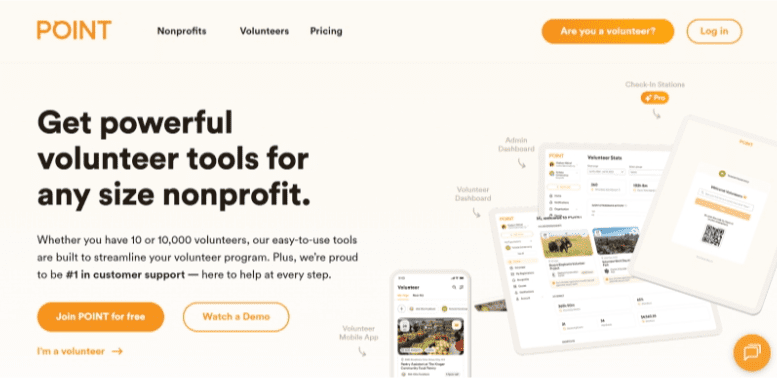
What’s free:
- Unlimited admins
- Unlimited volunteers
- Volunteer hub
- Time tracking
- Automatic reports
- Group management
Free plan limits to know:
- Check-in stations are not included in Core.
- Items like waivers, offline time tracking, and background check integration are paid plans.
Fees to expect:
- $0 for the Core plan itself.
Where the catch is:
- An upgrade trigger is when you need on-site check-in workflows, waivers, and deeper program controls.
Note: POINT notes availability for nonprofits in the U.S. (and Ukraine).
22. SignUp
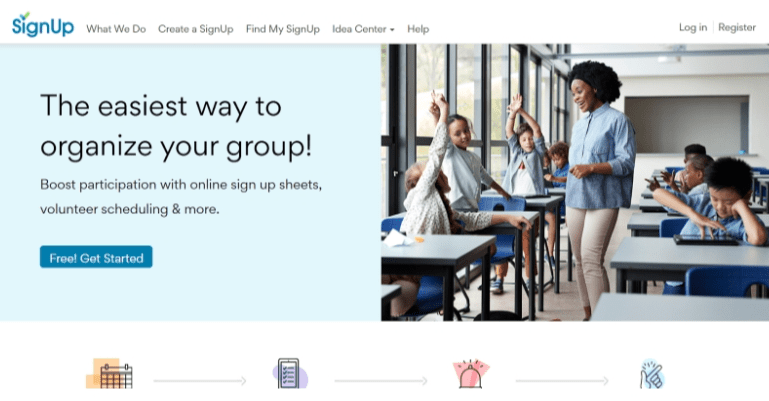
What’s free:
- Unlimited emails
- Unlimited participants and signups
- No passwords for participants
- Collect payments and contributions
- Swift shift scheduling
- Calendar sync and embed
Free plan limits to know:
- 1 primary organizer
- 1 custom participant question
- 1 group page
Fees to expect:
- The Basic plan is free.
- An “ad-free upgrade” is available (implying the free experience may include ads).
- If you collect payments, processing costs depend on the payment method you use (this is separate from the plan price).
Where the catch is:
- This is a strong “sign-up sheets” tool inside the software for nonprofit organizations. You upgrade when you need multiple organizers, deeper hours tracking, waivers, or more control at scale.
23. Google Forms + Sheets (DIY volunteer tracker)
What’s free:
- Volunteer intake form
- Shift sign-ups via form
- Hour tracking via spreadsheet
- Basic reporting using formulas
Free plan limits to know:
- No automated reminders unless manually configured
- No centralized volunteer portal
- No built-in compliance tracking
Free email marketing software for nonprofits
Email is still one of the highest-ROI tools in fundraising. When nonprofits search for free software tools nonprofits can use long term, email marketing platforms are usually at the top of the list.
24. Mailchimp
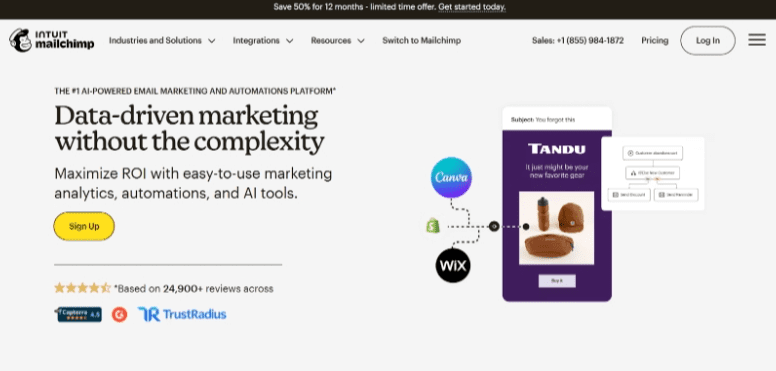
What’s free:
- Basic audience management tools
- Signup forms and pop-ups
- Email builder
- Basic reporting
- Subject Line Helper
Free plan limits to know:
- Up to 250 contacts
- Up to 500 emails per month (max 250 per day)
- Mailchimp branding on emails
- Limited automation and segmentation
- Basic reporting only
Fees to expect:
- $0 on the Free plan
Where the catch is:
- Growth triggers upgrade quickly once your list crosses 250 contacts.
25. MailerLite
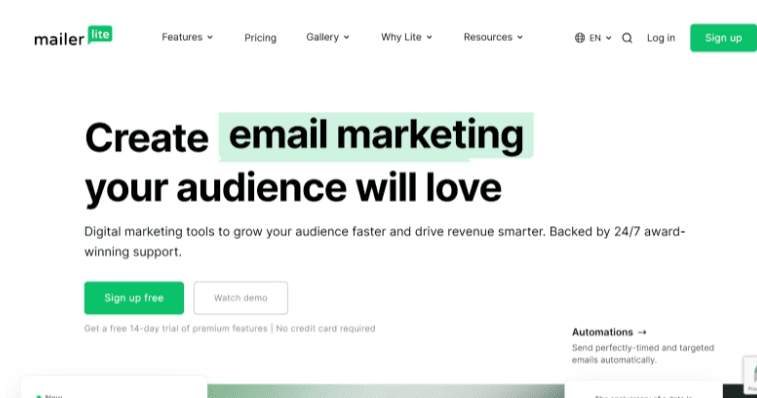
What’s free:
- Email automation builder
- 10 landing pages
- Basic automation workflows
- Reporting and analytics
Free plan limits to know:
- MailerLite branding
- Up to 500 subscribers
- 12,000 emails per month
Fees to expect:
- $0 on Free plan
- Advanced automation and some integrations are locked behind paid tiers
26. Brevo (formerly Sendinblue)
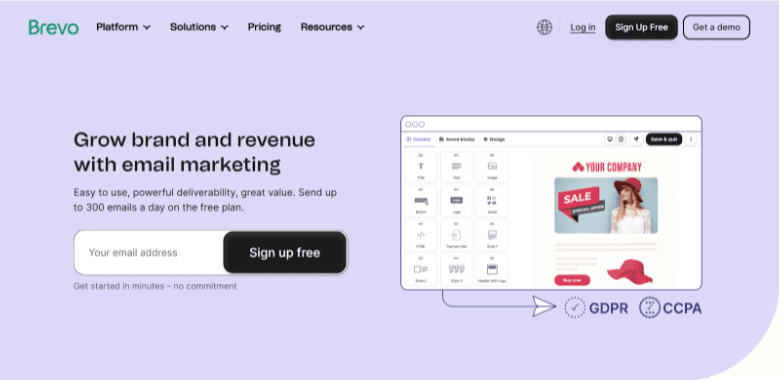
What’s free:
- Unlimited contacts
- Email templates and delivery
- Basic marketing automation
- Transactional emails
- AI assistance
Free plan limits to know:
- Daily sending cap of 300 emails
- Brevo branding on emails
- Advanced automation and A/B testing are paid features
Fees to expect:
- $0 on the Free tier
Where the catch is:
- Volume caps matter during fundraising pushes.
27. Sender
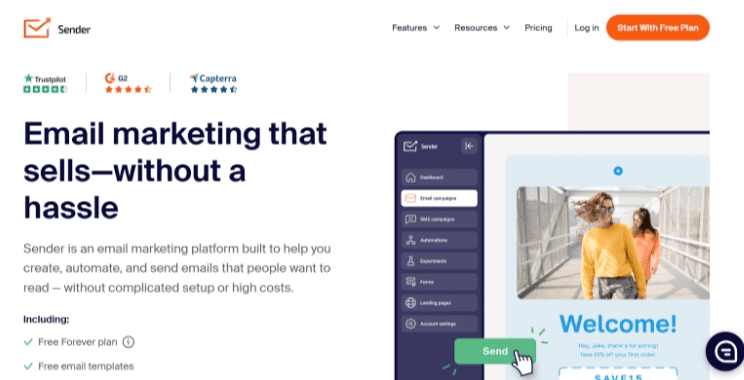
What’s free:
- Email automation
- Templates and popups
- Basic analytics
Free plan limits to know:
- Up to 2,500 subscribers
- 15,000 emails per month
- Branding on emails
- Advanced automation features are paid
Fees to expect:
- $0 for Free plan
Where the catch is:
- Deliverability tools and deeper segmentation sit in paid plans.
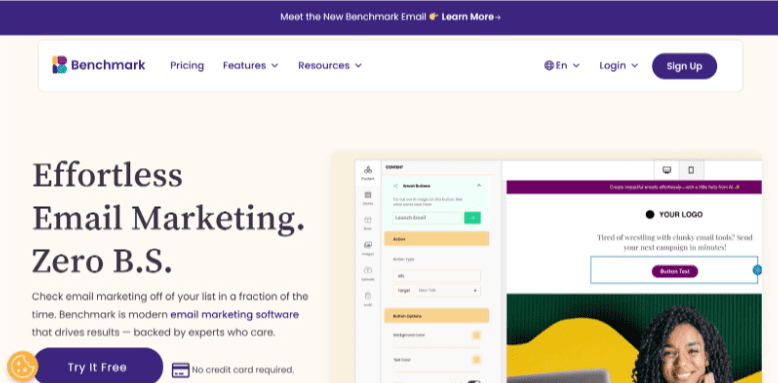
28. Benchmark Email
What’s free:
- Drag-and-drop email builder
- Signup forms
- Basic reporting
Free plan limits to know:
- Up to 500 contacts
- 2,500 emails per month
- 1 domain
- 1 user
- Benchmark branding
- Limited automation features
Fees to expect:
- $0 on Free plan
Free event registration software for nonprofits
If you’re comparing event registration software for nonprofits or evaluating nonprofit event management software, “free” usually means free for free events, or free with a donor-tipping model.
Take inspiration from 15 unique fundraising gala ideas29. RallyUp – Free fundraising, ticketing, and event registration
What’s free:
- Ticketing and registration with a $0 platform fee on Free pricing.
- Works as part of a broader fundraising setup, so you can pair registration with campaign-style giving when needed.
Free plan limits to know:
- Free pricing includes an optional donor tip at checkout.
Fees to expect:
- Payment processing, depending on the processor from 1.9% to 2.9%, plus $0.30per transaction.
Bonus: RallyUp’s on-site check-in tool
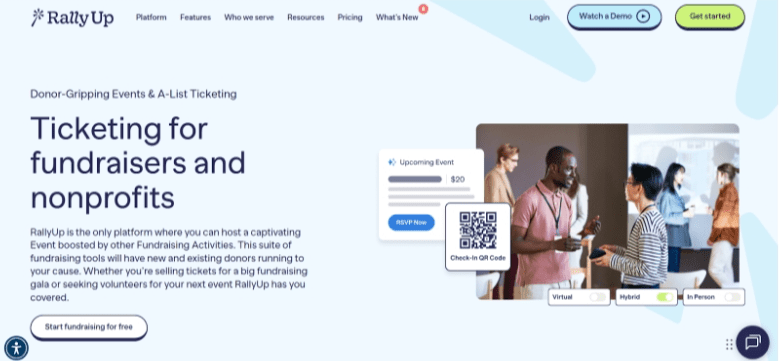
RallyUp also supports QR code check-ins for live events. Attendees receive a QR code when they purchase tickets. At the door, your team scans the code for fast, secure entry.
This keeps registration, ticketing, and check-in inside the same system. For nonprofits looking for streamlined nonprofit event management software, QR-based entry removes paper lists and manual validation. It’s simple, clean, and built for real event flow.
30. Eventbrite
What’s free:
- Free to use for events with free tickets (no ticketing fees on $0 tickets).
Free plan limits to know:
- Marketing and ad promotion require paid plans.
Fees to expect:
- Free tickets have no Eventbrite fees.
- For paid tickets, Eventbrite’s service and payment processing fees vary by country and currency. (E.g. U.S. events often reference a fee structure around 3.7% + $1.79 per ticket plus payment processing.)
- Organizers should confirm pricing for their region.
Where the catch is:
- Great for free community events. Paid fundraising events trigger ticketing fees.
31. Ticket Tailor
What’s free:
- Free ticketing for free events
- The first 5 paid tickets on an event are free
- Event page creation and ticket sales tools
Free plan limits to know:
- Free applies to free events.
- Paid tickets beyond the first five follow Ticket Tailor’s per-ticket pricing model.
Fees to expect:
- Ticket Tailor charges a small per-ticket fee for paid tickets after the first five.
- Registered charities and nonprofits can apply for discounted pricing.
32. RSVPify
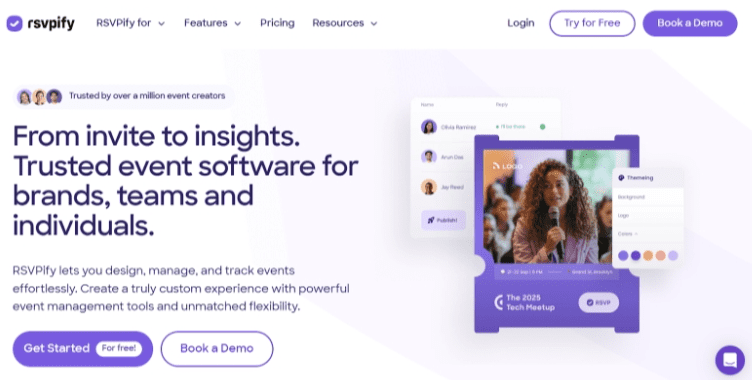
What’s free:
- Email invites and save the dates
- Exclusive lists
- Calendar invite
Free plan limits to know:
- 1 event at a time
- 100 registrations per month
- 100 invites per event
- 100 email credits per month
Fees to expect:
- $0 on the free tier. Paid tiers begin monthly when you scale.
Where the catch is:
- Works for small RSVP events. Larger nonprofit event programs typically outgrow the free caps.
33. Humanitix
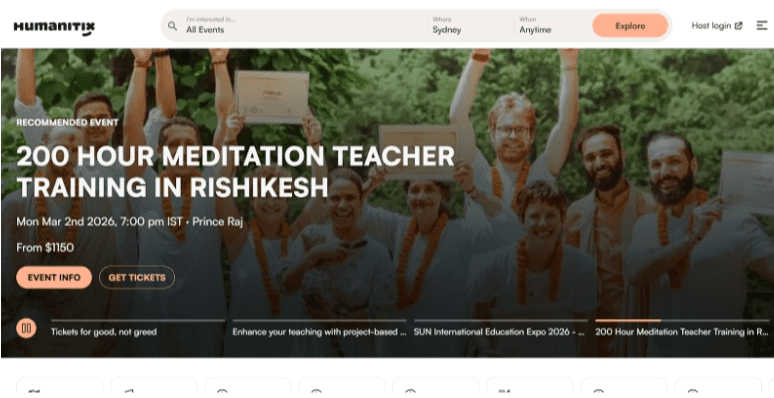
What’s free:
- Humanitix states free events are $0 (no subscription fees for hosting)
Free plan limits to know:
- “Free” is for free events. Paid ticket pricing uses per-ticket fees.
Fees to expect:
- Paid tickets have published per-ticket fees (varies by currency/region).
Note: Humanitix notes availability for events set up in the US, UK, Canada, Australia and New Zealand.
Free forms and survey software for nonprofit organizations
When nonprofits search for free software tools nonprofits can use across departments, forms and survey tools show up everywhere.
34. Jotform
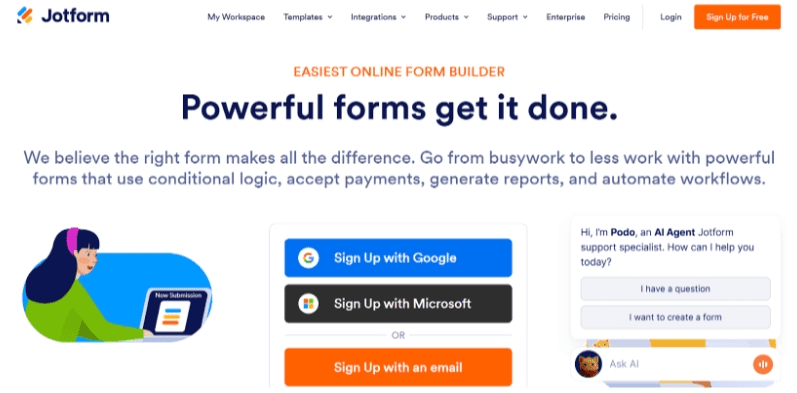
What’s included in the Free plan:
- 5 forms
- 100 monthly submissions
- 1,000 monthly form views
- 100MB storage
- Payment integrations available
Free plan limits to know:
- Jotform branding
- HIPAA Compliance Features Unavailable
- Limited payment submissions
- AI agent limits
Fees to expect:
- $0 on the free tier
- Payment processing fees apply if collecting payments
Where the catch is:
- Submission limits trigger upgrades quickly for active nonprofits.
35. Typeform
What’s free:
- Unlimited typeforms
- 10 responses per month
- Basic templates
- Embedding options
Free plan limits to know:
- 10 responses per month
- Typeform branding
- No advanced analytics
Fees to expect:
- $0 on free tier
Where the catch is:
- The 10-response cap makes this more of a test tool than a long-term solution.
36. Microsoft Forms
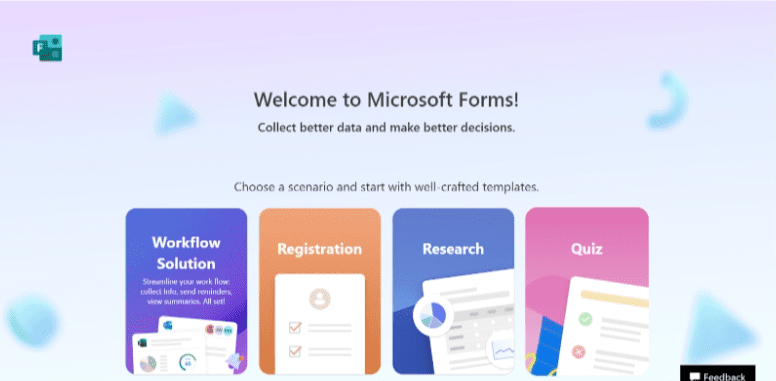
What’s free:
- Create forms, quizzes, and polls
- Real-time response tracking and basic analytics
- Conditional branching for form logic
- Export responses directly to Excel
- Integration with Microsoft tools like Excel and Teams
Free plan limits to know:
- Up to 400 forms or quizzes can be created
- Up to 400 polls can be created
- Each form or quiz can include up to 200 questions
- Each form can receive up to 5,000,000 responses
- A Microsoft account is required to create and manage forms
Fees to expect:
- Free with a Microsoft account
Where the catch is:
- Strong for internal surveys. Limited as full event registration software for nonprofits.
37. Cognito Forms
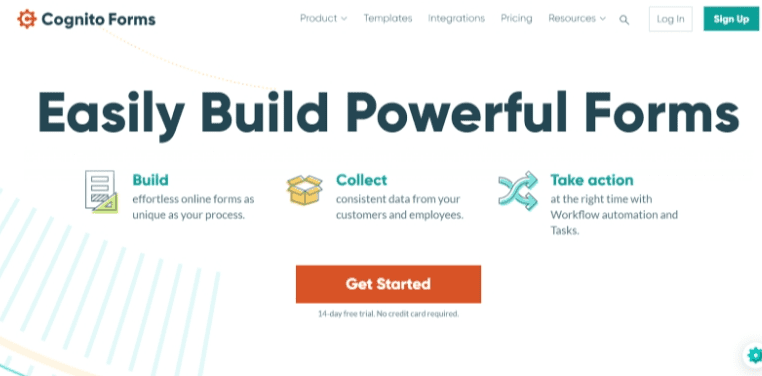
What’s free:
- Unlimited multi-page forms
- Payment collection with Stripe
- Conditional logic
Free plan limits to know:
- Entry cap (100/month)
- Branding on forms
- 100MB data storage
Fees to expect:
- $0 on free tier
- Payment processing fees apply
38. Zoho Forms
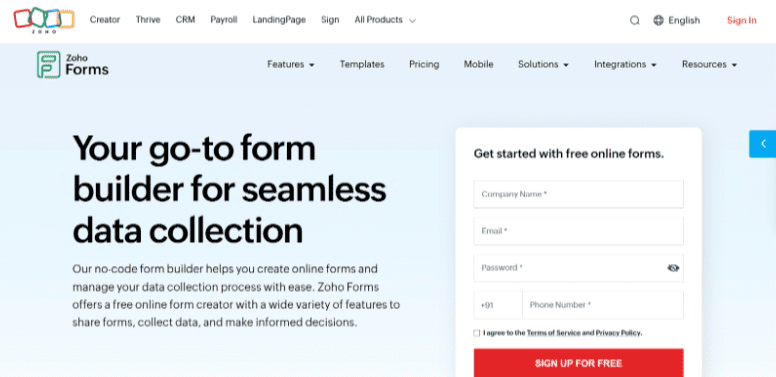
What’s free:
- 3 forms
- Unlimited form views
- Basic reports
- Pre-built themes
- Custom PDFs
- Webhooks
- UTM tracking
Free plan limits to know:
- 1 user
- 500 submissions/month
- 200 MB file storage
- 10 payment submissions
Fees to expect:
- $0 on free tier
Where the catch is:
- Works for controlled intake flows. Growth pushes you into paid tiers.
Free productivity and infrastructure tools for nonprofits
Many of the most valuable free software tools nonprofits rely on are not operational platforms but infrastructure tools that support daily work. These programs provide productivity software, design tools, developer infrastructure, and marketing support at no cost for eligible nonprofits.
39. Google Workspace for Nonprofits
What’s free:
- Gmail with a custom domain
- Google Drive cloud storage
- Google Docs, Sheets, and Slides collaboration tools
- Google Meet video meetings
- Shared calendars and team collaboration tools
Free plan limits to know:
- Eligibility verification is required through the Google for Nonprofits program.
- Storage limits and administrative controls depend on the Workspace edition assigned to the nonprofit.
Fees to expect:
$0 per user per month for eligible nonprofits on the basic nonprofit edition.
Where the catch is:
Advanced security features, larger storage tiers, and enterprise administration tools are available only in upgraded nonprofit editions.
40. Google Ad Grants
What’s free:
- Up to $10,000 per month in Google Search advertising credit
- Ability to promote donation pages, programs, events, and volunteer opportunities
- Access to Google Ads campaign tools and reporting dashboards
Free plan limits to know:
- Ads appear only in Google Search results, not display or YouTube ads.
- Campaigns must meet Google Ad Grants policies, including minimum click-through rate requirements.
Fees to expect:
$0 for the ad credit provided through the grant program.
Where the catch is:
Managing campaigns requires time and optimization. Many nonprofits assign a staff member or agency to maintain performance and compliance.
41. GitHub for Nonprofits
What’s free:
- Access to GitHub Team for verified nonprofits
- Unlimited private repositories
- Team collaboration tools and issue tracking
- Developer workflow tools and integrations
Free plan limits to know:
- Organizations must complete nonprofit verification through GitHub’s nonprofit program.
Fees to expect:
- $0 for GitHub Team for approved nonprofit organizations.
Where the catch is:
- This tool is most useful for nonprofits running software projects, open-source initiatives, or internal technical tools.
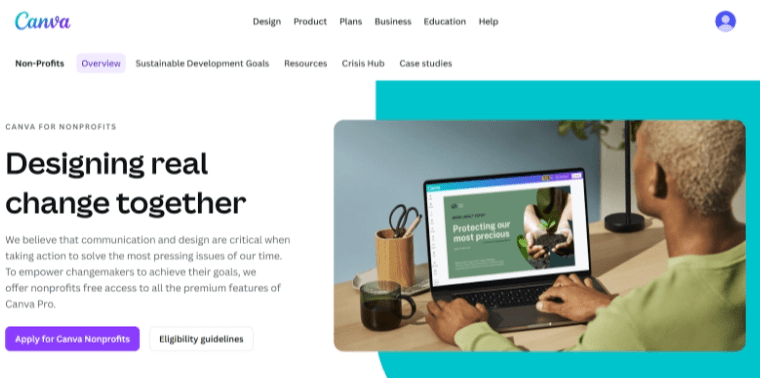
42. Canva for Nonprofits
What’s free:
- Access to Canva Pro features for eligible nonprofits
- Premium templates and design assets
- Brand kits and shared design folders
- Background removal and advanced design tools
- Team collaboration for design projects
Free plan limits to know:
- Nonprofits must apply and verify eligibility through Canva’s nonprofit program.
Fees to expect:
- $0 for approved nonprofit organizations.
Where the catch is:
The free program applies only to verified nonprofits. Teams must apply through Canva’s nonprofit eligibility process.
43. Notion
Notion is an all‑in‑one workspace where your nonprofit can manage notes, projects, and internal knowledge in one place.
- Build simple databases for programs and content calendars lists without needing a developer.
- Create shared pages for meeting notes, SOPs so staff and volunteers always have the latest information.
- Use task boards and timelines to track campaign deliverables and grant deadlines in a single, flexible tool.
- Start with the free plan for small teams and upgrade later if you need advanced permissions or larger storage.
44. FundRobin
FundRobin is an AI‑powered grant writing platform built specifically for nonprofits that want to save time on research and drafting.
- Use built‑in funder matching to discover grant opportunities that fit your region, mission, and compliance requirements.
- Generate first‑draft proposals from your project details, then refine language with AI instead of starting from a blank page.
- Keep everything in one workflow, from eligibility checks to narrative drafts, so your team spends less time copy‑pasting between tools.
- Start with FundRobin’s free tier to test AI‑assisted grant writing before committing to a paid plan.
How to choose the right free software tools for your nonprofit
When nonprofits search for free software tools nonprofits can rely on, the goal is not just to avoid cost. The goal is to avoid friction six months from now.
Here’s how to evaluate free software for nonprofit organizations in a practical way.
Step 1: Start with your bottleneck
Choose the tool that removes your biggest operational headache first. Volunteer scheduling chaos? Start there. Manual donation tracking? Fix that.
Free software rarely solves multiple pain points, so it’s best when you have a specific problem.
Step 2: Look at hard limits before hitting start
Every free plan has a ceiling. Check these main hurdles:
- Contact caps
- Submission caps
- Monthly send limits
- User limits
- Branding requirements
This matters for tools like free accounting software for nonprofits, email platforms, and event registration software for nonprofits. Growth is what usually triggers upgrades.
Step 3: Understand the fee structure clearly
Free can mean:
- $0 subscription, but payment processing fees apply
- $0 platform fee with optional donor tipping
- Free only for free events
- Free desktop version, paid cloud version
There is nothing wrong with any of these models. Just make sure your team understands which one you’re choosing.
Step 4: Think 12 months ahead
Ask one simple question:
If this tool works and our program grows, what happens?
Will that question answer all of these: Will the upgrade be affordable? Will we need to migrate systems? Will the limits become disruptive?
Free tools are excellent starting points. They are not always long-term homes, so consider their upgrades before you get comfortable with them.
Final thoughts on free software tools nonprofits can use
Free software tools nonprofits rely on can stretch a limited budget further when chosen with intention. The goal in the end is not to collect as many tools as possible; it’s removing friction without adding hidden costs or operational strain.
Review limits carefully. Understand processing fees. Plan for growth before you hit it.
If you’d rather avoid stitching together multiple tools, RallyUp, an end-to-end fundraising platform, offers fundraising, ticketing, peer-to-peer, and donation pages under a $0 platform fee model with optional donor tipping.
Consolidation is the most efficient option. Get started with RallyUp today!FAQs about free software tools for nonprofits
Google offers free and discounted tools for eligible nonprofits, including access to Google Workspace for Nonprofits. Some advanced features or upgrades may still require payment.
Slack has a free plan with limited message history and feature access. Eligible nonprofits can also apply for discounted paid plans through Slack’s nonprofit program.
GitHub offers free public and private repositories, and verified nonprofits can access GitHub for Nonprofits benefits. Advanced enterprise features may still require paid plans.
Most free tools still include payment processing fees, usage caps, or feature limitations. Always review pricing pages to understand upgrade triggers and operational costs.
Now that you’ve seen it in action, are you ready to start fundraising?
Get Started