
Top 15 Effective Fundraising Software Options for Nonprofits (2025)
In this article
- Why do nonprofits need a fundraising software tool?
- Quick comparison of 15 top fundraising software tools for nonprofits
- Top 15 online fundraising software: Pros, cons & pricing
- How to pick the right fundraising tool according to your NPO size
- Ready to transform your fundraising? Start with our software
The best fundraising software for NPOs

- Most nonprofits: RallyUp – run auctions, raffles, events, P2P, and donation pages in one place. Perfect for NPOs of all sizes.
- Individuals and smaller org: GoFundMe
- Growing ($250k–$2M): Donorbox, RallyUp
- Auctions & events: RallyUp, OneCause
- Free options: RallyUp, Zeffy
- Simple donor management: Bloomerang
Pick by fees, payment methods, integrations, P2P/auction needs, and support.
Americans donated a record $592.50 billion to charities in 2024, yet countless nonprofits are missing out on their fair share due to outdated fundraising systems.
Let’s say your major donor calls asking about their giving history, and your team spends an hour searching through three different spreadsheets. Or worse – a $50,000 grant deadline passes because crucial contact information was buried in someone’s email who no longer works there.
If this sounds familiar, you’re facing the same crisis as thousands of organizations still managing donors through manual processes.
What happens when 63% of donors prefer online giving, but your organization relies on paper receipts and cash boxes?
The brutal truth: nonprofits using manual systems are inefficient, and they’re actively driving supporters away. For that very reason, we have curated a list of the 15 best fundraising software that NPOs can use blindly.
Why do nonprofits need a fundraising software tool?
When Maya took over as director of a small community nonprofit, she was lost and faced a difficult truth. Donations came in through all kinds of channels: Cash boxes, checks, and random PayPal transfers.
Supporters had concerns, deadlines were constantly missed, and processes were chaotic to say the least.
What Maya needed, and what every growing nonprofit requires, is fundraising software.
A centralized digital platform that manages donor data, processes donations, automates communications, and tracks donor relationships.
Benefits of having an online fundraising software
Here’s how fundraising software transforms nonprofit operations and helps to save time:
- Eliminates data chaos – All donor information, giving history, and communications live in one centralized, searchable database
- Automates time-consuming tasks – Instant receipt generation, recurring donation processing, and follow-up sequences happen automatically
- Enables data-driven decisions – Real-time analytics reveal which campaigns work, identify at-risk donors, and predict giving patterns
- Improves donor experience – Supporters receive immediate confirmations, personalized and transparent communications, and seamless giving options
- Maximizes revenue opportunities – Automated matching gift identification, recurring donation conversion, and targeted appeals increase total revenue
- Ensures compliance and security – PCI-compliant payment processing and automated data protection meet modern security standards
Quick comparison of 15 top fundraising software tools for nonprofits
| Platform | Standout feature | Best for | Pricing |
| RallyUp | An end-to-end fundraising platform for nonprofits for all sizes | All sizes of nonprofit organization | Free plan (tipping); Flex 2.9%-6.9%; Custom for enterprises |
| GoFundMe | Access to 200M+ donor community & built-in discovery | Small nonprofits and individuals | Free setup; 2.9% + $0.30 per donation; Donor tipping model |
| Donorbox | All-in-one fundraising with CRM, donor management, recurring giving, P2P, events, and more. | All sizes of nonprofit organization | Pricing with up to 3.95% platform fee and 2.9% + $0.30 processing fee, with optional paid plans |
| Bloomerang | Donor retention focus with engagement scoring | Mid-sized to large nonprofits | Fundraising $40/mo; CRM $125/mo; Volunteer $119/mo |
| Givebutter | Free all-in-one platform with built-in CRM + events | Small to mid-sized nonprofits | Free (tips model) + 2.9% processing fee; Paid plans starting from $33.80/month |
| Fundly | Deep Facebook integration for virality | Small nonprofits and individuals | 0% platform fee; 2.9% + $0.30 per transaction |
| 99Pledges | Individual donor pages auto-set for each participant | Small nonprofits (schools, sports teams, and groups) | 0% platform fee; 3.49% + $0.49 per transaction |
| CharityEngine | Enterprise-grade CRM + SustainerIQ donor retention | Mid to large nonprofits, enterprises | Custom pricing (demo required) |
| Sustain | Combines donor CRM, campaign tools, reporting, batch ops | Small to mid-sized nonprofits and schools | Custom pricing (demo required) |
| Donately | Beautiful, customizable donation forms + peer-to-peer | Small to mid-size nonprofits | 4% fee (Core); $99/mo (lower fees) Prepay $5K (no fees, up to $1M raised) |
| OneCause | Auction AI + Text2Give for events & mobile giving | Mid-sized nonprofits and enterprises | Modular pricing; pay-as-you-go ($200 + 5%); Annual subs ($2,995/yr) |
| Zeffy | Online fundraising with donation pages, P2P, and raffle | Small grassroot level organizations | Free with donor tipping |
| Neon One | Nonprofit CRM + basic online fundraising | Small to mid-size organizations | Pricing: $99 / $209 / $409 per month; One-time implementation from $349; Processing fee |
| Fundraise Up | Donation pages with conversion-optimized checkout | Mid to large-size organizations | 4% transaction fee and Stripe or PayPal fees |
| Funraise | Donation pages and CRM software | Small to mid-size organizations | Free plan: 5% platform fee + 2.9% + 30¢ processing fee; Paid plan from $99/month; 0-5% platform fee + 2.9% + 30¢ |
Top 15 online fundraising software: Pros, cons & pricing
1. RallyUp
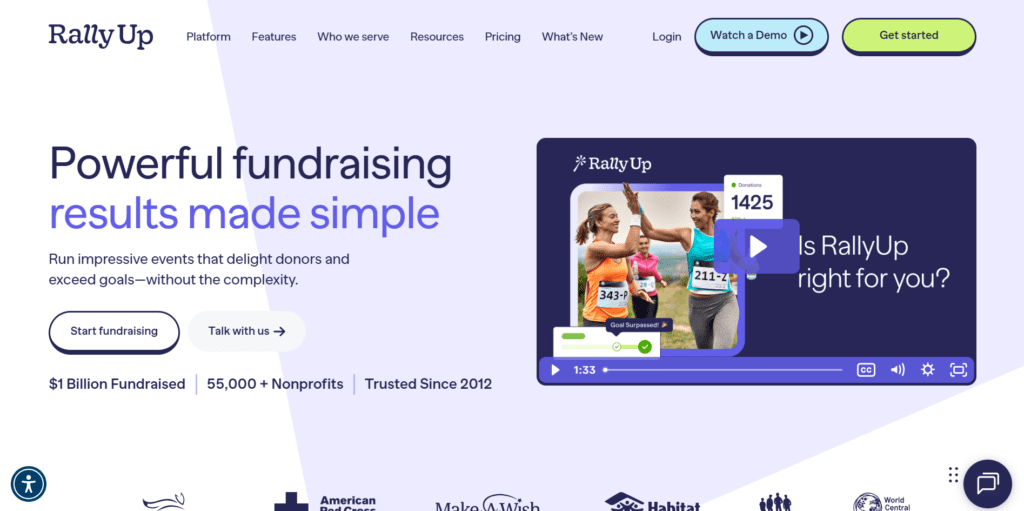
RallyUp is a tech-first fundraising platform that brings every campaign type (raffles, auctions, sweepstakes, crowdfunding, ticketing, peer-to-peer, and more) into one place.
Best for: Nonprofits that want modern fundraising tech with strong branding and seamless integrations.
Features:
- Instant templates for fast 10-minute campaign setup.
- Total custom branding for custom domain, white-labeling, and branding.
- Donor profiles to track giving history and preferences.
- Native email automation powered by ActiveCampaign.
- Integrations with Salesforce, Mailchimp, ZohoCRM, Google Analytics, Meta, and more.
- Enterprise security: SOC 2, PCI Level 1, AWS architecture, 99.9% uptime.
Pricing:
- Free plan with optional donor tipping
- Flex plan without tipping; platform fee 2.9%-6.9% depending on activity
- Custom pricing for galas and events
Pros:
- All-in-one platform with a complete set of fundraising features
- Deep branding, CRM, and email integrations, automated donor workflows
- Free donation pages for all customers
- Strong security and fundraising specialists on hand.
Cons:
- No in-built CRM
2. GoFundMe
If online crowdfunding platforms had a household name, it would be GoFundMe. It’s where countless personal stories, community drives, and nonprofit campaigns were born.
Best for: Nonprofits that rely on storytelling, need quick campaigns, and want access to the largest donor pool online.

Features:
- Editable campaigns to update your story, add photos, and adjust goals anytime.
- Team fundraising adds teammates to post updates and engage donors.
- A donor community of 200M+ and built-in campaign discovery.
Pricing:
- Free to start; no setup fees
- Standard 2.9% + $0.30 per donation
- Donor tipping helps support platform costs
Pros:
- Good visibility and social reach
- Fast to set up with no upfront costs
- Flexible tools with Pro upgrade for nonprofits
Cons:
- Primarily for individuals and smaller grassroot level organizations
- Limited CRM and reporting compared to dedicated fundraising software
3. Donorbox
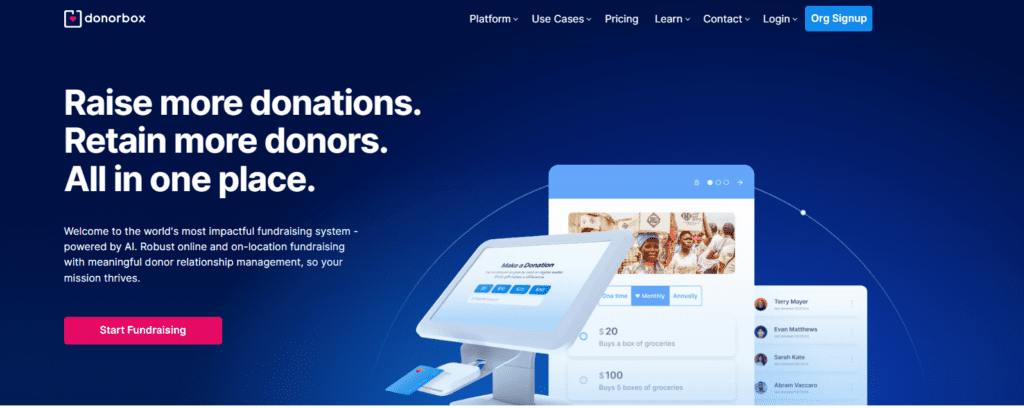
Donorbox is a complete fundraising and CRM platform that makes it easy to collect donations, run campaigns, manage donors, and keep every interaction organized. Nonprofits get clean donor data, smarter segmentation, and flexible giving tools without the usual complexity.
Best for: Fast setup, donation forms with broad payment options, and nonprofits of any size.
Features:
- Customizable donation forms and pages with UltraSwift checkout
- P2P, crowdfunding, events, and memberships
- Donorbox Live Kiosk for in-person giving
- Crypto and stock donation options
- Donor management tools for tracking and segmentation
- 50+ currencies, major digital wallets, and key integrations like Salesforce, Mailchimp, QuickBooks, and Zapier
Pricing:
- Free to start; platform fee typically 2.95%–3.95% per donation (varies by campaign type)
- Payment processing fees apply (about 2.2% + 30¢ for cards, 0.8% capped for ACH)
- Lower platform fees available on Pro (monthly fee at $150) and Premium (custom) plans
- Optional add-ons and advanced integrations include extra charges
Pros:
- Wide range of fundraising tools in one place (forms, P2P, events, memberships, kiosk)
- UltraSwift checkout and broad payment options boost conversions
- Accepts crypto and stock donations to reach new donor segments
- Donor management tools and useful integrations
Cons:
- Platform and processing fees can add up, especially at scale
- Advanced features and integrations may require monthly paid plans
- Learning curve for organizations that only need basic fundraising tools
4. Bloomerang CRM
Bloomerang focuses on donor retention. Its CRM is built around tracking engagement, improving communication, and helping nonprofits keep more of the donors they already have.
Best for: Nonprofits that want to improve donor retention while managing campaigns, volunteers, and memberships in one CRM.
Features:
- Mobile-first donation forms with recurring options.
- Peer-to-peer pages with drag-and-drop builders.
- Auctions and event fundraising tools.
- Donor CRM with engagement/retention tracking.
- Volunteer management alongside donor data.
Pricing:
- Fundraising module: starts at $40/month
- CRM module: starts at $125/month
- Volunteer management: $119/month
Pros:
- Focused on donor retention with engagement scoring
- Broad feature set covering donors, volunteers, and members
- Additional features as add-ons
Cons:
- Costs rise as supporter records and modules grow
- Limited features for larger fundraising events
5. Givebutter
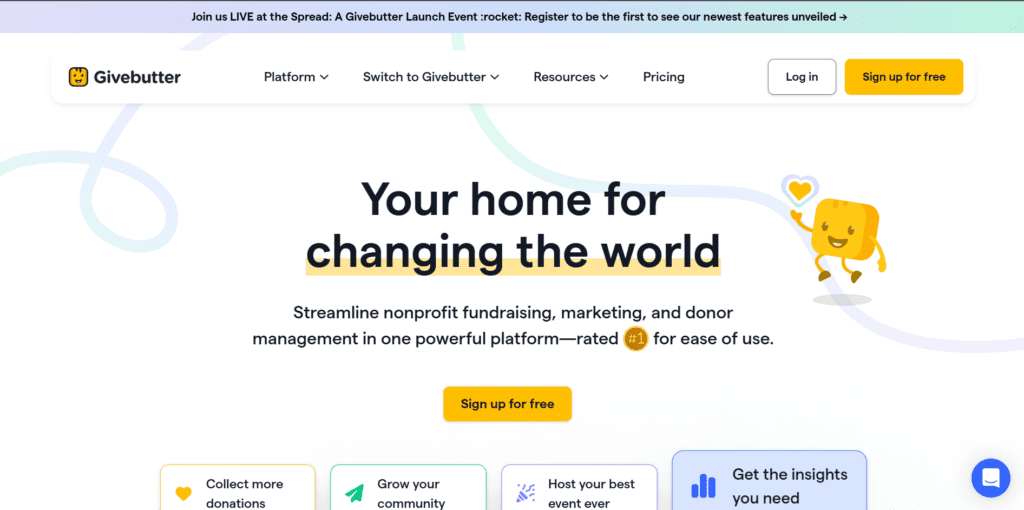
Givebutter is an all-in-one fundraising platform that brings donation forms, pages, events, auctions, CRM, and livestreaming together with accessible tools for every nonprofit.
Best for: Nonprofits that want a free, unified fundraising platform with built-in CRM, events, livestreaming, and modern donor engagement tools.
Features:
- Built-in nonprofit CRM with unlimited contacts, donor histories, and custom tags.
- Marketing tools: text/email updates, Canva integration, milestone automations.
- Accept recurring donations through forms, event pages, and widgets, with donor self-service.
Pricing:
- Free option with limited features + processing fees of 2.9%
- Paid plans starting from $33.80/month + processing fees of 2.9%
Pros:
- Get suggested giving amounts
- Built-in CRM and donor tracking
- Highly flexible payment options, including social wallets and DAFs
Cons:
- Limited customization
- Pricing can add up for larger events
- Not the best donor experience as per reviews
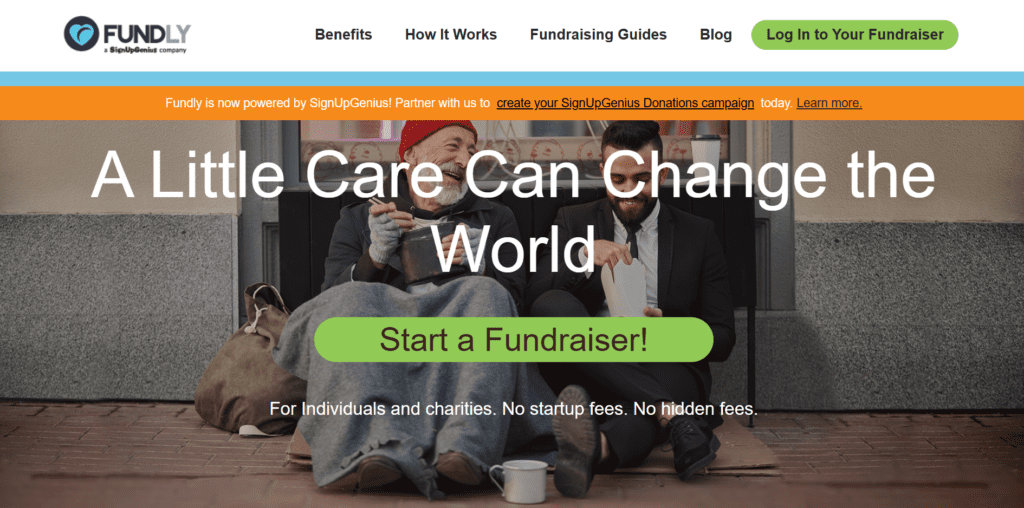
6. Fundly
Fundly is a crowdfunding platform that is mainly for grassroots campaigns, especially through Facebook integration. That can be a positive or negative depending on your team size, event type, and your fundraising goal.
Best for: Individuals and small nonprofits looking for fast, story-based crowdfunding with Facebook reach and engaging, visual campaign pages.
Features:
- Deep Facebook integration to raise directly from posts.
- Custom campaign pages with giving levels and embeddable widgets.
- Peer-to-peer support for teams, personal campaigns, and live updates.
- Built-in event management, including Eventbrite ticketing.
- Real-time analytics and donor location heat maps.
Pricing:
- 0% platform fee with donor tips
- Credit card processing: 2.9% + $0.30 per transaction
Pros:
- Strong social media virality, especially via Facebook
- Customizable and visual campaign pages with analytics and live updates
Cons:
- Support and interface are basic, and some users require a learning-curve
- Lacks advanced CRM, recurring giving, or team growth tools
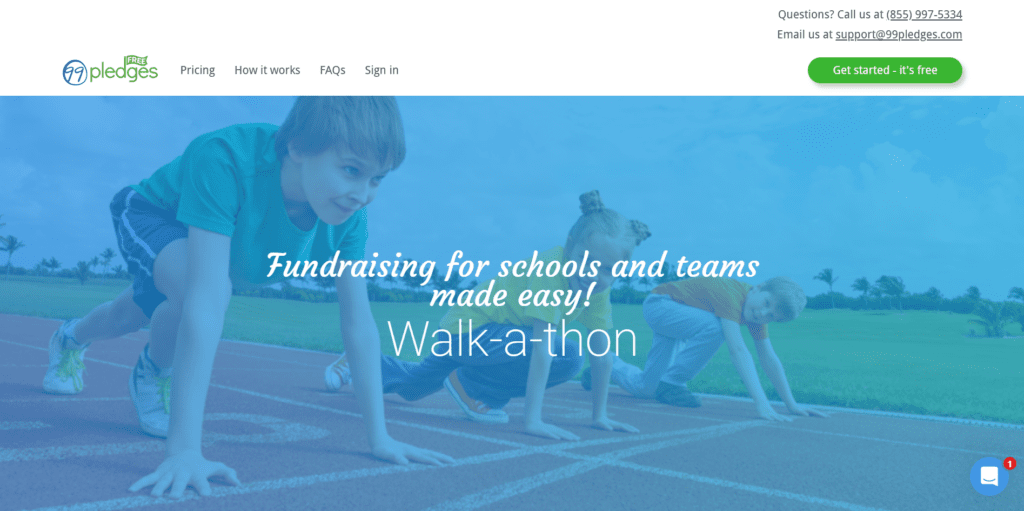
7. 99Pledges
99Pledges is a free, pledge-based fundraising platform that is for sports teams, schools, and clubs for events like Walk-a-thon and Read-a-thon.
Best for: Schools, sports teams, and community groups running pledge-style events.
Features:
- Each participant gets their own donation page, set up and handled for you.
- Shareable via email, Facebook, and Twitter.
- Real-time tracking and leaderboard-style reporting for campaign progress.
Pricing:
- Platform fee: 0% but heavy processing fees
- Transaction fees applicable: 3.49% plus 49 cents per transaction
Pros:
- Launch campaigns quickly with pre-made individual pages
- Transparent cost structure
- Dedicated peer-to-peer platform
Cons:
- Limited to pledge-based and team fundraiser formats
- No advanced CRM, recurring giving, or donor cultivation features
8. CharityEngine
CharityEngine is an enterprise-grade, wide-range fundraising software CRM. It’s designed for growing and large nonprofits that want full control and smooth scale.
Best for: Medium-to-large nonprofits and enterprises targeting high donor retention, full-suite fundraising tools, secure payment processing, and deep analytics.

Features:
- CRM plus advocacy, auctions, events, direct mail, email marketing, and CMS.
- SustainerIQ for superior monthly donor retention.
- Grant and case management with calendars and document tracking.
- Advanced reports, dashboards, email deliverability tools, and fundraising analytics.
Pricing:
Custom pricing available on request
Pros:
- SustainerIQ boosts monthly giving retention above industry averages
- Enterprise-level security and fraud protection built in.
- Powerful reporting, automation, and analytics
Cons:
- Not ideal for small organizations
- Pricing isn’t transparent
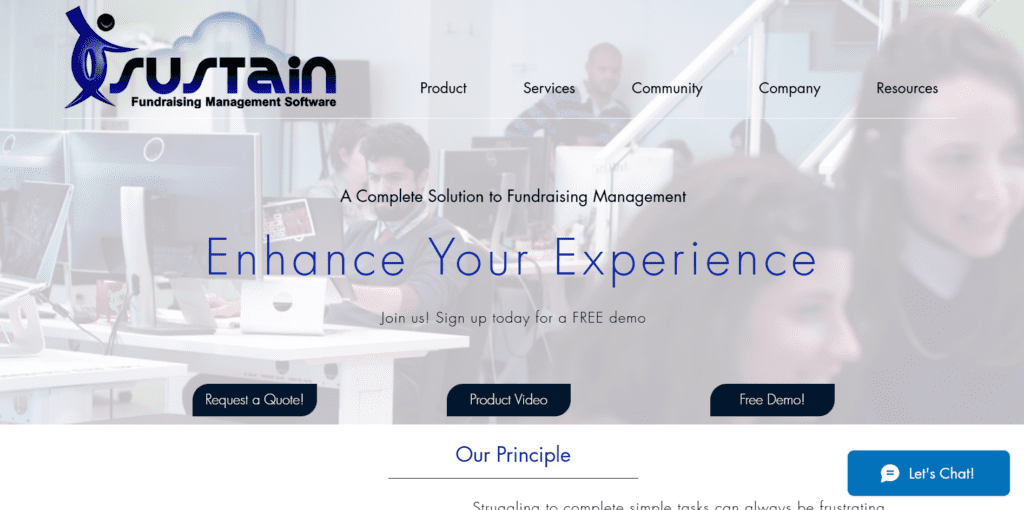
9. Sustain
Sustain is a fundraising management system for nonprofits seeking both organization and simplicity. It combines donor management, campaign tools, reporting, and batch services.
Best for: Nonprofits (especially schools or growing organizations) that need a user-friendly platform that manages donors, donations, outreach, and operations.
Features:
- All-in-one donor CRM with constituent profiles and scoring.
- Outbound outreach like direct mail, template letters, labels, and email building.
- Online/offline donations in a single “Gifts” page.
- Custom reports on demand: drill-downs, exports, year-end statements.
- Batch operations: recurring gift processing, data imports/edits, NCOA/Wealth Engine integrations.
Pricing:
Custom pricing available on request
Pros:
- Easy to use for daily tasks across teams
- Strong support, training, and data conversion services are included
Cons:
- Reporting customization is limited to pre-built options
- Not fully browser-based yet, so it runs via remote access to a Windows server, which may feel dated
10. Donately
Donately is built around one simple idea: donation forms should be easy to use, look great, and actually convert. It also adds on peer-to-peer fundraising and donor management, so nonprofits can grow without juggling extra tools.
Best for: Small to mid-size nonprofits that need beautiful forms, peer-to-peer campaigns, and donor management in a transparent, friendly, and fast-to-launch platform.

Features:
- Fully customizable, mobile-optimal donation forms and campaign pages.
- Peer-to-peer and team fundraising with leaderboards and real-time meters.
- Recurring giving, custom fields, dedications, and donor fee options.
- Strong integrations with Stripe, PayPal, Mailchimp, Salesforce, Zapier, and more.
- Built-in CRM features like profiles, giving history, segmentation, reporting, and auto receipts.
Pricing:
- Standard fees plan: 4% platform fee
- Lower fees plan: $99/ month plan
- No fees plan: Prepay $5,000 for up to $1M raised
Pros:
- Transparent pricing and optional donor fee coverage
- Strong integrations with popular tools and fast onboarding support
Cons:
- Transaction and platform fees (even on paid plans)
- Enterprise needs require a custom quote and setup
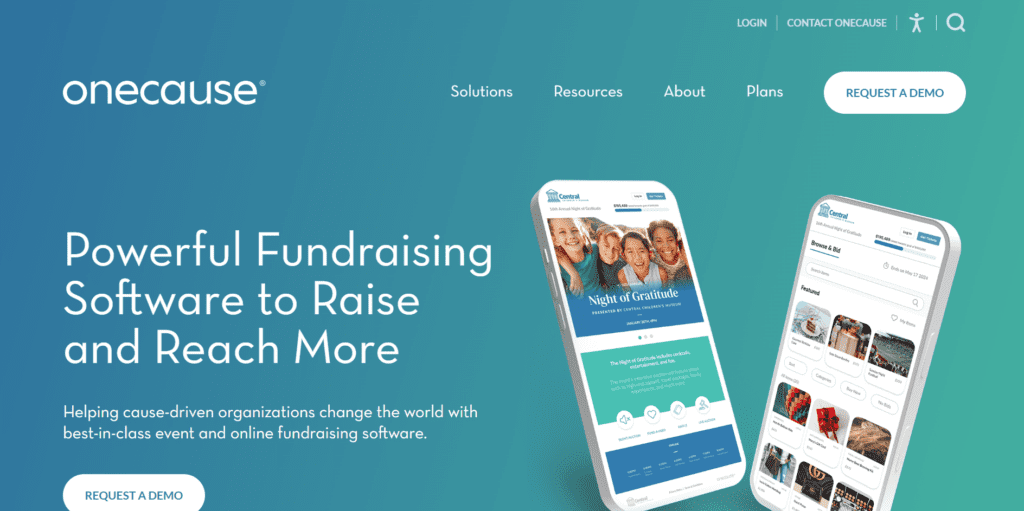
11. OneCause
OneCause is a fundraising platform for running auctions, events, peer-to-peer campaigns, online giving, and text-to-give backed by smart features and real-time support.
Best for: Both small and large organizations that run auctions, events, or peer-to-peer fundraisers and want AI to optimize performance, plus mobile-friendly giving.
Features:
- Auction AI recommends auction items, auto-sorts listings, and generates item descriptions from your catalog.
- Text2Give is a mobile-friendly giving with custom keywords, real-time display, and a PCI-compliant donor experience.
- Event toolkit runs hybrid or virtual fundraisers with mobile bidding, livestreaming, auctions, and registration.
- Peer-to-peer campaigns support awareness days, DIY events, and personal fundraising pages with engagement tools.
- Analytics and dashboards track fundraising performance and donor trends in real time.
Pricing:
Custom pricing available on request
Pros:
- AI features help with auction engagement and earn more revenue.
- Text2Give offers frictionless, mobile-first giving.
Cons:
- Pricing isn’t transparent and requires a demo for a custom quote.
- For organizations focused only on basic giving tools, the full suite may feel more than required.
12. Zeffy
Zeffy is a free fundraising software, but the platform is funded by optional donor tips. Nonprofits of 2-10 members can consider Zeffy for their online fundraising efforts.
Best for: Smaller organizations looking for an only online software for nonprofit fundraising.

Features:
- Easy to use donation forms
- Event ticketing, raffles, and online store options
- Zero fees platform for nonprofits to raise funds
- Web app available for fundraising solutions
Pricing:
Free tool for nonprofit organizations but donors can tip at the time of payment.
Pros:
- Includes a basic donor management system
- Perfect for small fundraising events
- Easy to use for beginners
Cons:
- Only online fundraising options
- Not suited for mid to large organizations
- No mobile app
13. Neon One
Neon One is a nonprofit CRM with fundraising, events, memberships, email, reporting, and built-in Neon Pay processing.
Best for: Donor/database CRM with fundraising, events, and Neon One ecosystem
Features:
- Predominantly a tool for donor and contact management
- Run basic fundraising campaigns and events
- Grant tracking and Neon Pay features
Pricing:
- Paid plans from $99 / $209 / $409 per month
- One-time implementation from $349
- Processing fee of around 3%
Pros:
- Transparent tiered pricing
- Robust CRM features
- In-suite payment options
Cons:
- Requires tech support and implementation
- Pricing can add up for NPOs with a budget
- Not the best user experience as per reviews
14. Fundraise Up
Fundraise Up focuses on high-converting checkout and AI-optimized asks. It is good for smaller organizations with under $300,000 in donations. Beyond that, plans are complicated, and the pricing can be a pain.
Best for: Nonprofits with only online fundraising campaigns and those looking for conversion optimization.

Features:
- A/B test different donation amounts
- Dynamic fee coverage
- Integration available for nonprofit fundraising
Pricing:
- Free till $300,000 donation amount
- 4% transaction fee and Stripe or PayPal fees
- Enterprise pricing available on request
Pros:
- Enterprise grade compliance
- Good fundraising software for conversion lift
Cons:
- Commission model may exceed flat-fee
- Limited features for smaller NPOs
15. Funraise
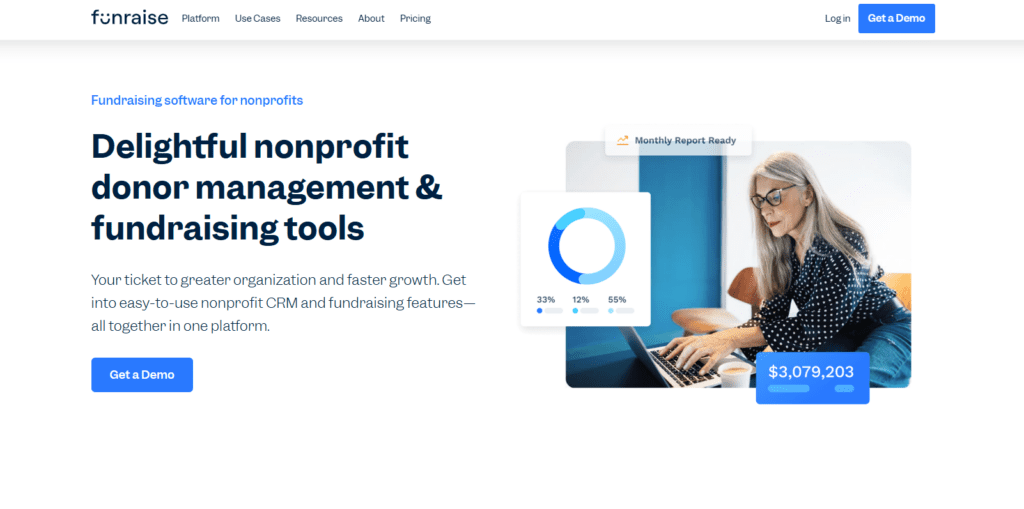
Funraise offers simple donation forms along with features like events/ticketing, and Funraise payments. Good option for nonprofit organizations with under $1M in revenue as the free model is applicable only for smaller NPOs.
Best for: Online fundraising (forms, P2P, events, auctions) with built-in payments.
Features:
- Recurring donations available
- Simple donor management and communication tools
- Customizable forms make it easy to market
Pricing:
- Free plan: 5% platform fee + 2.9% + 30¢ processing fee
- Paid plan from $99/month: 0-5% platform fee + 2.9% + 30¢
Pros:
- Broad feature set for fundraising tools
- Manage donor relationships and contact info
- Track donor journey
Cons:
- Some advanced integrations/features may require additional charges
- Different pricing model for larger organizations
How to pick the right fundraising tool according to your NPO size
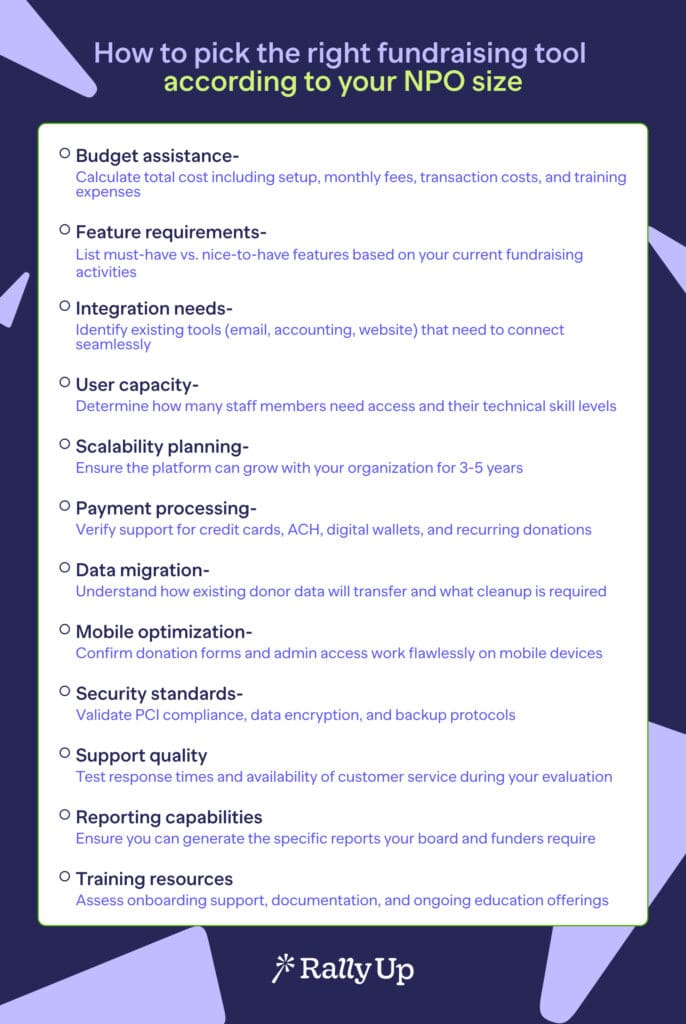
Not every nonprofit needs the same software. The right fundraising tool depends on size, budget, and goals.
Use this checklist to figure out your next step in choosing the right fundraising software tool:
Ready to transform your fundraising? Start with our software
A small nonprofit that tries to raise money with only spreadsheets and sticky notes spends hours finding receipts and donors, and still falls behind.
Switching to a fundraising platform changes everything: Donations come in online, reports take minutes, and supporters get instant updates.
A good fundraising software gives small teams the structure to look professional and big organizations the tools to climb higher.
RallyUp’s all-in-one approach eliminates the chaos of managing multiple systems while providing enterprise-level security, deep branding customization, and native integrations with leading CRMs.
Organizations using RallyUp report faster campaign setup, higher donor engagement, and significant time savings from automated workflows.
FAQs on fundraising software for nonprofits
Most nonprofits spend 2-5% of their annual fundraising revenue on software and processing fees combined. Small organizations (under $100K raised) often start with tip-based platforms, while larger nonprofits ($500K+) typically invest in monthly subscription models to reduce per-transaction costs and access advanced features like analytics and automation.
Some platforms run on optional donor tips instead of charging nonprofits directly. If tips are turned off, a standard platform fee applies alongside payment processing fees. This means if you fundraise $500, a set certain percentage according to the fundraising platform is deducted from it.
Use a nonprofit CRM or fundraising software with built-in reporting. These tools log donations, track donor history, generate receipts, and create dashboards that replace messy spreadsheets and manual data entry.
RallyUp, 99Pledges, Zeffy, GoFundMe, and Givebutter offer free plans. 99Pledges charges only card processing fees, while RallyUp, Givebutter, and Zeffy run on donor tips unless nonprofits opt for a paid plan to remove tip prompts.
Now that you’ve seen it in action, are you ready to start fundraising?
Get Started