Easily create and launch fundraisers that catch the eyes of prospective donors.
RallyUp makes it easy to create an Campaign so you can start fundraising as soon as possible.
What do I need before creating a Campaign?
If you haven’t done so already, you’ll need to first create a RallyUp account and register your organization before you can create a Campaign: How-to: Get Started by Creating an Account and Registering Your Organization.
How do I create a new Campaign?
- Go to Account Navigation in the left menu and select Campaigns.
- Select NEW CAMPAIGN in the top right corner of the screen:

- Start with a blank Campaign or select an Instant Fundraising Template with pre-filled settings:
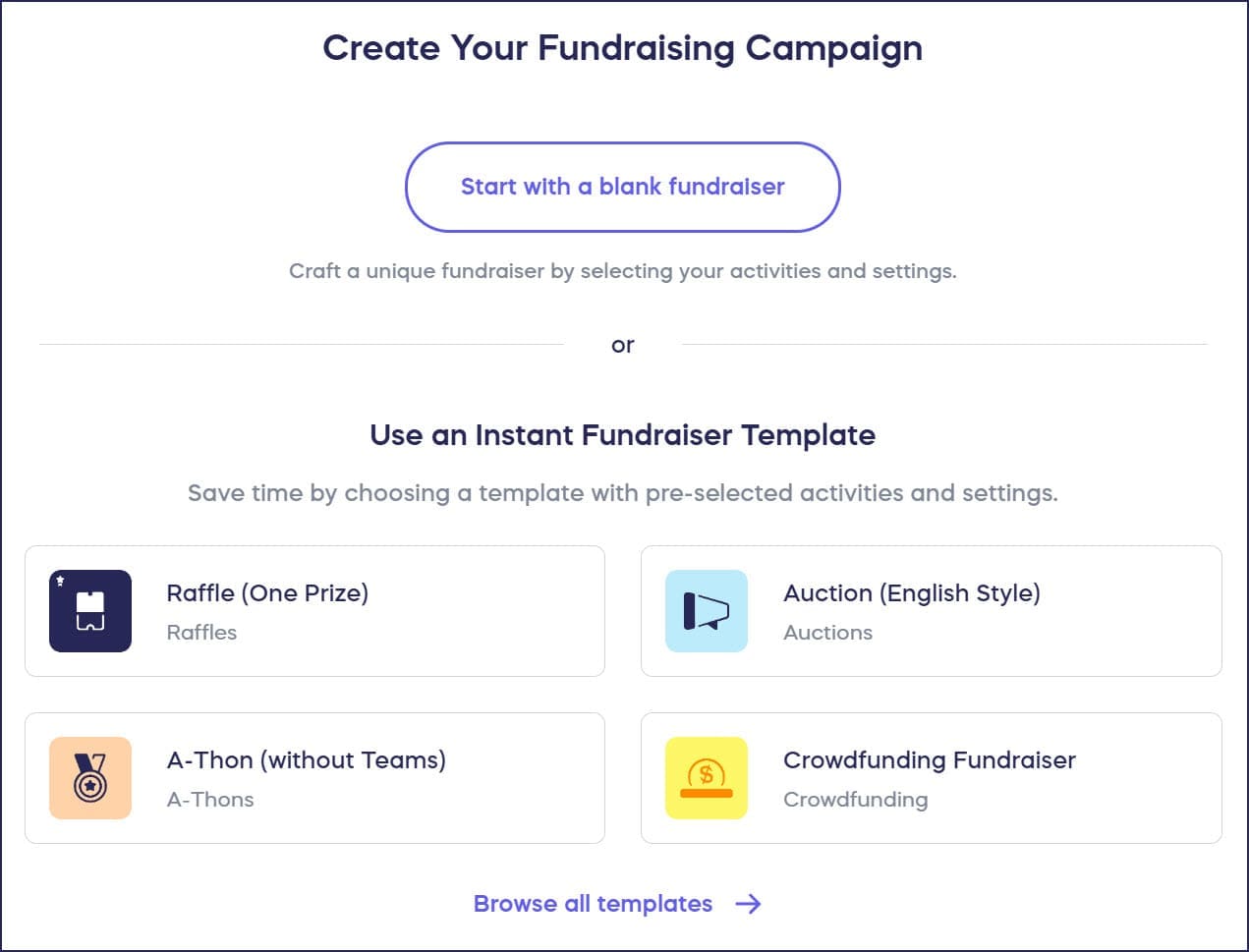
Understand: Instant Fundraiser Templates
- Answer a few questions to help us understand your Campaign’s needs, then select the fundraising Component(s) you want to use:
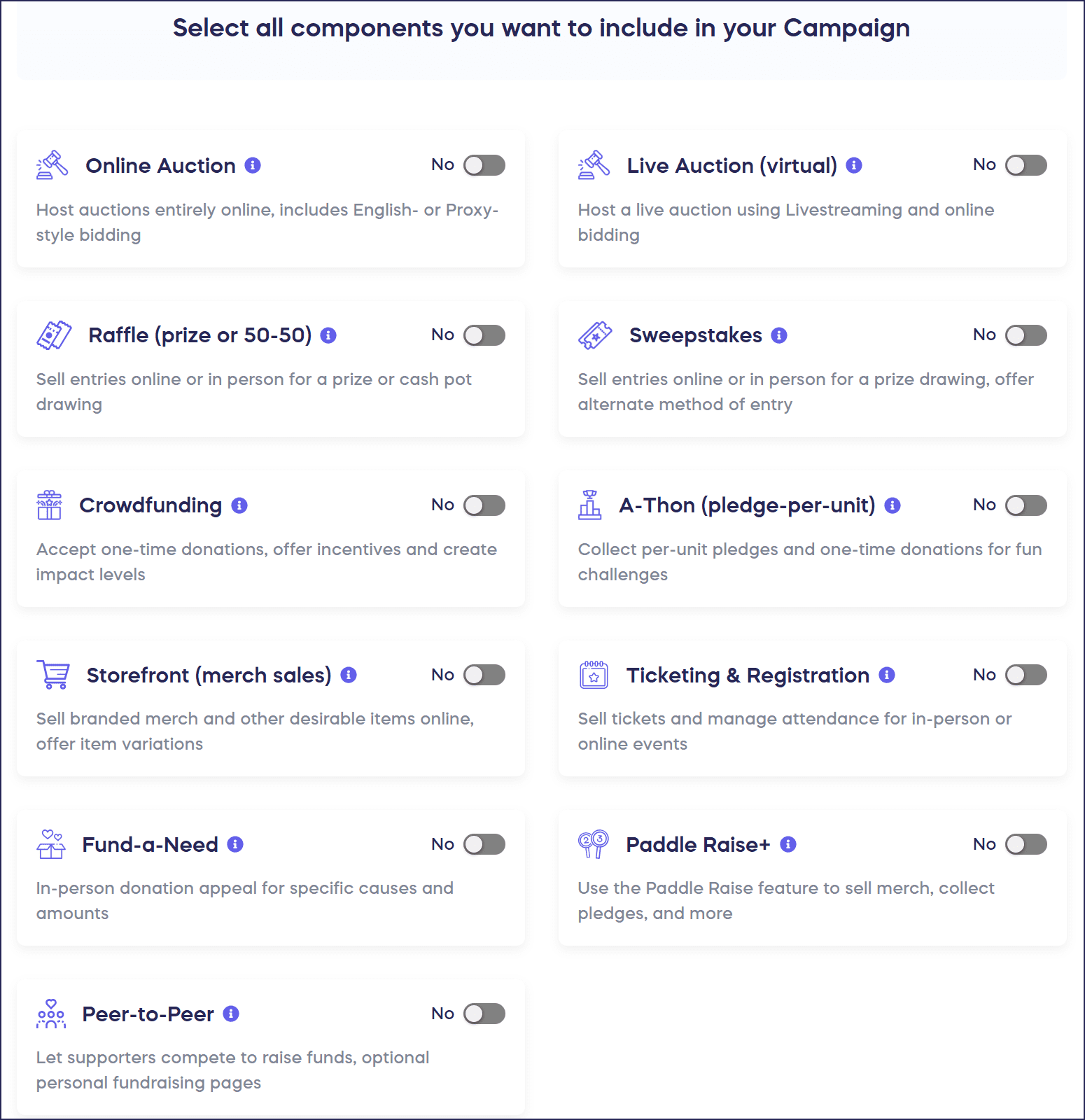
- Proceed through each step in Campaign Setup to customize your settings.
- If you’re ready to launch your Campaign right away, select Go Live:
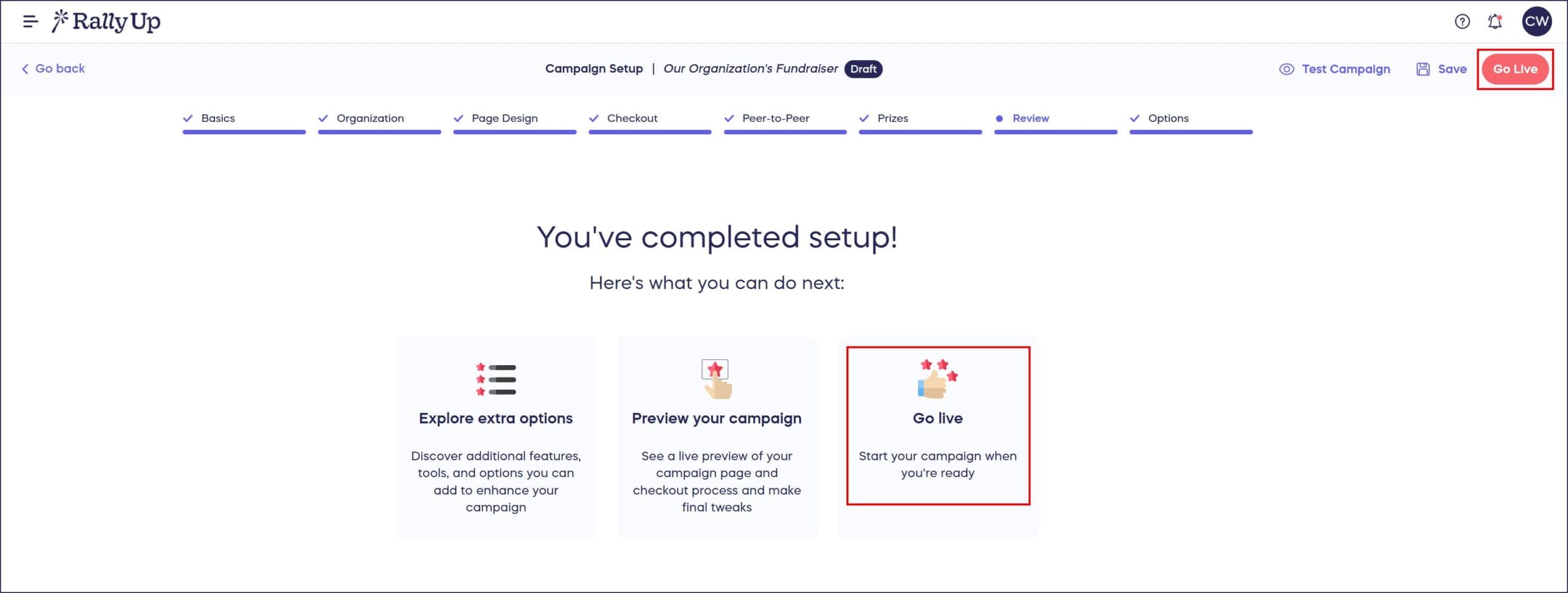
If you’ve set your Campaign to start at a later date/time, select Complete Setup:

Can I preview my Campaign before going live?
- You can preview your Campaign before going live, including running test transactions and more: How-to: Preview Your Campaigns in Draft Mode.
- Even after you go live, many settings can be adjusted and changed: How-to: Update Your Campaign After Publishing.
Frequently Asked Questions
Do I need an account to create a Campaign?
Yes, you need to create a RallyUp account and register your organization before you can create a Campaign. This ensures your fundraisers are properly set up and funds go to the right place.
What are Instant Fundraiser Templates?
Instant Fundraiser Templates are pre-configured Campaigns with common settings already filled in. They help you launch fundraisers faster by providing a starting point you can customize for your specific needs.
What’s the difference between “Go Live” and “Complete Setup”?
You’ll see “Go Live” if you’ve configured your Campaign to launch immediately after completing Setup. You’ll see “Complete Setup” if you’ve scheduled your Campaign to start at a later date or time. Both options save your settings.
Can I test my Campaign before donors see it?
Yes, you can preview your campaign in Draft Mode before going live. This allows you to run test transactions, check how everything looks, and make adjustments without donors seeing your work-in-progress.
What happens if I need to change settings after publishing?
Many Campaign settings can be adjusted and changed even after you go live. You can update descriptions, images, goals, dates, and more without taking your Campaign offline.
What else should I know about customizing my Campaign?
Understand: RallyUp Fundraising Components
Understand: Campaign Customization Options
How-to: Format Campaign Banner Images
Insights: Add Storytelling Elements to Your Campaign Description