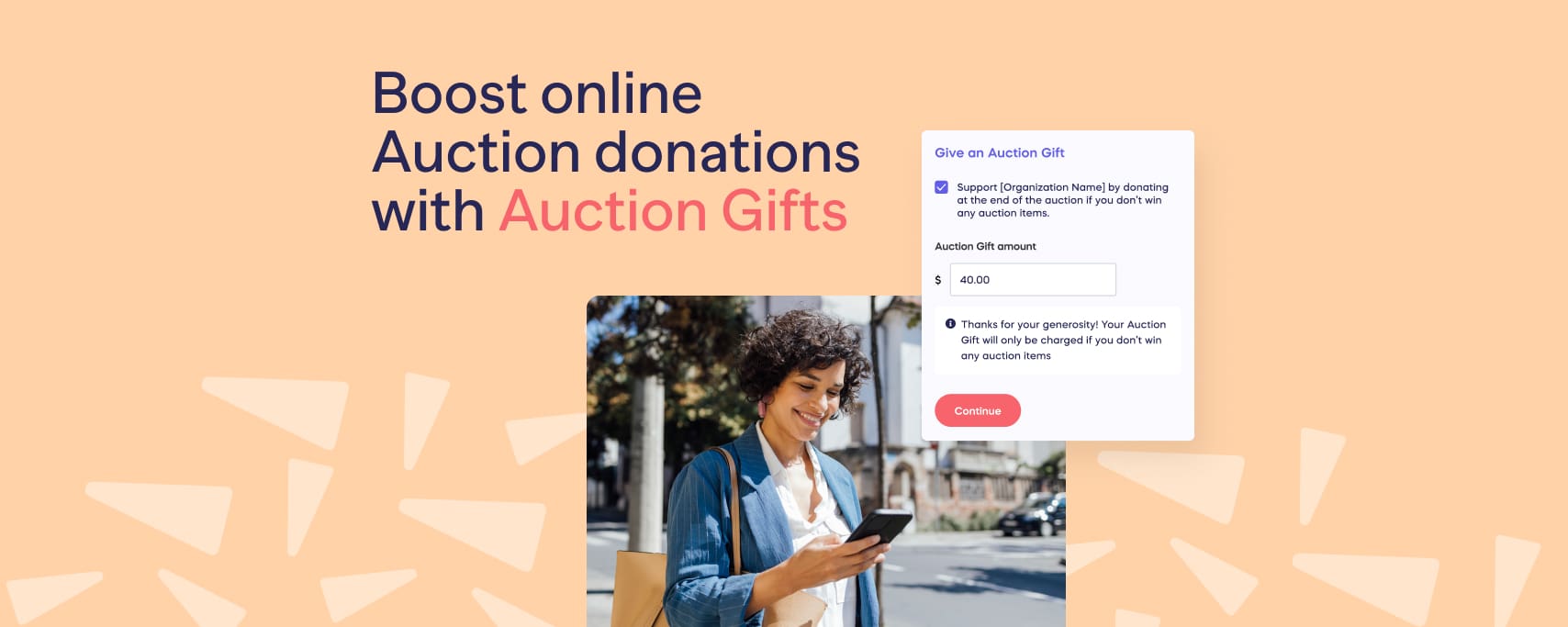
Boost Online Nonprofit Auction donations with Auction Gifts
Using Auction Gifts to Increase Fundraising Support
Auction Gifts give bidders the opportunity to support your cause even if they don’t win an auction item.
RallyUp, a complete all-in-one fundraising platform, is the only platform that provides this feature.
It’s simple for both donors and organizers — you can enable it instantly, suggest gift amounts, and monitor everything in real time.
Here’s how to set it up:
Go to RallyUp: Open your auction and navigate to the Auction Gifts section.
Toggle it on: Turn on the feature with a quick switch to activate Auction Gifts.
Set suggested amounts: Provide recommended gift amounts to help bidders decide how much to contribute.
Track in real time: Monitor pledges, payments, and all auction activity from a single dashboard.
Once enabled, you can collect additional support from every bidder — whether they win an item or not!
Auctions are one of the most popular fundraisers to run, and for good reason! Everyone loves how fun and thrilling they are. Now, with RallyUp, you can up the ante on your next auction with the latest in online fundraising: Auction Gifts! This innovative new feature will help you get more donations from online auctions without doing anything extra.
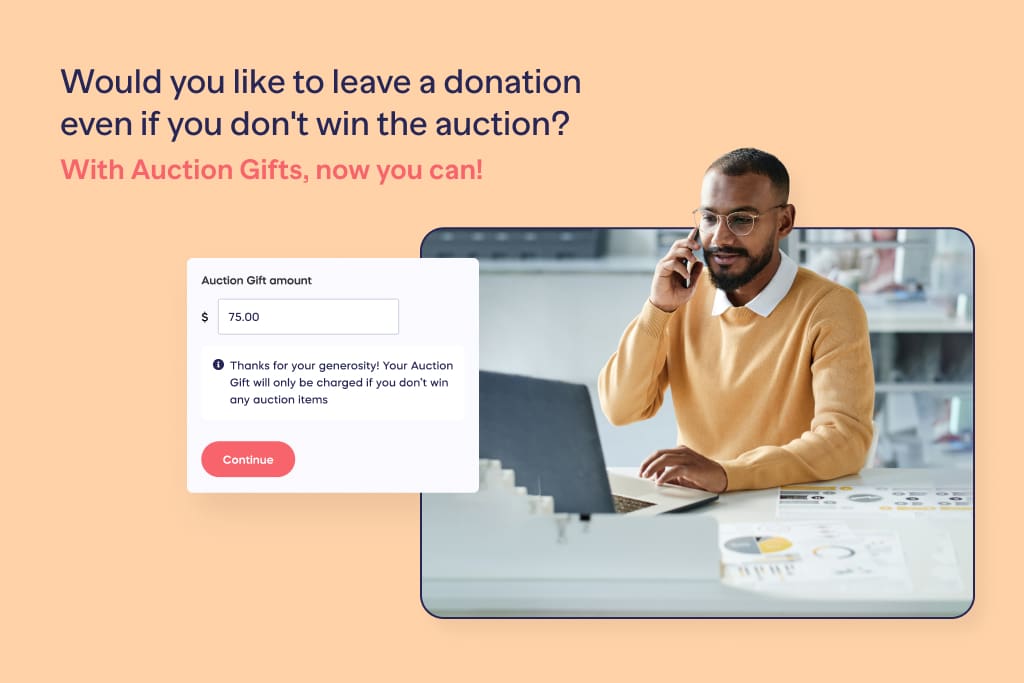
RallyUp is the ONLY fundraising solution that has this cutting-edge Auction Gifts technology. That means maximizing your bidding potential and incoming donations can only be done with the online auction software at RallyUp.com.
In this blog, we are auction gifting you (see what we did there 😉) with how to run perfect online auctions with RallyUp.
In this article
What are Auction Gifts?
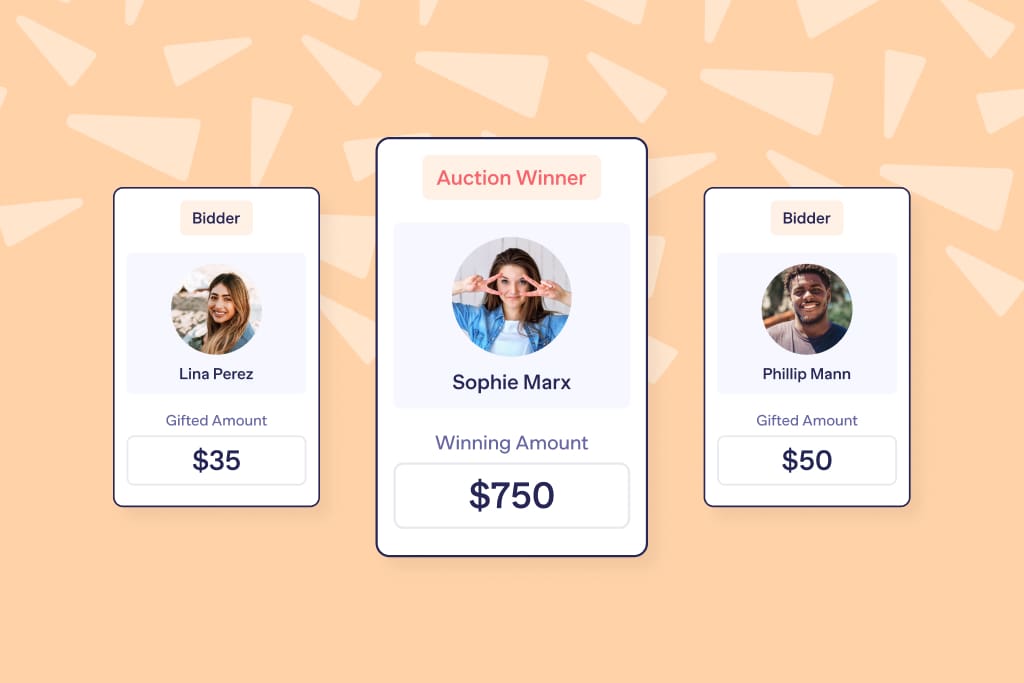
Auction Gifts allow your bidders to choose to leave a donation if, and only if, they don’t ultimately win the item. With the Auction Gifts feature, you can receive donations from any and every potential auction bidder, and not just the winner.
All you need to do is add the Auction Gifts feature to your online auction. Then, any auction bidders that don’t win an auction item will still have the opportunity to donate to your cause.
By enabling this auction software (which is an optional feature), you just gifted yourself with hundreds more potential donors in every online auction you run.
How Auction Gifts make life easier for organizers
Sure, Auction Gifts are easy for donors. But we didn’t stop there. We built them to be just as easy for you – the person running the whole thing.
Let’s walk through how we make that happen:
Simple to set up, simple to manage
You can instantly enable Auction Gifts with just the push of a simple toggle. What’s more, if a bidder leaves an Auction Gift, and all the bidder’s auction item bids are canceled by the organizer, the Auction Gift will also be canceled automatically.
We made this auction software super easy to use so you can focus on your fundraiser, not the technology.
Real-time reporting
Keep an eye on your online auction with donation tracking that we’ve made even sweeter with our “at-a-glance reporting” for organizers.
All Auction Gifts appear right alongside bids, items, and inventory, so you can see what’s been pledged and what’s been paid without jumping between tools or spreadsheets.
Built to fit your community
You can intelligently optimize donations by suggesting the ideal gift amount for each auction item based on what you think will work best for your community.
Now you can cater to your community, whether your donors come from a local business, a local restaurant, or local artists. You have the authority to suggest gift amounts for all your donors.
Support beyond winning bids
We’ve all been there – you bid, you don’t win, but you still care about the cause. Auction Gifts let those supporters give anyway, without changing how bidding works. Winners pay for their items, and everyone else can donate if they want to. Easy, fair, and no pressure.
So, now that you’re up to speed on this incredible online auction software. Let’s break down how you can run your online Auction in minutes on RallyUp.
How to set up Auction Gifts on RallyUp
As an organizer, adding auction gifts to your next online auction, couldn’t be simpler! You will be grinning from ear-to-ear, with not only how easy it is, but with the magnitude of potential more donations it brings!
Step 1: Visit RallyUp.com
Head to RallyUp.com to start your online auction. It’s free, quick to set up, and works on both mobile and desktop. You can run everything from wherever you are, and bidders can place bids straight from their phones.
Desktop View
or
Mobile View
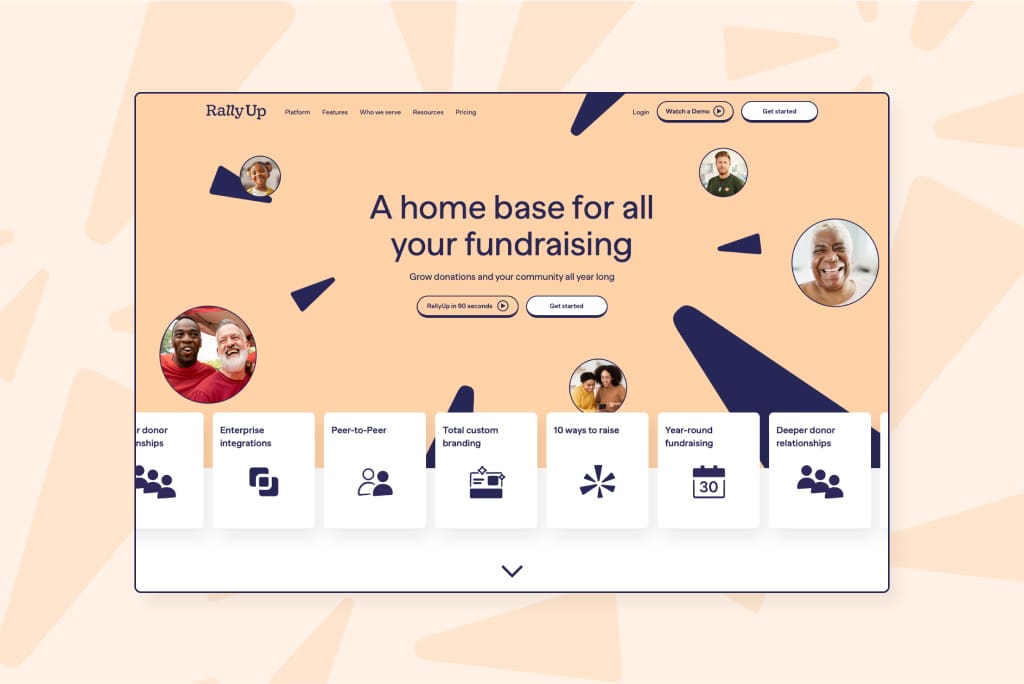
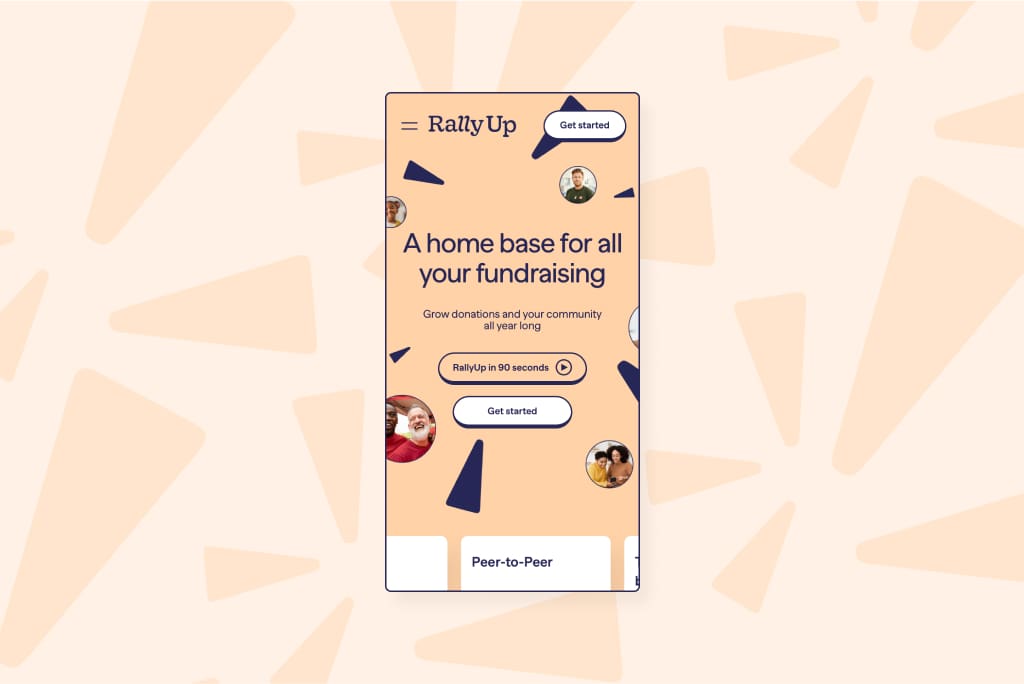
Step 2: Get Started in minutes
To Begin, click “Get Started” at the top, right corner.
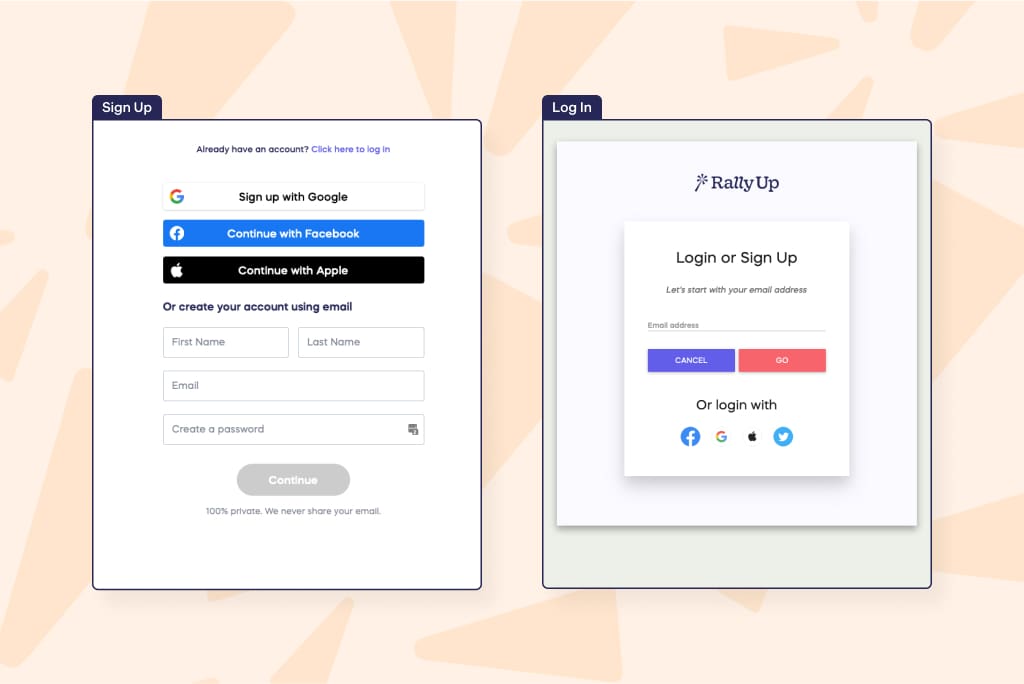
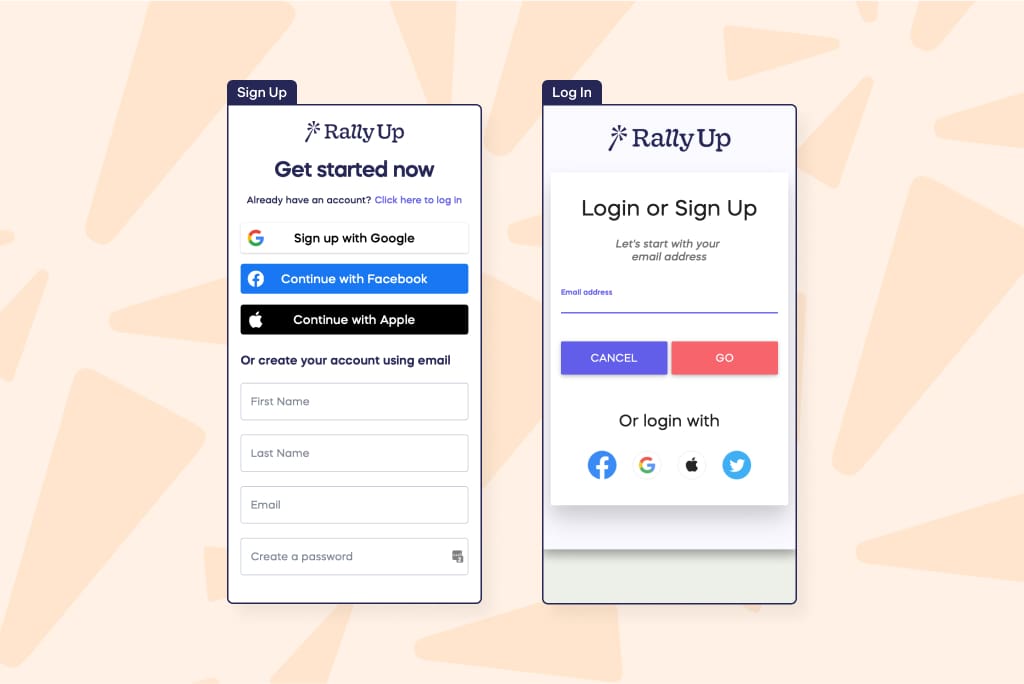
Step 3: Create your RallyUp account
Sign up with a few fast personal details or simply log in if you are an existing member.
Desktop View
or
Mobile View
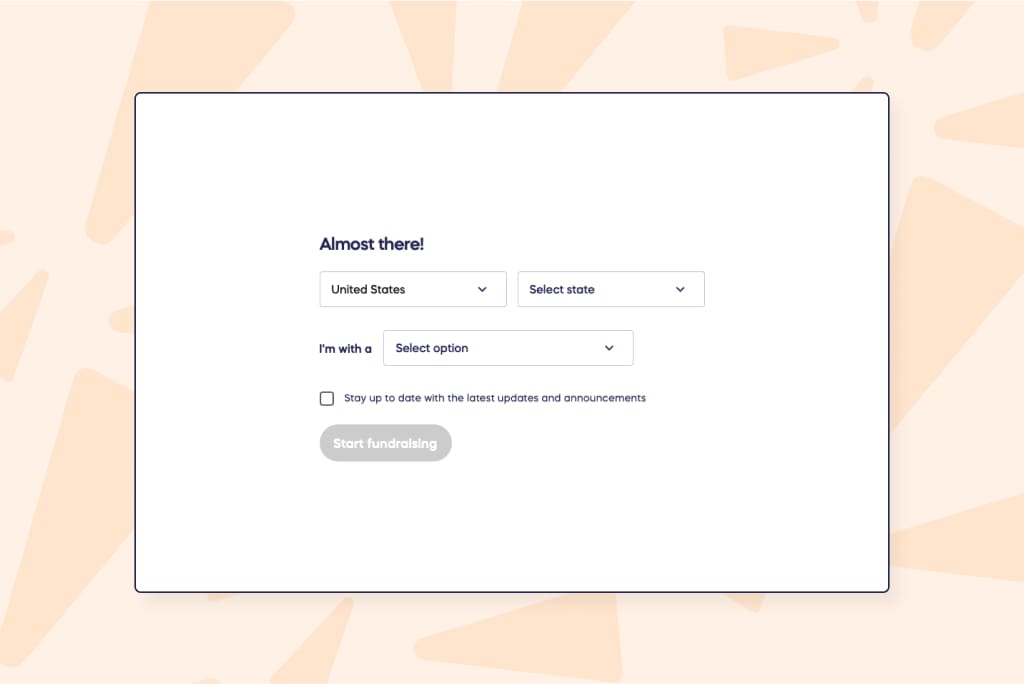
Step 4: Tell us a little more about you
Before you create your Experience, a little more information is needed to understand your fundraising needs. Are you fundraising for a charity or non profit organization? Choose the option that best suits you and your good cause!
Desktop View
or
Mobile View
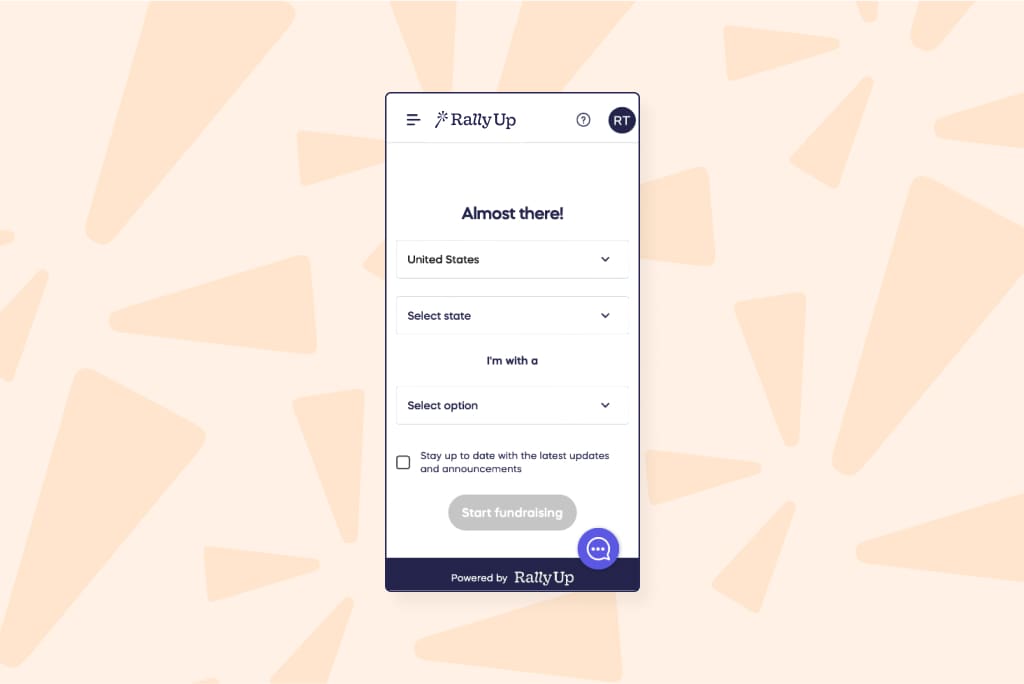
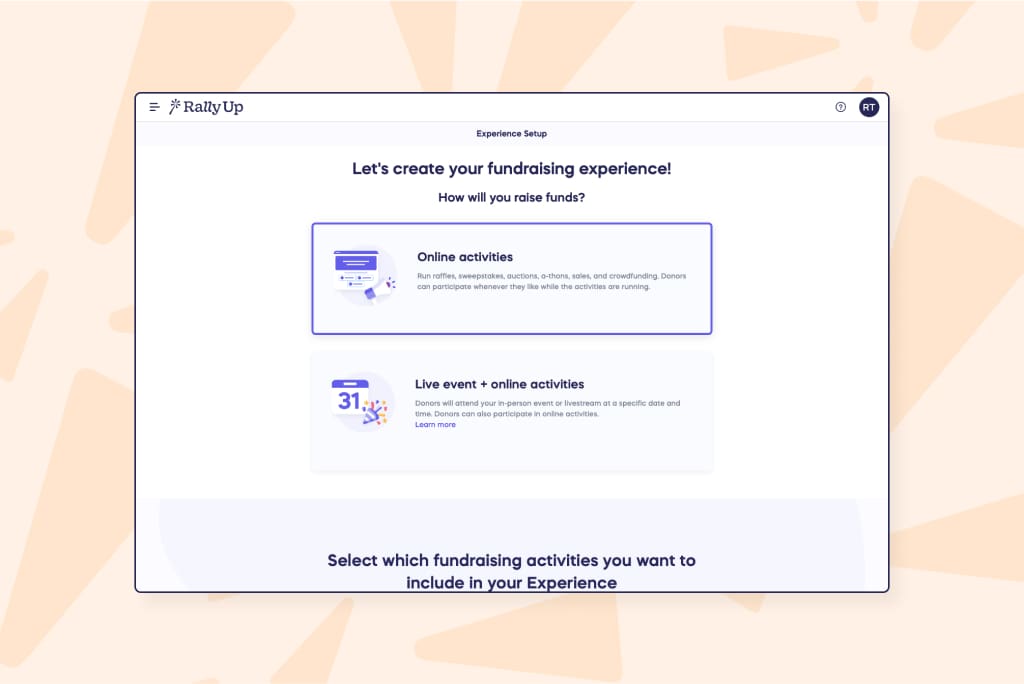
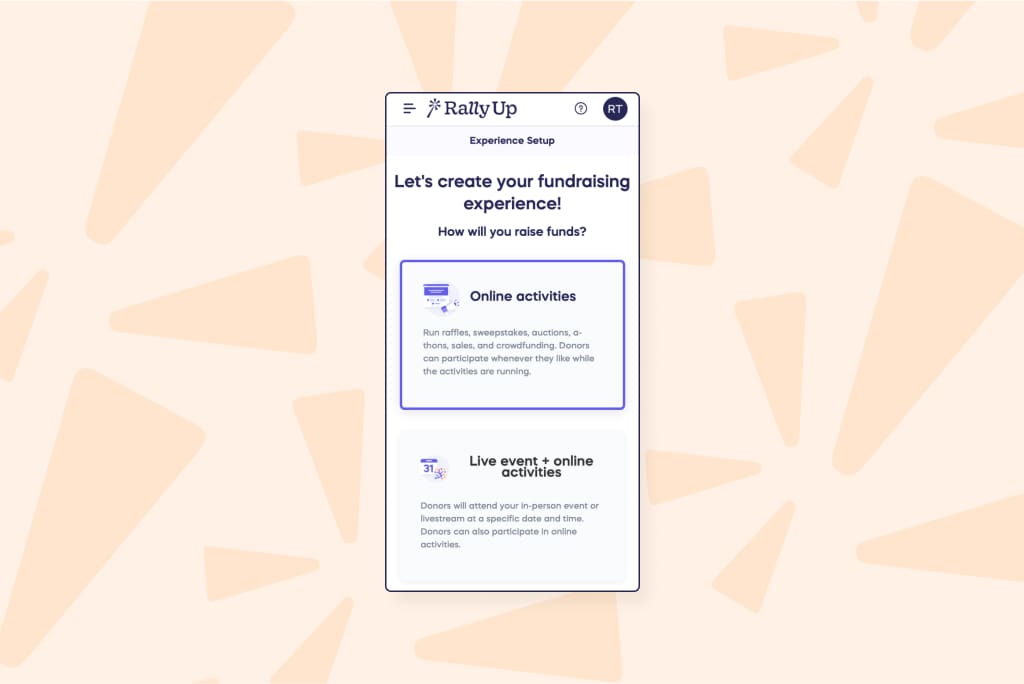
Step 5: Create your perfect online Auction fundraising experience
Once you have the charity or nonprofit organization you want to raise funds for, you can then move on to the exciting process of choosing your online Auction Fundraiser.
Desktop View
or
Mobile View
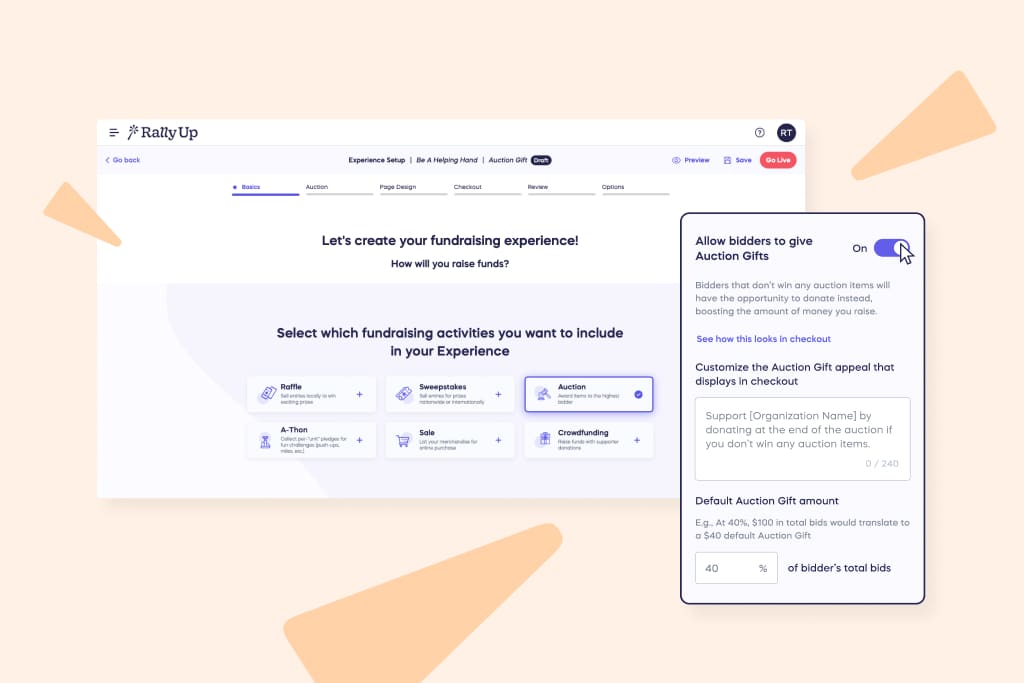
Step 6: Enable the Auction Gifts feature to your Auction
Allow bidders to give Auction Gifts during their bidding. This feature is so easy to enable you can do it while brushing your teeth, or at your local theme park or even while making that custom artwork you are so good at.
- Go to rallyup.com and log in.
- Select Experiences from the left menu.
- If you have chosen a list view, click on the Experience title. If you have chosen a grid view, click on the Experience image.
- Select Edit Experience.
- Go to Auction in the timeline at the top:
Step 7: Manage the Auction Gifts feature
There are two main places where you’ll be able to find information as an organizer on your auction gifts. The first one is going to be on the “view payments” page. Every auction gift creates a new “submitted” status payment for it when it’s uncharged. So, before the auction has ended, you’re going to be able to see which donors left the auction and which donors have decided to leave an auction gift. Think of these additional resources as your very own personal assistant. Personal fundraising assistant, that is!
An online auction experience your donors will love
The beauty lies in the event details. Make sure your donors love their experience with all your online auctions from start to finish. We want your donors to feel like they are attending their favorite book lovers event, or playing their favorite board games with the whole family. Basically, just having a pretty fantastic time while supporting your worthy cause.
One of the ways you can ensure a seamless donor experience is with easy access to all your online auctions. Your donors can visit your online auctions experience page from a convenient link or URL. We want to meet the high demand of your online auction with an easy-to-open (virtual) door.
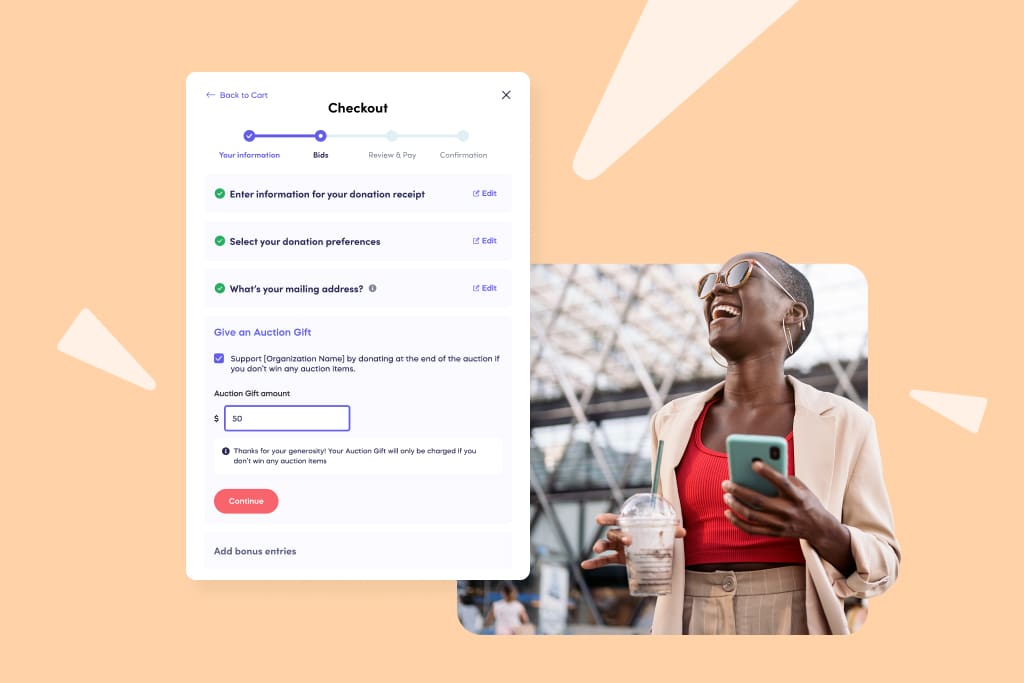
Did you see that? Your online auction just skyrocketed to a whole new time and space!
In your donor’s checkout they will see both their bid and auction gifts. Remember, the donor will only be charged the auction gift if they don’t win any bids. So they never have to worry about their purchase or their money. Now that is great guest management.
Donors also have the power to manage and edit their auction gifts. This can be done in “checkout” or from “my account”. Grab people’s attention with how easy your online auction is to navigate.
Key features that set your online auction apart
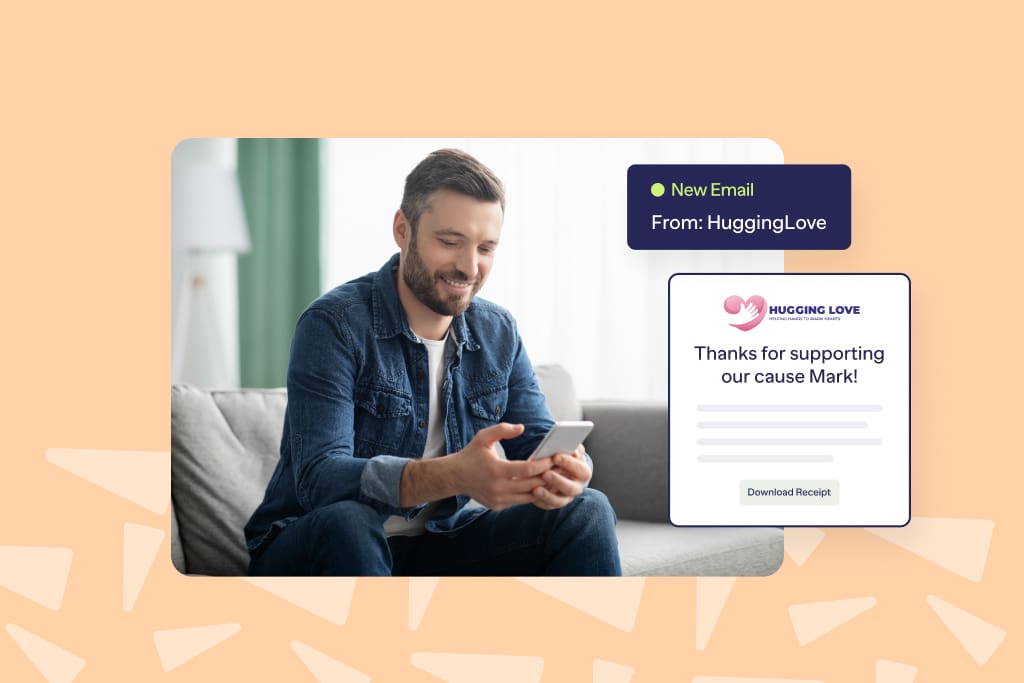
Donors will receive automated receipts for all their auction items once their payment has been submitted. Organizers can send custom thank you notes to their donors for all auction items bought or donations made with auction gifts. Organizers can customize unique donation messages that display in the donor’s checkout. There are also default options if you don’t have the time to customize this yourself.
The future of online auctions just got brighter
Don’t let your charity auctions get stuck using outdated software. With RallyUp, an end-to-end fundraising platform, your auctions can be colorful, smooth, and engaging, from setup to bidding to donations.
Make it easy for your donors to participate, track bids, and leave Auction Gifts, all in one place.

FAQs on online nonprofit auction
They can reduce personal interaction, face technical issues, and sometimes attract fewer high-value bids than in-person events.
It’s a practice of extending the auction by three minutes whenever a last-minute bid comes in to give everyone a fair chance.
Set competitive starting bids, promote widely, schedule reminders, and encourage Auction Gifts to maximize engagement and donations.
Bidders agree to pay the highest bid for an item, follow the auction terms, and complete payment within the specified timeframe.
Now that you’ve seen it in action, are you ready to start fundraising?
Get Started