Announcement: The Enhanced Experience Setup Is Here
In this article
We’ve made the RallyUp Experience setup easier, faster, and more intuitive! These new improvements are the direct result of learning how you use RallyUp to raise funds. As always, you don’t need to do a thing. All your fundraising Experiences, activities, and events will work exactly the same as they have before.
If you’re new to RallyUp, you can skip this article and start creating your next Experience. If you’ve been using RallyUp and you’d like a quick overview of the new Experience setup, keep reading.
Event or Campaign
When setting up an Experience, the first thing you’ll be asked is whether you’re setting up an Event or a Campaign.
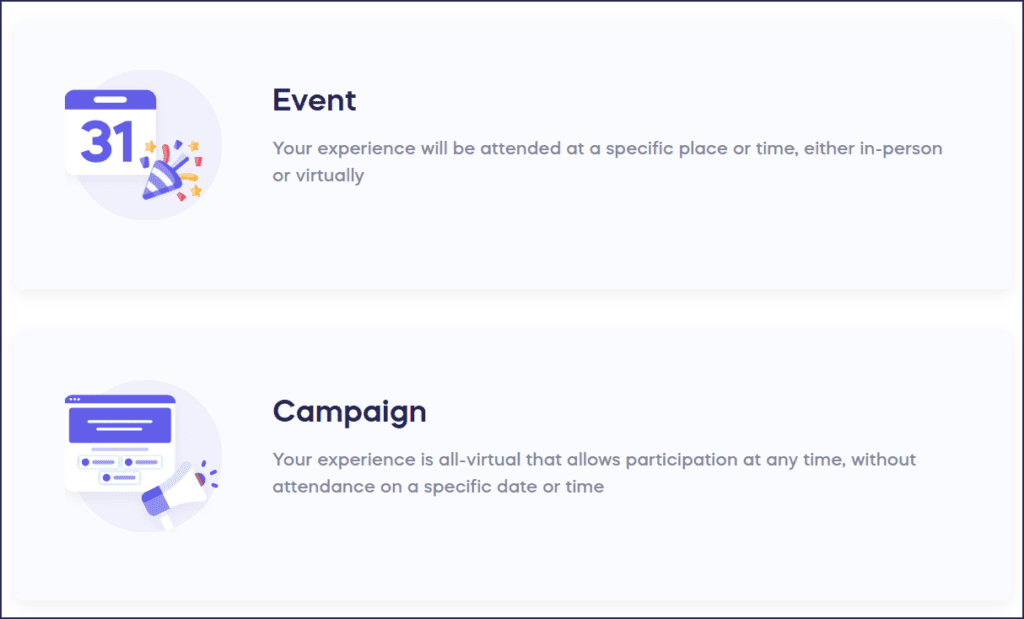
Events are live and happen at a specific day and time, like a gala dinner or a livestream. If people might need to buy a ticket or get attendance details, it’s an event.
You should choose Campaign for ongoing fundraising activities that people can participate in whenever they like. Examples of this include Raffles, Sweepstakes, Auctions, Crowdfunding, Sales (Store), and A-Thons.
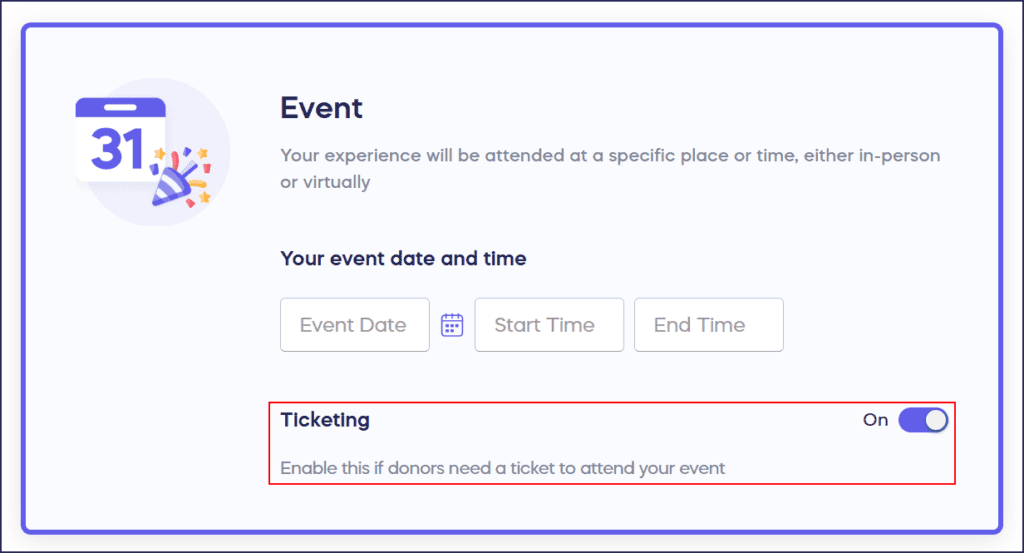
Ticketing When and Where You Need It
You now have the option to turn on Ticketing as soon as you begin setting up your Experience. Then when you’re setting up your event, you’ll have full control of all details exactly where you need them.

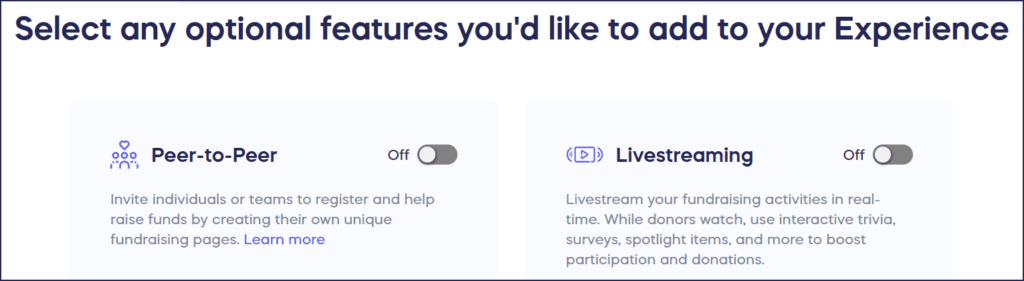
Livestreaming and Peer-to -Peer, Front and Center
Immediately add Livestreaming and Peer-to-Peer (aka Team Fundraising) to your Experience and transform your fundraiser to be more collaborative and engaging for donors.
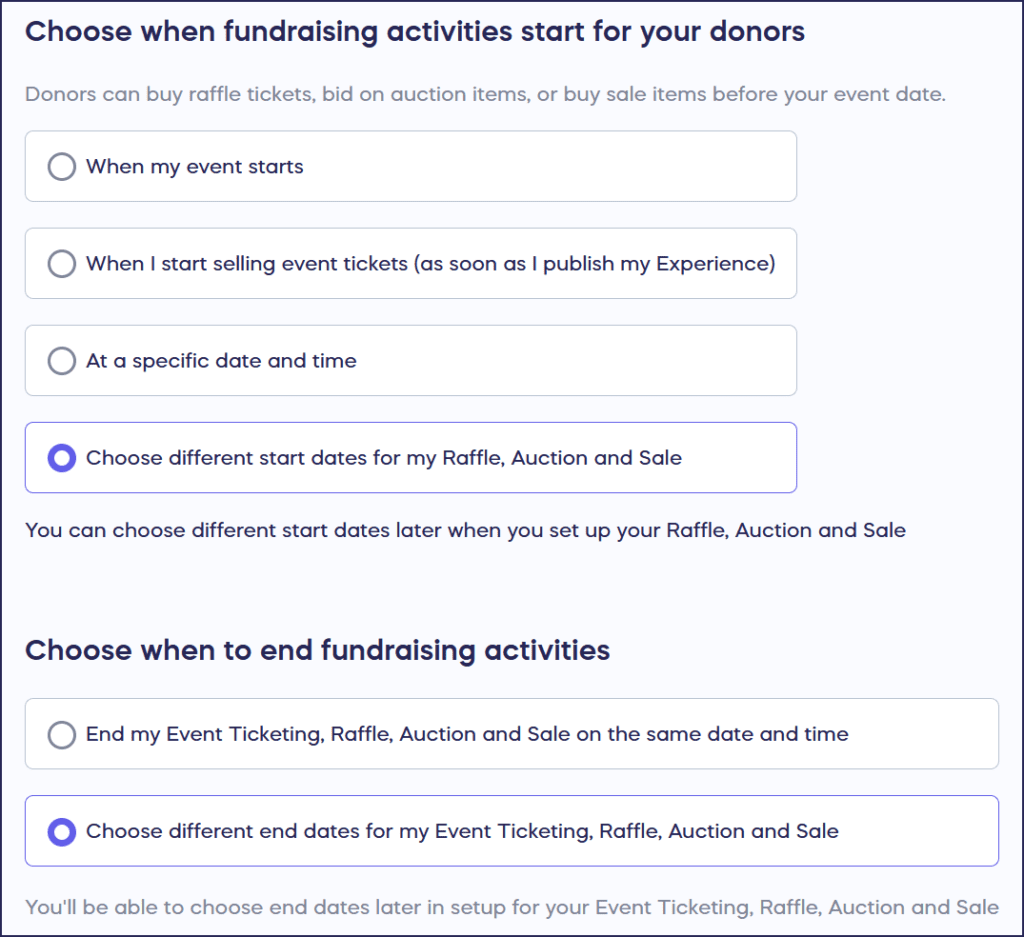
Activity Start Dates
Now you can set a unique start date for each of your fundraising activities. Set up big events ahead of time, promote activities before they happen, and build up excitement to attract more donors.
More Efficient Workflow
Several settings have been moved to more convenient locations for a smoother workflow:
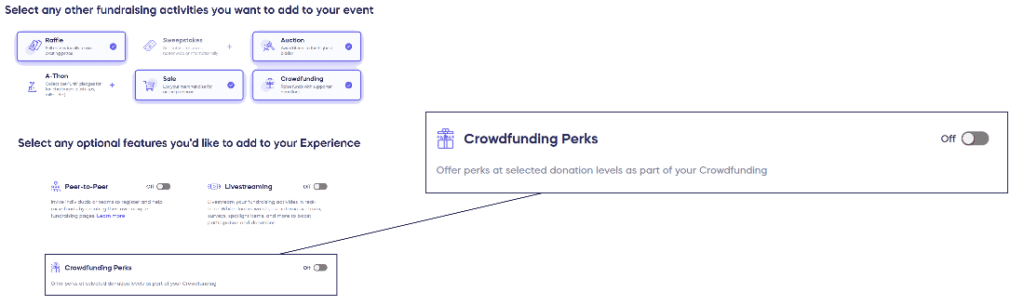
- Crowdfunding Perks (can activate as soon as you select Crowdfunding)
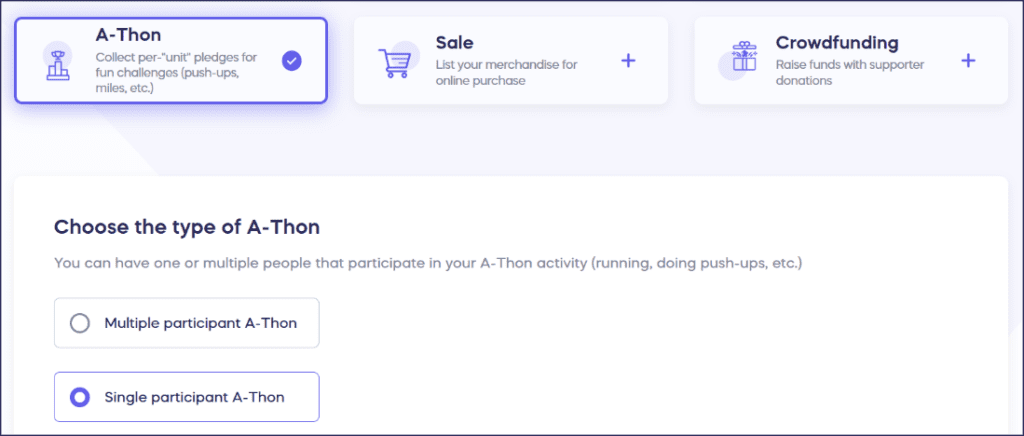
- A-Thon (choose between single- and multiple-participant as soon as you select A-Thon)
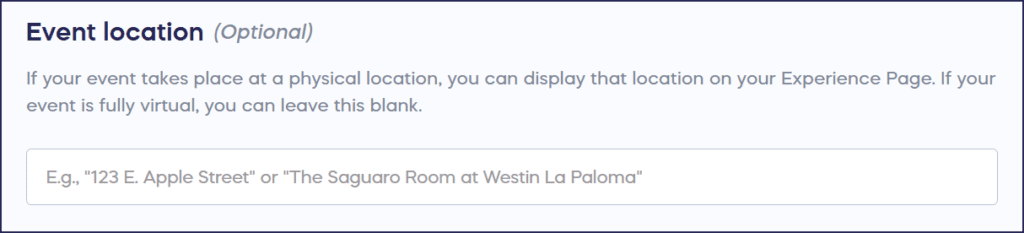
- Centralized Location (one Event location for all activities)
- Checkout (checkout options combined into a single section)

Easier General Donations
The donate button now appears alongside your other Fundraising Activities. It’s the same functionality but simplifies the process for those who only want to donate.

Have More Questions?
Speak to our customer service team by emailing success@rallyup.com, or by logging into your account and clicking on the purple chat bubble in the bottom right corner of your screen.
Now that you’ve seen it in action, are you ready to start fundraising?
Get Started