Use templates to quickly and easily create a fundraising Campaign.
When you need to create a fundraiser quickly, RallyUp’s Instant Fundraiser Templates can save time and effort by providing pre-built Campaign structures that you can customize for your specific needs. Each template pre-selects your Campaign settings, fundraising Components, and page layout, so all you need to do is add your organization information and some details about the fundraiser. This approach eliminates the guesswork of Campaign setup and gives you a proven structure based on successful fundraising models.
Instant Fundraiser Templates are different from copying an existing Campaign—when you copy a Campaign, all of that Campaign’s specific settings and content are transferred to the new one, while templates provide generic starter content that you’ll customize to match your organization and fundraising goals.
How do I choose and apply a template?
Selecting an Instant Fundraiser Template starts your Campaign creation with pre-configured settings tailored to specific fundraising types:
- Go to Account Navigation in the left menu and select Campaigns.
- Select NEW CAMPAIGN in the upper right corner of the screen.
- Select the template you would like to use:

- Select Use this template:

Once you’ve selected a template, you’ll be taken to Campaign Setup where most customization options have been pre-filled with generic text that you can use as a guide while creating your own content.
What settings do I need to review before launching?
Before you go live with your template-based Campaign, ensure you’ve updated the following essential fields with your organization’s specific information. The pre-filled text serves as a guide for what type of content to include:
- Campaign title
- Time zone
- Campaign start date
- Campaign end date
- Banner image
- Campaign description
- Organization description
- Any relevant items, such as Auction items, Peer-to-Peer registration types, Ticketing & Registration options, etc.
- Sponsors
- FAQs
Review all sections of Campaign Setup to ensure the template’s generic content is replaced with your organization’s specific details, branding, and fundraising information. While templates provide excellent starting points, they require personalization to effectively represent your cause and engage your donors.
What if I can’t find a template that fits my needs?
If you can’t find a template that suits your needs, we suggest starting with a blank Campaign to create a custom option from scratch. This gives you complete control over every aspect of your Campaign without any pre-filled content to work around. If you have feedback or suggestions for templates to add in the future, let us know through the suggestion feature:
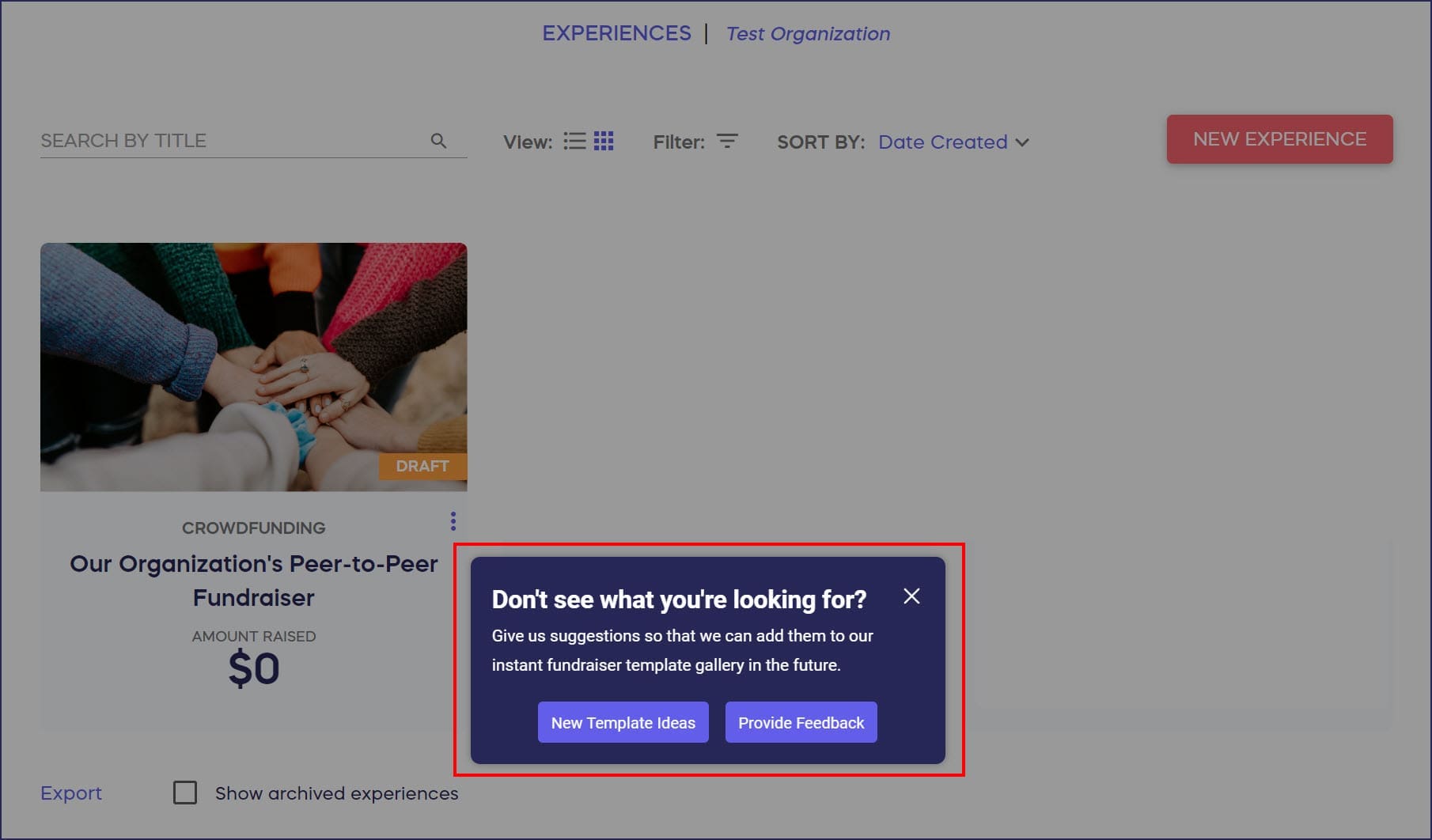
Your template suggestions help RallyUp understand what types of fundraising structures organizations need most, allowing the platform to expand template offerings based on real user needs.
Frequently Asked Questions
What types of Instant Fundraiser Templates are available?
RallyUp offers templates for various fundraising scenarios including virtual galas with Silent Auctions and Livestreaming, Peer-to-Peer fundraising Campaigns, A-Thon events, multi-activity Campaigns combining Raffles with Crowdfunding, Ticketing & Registration events, and seasonal fundraising initiatives. Each template comes pre-configured with appropriate Components, suggested page sections, and sample content that demonstrates effective fundraising practices for that Campaign type.
Can I customize everything in a template?
Yes, templates provide starting points that you can fully customize. Every element including Components, page layout, content, images, colors, and functionality can be modified to match your organization’s needs. Think of templates as guided starting points rather than rigid structures—they show you what’s possible while giving you complete freedom to adjust anything that doesn’t fit your specific fundraising goals.
How are templates different from copying an existing Campaign?
Templates contain generic placeholder content and pre-selected settings based on fundraising best practices, while copying a Campaign duplicates all specific content, items, settings, and branding from an existing Campaign you’ve run. Use templates when starting something new with proven structures. Use the copy function when you want to replicate a specific Campaign you’ve run before with minimal changes.
Do templates include sample items like auction items or raffle prizes?
Yes, many templates include sample items to demonstrate how to structure your content. For example, an Auction template might include placeholder Auction items with sample descriptions and starting bids. These sample items should be deleted and replaced with your actual items before launching your Campaign. The samples serve as formatting guides showing what information to include and how to present it effectively.
Can I save my customized template for future use?
While you cannot save a modified template for reuse, you can copy any Campaign you create to use as a starting point for future fundraisers. Once you’ve customized a template-based Campaign, run it successfully, then use the copy function to duplicate that Campaign structure for your next fundraiser. This creates your own personalized template based on your organization’s proven approach.