Raise funds for a charity organization as an individual, even if you’re not directly affiliated with them.
RallyUp is a fundraising platform for nonprofit organizations. If you are an individual looking to raise funds on behalf of a charity organization, RallyUp allows you to set up an Advocate fundraiser. You can fundraise for a registered US 501(c) organization or for a non-US or non-501(c) charity organization. As an Advocate, you can raise funds for charity organizations you support, even if you don’t work for them or serve as a registered volunteer.
Are you a for-profit business? Businesses fundraising on behalf of a charity should use CSR (Corporate Social Responsibility) fundraising instead. See: Understand: CSR Fundraising for US 501(c) Organizations
How do Advocate fundraisers work?
An Advocate is an individual who fundraises on behalf of a charity organization without being directly affiliated as an employee or registered volunteer. You can fundraise for a registered US 501(c) organization or for a non-US or non-501(c) charity organization. Advocate fundraising allows you to support causes you care about, even if you don’t work for the organization.
How do I fundraise for US 501(c) organizations as an Advocate?
If the organization you are fundraising for is a registered 501(c) located in the US, you can create your RallyUp account right away.
- Create your RallyUp account.
- Set up and publish your fundraising Campaign. Pledge, a RallyUp partner, collects the funds as donors contribute.
- After your Campaign ends, Pledge will send all funds to the nonprofit organization at the address registered with the IRS.
As an individual Advocate, you can support multiple 501(c) organizations by creating a separate Campaign for each one — with no limit on how many Campaigns you can run at the same time.
How do I create an Advocate account to raise funds for US 501(c) organizations?
- Go to rallyup.com and select Get started.
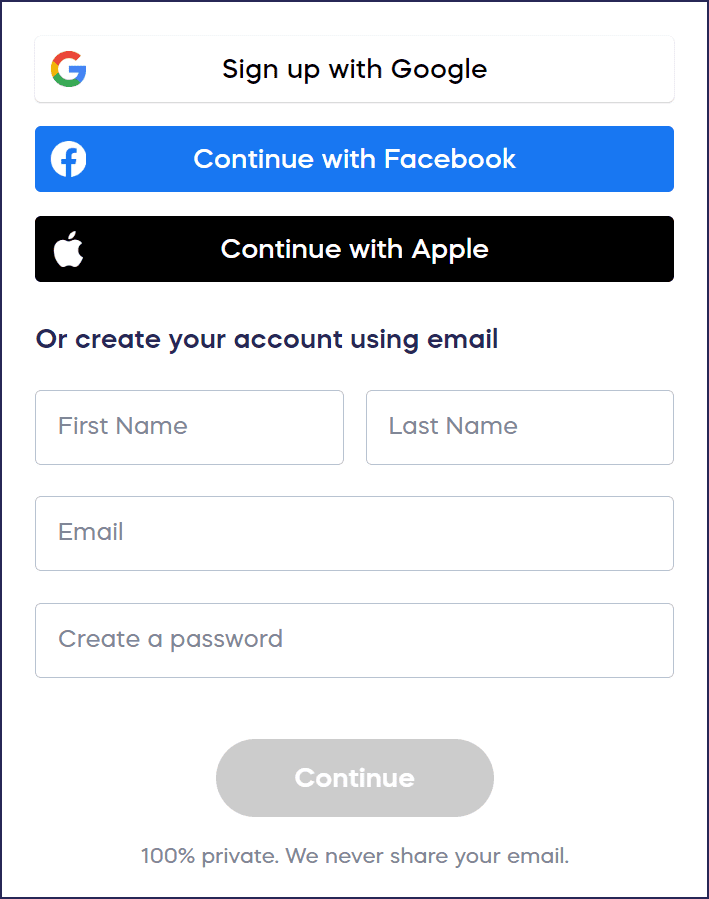
- Create the account using your own name and password. You’ll give us the name of the organization later:
- Select 501(c) nonprofit for the “Who will receive the funds you raise?” field, then select I’m not directly associated for the “How are you associated with…?” field:
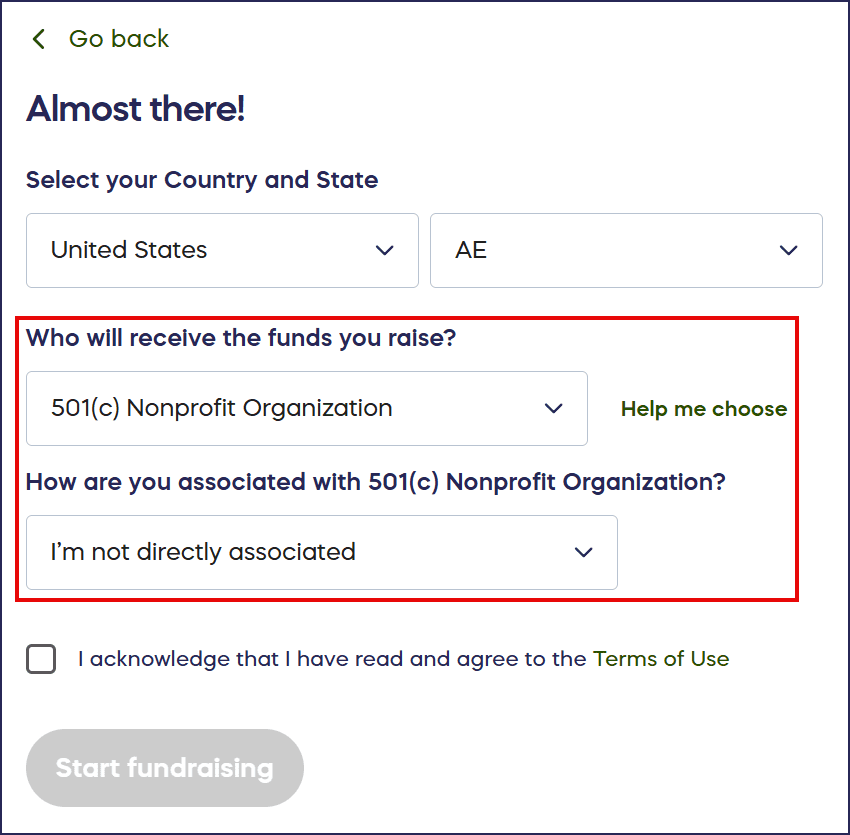
This lets us know you’re creating a personal account to fundraise on behalf of an organization.
- Select Start fundraising. Your account setup is complete, and you’re ready to create your first Advocate Campaign.
How do I create an Advocate fundraiser for a US 501(c) organization?
You specify the nonprofit organization you’re supporting when creating each Campaign, allowing you to run different Campaigns for different charities:
- Go to Account Navigation in the left menu and select Campaigns.
- Select NEW CAMPAIGN. This will take you to Campaign Setup.
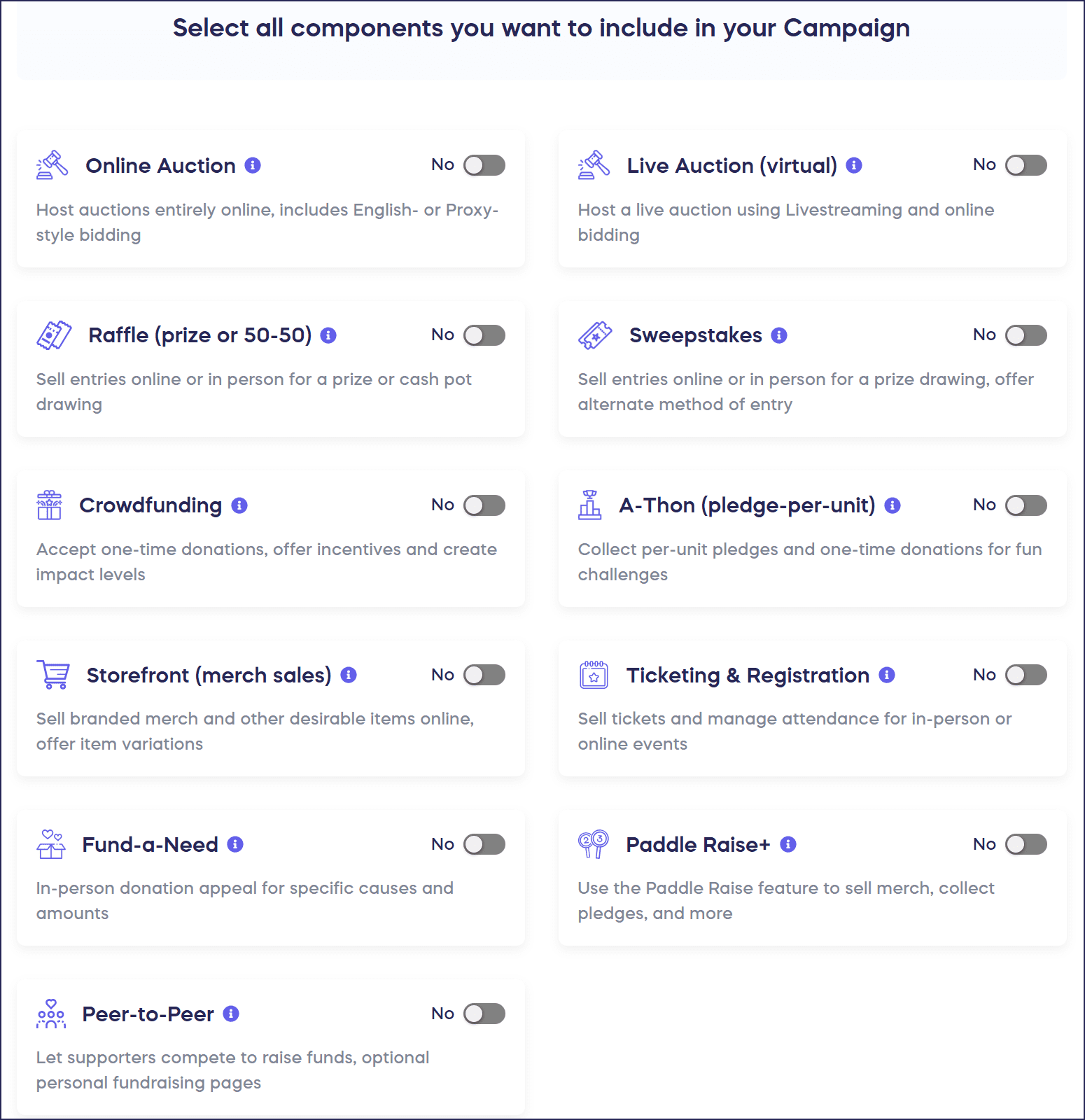
- Answer a few questions to help us understand your Campaign’s needs, then select the fundraising Component(s) you want to use:
- On the Organization step, use the search bar to find the organization you’re fundraising for:
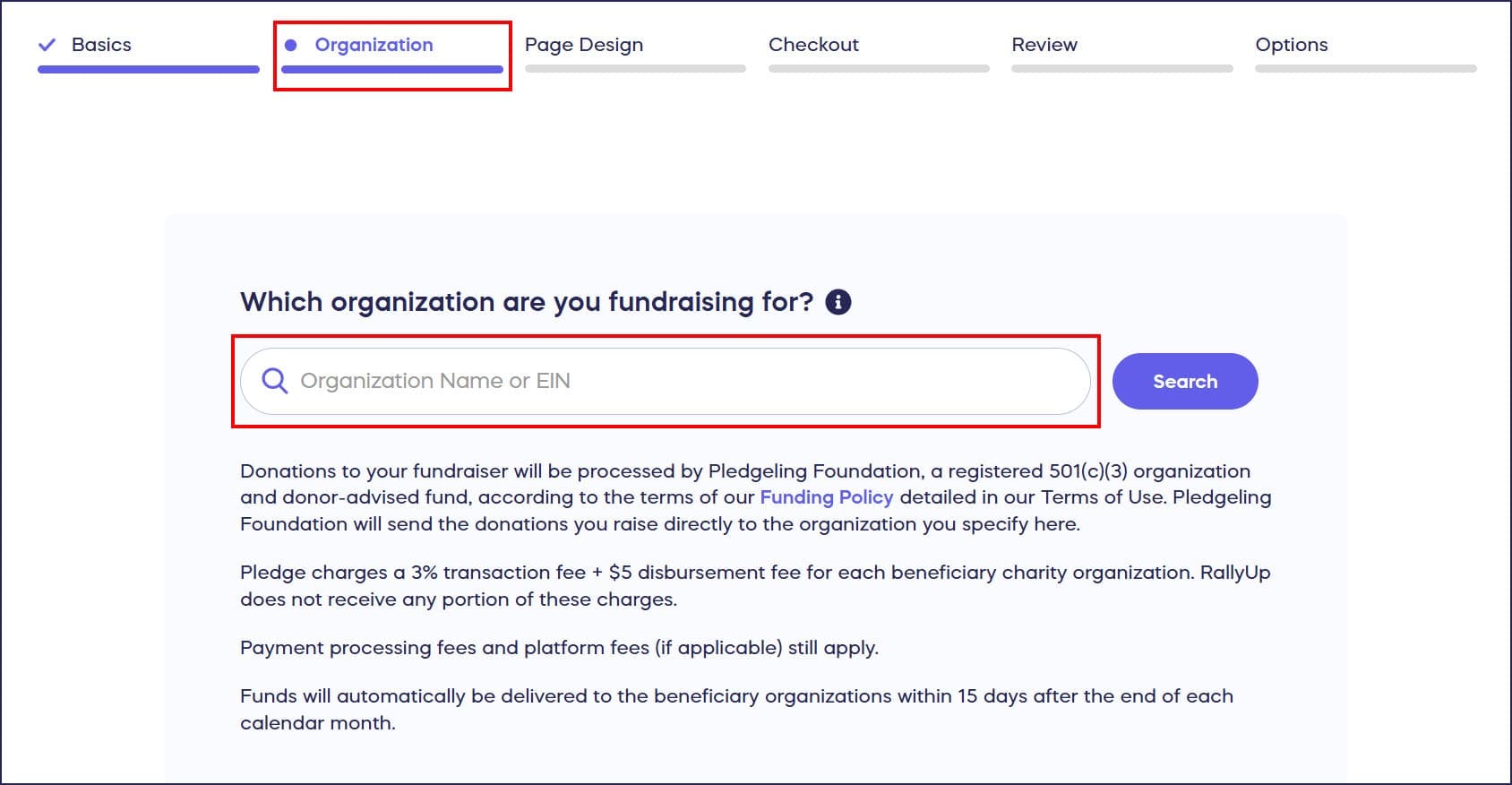
Note that this list only includes registered US 501(c) charity organizations. If you can’t find the organization you’re looking for, you can delete the draft Campaign and follow the instructions below instead for non-US and non-501(c) organizations. If you give the organization the email address you used to make your RallyUp account, you can use the same account to set up your Advocate fundraiser.
- Complete all other setup steps. When you’re done and ready to start fundraising, go live. The charity’s name will display on your Campaign Page, giving donors confidence that their contributions will reach the intended organization.
How do I fundraise for non-US and non-501(c) organizations as an Advocate?
If you want to raise funds for a charity that is not located in the US or is not a registered 501(c) organization, you will need to contact them before creating an account. They must invite you to fundraise on their behalf through RallyUp.
- Contact the charity organization you want to fundraise for and let them know your plans. The organization will need to follow the instructions in this article before you can start fundraising: How-to: Allow Supporters to Fundraise for Your Non-US Organization.
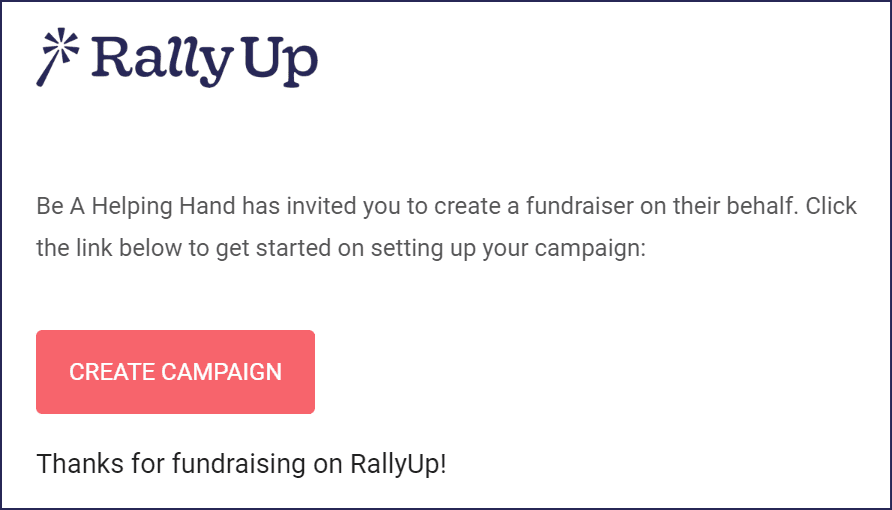
- The organization will email you an invitation to create a RallyUp account.
- Use the link in the email to set up your account and publish your fundraising Campaign.
- All funds will be sent directly to the charity organization’s Stripe or PayPal account.
Examples of eligible non-501(c) organizations include:
- Not-for-profit groups and organizations
- Registered charities
- Non-governmental organizations (NGOs)
- Schools
- Religious organizations
- Community groups, such as youth sports programs, PTOs, etc.
If you want to raise funds for multiple non-US or non-501(c) organizations, you’ll need to contact each organization individually to receive a separate invitation from each one.
How does a non-US and/or non-501(c) organization invite an Advocate?
- Go to rallyup.com and log into your organization account.
- Go to Organization Settings in the left menu and select User Management.
- Click on ACTIONS and select ADD ADVOCATE.
- Enter the advocate’s email address, check the box next to I authorize this person to start a fundraiser for [organization name], and select Invite:

How do I create my Advocate account and set up my Campaign once the organization invites me?
- Open the invitation email from the organization and click on CREATE CAMPAIGN:
- Create your account using your own first and last name (you don’t need to enter the name of the organization):
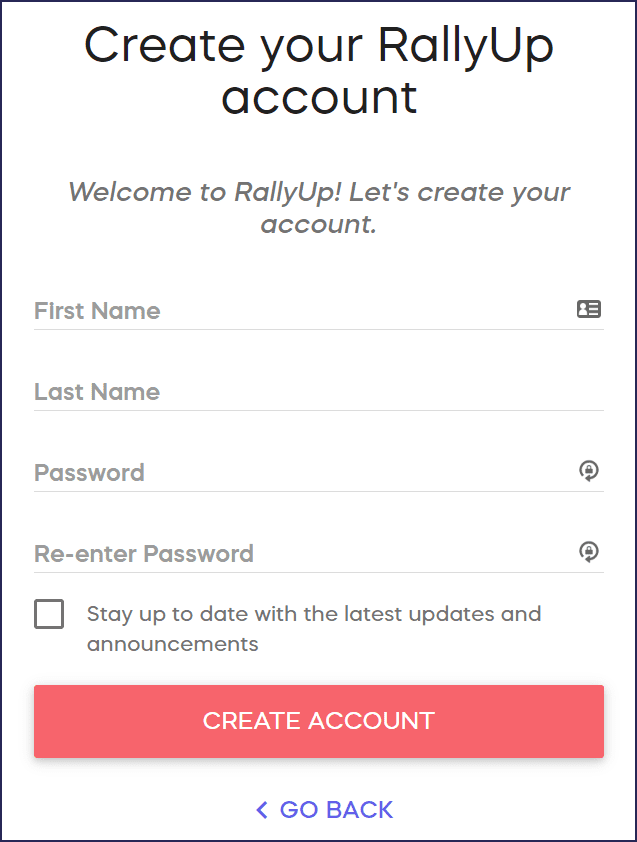
You’ll be taken to Campaign Setup as soon as you create your account.
- Answer a few questions to help us understand your Campaign’s needs, then select the fundraising Component(s) you want to use:
- Complete all other steps in Campaign Setup. When you’re done and ready to start fundraising, go live:

You can also save your progress and finish setup later. You can always find your draft Campaign by going to Account Navigation in the left menu and selecting Campaigns.
Can I run Raffles or Sweepstakes as an Advocate?
Advocates cannot run online or offline raffles or sweepstakes on their own. If you want to run a Raffle or Sweepstakes for any charity organization, regardless of location or 501(c) status, you’ll need to reach out to the organization and get authorization. The organization must invite you to fundraise on its behalf through RallyUp, which gives you the ability to run raffles and sweepstakes.
Further instructions: How-to: Run a Charity Raffle or Sweepstakes If You Are an Individual
What should I know about Advocate fundraising transparency?
- The name of the charity will be displayed on your fundraising page and can’t be removed. This lets donors know exactly where their money is going and gives your fundraiser credibility.
- Funds are distributed directly to the organization to prevent fraud. This gives donors confidence that their donation will reach the intended organization.
Frequently Asked Questions
What is an Advocate on RallyUp?
An Advocate is an individual who fundraises on behalf of a charity organization without being directly affiliated as an employee or registered volunteer. You can fundraise for a registered US 501(c) organization or for a non-US or non-501(c) charity organization. Advocate fundraising allows you to support causes you care about, even if you don’t work for the organization.
Do I need the organization’s permission to start an Advocate fundraiser?
For US 501(c) organizations, you can start fundraising immediately without prior permission. For organizations outside the US or organizations that aren’t registered 501(c)s, you must first contact the charity to get their approval, and they’ll need to invite you through RallyUp’s system. Additionally, if you want to run a Raffle or Sweepstakes for any charity organization, regardless of location or 501(c) status, you’ll need to reach out to the organization and get authorization:
How-to: Run a Charity Raffle or Sweepstakes If You Are an Individual
Where do the funds go when I run an Advocate fundraiser?
For US 501(c) organizations, Pledge (a RallyUp partner) collects funds and sends them directly to the nonprofit at the address registered with the IRS. For non-US and non-501(c) organizations, funds are deposited directly into the charity’s Stripe or PayPal account.
What fees apply to Advocate fundraising Campaigns?
Advocate fundraising involves specific fees to support the secure collection and distribution of funds. Pledge charges a 3% fee per transaction plus a $5 disbursement fee per payment sent to each beneficiary organization. RallyUp does not receive any portion of these Pledge fees.
Standard payment processing fees and Platform Fees (if applicable based on your pricing plan) still apply to your Campaign. These fees ensure that funds are collected securely and transferred directly to the charity through verified channels. You can learn more about tracking fund disbursement through Pledge’s system.
Can I fundraise for multiple organizations at the same time?
As an individual Advocate fundraising for US 501(c) organizations, you can create as many separate Campaigns as you’d like. Simply create one Campaign per organization you want to support.
For non-US or non-501(c) organizations, you’ll need to contact each organization individually to receive a separate invitation from each one.
How can I check if my funds have been sent to the organization?
For US 501(c) organizations, Pledge collects funds and automatically sends them to the nonprofit after your Campaign ends, using the address registered in the IRS database:
How-to: See If Your Funds Have Been Sent Yet (Donor Advised Funds)
I’m an employee fundraising for a charity through my company. Should I register as an Advocate or a CSR?
If you are fundraising in your personal capacity (not on behalf of your company), register as an Advocate. If you are fundraising as a representative of your company (e.g., a company-sponsored campaign), register as a CSR instead. See: Understand: CSR Fundraising for US 501(c) Organizations