
Let donors show their appreciation for your cause by leaving a comment with their donation.
When you run a fundraising Campaign on RallyUp, you can display a Donor Feed that shows donations and donor comments as they come in. Allowing donors to share their excitement and enthusiasm can boost engagement and encourage new donors to participate.
How It Works
After submitting their payment, donors will be directed to a payment summary and prompted to leave a comment:

Comments are shown along with donations on the Campaign Page:
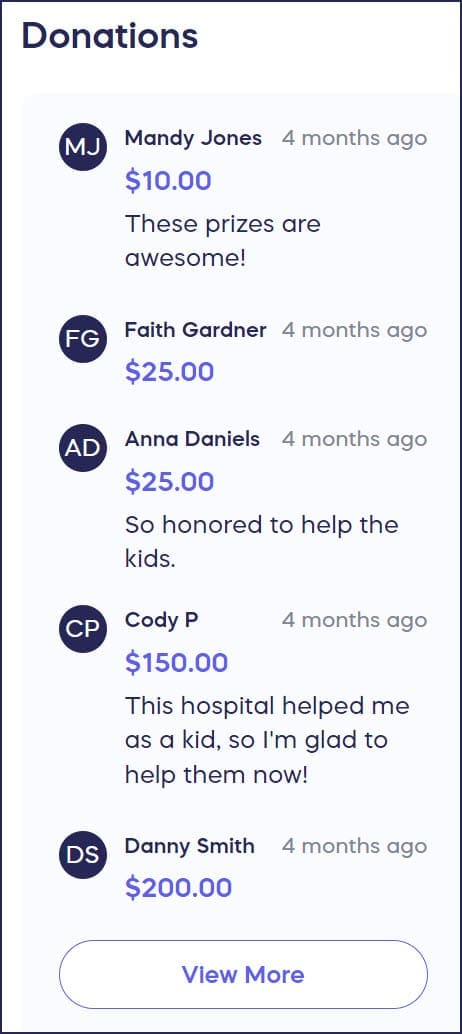
Anyone who visits your Campaign Page will be able to see the comments. Only donors that make a payment will be able to leave a comment.
Disable Comments
Donor comments are enabled by default but can be disabled. See the following Knowledge Base article to learn how: How-to: Disable Donor Comments.
Remove a Comment
Campaign administrators can edit or remove comments by following the directions in this KB article: How-to: Edit Donor Comments.