
Earn free entries by promoting a Raffle or Sweepstakes online.
If Sharing Rewards is enabled on a RallyUp Raffle or Sweepstakes, you can sign up to earn free entries in one or more of the following ways:
- Sharing the fundraiser online
- Someone using your link to donate
- Someone using your link to purchase entries
The available options will depend on how the Campaign Organizer sets up the Sharing Rewards program.
Sign Up for Sharing Rewards
- If Sharing Rewards is enabled, you’ll see the following message after you donate or purchase entries:
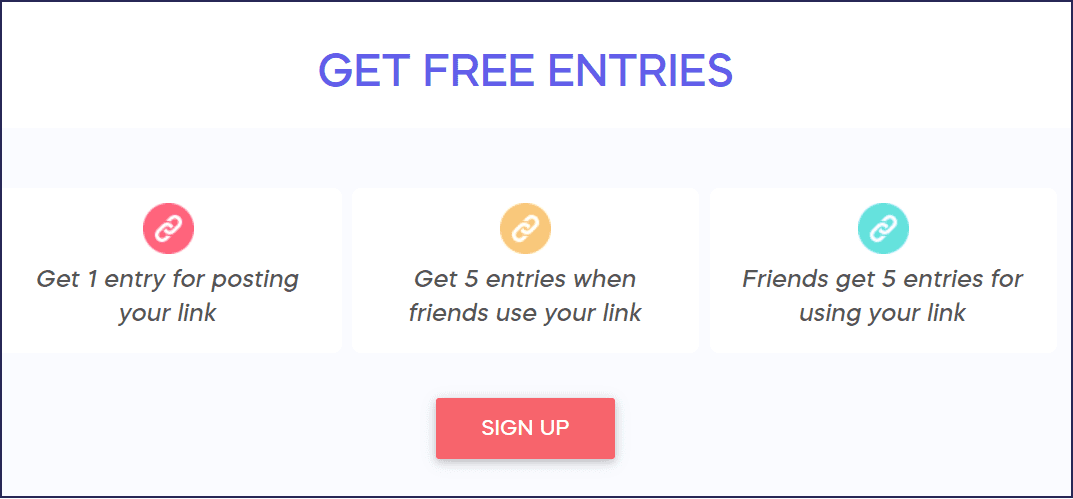
Note that the number of entries you can earn and the ways you can earn them might be different than what’s displayed in the image.
- Select SIGN UP and create a RallyUp account.
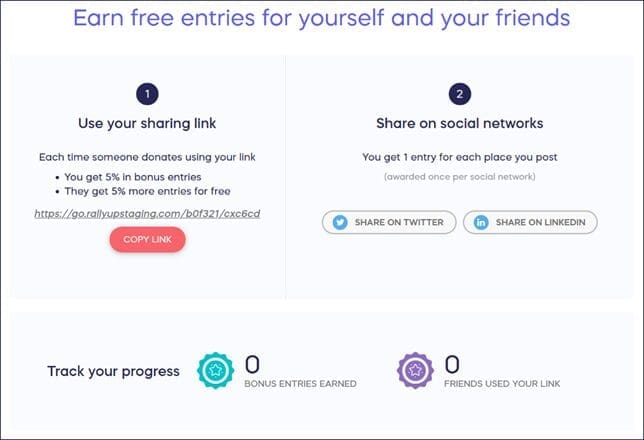
- When you’re done signing up, you’ll be taken to your Promoter Dashboard:
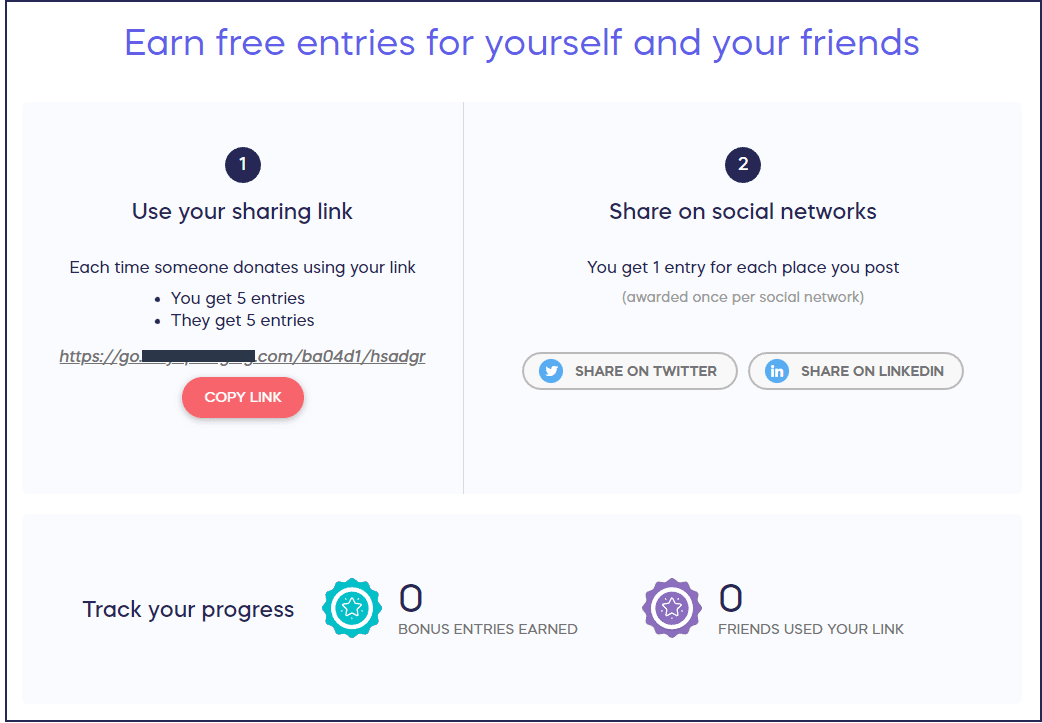
Follow the instructions and use your sharing link to earn free entries.
Access Your Dashboard
You can access your Dashboard anytime by doing the following:
- Log into your account.
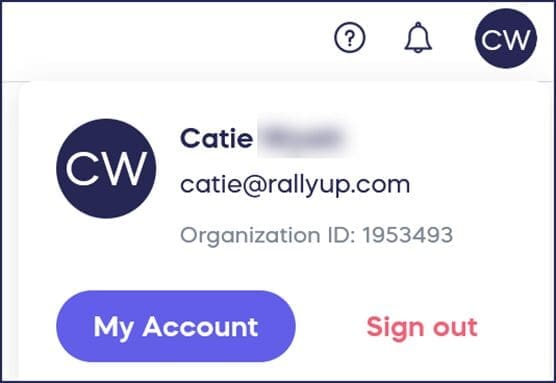
- Click on your initials in the top right corner of the screen and select My Account:
- Select My Referrals on the right side of the account menu:
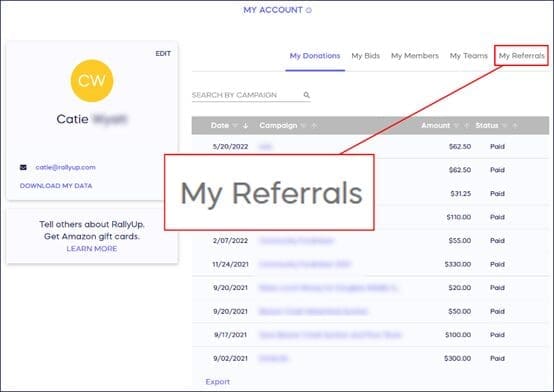
- Click on the Campaign title, which will take you to your Dashboard:
Good to Know
- You can use your Promoter Dashboard to see how many bonus entries you’ve earned and how many friends have used your link.
- The Dashboard will often take a few minutes to update. If you think you are missing some entries that should have been posted, try waiting a few minutes and then refreshing the page.